YuJa Structural Remediation v26.6.0
Over the next few weeks, YuJa Structural Remediation is rolling out new remediation options and enhanced text remediation to help users refine their documents after using the OCR engine.
-
Automated and Guided Structural Remediation Support Added for New PDF Issues
YuJa Structural Remediation is introducing checkers and both automated and guided remediation support for the following new PDF issues:
-
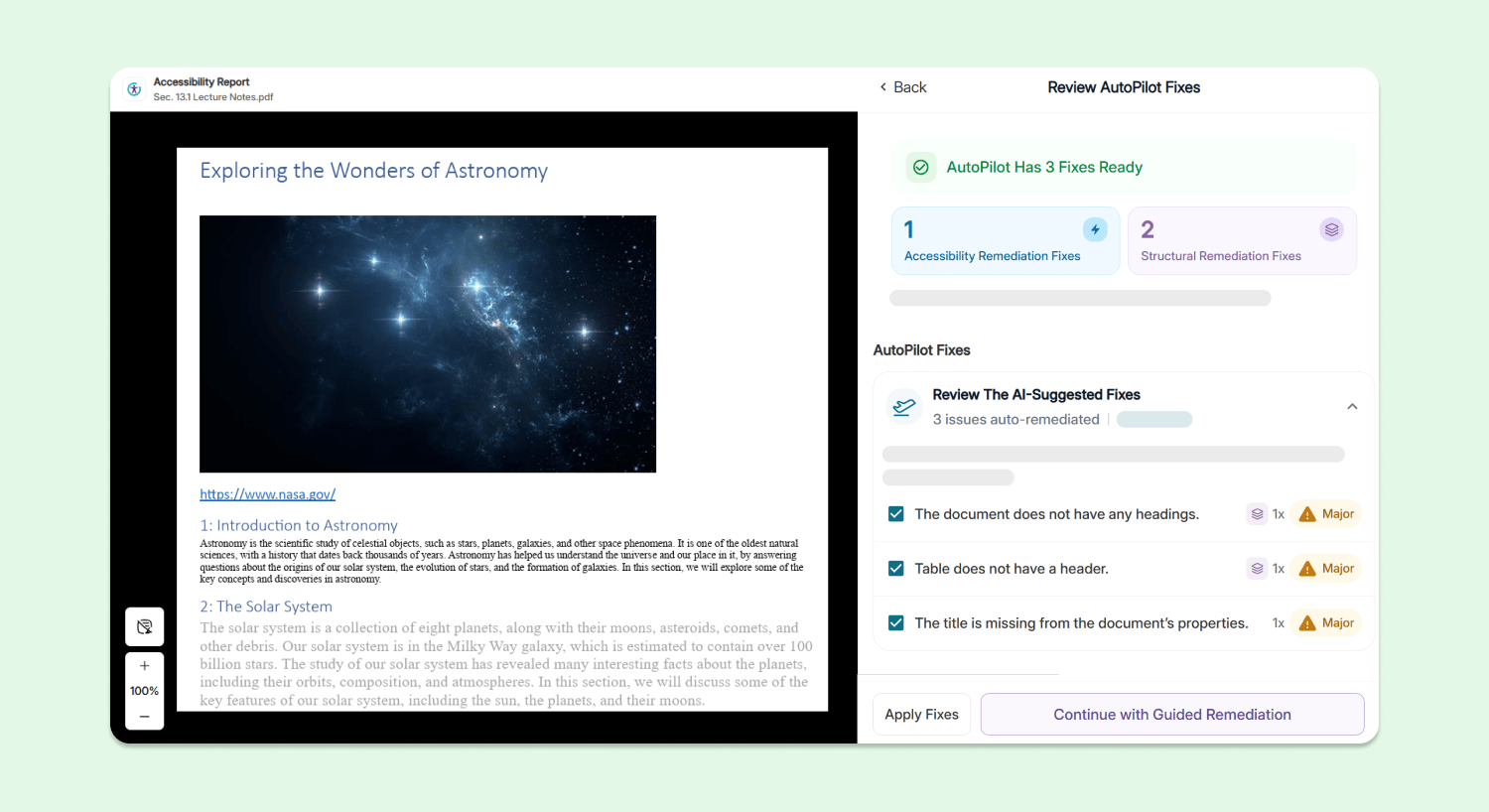
The document does not have any headings: Users can use YuJa AutoPilot to automatically add any missing headings to their document.
-
The document’s heading structure is not properly nested: Users can use YuJa AutoPilot to automatically fix heading hierarchy issues so no headings are skipped.
-
The document’s heading structure goes beyond six levels: Users can use both YuJa AutoPilot and guided inline remediation to help ensure that they only have heading levels 1 – 6 in their document.
-
The document heading structure does not start at one: Users can use both YuJa AutoPilot and guided inline remediation to help ensure heading levels in their document start at 1.
-
Table does not have a header: Users can use both YuJa AutoPilot and guided inline remediation to add headers to all tables in their document.
-
The form field does not have a tooltip description: Users can use YuJa AutoPilot and guided inline remediation to add tooltips or explicit labels to form fields.
-
Table does not contain content: Tables without any body content or have the wrong structure will be flagged. Users can use YuJa AutoPilot and guided inline remediation to add content to their tables, and fix any invalid table structures.
-
-
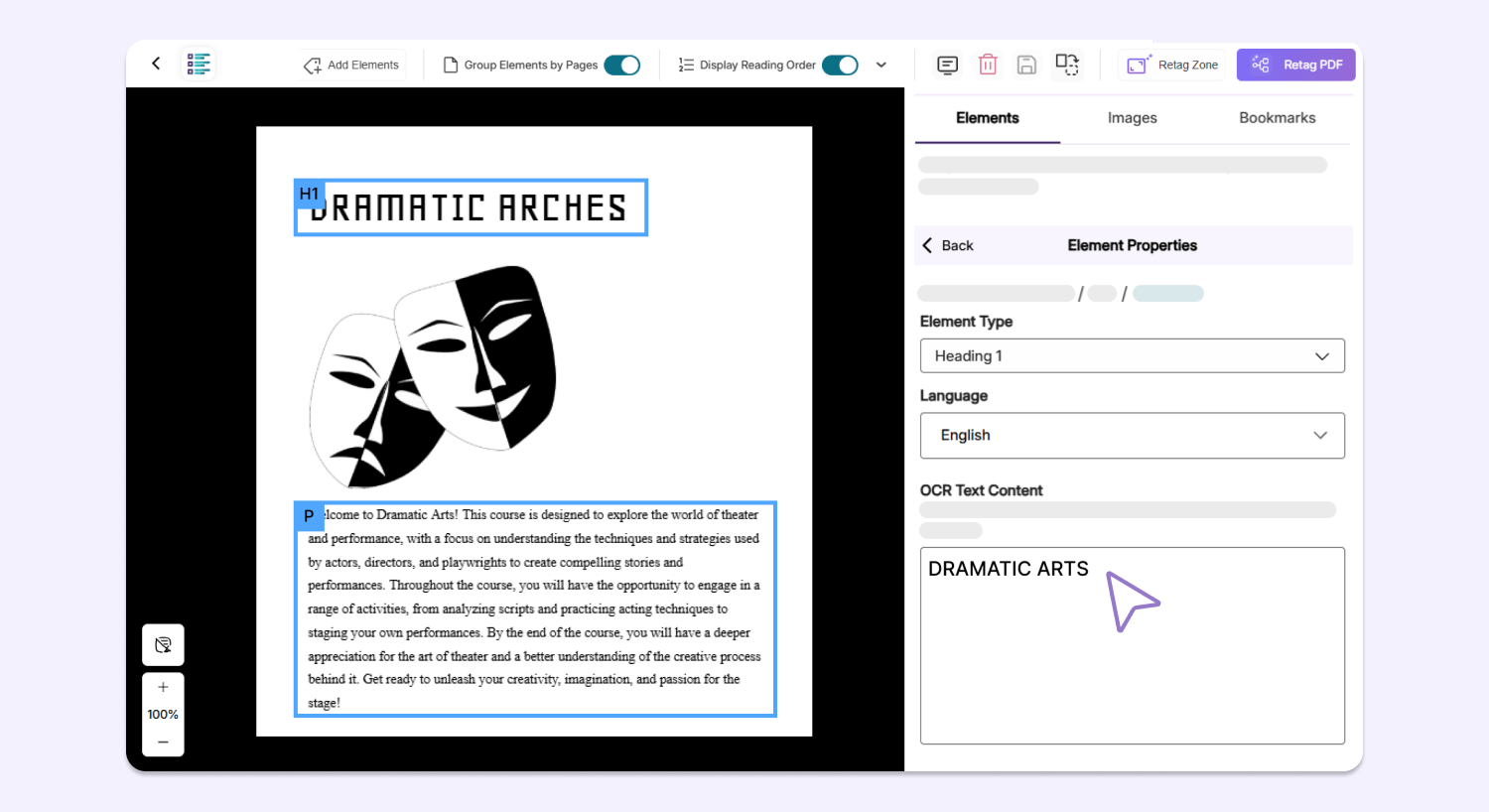
Enhanced Remediation Flexibility Using Editable OCR Text
After scanning a document using YuJa Structural Remediation, users can now manually edit plain text produced by the OCR engine on any overlaid PDF, allowing them to fix any potential typos or incorrect text on the spot to improve the accuracy and readability of their document.