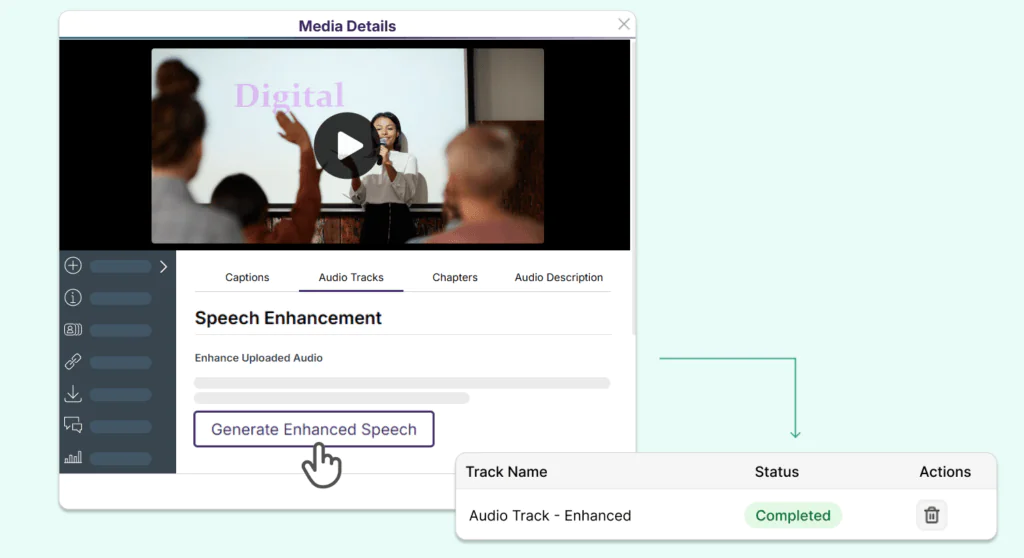
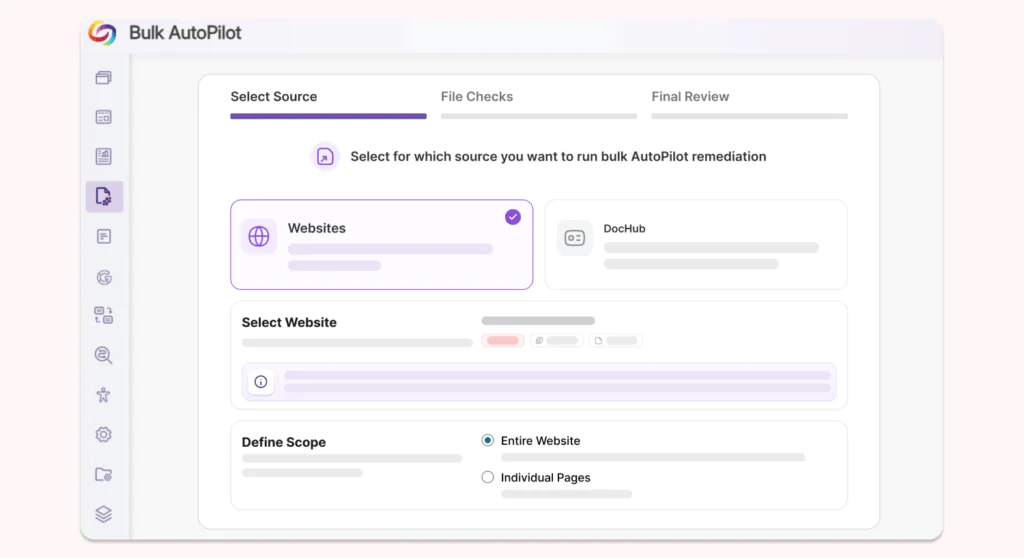
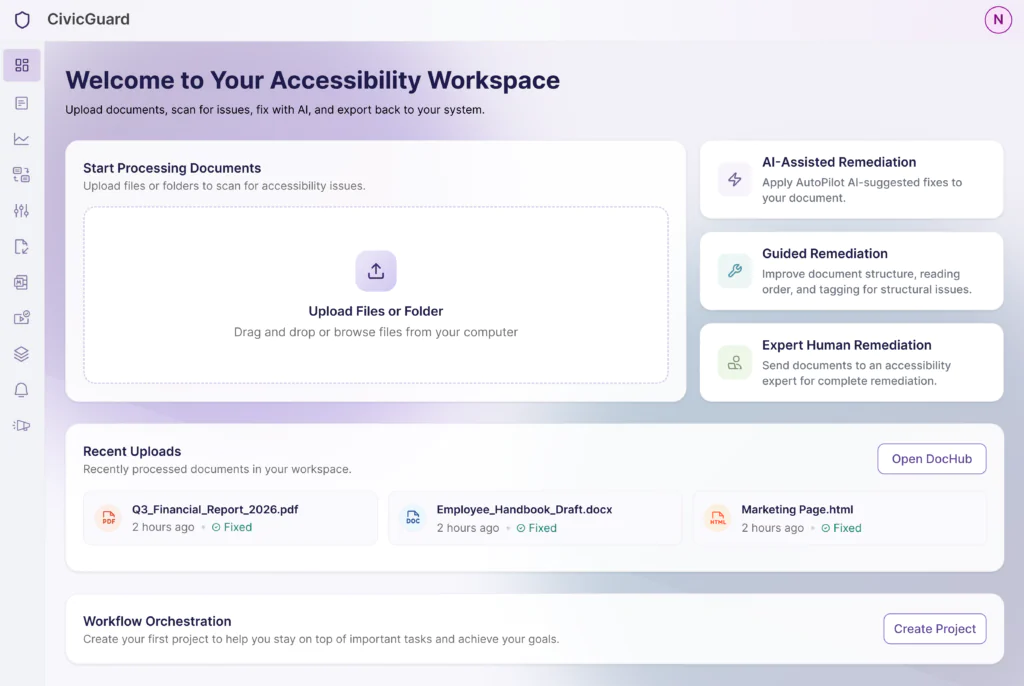
Over the next few weeks, the YuJa Lumina Video Platform will be rolling out several new updates, including a brand new Video Editor, a deeper integration with YuJa Panorama, additional languages for auto-captioning, and several UI enhancements.
-
An Upgraded Video Editor for Smoother, Easier Editing and All Your Video Accessibility Needs
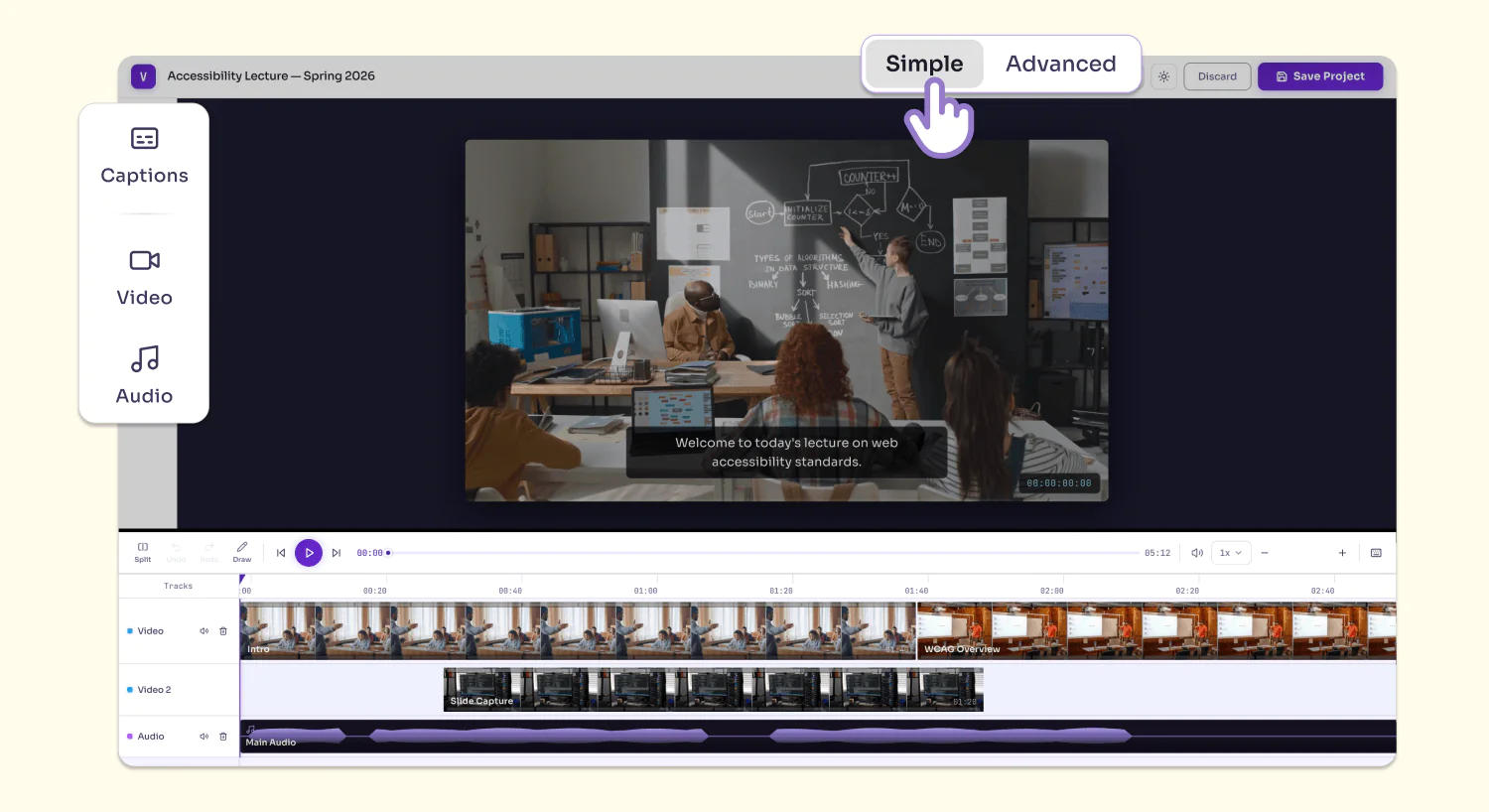
YuJa Lumina’s Video Editor has received a major upgrade with a brand-new design that incorporates improved video editing and video accessibility workflows, all in one consolidated and intuitive interface. Key features include:
-
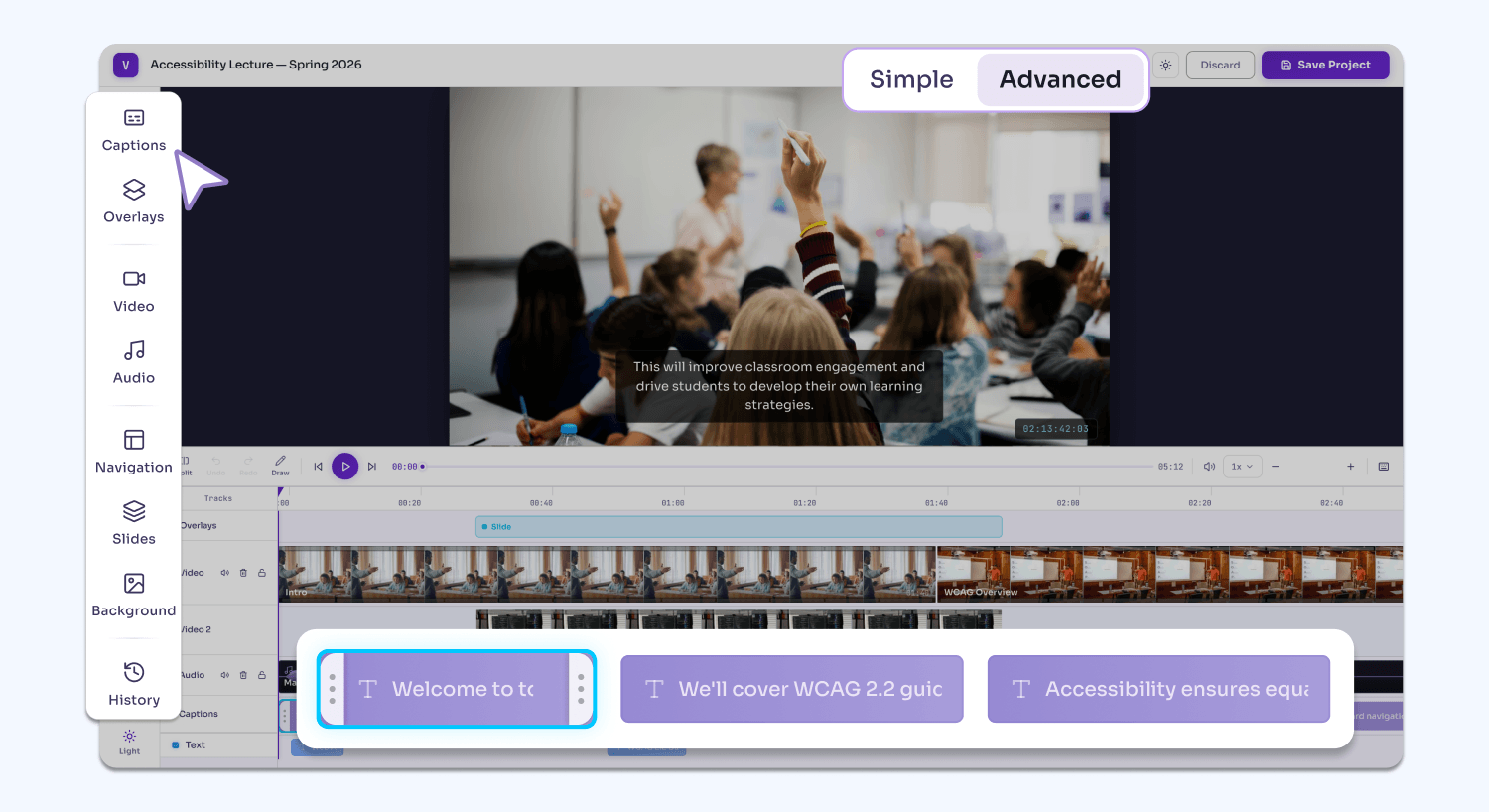
Simple editing mode: Users can access basic video and audio editing tools to split, trim, annotate, add, and remove clips, allowing them to make quick and easy edits for day-to-day editing needs. Users can also edit captions for their videos.
-
Advanced editing mode: On top of all the features available in Simple mode, users can use the Video Editor’s extended list of features in Advanced mode, including adding text overlays, watermarks, backgrounds, slideshows, and blurs to their video. They can also leverage advanced AI-engines to automatically generate chapters/indexes while still maintaining full control over manual edits.
-
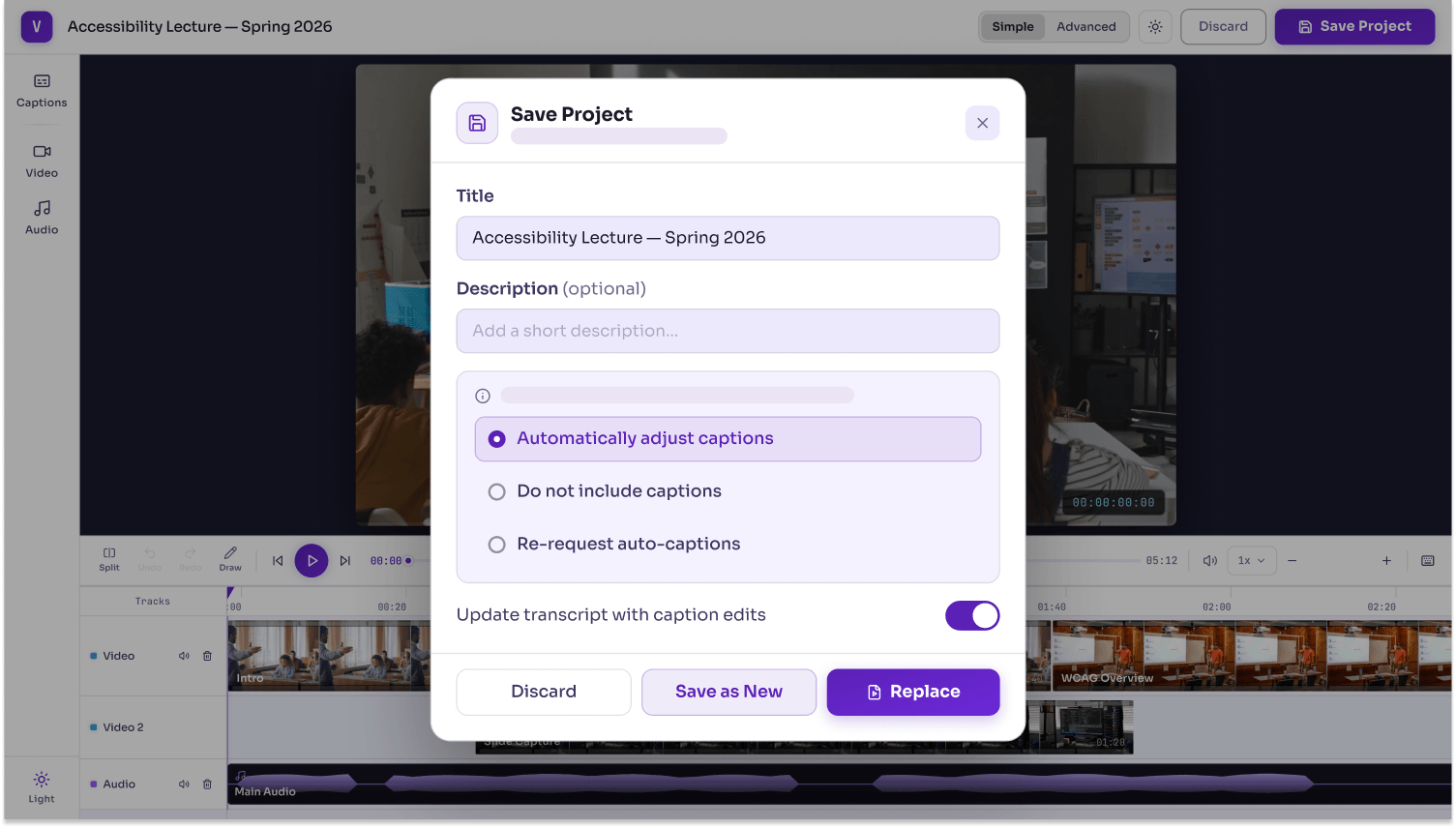
Automatic transcript updates: When the video is exported, users have the option to automatically update the video transcript with their new chapters.
-
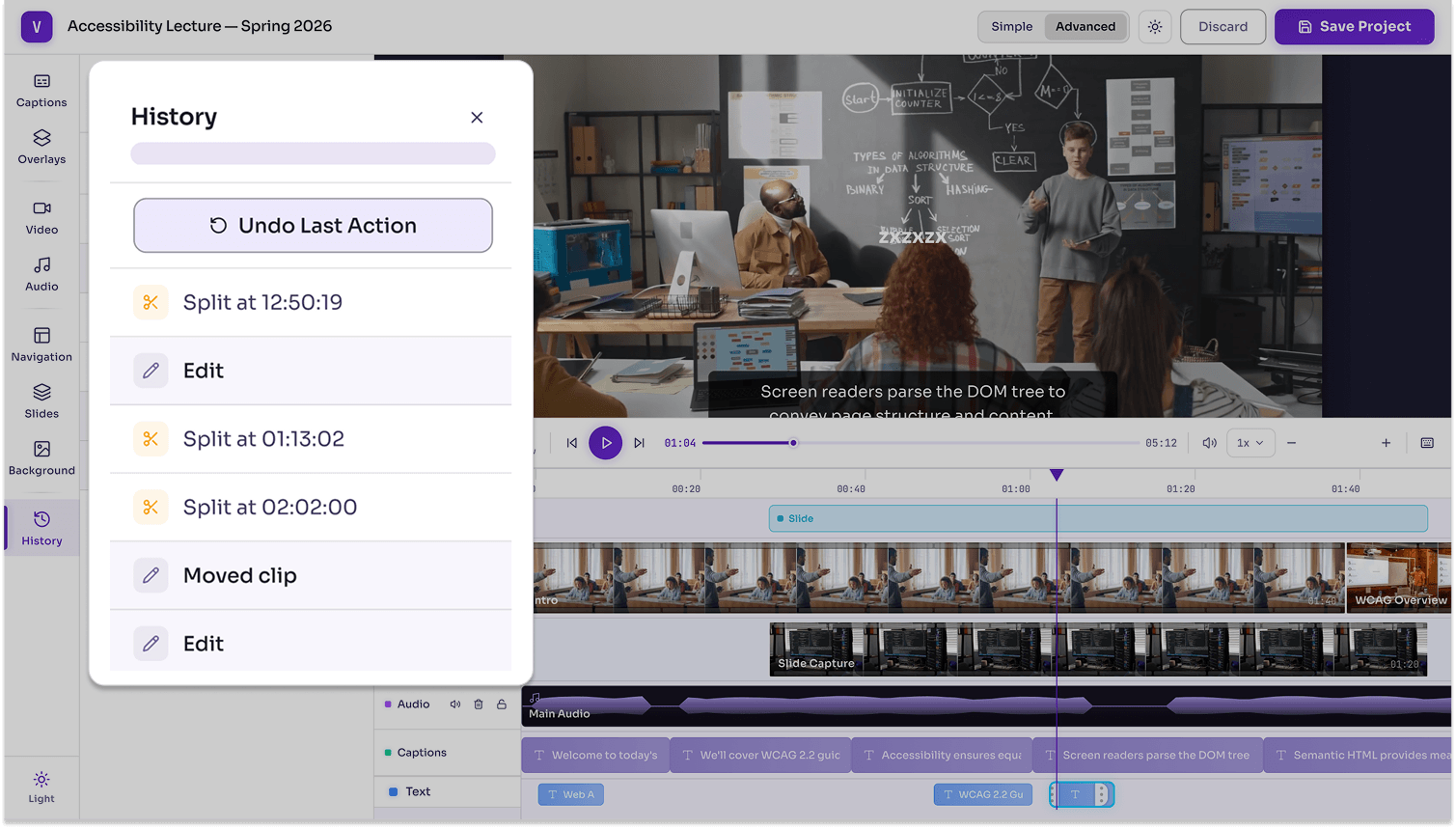
Version history: Users can easily revert their actions and return to previous versions of their project, ensuring that each action is properly saved for potential restoration.
-
-
Reach Compliance Faster at No Cost with YuJa Panorama’s Document Remediation in Your Media Library
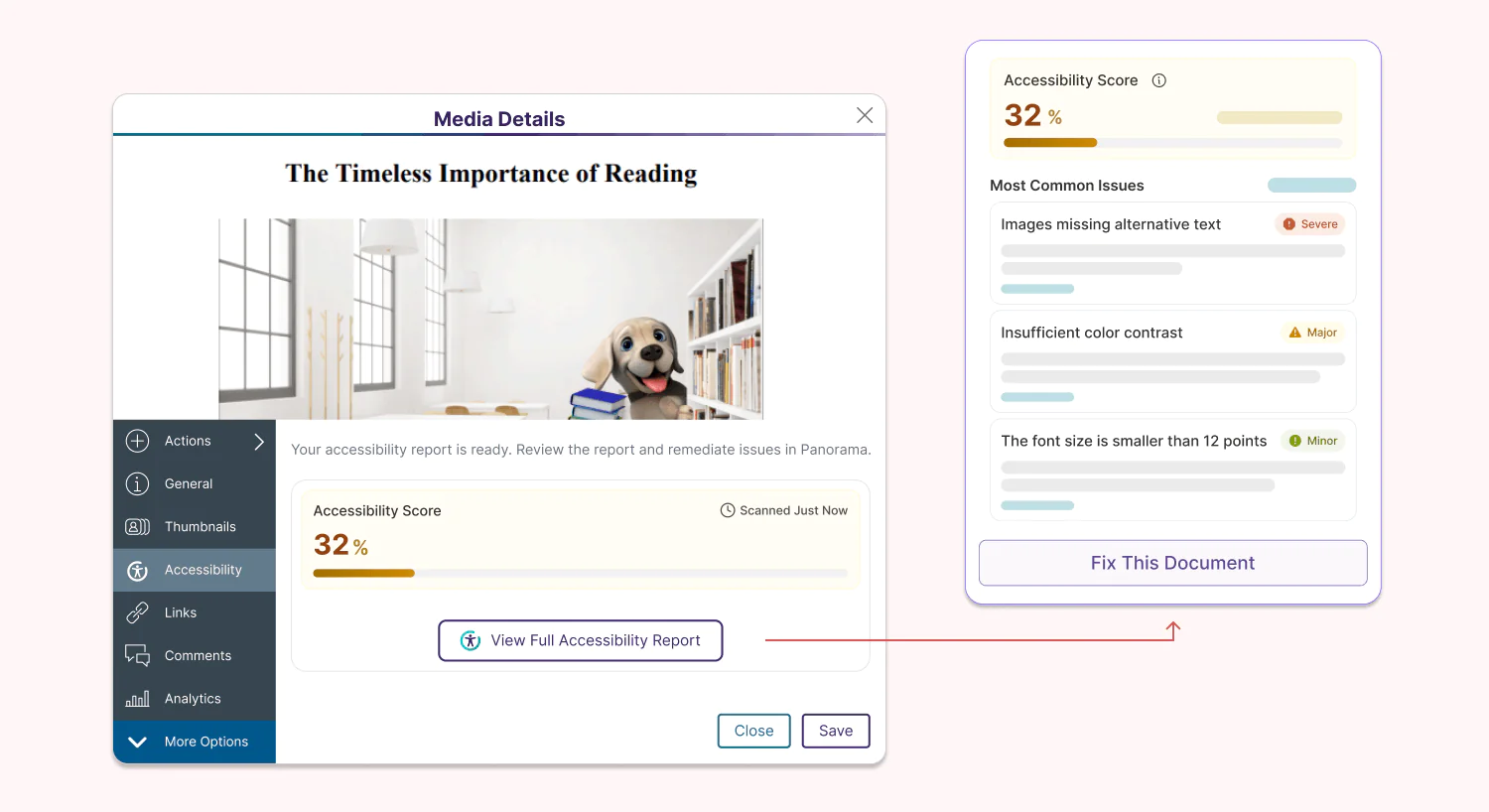
Administrators can now enable YuJa Panorama’s Accessibility Report for up to 10 documents uploaded in their YuJa Lumina Media Library for free, helping them reach the accessibility compliance initiatives of their institution, regardless of whether it is video-based or document-based content. For institutions that have YuJa Panorama, usage will be tied to their credit limit in YuJa Panorama, and they will also be able to leverage automation to fulfill and enhance their remediation workflows using YuJa AutoPilot and YuJa Structural Remediation.
-
Support More Audiences with New Hawaiian Caption Generation for Your Videos
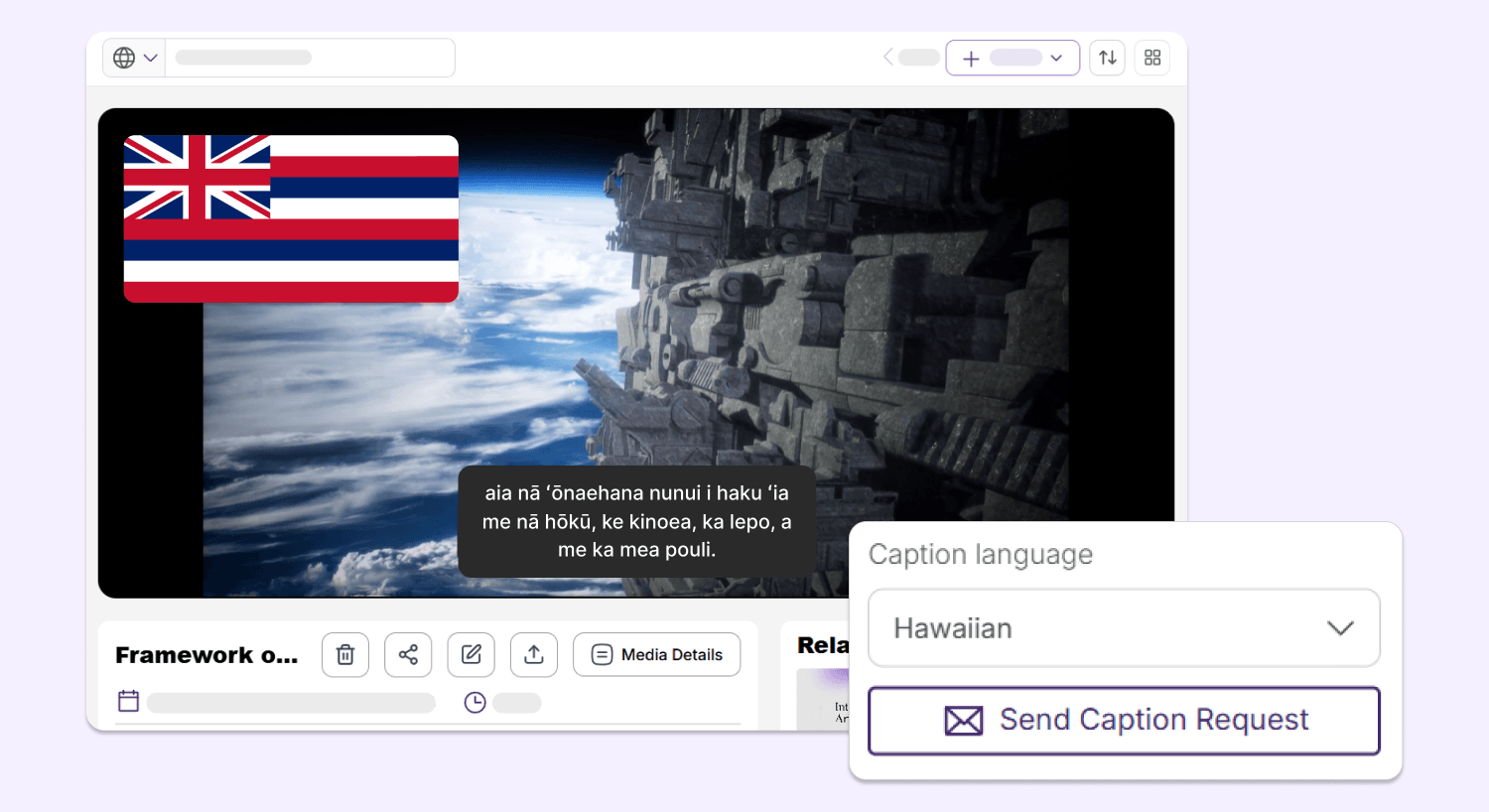
YuJa Lumina can now generate video captions in Hawaiian, helping users from diverse backgrounds better understand their video-based content while meeting accessibility needs.
-
Enhanced Gradebook Sharing Enables Access to Video Quiz Results for Both Unenrolled and Enrolled Students
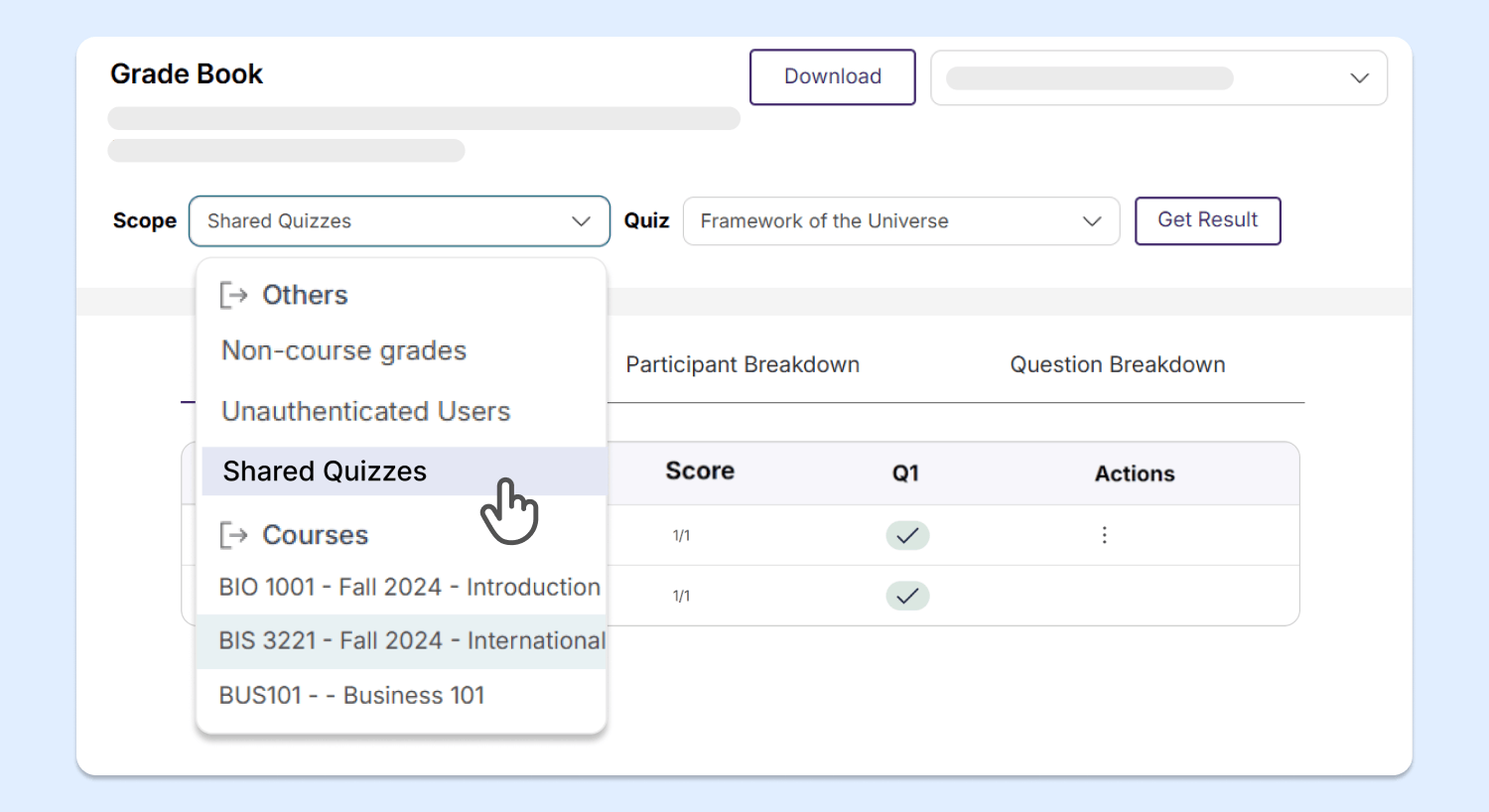
With YuJa Lumina’s new and improved gradebook structure, users can now easily access the results of video quizzes that are shared with them from courses that they are not enrolled in, saving instructors time and effort from needing to manually add users to those courses.
-
Upgraded Notifications Panel Helps You Keep Up with All Your Upcoming Events
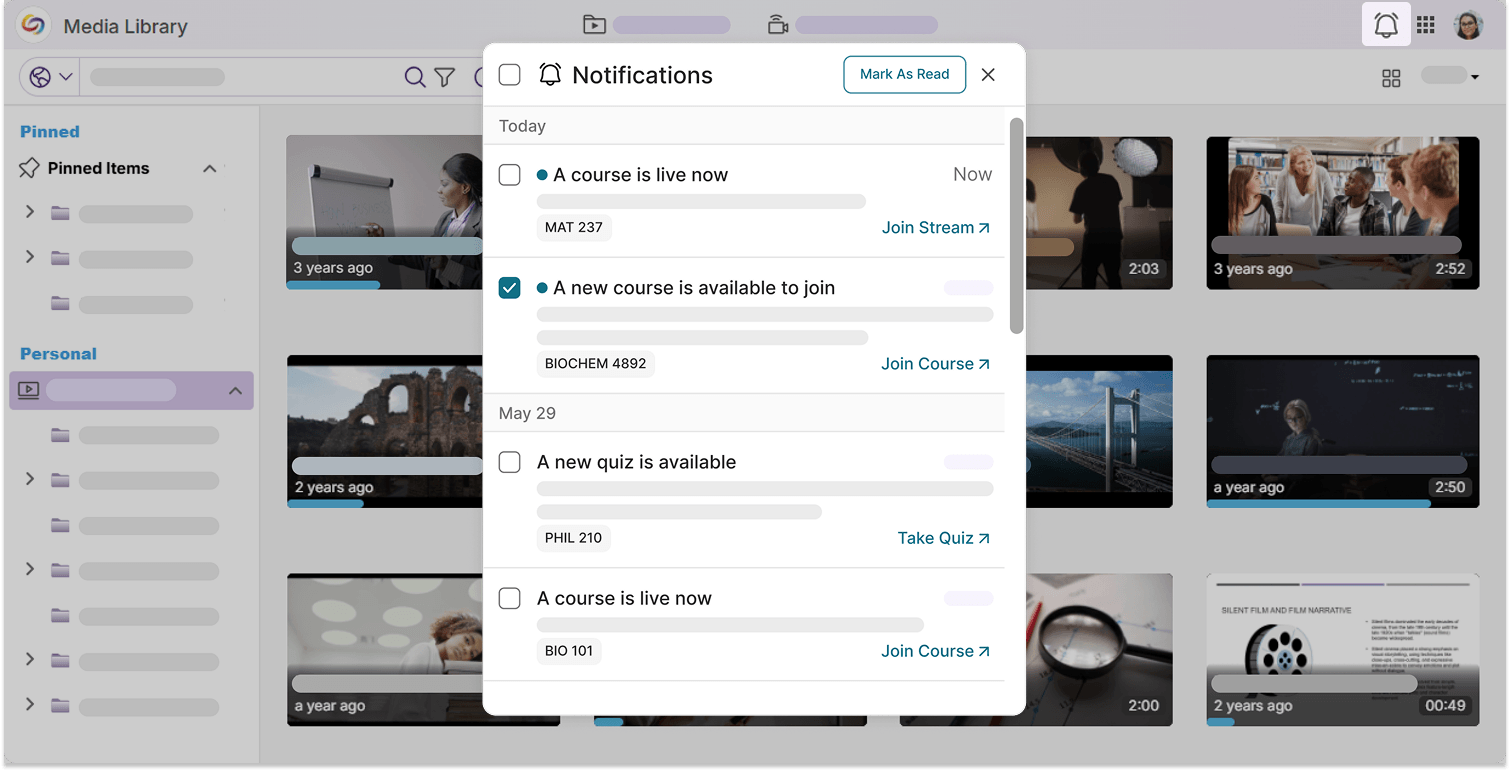
Notifications in YuJa Lumina have been organized into a neater, more modernized layout. With embedded redirect links, you can check out your upcoming video quizzes, course enrollments, and live streams right away from the notifications panel.
-
Enhanced Menu Designs Provide a More Consistent User Experience
Multiple menu interfaces throughout YuJa Lumina have been upgraded to a sleek, modern design, including:
-
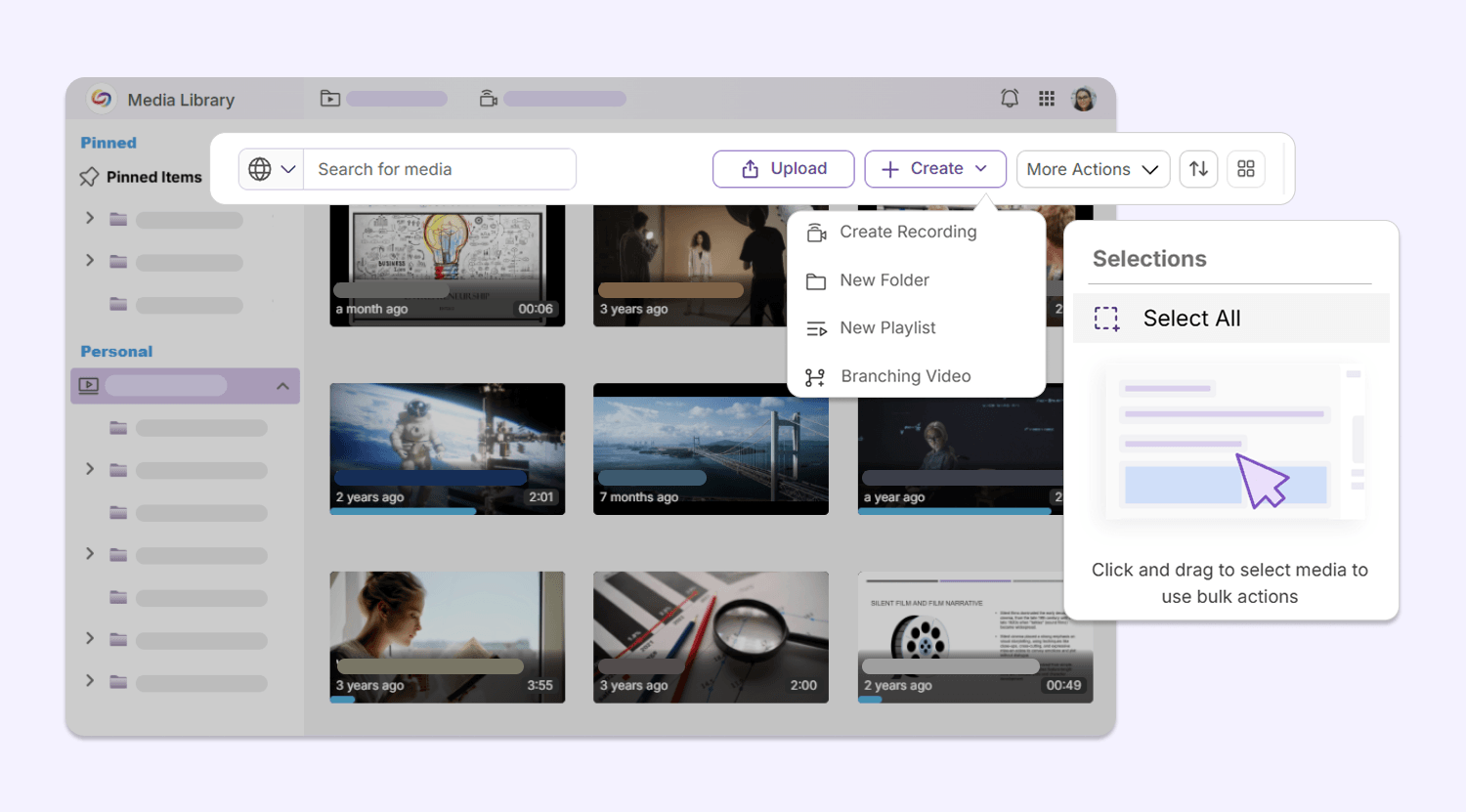
Media Library secondary menu bar: The secondary menu bar in the Media Library has been upgraded with a set of new icons, helping users navigate their library, upload new content, and conduct bulk actions with ease.
-
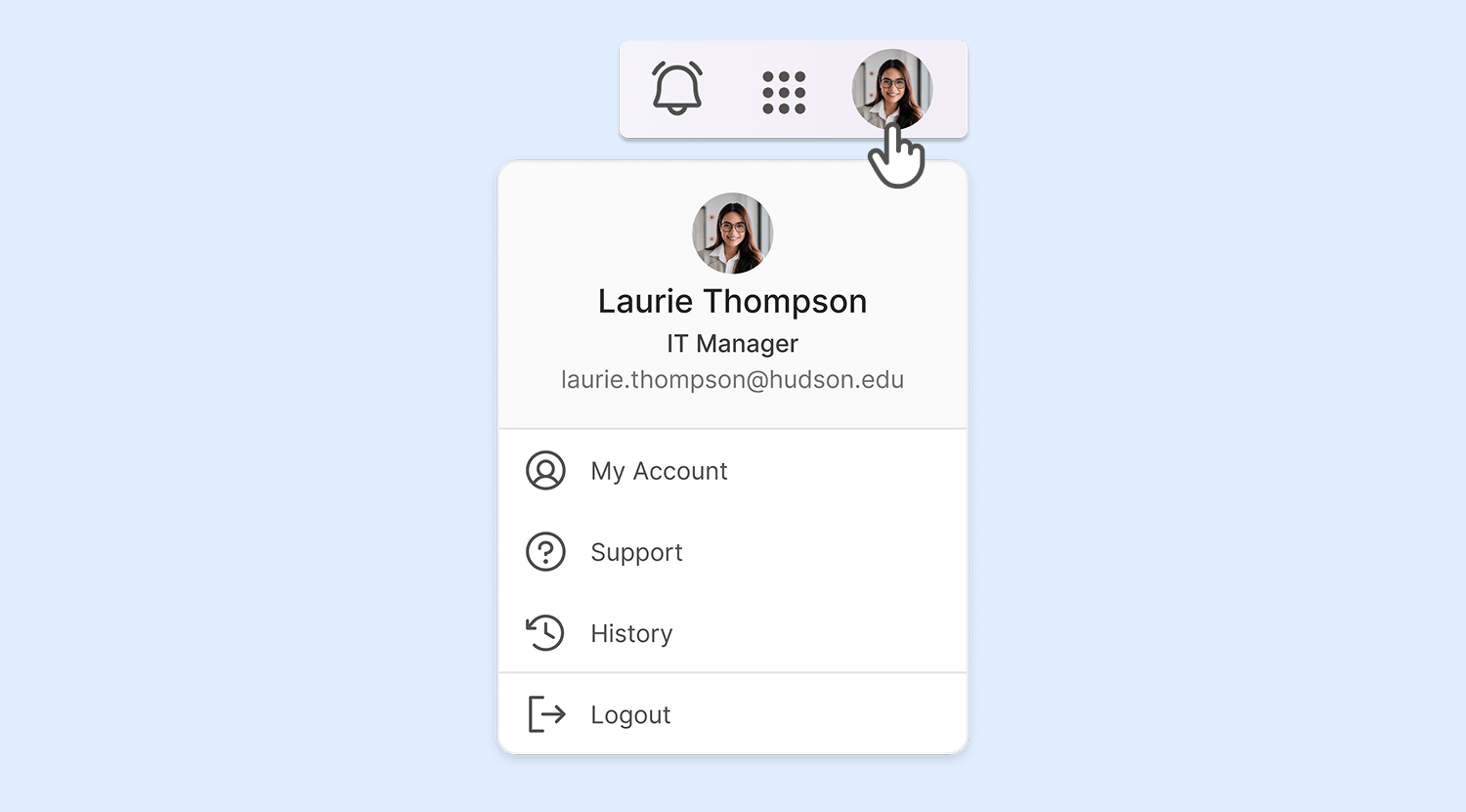
My Account menu: The My Account menu design has been modernized with a new look, introducing a more streamlined design for users accessing their configurations.
-