Over the next few weeks, YuJa Panorama LMS Accessibility Platform will be releasing a new layout for course reports, embedded accessibility status banners on your course homepage, the ability to upload custom accessibility icons, and more.
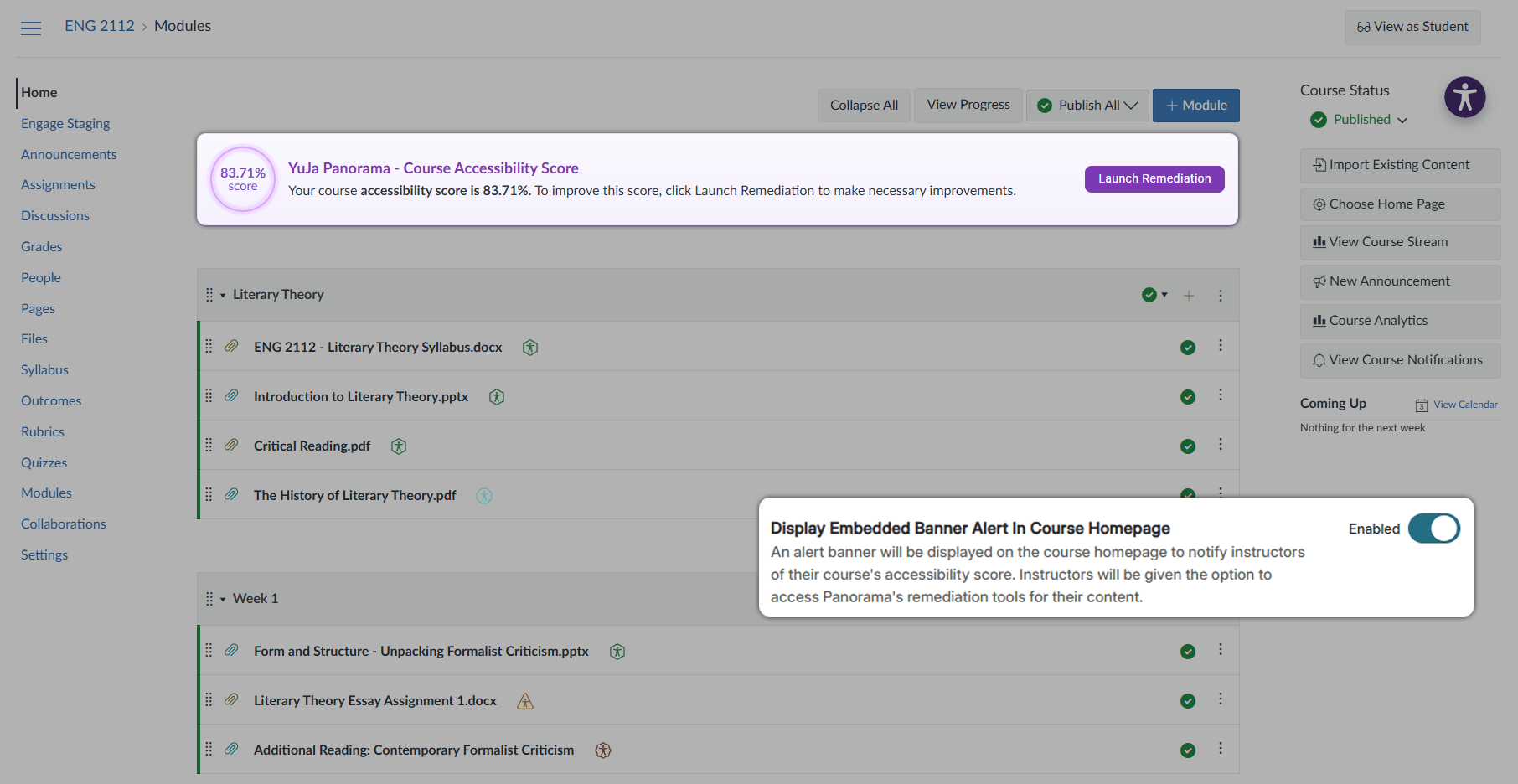
- New Embedded Banner Provides Instant Insight on Accessibility Issues Directly From Your Course Homepage
Institutions can now enable an Embedded Banner for their course homepage, which will provide instructors with an overall accessibility score for the course and allow them to launch quick remediation. These new, optional banners allow instructors to gain an instant overview of how accessible their courses are and simplifies the course remediation process by providing users with faster, easier access to Panorama’s remediation tools.
- Redesigned Reports For Easier Navigation to Key Information
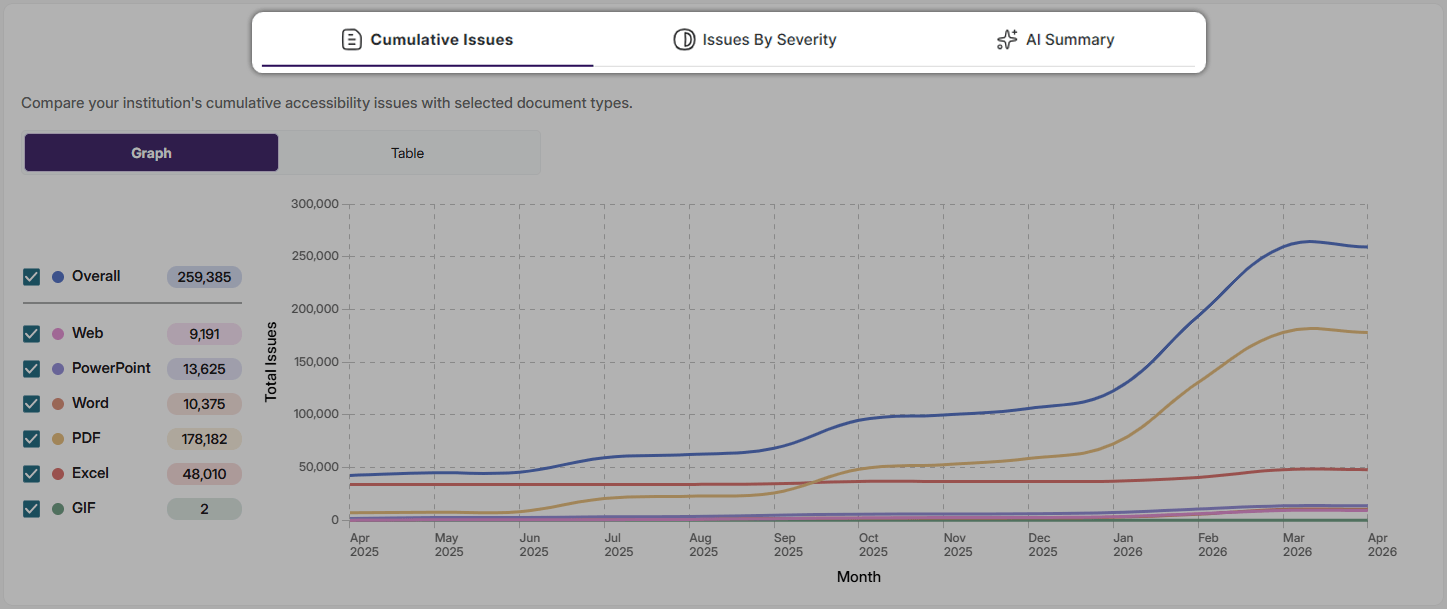
All of Panorama’s Reports have been redesigned with a new tab structure to make navigating between data easier. The new report design reduces the amount of scrolling needed to view the full scope of information and allows users to quickly switch between viewing different sections. With YuJa Panorama’s new report structure, obtaining critical data has never been easier.
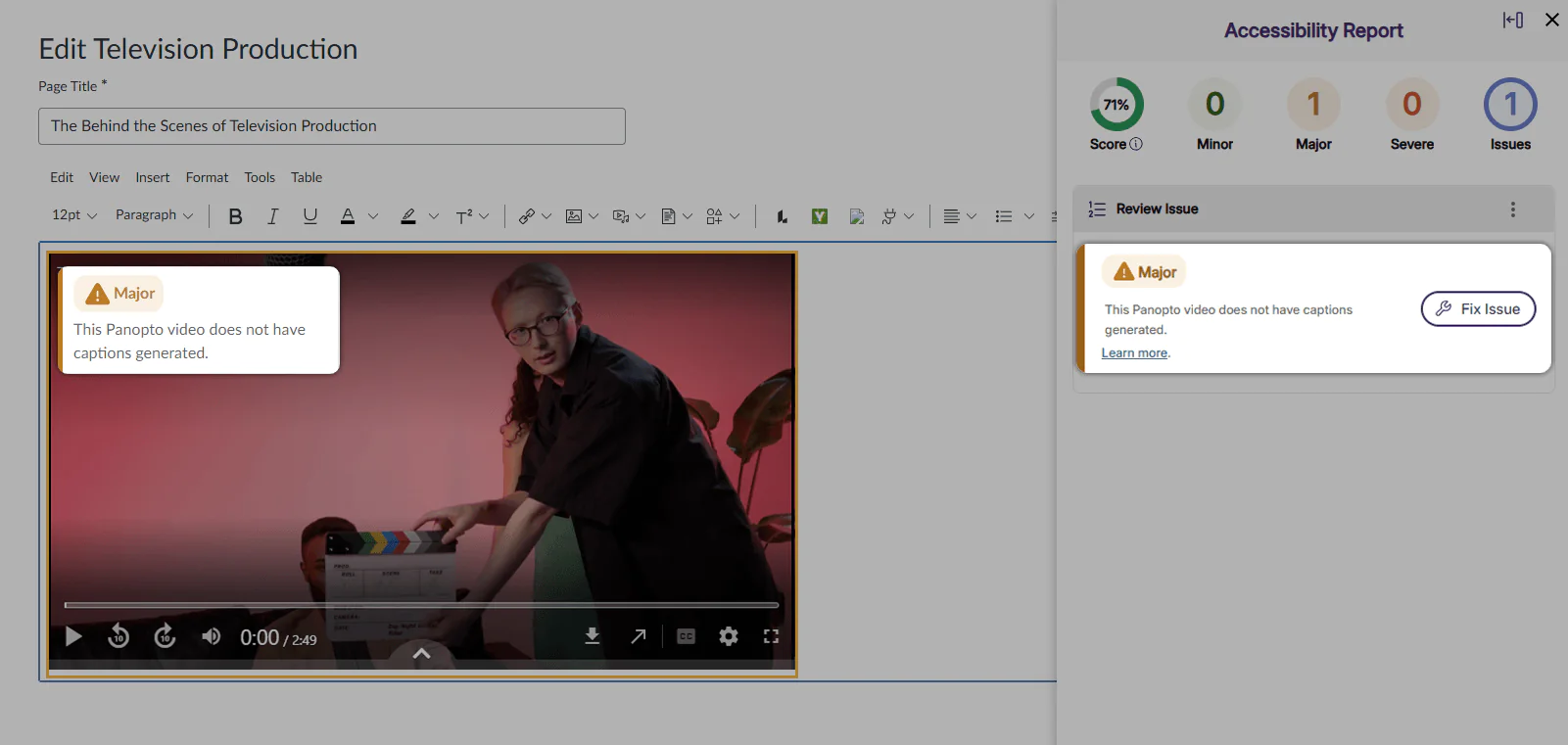
- YuJa Panorama Now Identifies Inaccessible Panopto Video Content
YuJa Panorama can now identify inaccessible content found in external videos hosted by Panopto via our new Panopto Video Integration. Once the integration is enabled, the platform will be able to identify and flag any Panopto Videos in the WYSIWYG editor that are missing captions. By flagging videos without captions, YuJa Panorama helps instructors maintain accessibility standards and ensure all students have equal access to course content. All trademarks are the property of their respective owners.
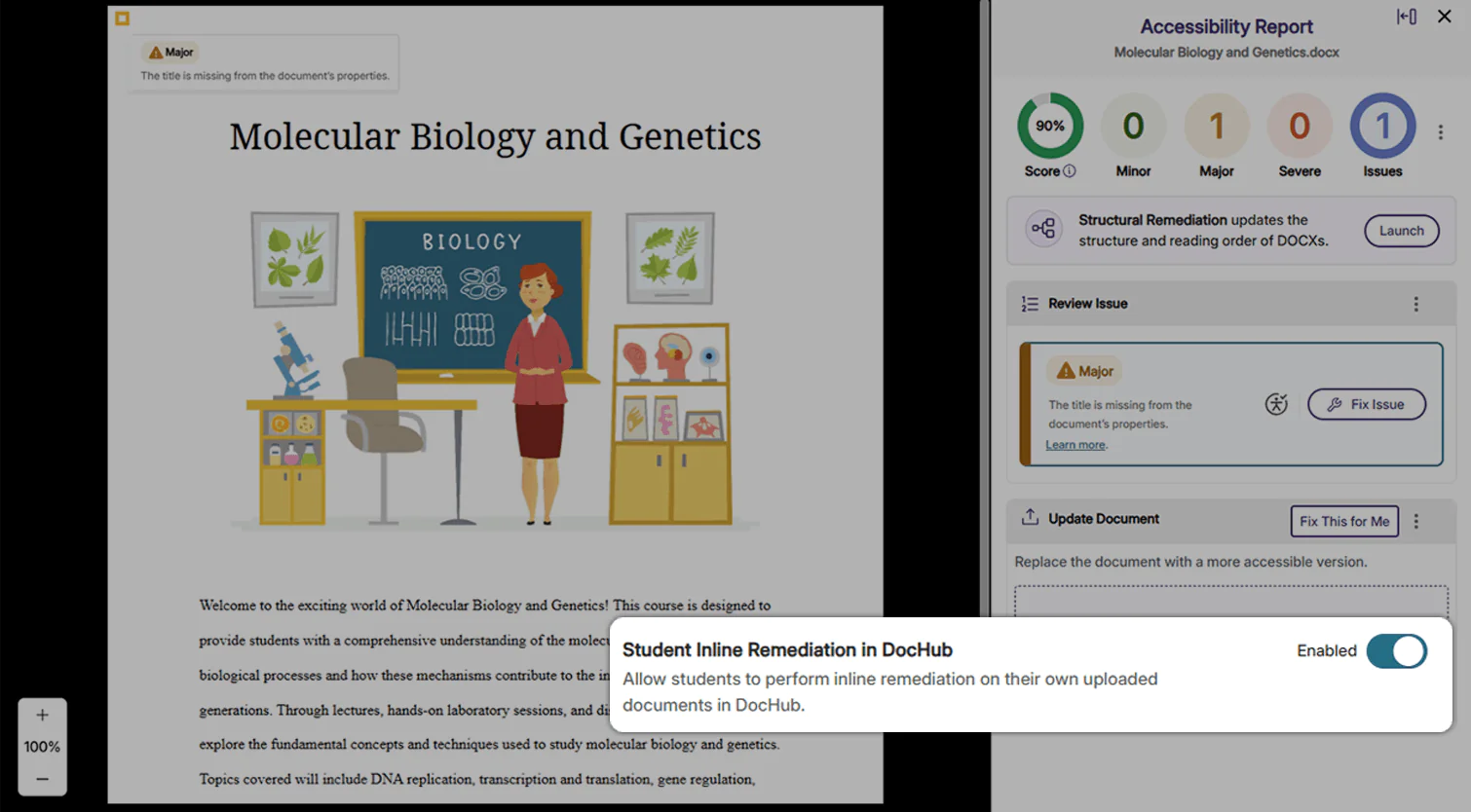
- Admins Can Now Optionally Allow Students to Perform Inline Remediation in DocHub
Administrators can now enable permissions for students to perform inline remediation on their own documents in DocHub. When enabled in Global Settings, students in DocHub will be able to open accessibility reports and perform inline remediation in their documents. By allowing students to perform inline remediation for accessibility issues, students can get into the practice of creating fully accessible documents that reflect their institution’s accessibility standards and goals.
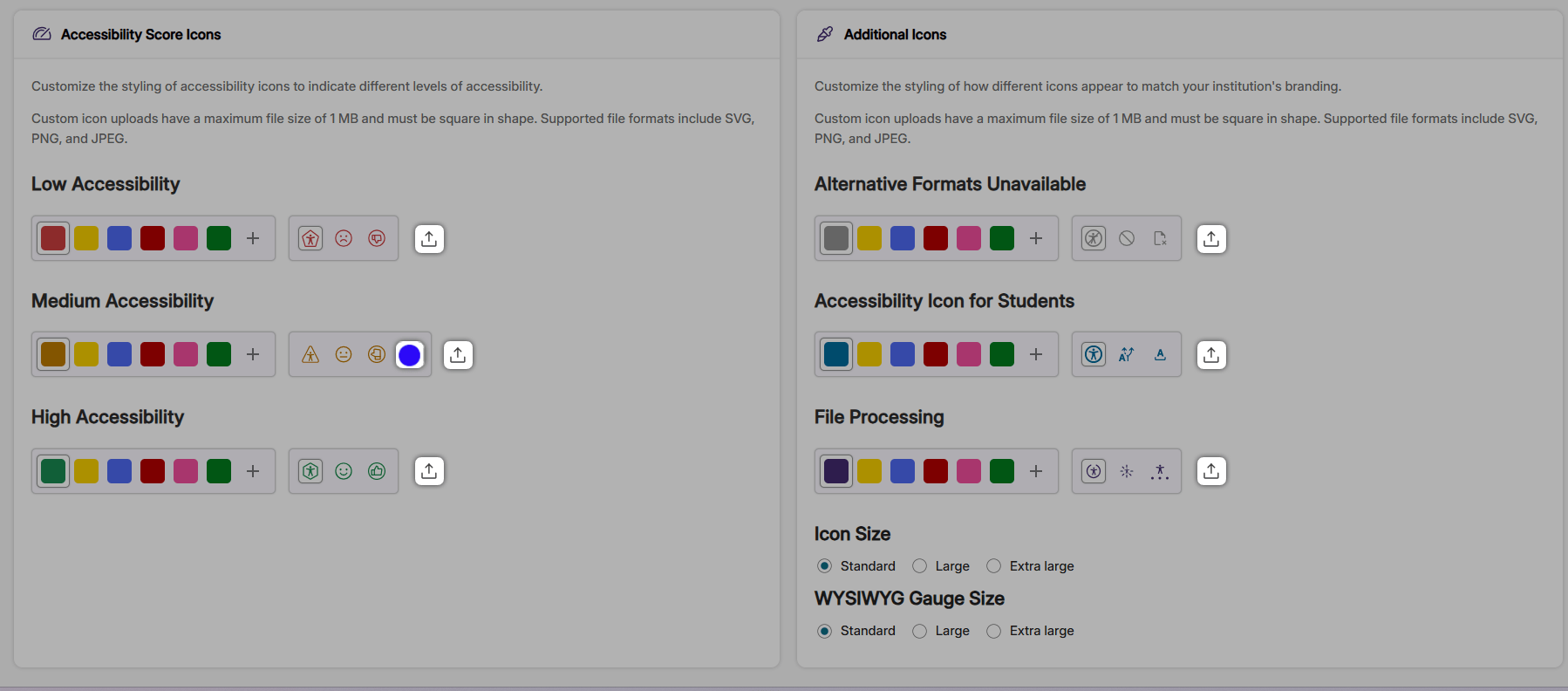
- Upload Accessibility Icons To Match Your Branding Needs
Administrators can now upload custom icons for Accessibility Scores, Alternative Formats, and File Processing icons. With these expanded Branding Settings, administrators will have greater flexibility in customizing icons to match their institution’s preferences.
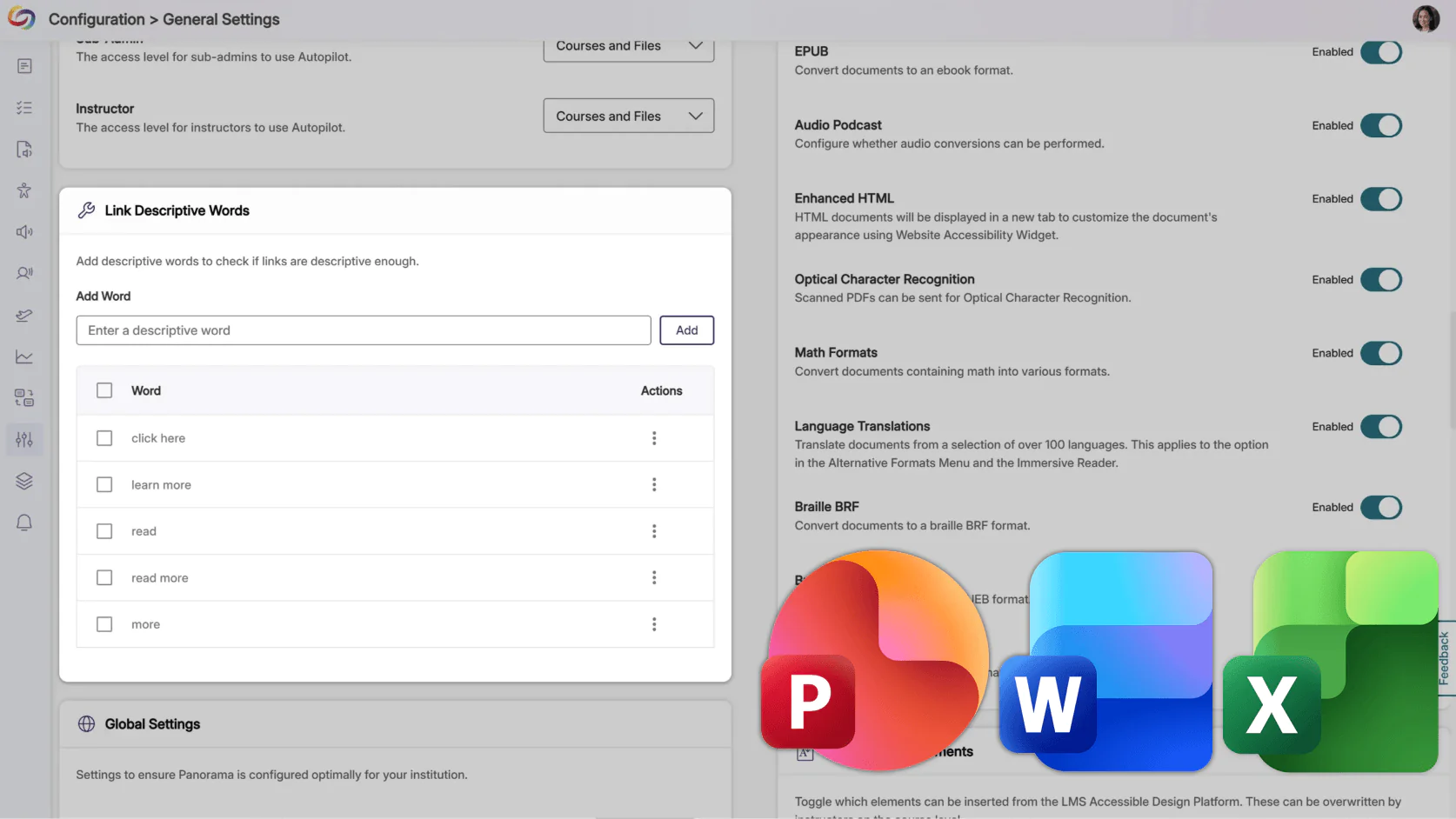
- Custom Non-Descriptive Text Checks Will Be Expanded to Microsoft PowerPoint, Word, and Excel Documents
YuJa Panorama will now detect custom non-descriptive text issues in PPTX, DOCX, and XLSX documents, such as “for more information, click here” or “read more.” These checks help ensure that all links provide meaningful context for screen reader users, extending accessibility check coverage previously available only for other document types.
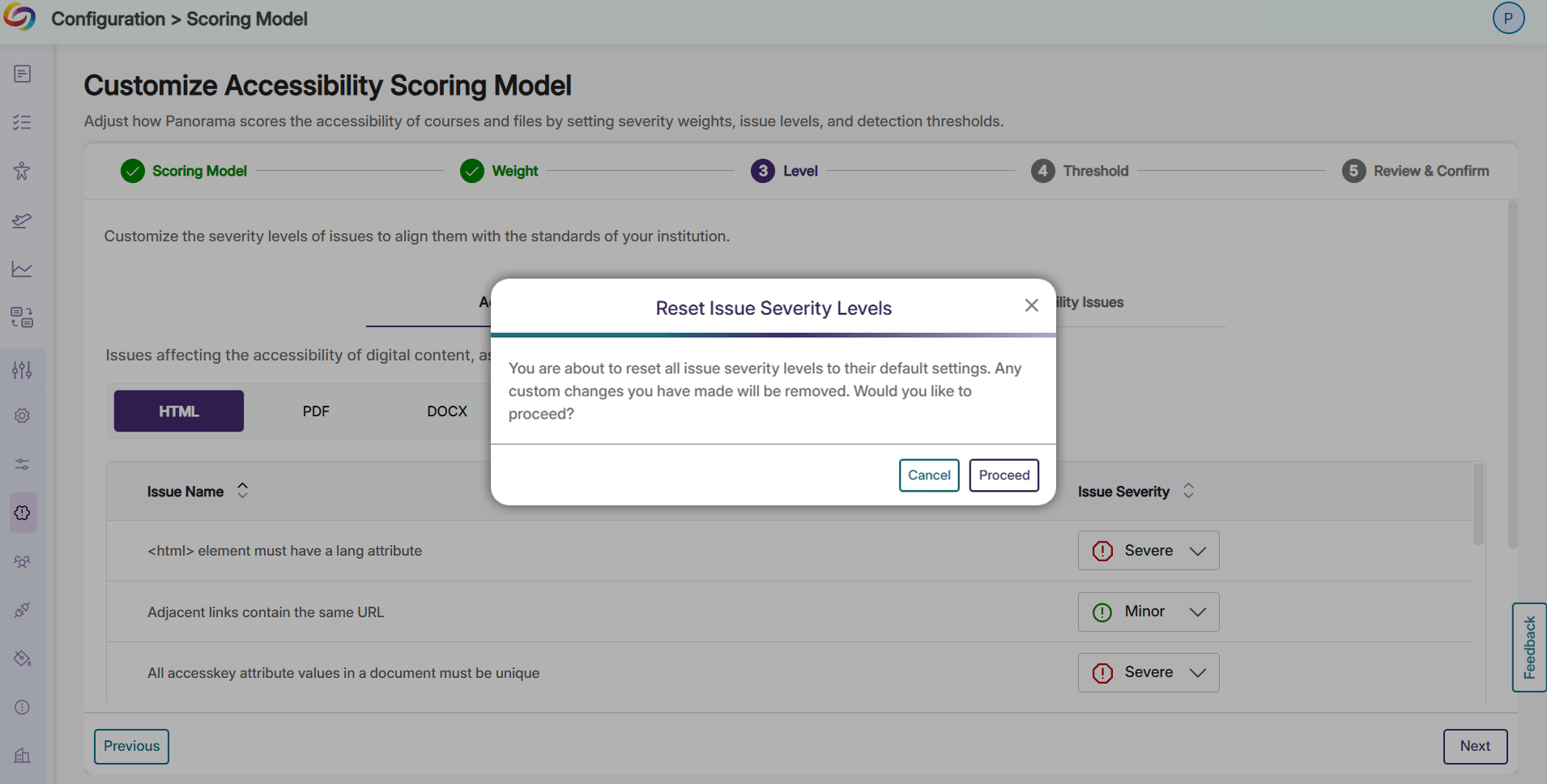
- Instantly Reset Customized Issue Severity Levels to Default WCAG Aligned Severity Levels
Users can now easily reset their customized issue severity levels back to Panorama’s WCAG-aligned default scoring. Whether it’s the start of a new term or your institution has decided to change the way accessibility issues are flagged, resetting the severity flags for issues can now be completed in seconds, with one click.
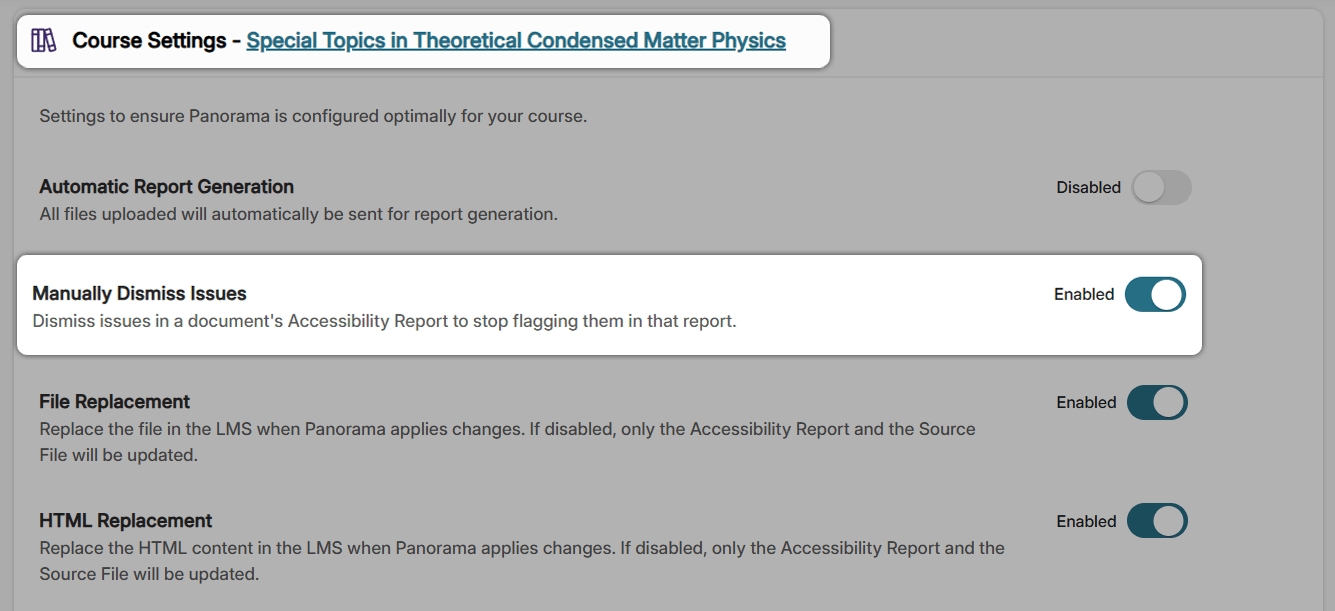
- Allow Instructors to Manually Dismiss Issues In Specific Courses
Institutions can now map the Content Developer role to the Panorama Instructor role. This lets designers improve course accessibility just like instructors, without granting access to admin reports or institution-level settings, and eliminates the need to enroll them as teachers in hundreds of courses. The result is a streamlined workflow, secure role management, and faster accessibility improvements across courses.
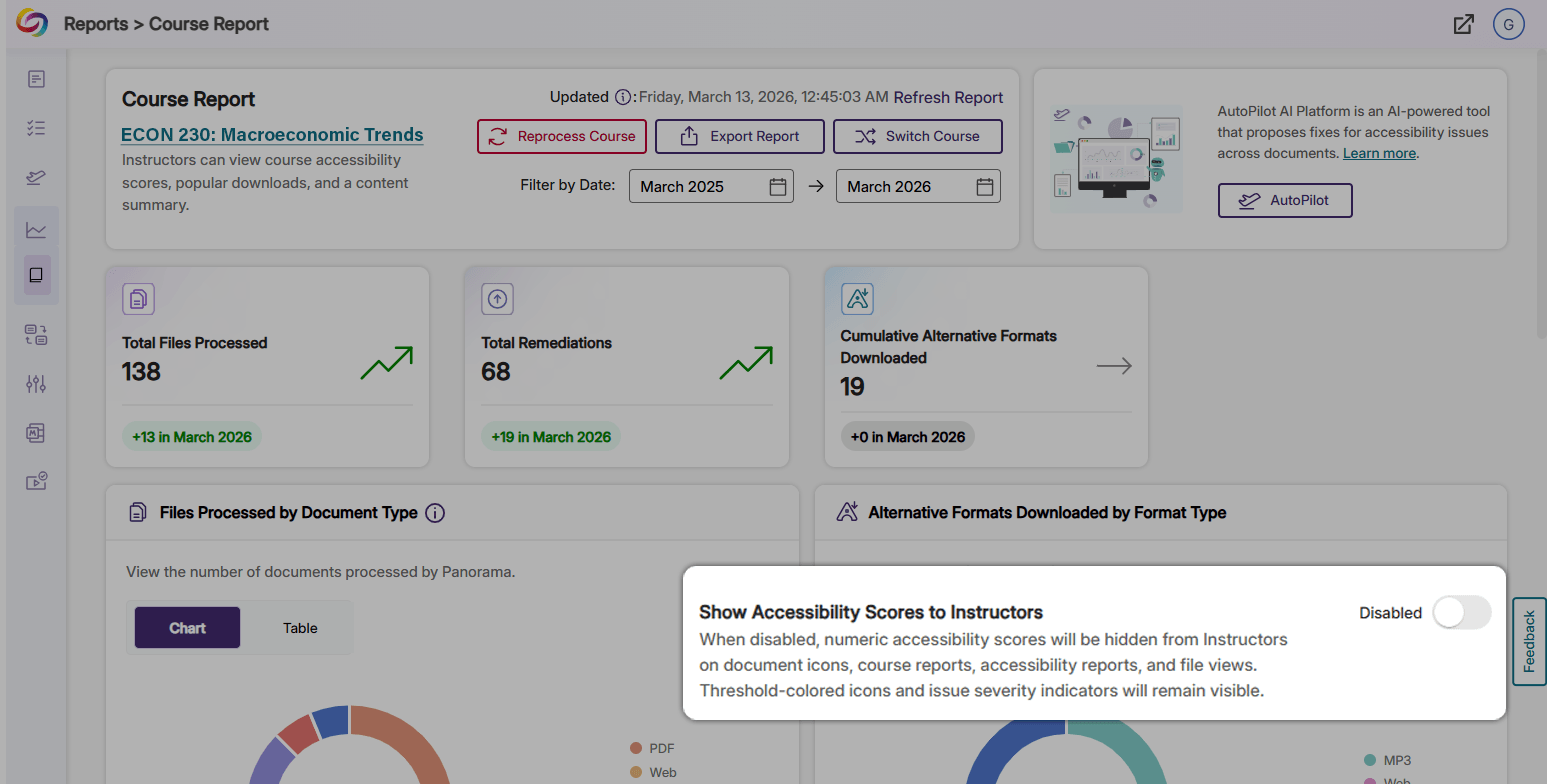
- Toggle the Visibility of Accessibility Scores To Help Instructors Focus On Issues Instead of Numbers
Administrators can now hide Accessibility Scores from Course Reports and document Accessibility Scores from instructors to ensure that only administrators have access to Accessibility Score data. This will allow instructors to focus on accessibility issues rather than on numerical scores. When the Show Accessibility Scores to Instructors setting is disabled, instructors retain full access to Accessibility Reports and remediation tools, but cannot view any accessibility scores.
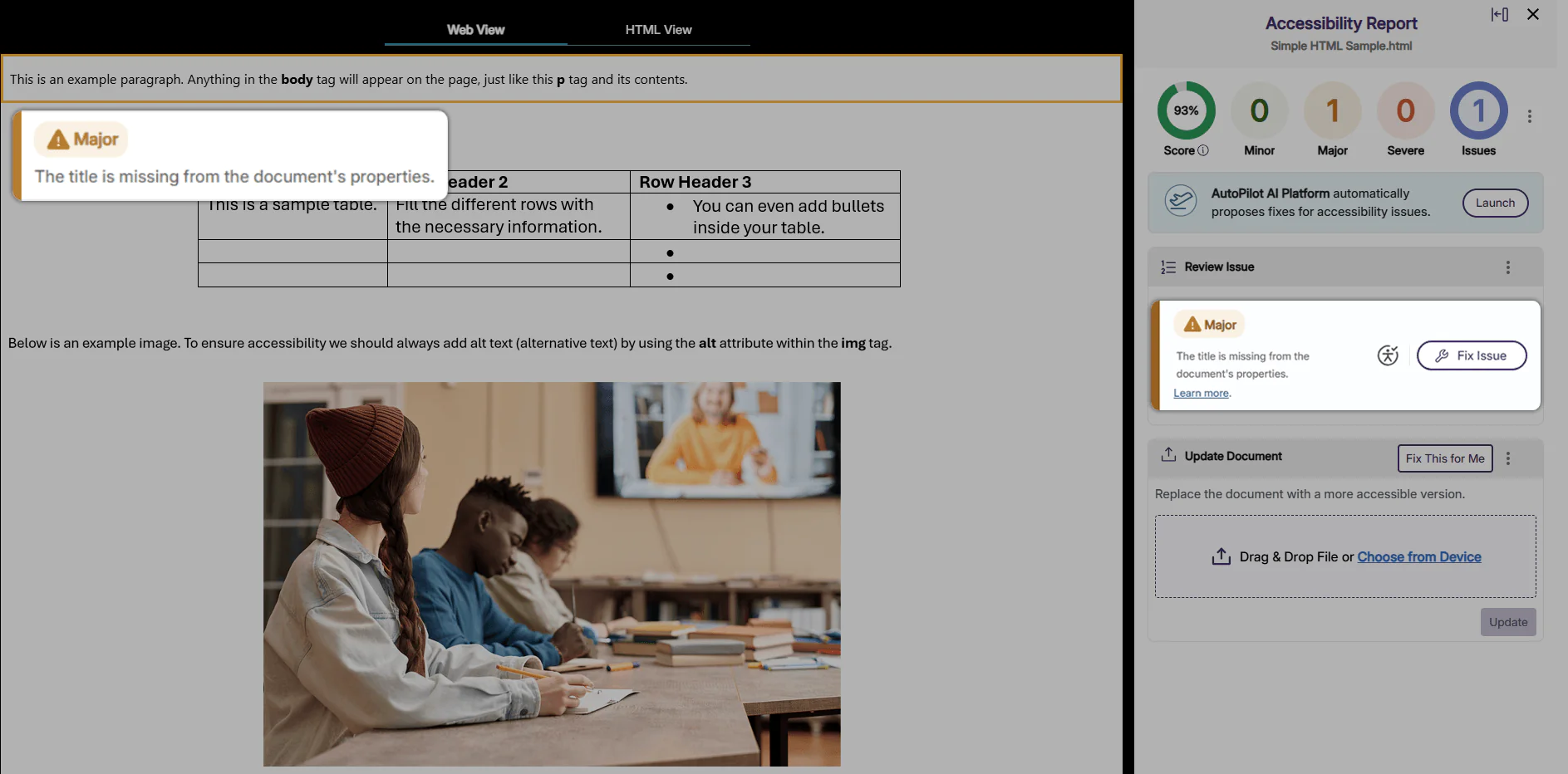
- Toggle the Ability to Check for Missing Title Issues in HTML Files to Improve Screen Readability
Users can now enable Panorama to flag missing title issues in HTML files and provides suggested fixes for inline remediation. By accurately flagging Missing Title issues in HTML files, Panorama helps ensure that HTML files are fully screen-readable.
- Gain Better Visibility of User Activity with New LTI Logs
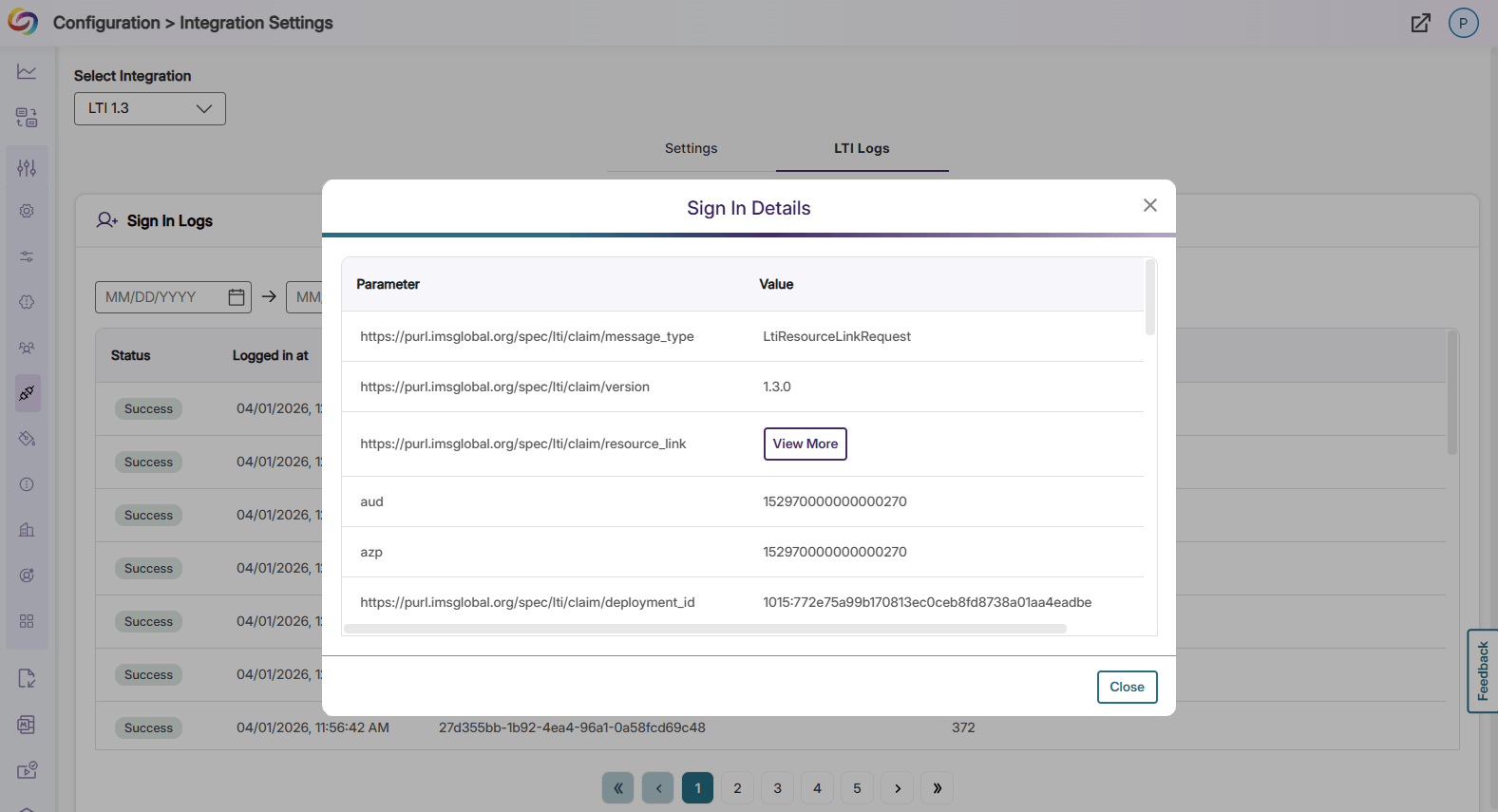
Panorama will now log LTI activity in Integration Settings for better visibility into successful and failed LTI launches. Each log item can be expanded for full sign-in details, providing administrators and IT personnel with in-depth debugging information.