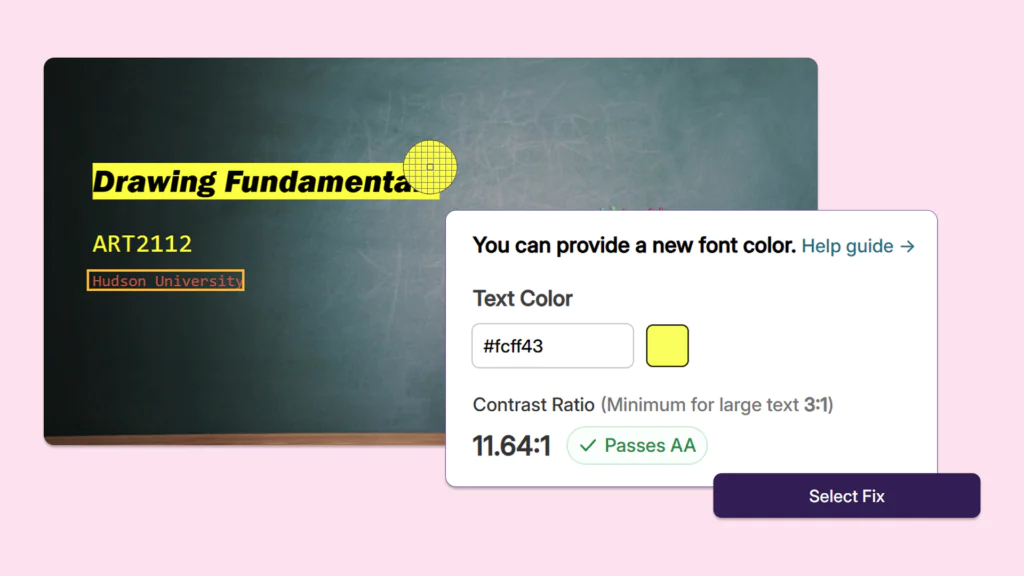
Over the next few weeks, YuJa Panorama will roll out an array of new features to further streamline LMS integration, increased AlwaysOn Compliance options, and much more.
-
See how Panorama is automatically improving your content with the new AlwaysOn Compliance Report
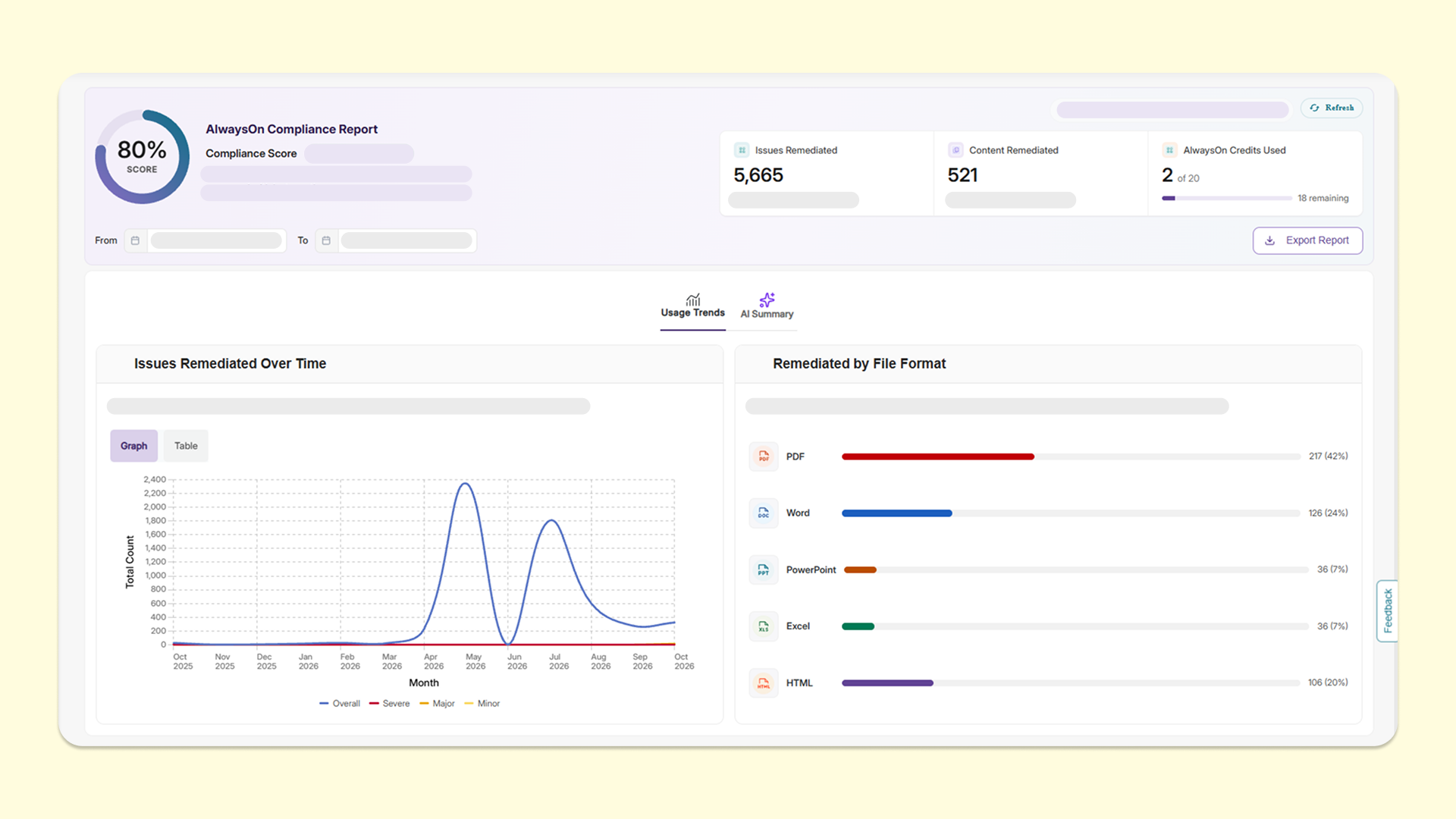
Administrators can leverage YuJa Panorama’s new AlwaysOn Compliance Report to track key usage and progress statistics across their organization.
The following insights are available:
-
Issues Remediated Over Time: A convertible graph or table to visualize accessibility issues that AlwaysOn Compliance has remediated each month, broken down by severity.
-
Remediated by File Format: A clear histogram that visualizes the number of files AlwaysOn Compliance has remediated, broken down by file type.
-
Compliance Score: An average accessibility score of monitored content for the current month compared to the previous month.
-
AI Summary: An AI-powered analytics dashboard that provides summaries on observed trends and recommended areas for action.
-
-
Streamline your YuJa Panorama integration workflow with a new guided, inline process
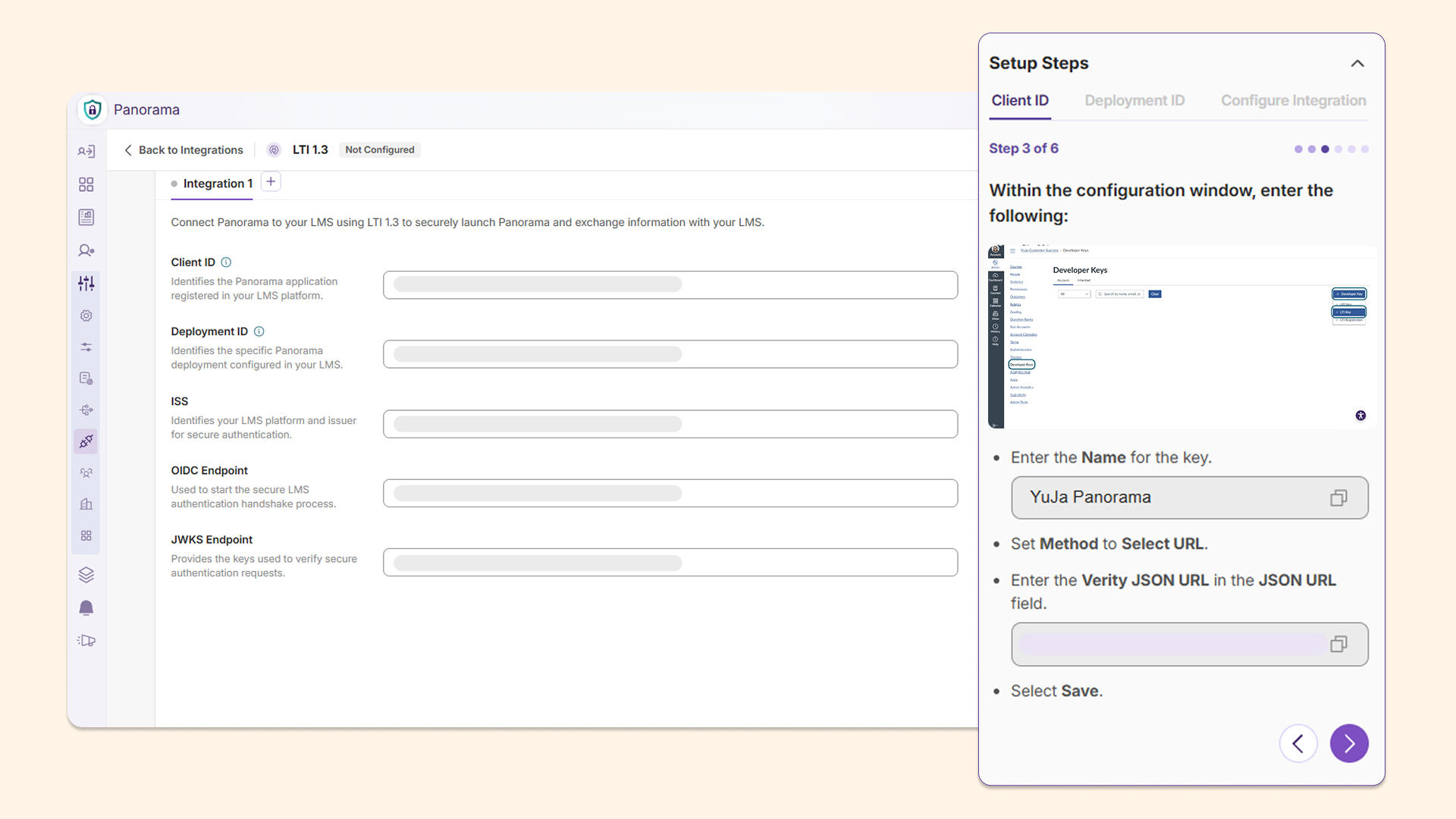
YuJa Panorama’s Integration Settings tab is introducing a new guided workflow to complete integrations in one single tab. Each integration method is organized in a neat grid format so that administrators can easily view their configurations at a glance.
Key features include:
-
Embedded integration guides: Administrators can now utilize an embedded, inline integration guide in a side panel accompanied by screenshots for enhanced clarity.
-
Ready-to-copy text: Administrators can now copy text directly from inline guides to fill out required fields from the side panel, eliminating the need to switch between multiple screens.
-
-
Refine your AlwaysOn Compliance targets with expanded configuration options
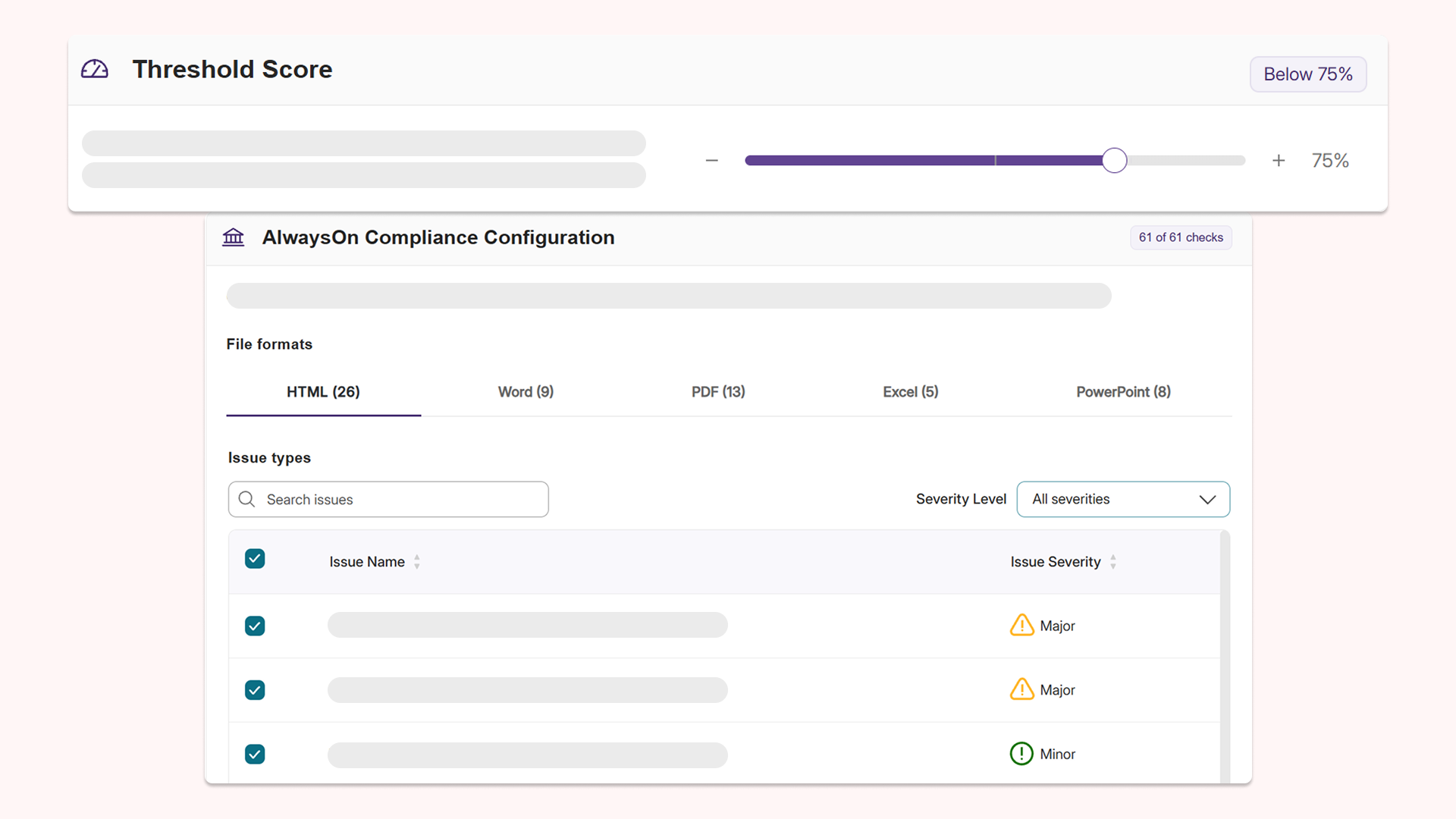
To give institutions more flexibility, administrators can now customize the threshold at which AlwaysOn Compliance will target documents for automated remediation. They can also specify which issues they would like AutoPilot to focus on during scans. This enhances control over automated scans and allows institutions to decide how and the frequency that they would like to scan documents at.
-
Reduce manual remediation in Microsoft Excel workbooks with increased highlight precision and format preservation
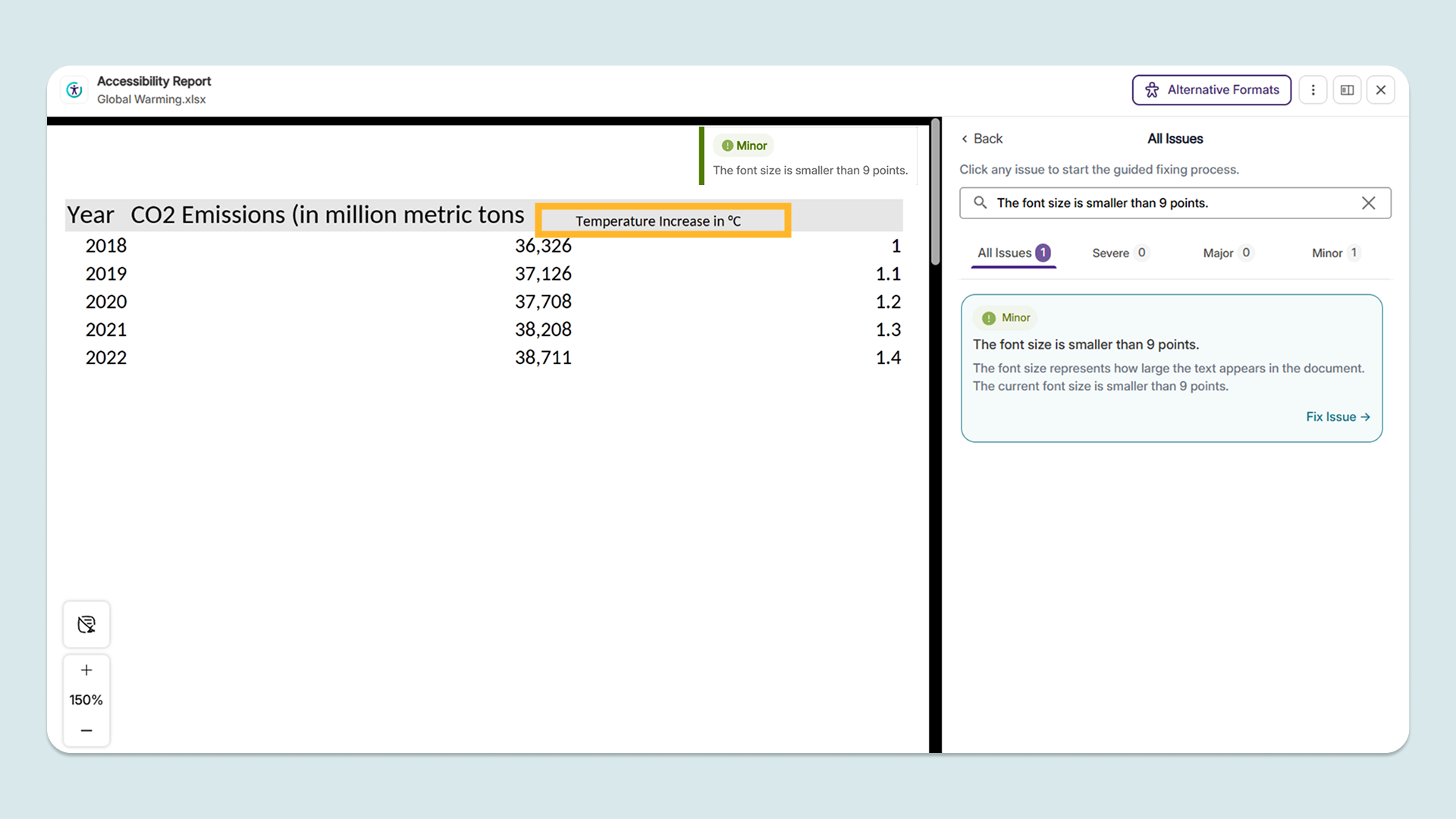
Users can now scan and remediate their XLSX and XLS files with more consistency and accuracy. Issues are now highlighted with higher precision in the document preview for increased ease of use, and YuJa AutoPilot fixes preserve table formatting to prevent manual rework. Institutions can also apply their desired alt text length to Excel workbooks according to their needs and institutional policies.
-
Filter the LMS report by course prefix and yield accurate results instantly
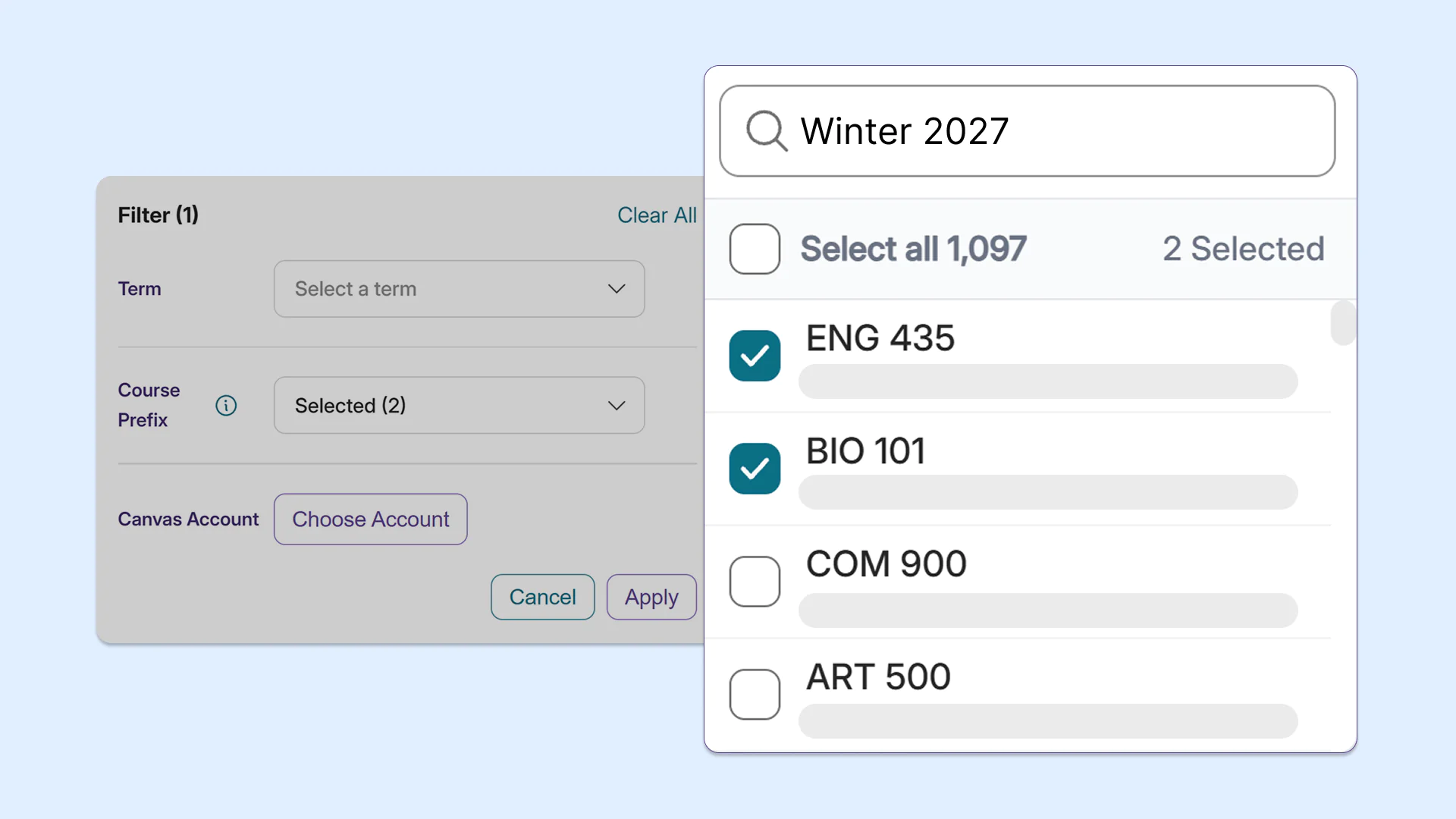
YuJa Panorama users can now filter by course within the LMS report using partial queries from the course’s title, or an associated keyword. This new capability helps users locate courses without typing the entire course title. Users can also filter by all matching courses or choose to exclude some courses in their results, allowing them to adjust their searches for targeted and relevant results.
-
Cut down remediation time with bulk-duplicate file replacement throughout the LMS
Class members are now notified via email and via a message in their Notifications Tab whenever a live stream has started, helping them keep track of scheduled streams and attending them on time.
-
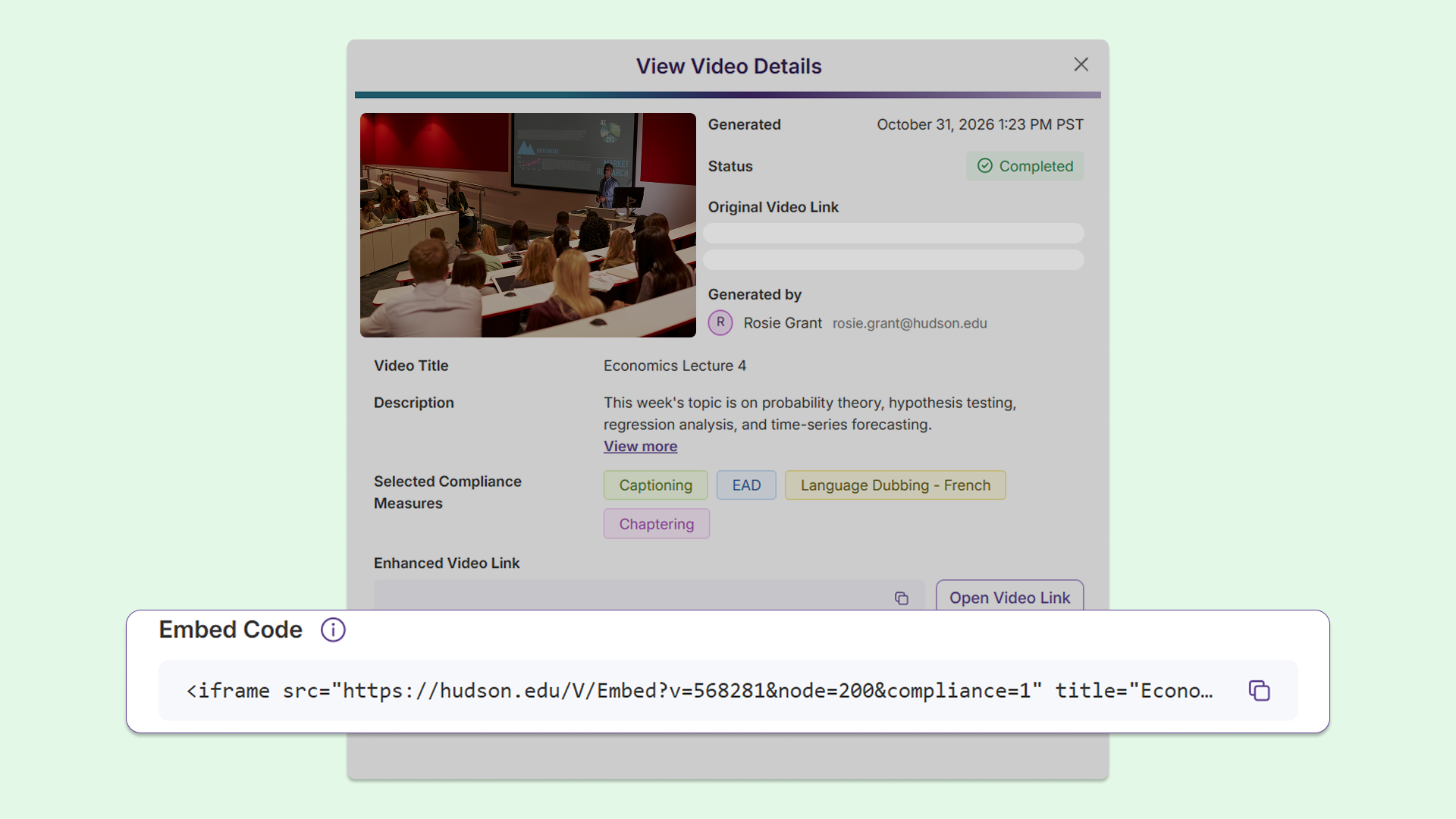
Readily embed accessible videos in your LMS with the Video Compliance Player
Users are now able to embed videos enhanced in the Video Compliance Player directly in their LMS with ready-to-paste embed code, allowing videos to play inline with added accessibility features. This allows users to easily insert and view accessible videos directly within their LMS workflow without leaving the page.
-
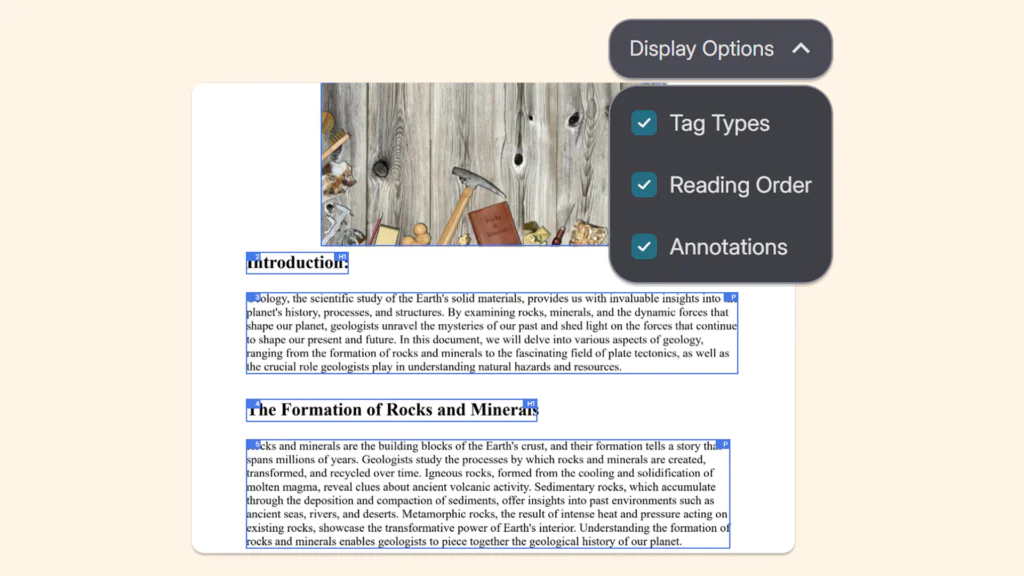
Tag PDFs using YuJa Panorama’s updated in-line OCR remediation guide
YuJa Panorama’s OCR remediation workflow now links a guide that instructs users on how to correct OCR issues within the platform. Users no longer require third-party platform licenses or tools to make OCR-related fixes, facilitating a continuous remediation workflow within the platform.
-
New SAML SSO support accelerates setup workflow for administrators
Single Sign-On in YuJa Panorama now allows administrators to adapt SAML SSO quickly and efficiently for easy access to the platform. This feature reduces the amount of steps required for configuration by allowing imports by URL or XML, streamlining the process for administrator SSO setup. YuJa Panorama will also keep information up to date automatically, reducing manual work.