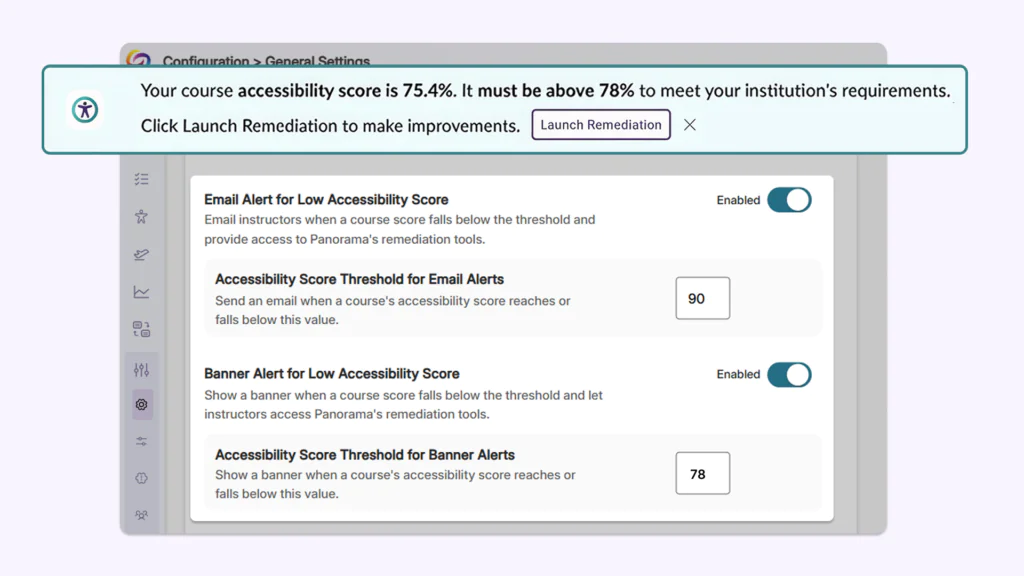
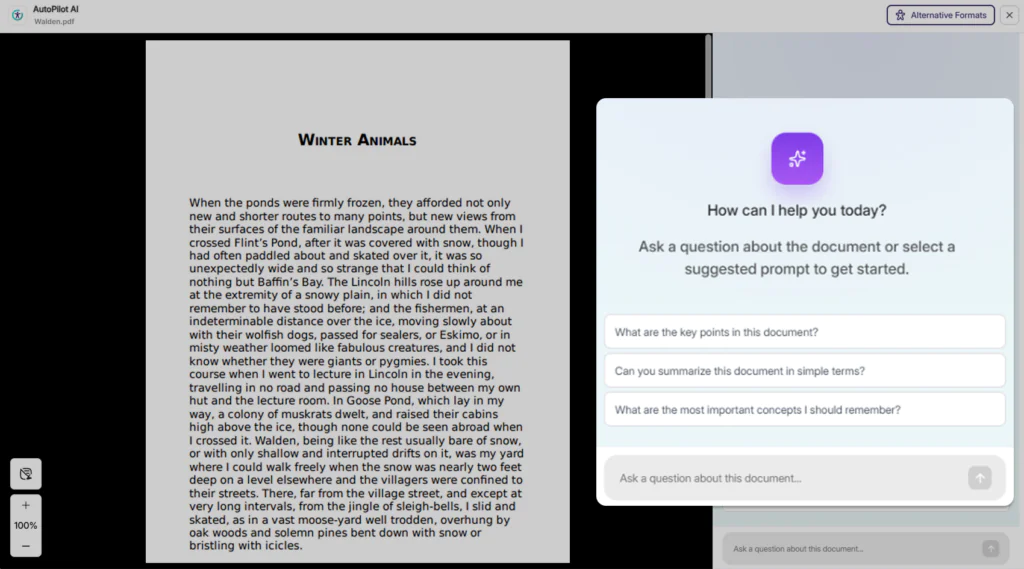
Over the next few weeks, YuJa EqualGround will be adding several new features to refine existing remediation workflows, enhance user-friendliness with plain language configurations, and more.
-
Automatically apply accessibility fixes in real time as users visit your website using YuJa EqualGround’s AutoFix Instant Remediation Module
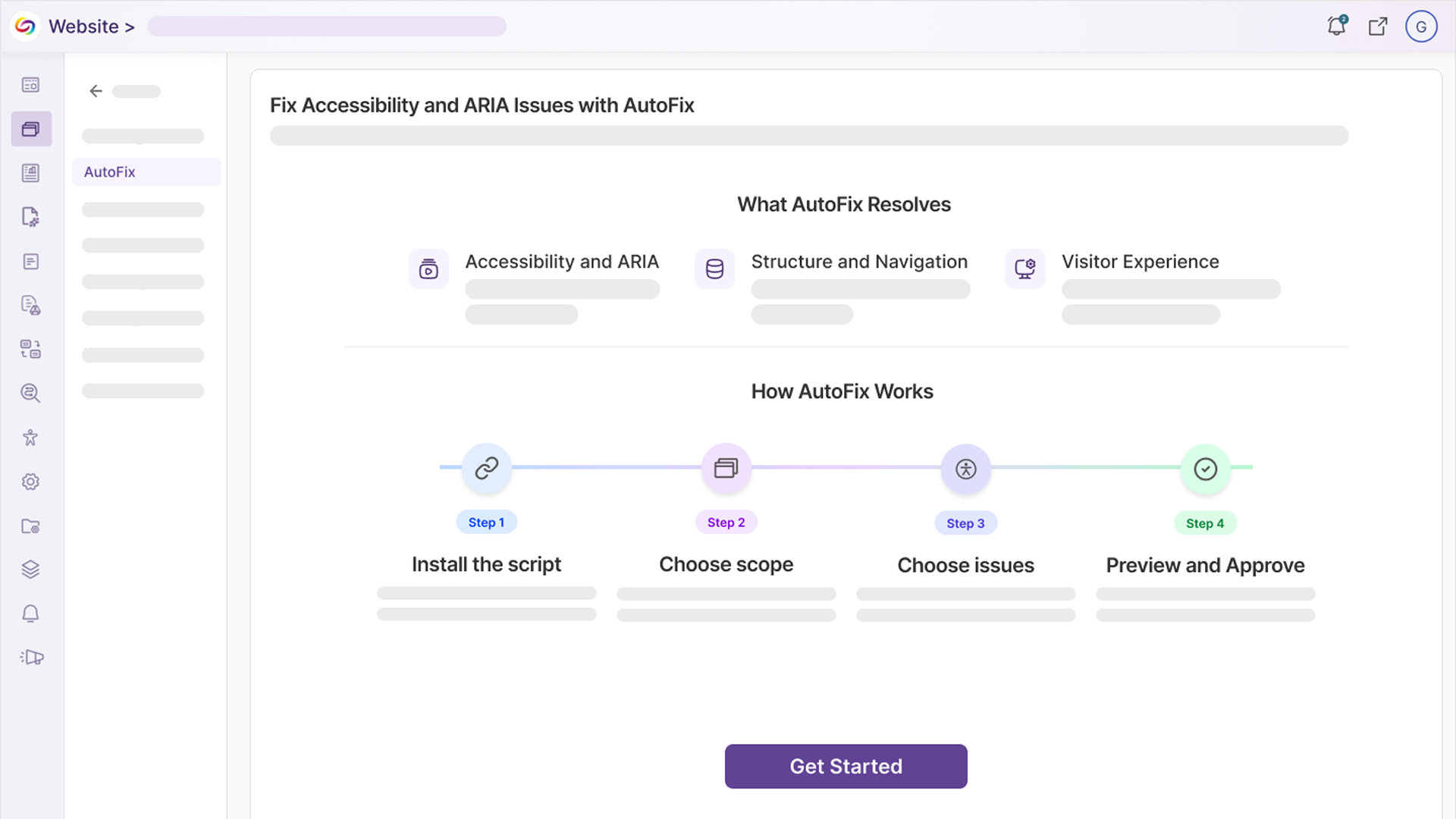
YuJa EqualGround is introducing AutoFix, an AI-powered tool that automatically remediates accessibility issues directly on your website, without needing to make any changes to your CMS. This automated workflow will save users time and effort needed for manual remediation, and allow users to fully customize how they want to leverage automation to help them reach accessibility compliance.
Users can:
-
Enable AutoFix for the entire website: YuJa EqualGround will immediately identify and remediate certain accessibility issues detected on the user’s website without needing to configure any manual remediations.
-
Enable AutoFix for specific web pages: YuJa EqualGround will only fix accessibility issues for priority web pages indicated by the user.
-
Select specific issues to be remediated: YuJa EqualGround will only apply fixes to specific issues identified by the user.
-
-
The web page’s table is not using headers correctly: YuJa AutoFix will automatically correct header attributes in tables, allowing screen readers to navigate through tables properly.
-
The web page does not inform users about new tabs: YuJa AutoFix will automatically adjust website code to let users know when new tabs have automatically opened, preventing visual disorientation.
-
The web pages’s focus order is incorrect: YuJa AutoFix will adjust focus order so that screen readers can navigate the site in a logical order.
-
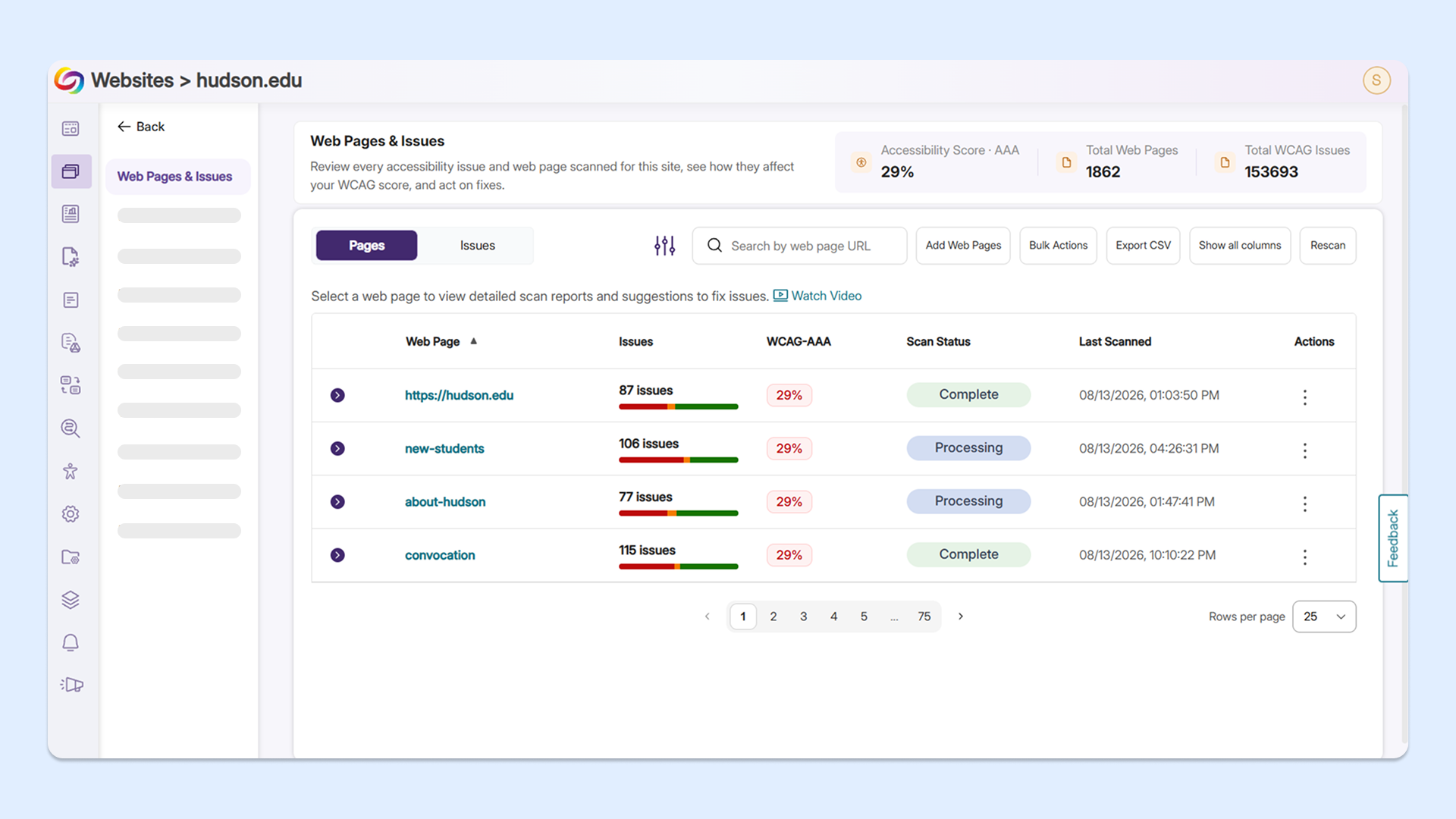
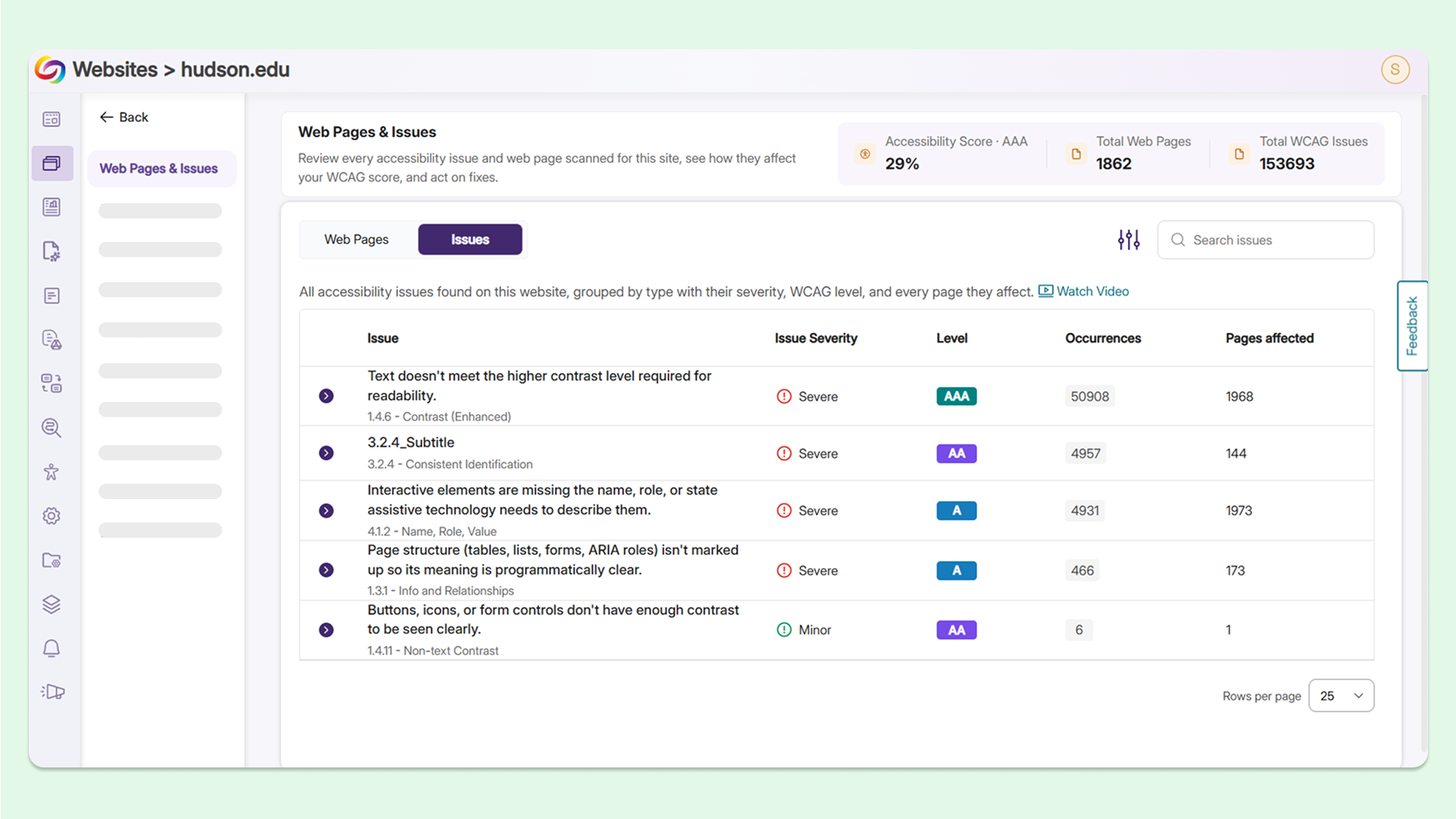
Visualize accessibility issues at a glance on the refreshed Website Overview page
YuJa EqualGround’s new Website Overview page now displays and breaks down the number of issues a single web page has, along with the severity of each issue. Users can immediately see every page impacted by the issue, select an individual web page, and apply fixes, all in the same continuous workflow.
New features include:
-
A revamped Pages panel: Users can now see all detected accessibility issues for each of their web pages without opening the Issues panel.
-
A new Issues panel: Users can view all WCAG issues identified on a chosen website and group web pages that have at least 1 instance of a specific issue together.
-
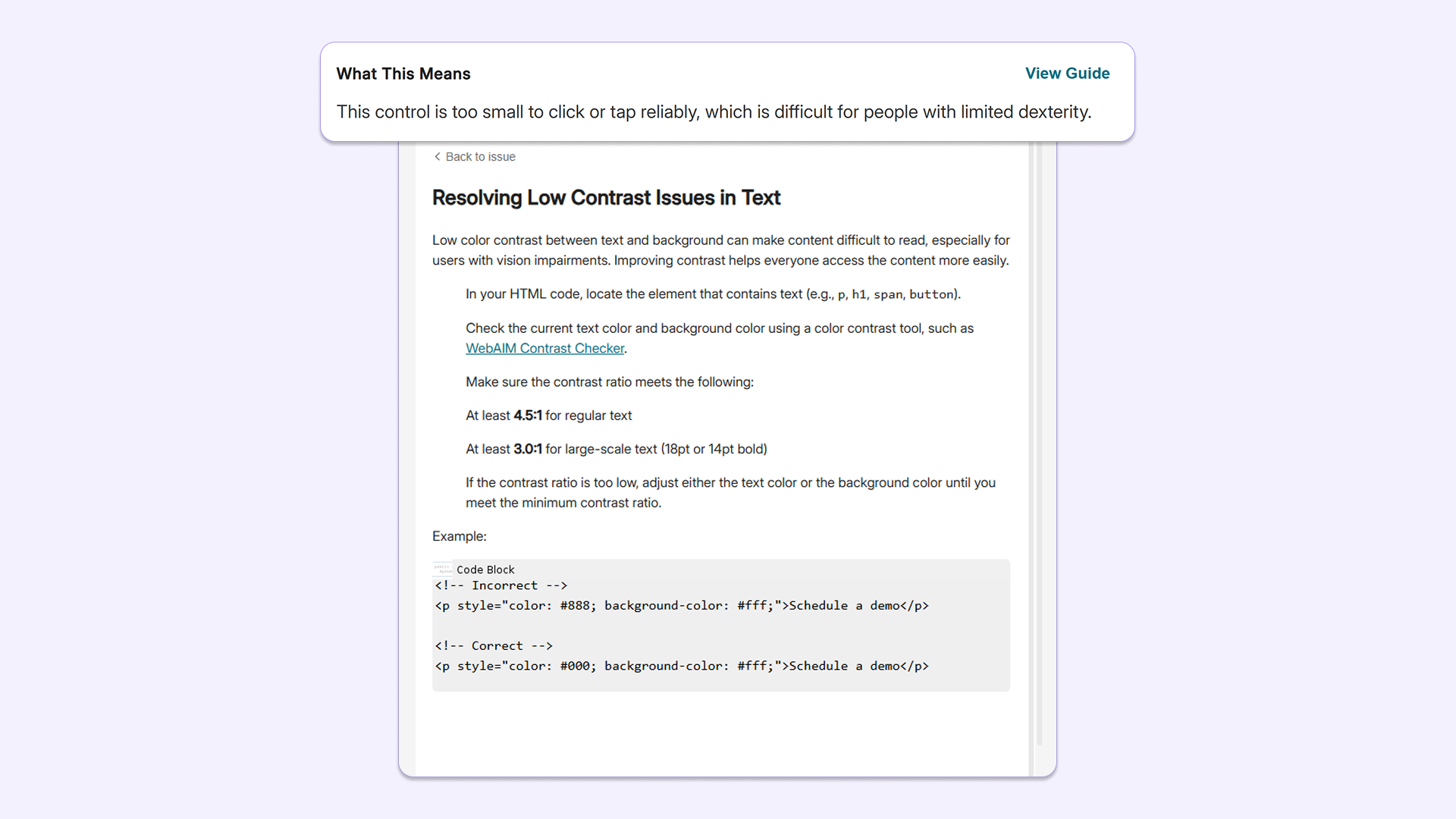
Linked guides for remediation support: Users can now click on an issue and immediately view the YuJa EqualGround guide on how to fix it without leaving their workflow.
-
-
Fix compliance issues with new simplified remediation descriptions for any technical background
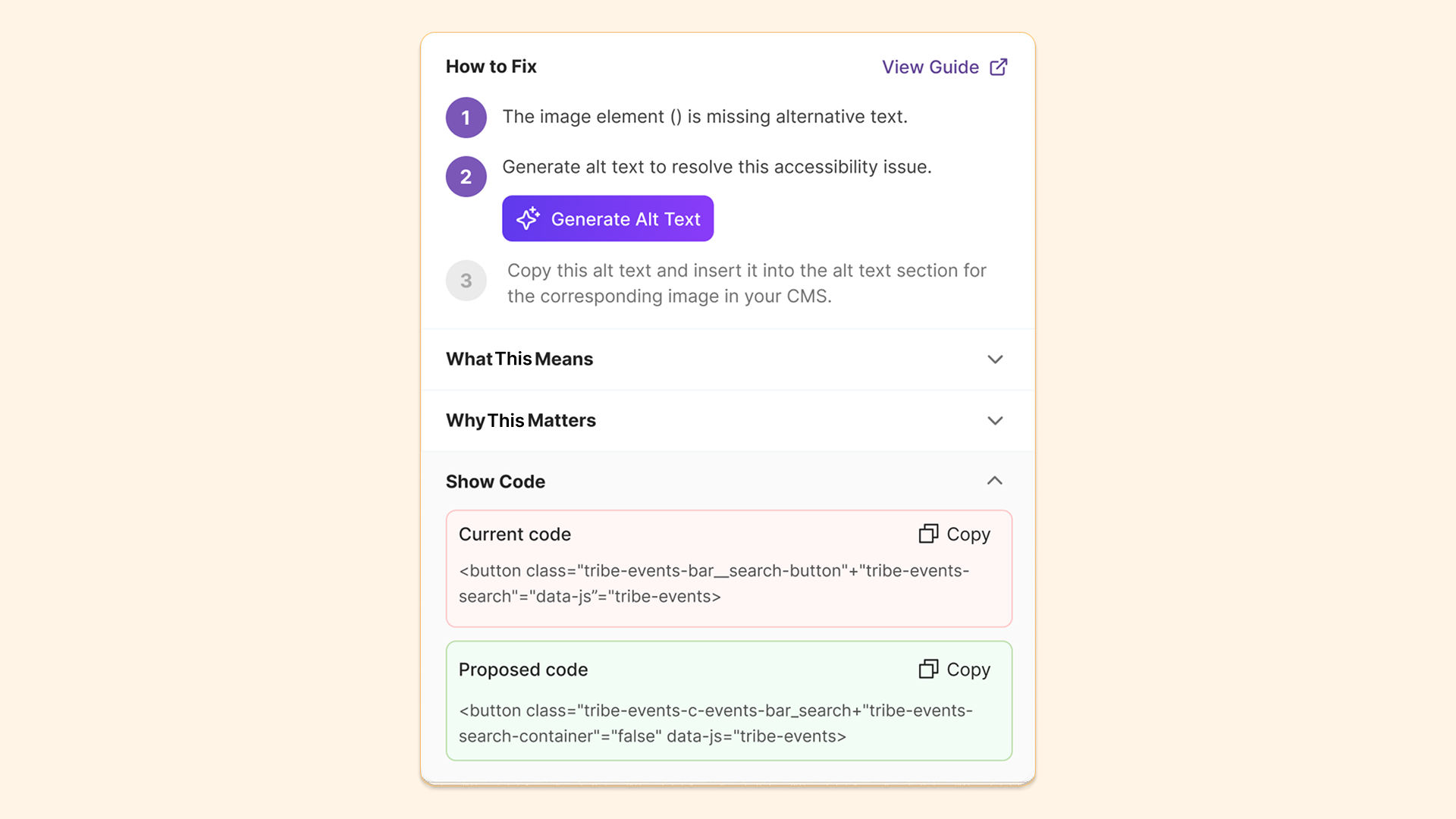
Suggested fixes for certain accessibility issues in YuJa EqualGround, such as poor color contrast, have been upgraded to use plain, easy-to-understand language in addition to raw-code snippets. This feature will help users with different technical backgrounds better understand the steps for resolving accessibility issues without deciphering complex code.
-
Add and synchronize document libraries to SharePoint sites without rescanning
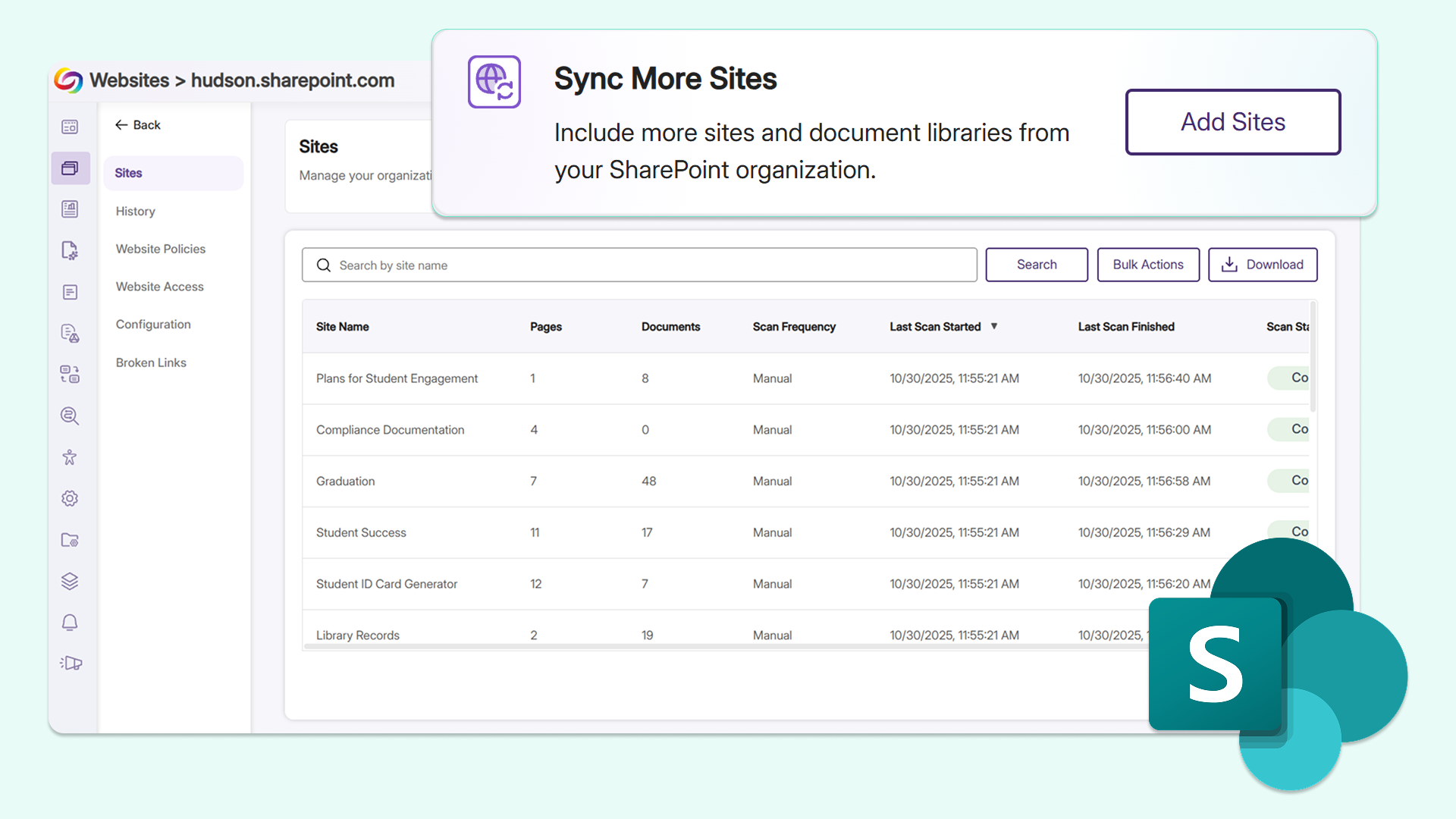
Users can now directly add and sync document libraries to SharePoint sites that have already been scanned within YuJa EqualGround. This allows users to seamlessly update their sync settings and expand their scanning scope to include any documents without having to delete and re-add the entire SharePoint site, eliminating repetitive workflows.
-
Assess WCAG color contrast compliance for websites in real time with the new Color Contrast panel
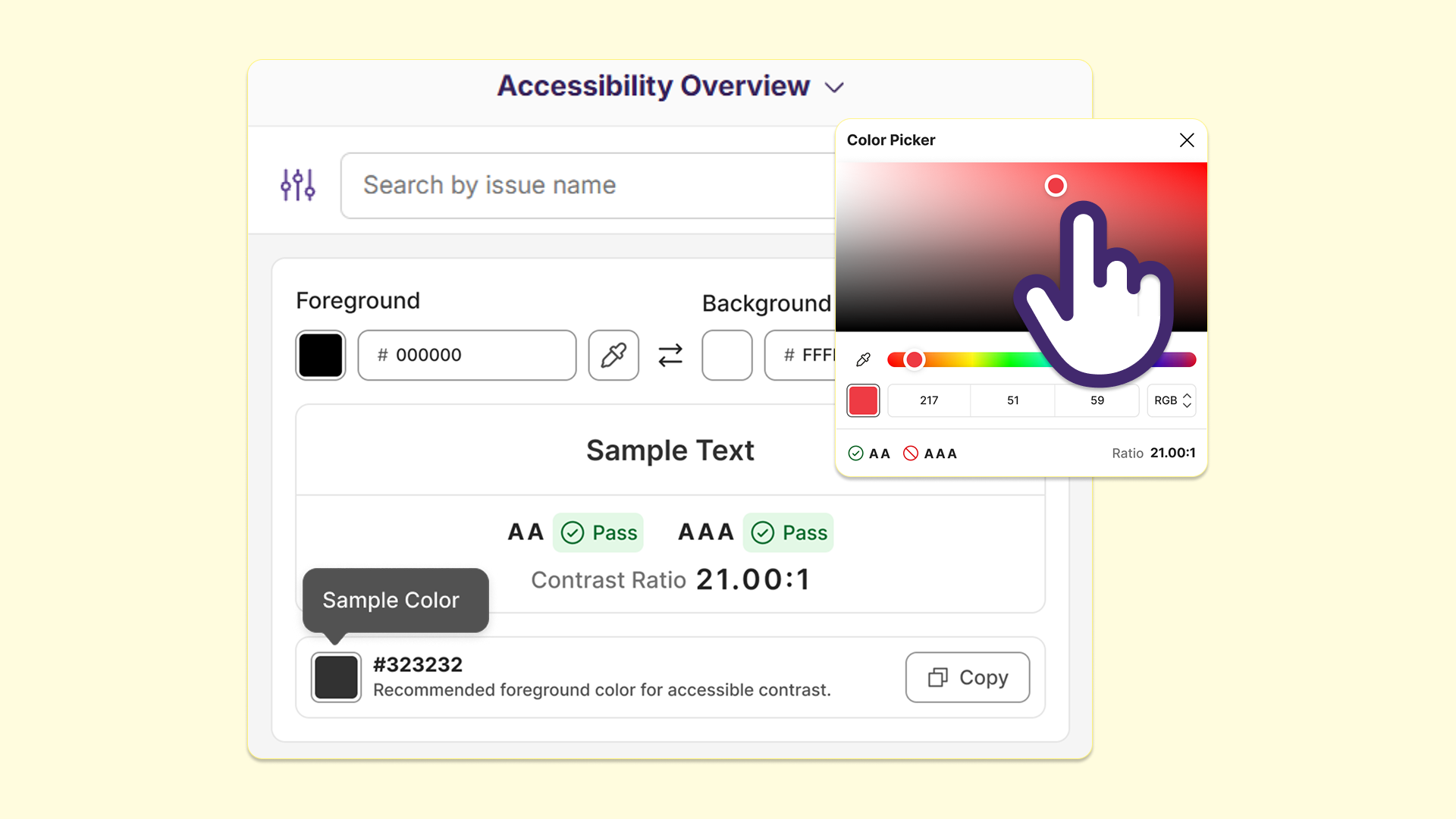
YuJa EqualGround is introducing a Color Contrast panel to the browser extension, helping users check whether the foreground and background colors on their website pass WCAG’s minimum contrast ratios. With options to select a specific conformance level, users can validate color choices and make informed changes on any page to align with their institutional accessibility standards, all without installing a separate third-party contrast tool.
-
Streamline remediation for SharePoint sites with new SharePoint template identification badge
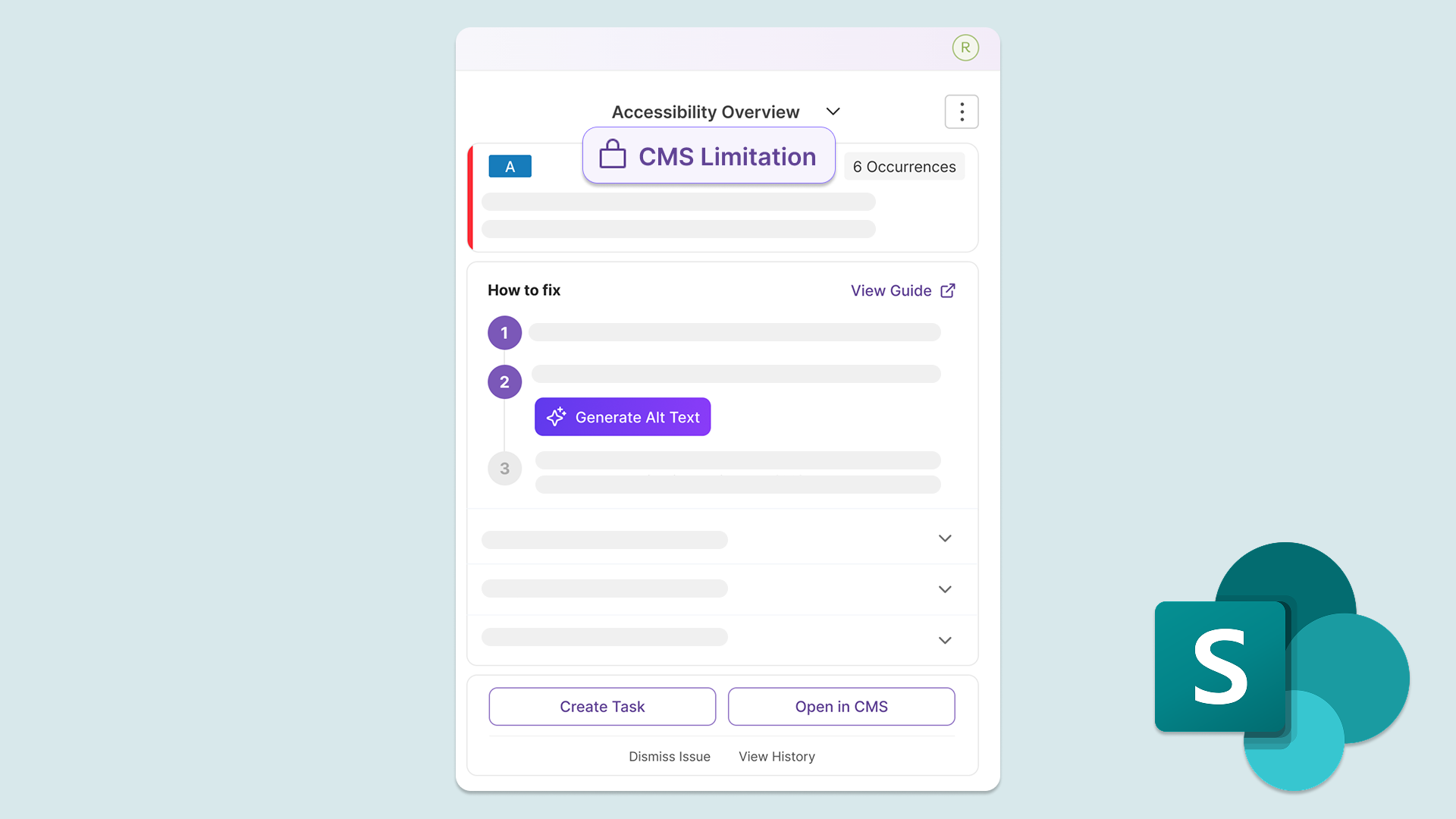
YuJa EqualGround now provides a CMS Limitation label in the Accessibility Overview for SharePoint sites, helping users easily identify whether the accessibility issue flagged is due to a SharePoint template used on the website. This eliminates confusion for users and allows them to dismiss issues related to SharePoint templates that cannot be fixed in YuJa EqualGround, helping them have a better understanding of their accessibility compliance.
-
Stay in sync with Drupal and SharePoint CMSs through automatic rescans after content updates
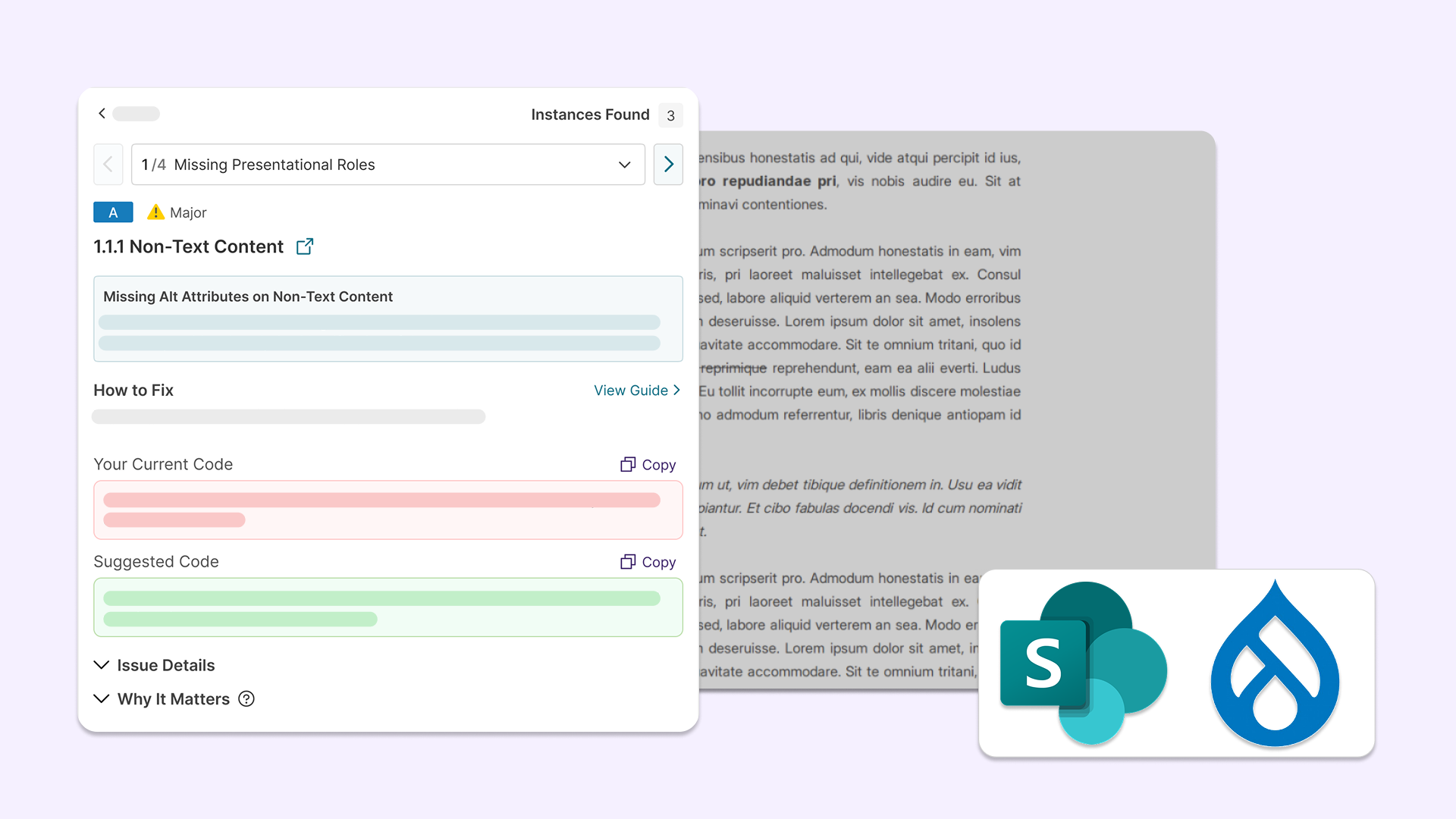
YuJa EqualGround will now automatically rescan documents and web pages when an update is detected in Drupal and SharePoint, eliminating the need for users to click Rescan.
YuJa EqualGround will:
-
Automatically activate document scan: When an already-scanned document is replaced in the CMS, the document is automatically rescanned, and the updated accessibility score and issues will appear in the Documents tab without needing to click Rescan.
-
Automatically activate page scan: When an already-published page is updated, the page is automatically rescanned, and its accessibility score and issues will be updated to reflect the changes.
-
-
Streamline remediation with automatic writeback for documents and pages in TYPO3
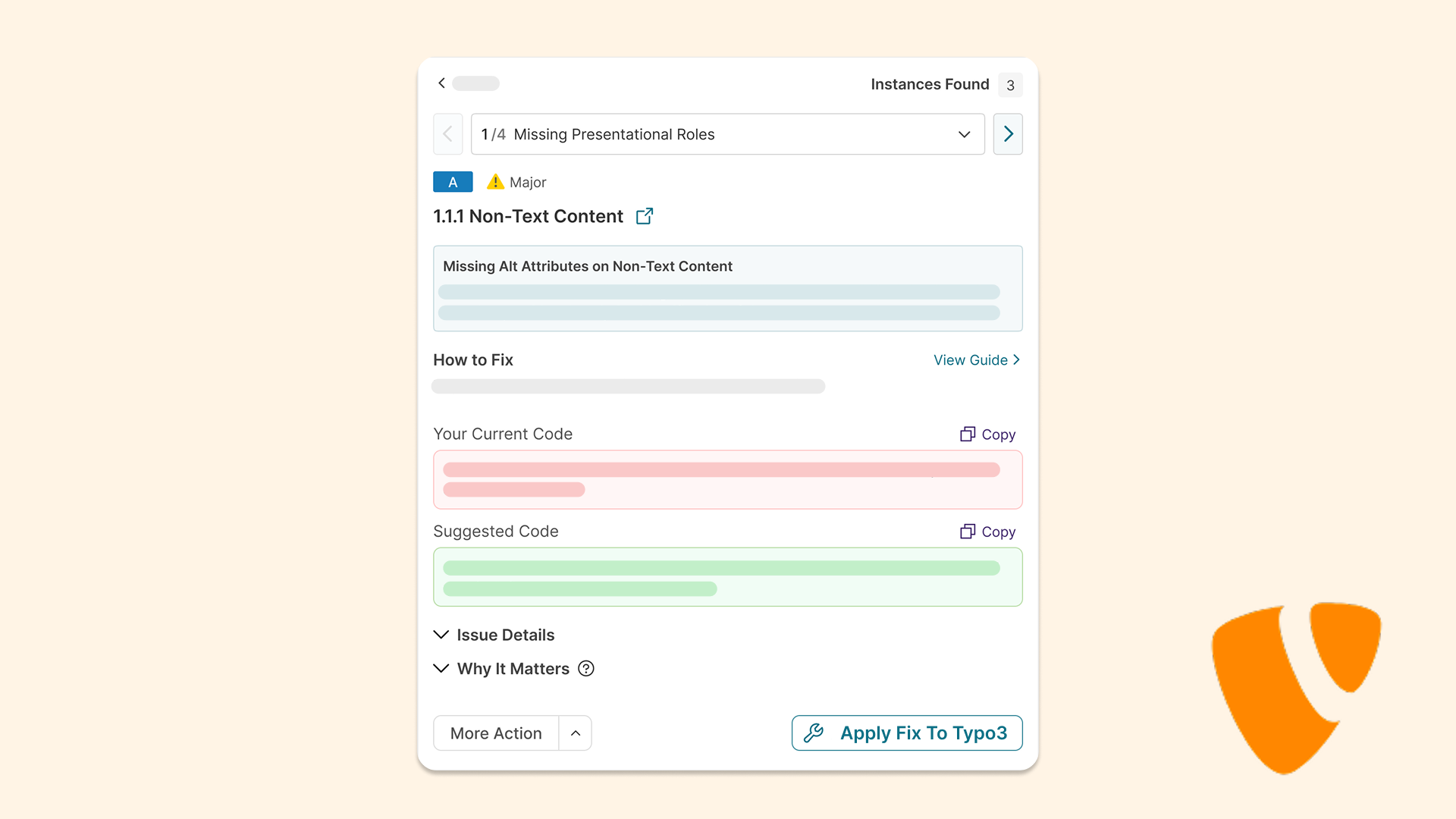
Using the updated API integration with TYPO3, users can now remediate accessibility issues identified by YuJa EqualGround with automatic writeback for their documents and web pages directly in the CMS. This eliminates the need for users to switch between different platforms to validate their changes.
Users can:
-
Remediate documents: Users can apply remediation fixes to their documents directly in TYPO3, which will automatically be written back in the CMS. If they need to create an alternative format, they can do so through the Alternative Formats menu.
-
Remediate web pages: Users can apply remediation fixes to their web pages directly in TYPO3, which will automatically be written back in the CMS. Clicking Rescan will confirm that the fix has been applied to the page.
-
-
Locate issues easily with syntax highlighting in HTML View
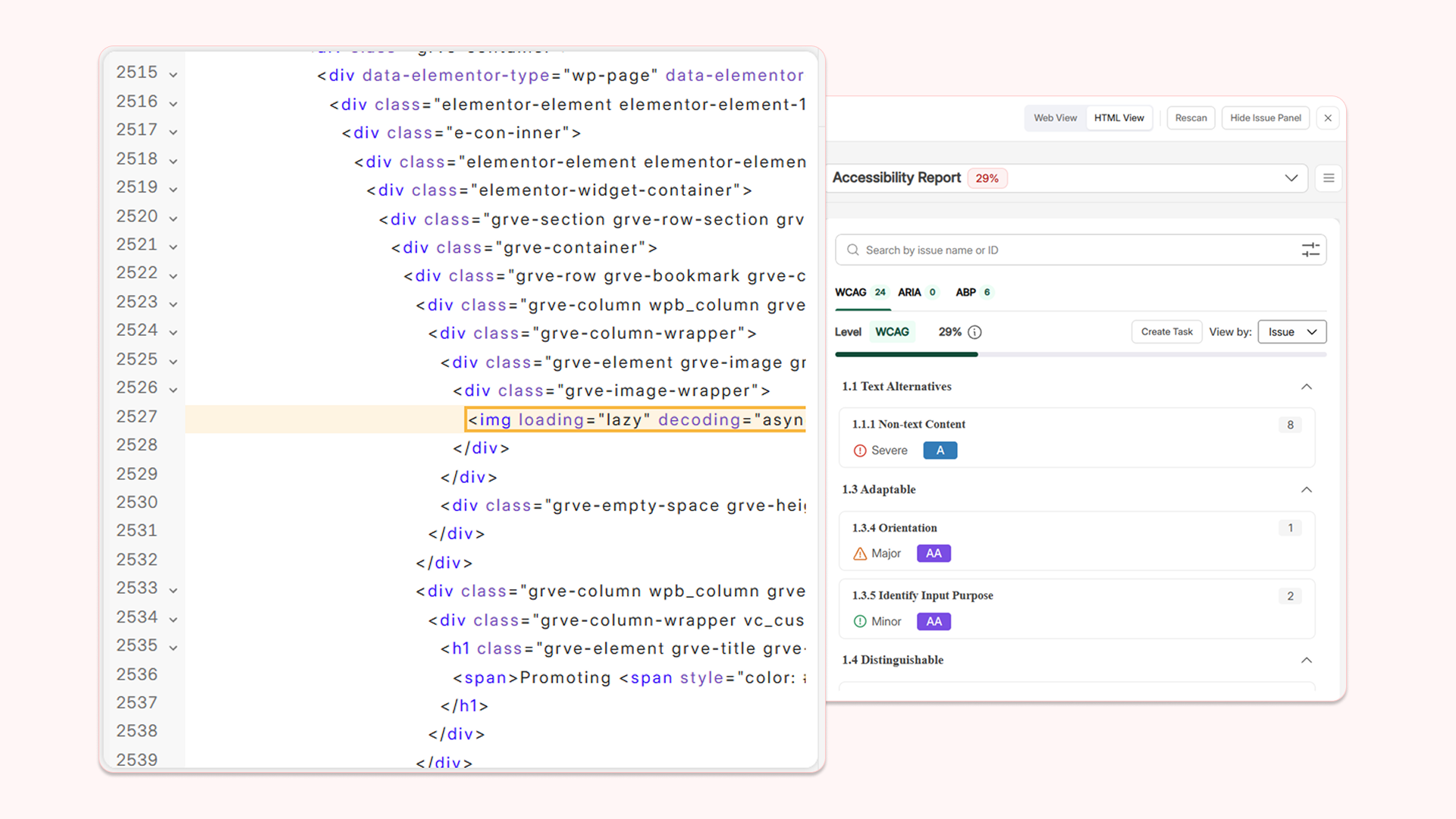
HTML View in YuJa EqualGround’s Accessibility Overview for each web page has been upgraded with several features to enhance code readability and efficiency when remediating code-related issues.
Key features include:
-
Syntax-highlighted code: Source code is now displayed in different colors based on its term category.
-
Proper indentation: Code is now indented for cleaner HTML formatting, helping users easily identify and differentiate between different sections.
-
Line numbers: Code lines are now numbered, helping users instantly identify the line where there may be an error.
-
Collapsible sections: Entire code sections can now be collapsed, reducing visual clutter.
-
Findbox: A findbox is added for users to search for a specific line of code to remediate.
-
-
Protect sensitive information with URL reconstruction for CMS-related remediation
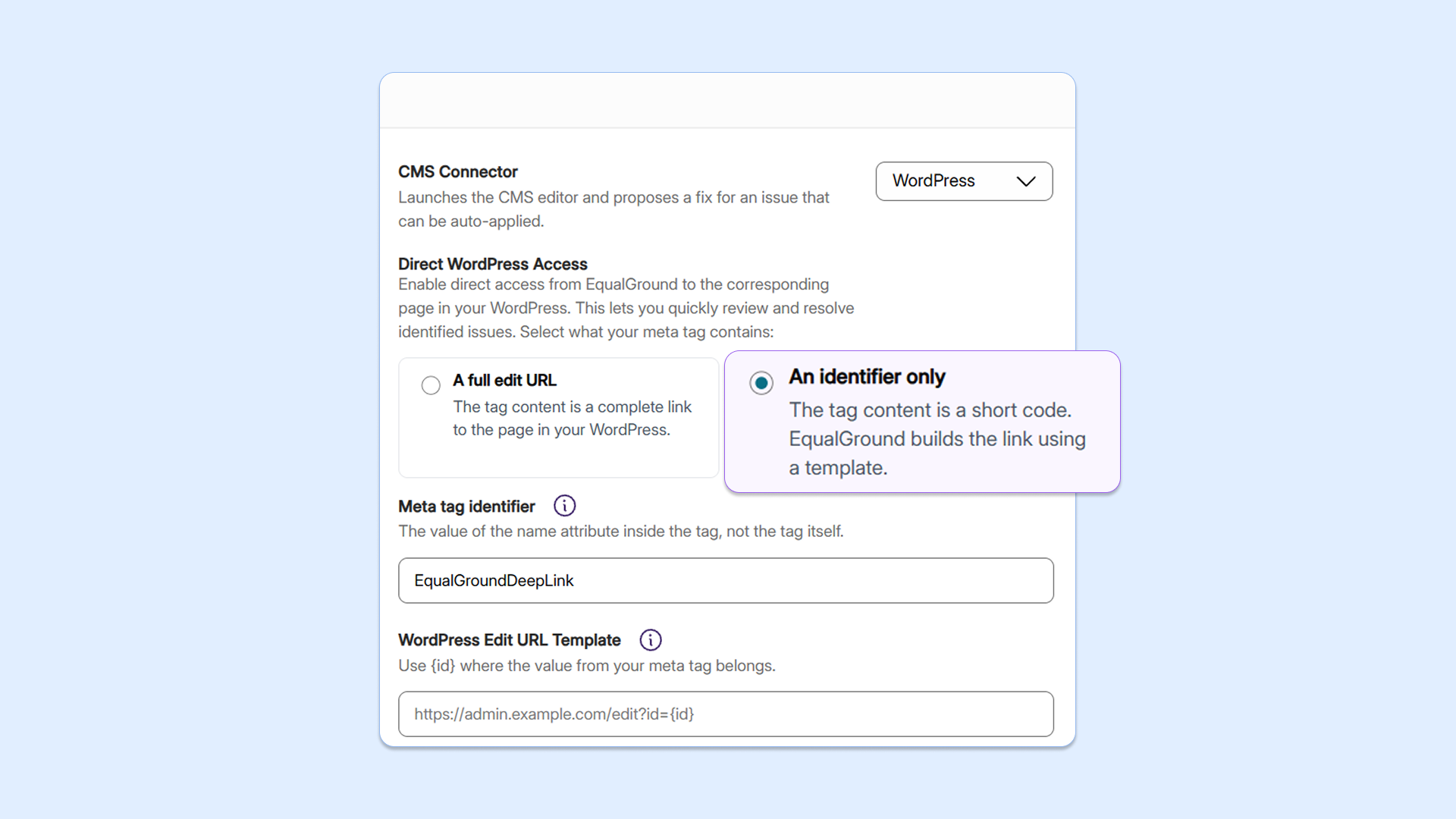
Users can now configure YuJa EqualGround to accept an edited CMS link or unique identifier to avoid exposing confidential information related to their web assets. Users are able to configure a URL template describing the shape of their CMS link. The platform will then hold the full URL as hidden information and reconstruct it internally, giving users the same one-click deep-link experience without exposing sensitive admin URLs on public web pages.
-
Tie workflow tasks to specific websites for helpful context with the new Website Picker
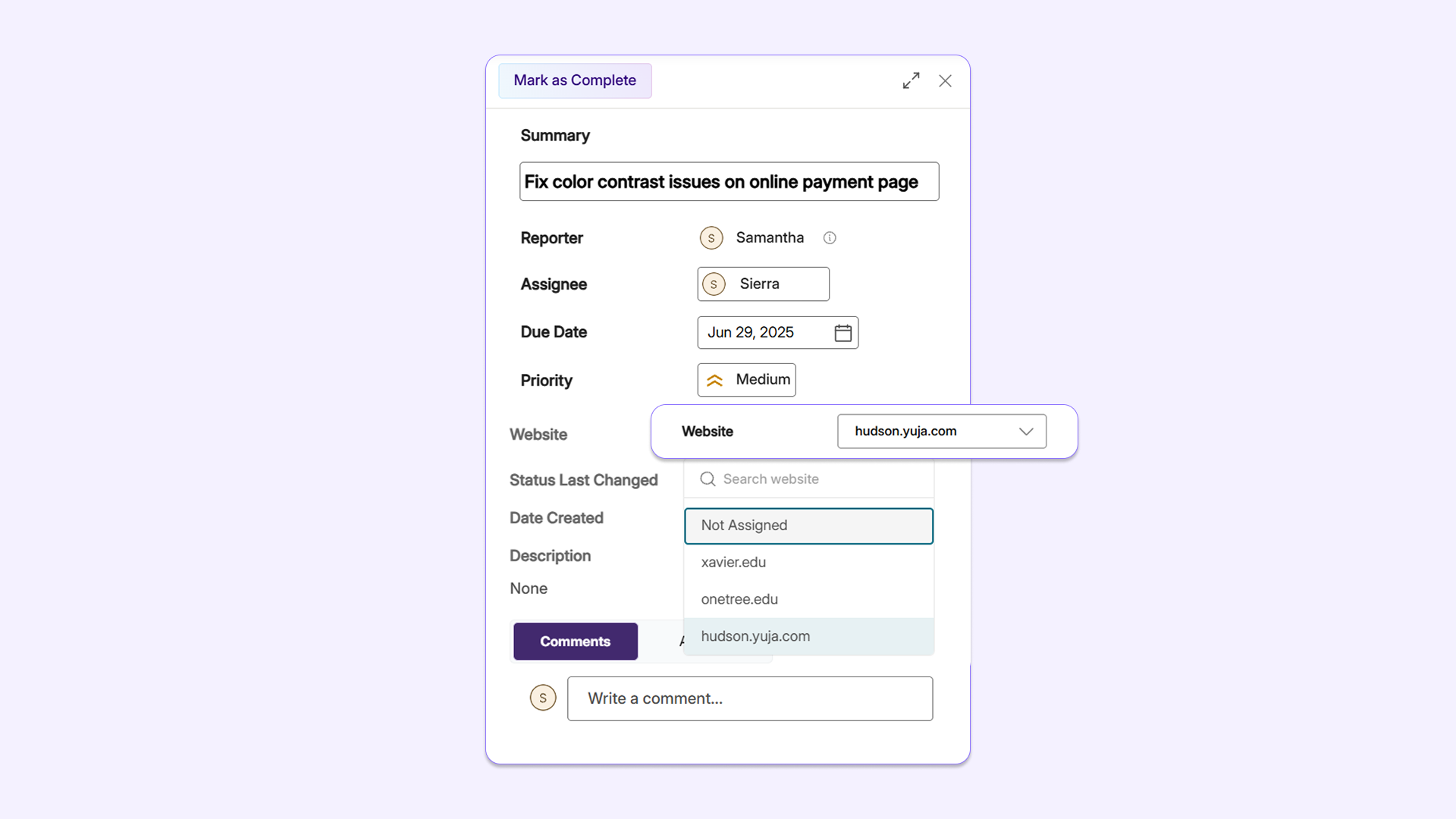
With YuJa EqualGround Workflow Orchestration’s new Website Picker, users can now assign a website to any task in the platform, providing assignees with more context about the issues that are identified and where they were discovered.
-
Customize display scope with pagination options across all tables in YuJa EqualGround
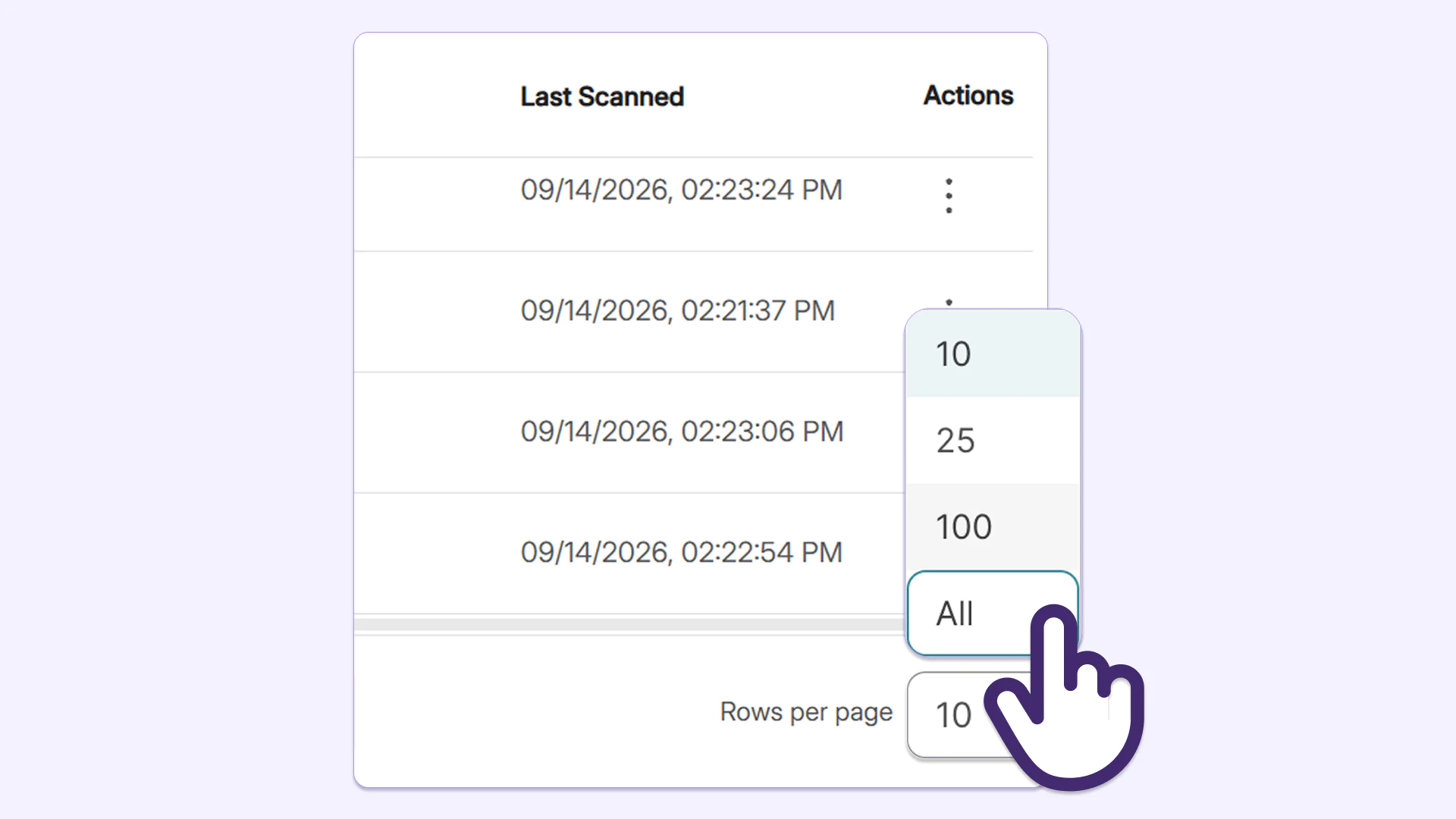
Users can now adjust page size to see all of a website’s issues with the new page-size configuration options. Users can choose to view up to 10, 25, 100, or all rows within issues tables according to their size adjustment, reducing the amount of clicks needed to review the entire list.
-
Easily update user information in Roster Management without recreating accounts
YuJa EqualGround now allows administrators to update a user’s first name, last name, and email address from Roster Management without manually deleting and recreating the user. This preserves all existing data, including roles, reports, and accessibility settings associated with the account, offering an intuitive and simple way to manage user information.
These are just a few of the issues YuJa EqualGround’s AutoFix can remediate, with more issues coming in future releases: