YuJa Panorama AutoPilot v26.7.0 Release
Over the next few weeks, YuJa AutoPilot is adding an AI assistant for automated course accessibility remediation and an AI assistant to help students better understand course materials.
-
Summarize reports, identify common issues, and automate course remediation with YuJa Panorama’s new YuJa AutoPilot AI Assistant
YuJa Panorama is introducing a brand new YuJa AutoPilot AI Assistant in the YuJa AutoPilot tab that helps administrators quickly identify and resolve accessibility issues automatically across course content using a conversational interface. Instead of manually navigating courses, folders, and documents to find and fix issues, users can simply ask the AI Assistant questions and request remediation directly.
The assistant automates time-consuming tasks for instructors and administrators with four primary functionalities:
-
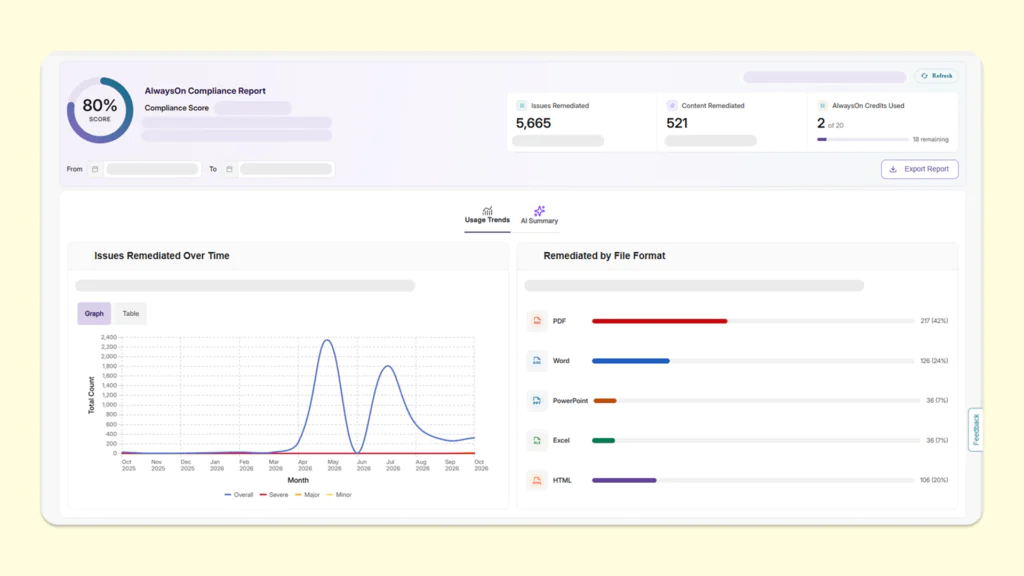
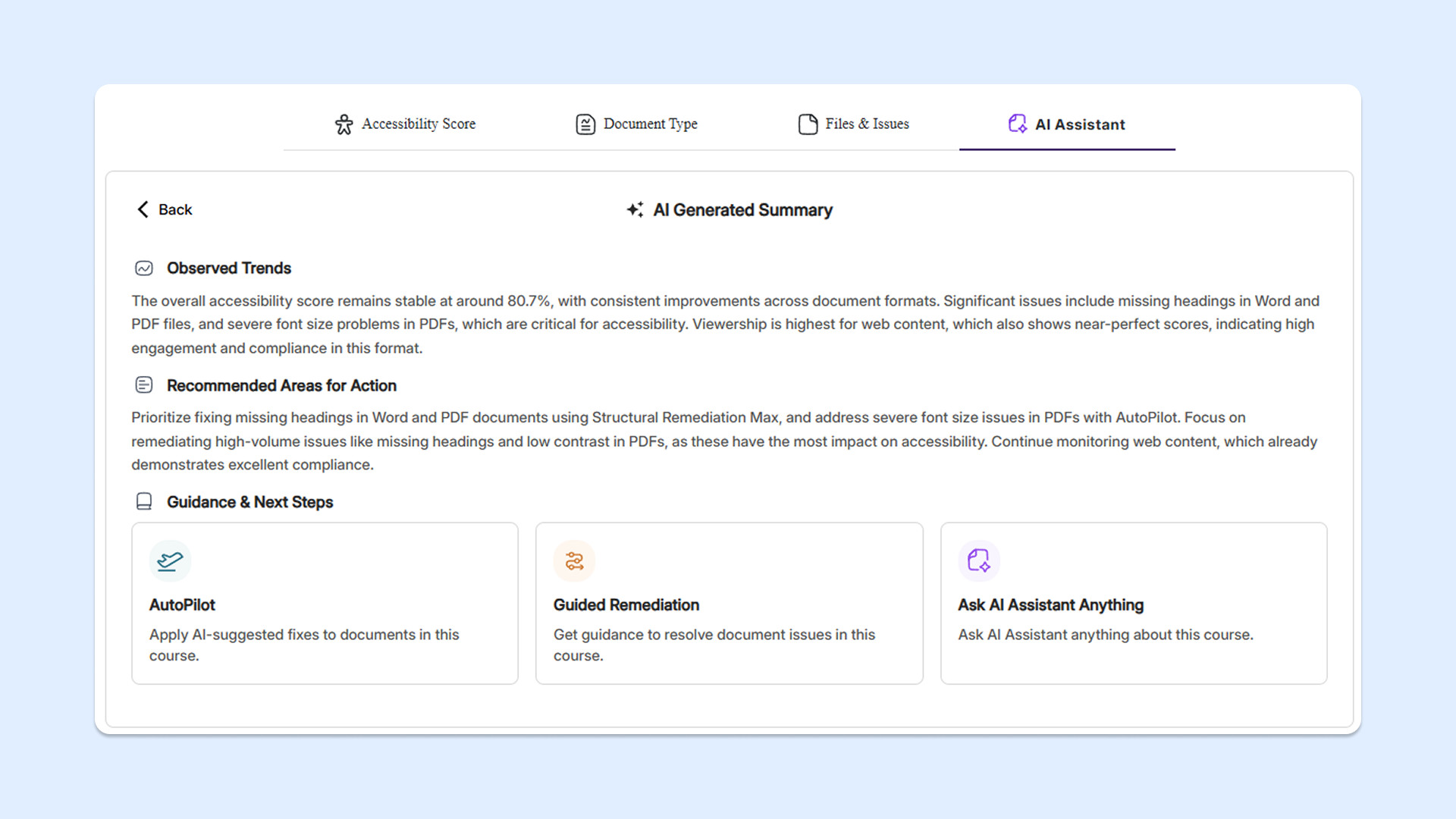
Summarize course report: The assistant will highlight trends in the course report, flag top issues, and provide recommended remediation steps for faculty to take.
-
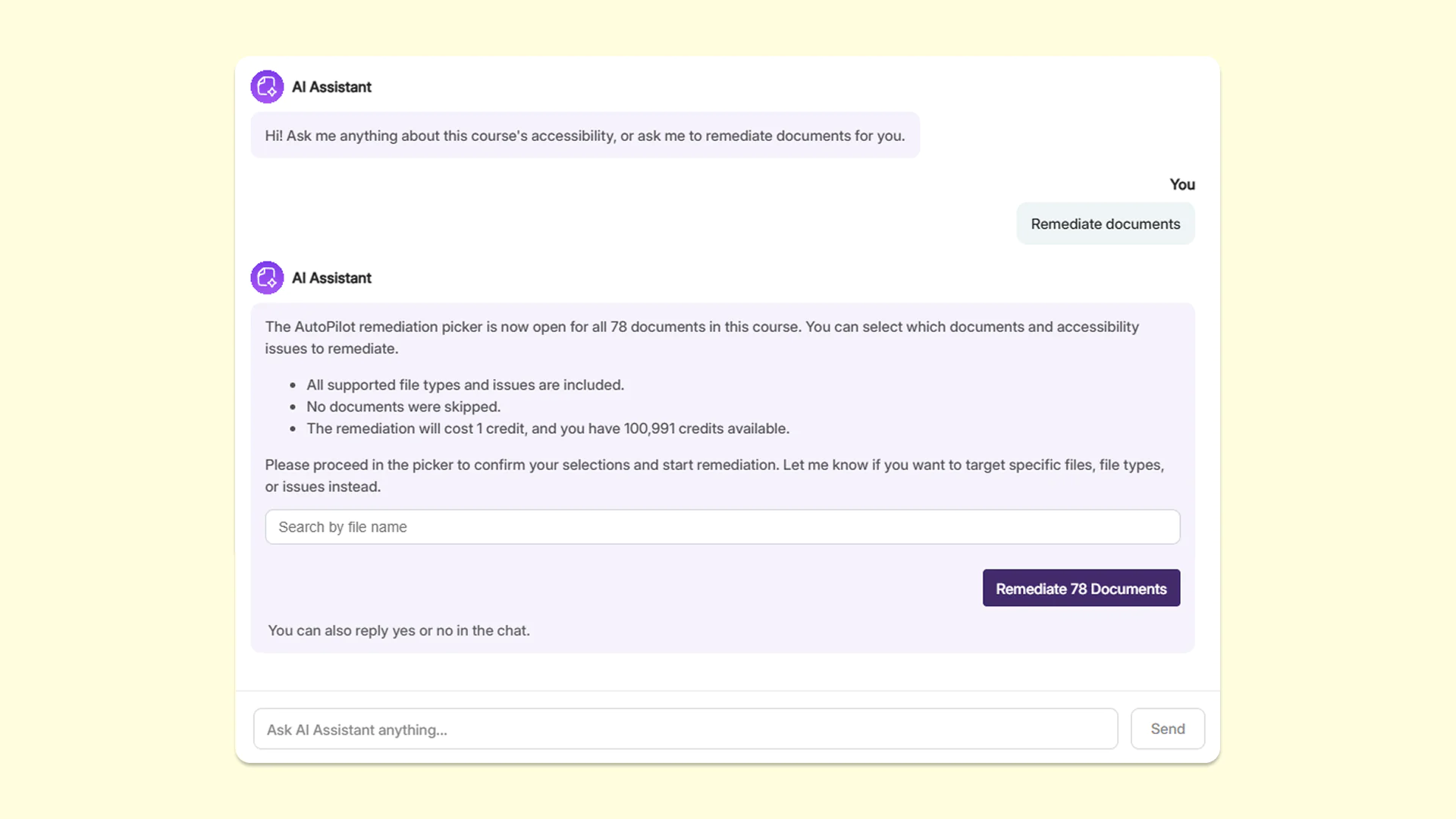
Remediate documents: The assistant will activate YuJa AutoPilot to automatically remediate accessibility issues across documents in the course.
-
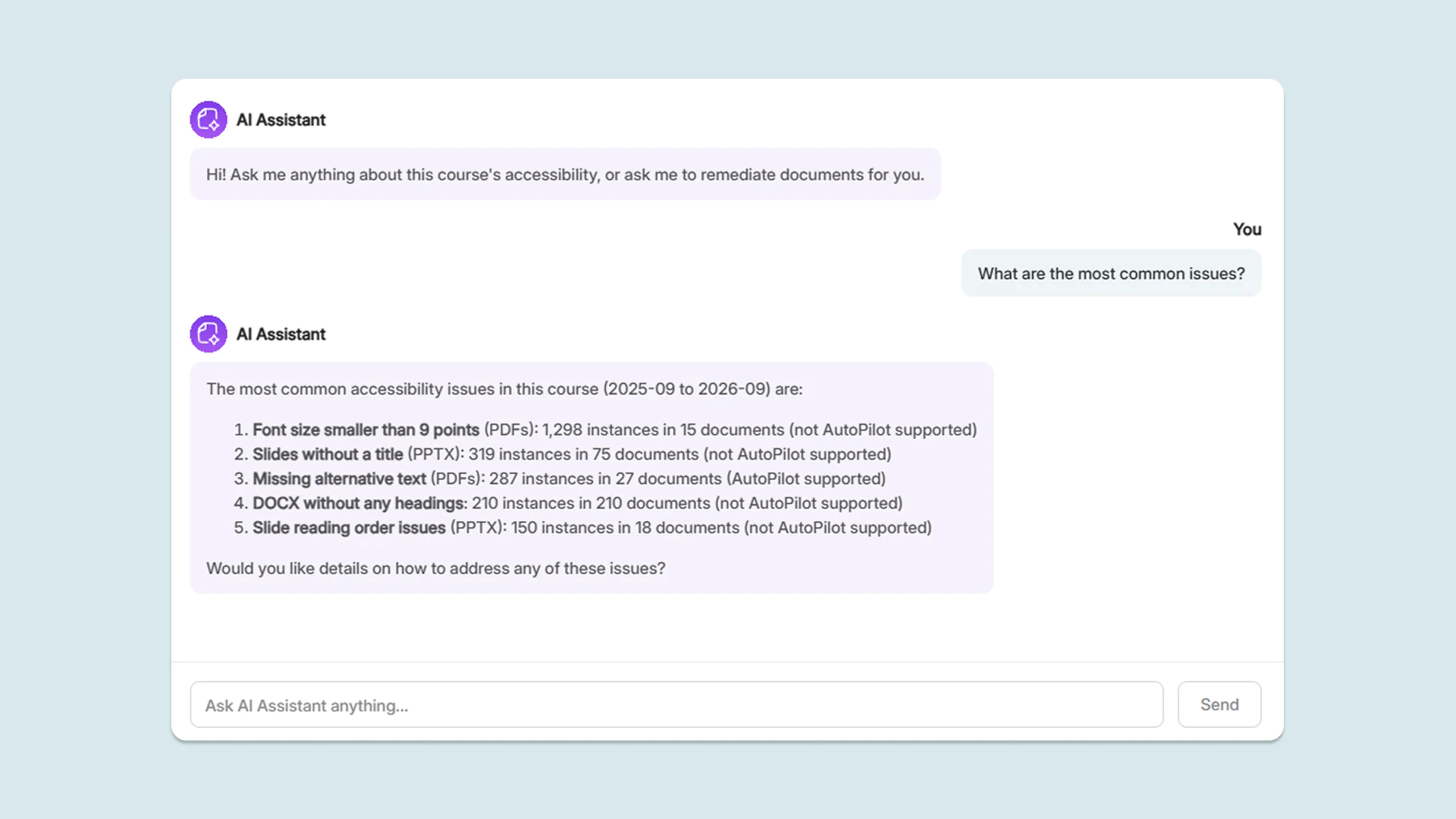
Identify most common issues: The assistant will find the most common accessibility issues in the course for faculty to resolve, helping them make high-impact remediation decisions.
-
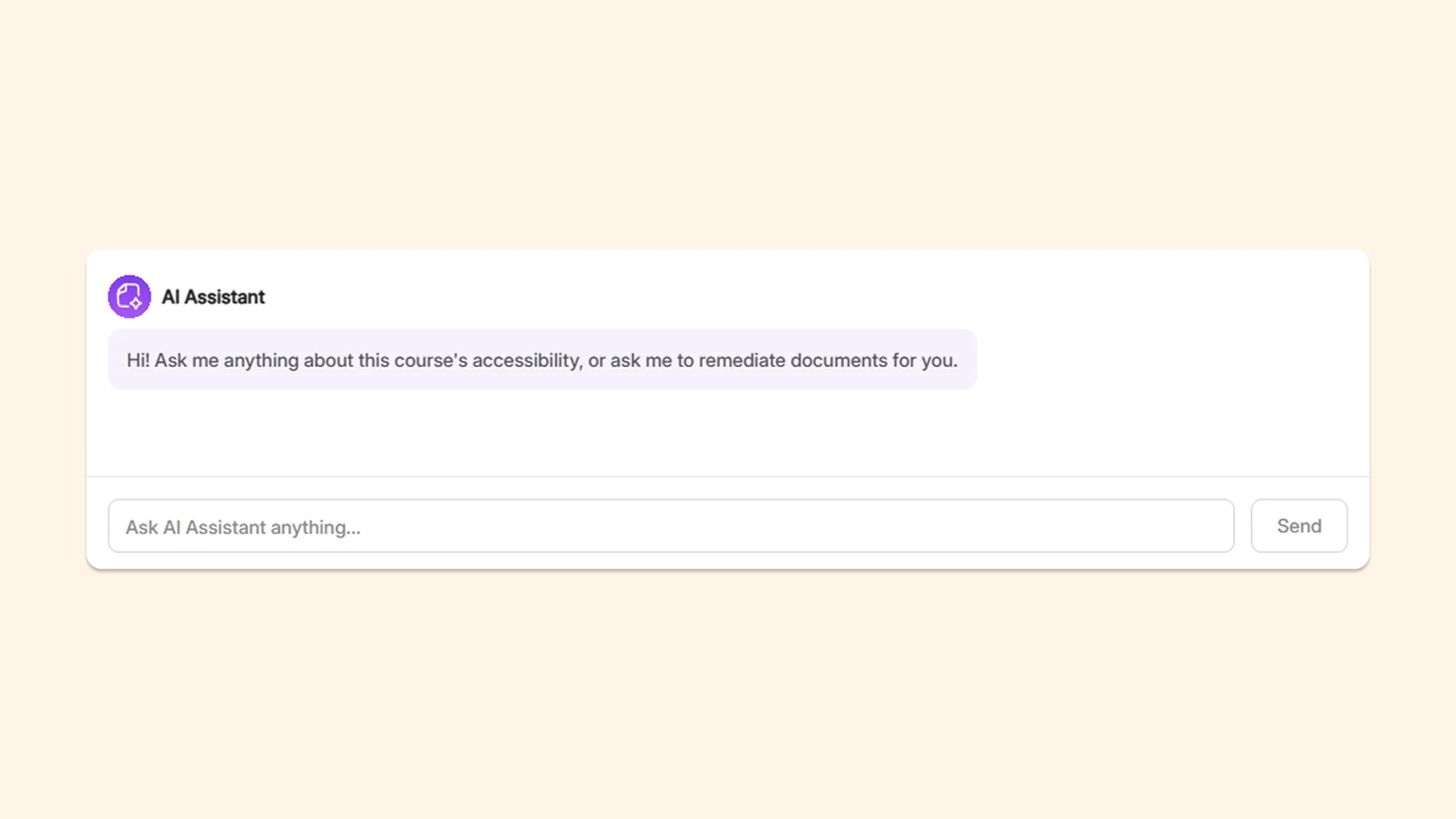
Ask AI Assistant: The assistant will answer any other inquiries related to the course and its accessibility issues posed by the user in a conversational interface.
-
-
Get context-aware answers immediately with the new AI Assistant for students
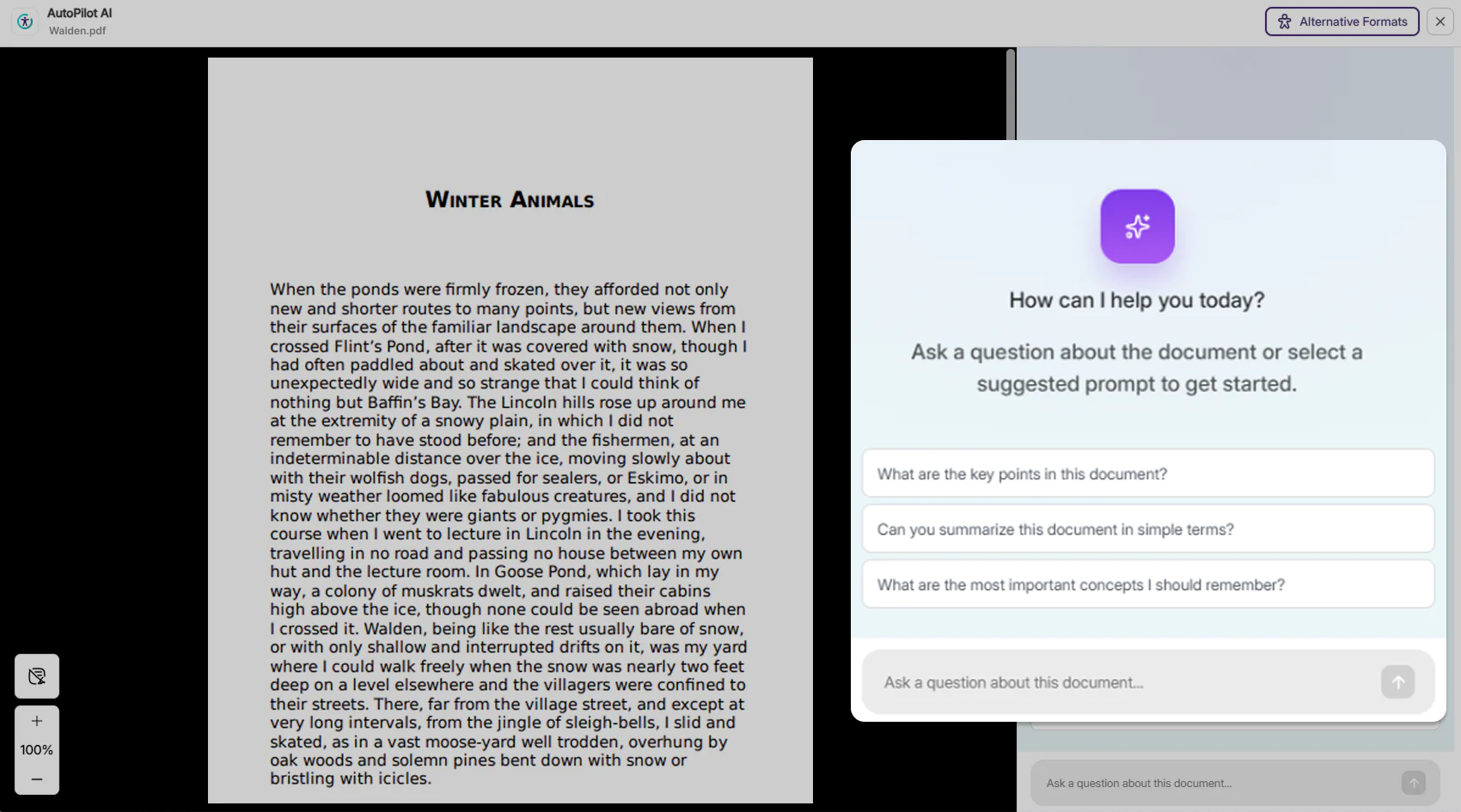
Students can now ask questions about their course documents through a conversational AI-powered interaction assistant in YuJa Panorama. Embedded directly in the Alternative Formats menu, students can instantaneously receive context-aware answers grounded in the source material without needing to ask their instructors.