YuJa Structural Remediation v26.7.0 Release
Over the next few weeks, YuJa Structural Remediation is adding custom selection boxes and automatic table of contents detection to make tagging PDFs more convenient for users.
-
Create custom selection boxes for more granular tagging of content
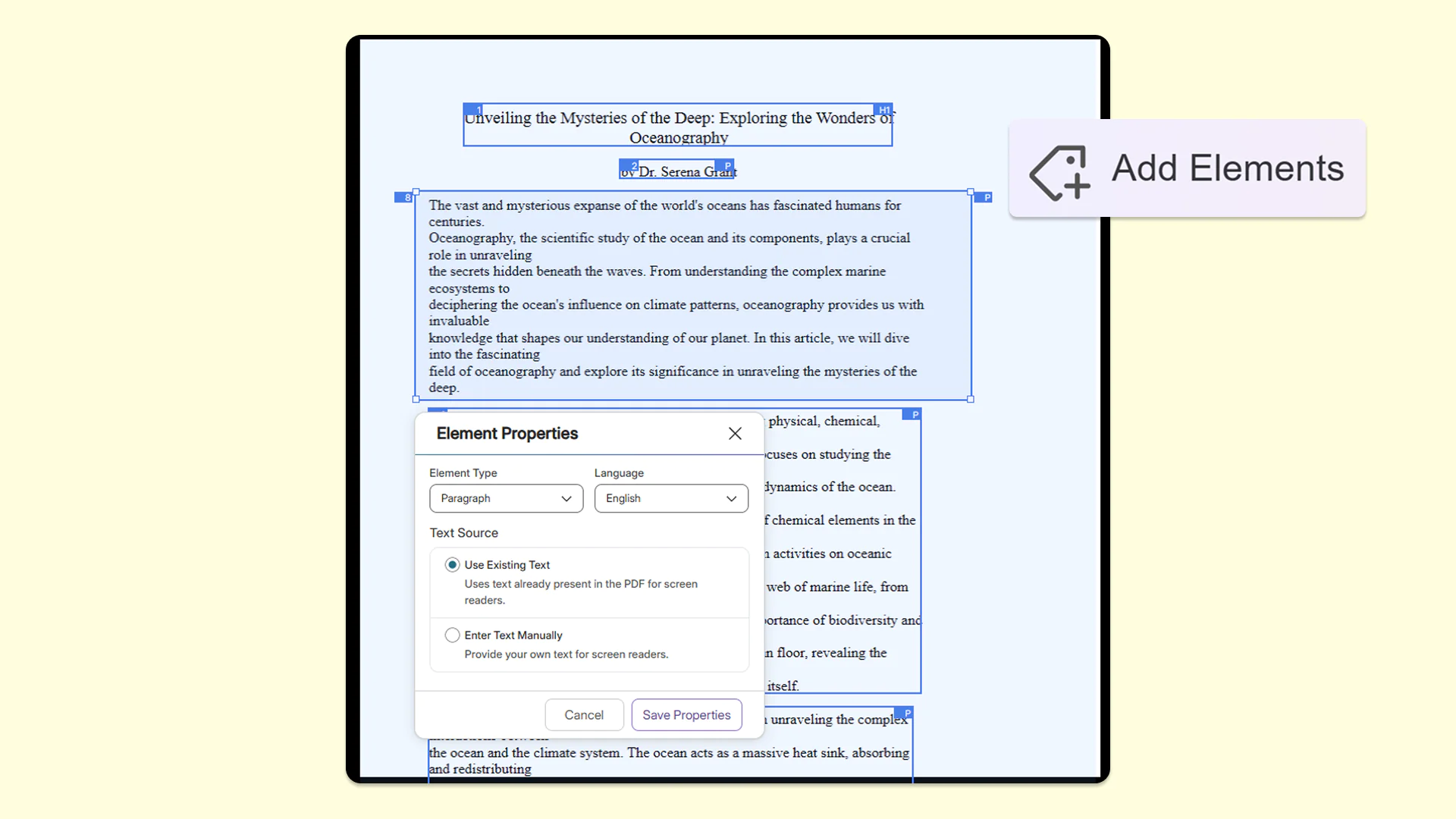
To ensure documents are fully tagged, users can now create custom, free-form zones on the page by simply drawing their own box, resizing it, and moving it to capture the appropriate area. This ensures that every piece of content gets properly captured and tagged for accessibility.
-
Automatically detect and tag table of contents in PDFs for seamless screen-reader navigation
YuJa Structural Remediation now automatically recognizes table of contents items in PDFs so users no longer need to manually tag each item. With this addition, users only need to validate the proposed reading order while helping those who rely on assistive technologies to have a smoother, more navigable reading experience.
-
Add Elements tool now stays active to accelerate the element-tagging workflow for your PDFs
The Add Elements tool now stays active after the user tags an item in the Accessibility Report. This makes tagging multiple items faster and more efficient by eliminating the need to repeatedly click on the tool to tag every new element in the document.
-
New Zone Source setting for better control over how text properties are updated in the Accessibility Report
PDF documents now feature a Zone Source setting in the Accessibility Report, which defines the origin of the text processed within a specific selected area of a PDF. This gives users precise control over how text properties are updated, ensuring screen readers accurately announce content for users. Users can choose between two options:
-
PDF: This relies directly on the original text code within the PDF file structure.
-
Actual Text: This allows users to provide custom, readable alternative text for the structure tree.
-