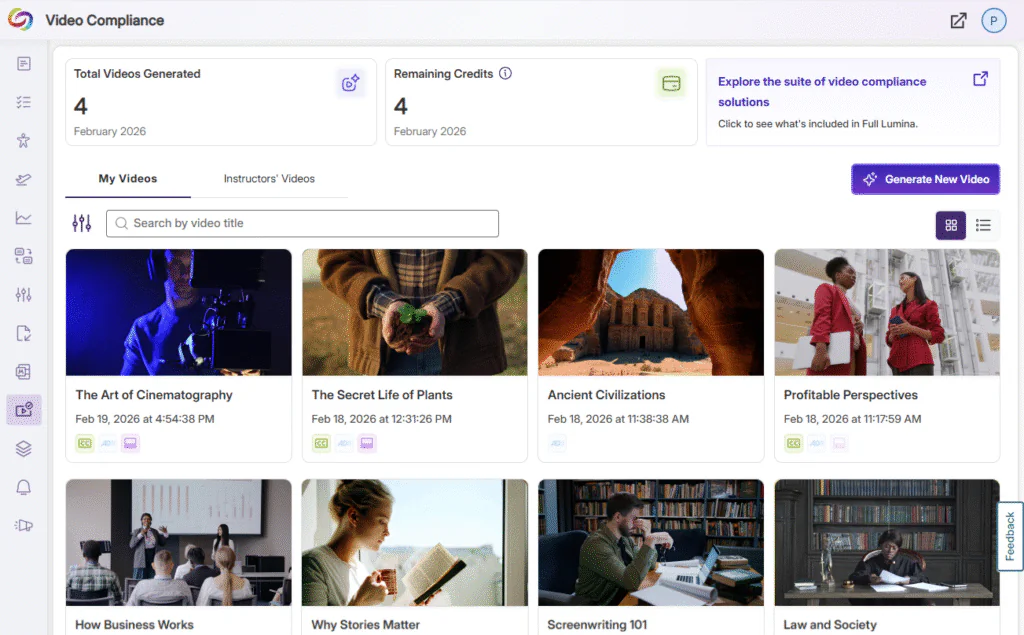
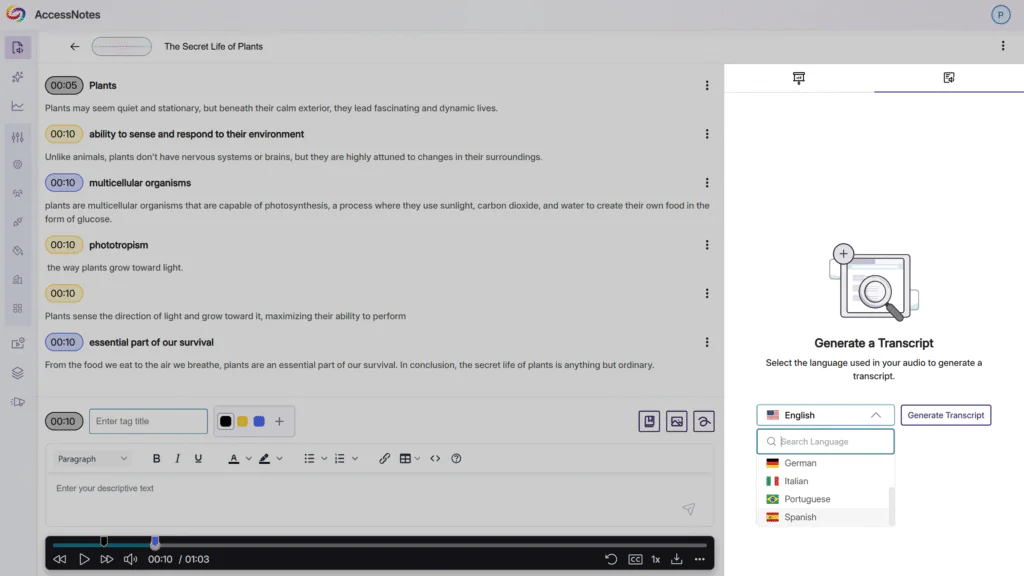
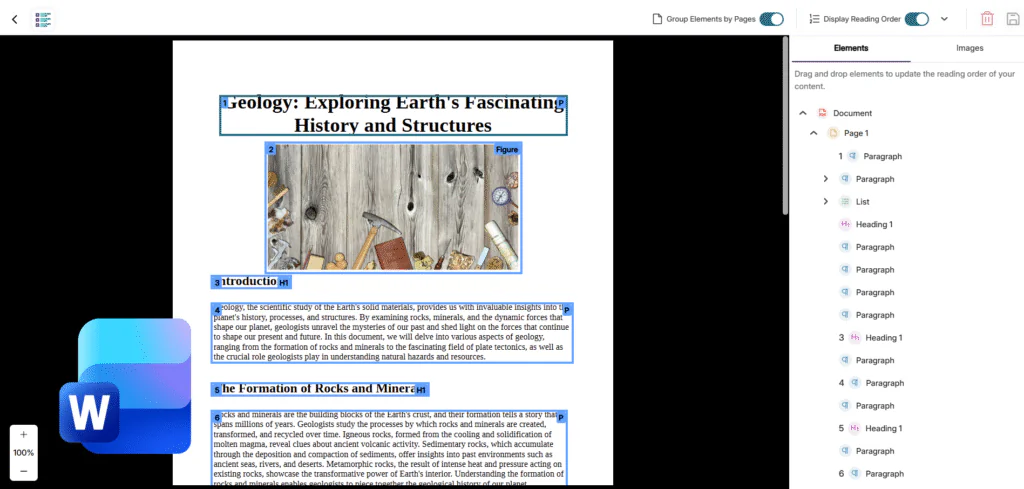
Over the next few weeks, YuJa Lumina Software Capture will be rolling out enhancements to give you greater control and flexibility over your recordings. Key highlights include a Mirror Video feature, which allows you to flip your screen horizontally while recording, a customizable capture area to record sections of your screen with precision, and improved video settings that can be saved and applied each time you start a new recording for a seamless recording experience.
Lumina Software Capture (PC)
YuJa Lumina Software Capture is our new recording architecture platform that if being offered alongside our existing YuJa Software Capture. Over time, we will continue to build feature-parity with the two recording platforms.
-
Enhanced Video Settings for Easy Access and Optimized Quality
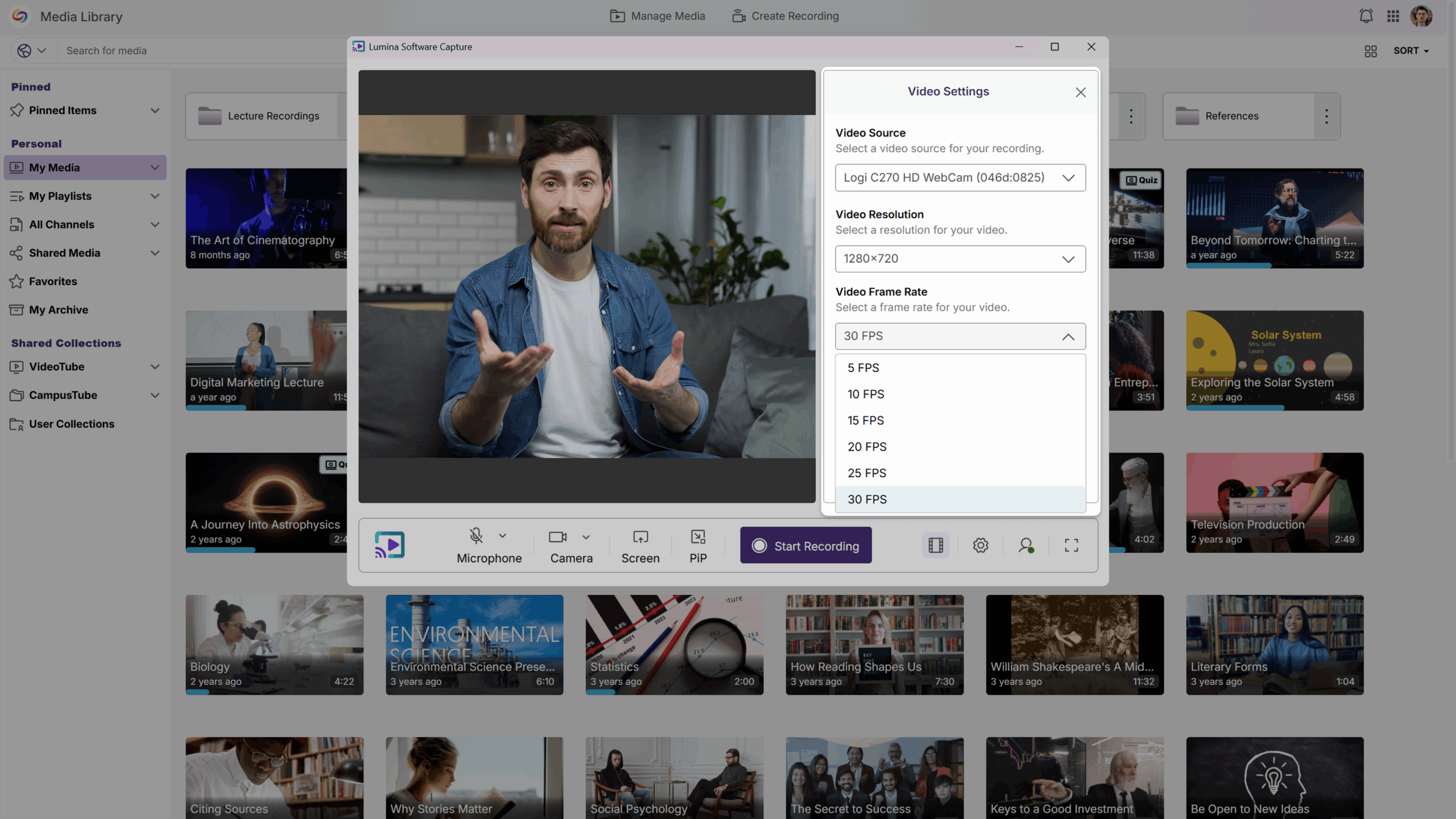
YuJa Lumina Software Capture now lets you set the frame rate and resolution before starting your recordings, giving you more control over video quality and performance efficiency. This allows you to match each recording to the use case. And the best part? You can save these settings so they’re automatically applied each time you start a new recording, ensuring consistent video recordings with optimized quality and performance.
-
Like Looking in a Mirror: Use “Mirror Video” for a More Natural and Intuitive Recording Experience
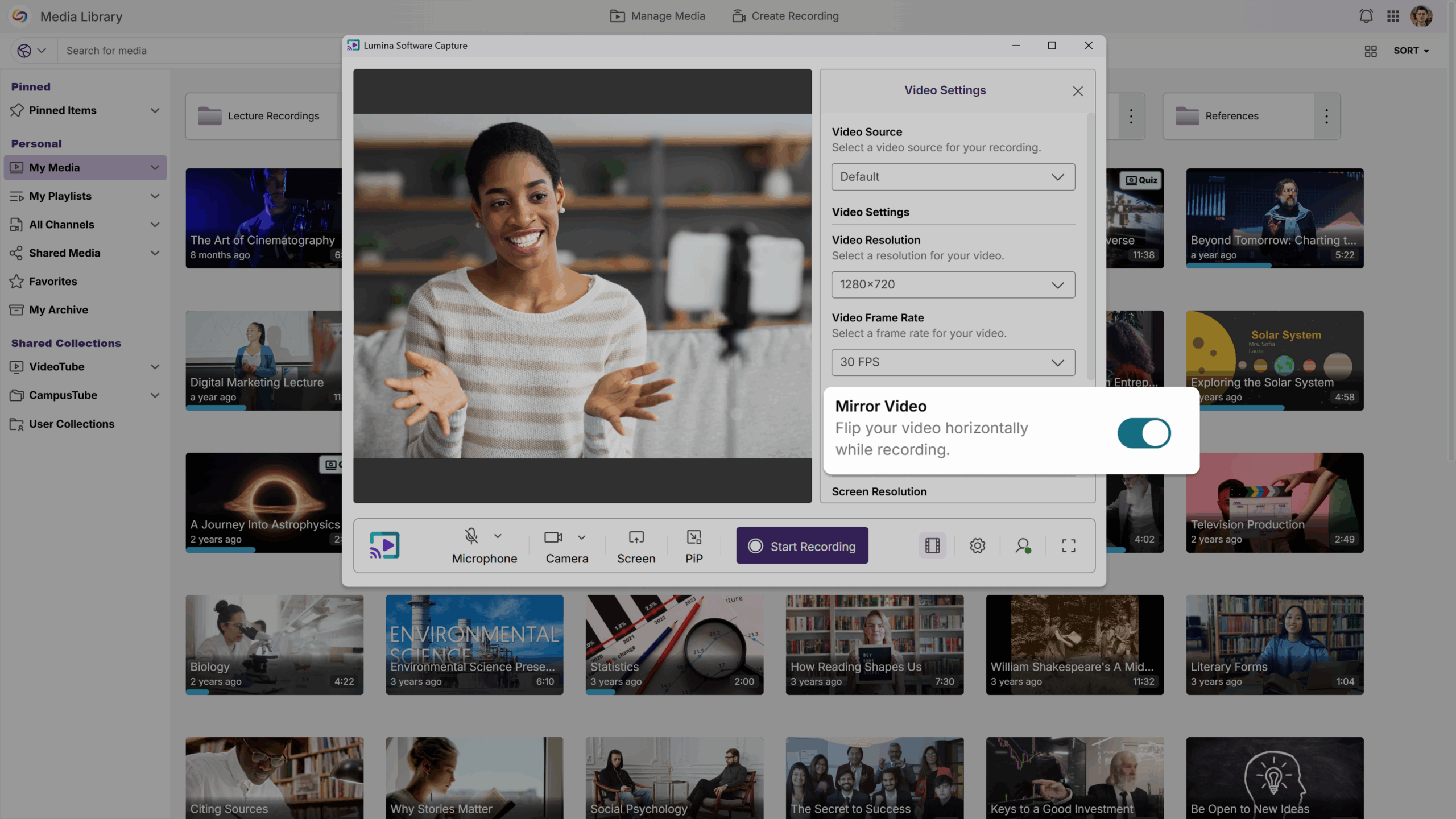
You can now use Mirror Video to improve your confidence and make you more comfortable on camera. This feature enables you to flip your screen horizontally while recording—like looking in a mirror—making it easier to adjust your appearance, modify your positioning, and coordinate your gestures. Mirror Video can be enabled or disabled as needed, and saved for future recordings, allowing you to record your tutorial, lecture, or demo with ease, without any unnecessary distractions.
-
Customizable Recording Area for Precise Screen Capture
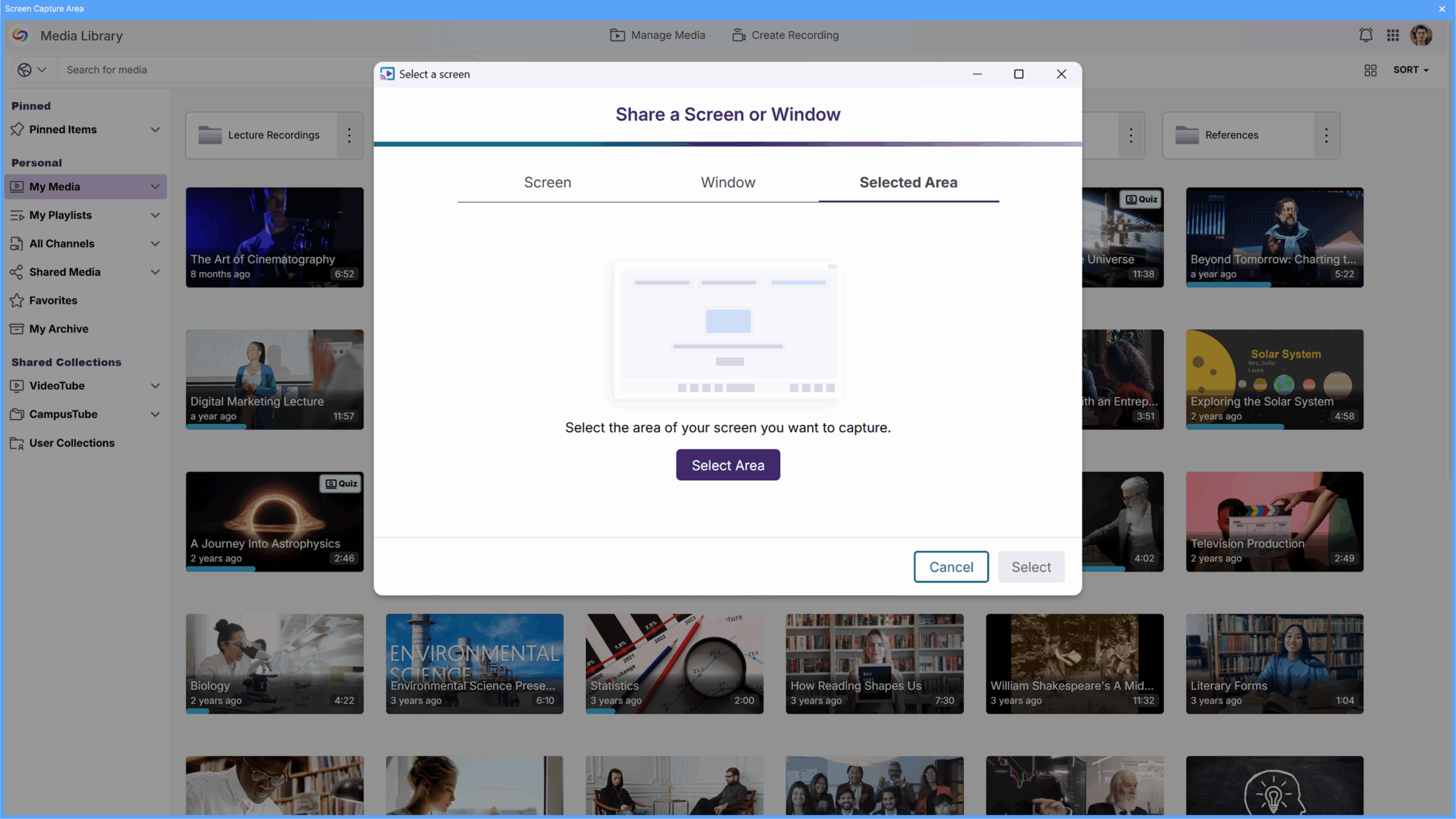
You can now select exactly what you want to record by using our new on-screen overlay. Before sharing your screen, you can move and resize the overlay to better define your recording area and preview it to make sure your screen sharing is focused, clean, and exactly how you want it. This allows you to direct the viewer’s attention to exactly what matters, protects sensitive or confidential information from appearing on screen for improved privacy and security, and keeps your videos looking polished and intentional.
Hardware Hub
This week, we’ll be updating the YuJa Hardware Hub to make managing classroom recordings easier than ever.
-
Highlighted Active Recording Display for Quick Device Identification
When recording your classroom lecture through the Hardware Hub, the display of the device that is actively recording is now highlighted in a red border. This makes it instantly clear which camera is currently recording your session. With multiple cameras connected to your Hardware Hub, you can quickly confirm your setup at a glance, giving you confidence that every lecture is being recorded accurately.