Over the next few weeks, the YuJa EqualGround Accessibility Governance Platform will roll out new features that enhance the Accessibility Engine for smarter, more accurate remediation, allow users to highlight and track code snippets for faster site-wide remediation, jump directly from accessibility issues to CMS edit pages, and so much more.
-
Enhanced Accessibility Engine for Smarter, Faster, and More Accurate Remediation
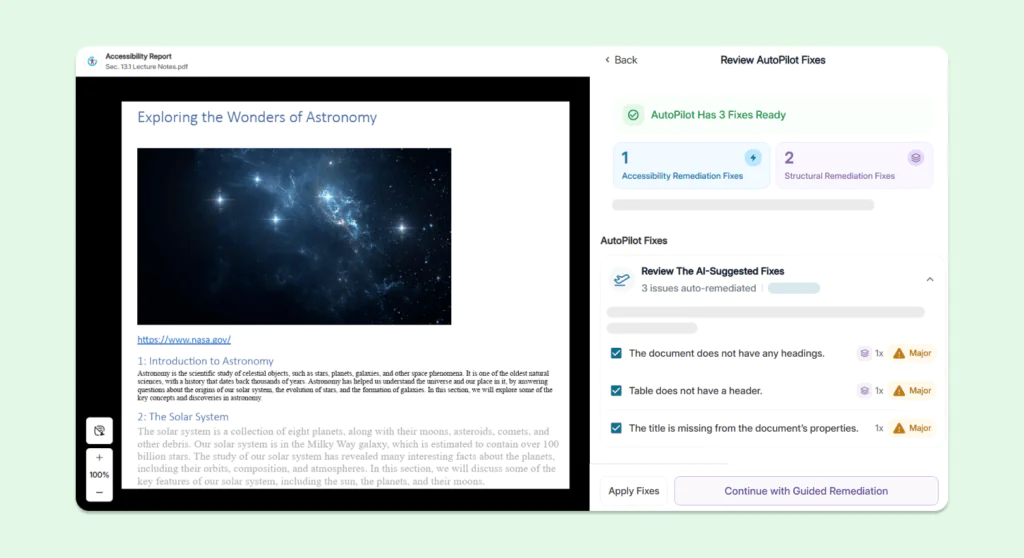
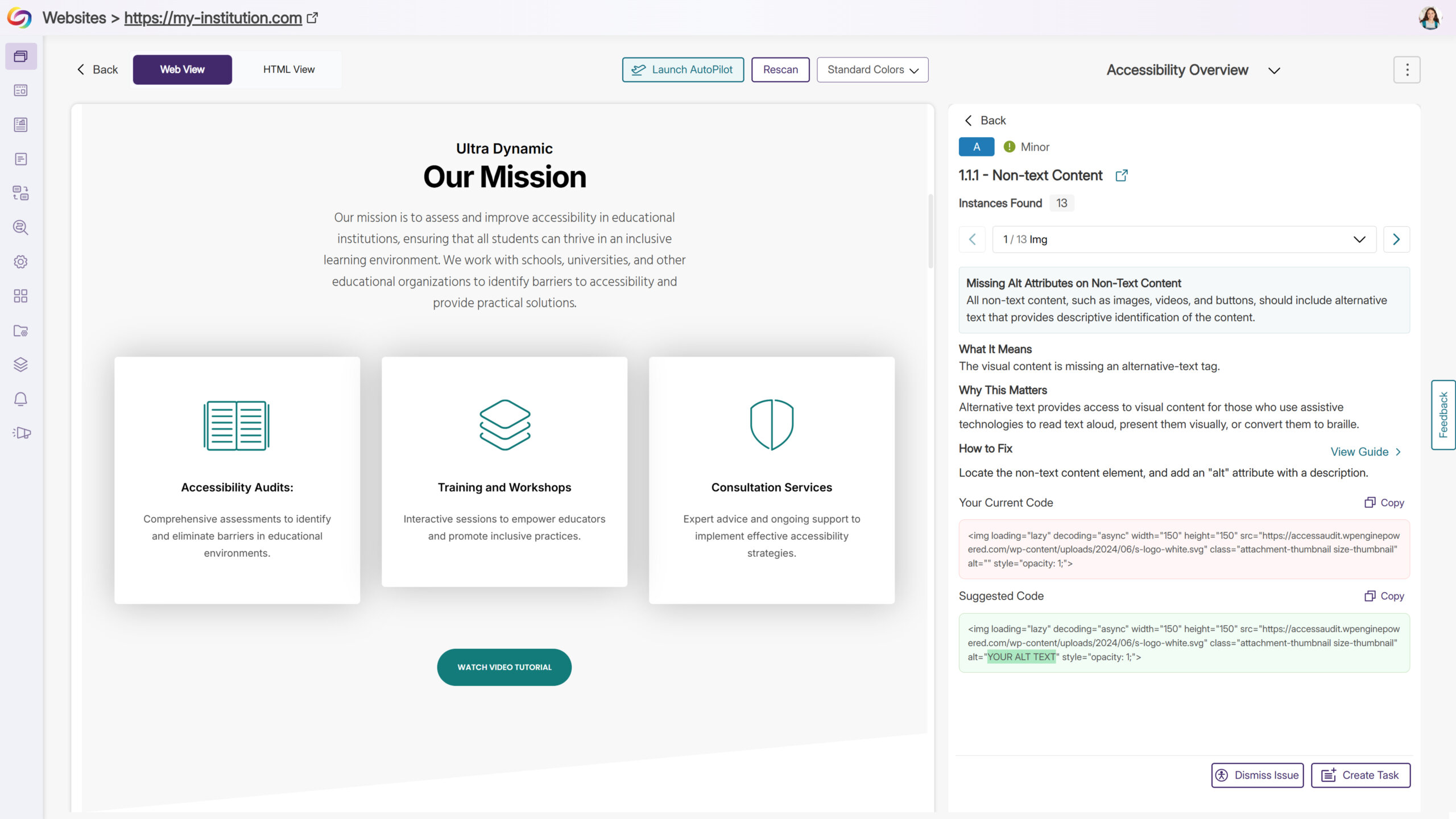
We’ve enhanced the Accessibility Engine by adding new checkers and optimizing existing ones, taking issue detection and remediation to the next level. Issues are now flagged with greater precision and accuracy, and suggested fixes are clearer and more actionable, helping users understand exactly what needs attention. These updates make it faster and easier to identify, evaluate, and resolve accessibility issues, streamlining compliance workflows and improving overall content accessibility. Key benefits include more accurate detection with fewer false positives, expanded coverage across more elements and scenarios, and improved remediation guidance, enabling teams to resolve problems quickly and confidently.
-
Quick Wins: Highlight and Track Code Snippets for Faster Site-Wide Remediation
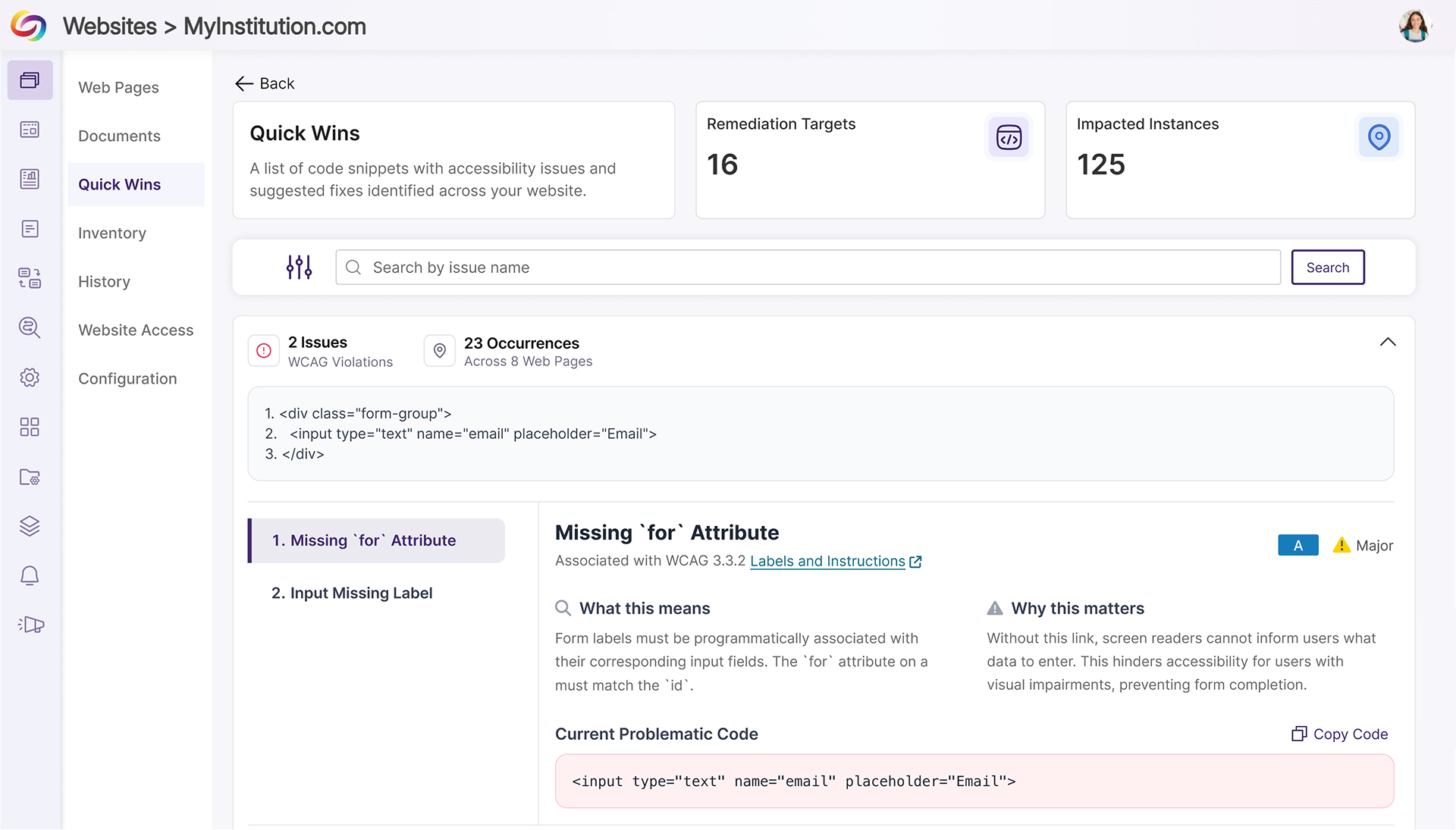
YuJa EqualGround now gives users deep visibility into code snippets that trigger accessibility issues, not just on individual pages but across an entire website. By identifying, highlighting, and tracking the presence of problematic code, users can quickly understand both the scope and impact of recurring issues. This insight allows teams to prioritize fixes, evaluate patterns, and remediate issues efficiently, reducing manual effort and improving overall site accessibility.
Key highlights include:
-
Highlight Problematic Code: Code snippets that cause accessibility issues are detected and highlighted on individual pages, making problem areas immediately visible.
-
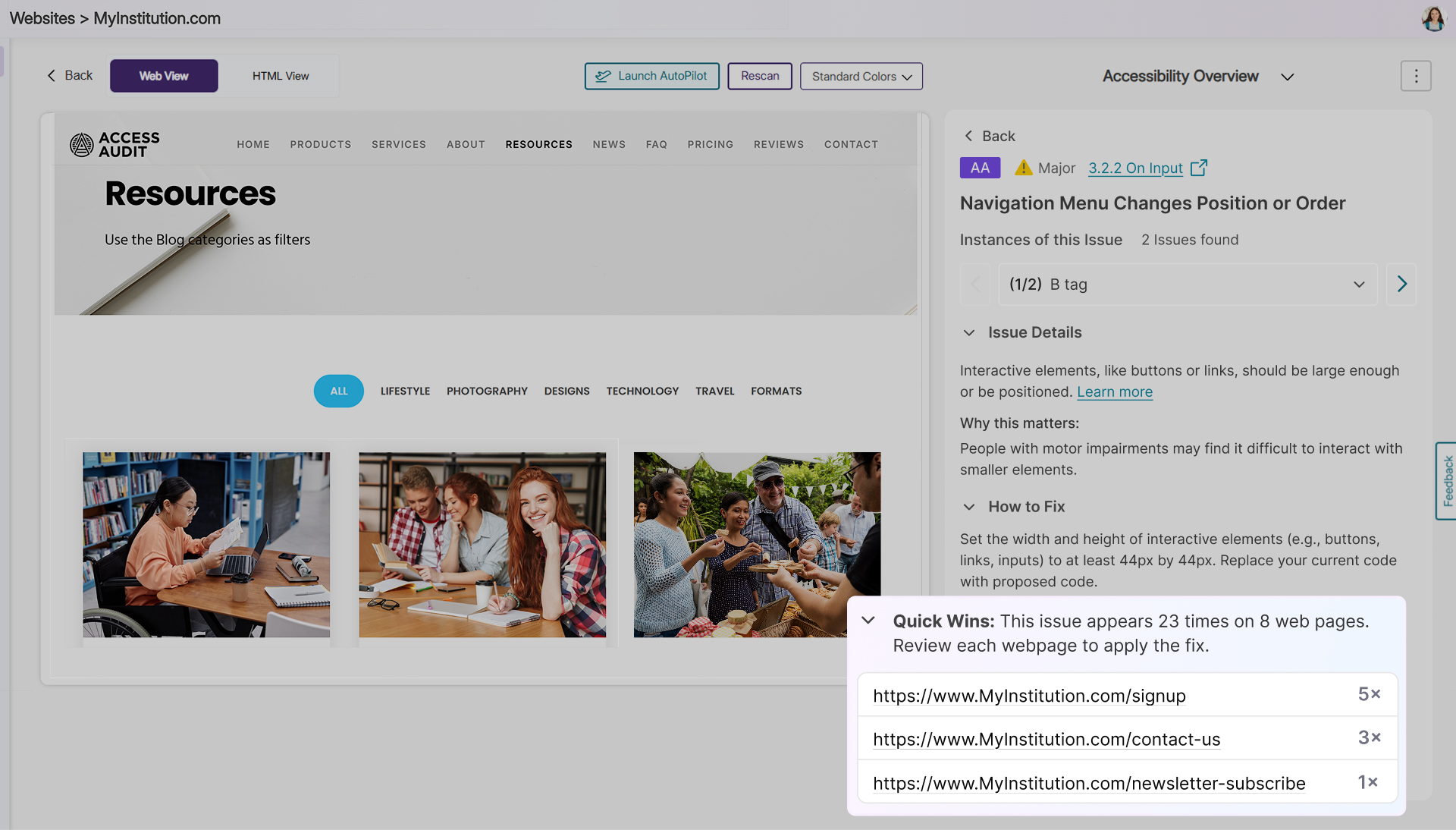
Track Impact Across the Site: Users can see all pages where a flagged snippet appears, sorted from most to least impacted, providing a comprehensive view of the snippet’s reach.
-
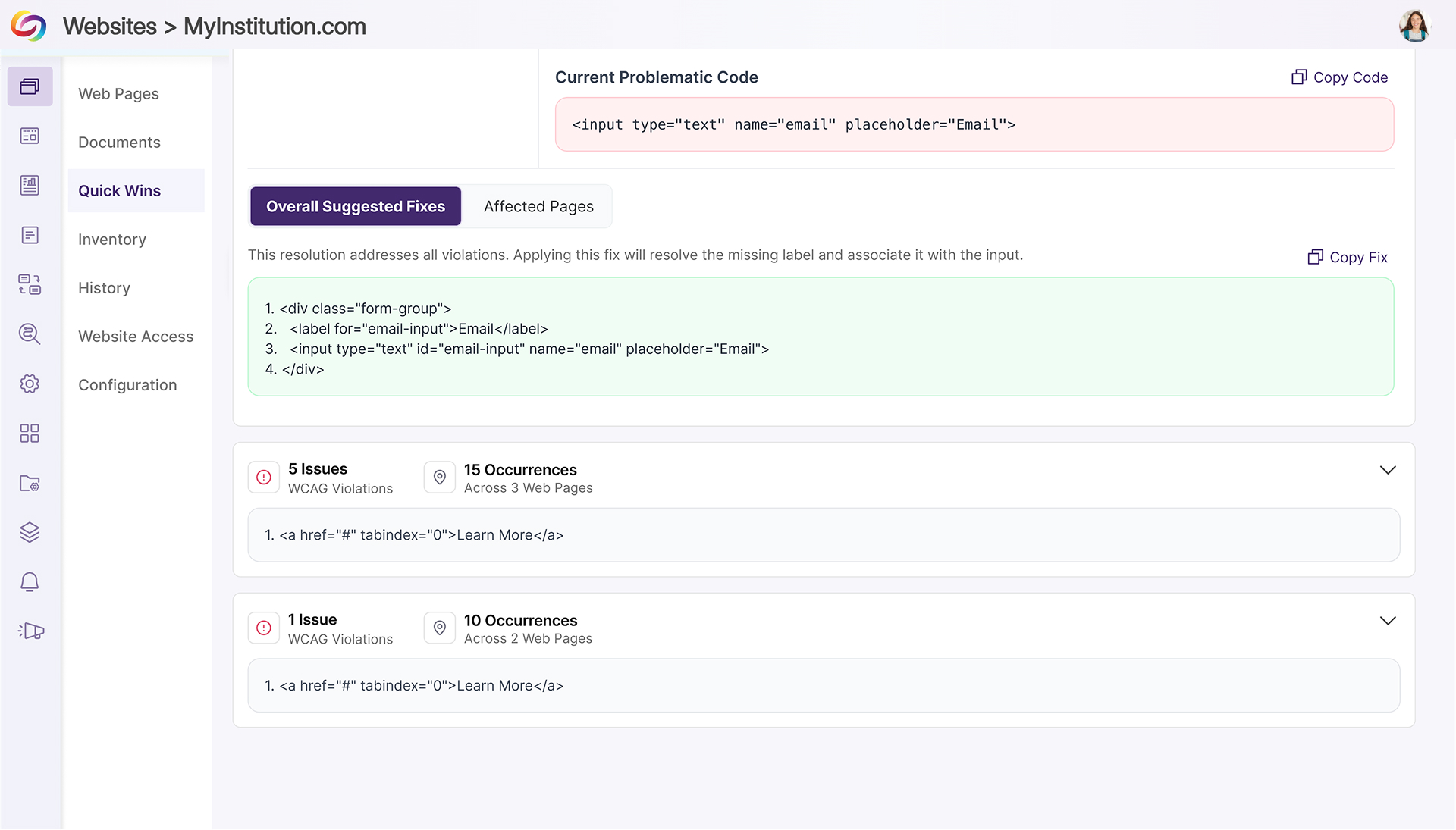
Streamline Remediation Workflows: Combining detection and site-wide impact tracking allows teams to quickly evaluate and resolve recurring issues without manually inspecting each page, saving time and increasing remediation efficiency.
-
-
Jump Directly from Accessibility Issues to CMS Edit Pages
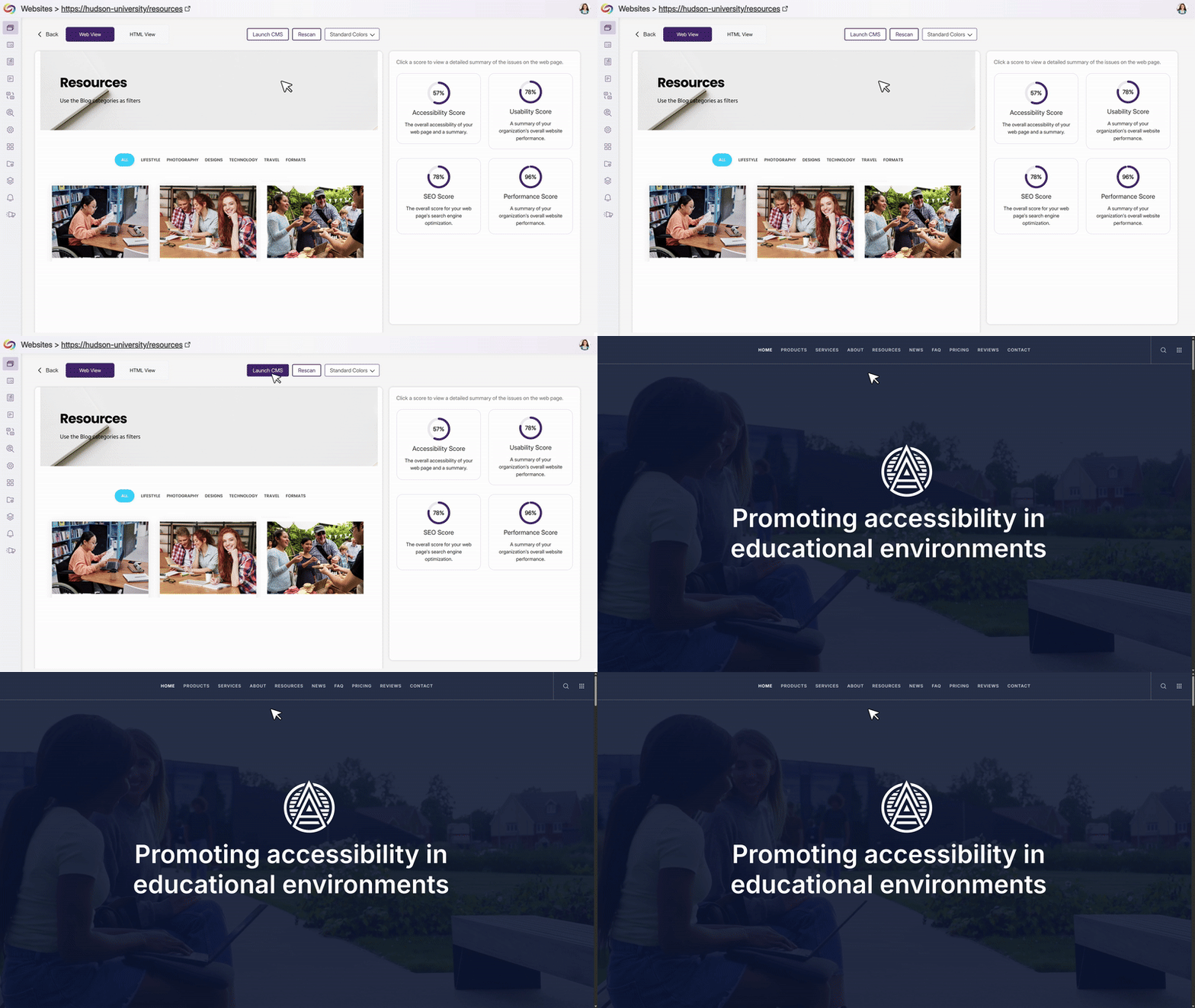
Admins can now define a CMS edit-page property on their website, enabling EqualGround to generate deep links directly to the corresponding edit pages in the CMS. When this property is detected, contributors see a “Go to Edit Page” button that takes them straight to where fixes can be made without searching, copying URLs, or navigating CMS menus. This reduces friction between issue detection and remediation, helping teams make faster updates while keeping the EqualGround interface clean by only showing the option when a valid edit link is available.
-
Prevent Repeated Misspelling Flags by Adding Words to the Custom Dictionary
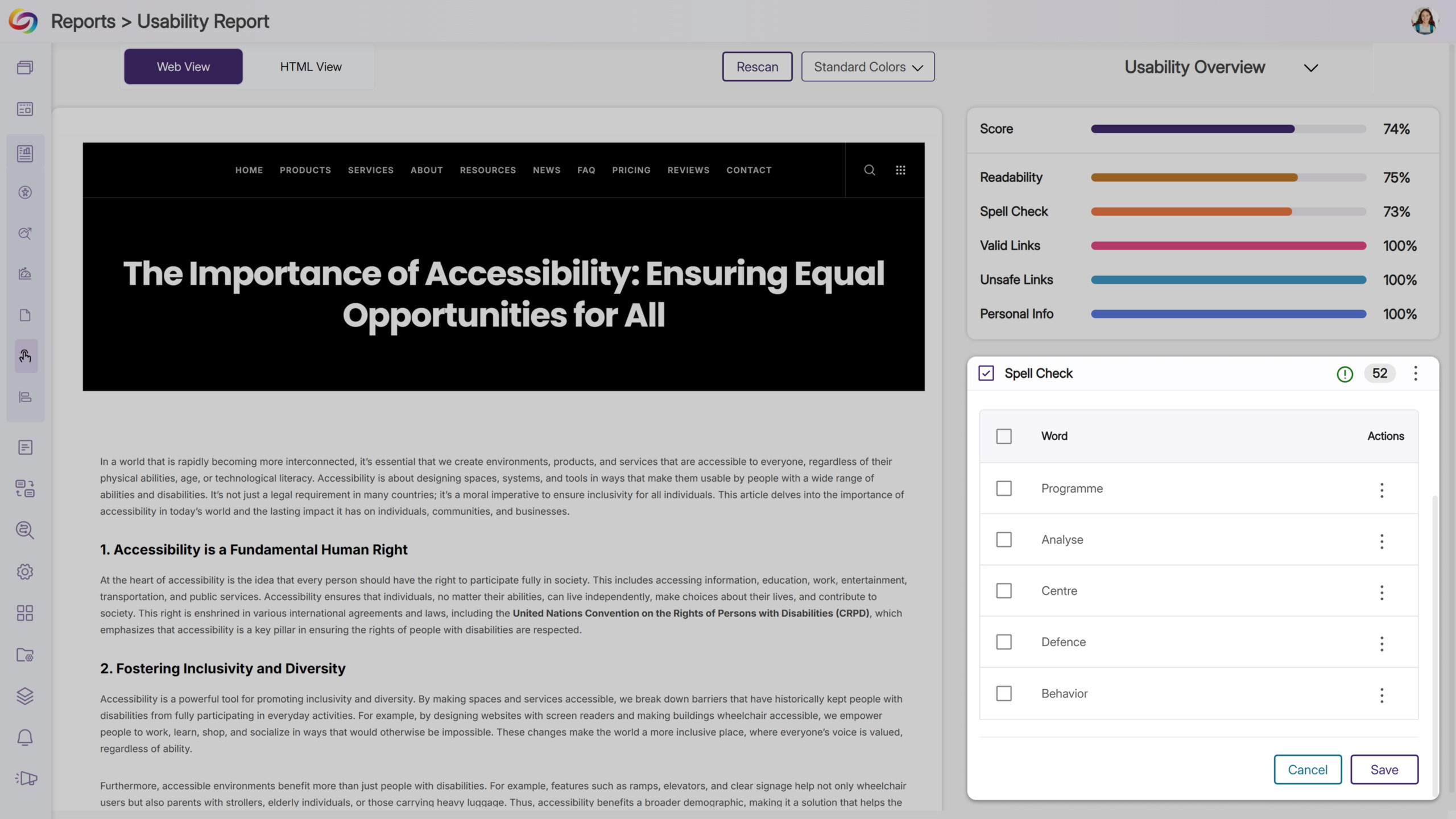
Users can now add terms to the custom dictionary directly from the Usability Report, ensuring that approved words are no longer flagged as misspellings in future scans. This feature is specifically designed to help manage spelling checks, reduce repetitive alerts, and keep reports focused on new and relevant issues, allowing users to spend less time on false positives and more time addressing meaningful accessibility barriers.
-
Get Help Instantly with the New Support Options
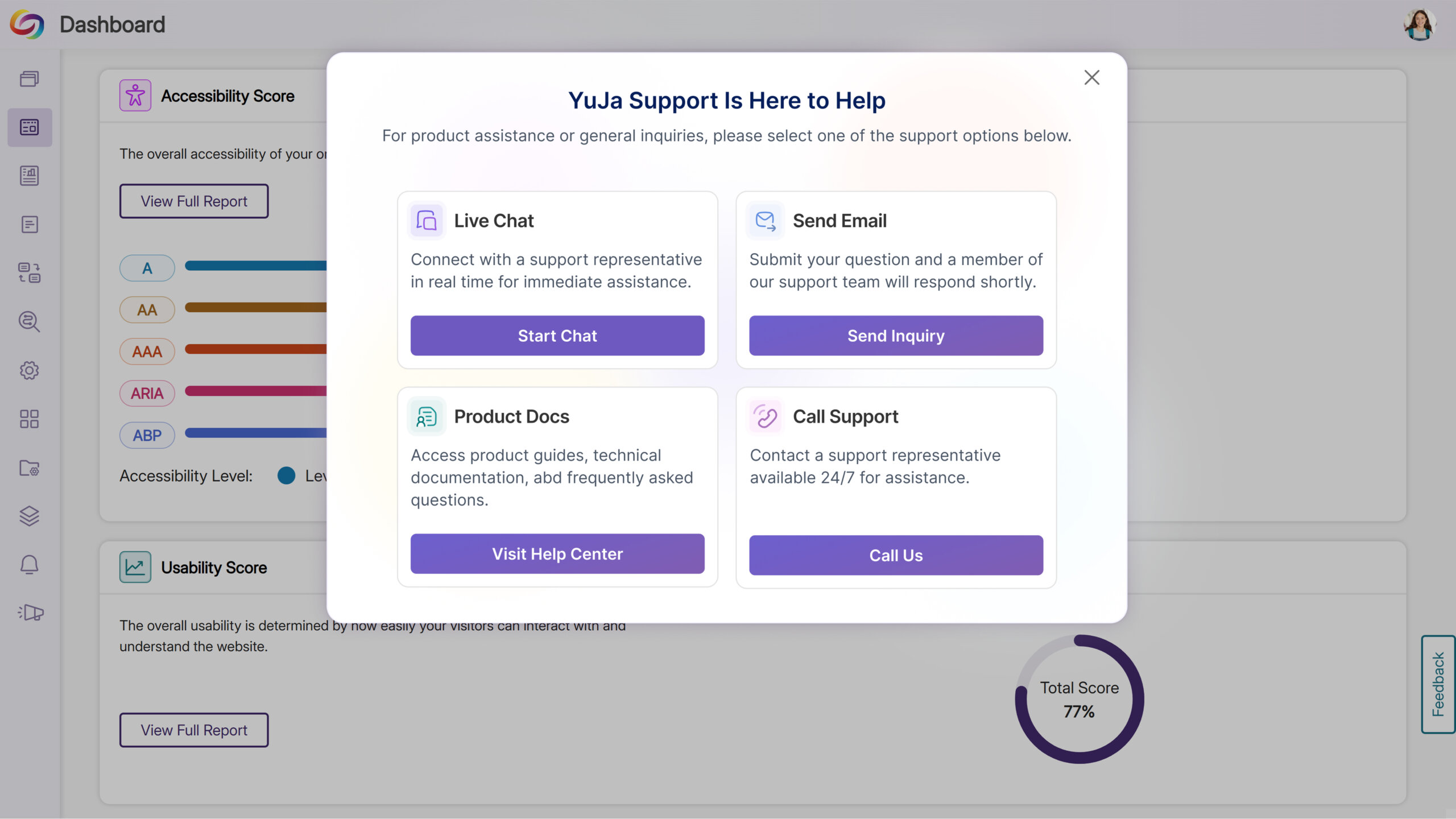
The support experience has been redesigned to make it faster and easier for users to get assistance. Clicking Support now opens a modal with tailored options: Live Chat, Call Support, Contact Form, and Product Docs. This streamlined modal centralizes support actions, giving users faster, more intuitive access to help when they need it.
-
Link Issues to Workflow Tasks for Faster Resolution
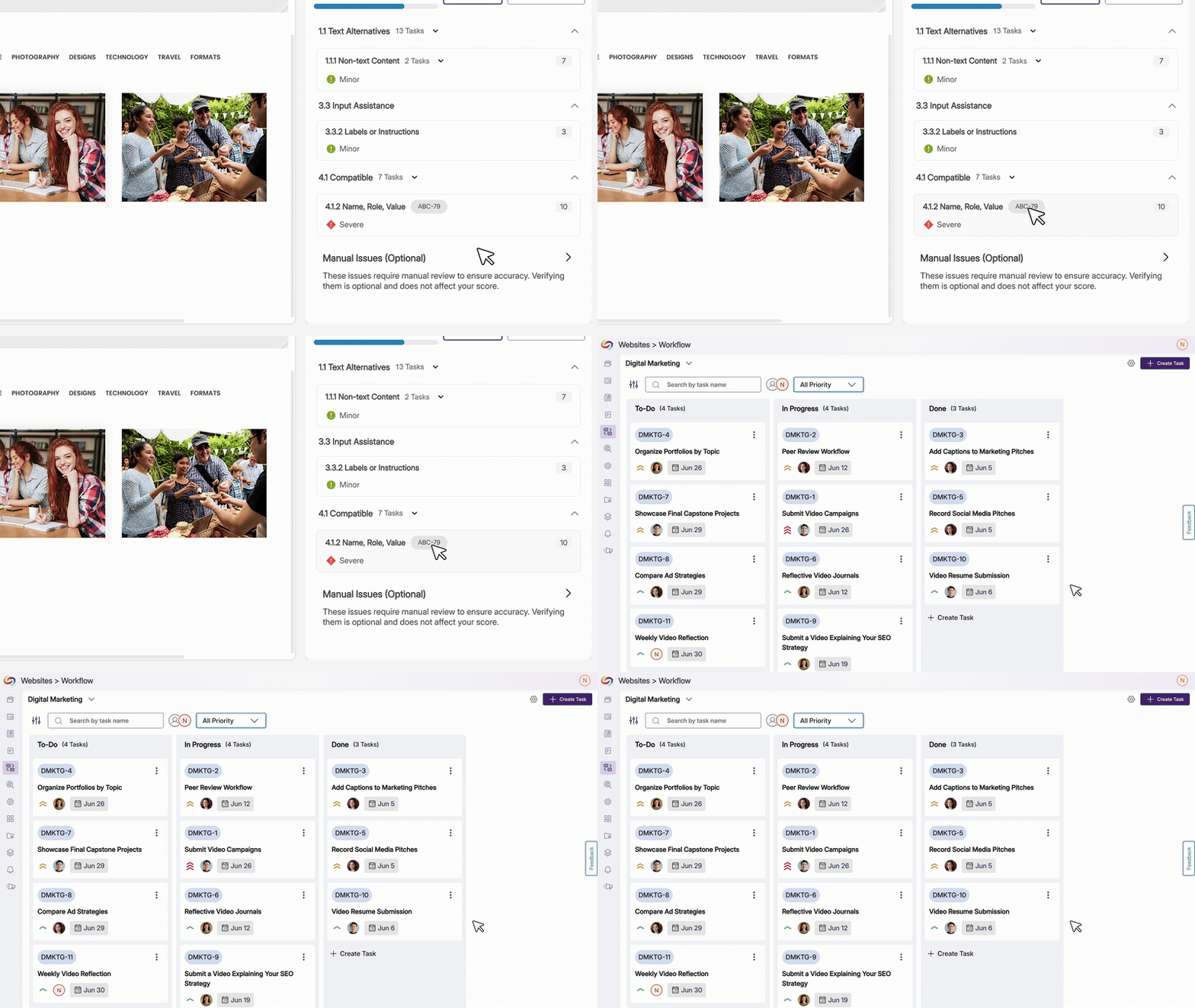
YuJa EqualGround now displays when an issue, page, or issue type is tied to a workflow orchestration task and provides a direct link to the task. Clicking the badge takes users straight to the workflow page with the relevant ticket opened, streamlining issue tracking and improving and speeding up remediation.
-
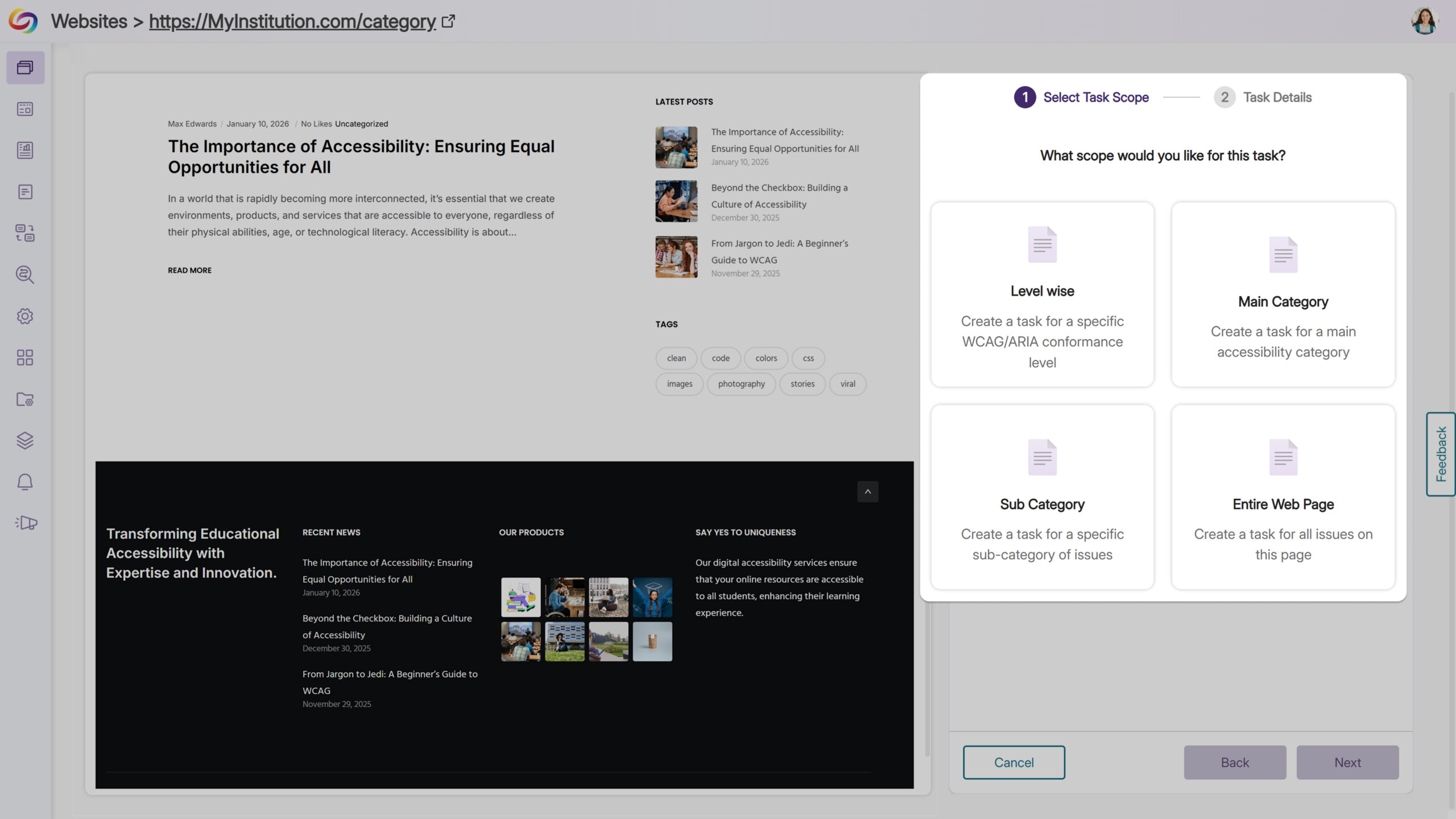
Streamline Workflow Task Creation Across Pages and Issues
Users can now assign entire pages or specific accessibility issues—by level, category, subcategory, or individual instance—directly to workflow tasks. From the accessibility panel, users can scope task creation, set project details, and generate tasks efficiently, improving visibility, coordination, and management across multiple pages and issues.