Over the next few weeks, YuJa EqualGround will be adding several exciting features to improve user experience, including visual accessibility fixes for YuJa LiveFix, one-click remediation for sitewide issues in WordPress and Drupal, a Microsoft Office add-in for checking and fixing Microsoft Word and PowerPoint documents, and more.
-
Automatically fix visual accessibility issues and preview every change with upgraded YuJa LiveFix
YuJa LiveFix is introducing multiple new features that help remediate a wider scope of issues for visitors. It now fixes visual accessibility issues, lets users preview changes before visitors see them, and prepares and tests every fix ahead of time when a page is scanned.
New updates include:
-
Visual issue fixes: Remediate visual accessibility issues, including insufficient text contrast, non-adjustable text styling, and overly tight line spacing. Users can find these new issue types in the YuJa LiveFix setup and turn them on the same way as existing ones.
-
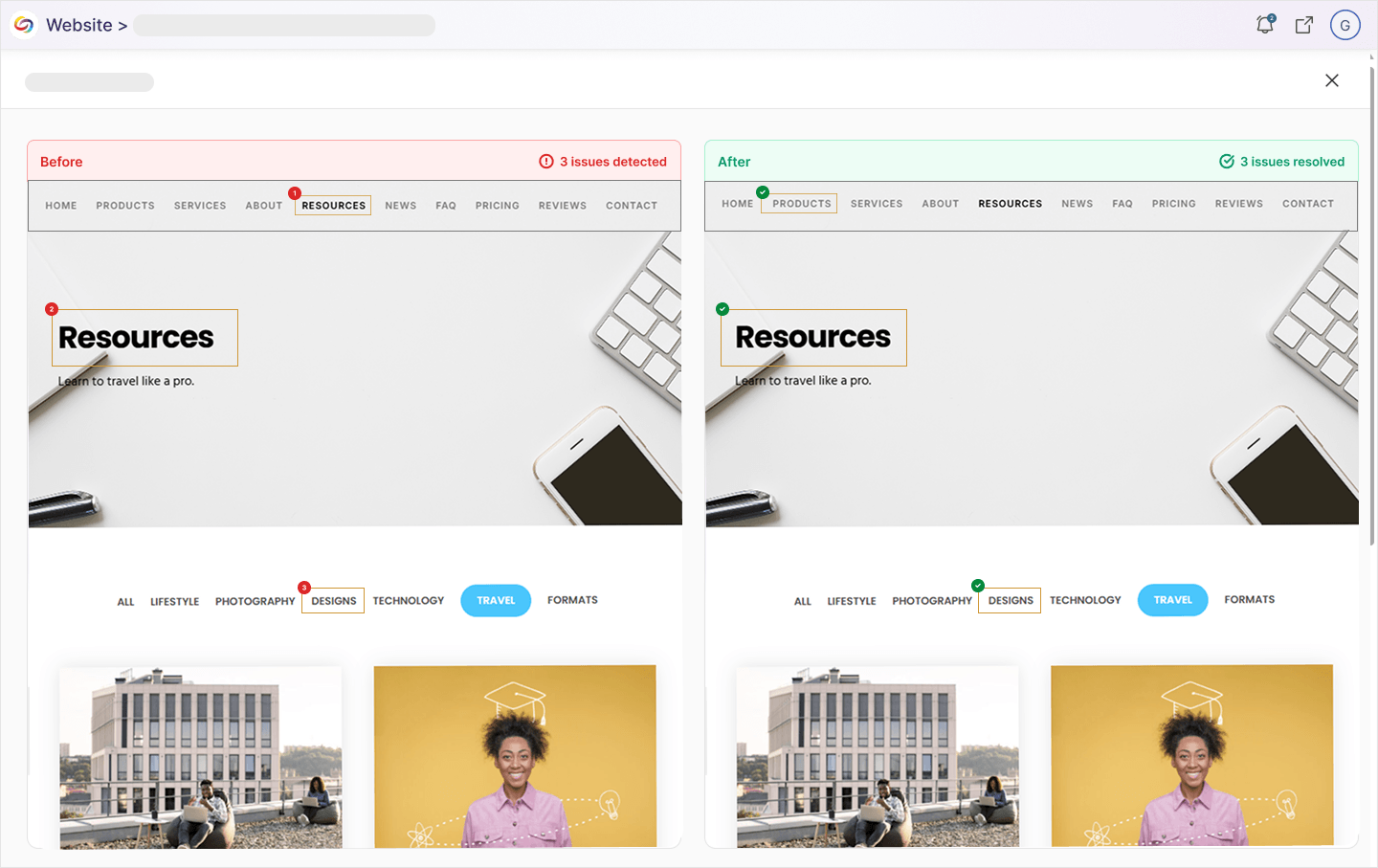
Side-by-side comparison: View a screenshot of a page’s original state next to a screenshot with YuJa LiveFix applied under a new Compare View panel, allowing users to review how YuJa LiveFix will transform their web pages.
-
Working, pre-tested fixes: Provide visitors with fixes that have already been prepared and tested when each page is scanned, so visitors only receive fixes verified to work.
-
Cleaner web pages list: Pages that have no remaining issues are removed from the list of Web Pages with LiveFix, keeping the focus on pages that still need attention.
-
-
See the full impact of YuJa LiveFix with new dashboard stats and a dedicated LiveFix Report
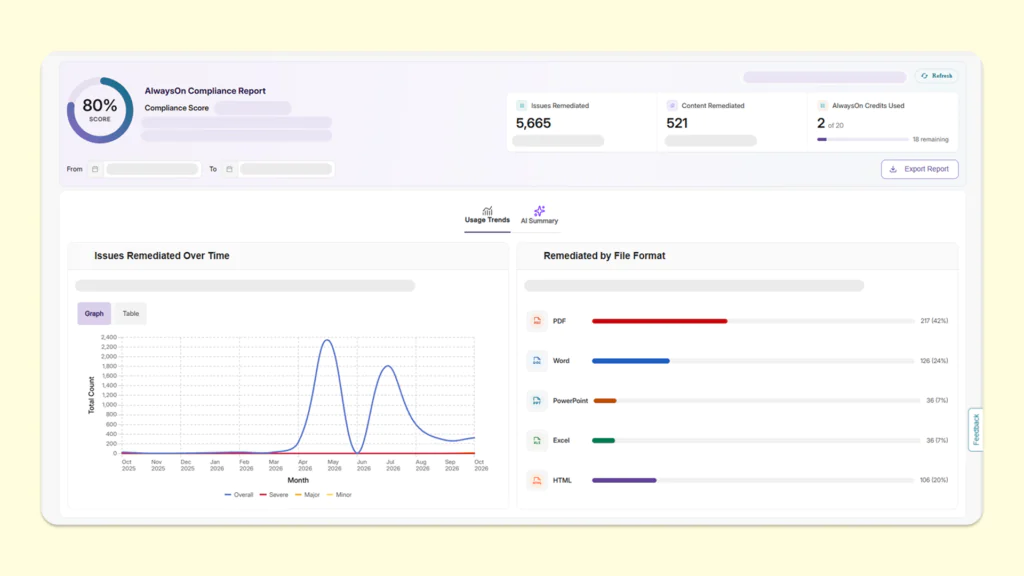
YuJa EqualGround now shows exactly how YuJa LiveFix is improving a website’s accessibility using dashboard statistics and a dedicated report. Users can quickly see how many issues YuJa LiveFix has resolved and how many website visitors have benefited from these remediations, helping users measure compliance progression.
New reporting includes:
-
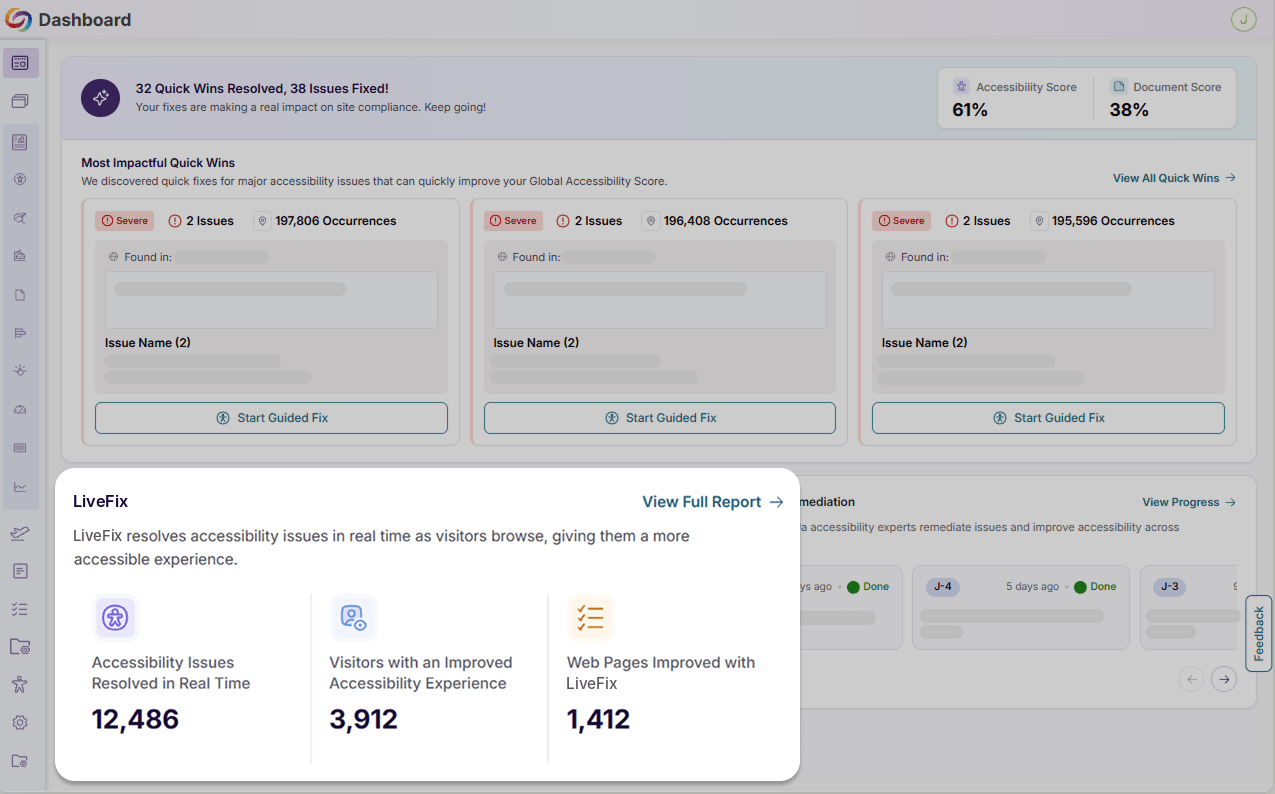
An improved YuJa EqualGround Dashboard: A new LiveFix tile on the YuJa EqualGround Dashboard shows the number of accessibility issues resolved in real time, visitors with an improved accessibility experience, and web pages improved with YuJa LiveFix, with a link to the full report, giving users a better understanding of remediation impact.
-
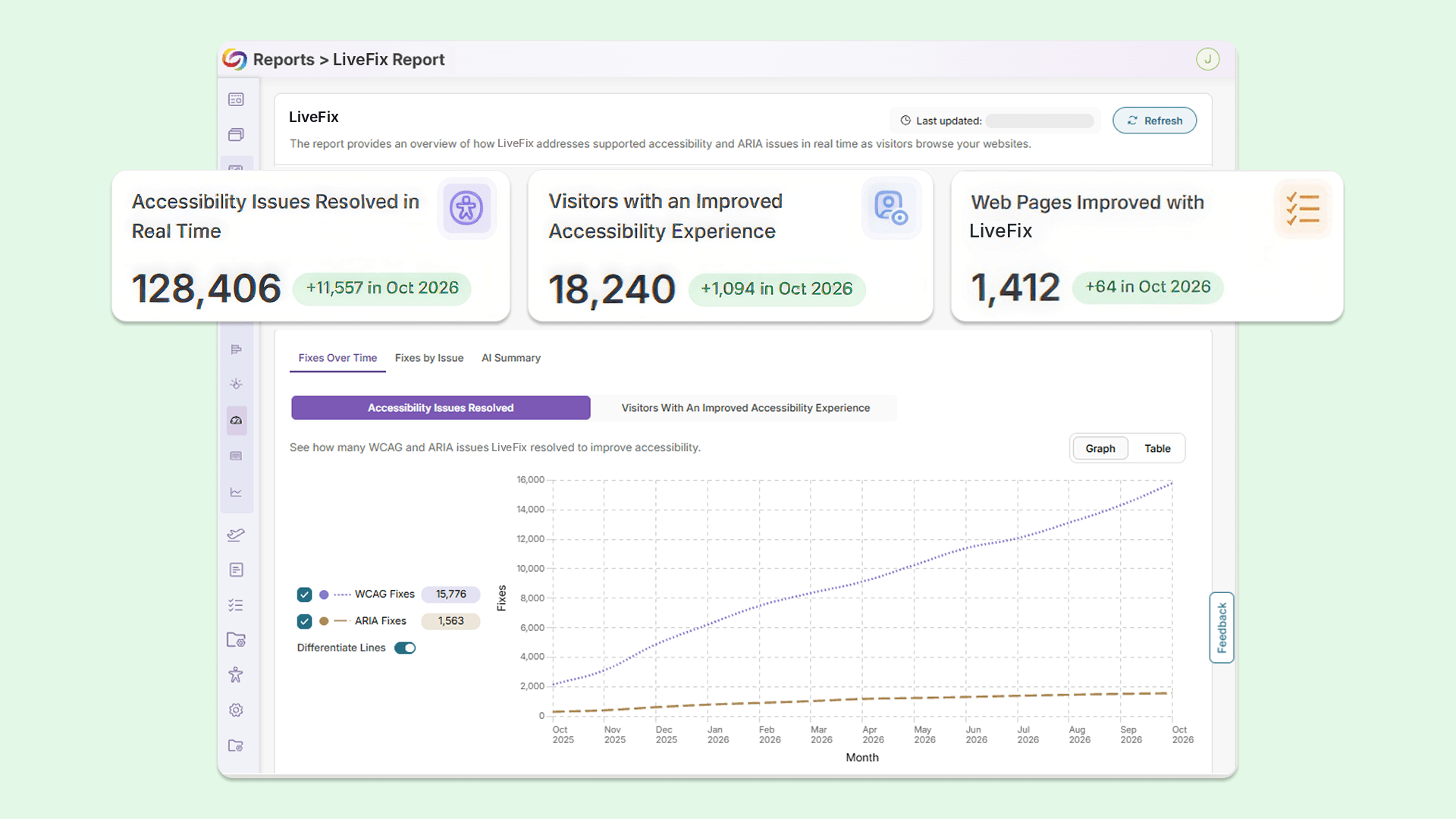
A new LiveFix Report: A filterable YuJa LiveFix report now provides a deeper look at automated remediation activity, including the total and unique number of issues fixed, a table of each resolved accessibility issue, an AI summary of the report with key takeaways, and more.
-
-
Improve document accessibility directly inside Microsoft Word and PowerPoint with the YuJa EqualGround Microsoft Office Integration
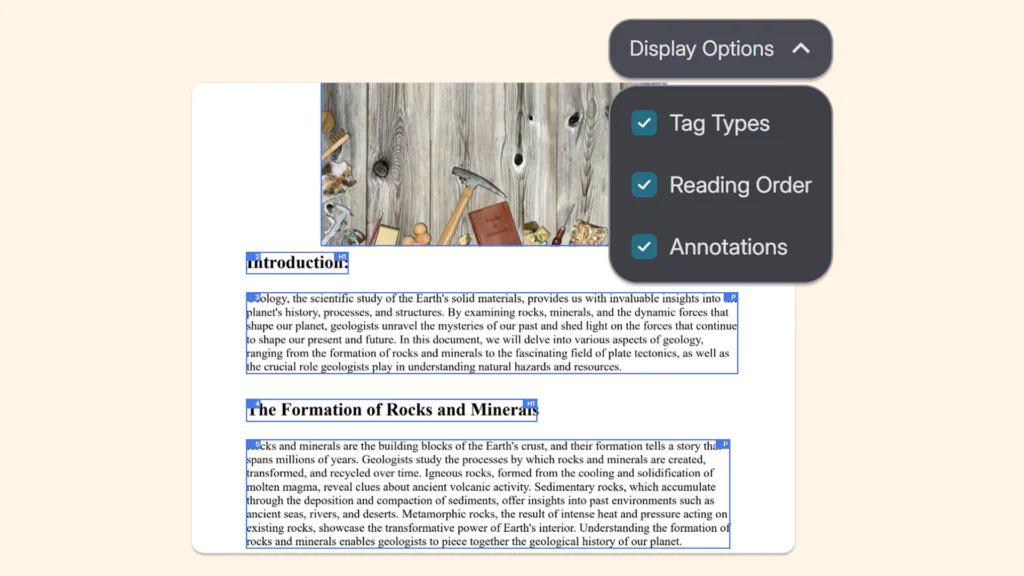
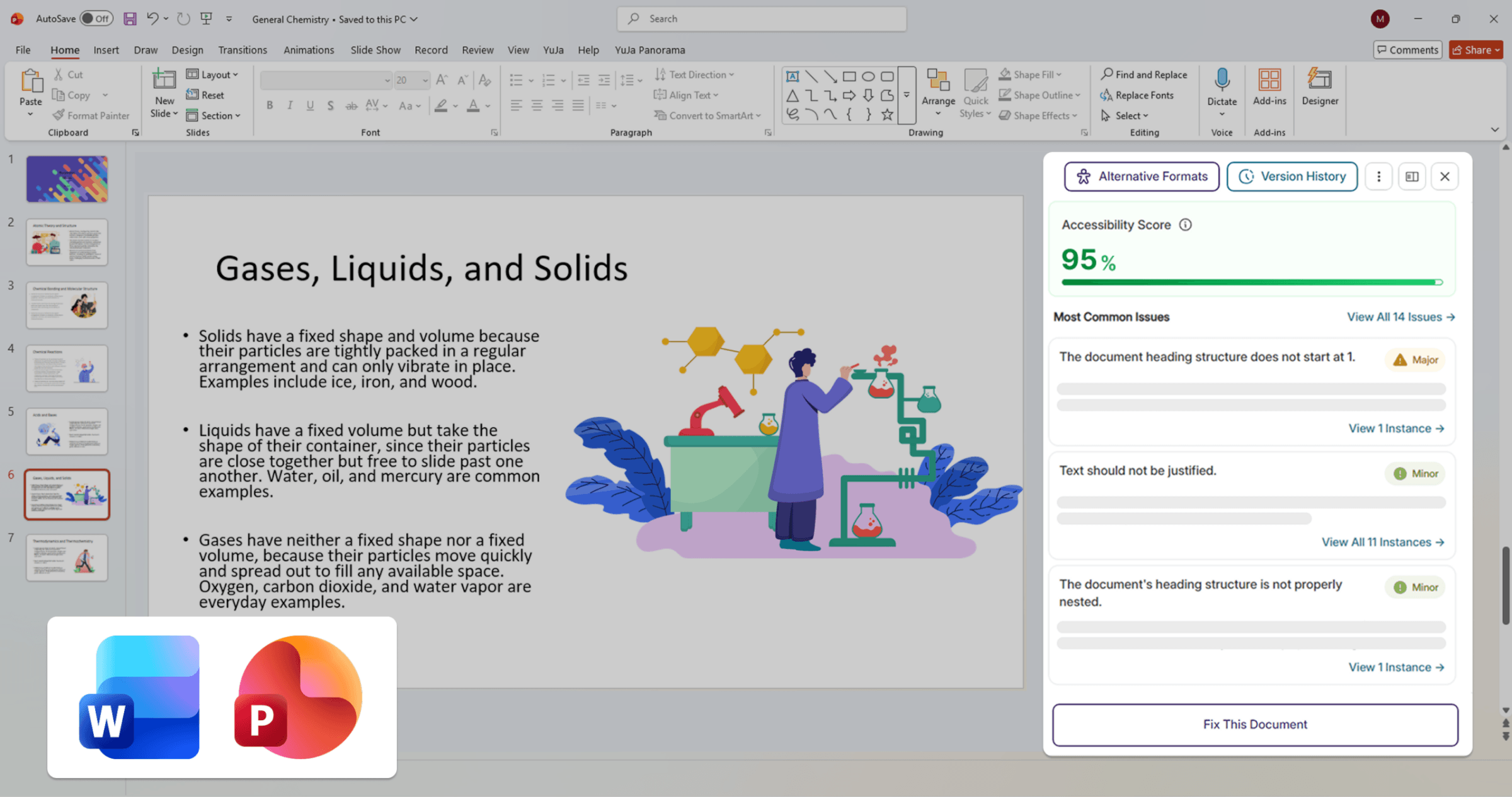
YuJa EqualGround users can now connect the YuJa EqualGround Microsoft Office Integration to check and improve document accessibility without leaving Microsoft Word or PowerPoint. Without switching applications, users can open the Accessibility Report, apply remediation fixes, and create alternative formats directly in the document they’re working on, making it easier to build accessibility into everyday document creation.
-
Fix sitewide issues once and apply them everywhere in WordPress and Drupal
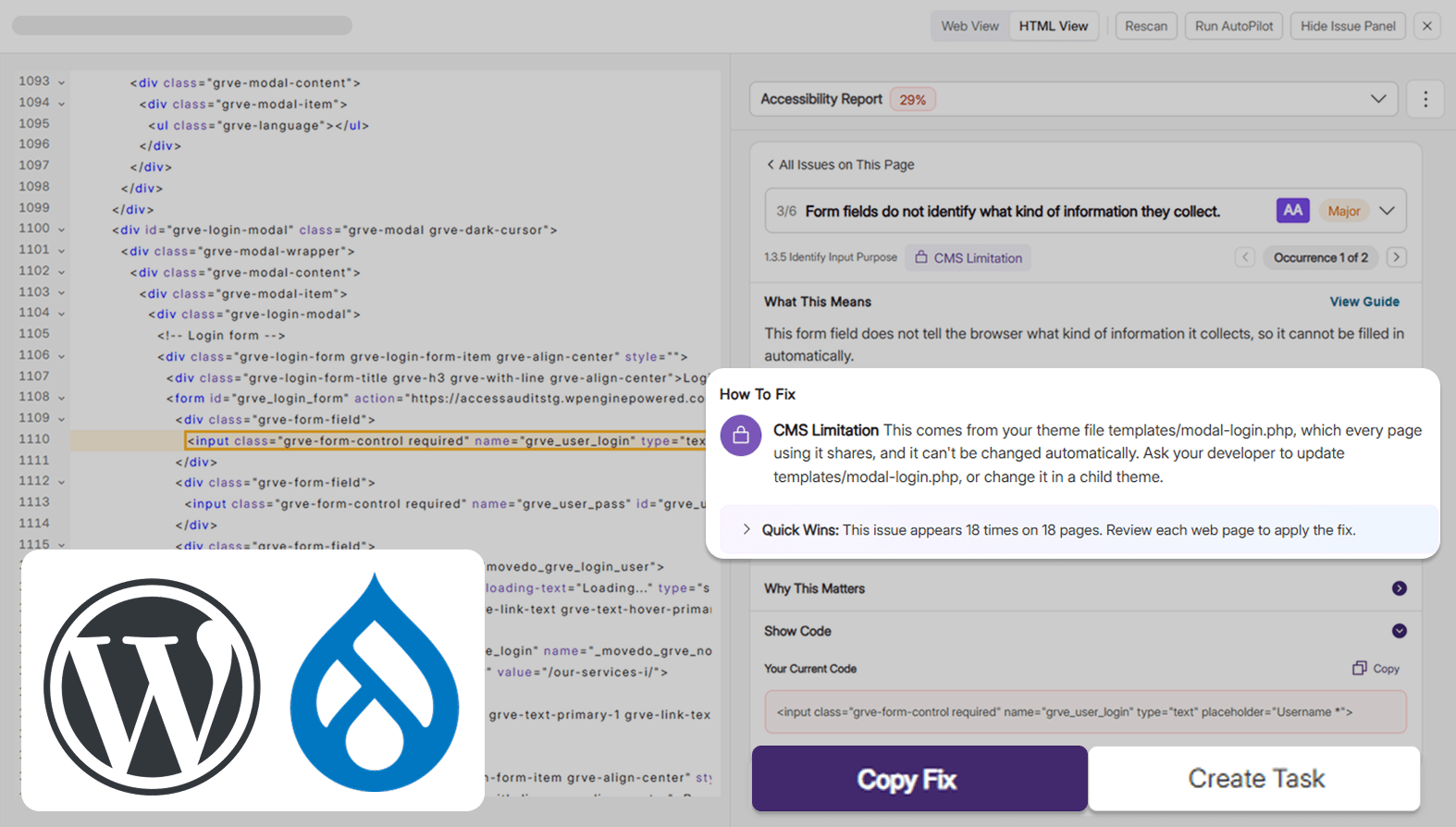
WordPress and Drupal users can now fix accessibility issues detected in the shared components of their websites directly from YuJa EqualGround. A single fix carries across every page that uses that element, saving users from fixing the same issue page by page. When an issue can’t be fixed automatically, YuJa EqualGround marks it with a CMS Limitation badge that explains where it comes from and how to fix it in the CMS, so every issue is accounted for.
This feature is available in:
-
WordPress: Users can fix issues in menus, widgets, featured images, and logo alt text, including those in headers and footers, as well as simple theme elements like skip links and menu buttons. Users can also fix content on pages made with page builders such as Elementor and WPBakery, without affecting how they open in the page builder.
-
Drupal: Users can fix issues that come from their website’s shared templates, blocks, and menus, wherever the change can be made safely.
-
-
Fix accessibility issues directly on your live WordPress and Drupal pages with one click
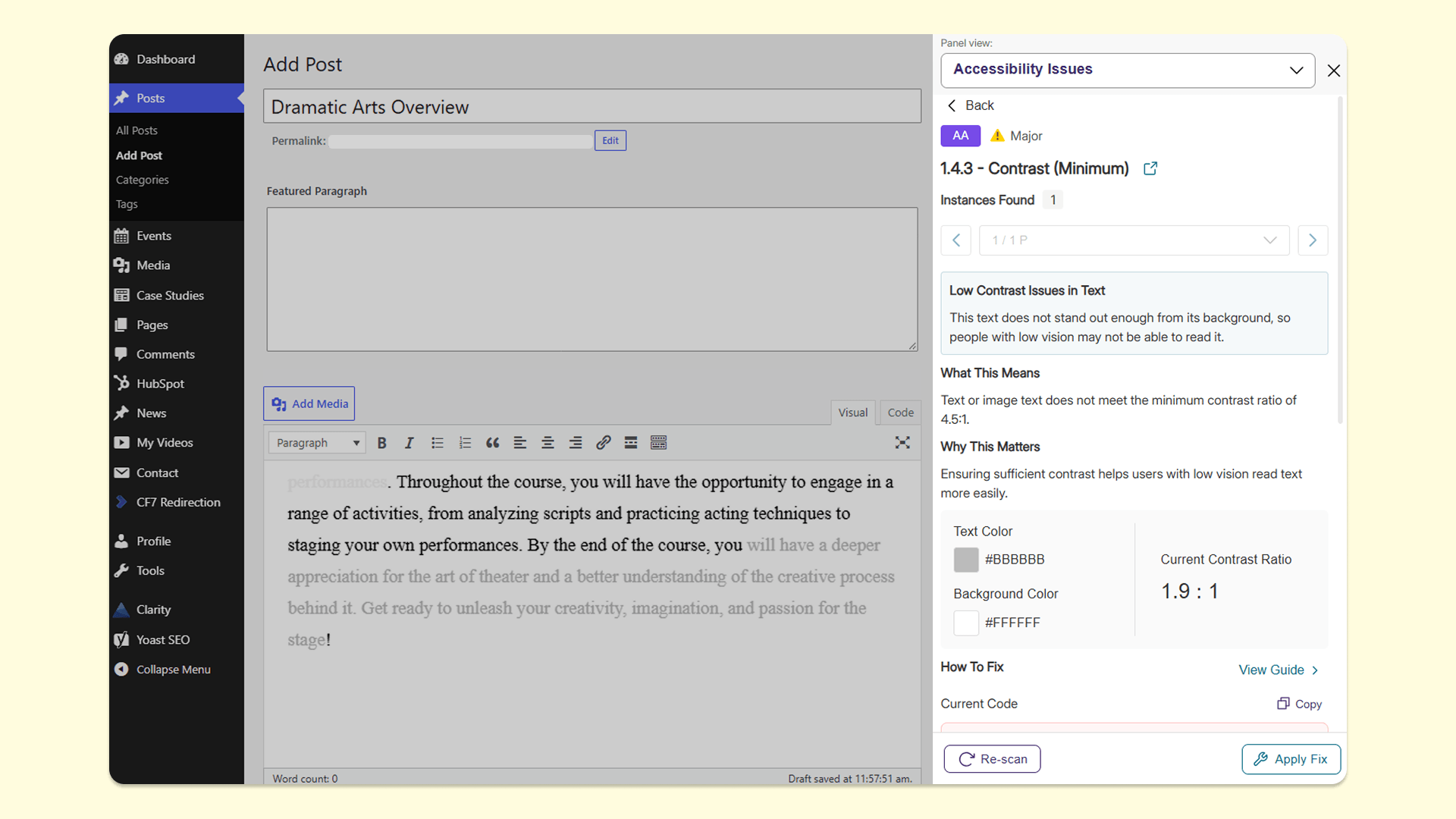
WordPress and Drupal users can now open the YuJa EqualGround widget, which the YuJa EqualGround plugin adds to their live pages, while viewing their own website. The widget now checks the whole page, including headers, menus, and footers. From the Accessibility tab, users can fix an issue with a single click on Apply Fix, and the fix appears for every visitor. The widget is not visible to visitors who are not logged in, so fixes can be made in real time without disrupting visitor experience.
-
Refreshed Integration Settings page provides more details about each CMS integration before configuration
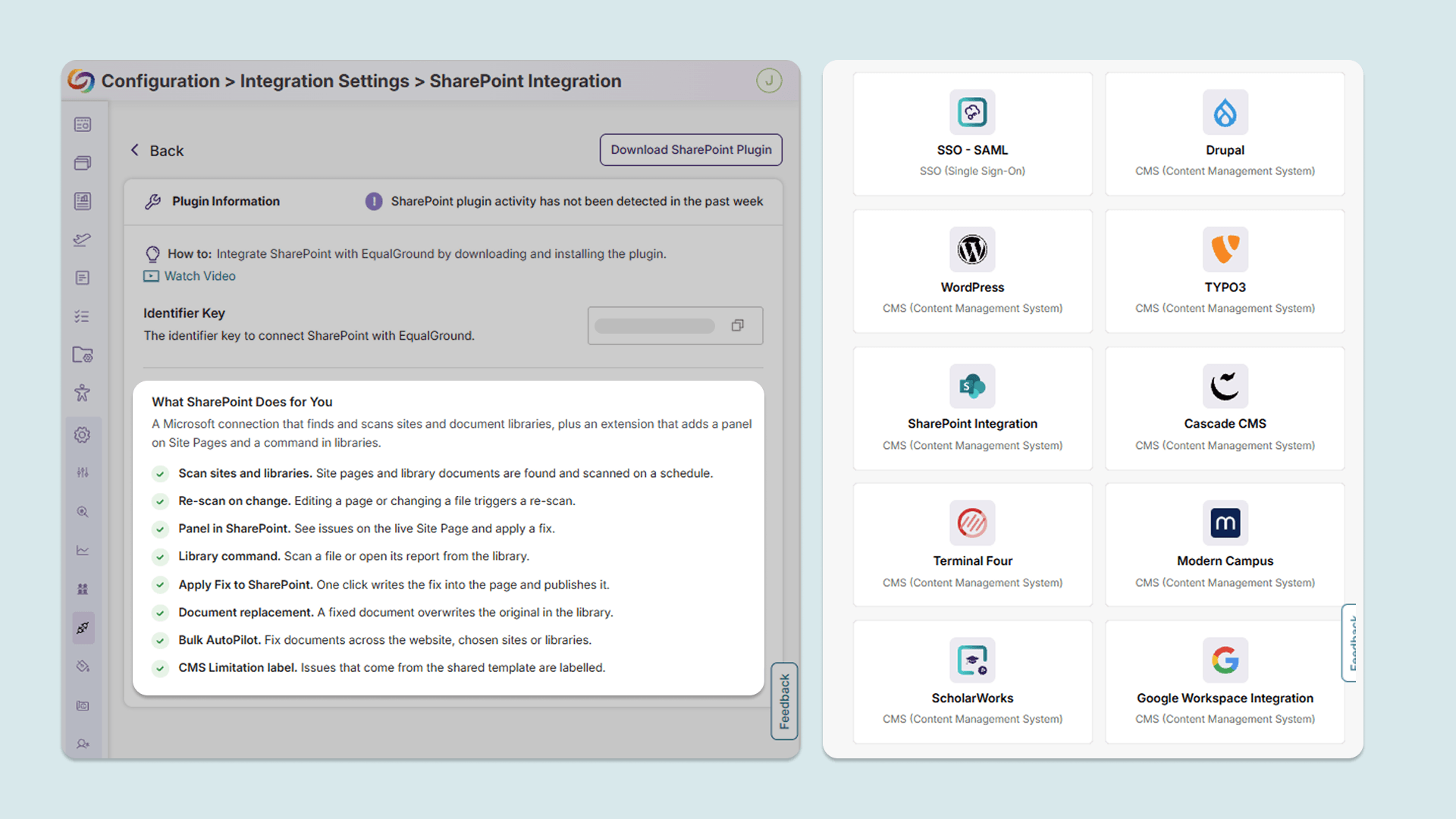
The Integration Settings page in YuJa EqualGround has been refreshed to explain the capabilities and benefits of each CMS integration in detail, not just how to set it up. Users can learn which integrations support features such as writeback, where fixes made in YuJa EqualGround are applied directly to the website, helping them choose the right integration for their needs. Available CMS integrations include Drupal, WordPress, SharePoint, Google Workspace, and more.
-
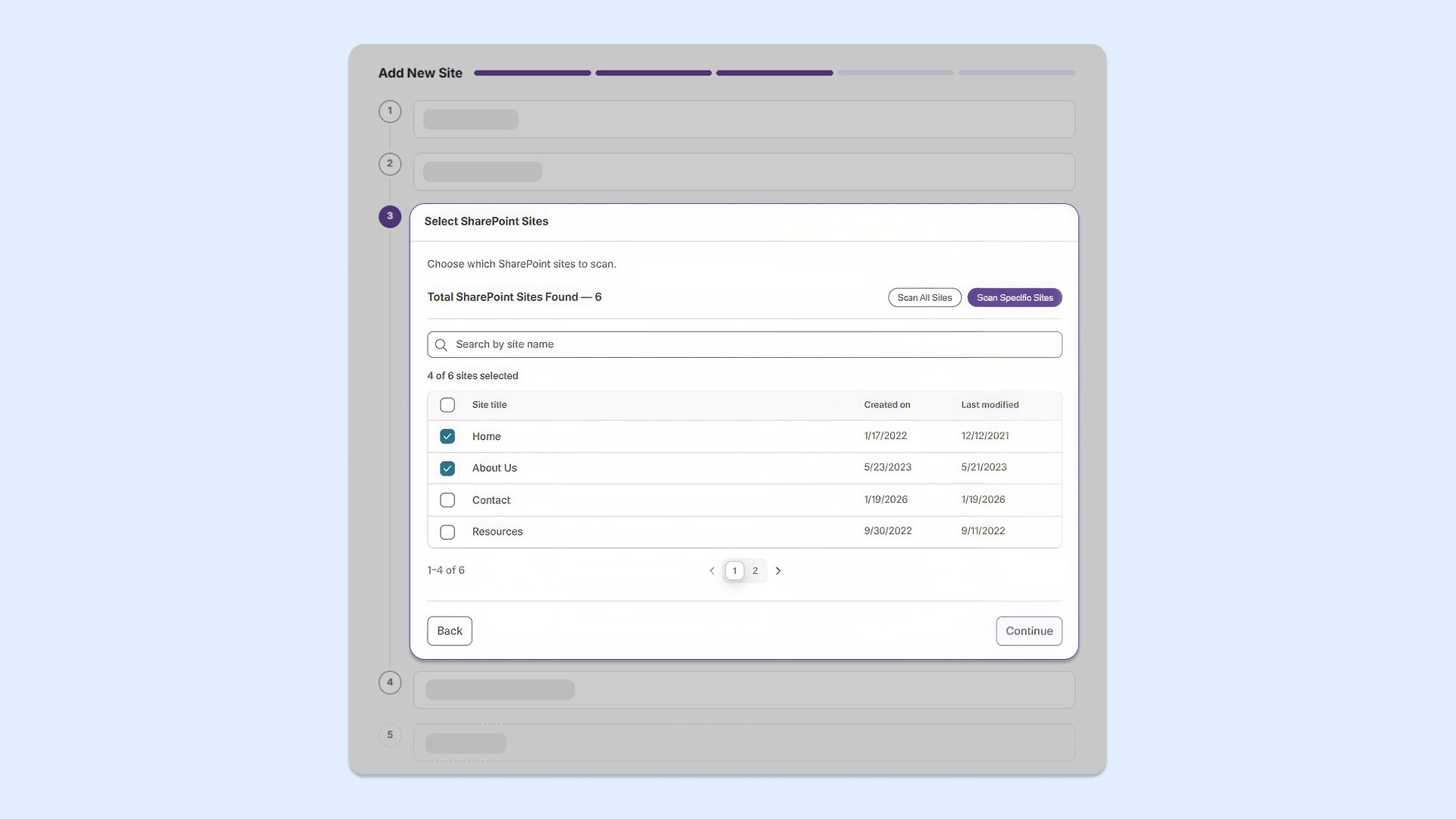
Exclude SharePoint pages and sections to scan only what matters
Users can now exclude specific URLs, pages, folders, or sections of a SharePoint website while configuring scans in YuJa EqualGround. This gives users more control over what gets scanned, helping them skip irrelevant or restricted content so that accessibility reports only cover the pages their team is responsible for.