In the coming weeks, the YuJa Engage Student Response system will roll out exciting new features, including new Quick Setup Guides and event banners.
-
Use New Quick Setup Guides to Effortlessly Set Up LMS Integrations
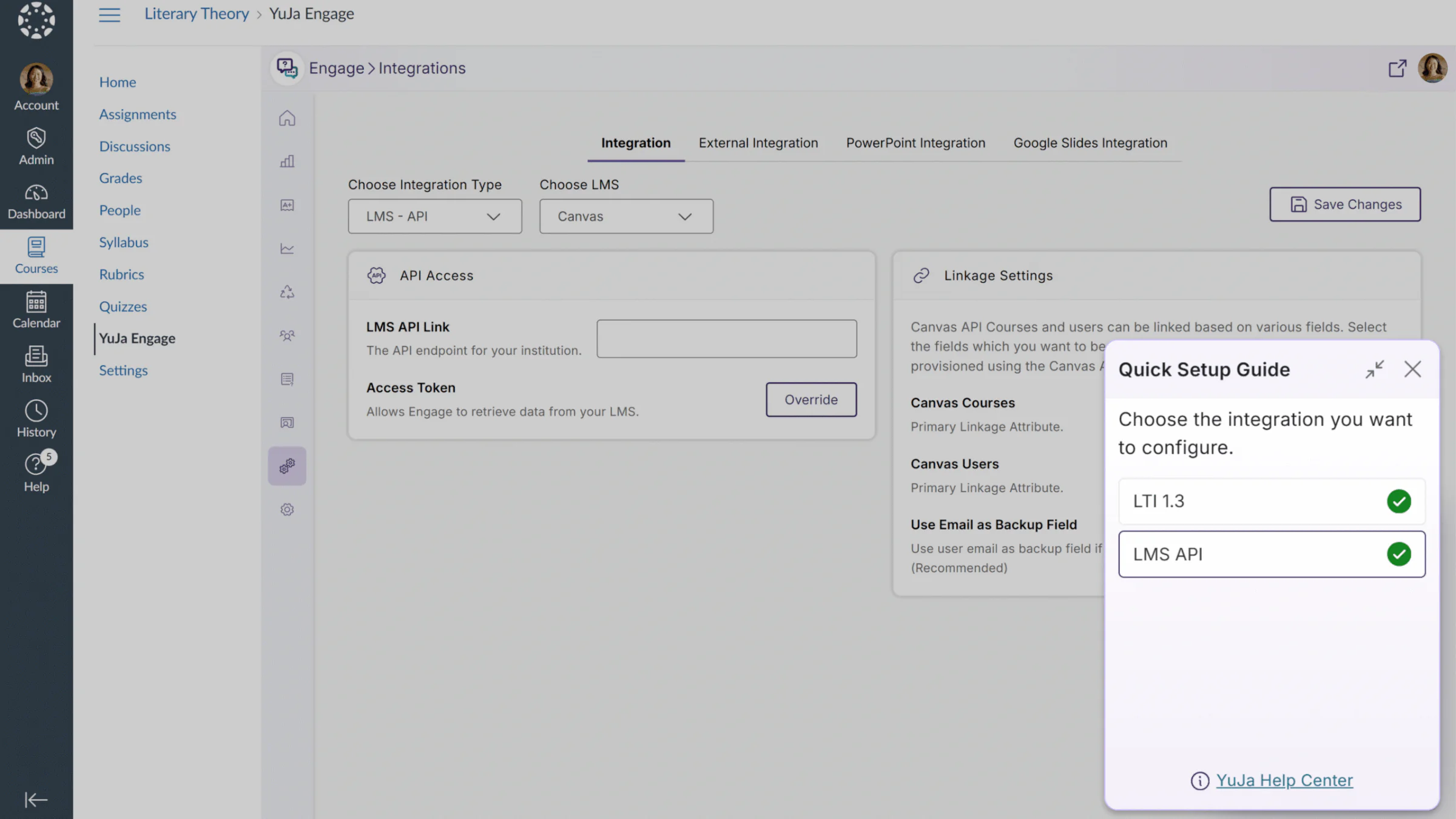
Users will now be able to view Quick Setup Guides that quickly enable users to configure LMS integrations. This feature can be accessed from the user’s profile card or from a modal at the bottom of the page. With full LMS support across all major learning management systems, including Canvas, D2L Brightspace, Moodle, and Blackboard, this new feature provides YuJa Engage users with a shortcut to easily configure their LMS integrations.
In Quick Setup Guides, users will find shortcuts for:
-
LTI 1.3 integrations: Step-by-step instructions to connect Engage to your LMS, enabling polls to be created, published, and graded directly within courses. Poll results can be viewed by administrators, instructors, and students.
-
LMS API integrations: Guided instructions to connect the Engage LMS API, sync LMS courses and users with Engage, and access Engage features directly within LMS courses.
-
-
Stay Informed About Upcoming Webinars and Product Announcements With New Event Banners
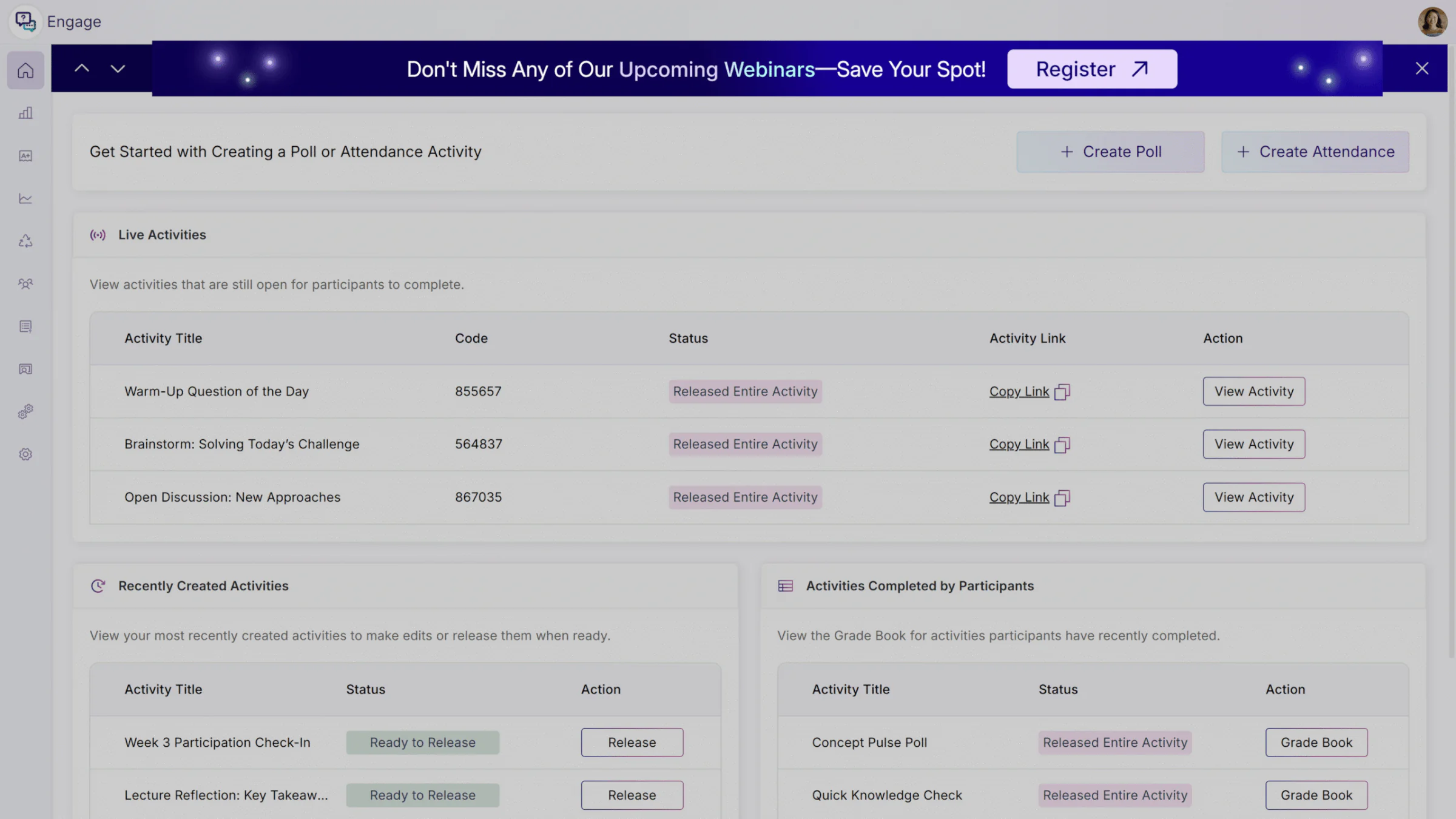
Administrators can now see event banners about important announcements and new webinars directly within the Engage platform. These banners are made to help you get insights from product experts, discover new features, find helpful shortcuts, and stay ahead of the curve on industry trends. With a non-intrusive and minimal design, our banners don’t disrupt your workflows, and whenever desired, administrators can easily dismiss any banners for their current session.