Over the next few weeks, the YuJa Lumina Video Platform will receive significant enhancements to interactive learning and analytics capabilities. Key highlights include a new interactive Video Branching feature that enables choose-your-own-adventure learning experiences with a visual canvas editor and path analytics, customizable analytics reports that allow administrators and instructors to generate insights with flexible date ranges and content filtering, and expanded monthly usage reports with comprehensive engagement metrics.
-
Create Immersive, Choose-Your-Own-Path Experiences – Use Interactive Video That Puts Learners in Control of Their Learning Journey
Instructors will now be able to create interactive branching videos that allow students to make choices throughout playback, choosing their own learning paths based on responses or decisions. Key capabilities will include:
-
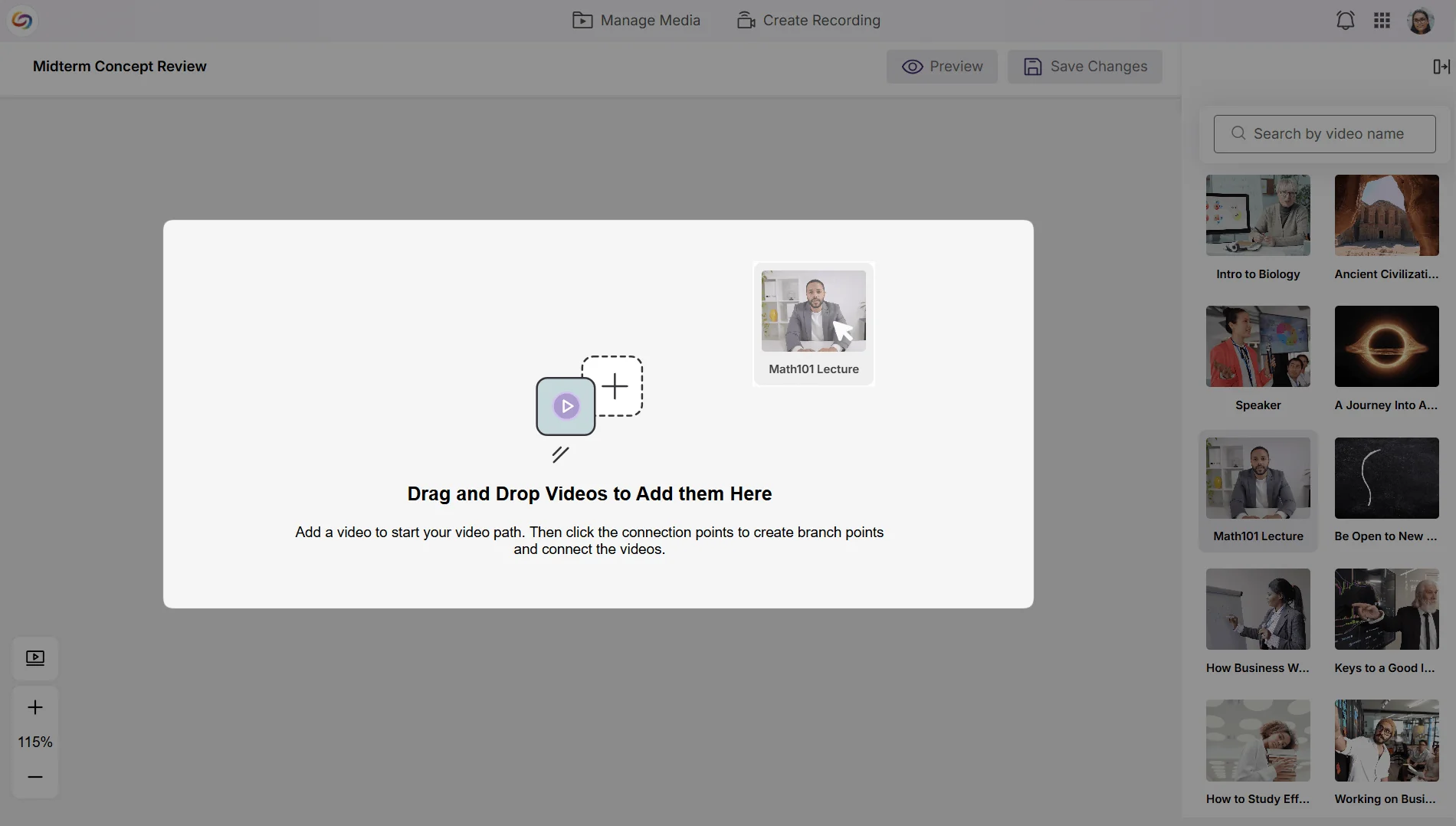
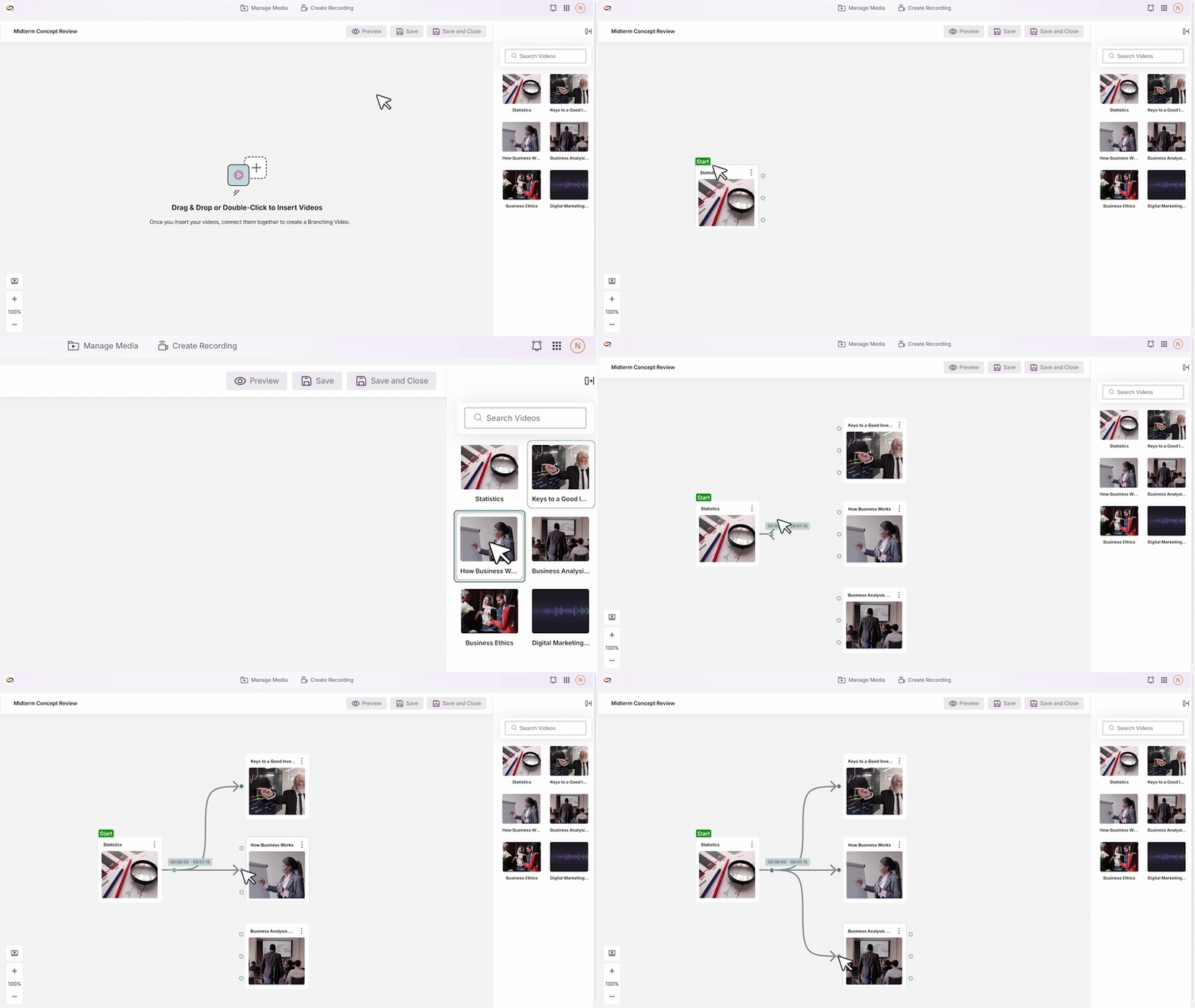
Visual Canvas Editor: A drag-and-drop interface that enables instructors to build complex interactive scenarios by connecting videos from your media library.
-
Flexible Branch Points: The ability to add up to three decision points per video, each offering up to three branch options.
-
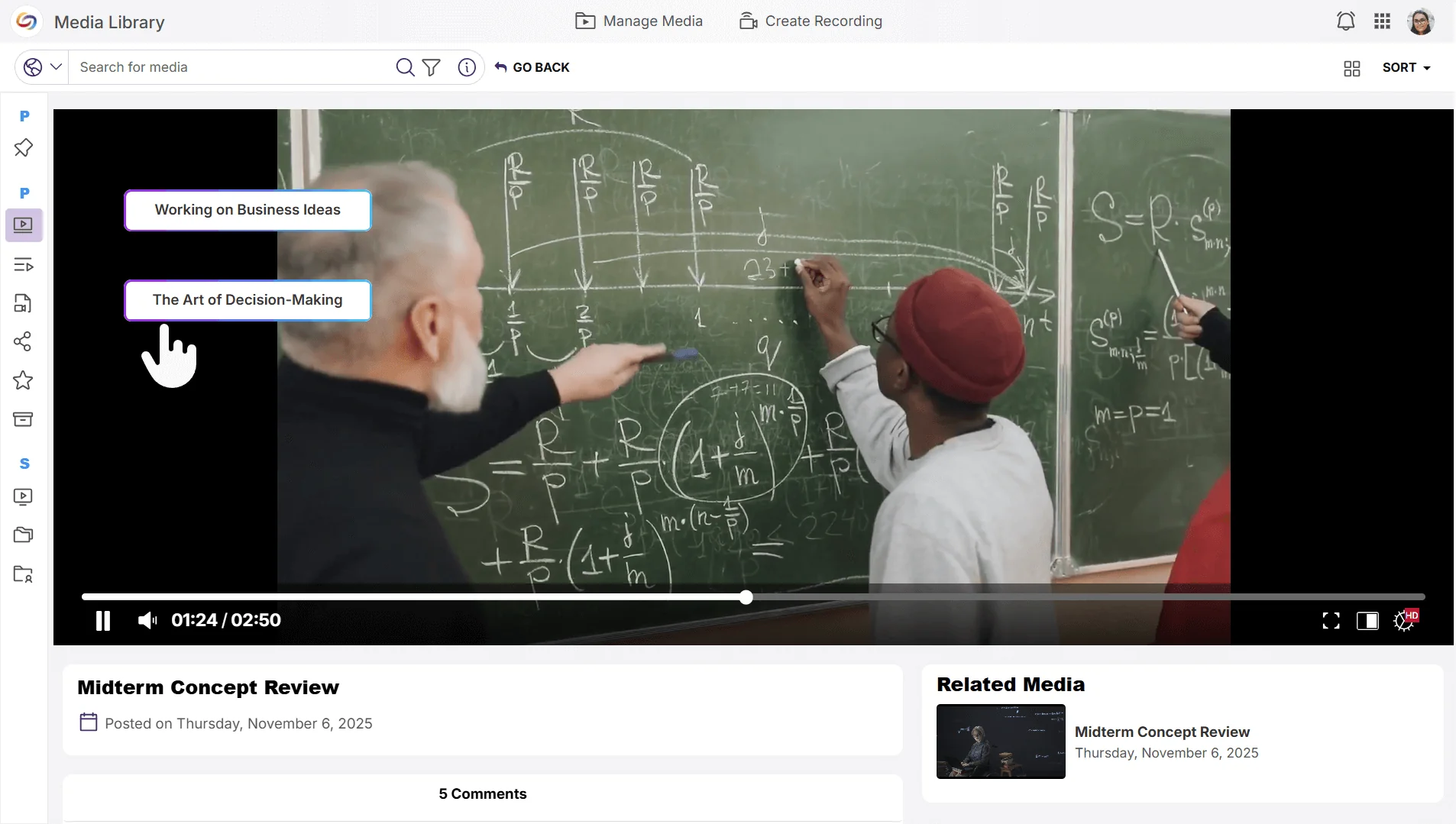
Seamless Playback: Students will be able to interact with branch-point buttons that transition to the next video segment based on their selections.
-
-
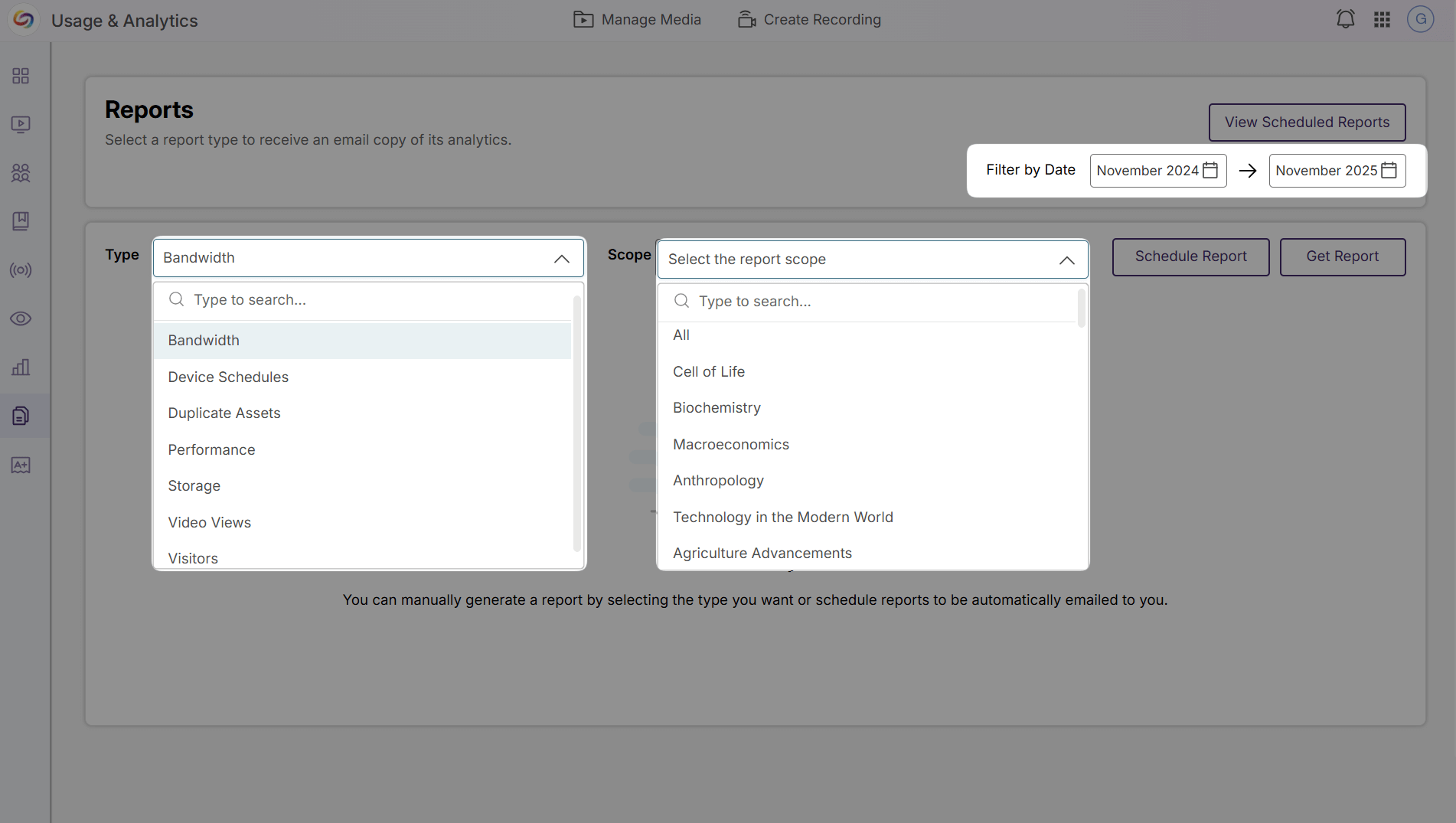
Customizable Analytics Reports Enable Data-Driven Decision-Making
Instructors will now be able to create personalized analytics reports with custom date ranges and content-specific filtering to gain deeper insights into video engagement. Already available to admins and sub-admins, instructors will now be able to analyze their content performance while administrators access institution-level reporting across courses, users, and individual videos.
-
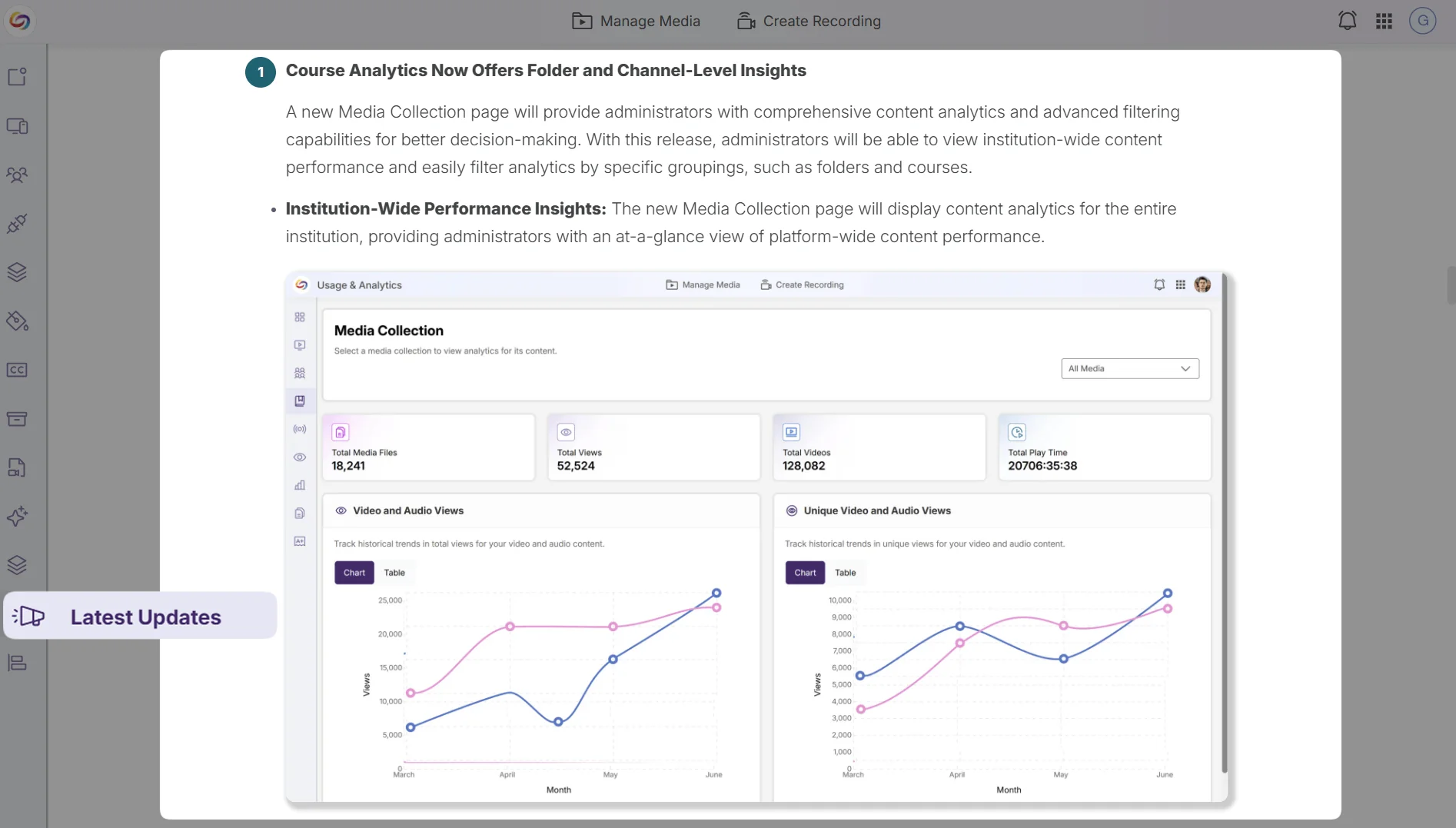
Release Notes Will Now Be Available in the Admin Panel
Administrators will be able to access the latest platform updates and feature announcements through a dedicated Release Notes tab in the Admin Panel sidebar, eliminating the need to navigate to external resources to stay informed about new capabilities and improvements.
-
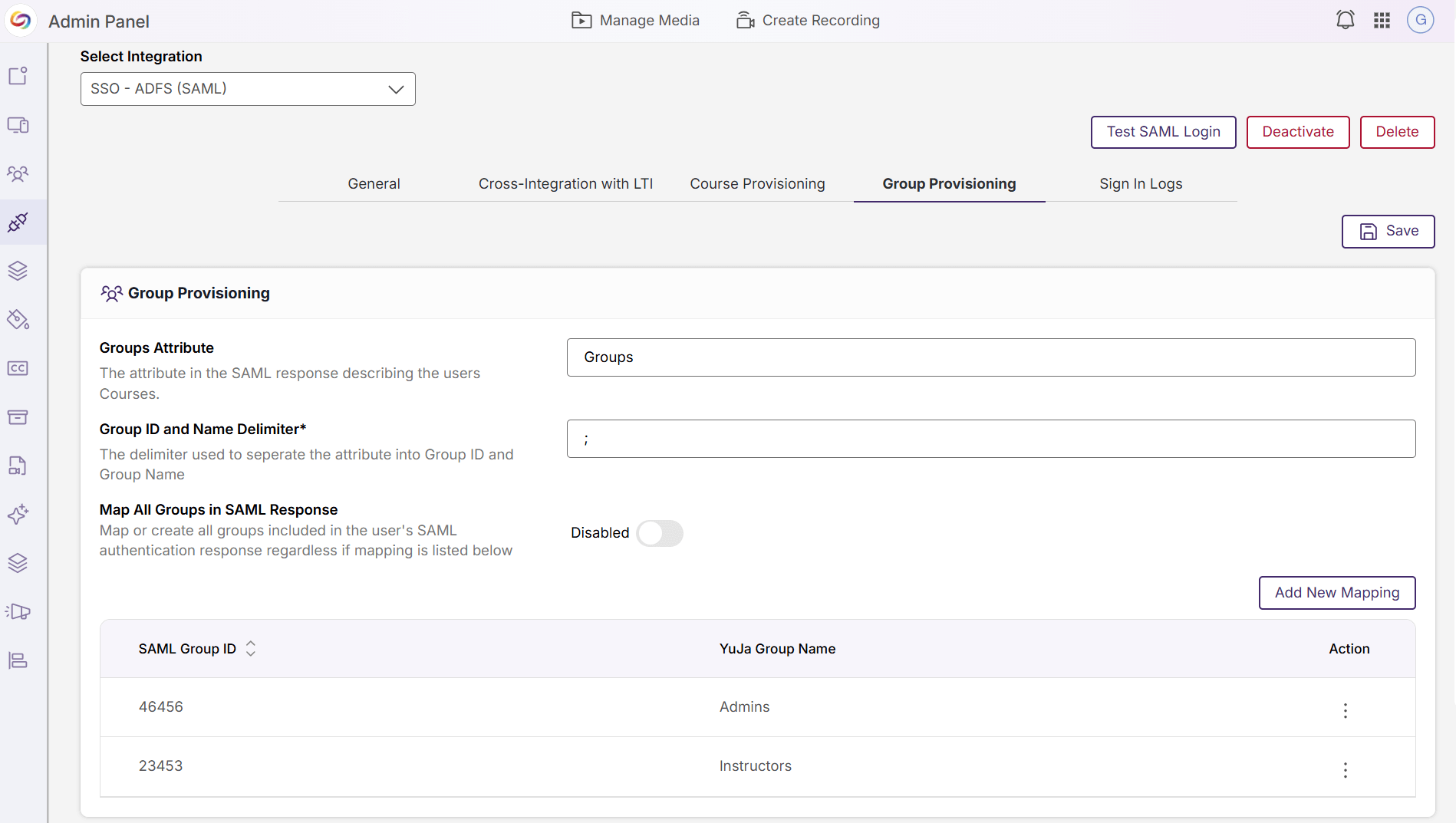
Integration Management Pages Redesigned for Improved Usability
The Admin Panel’s integration configuration pages have been redesigned with an updated interface for SSO/SAML settings, video-conferencing connections, scheduling integrations, and analytics configurations, providing administrators with a more intuitive and consistent experience when managing platform integrations.
-
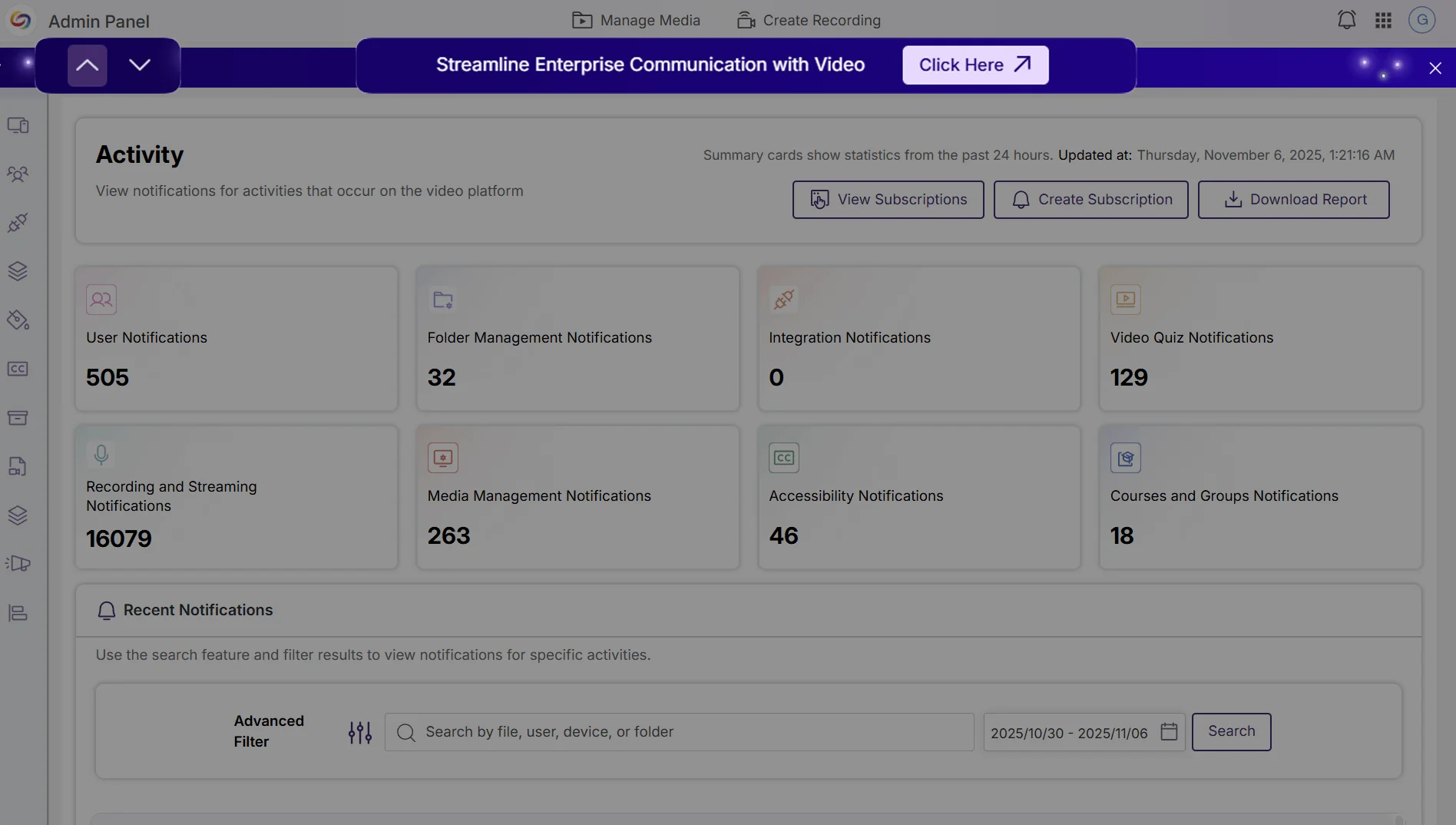
Event Banners Provide Visibility Into Upcoming Webinars and Product Announcements
Administrators can now view upcoming webinar events and important announcements through event banners in the Admin Panel. Multiple active banners can be navigated with arrows or dismissed for the current session to avoid repeated interruptions.