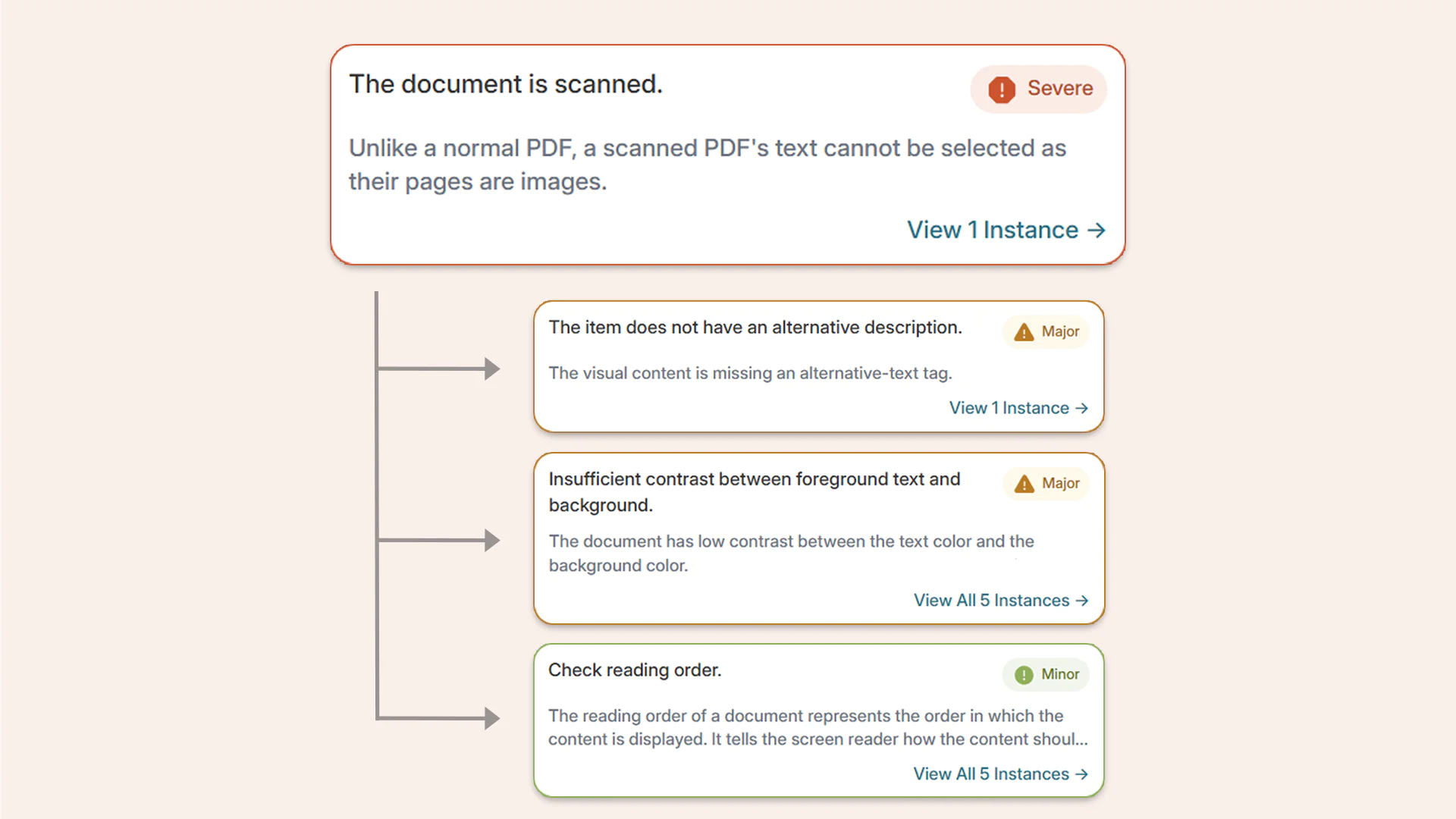
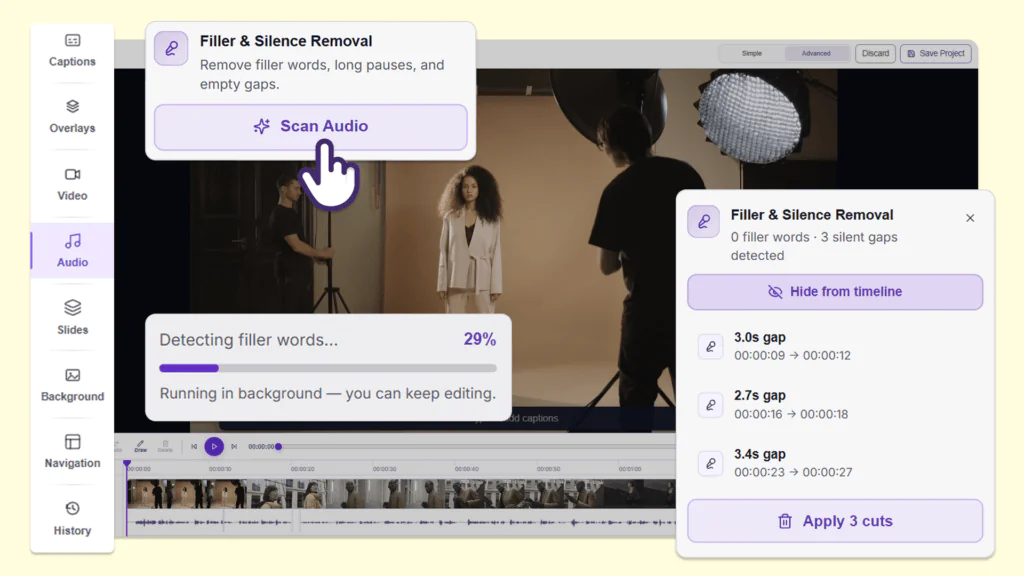
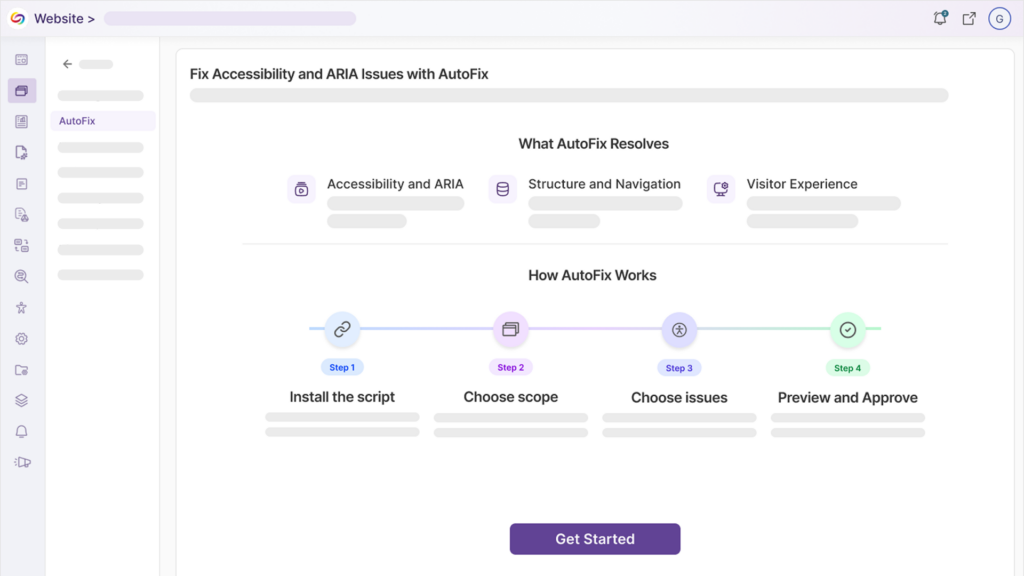
Over the next few weeks, YuJa AutoPilot will be improving its accessibility engine to increase the number of issues it can remediate and simplify the process of repairing scanned PDFs.
-
YuJa AutoPilot Now Provides Support for 20 New Accessibility Issues
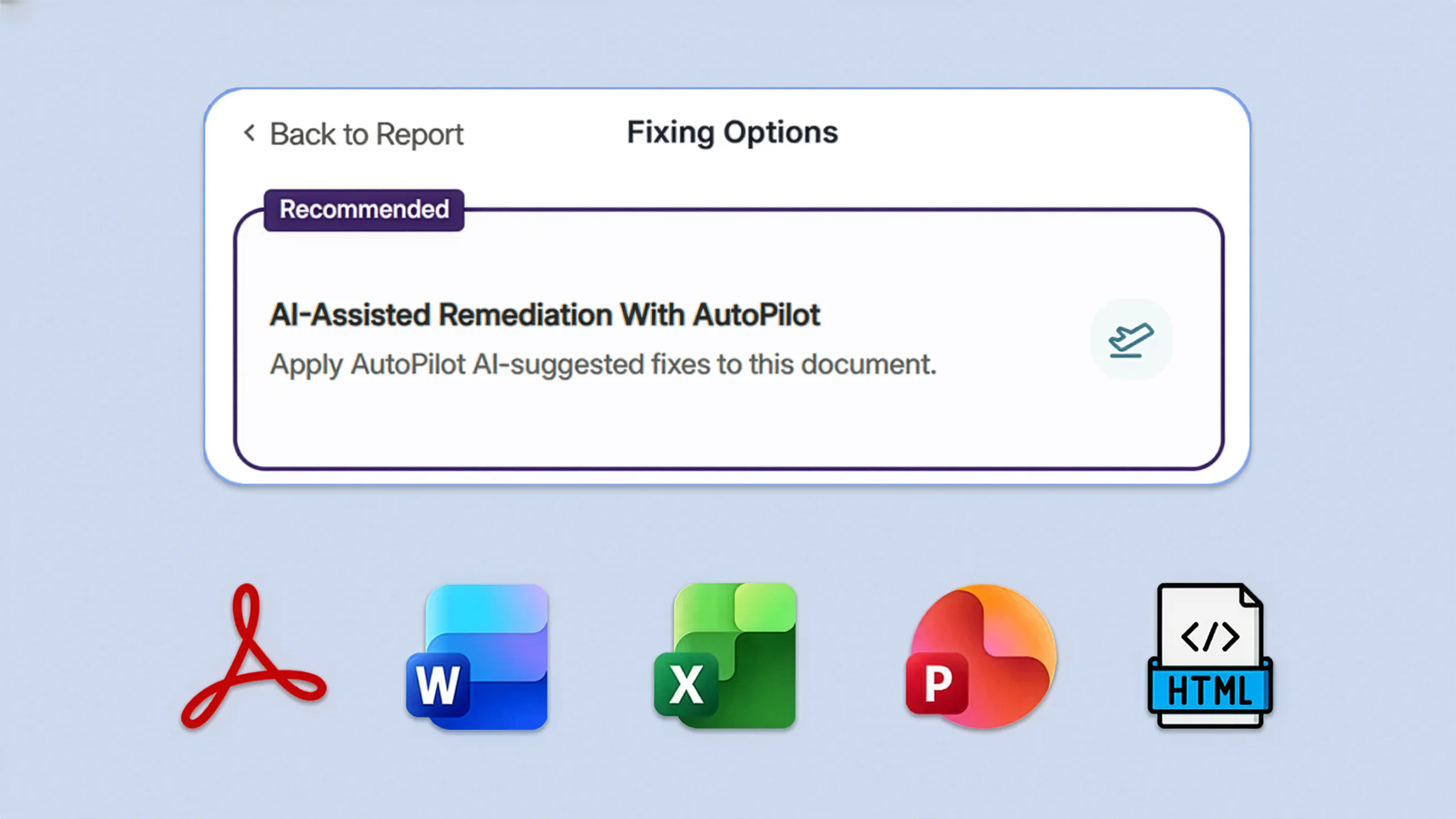
YuJa AutoPilot now provides automated remediation for new accessibility issues in DOCX, PPTX, PDF, HTML, and XLSX documents. New issues that AutoPilot can resolve in these document types include: missing document titles, incorrectly set document language, undescriptive hyperlink text, and missing table captions. For a full list of accessibility issues that can be addressed with YuJa AutoPilot, please refer to Panorama’s Accessibility Checklist, which will be updated as new support is released.
-
Simultaneously Resolve Multiple Accessibility Issues in Scanned PDFs with One Click
The process for remediating accessibility issues in scanned documents is now streamlined so users can resolve multiple issues with just one click. While the platform is repairing a scanned, untagged, or malformed PDF, it will also simultaneously resolve any other YuJa AutoPilot-supported accessibility issues that are found after the document has been repaired. This streamlined process reduces the effort required to make documents fully accessible while saving valuable time for users.