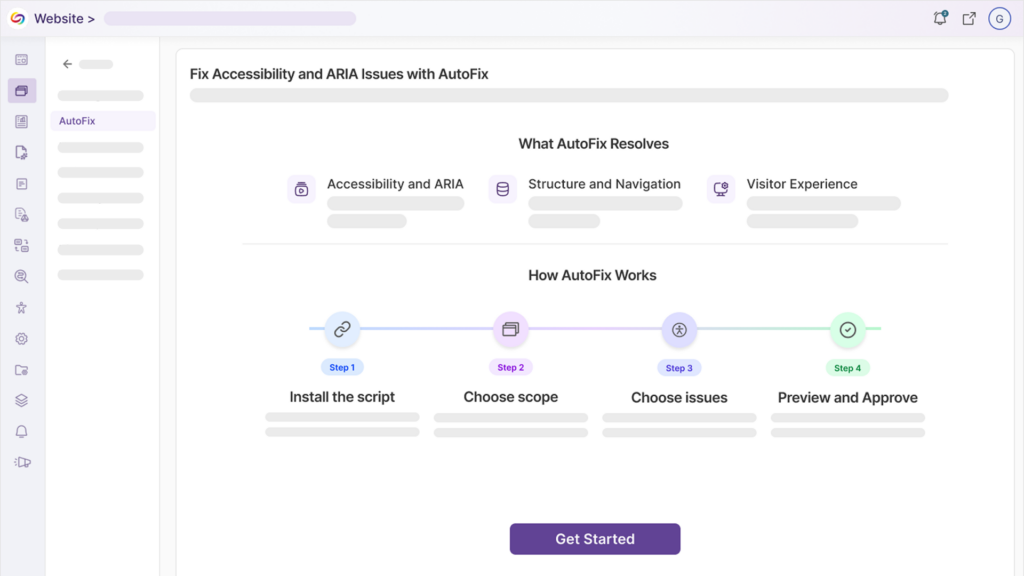
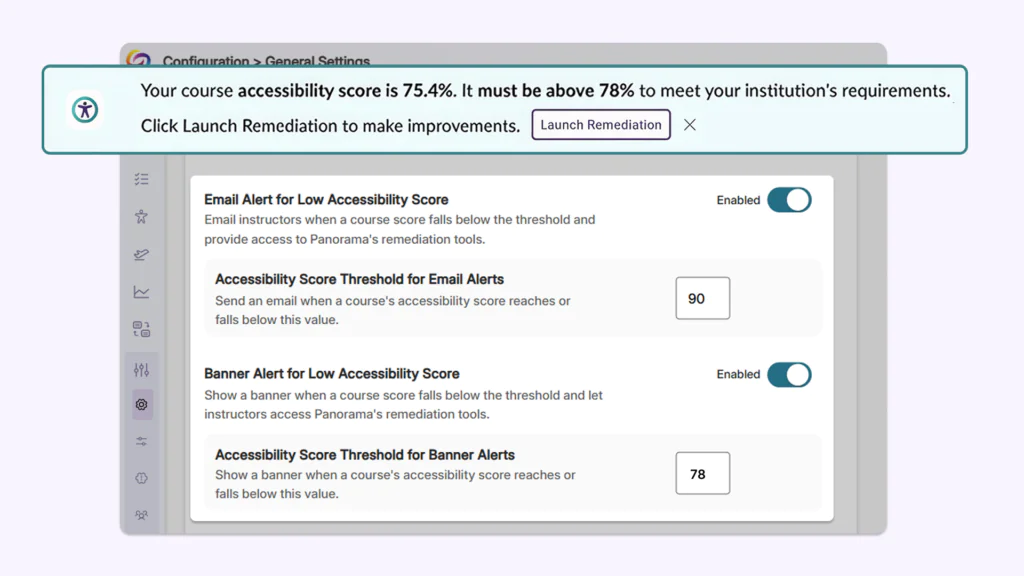
Over the next few weeks, YuJa Lumina will be adding exciting new features, including automatic LMS relink improvements, AI-powered silence removal, enhancements to the video editing management workflow, and much more.
-
Create a smooth and engaging video experience for audiences with AI-powered filler-word and silence removal
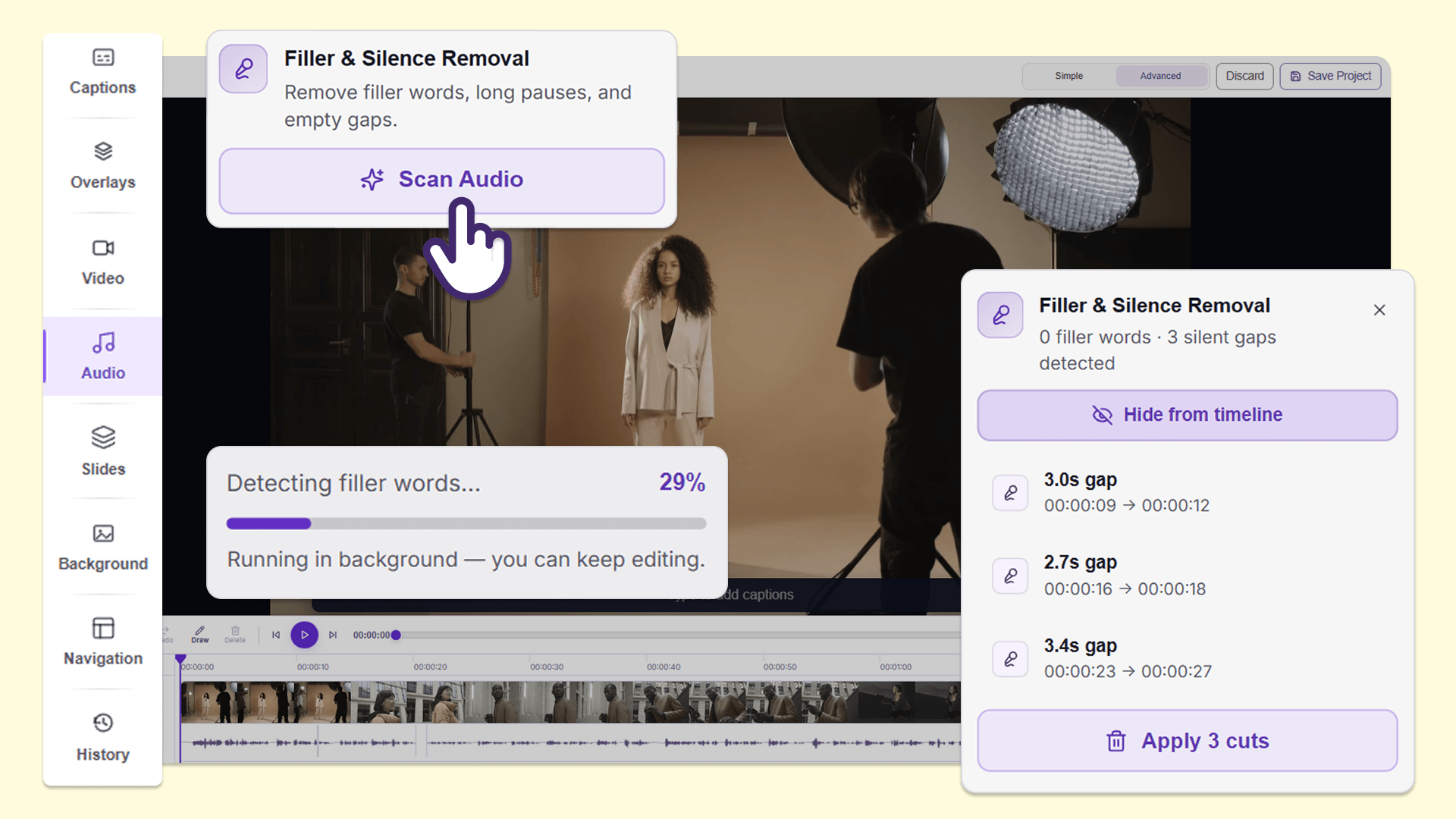
Instructors can now use Filler & Silence Removal in the audio panel of the YuJa Lumina Video Editor to find and remove filler words, such as “um,” and extended silent pauses from recordings without manually reviewing and editing the video. This makes it faster to clean up long lectures and presentations before sharing them with students, helping them stay focused and engaged with content that is more polished and concise.
Users can:
-
Remove filler words: Detect and remove filler words such as “um,” “uh,” and “like” to improve viewer comprehension and make lectures and presentations more professional.
-
Remove silences: Detect and remove long silent pauses to make lectures and presentations more engaging and concise.
-
Make multiple edits at once: Remove multiple instances of filler words and silences in a single action without manually deleting each instance.
-
Edit in several languages: Filler & Silence Removal is available for videos in more than 20 languages, helping instructors clean up recordings in the languages they use for teaching.
-
-
Seamlessly run automated video link replacement in less than 24 hours after migration
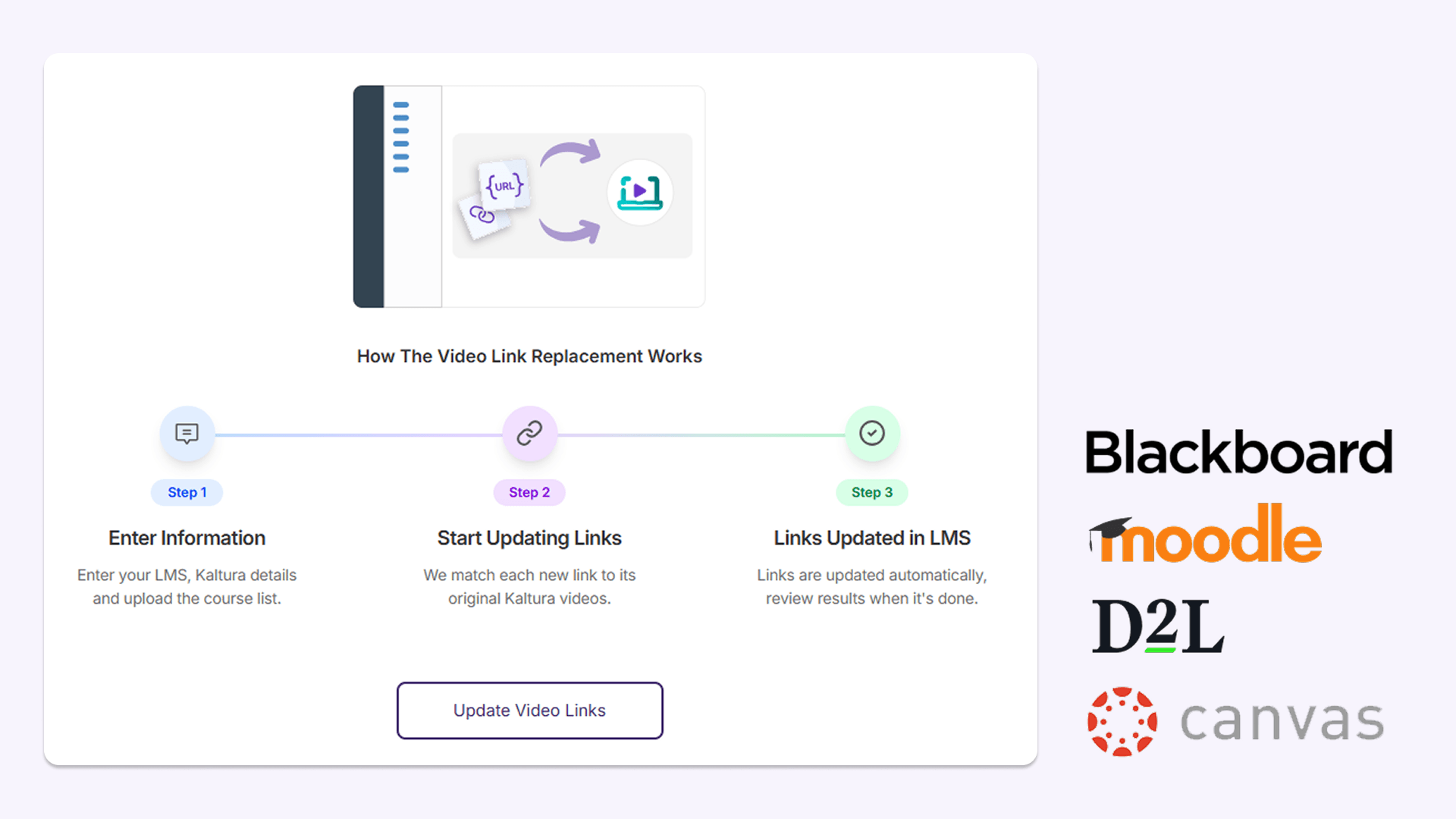
After migration to YuJa Lumina, administrators can now run automated video link updates, allowing them to update links and embeds pointing to existing video content in the learning management system (LMS). After this modification, links will automatically be replaced with the migrated video hosted in YuJa Lumina within 24 hours. Video links and inline videos are quickly updated with correct titles in the LMS, improving the workflow for administrators and helping students maintain access to course videos with limited disruptions.
This feature is available in:
-
Blackboard: YuJa Lumina updates video links and embedded video content across course content and announcements, including content contained within folders.
-
Moodle: YuJa Lumina updates video links and embedded video content across pages, assignments, lessons, and other course activities.
-
D2L Brightspace: YuJa Lumina updates video links and embedded video content across course announcements, assignments, discussions, and supported LTI links.
-
Canvas: YuJa Lumina updates video links and embedded video content across announcements, discussions, assignments, and pages.
-
-
Get more insight into video usage for any folder in the YuJa Lumina media library with an expanded Media Collections report
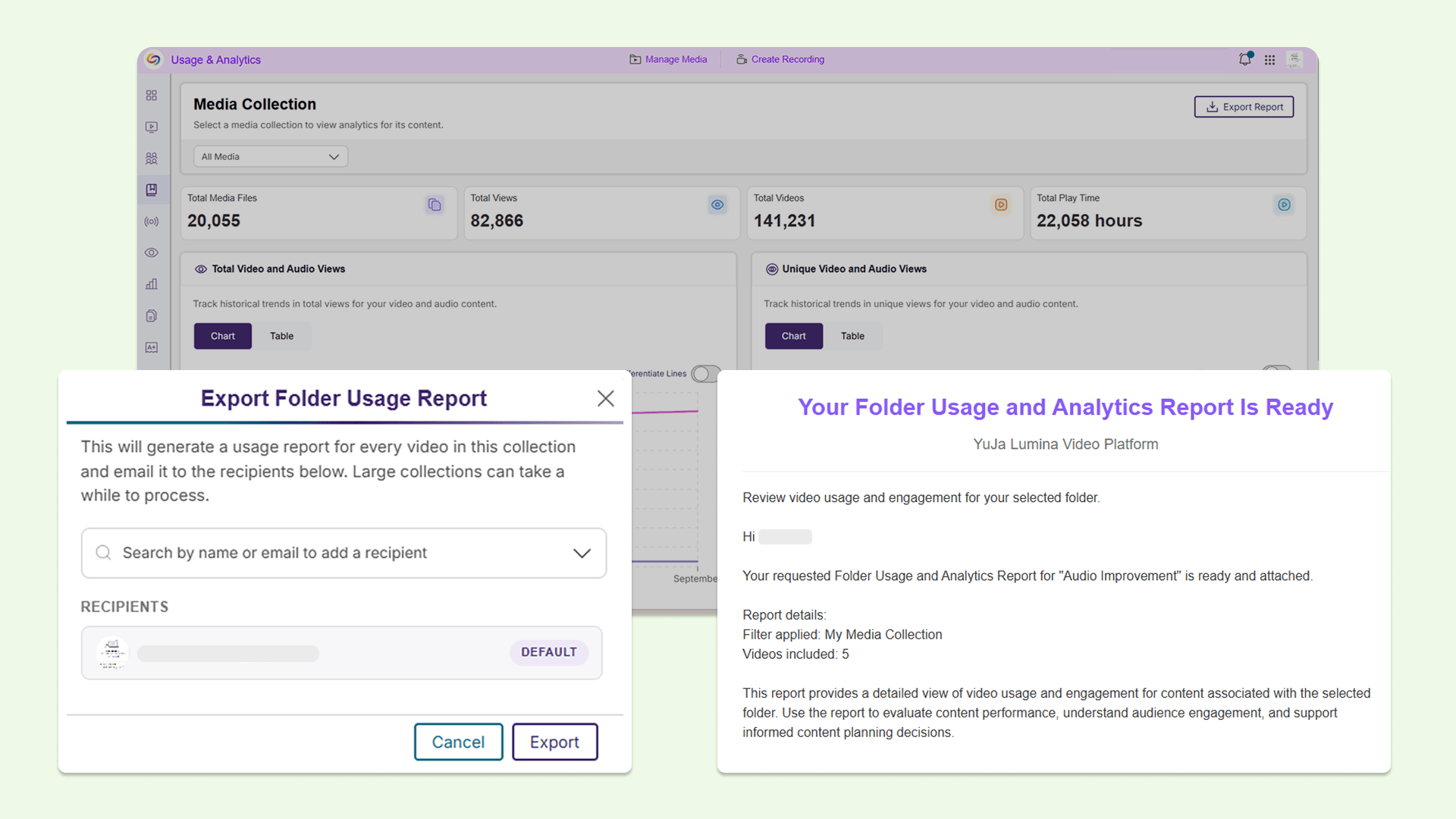
Instructors and administrators can now download a Folder Usage and Analytics Report for different types of folders, including Media Collections, Course Channels, and institution-wide content from the Media Collections report inside the Admin Panel. These reports provide video-level usage information, such as unique viewers, unique student viewers, average watch completion, and recent activity, making it easier to see which videos students are watching, identify content that may be underused, and understand how video content is being used in one Excel sheet without manually gathering the data.
-
Quickly find recordings that need to be reuploaded with new filter in the Recent Notifications panel
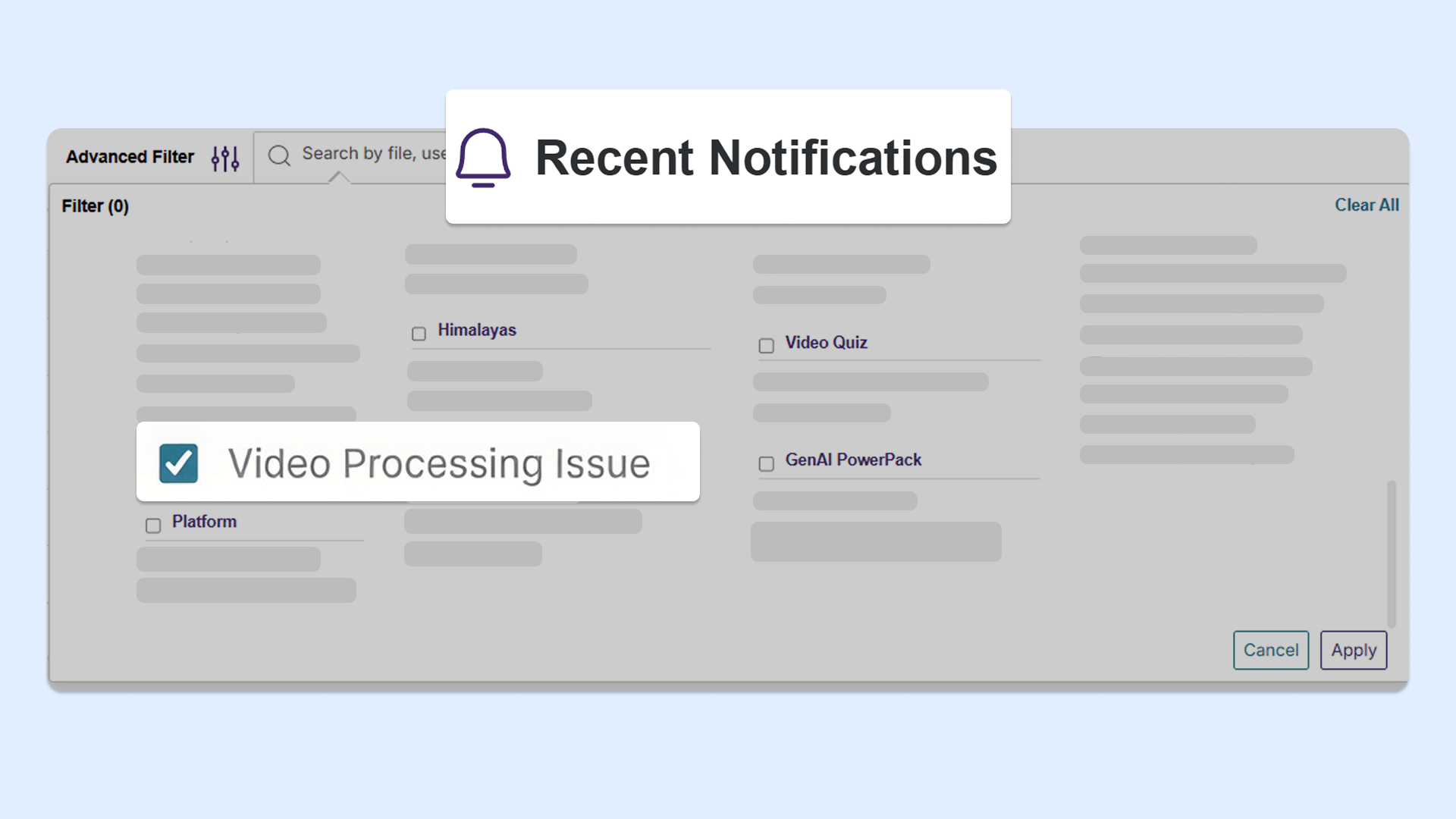
Instructors and administrators can now use a new filter to find recordings that did not successfully upload or process, in the Recent Notifications panel. This makes it easier to identify recordings that need to be reuploaded or reprocessed without needing to manually search through all recordings to identify individual issues.
-
Simplified the workflow for adding new video clips in the YuJa Lumina Video Editor
We’ve simplified the process of adding new video clips to the timeline, allowing users to speed up workflows with more precise video editing. When adding a video clip to the timeline, the improved Insert Video window now displays the thumbnail, title, and length of the clip that’s been selected. Clearer options are also available to customize the video insertion, including which track to place the clip on, and where to insert the clip on the timeline.