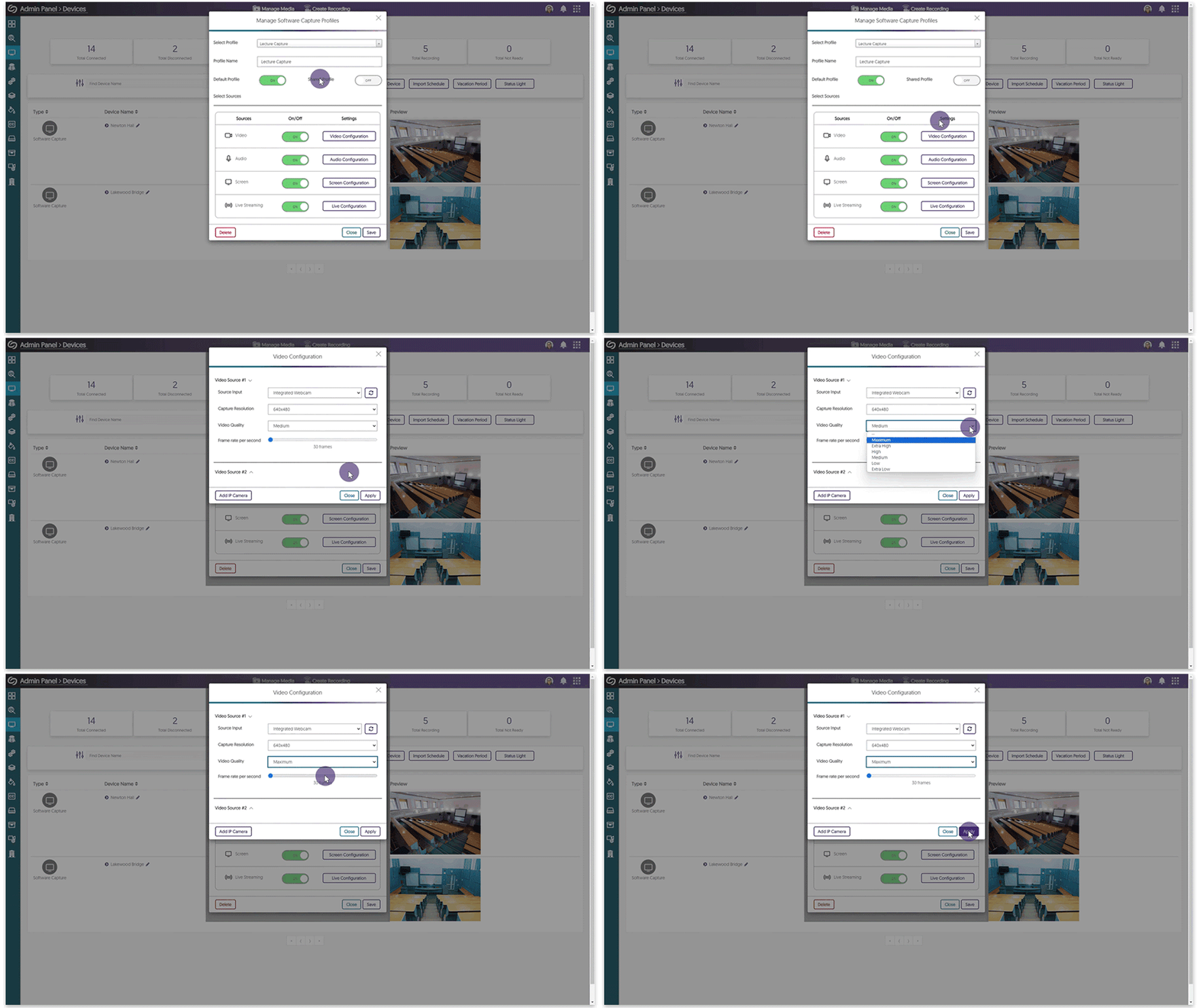
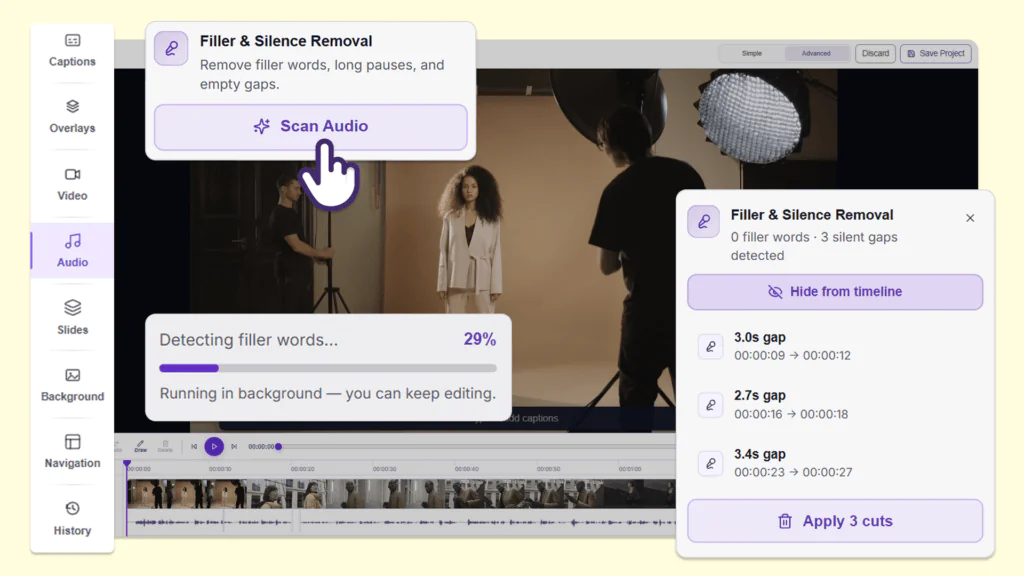
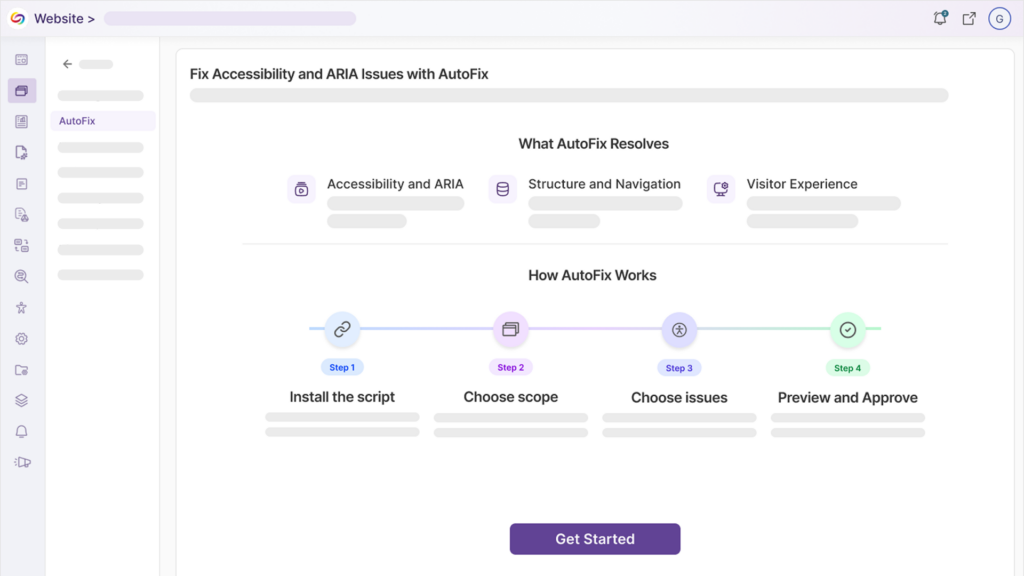
We have successfully pushed an update to all Software Capture for PC instances residing in the US, Canada, Australia, and the European Union. This update includes our improved user interface across the Software Capture Application, a new Recording Mini-Bar for video and audio preview, the ability to start scheduled sessions when signed out of Windows, initiate scheduled recordings when offline, enhanced video quality for live streaming, improved remote monitoring capabilities, auto-recognition of devices during a session, auto-publish recordings from the course channel Software Capture was launched, and instant synchronization of remote profile adjustments.
- Refreshed User Interface Using Material Design System
The entire Software Capture user interface has been refreshed to use a Material Design interface. This refreshed design offers a cleaner interface with a key emphasis placed on updating colors and buttons to provide a clear indication of UI elements, all of which are keyboard accessible.
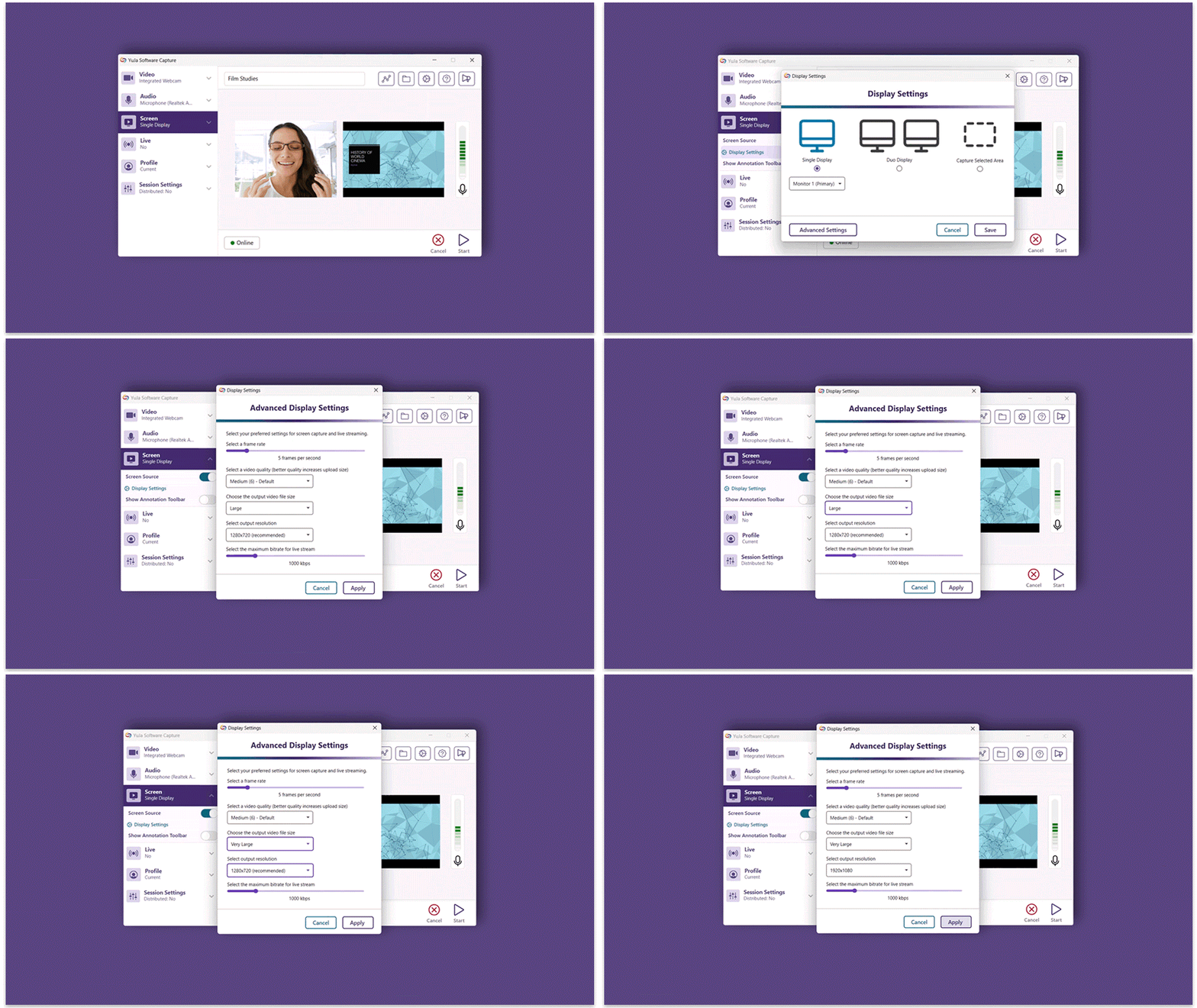
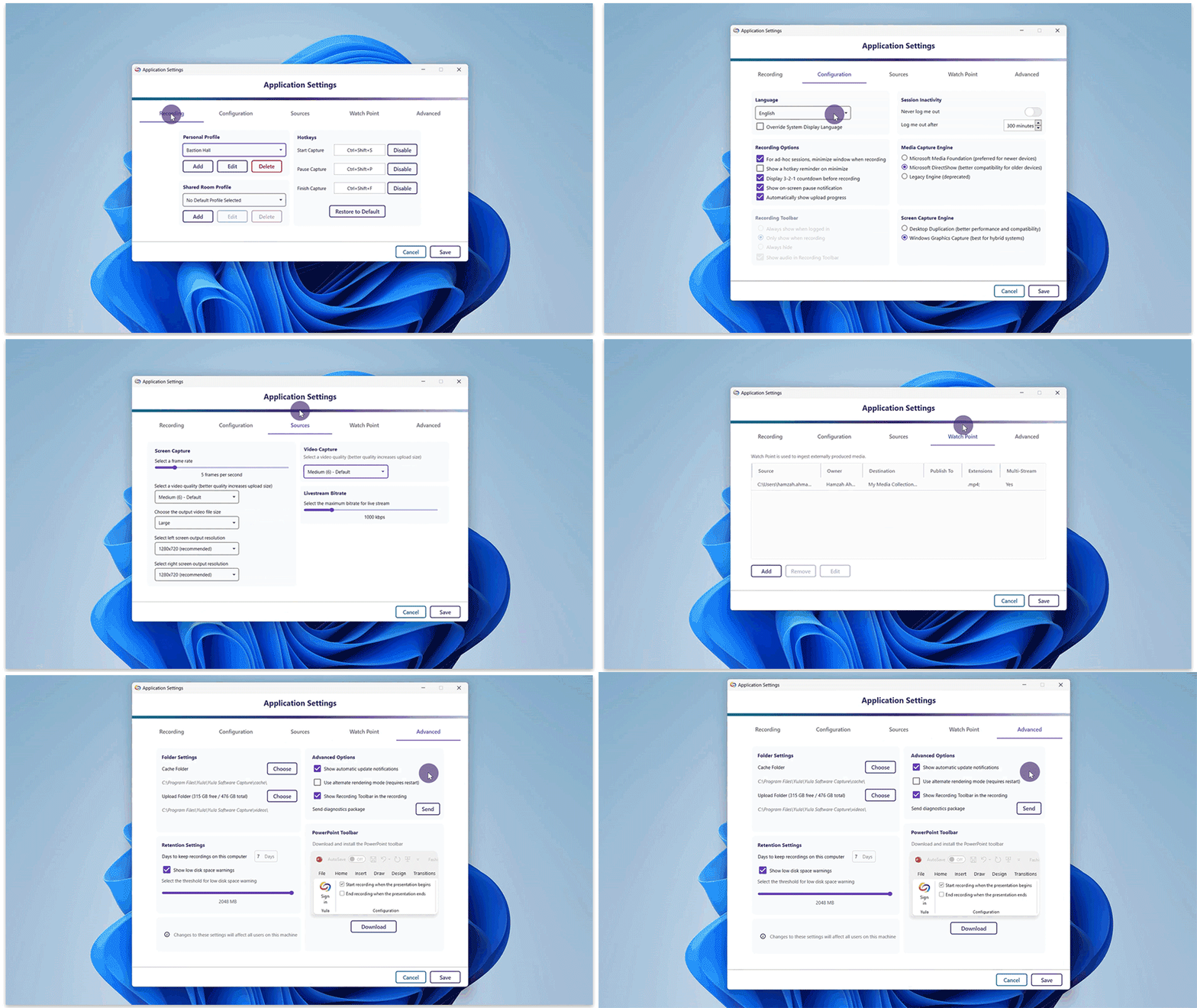
- Application Settings Redesign for Streamlined Adjustments
The Software Capture Application Settings have undergone a redesign, redefining our approach to organizing settings within individual tabs. Recognizing the limitations of extensive tabular views, we’ve consolidated tabs and introduced distinct sections complete with headers and sections. Merged tabs, such as Profiles and Hotkeys, Screen Capture, and others, contribute to a more intuitive experience and ensure a well-organized interface where settings are clearly identifiable.
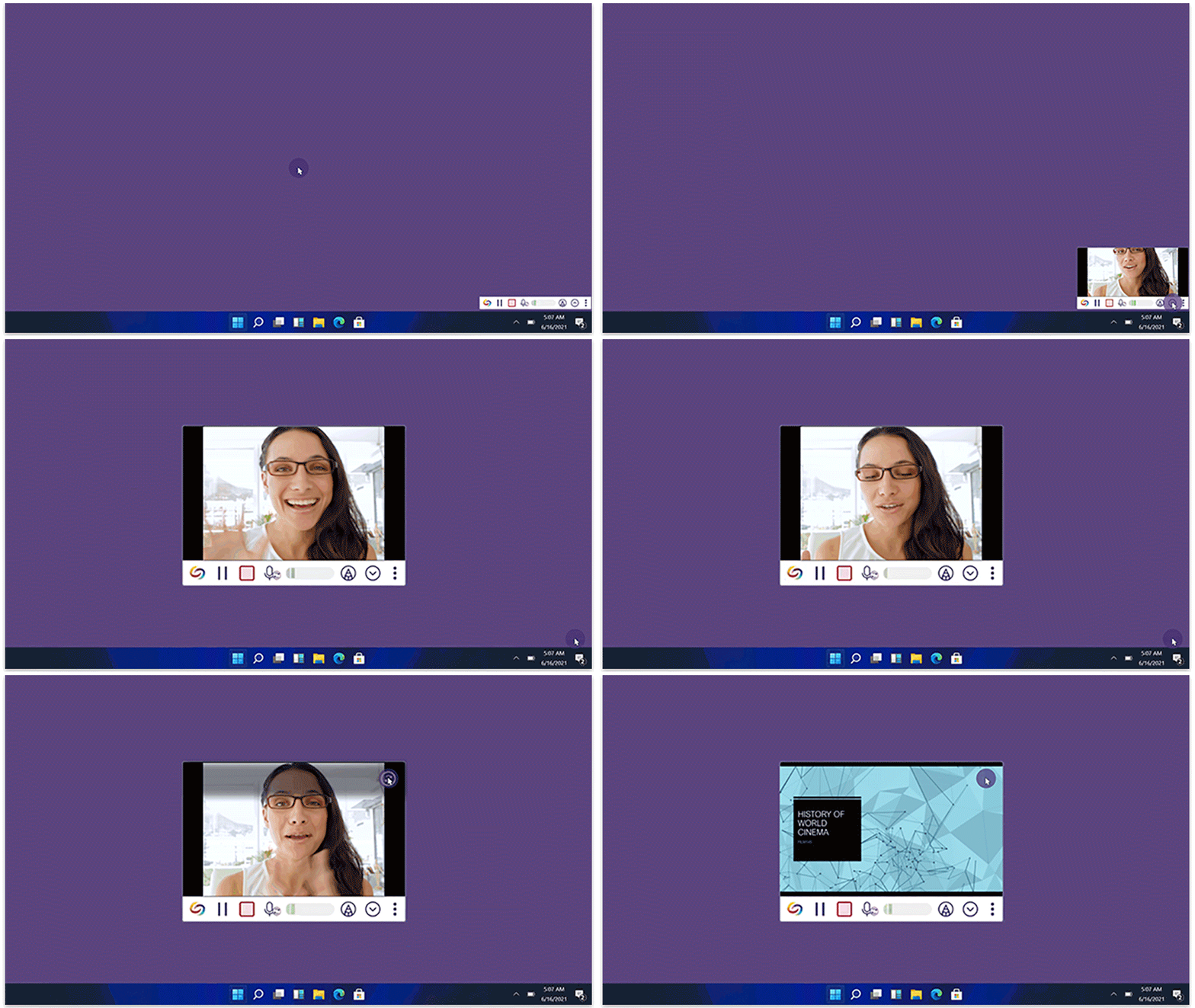
- New Recording Mini-Bar with Slide-Out Video and Screen Preview
The Software Capture’s Mini-Bar is fully redesigned to provide a sliding video and screen preview that doesn’t show up in the final recording. Previously, Content Creators could only check their video or screen preview by accessing the Confidence Monitor, which unfortunately interrupted the presentation by bringing it into the screen recording.
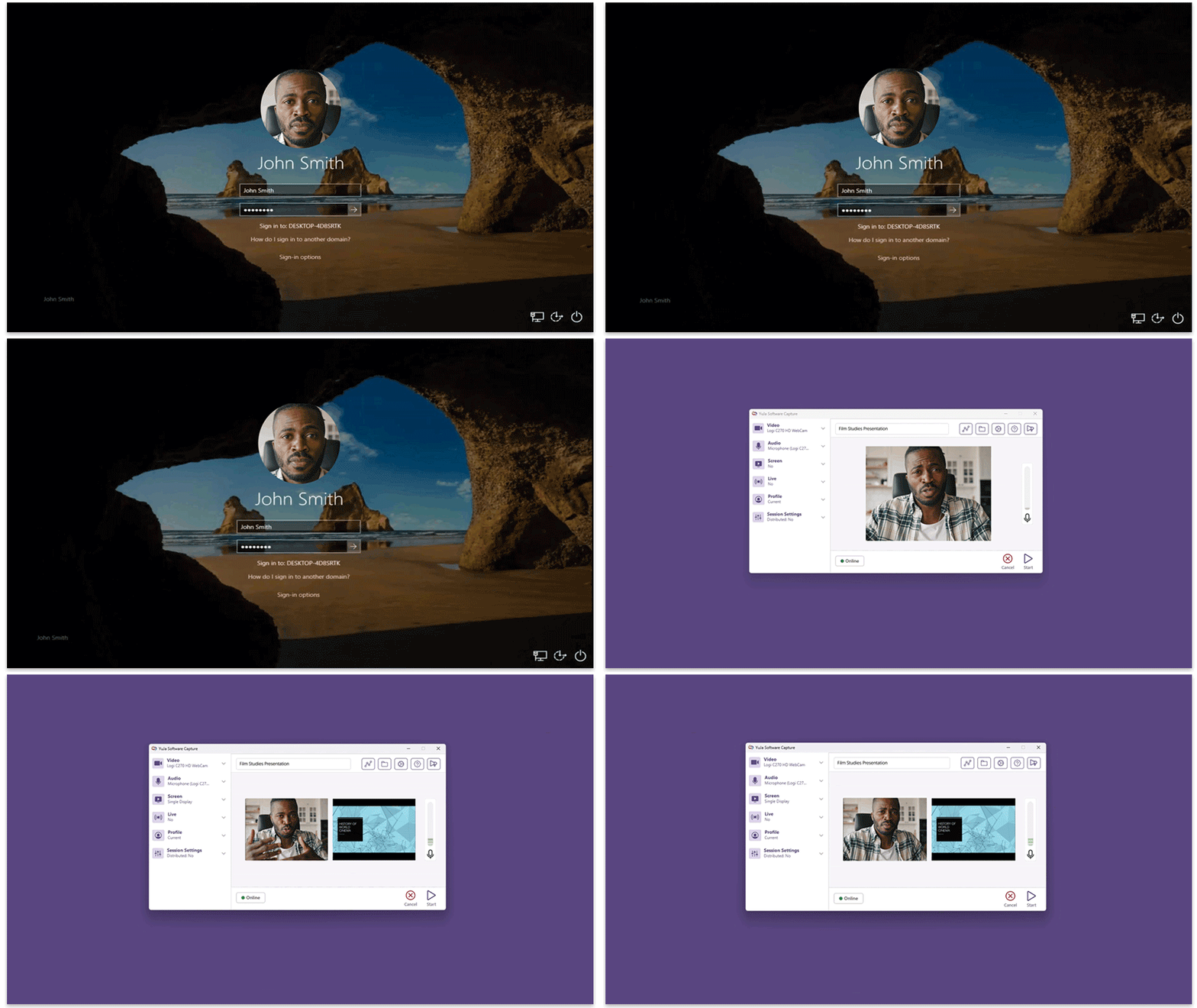
- New Fleet Management Capabilities – Automatic Start of Scheduled Sessions When Signed Out of Windows
As part of our Fleet Management capabilities, we are continuing to develop tools to enhance remote deployments of the Software Capture application. In cases where a computer is signed out of Windows and Creators cannot access the device, the updated Software Capture application ensures that scheduled sessions will still start on time, capturing active devices such as video and audio sources while awaiting the screen source. Upon signing back into Windows, the Software Capture application will automatically connect to the screen source, ensuring all devices are enabled for a continuous recording experience.
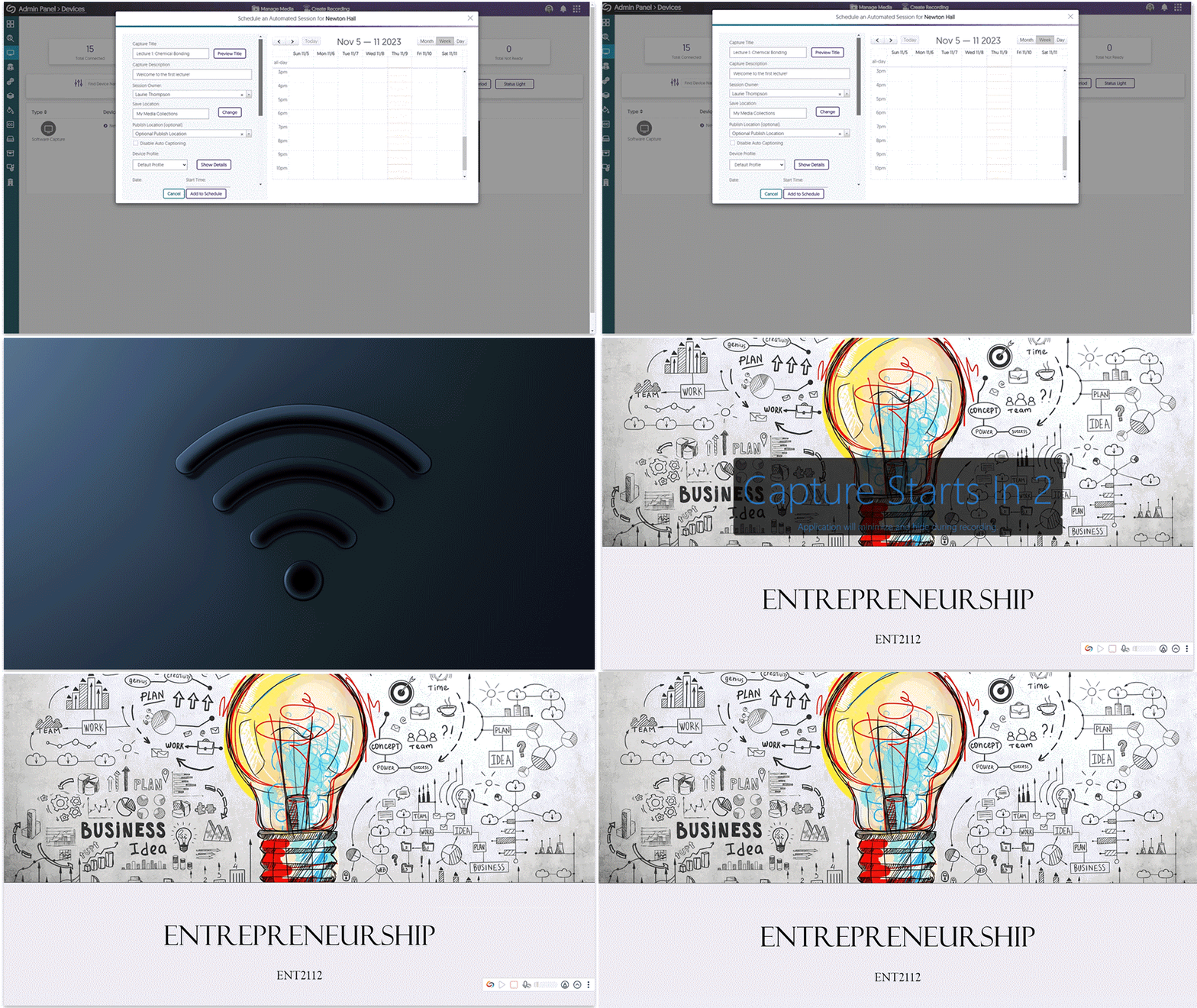
- New Fleet Management Capabilities – Long Duration Offline Mode Resilience for Auto-Scheduled Sessions Using Session Caching
Similar to our Hardware Hub capabilities, we have added additional resilience to auto-scheduled sessions by adding localized schedule caching and opportunistic cloud-synchronization. That may sound like a mouthful, but what it means is that if an auto-scheduled Software Capture application loses internet connection up to a week prior to a session, as long as it was connected at some point for a few minutes, it will continue with the recording schedule because a copy has been synched locally. Once an internet connection is re-established, finished recordings will be uploaded to the Video Platform, and additional schedules will be synchronized.
- Media Foundation Engine Now Used for Live Streaming, Offering Enhanced Live Streaming Performance
Following our transition to the Media Foundation engine as our primary capture engine for recording, we have now extended this capability to live streams. This enhancement is set to significantly improve the live stream experience for viewers, ensuring the highest quality output is received. On the roadmap for a future release is to extend this new Engine to replace the existing Engine for NDI and RTSP-enabled sources.
- New, Higher-Performance Device Monitoring with Lower Memory Footprint
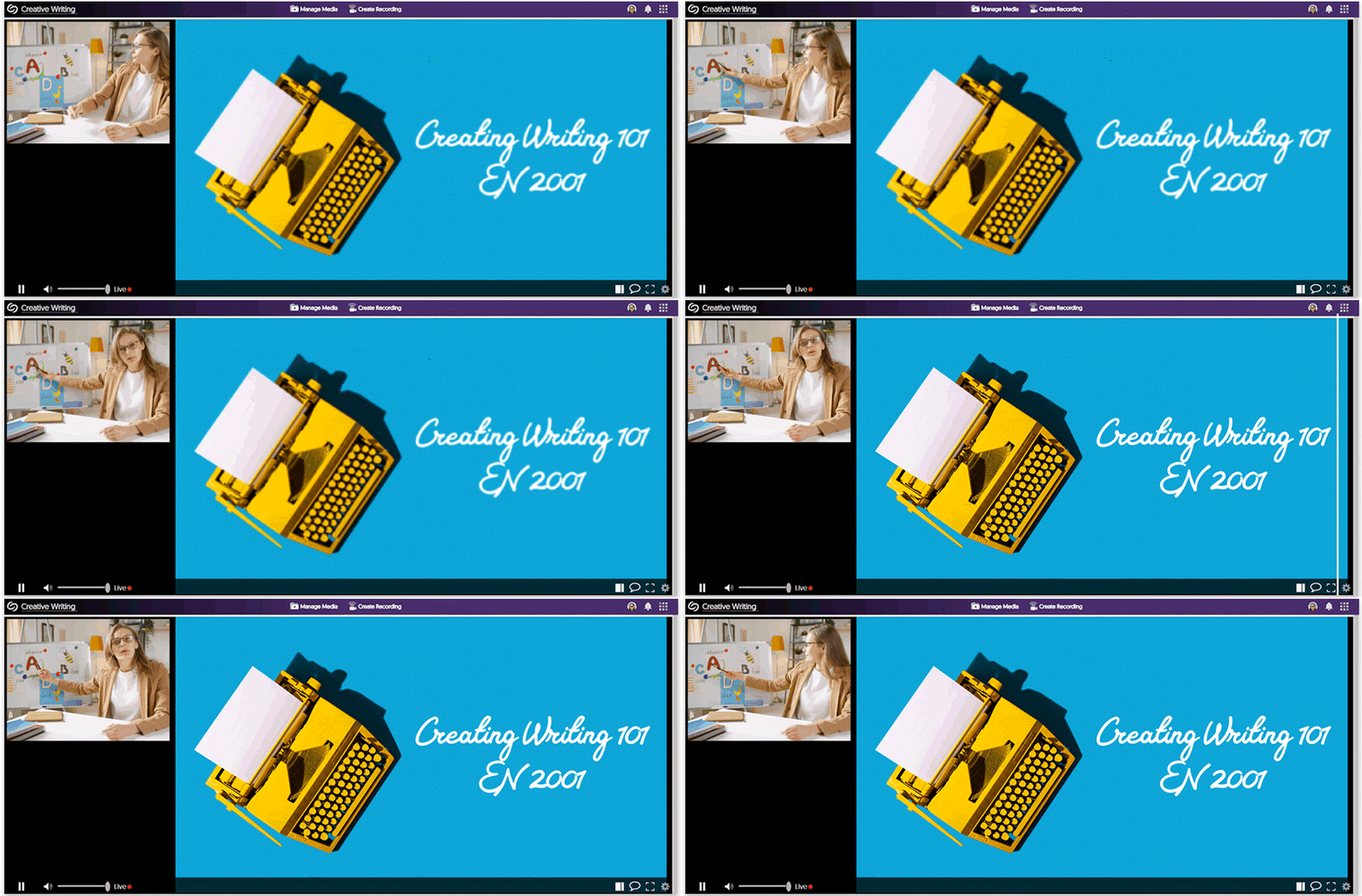
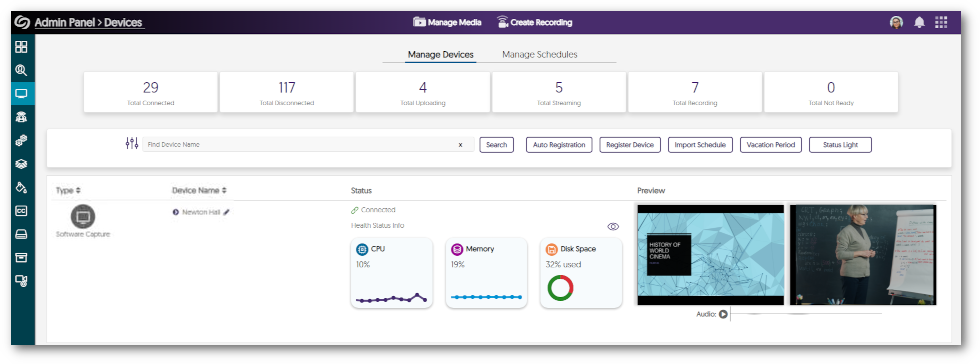
Our Device Monitoring capabilities were introduced years ago, and since then, a lot has changed in the audio and video landscape. To better manage fault-tolerance remote device monitoring, we’ve built a brand-new Remote Device Monitoring Module that accompanies the Software Capture application but works on an independent architecture. The architecture is built on the Media Foundation engine to take advantage of GPU performance alongside the CPU. The result? This upgraded infrastructure provides greater fault tolerance, better performance, and fewer disconnections for the audio and video previews on the Devices page.
- Auto-Retry and Connect Profile Devices During Active Recording Sessions
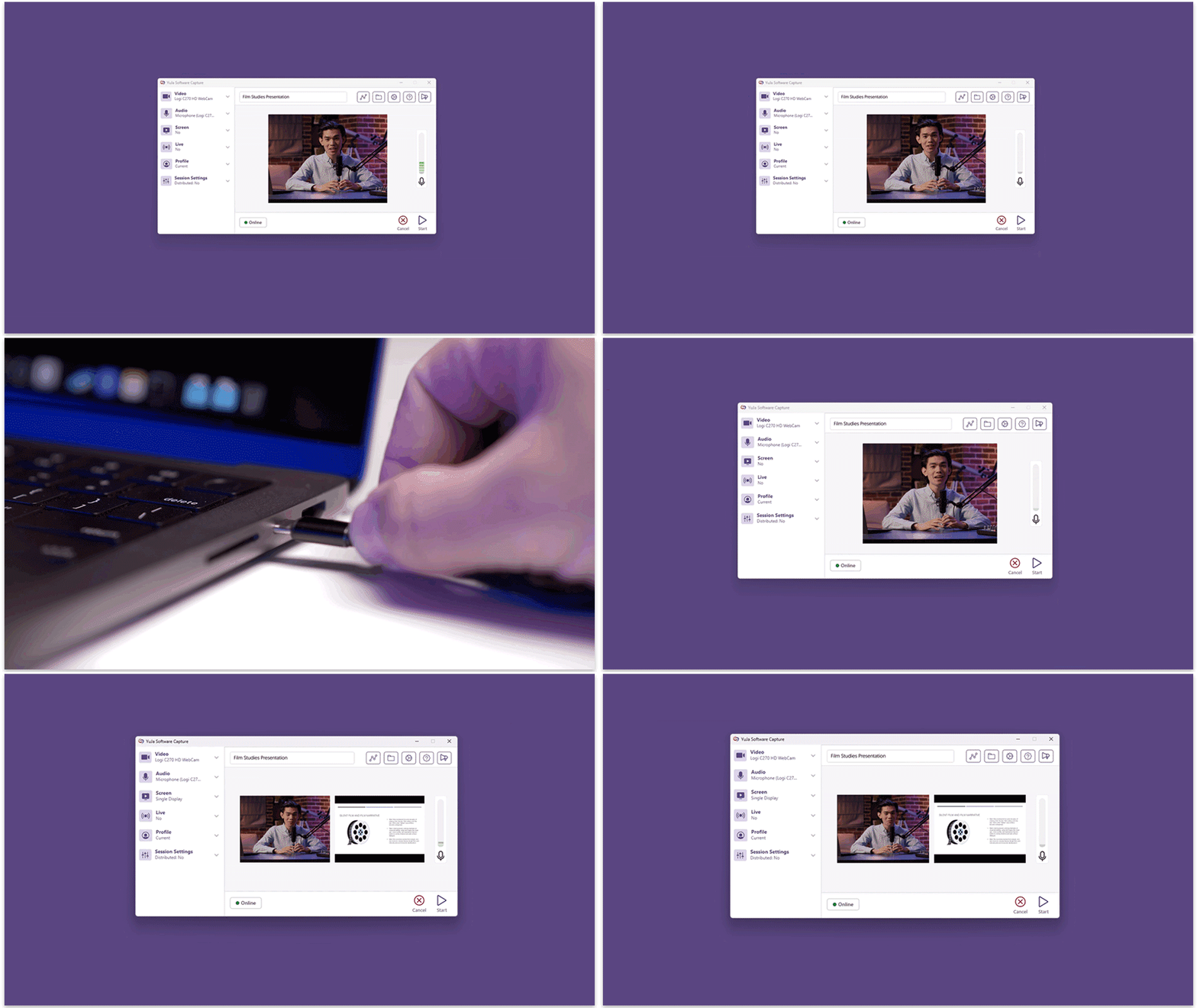
If a recording device assigned to a selected profile is not plugged in at the start of a scheduled session, Content Creators can simply connect the device during the session. The Software Capture application will then automatically detect and integrate the device into the ongoing recording.
- New Interface for Selecting Channels for Publication
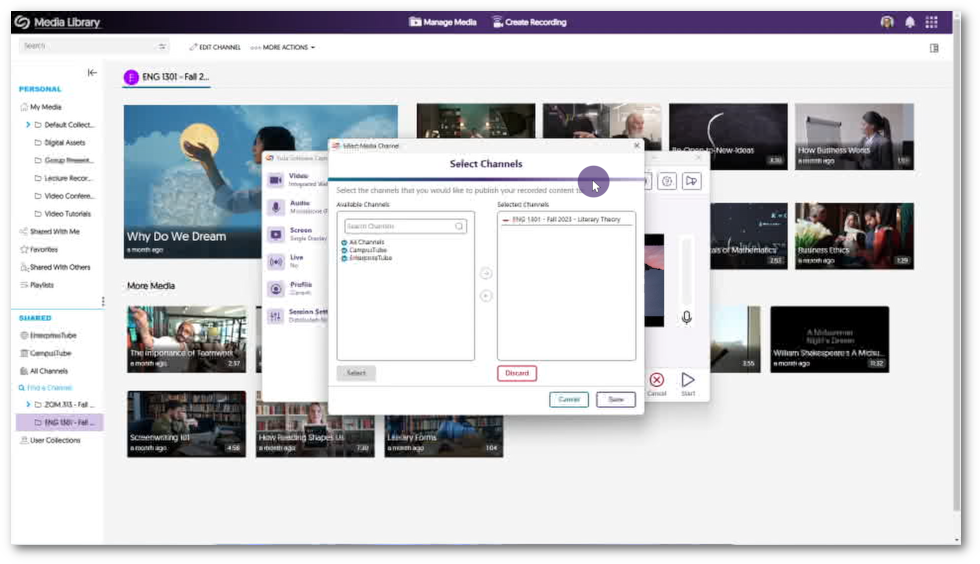
We’ve updated how Content Creators choose channels by showcasing a side-by-side comparison of Available and Selected Channels alongside an improved hierarchical view. Simply utilize the new arrow icons to effortlessly adjust your preferred publication locations.

- Publish to the Course Channel From Where Software Capture was Launched
When launching the Software Capture application from a Course Channel on the Video Platform, the course information will automatically be pre-selected.
- Instant Synchronization for Remote Profile Management
Remote adjustments to Profiles on the Video Platform now take immediate effect in the Software Capture application, removing the previous requirement to restart the application for changes to appear.