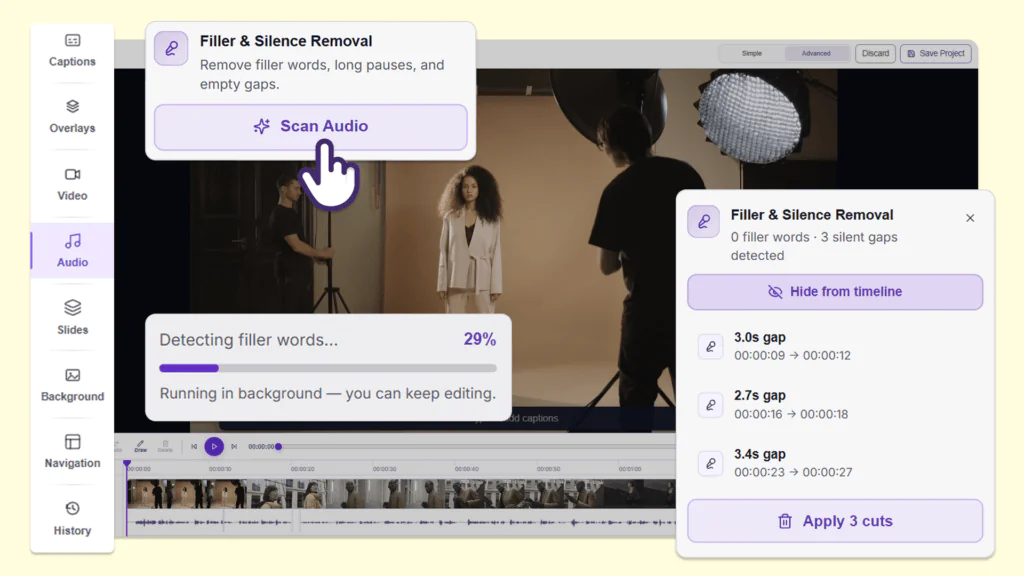
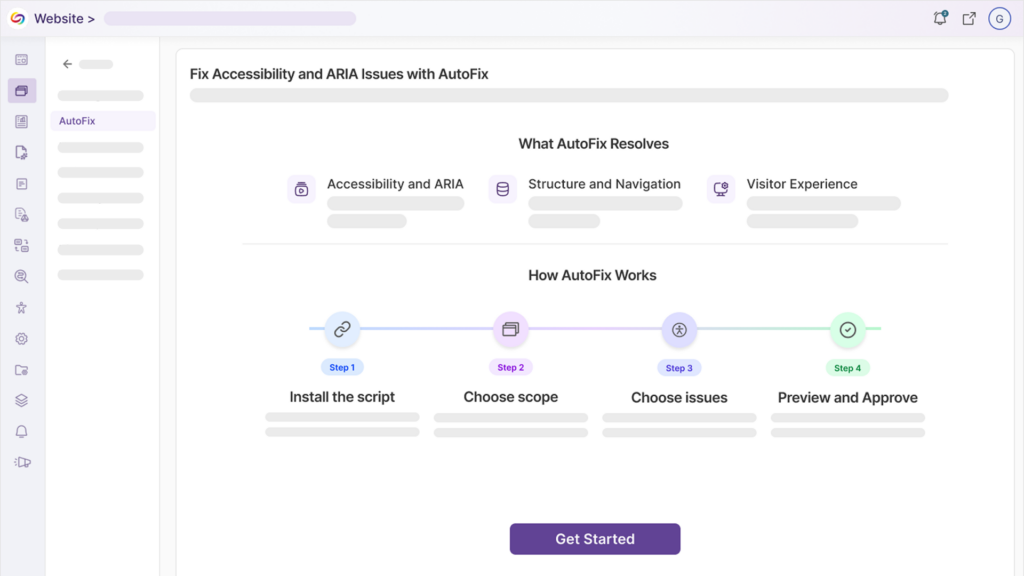
We have successfully pushed an update to all YuJa AccessNotes Note-Taking Platform instances residing in the US, Canada, Australia, Singapore, the Middle East, and the European Union. This update includes the option to ask AI Assistant questions to clarify complex concepts, embed supplementary materials to the audio-based notes, embed personalized illustrations through whiteboard, disable waveform animation during playback, and improved responsiveness for mobile and tablet view.
-
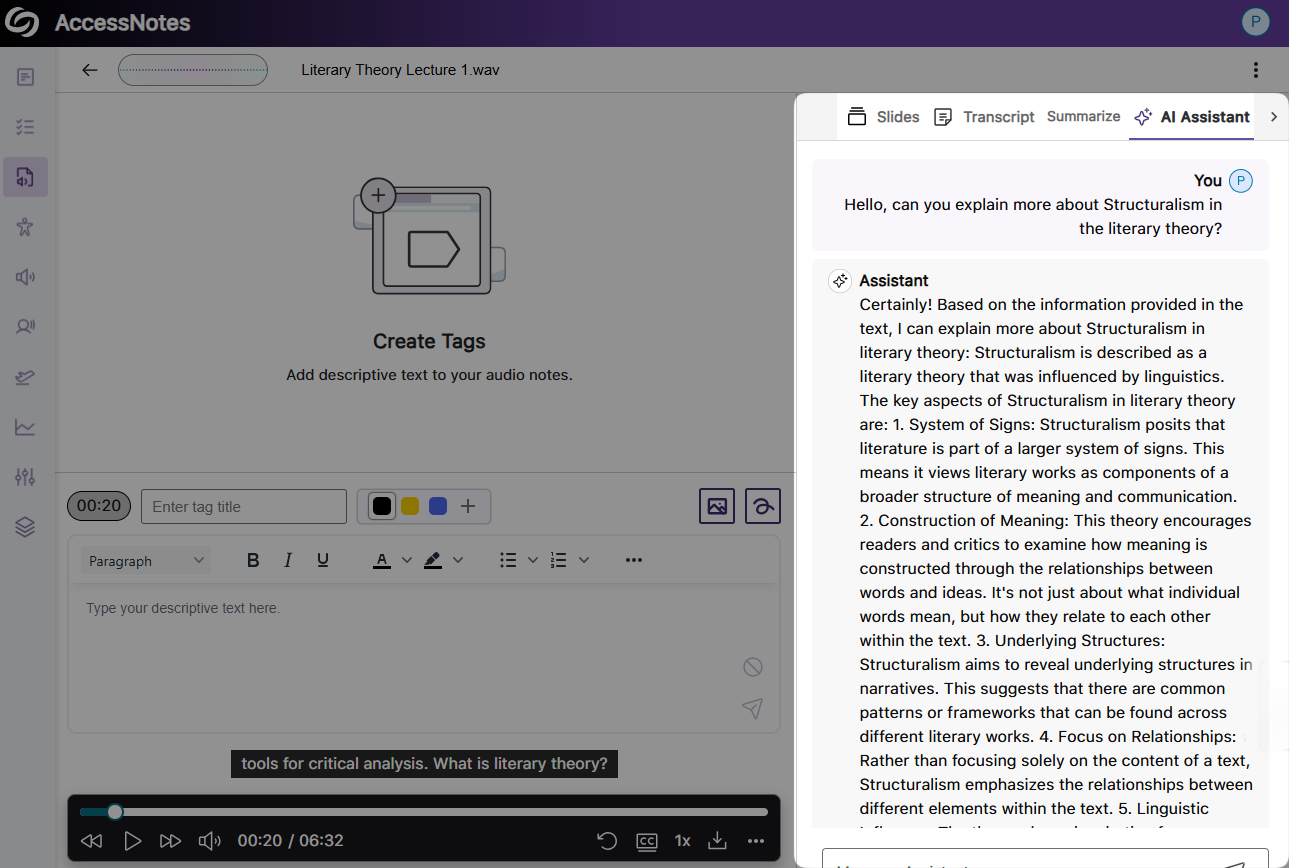
Ask AI Assistant Questions During Audio Playback to Clarify Complex Concepts
With our new Gen AI integration, you can ask questions while listening to your audio playback. Simply access the AI Assistant to clarify complicated concepts, discover fun facts, or learn key details from the notes. Whatever questions you have, AI Assistant is here to help.
-
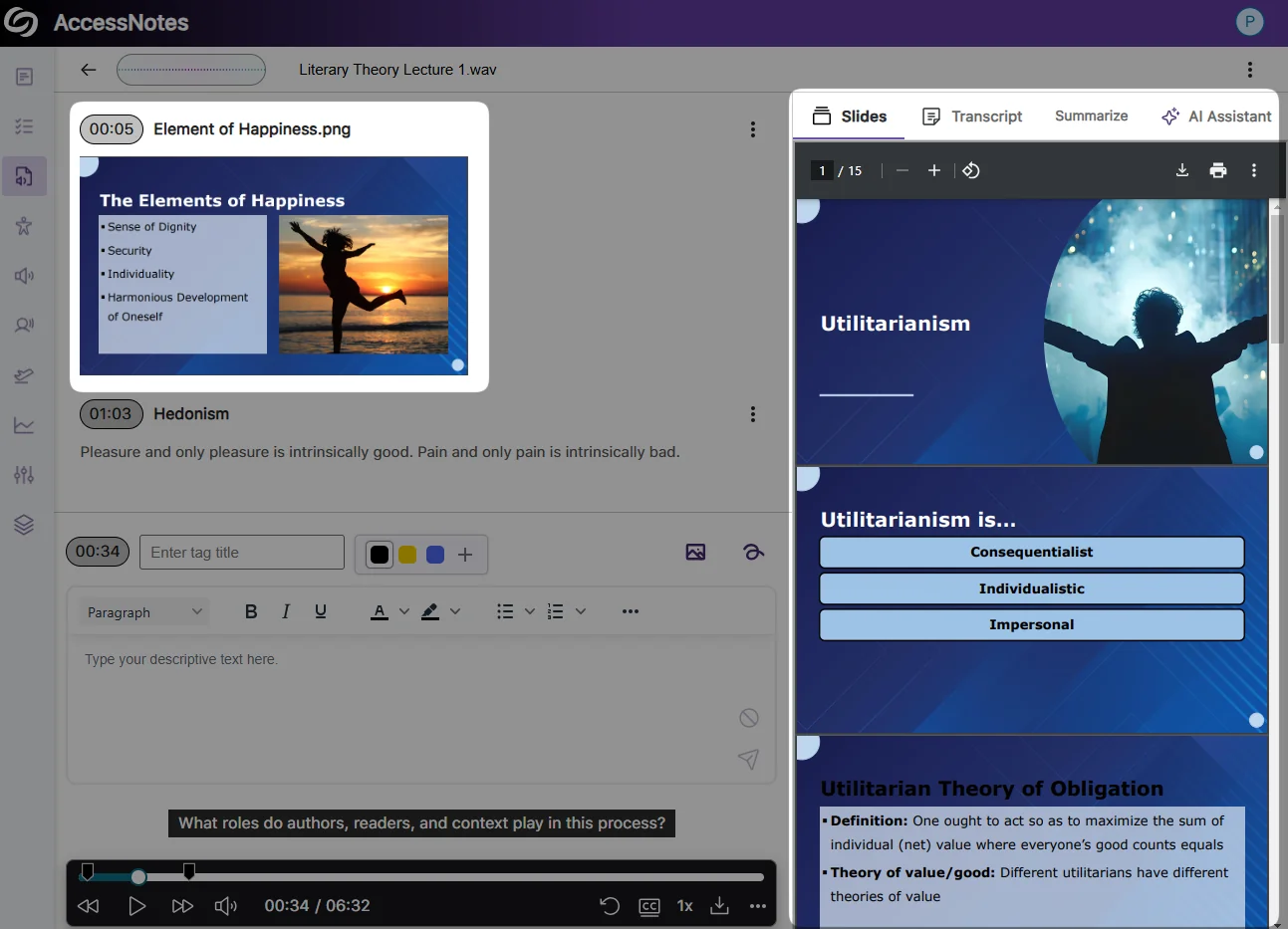
Embed Supplementary Materials to Your Audio-Based Notes
You can now import supplementary materials, including slides, PDFs, and images, directly into your audio-based notes, ensuring that all relevant resources are easily accessible alongside your notes for a more organized learning experience.
-
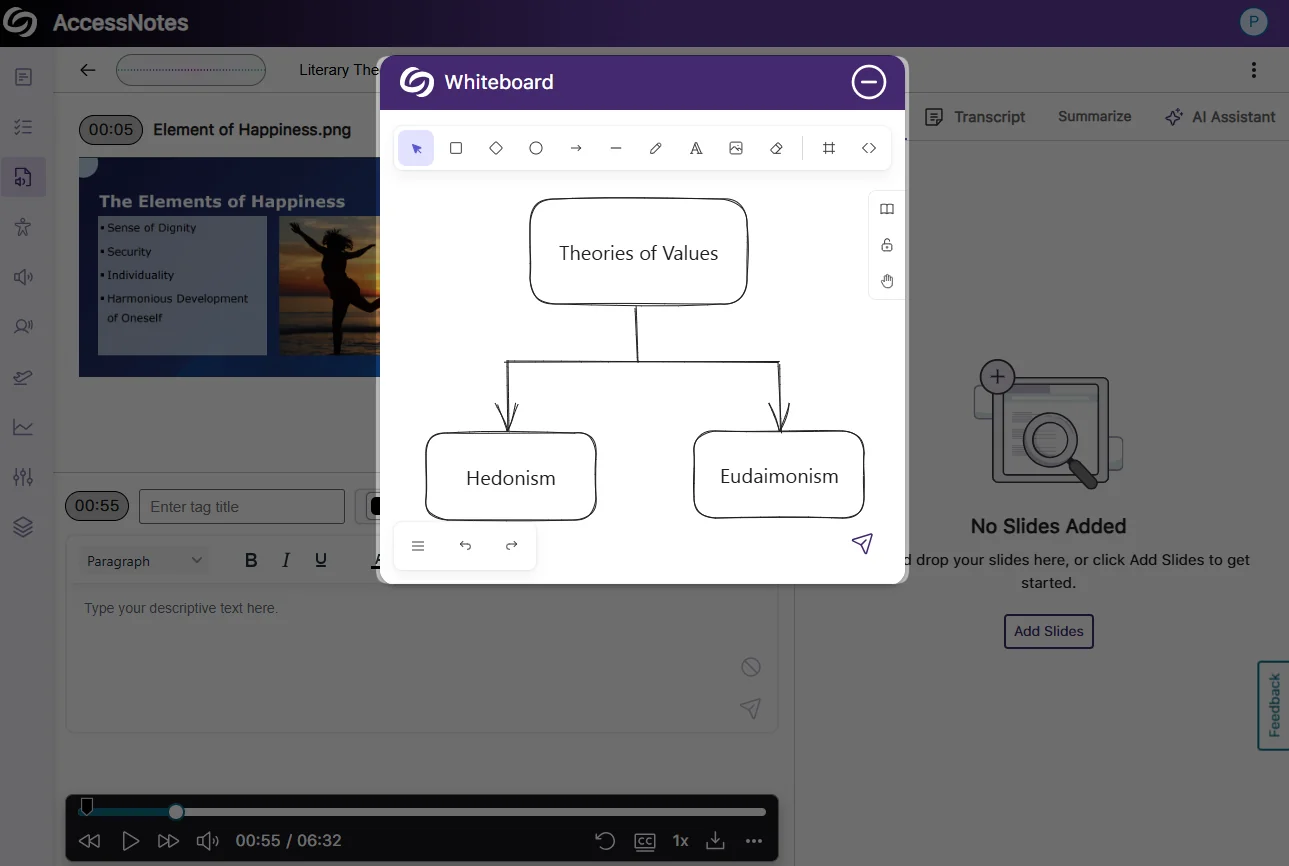
Embed Personalized Illustrations With Our New Whiteboard
You can now add personalized illustrations through the whiteboard, including drawings, shapes, text, images, or embedded websites to visually capture complex concepts during note-taking. Additionally, you can import predesigned icons or symbols from the library to better organize your notes.
-
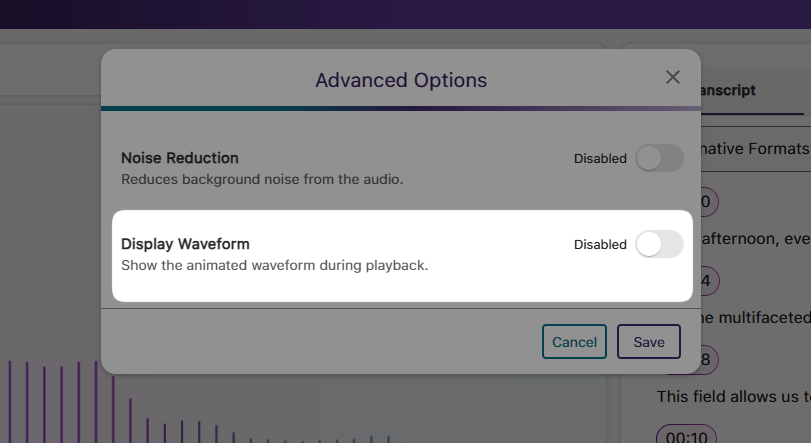
New Option to Disable Waveform Animation During Audio Playback
If waveform animation is no longer needed, we’ve added a new setting that lets you disable it for audio playback.
-
Improved Responsiveness for Mobile and Tablet View
We’ve updated the YuJa AccessNotes interface for improved responsiveness with various screen sizes, allowing you to access your Audio-Based notes on web, mobile, or tablet devices with a consistent layout.