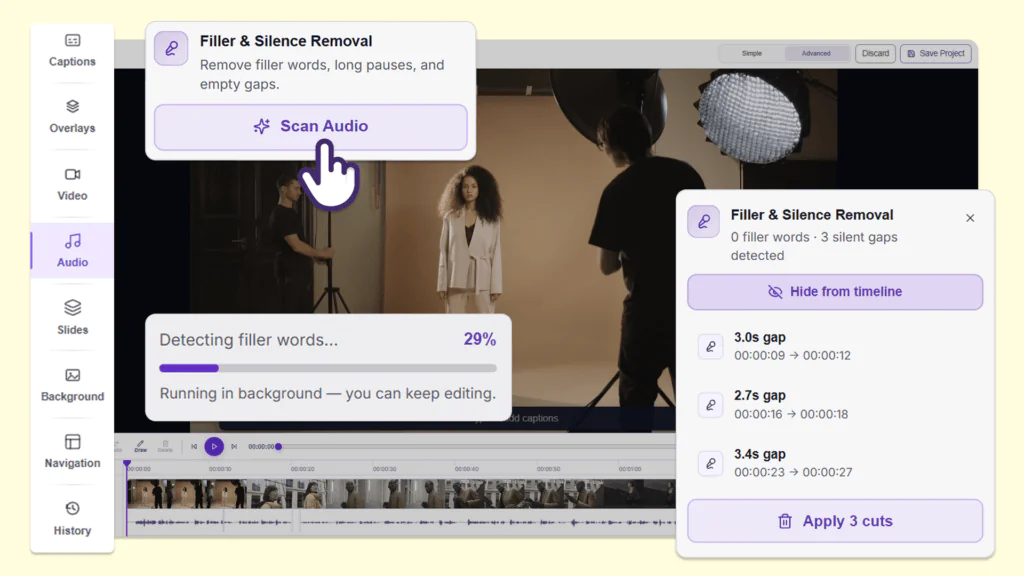
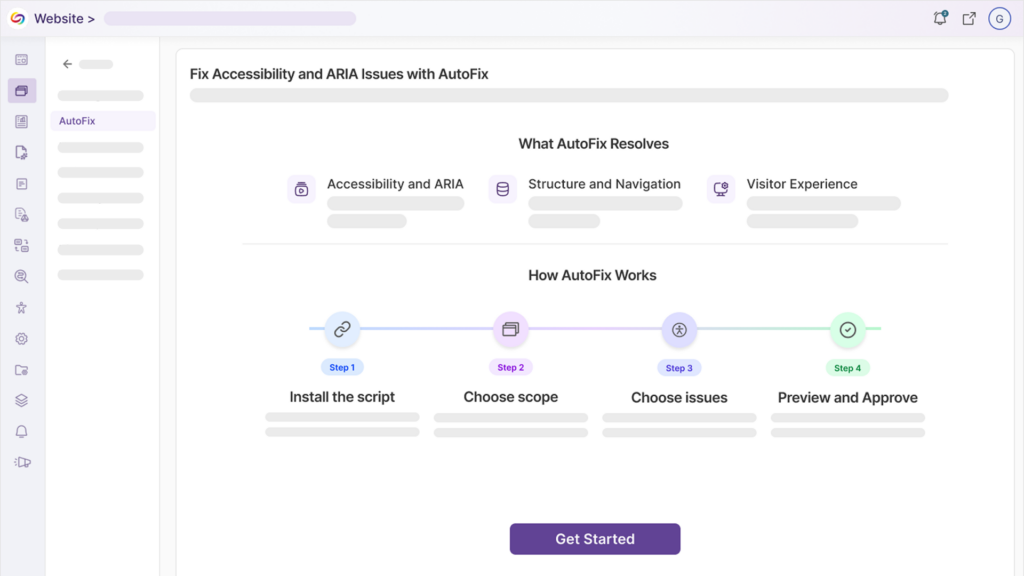
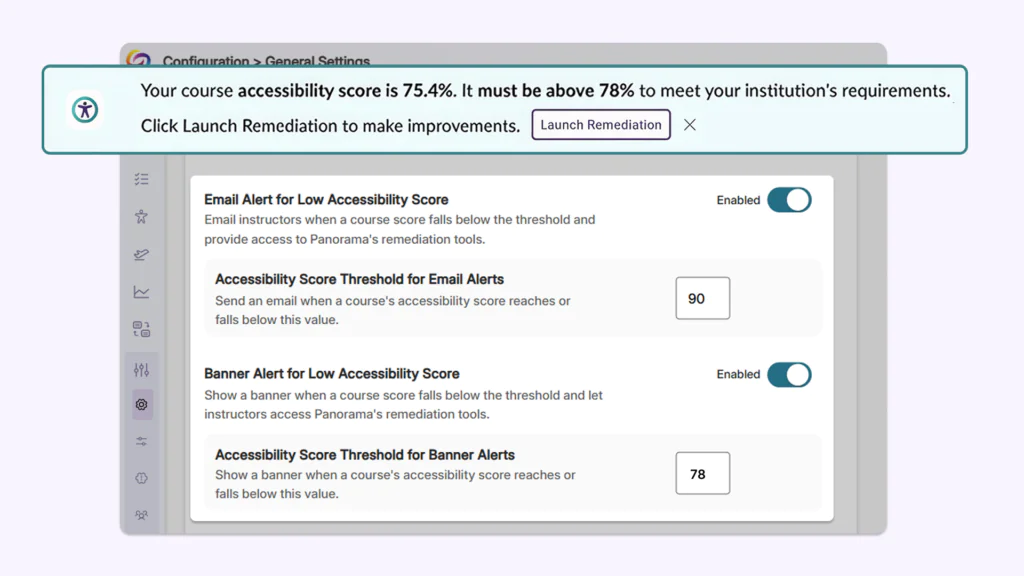
Over the next few weeks, the YuJa Lumina Video Platform will see improvements to course management, analytics capabilities, and administrative workflows. Key highlights include automated quiz publishing for seamless LMS integration, enhanced video engagement analytics with per-section heat map visualization, and streamlined administrative tools for usage reporting and integration management.
-
Heat Map Analytics Will Support Per-Section and Sub-Course Data Visualization
The video engagement heat map will now include per-section and sub-course analysis capabilities, allowing administrators to view detailed interaction patterns for specific course sections or sub-courses through an integrated dropdown menu. This enhancement will provide granular insights into student video engagement across different sections within the same course in your LMS, enabling more targeted instructional decisions and comprehensive analytics reporting.

-
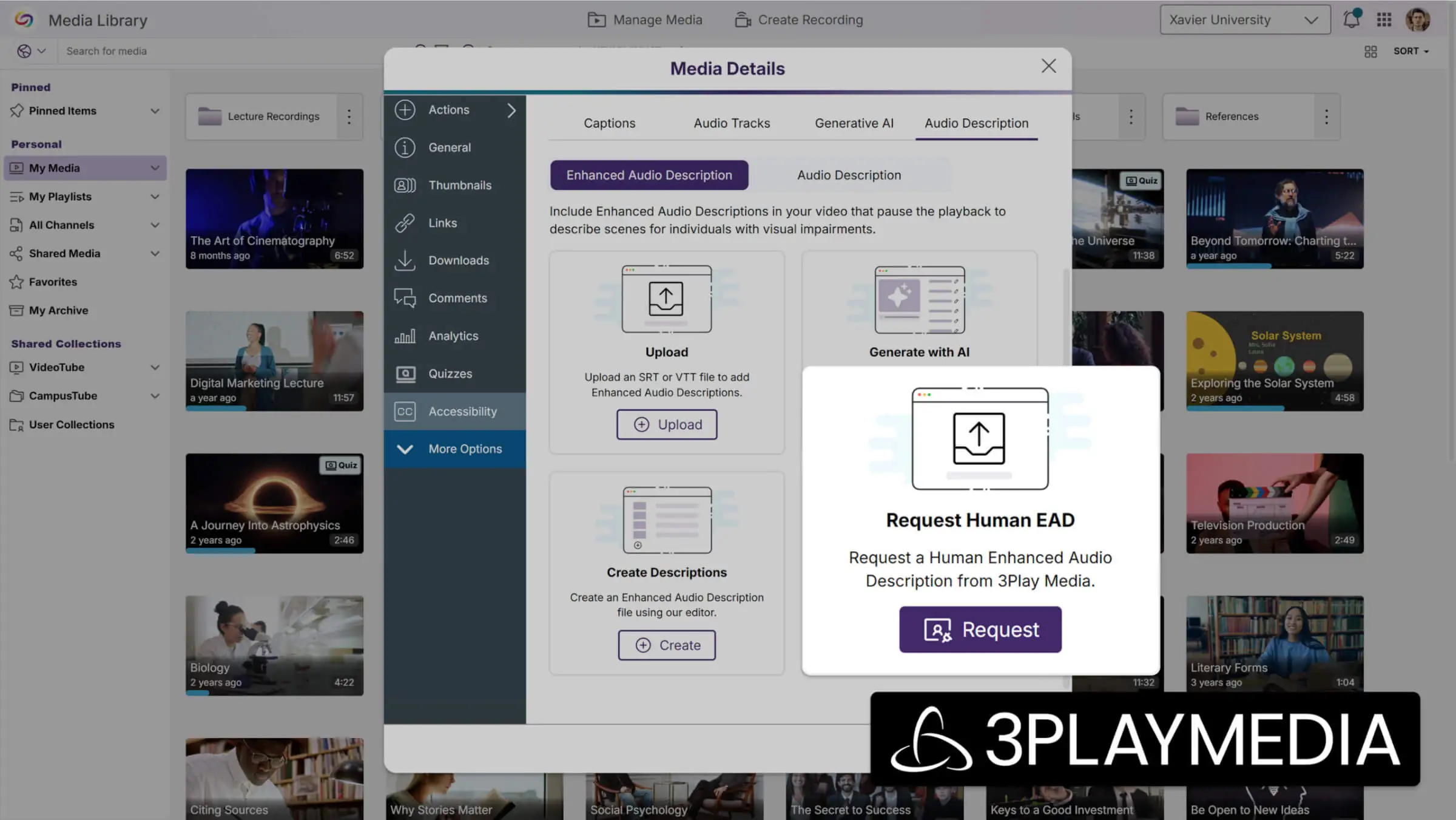
Support for Human-Generated Enhanced Audio Descriptions with Partnership with 3Play Media
Instructors can now request human-generated Enhanced Audio Descriptions through their existing 3Play Media integration, providing professional-quality accessibility content within 24 hours. This feature expands audio description options beyond AI-generated content to ensure the highest quality accessibility standards for critical video materials.
-
Migrated Quiz Links Now Support Automatic Grade Sync
Quiz links that have been migrated from other video products to YuJa through the link replacement tools will now automatically sync grades when students access them. This helps ensure grade tracking for converted quizzes without requiring manual course association from administrators.
-
Monthly Usage Reports Will Be Accessible In the Admin Portal
Administrators will be able to view historical monthly usage reports directly within the admin portal, with automatic pop-up notifications displaying the previous month’s data upon first login each month. The dedicated Usage Reports section will provide easy access to past reports through a dropdown menu, with new monthly options added automatically over time.

-
Captioning Integration Setup Streamlines Provider Configuration Management
All captioning provider integration pages will now feature an enhanced interface that simplifies the setup and management of multiple caption providers through improved modal workflows. The streamlined configuration process includes robust validation to prevent incomplete setups, ensuring reliable captioning services across 3Play Media, Rev, AST, Verbit, and Cielo24 integrations.

-
LMS Integration Pages Will See Interface Updates With Enhanced Configuration Control
Admin pages used to connect YuJa to LMSs have been improved to make the setup process more organized. The new interface organizes LTI and API settings in a cleaner, more intuitive layout, which helps administrators manage multiple LMS connections more efficiently.

-
Hardware Hub Profile Device Management Expands to Support All Connected Devices
Hardware Hub profiles will now support adding any connected device, including NDI cameras and other specialized equipment, rather than being limited to the previous three PCI devices and Line In Audio. The updated interface provides a comprehensive connected devices table that allows users to view, add, and remove any USB or NDI device from their profile, providing greater flexibility for diverse recording setups.