









Ensuring Accessibility Is Our Priority
Read more >
Boost Video Accessibility with the GenAI Video PowerPack!
Try Now
Supercharge Your Compliance Efforts with AutoPilot Remediation Max!
Try Now
Strengthen Your PDF Accessibility Efforts with Structural Remediation Max!
Try Now
Don't Miss Any of Our Upcoming Webinars—Save Your Spot!
Register
The YuJa Community is here! Connect, get updates, and access exclusive content.
Join Now

The YuJa EqualGround DevAssist Module leverages AI to help you resolve HTML accessibility issues directly in the VS Code IDE, saving time needed for retroactive manual remediation after websites and web apps have gone live.
Scrolling logos of YuJa’s clients such as SUNY Corning, University of Cambridge and University of Calgary, etc.
YuJa DevAssist is a powerful module for developers that allows you to resolve accessibility issues directly in the VS Code IDE. While your websites and web apps are still in development, YuJa DevAssist checks against WCAG 2.1 and 2.2, Level A, AA and AAA standards to help ensure full compliance before launch.
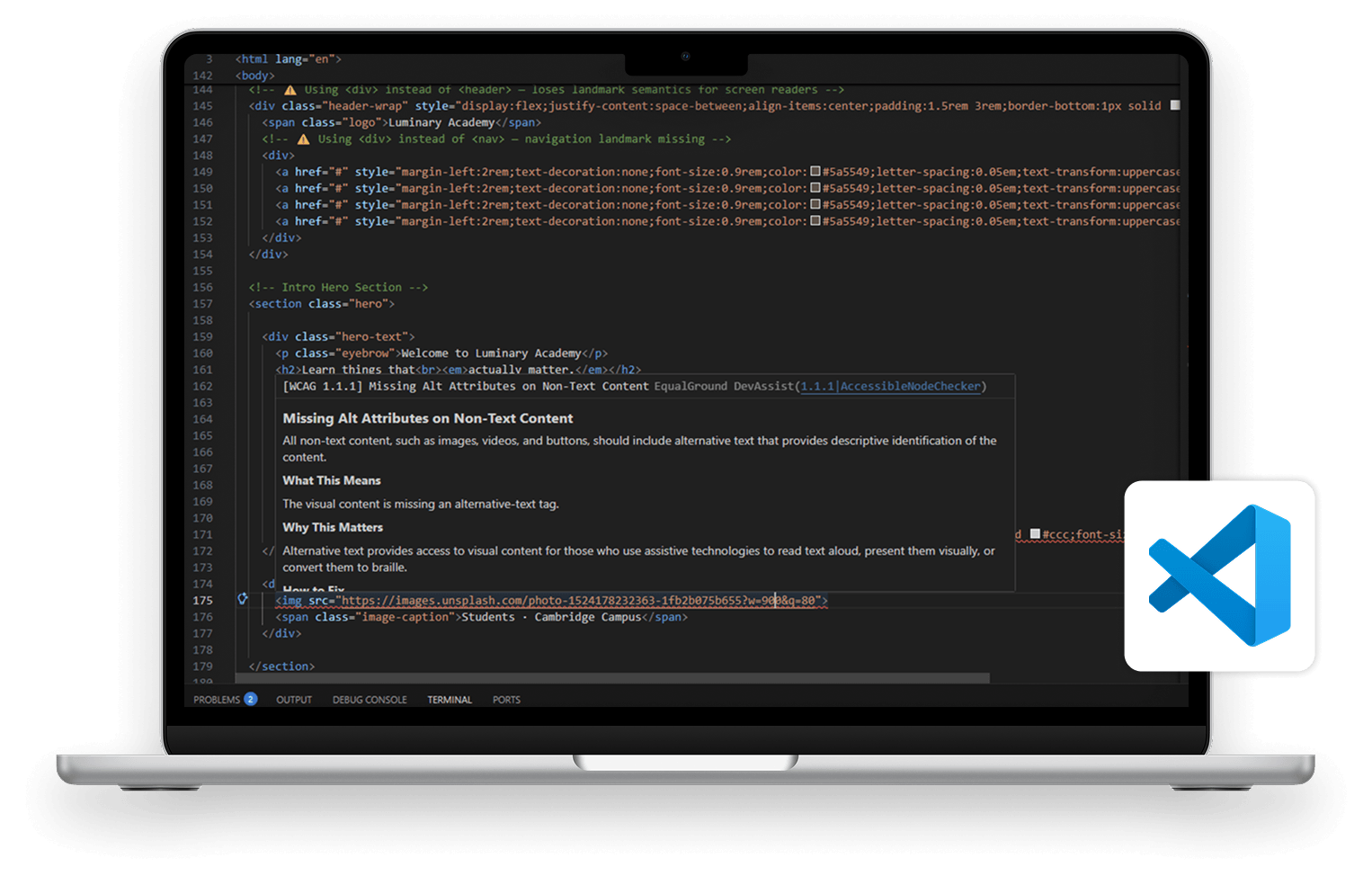
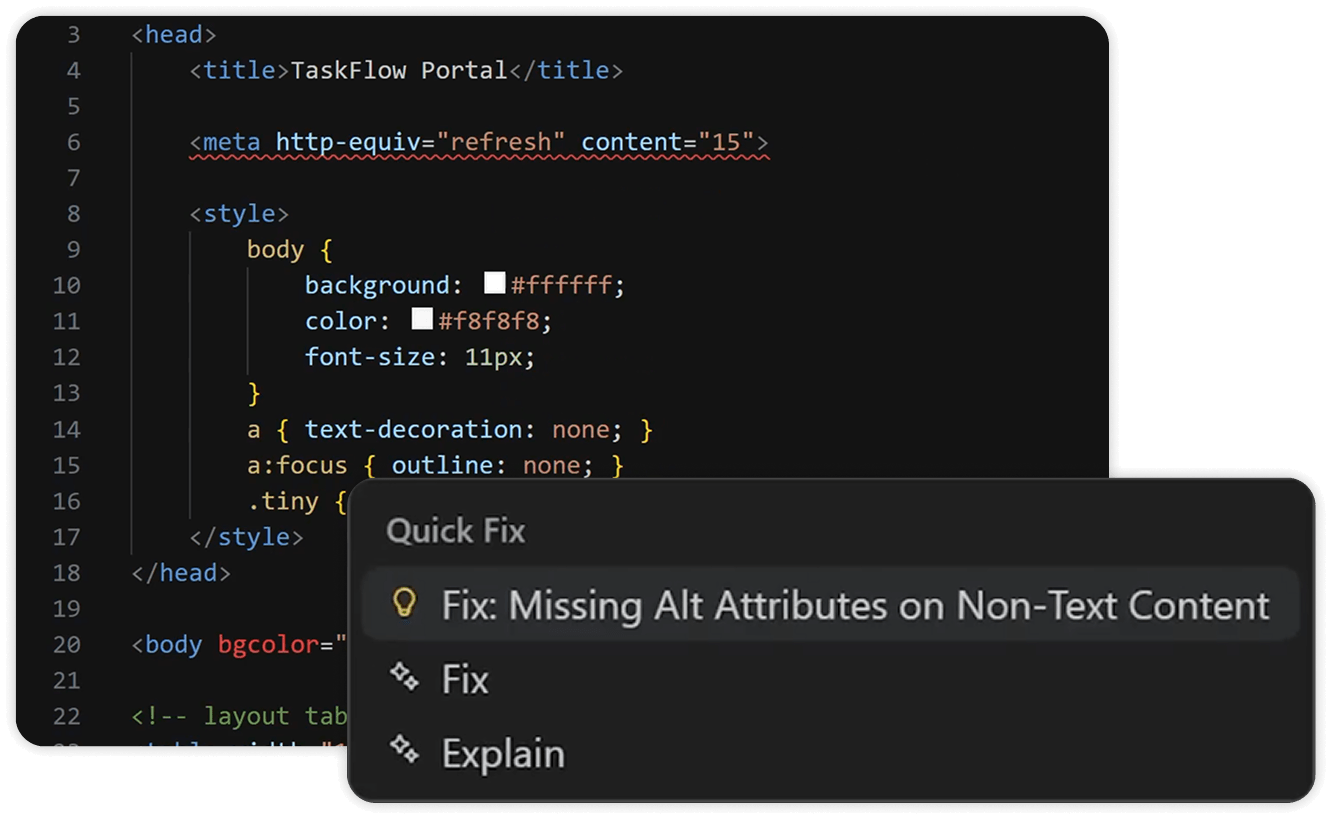
YuJa DevAssist points out common accessibility issues, such as missing captions, color contrast, and font issues, show you why it’s important to remediate them and provide guidance on how to take action and fix them, without ever having to leave VS Code.
YuJa DevAssist checks against WCAG 2.1 and 2.2, Level A, AA and AAA standards to help ensure full compliance while your websites and web apps are still in development. This helps ensure that your projects stay accessible and compliant from concept to launch.

Missing alternative text on images, captions on video, and transcripts for audio content
Improper HTML landmarks, skipped headings, and form inputs without associated labels
Content that breaks, clips, or overflows at high zoom levels or narrow viewports
Illogical focus order, missing focus indicators, and interactive elements that aren’t keyboard-reachable
Auto-playing media, carousels, and timed sessions with no pause, stop, or extend controls

Vague labels like “click here” or “read more” that lack meaning when read out of context
Pages missing a lang attribute or a descriptive title element
Interactive widgets missing name, role, or value attributes for assistive technologies.
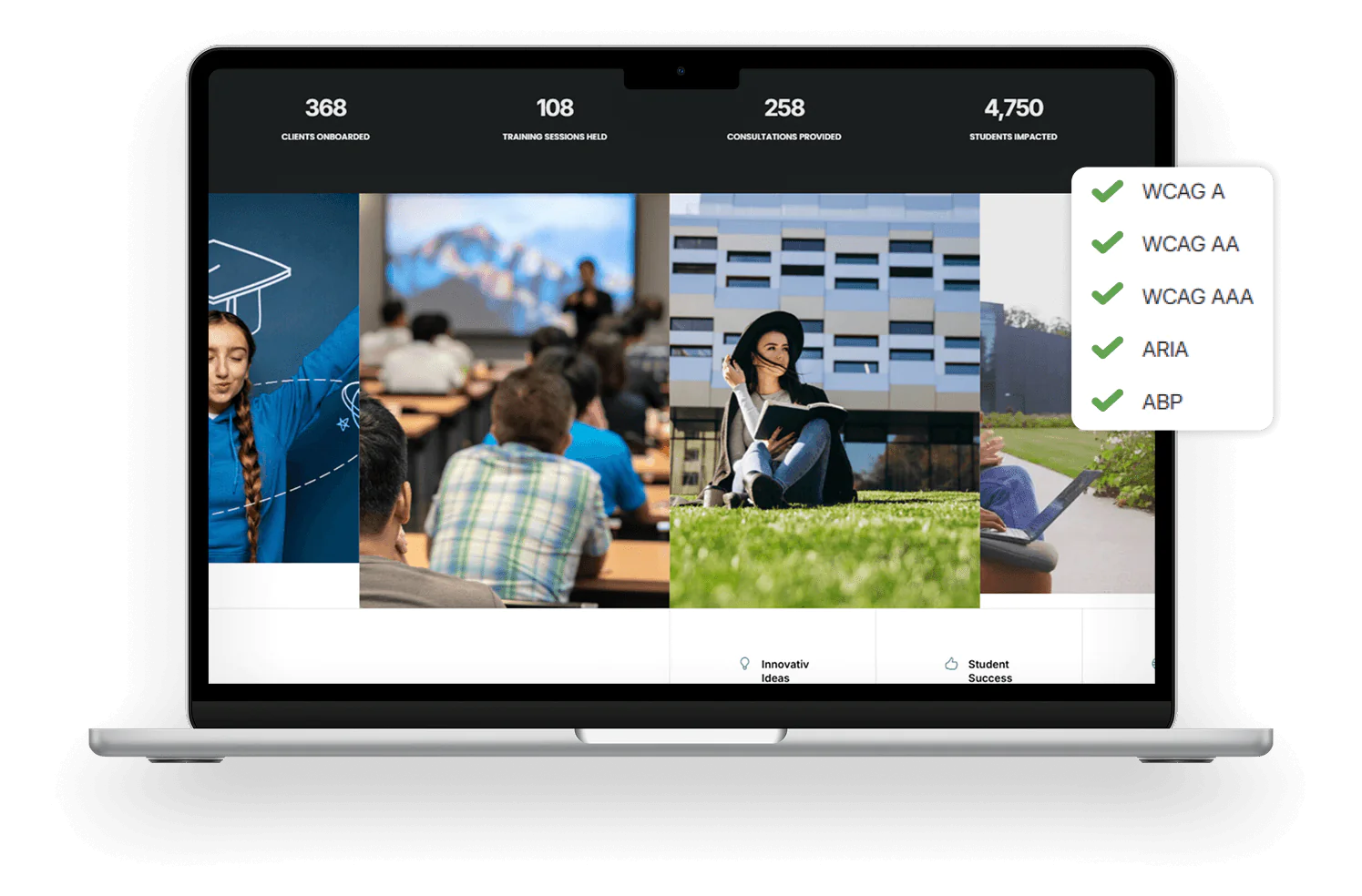
Improve the overall accessibility of your websites and web apps, as well as the readability and structure of your code base, to ensure that your websites and web apps are fully compliant by the time they launch. YuJa DevAssist checks against WCAG 2.1 and 2.2, Level A, AA and AAA standards.
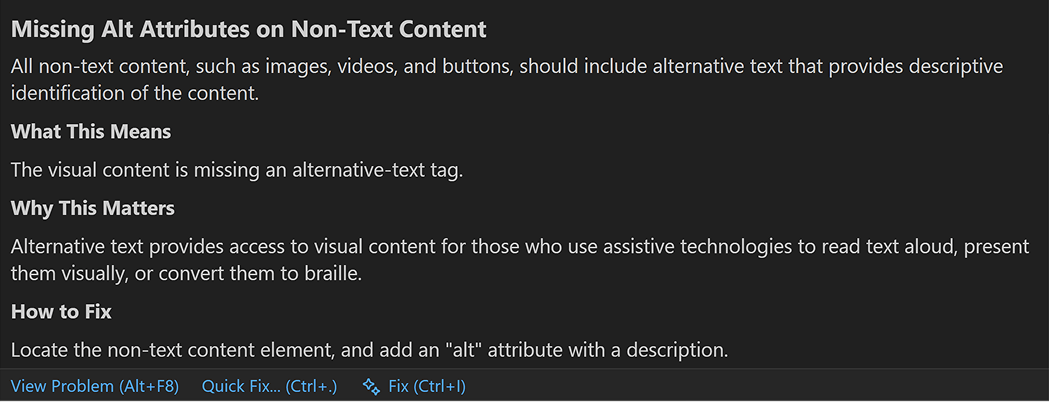
YuJa DevAssist shows you what the accessibility issue is, provides a detailed description of what it means, and includes a comprehensive breakdown of why it’s important to have it remediated.
Join the 1,000+ Organizations Deploying High-Impact Solutions