We have successfully pushed an update to all YuJa Panorama Digital Accessibility Platform instances residing in the United States, Canada, and the European Union. This release provides our users with reports for webpage accessibility scanning, a new interface for Website Accessibility, the option to adjust Accessibility Icon colors, unified HTML reporting, map Canvas custom roles to Panorama, the option to scan newly added courses, and more.
- New WCAG 2.1-Aligned Webpage Scanning and Reporting
To expand on Panorama’s Website Accessibility Widget, the Platform can now perform WCAG 2.1-aligned accessibility analysis on webpages and its linked content.
Website Administrators can easily view low-scoring webpages within a dedicated table to identify web pages that may hinder students’ learning or compromise an institution’s commitment to website accessibility. In an upcoming release, we will be adding optional, automated domain-level website traversal to provide fully automated scanning of websites which can replace legacy website accessibility scanning tools.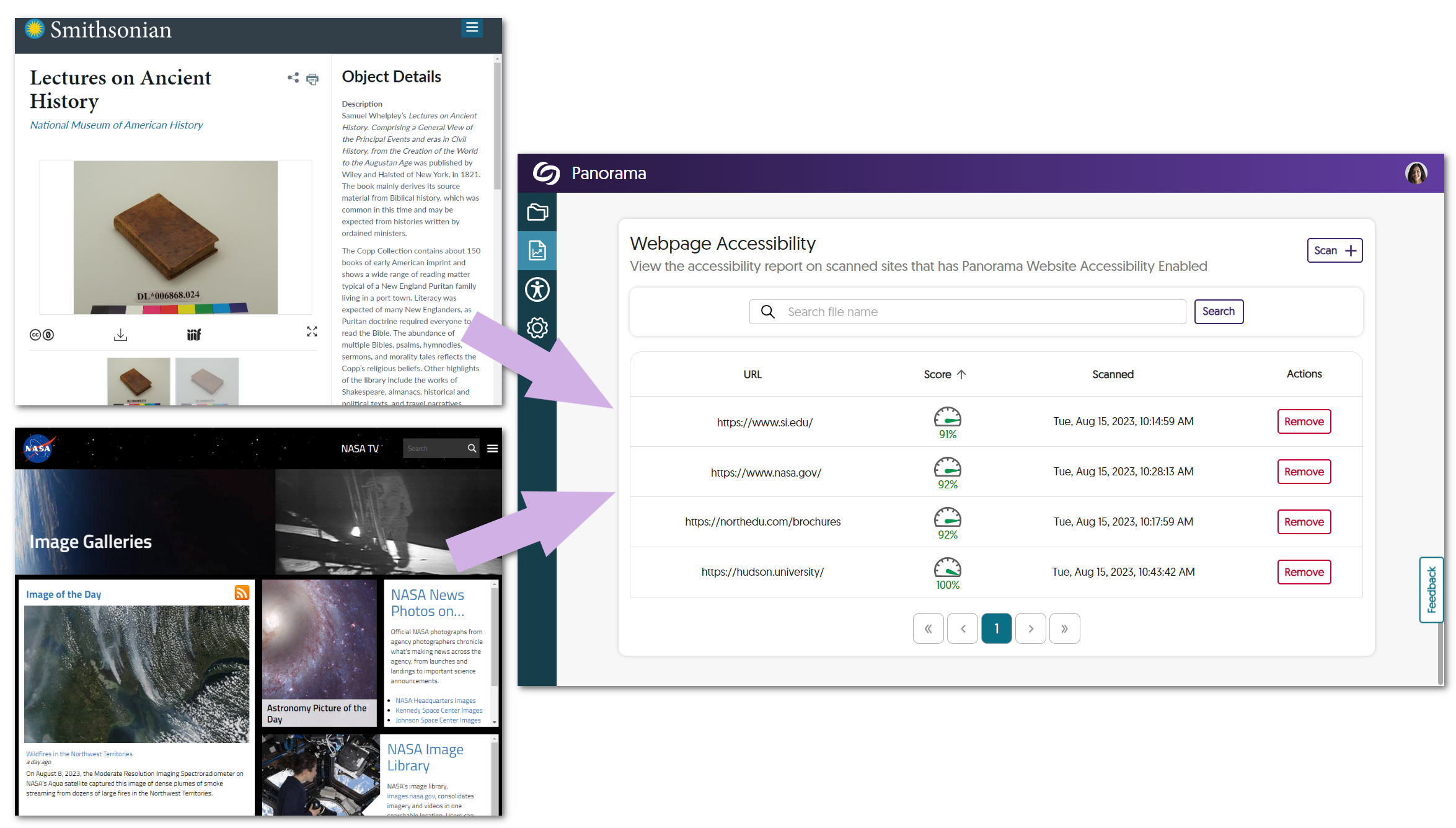
- Refreshed Website Accessibility Interface
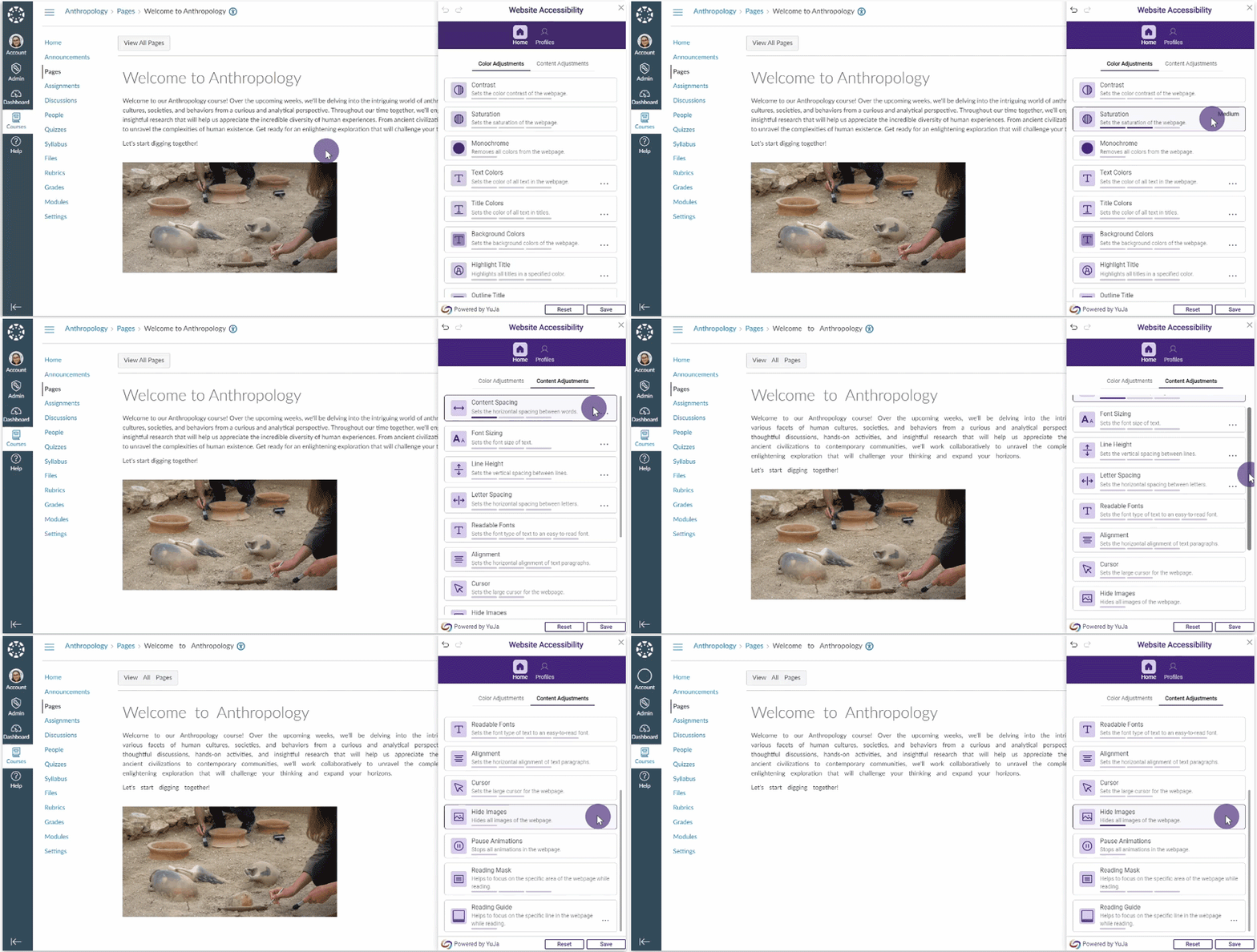
The Website Accessibility Widget, designed to improve the usability and accessibility of any website, now offers an improved user interface with a tabular view organizing Color Adjustments, Content Adjustment, and Accessibility Profiles. Select any adjustment or Profile to quickly apply an accessible preset or apply custom granular adjustments for accessibility issues such as text color, background color, font sizing, letter spacing, and so much more.
- Adjust Branding Colors for Accessibility Icons
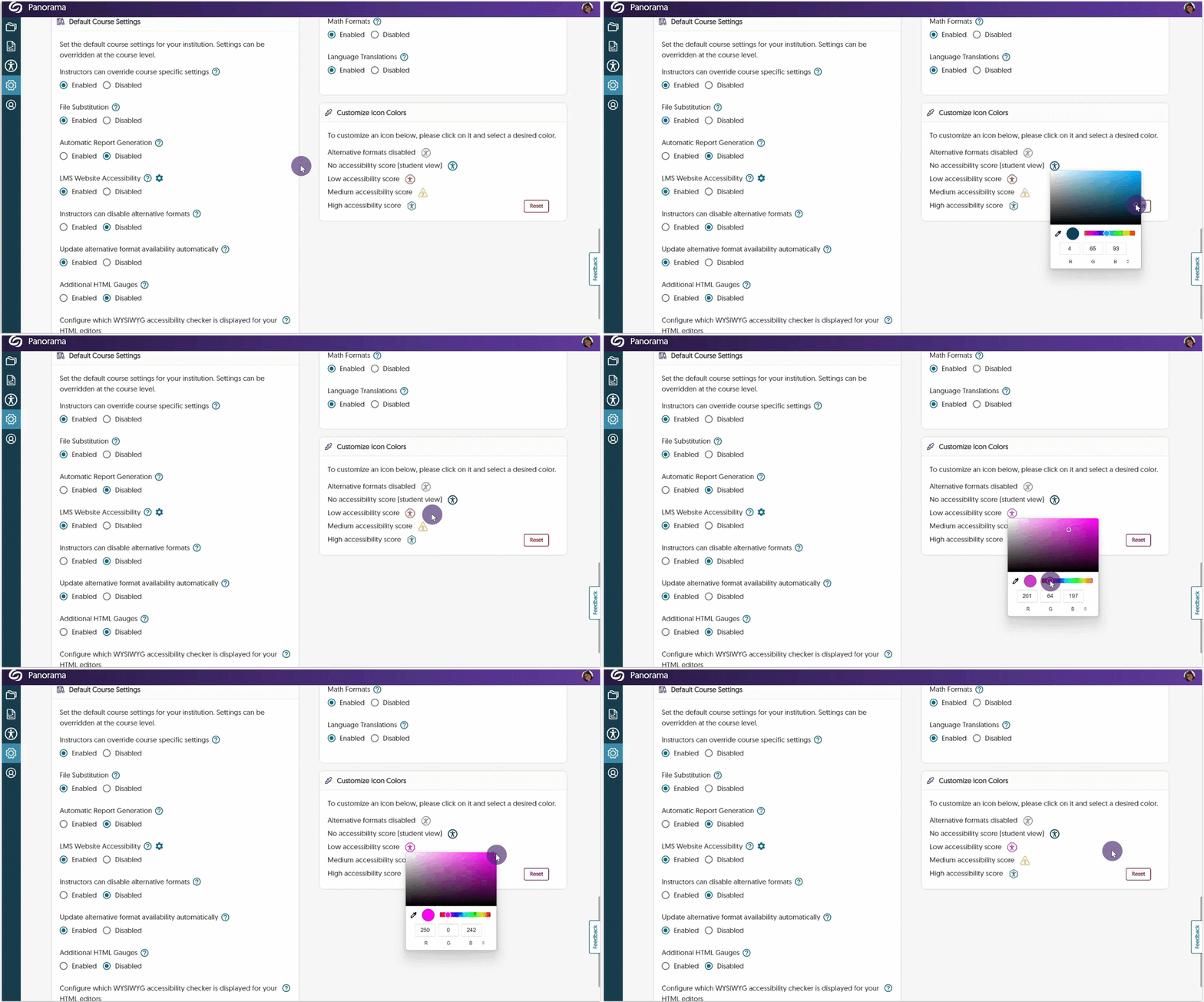
Recognizing the diverse branding and accessibility requirements of different institutions, Panorama now offers administrators the flexibility to adjust color preferences for icons. Simply navigate to your institution settings and add any color to the accessibility icons.
- Unified Accessibility Reporting for HTML Regions and Documents
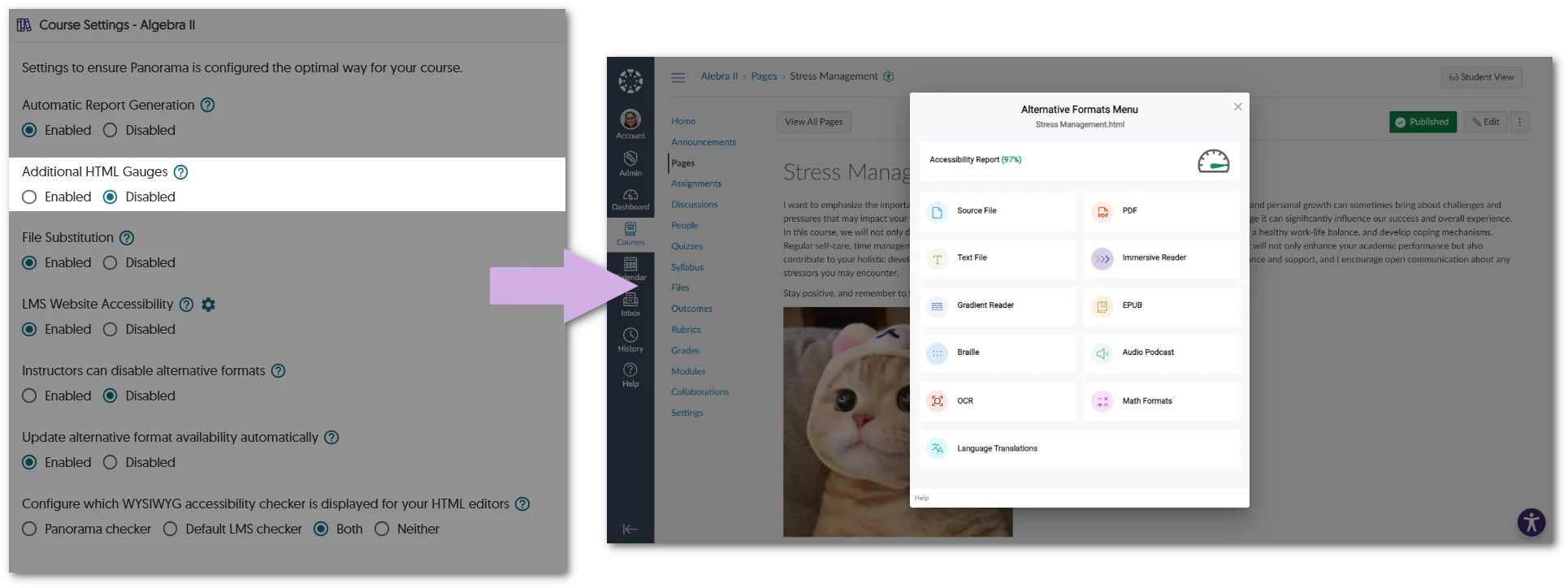
In an effort to unify how we present Accessibility Reports across Learning Management Systems, HTML pages will feature only the Accessibility Icon to access Alternative Formats and Accessibility Reports when additional HTML gauges are disabled.
- Map Any Custom Canvas Role to a Panorama Role
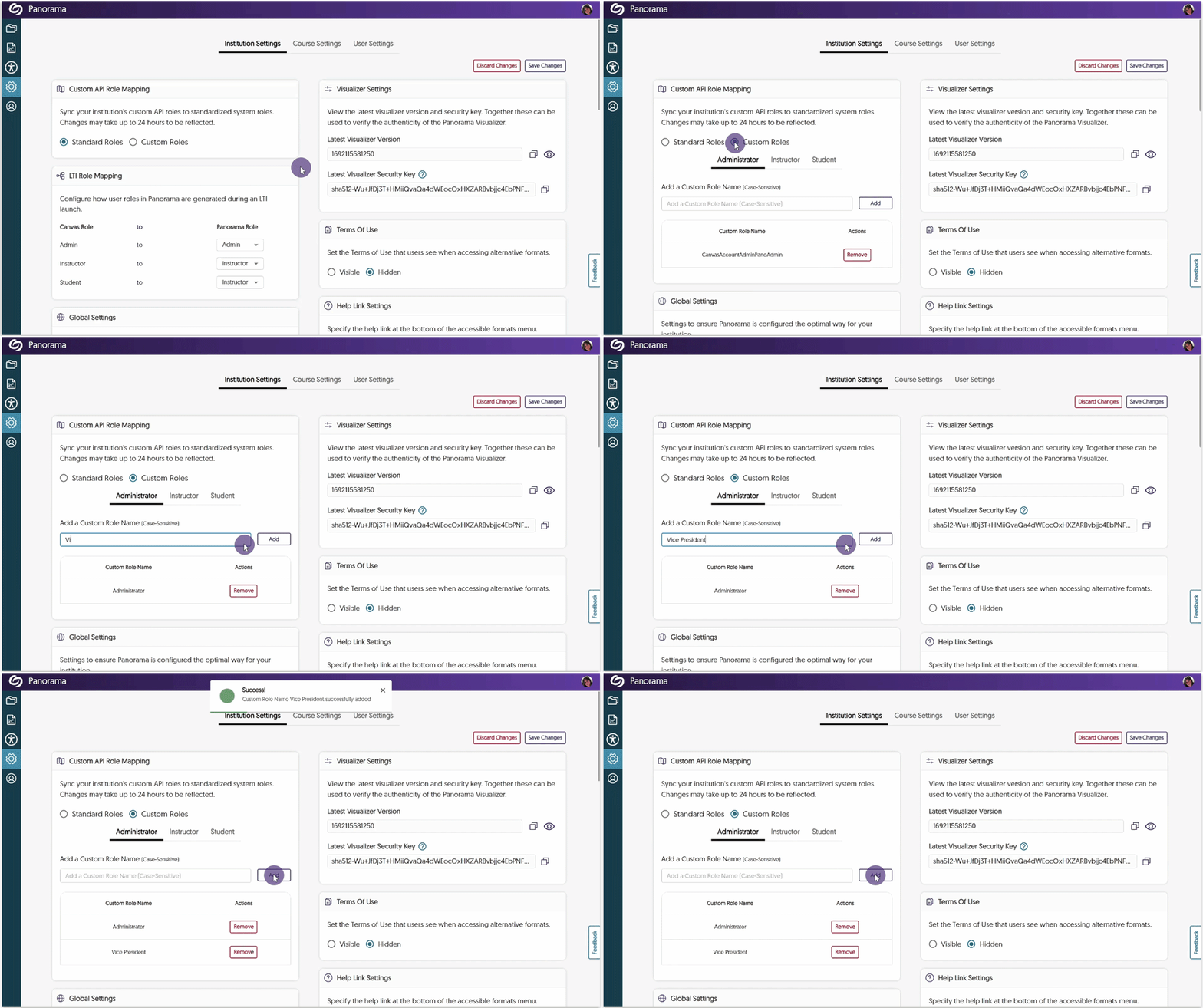
Administrators have the option to align their custom Canvas roles with Panorama’s Administrator, Instructor, or Student roles. This integration will allow unique institution roles to be recognized by Panorama, ensuring controlled access to accessibility features. To learn how to align custom Canvas roles with Panorama, please visit our support guide on How to Add Custom Canvas Roles to Panorama.
- Enhanced Scan Management Tools to Scan New Courses or Re-Scan All Courses
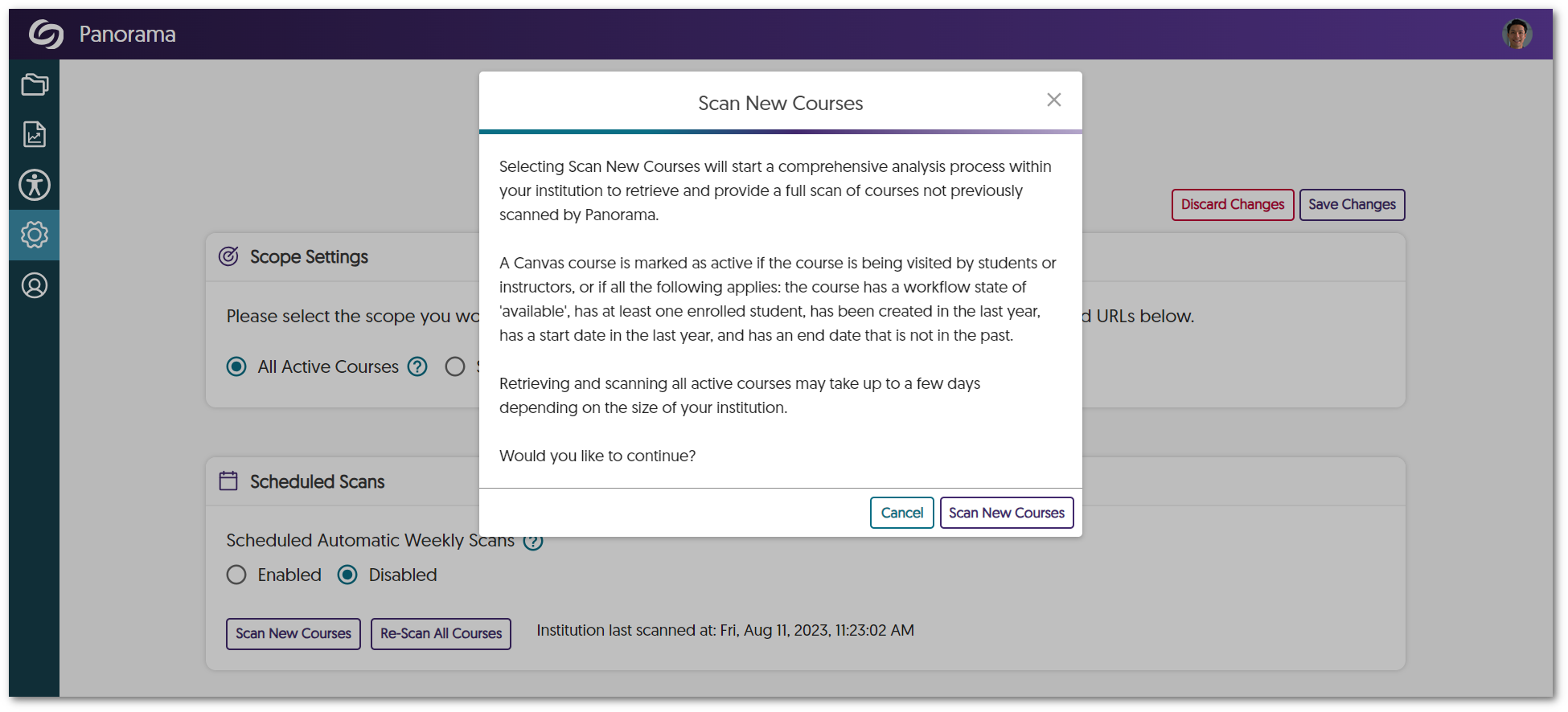
To enhance administrators’ control over scanning and processing courses, the Scheduled Scans panel offers new tools to scan newly added courses and rescan all existing courses. This will allow administrators to exclusively scan and process newly added courses or re-scan all existing courses according to their needs.
- Self-Service Tools to Test the Correct API Access on the Institution and Course Level
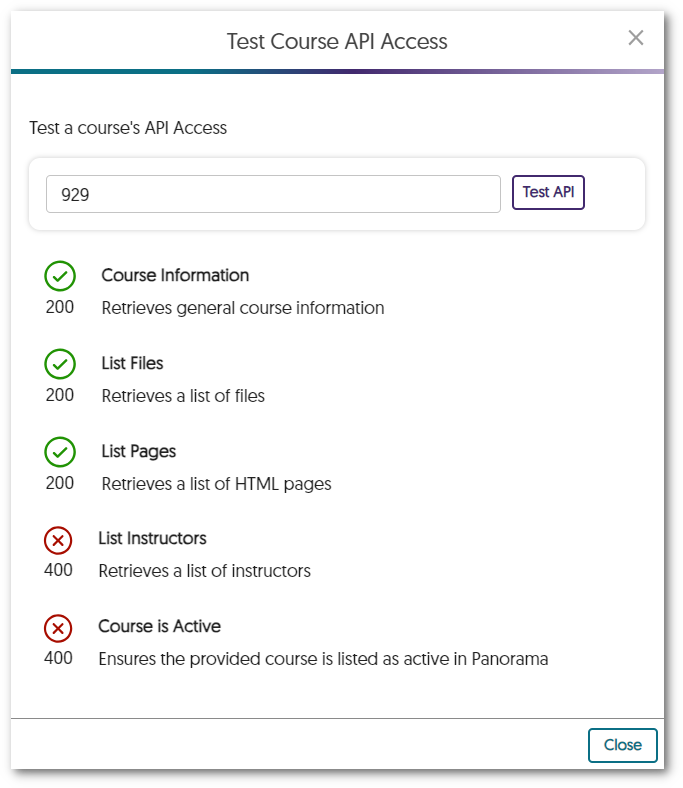
Administrators will be able to test Panorama’s LMS API access to ensure APIs can retrieve relevant information about the institution or course, such as a list of roles, the names of courses, files added to a course, HTML pages created, etc.
- The Course Report Content Search Can Filter by Dates
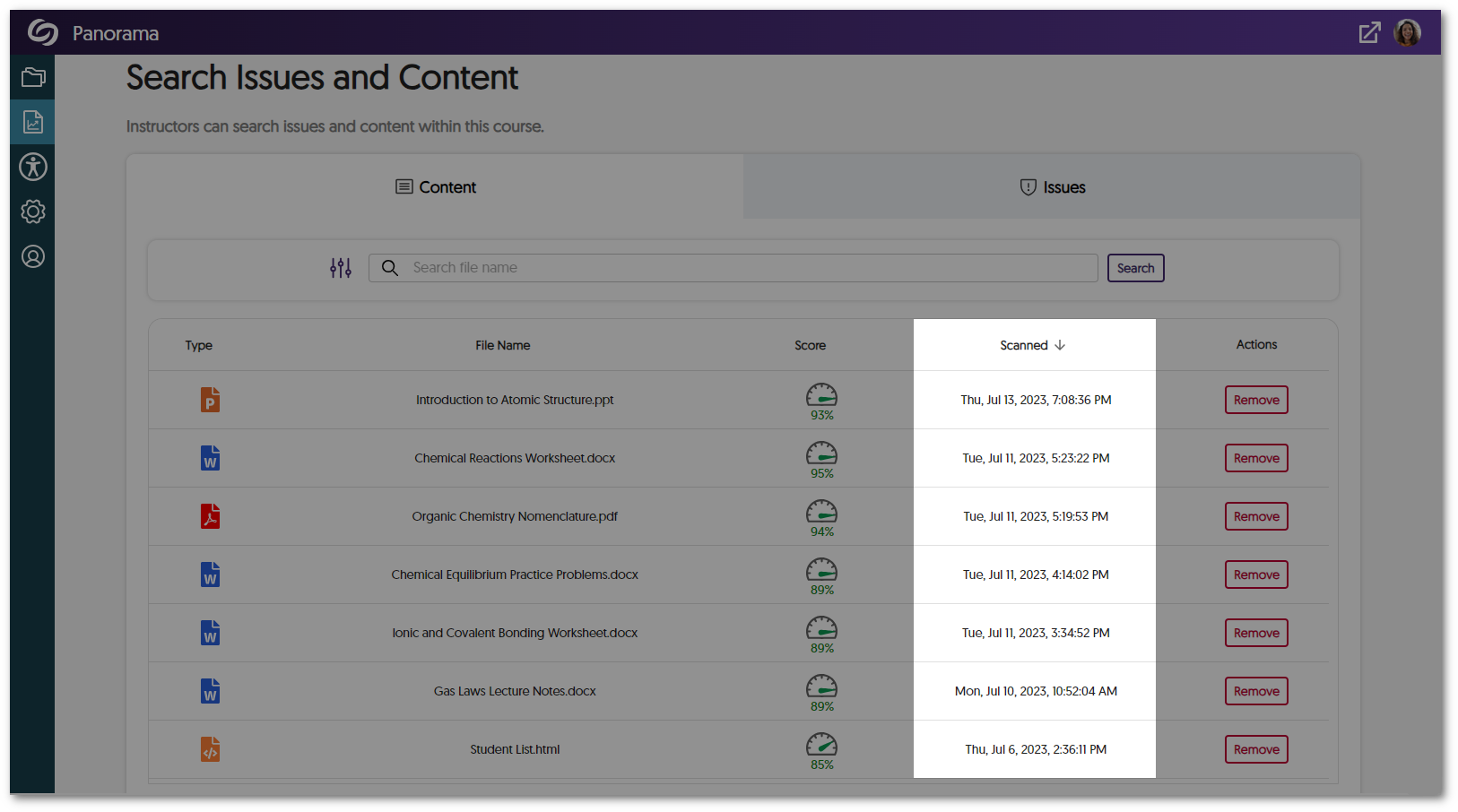
To allow admins and instructors to locate documents efficiently within a course, we have introduced a filtering option for the Content table that organizes search results by recently added.
- The Accessibility Report Will Prioritize Showing Document-Wide Issues
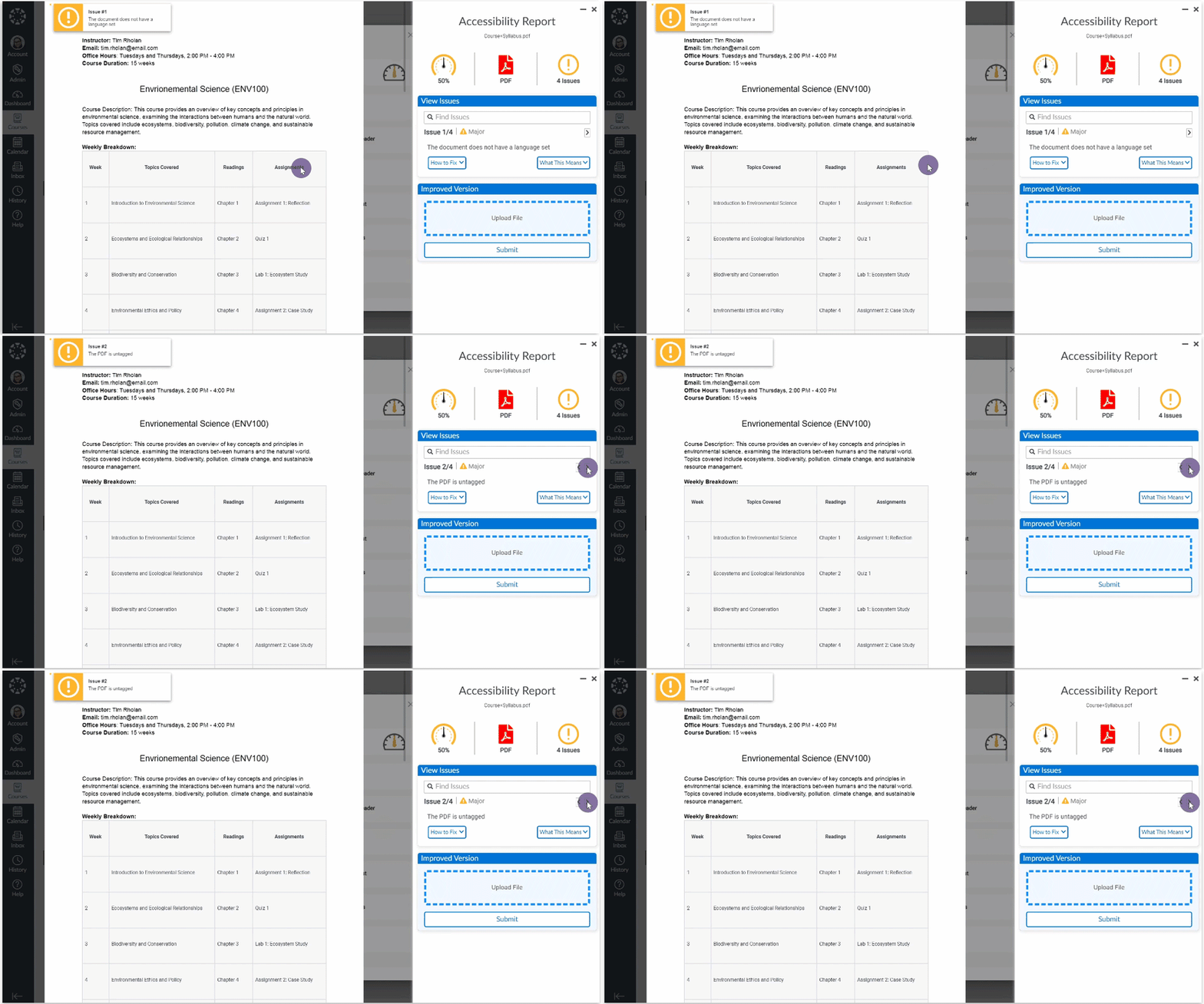
We’ve enhanced our Accessibility Report layout to prioritize listing document-wide issues at the top of the issues list, organized by severity. For instance, concerns such as malformed or untagged documents now appear before issues such as alt text or hyperlinks. This can be used to focus on and resolve critical accessibility issues that have affected the entire document.