Product Updates
Get the latest platform updates, features, and announcements—all in one place.
Boost Video Accessibility with the GenAI Video PowerPack!
Try Now
Supercharge Your Compliance Efforts with AutoPilot Remediation Max!
Try Now
Strengthen Your PDF Accessibility Efforts with Structural Remediation Max!
Try Now
Don't Miss Any of Our Upcoming Webinars—Save Your Spot!
Register
The YuJa Community is here! Connect, get updates, and access exclusive content.
Join Now

Get the latest platform updates, features, and announcements—all in one place.
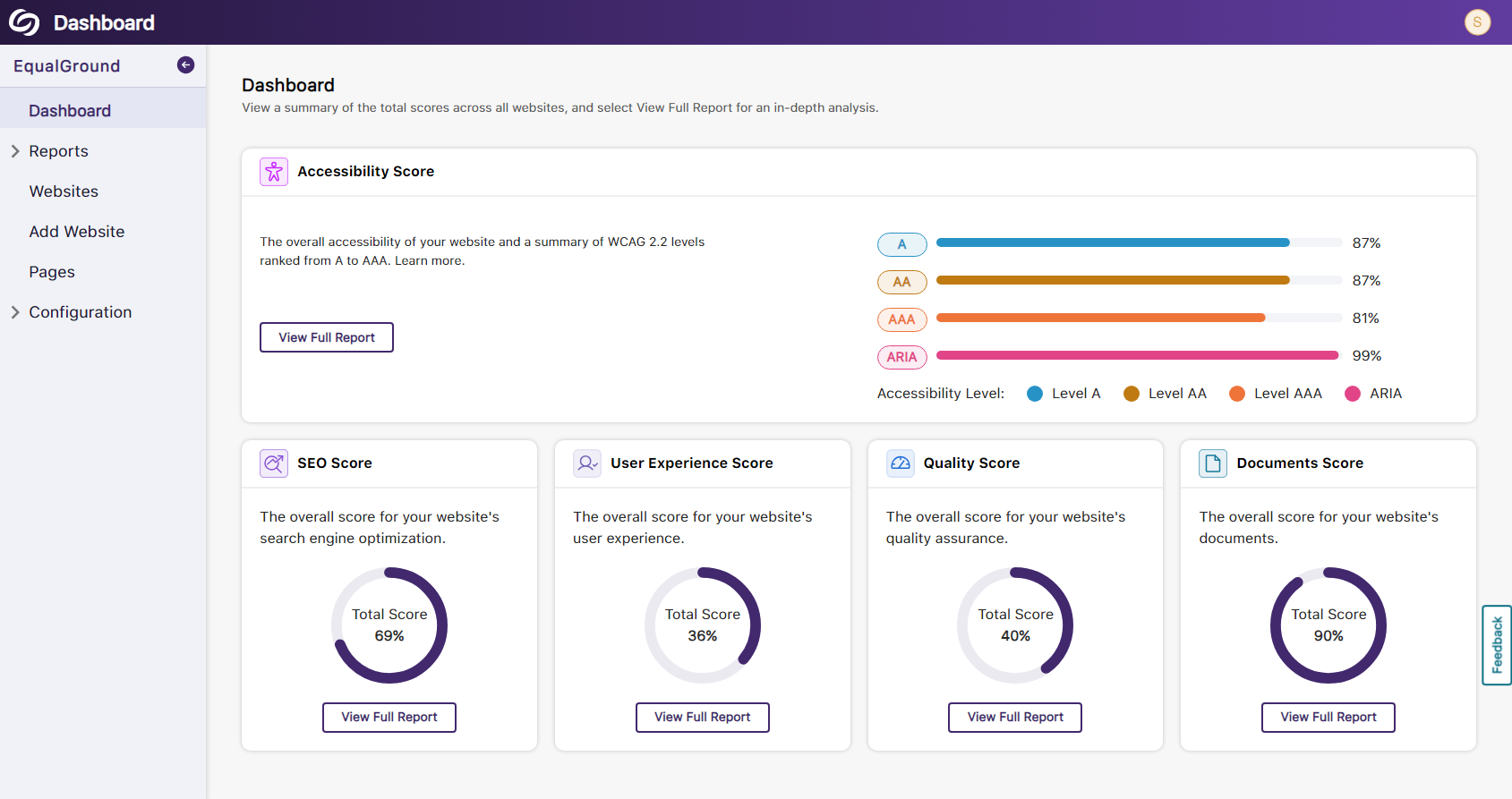
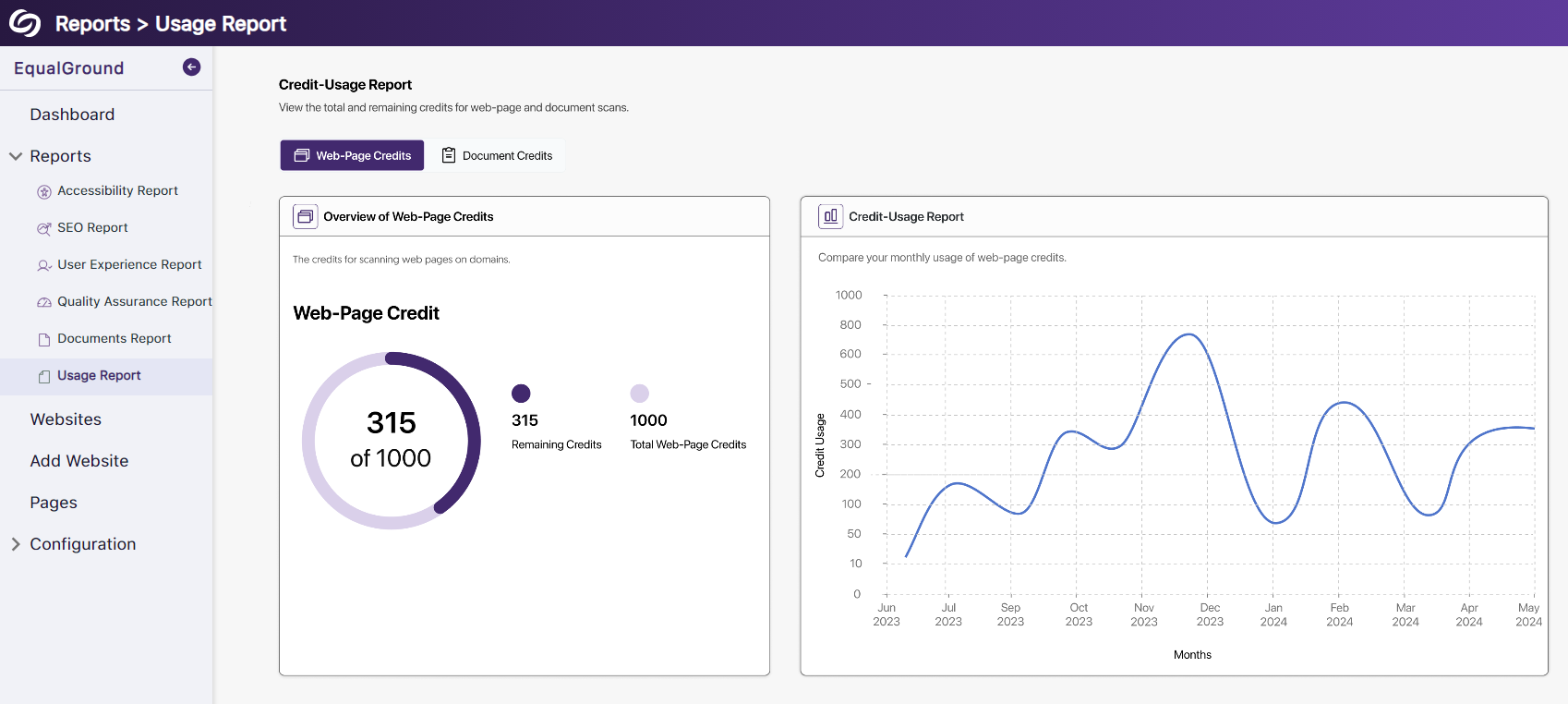
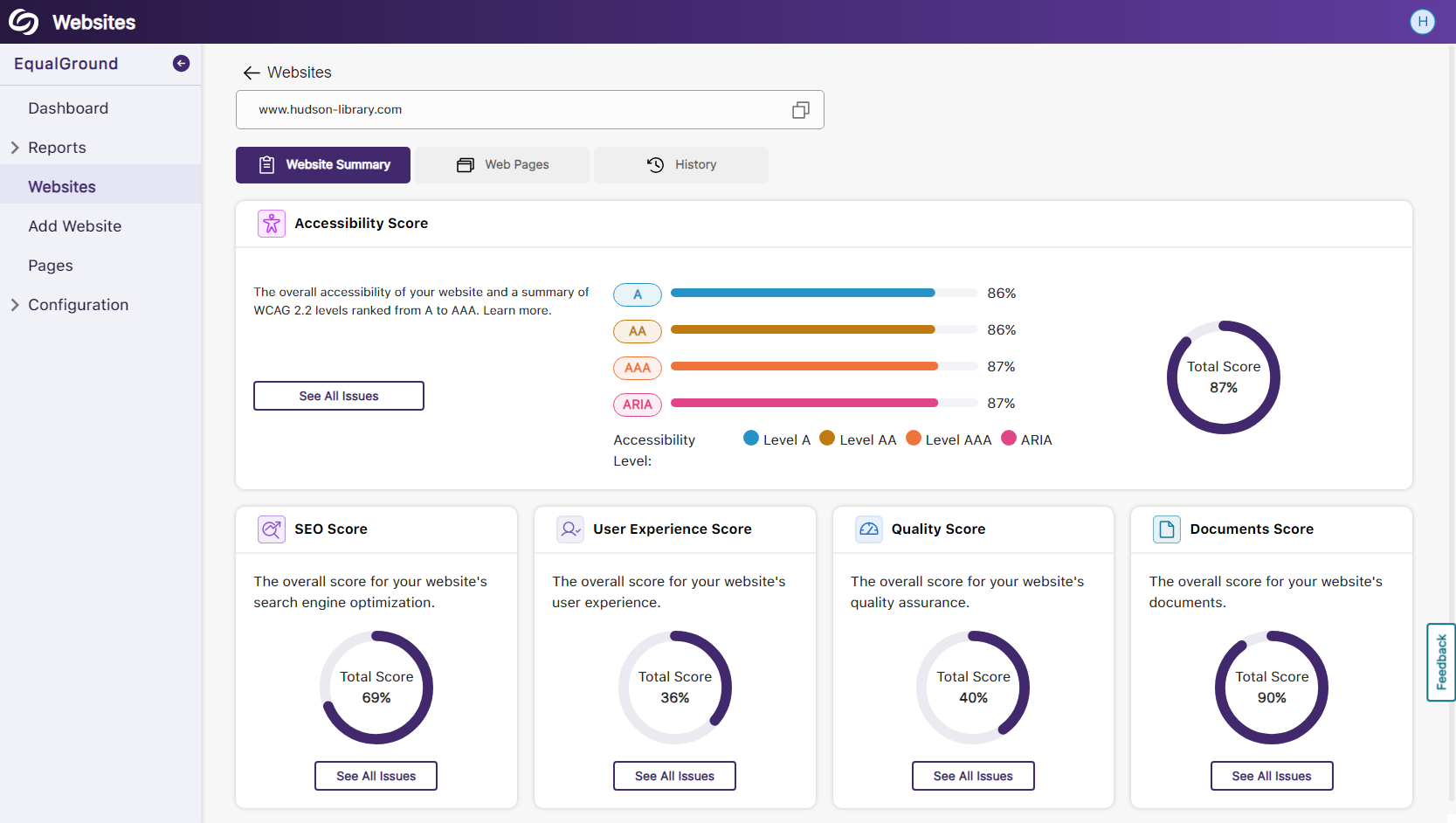
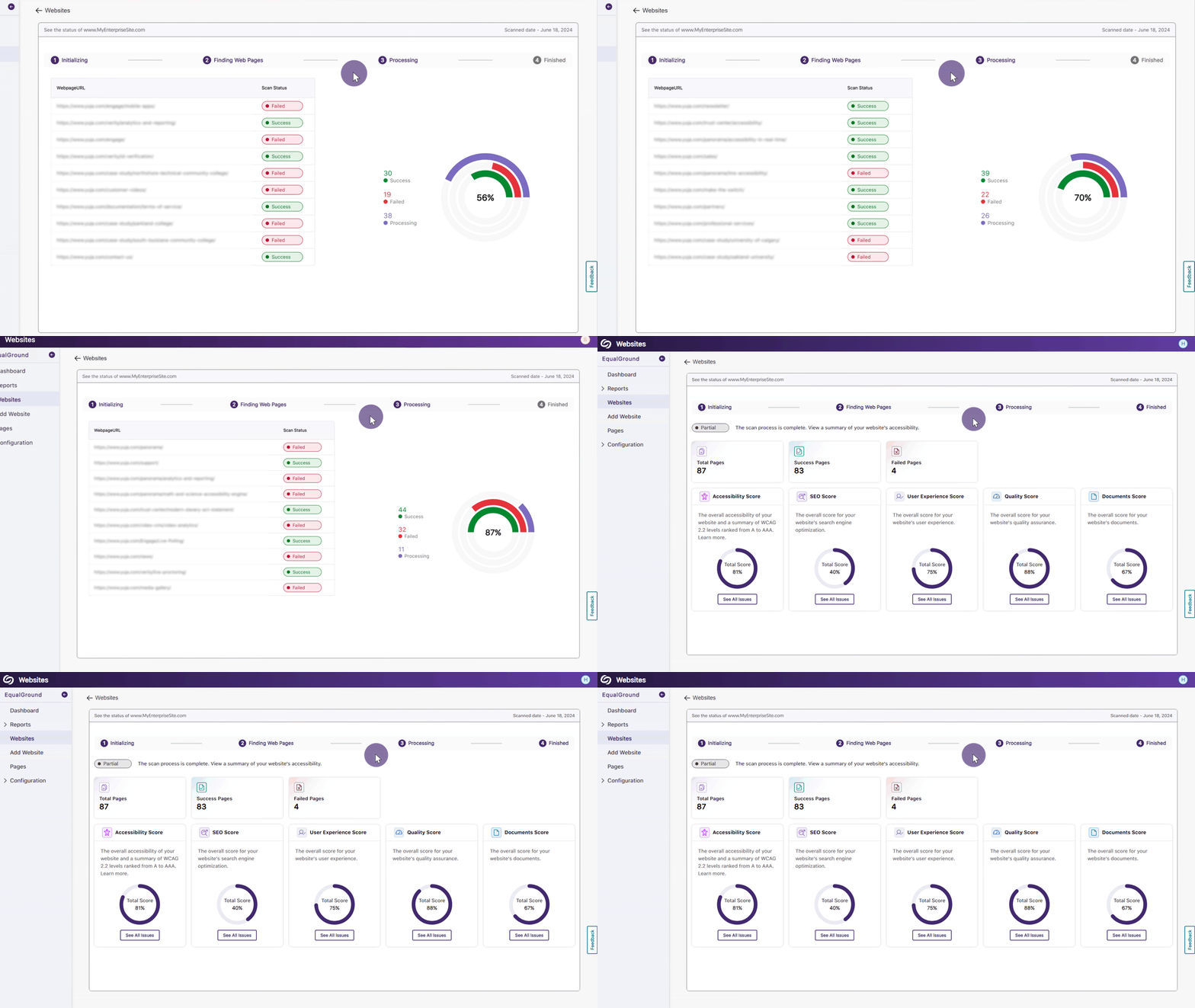
The release provides new Performance, SEO, and Document reports, view WCAG accessibility issues for documents, use AutoPilot for in-line remediation suggestions, color-blind filters for the web report, the option to scan individual pages, specify multiple URLs to exclude from scans, navbar styling options, and the option to customize features available on your EqualGround Platform.
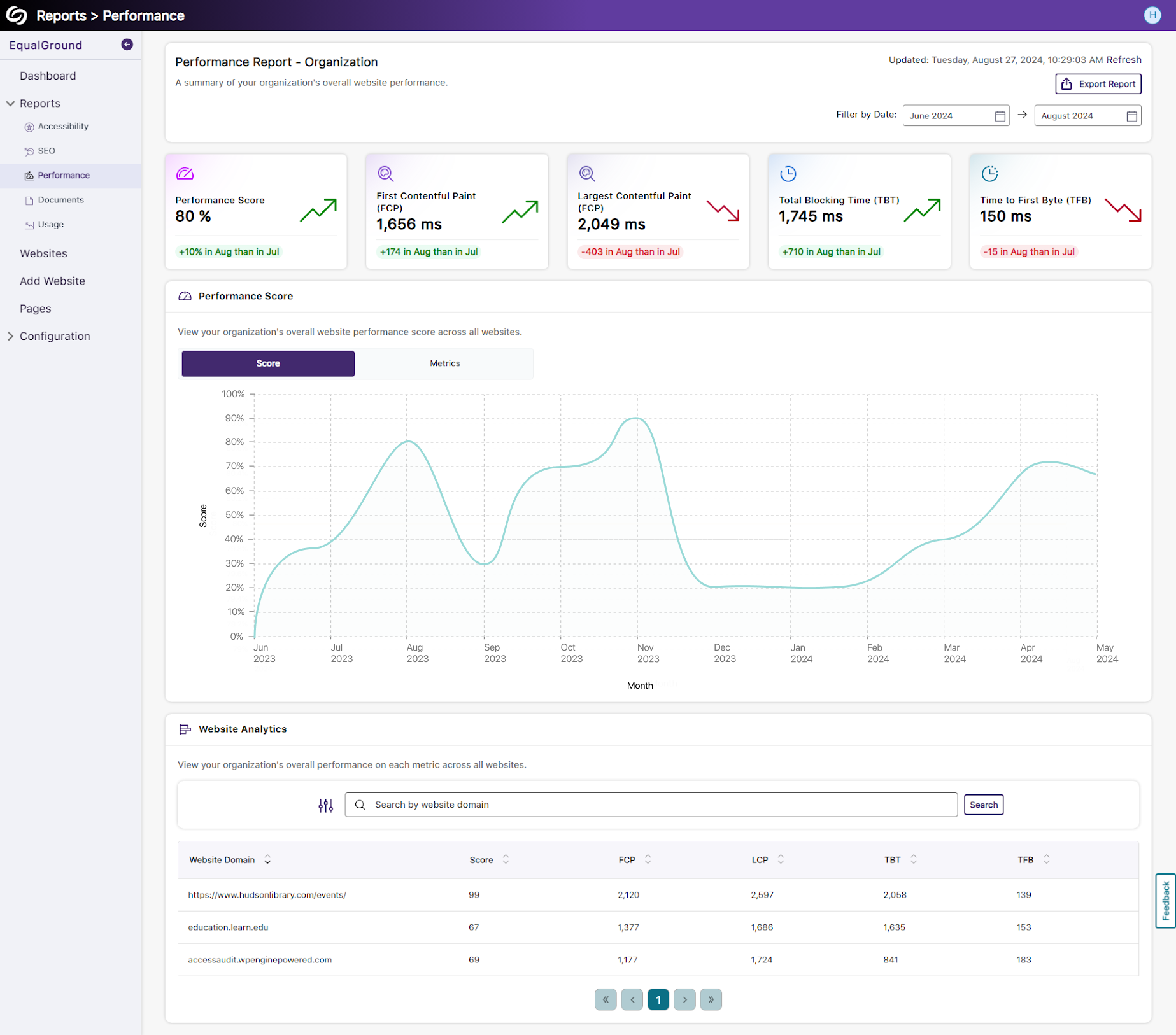
Review a Comprehensive Performance Report to Evaluate the Response Time of Web Pages
Slow-loading content can quickly cause users to lose interest in websites. To enhance user experience, EqualGround offers a comprehensive performance report that evaluates the key speed metrics below, allowing ongoing analysis to maintain or improve performance over time.
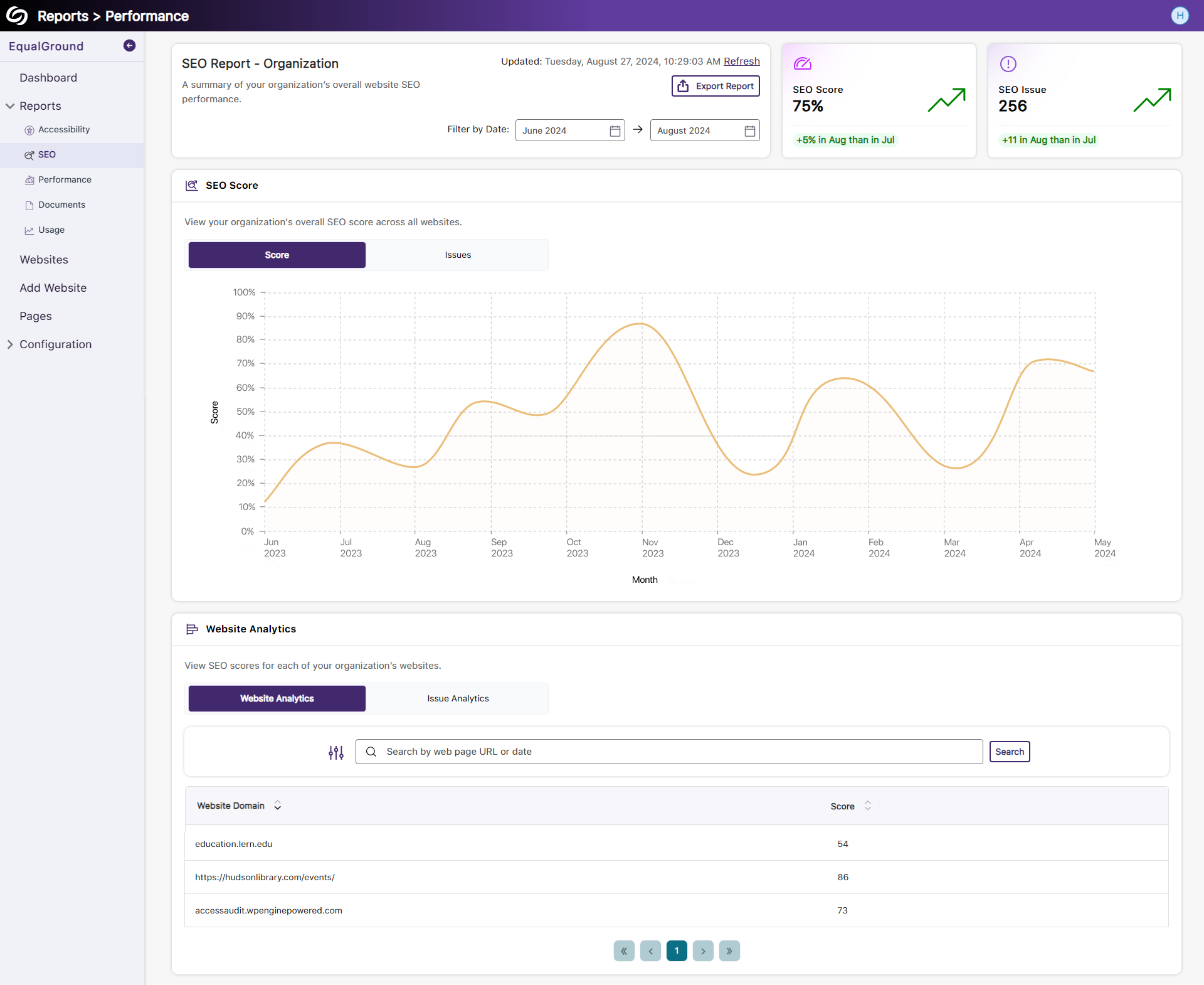
View Analytics to Improve Search Engine Visibility with SEO Reporting
The report offers an overview graph to track trends for the overall SEO score across your organization’s websites. Additionally, a table displays each website’s score and provides the option to review issues organized by the number of times they occur across your organization.
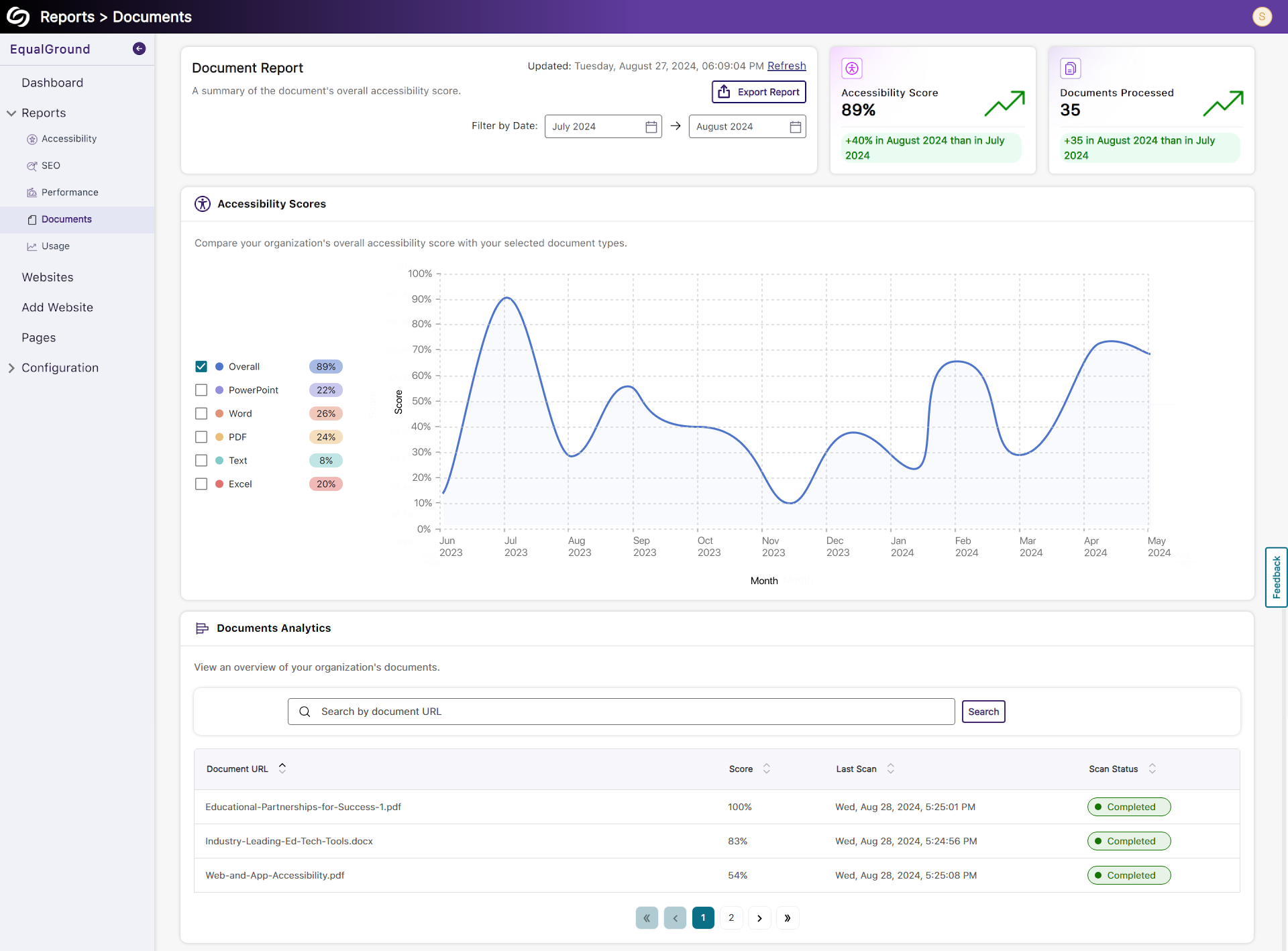
Evaluate the Accessibility of Files With Document Reporting
The Document Report provides an in-depth analysis of file accessibility across your organization’s websites. Review analytics on the number of monthly issues and identify the most common problems found within documents.
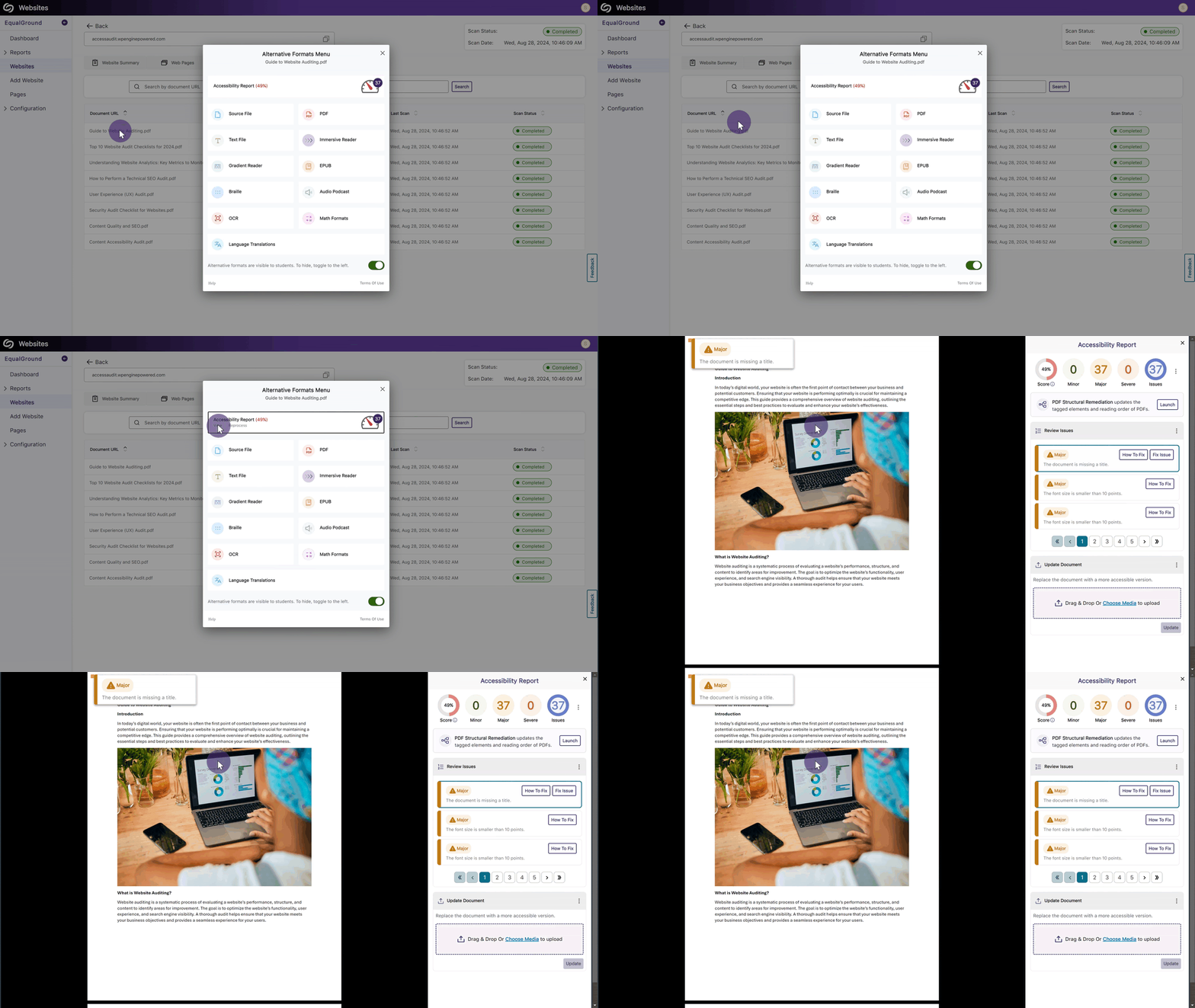
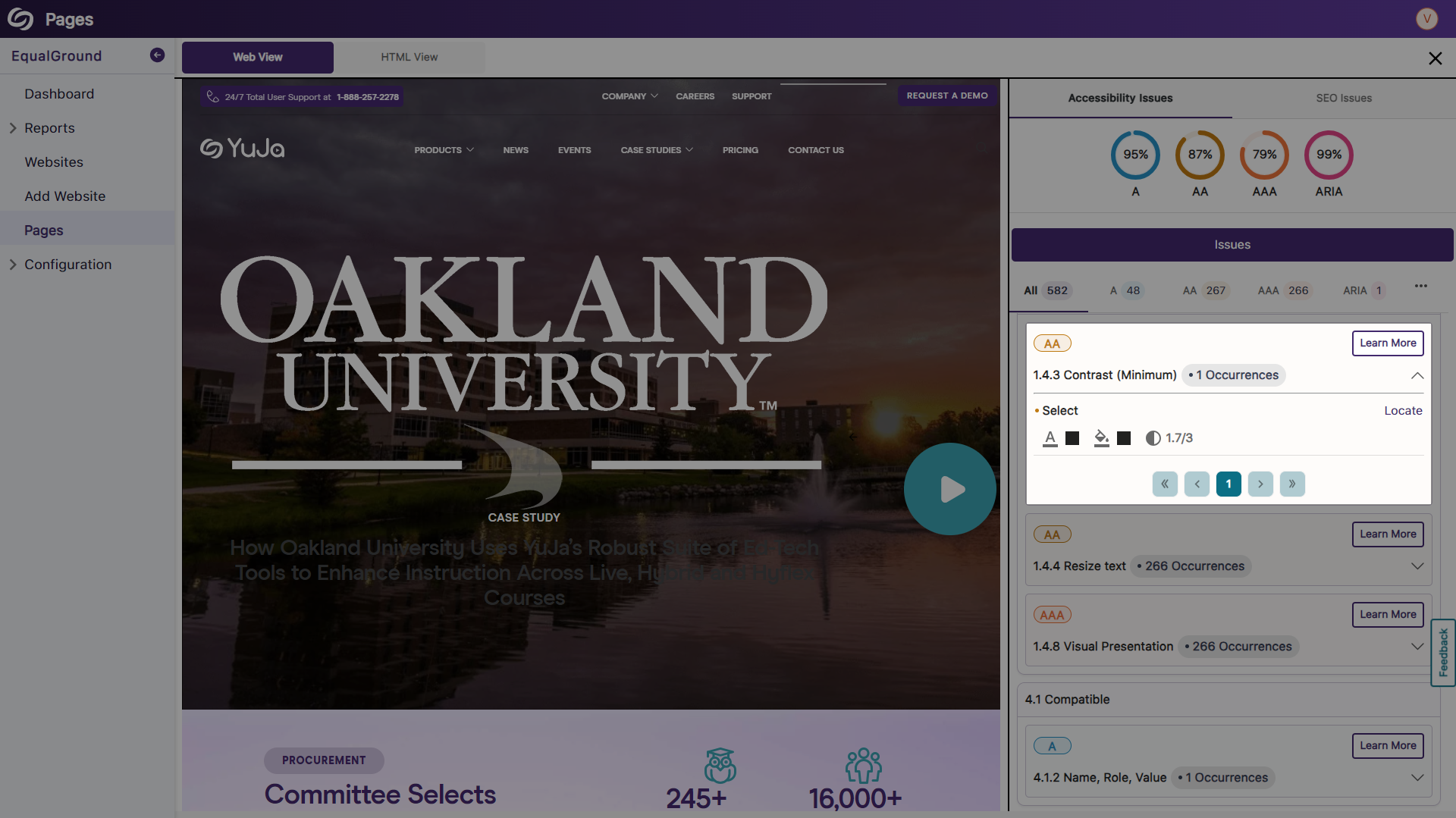
Open Documents in EqualGround to Review WCAG 2.2 Accessibility Issues
When reviewing reports, documents on the web page will automatically be detected. These documents can then be opened directly within EqualGround to see highlighted WCAG 2.2 accessibility issues and the steps required to resolve them.
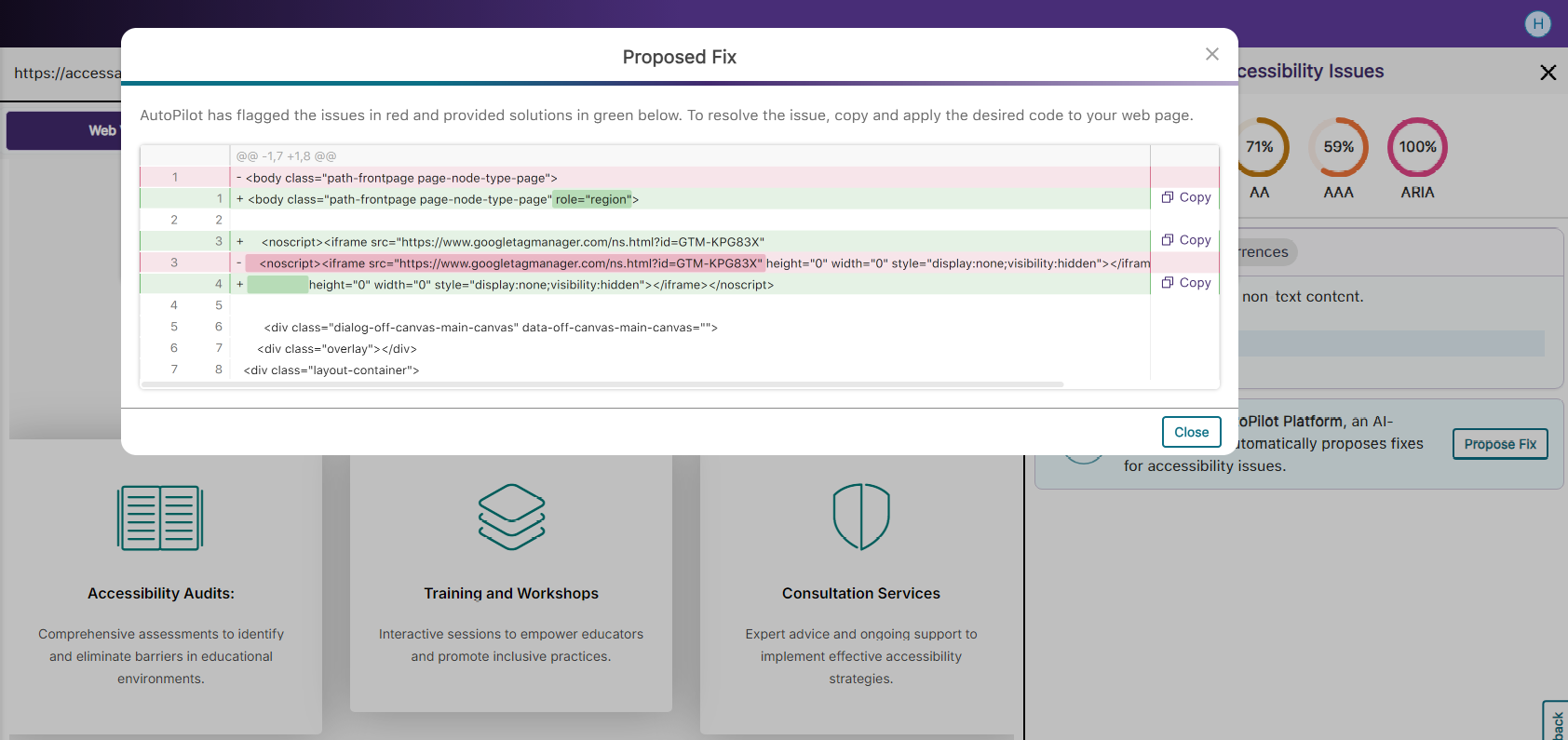
Use AutoPilot for In-Line Remediation Suggestions to Improve WCAG, ARIA, and SEO Issues
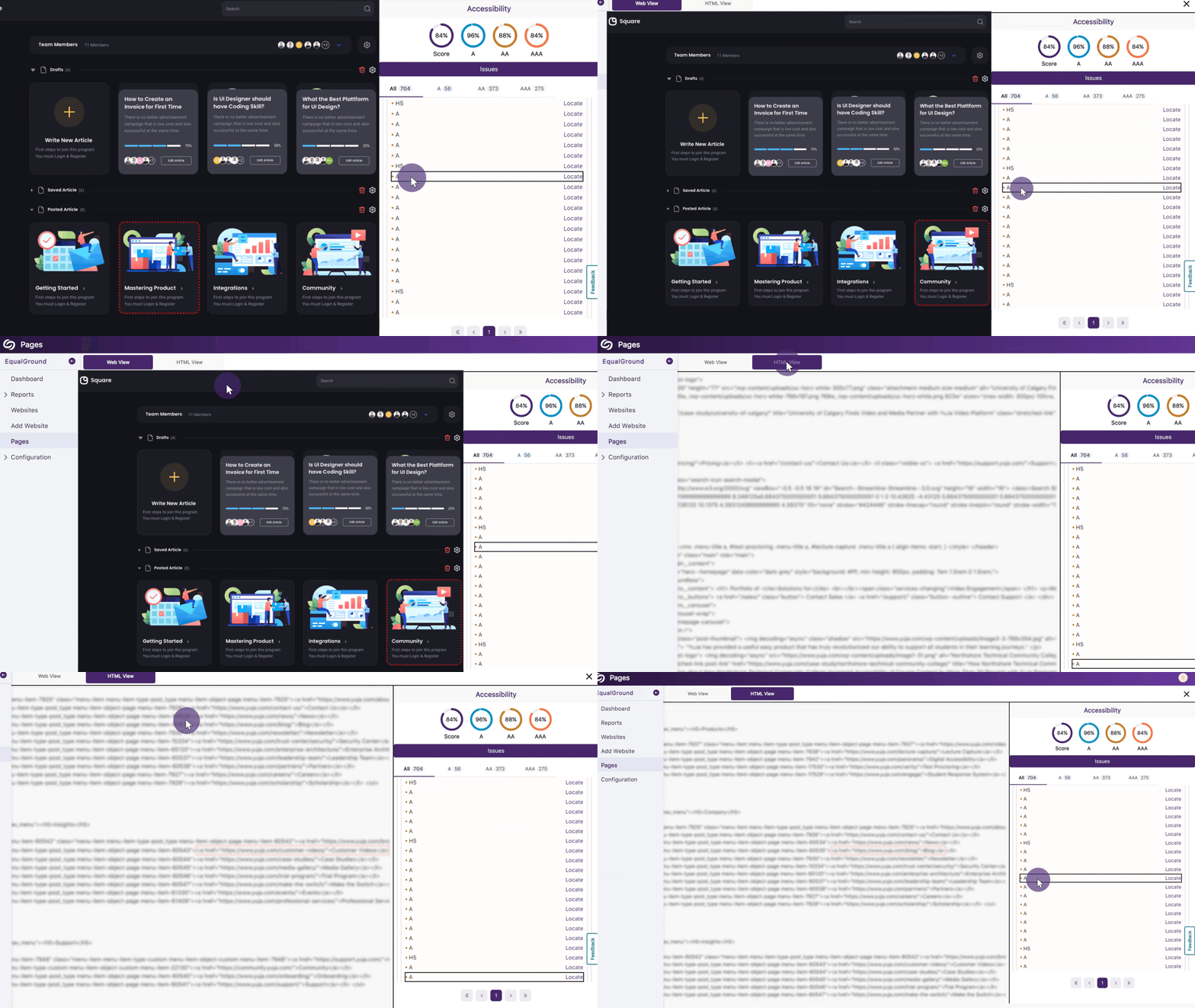
AutoPilot highlights problematic snippets of web page code and offers solutions to resolve them. These solutions can be easily copied and pasted into the web page’s code to ensure the issues are resolved.
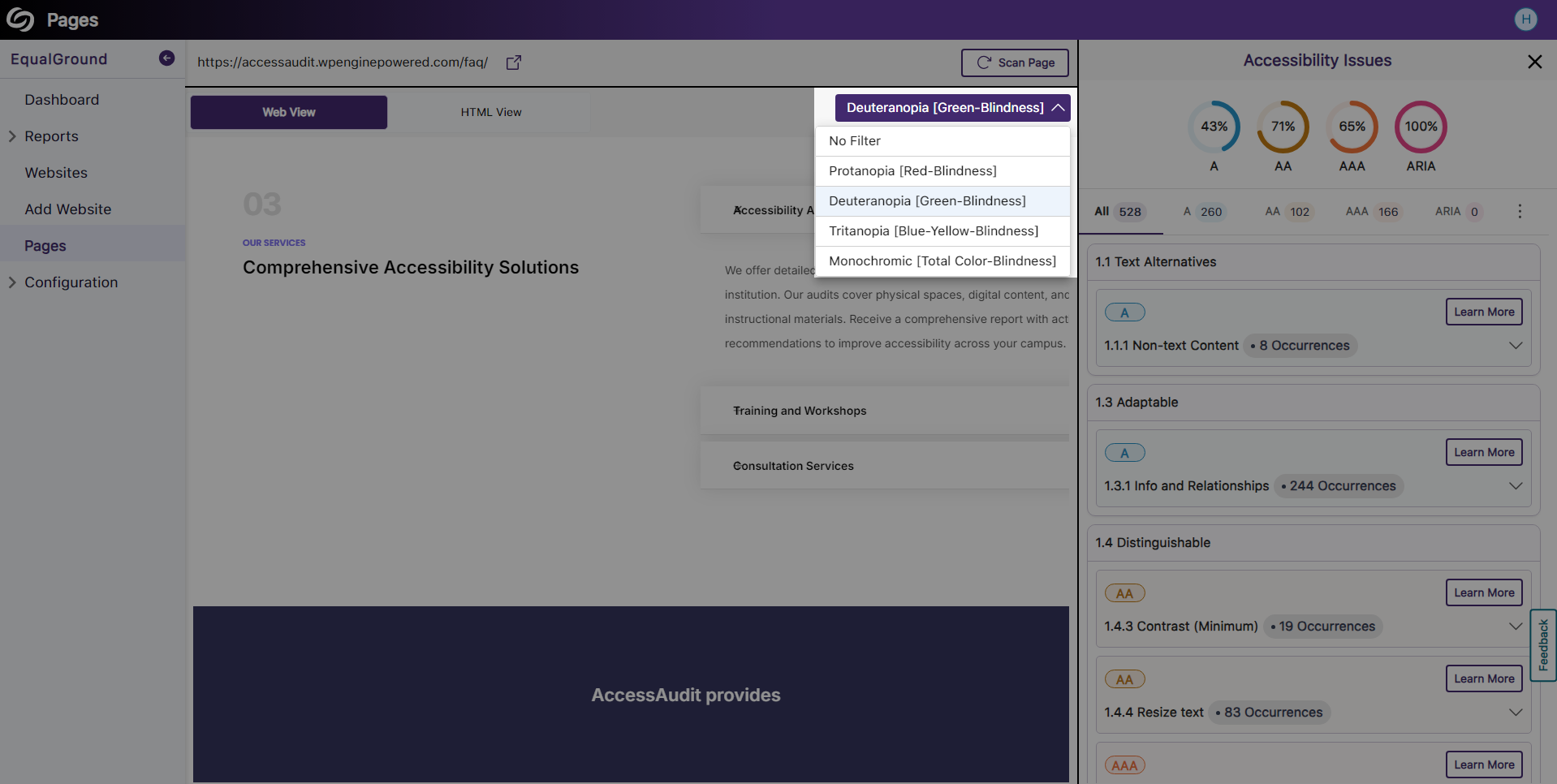
View Visual Web Page Reports With Color-Blind Filters
When reviewing reports in the visual web view, admins can enhance their experience by selecting between various color-blind filters. These filters include options for three common types of color blindness: Protanopia, Deuteranopia, and Tritanopia.
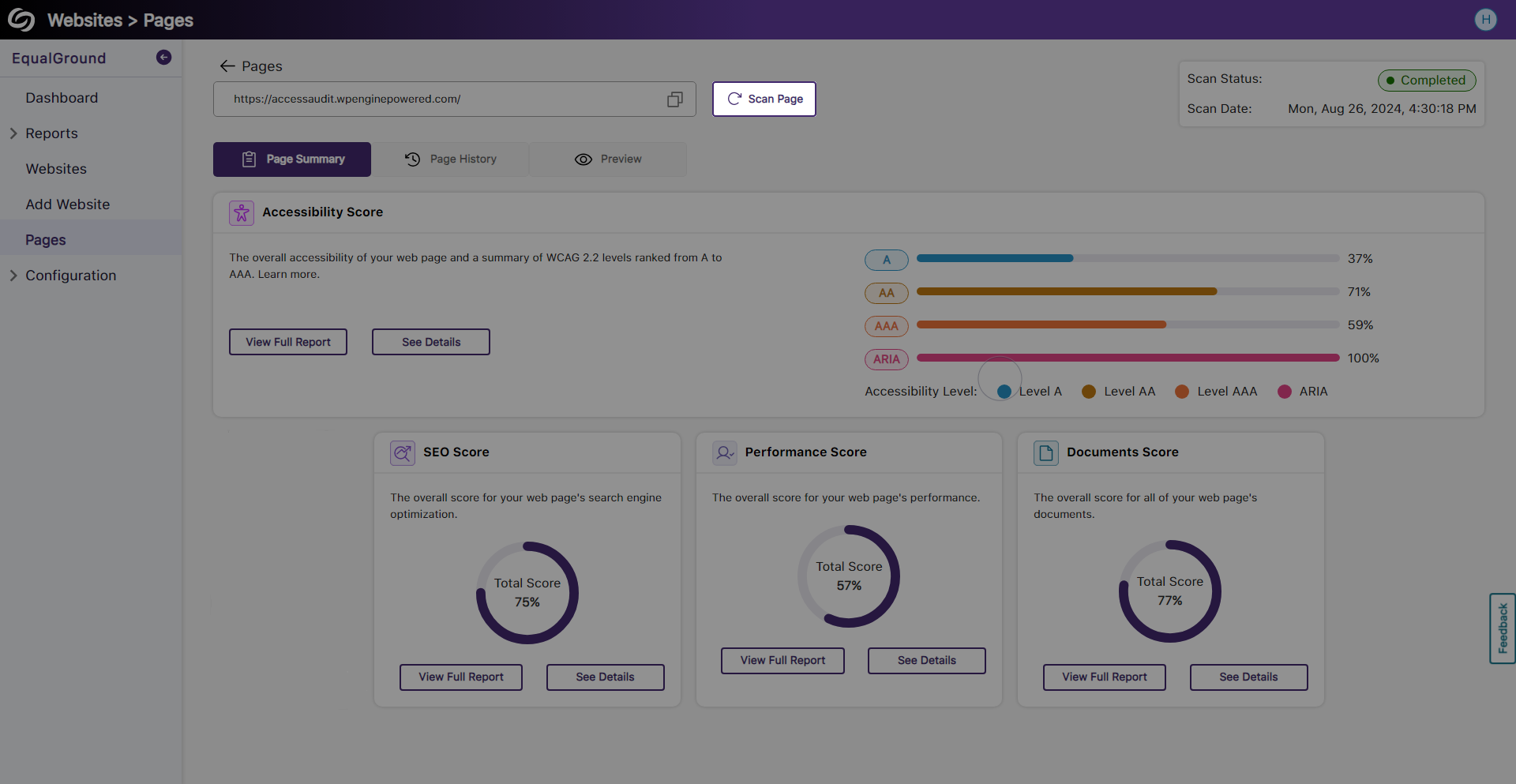
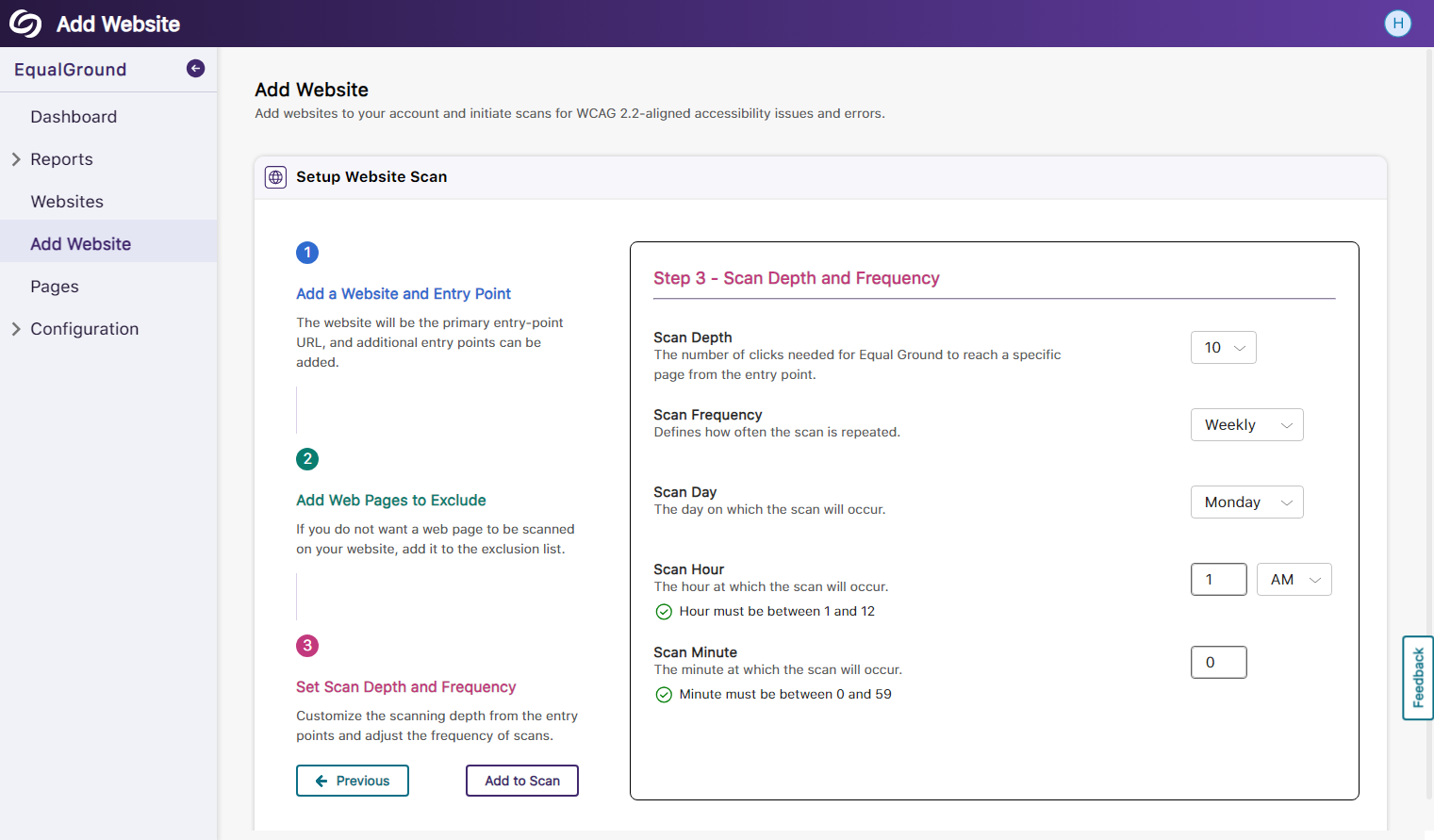
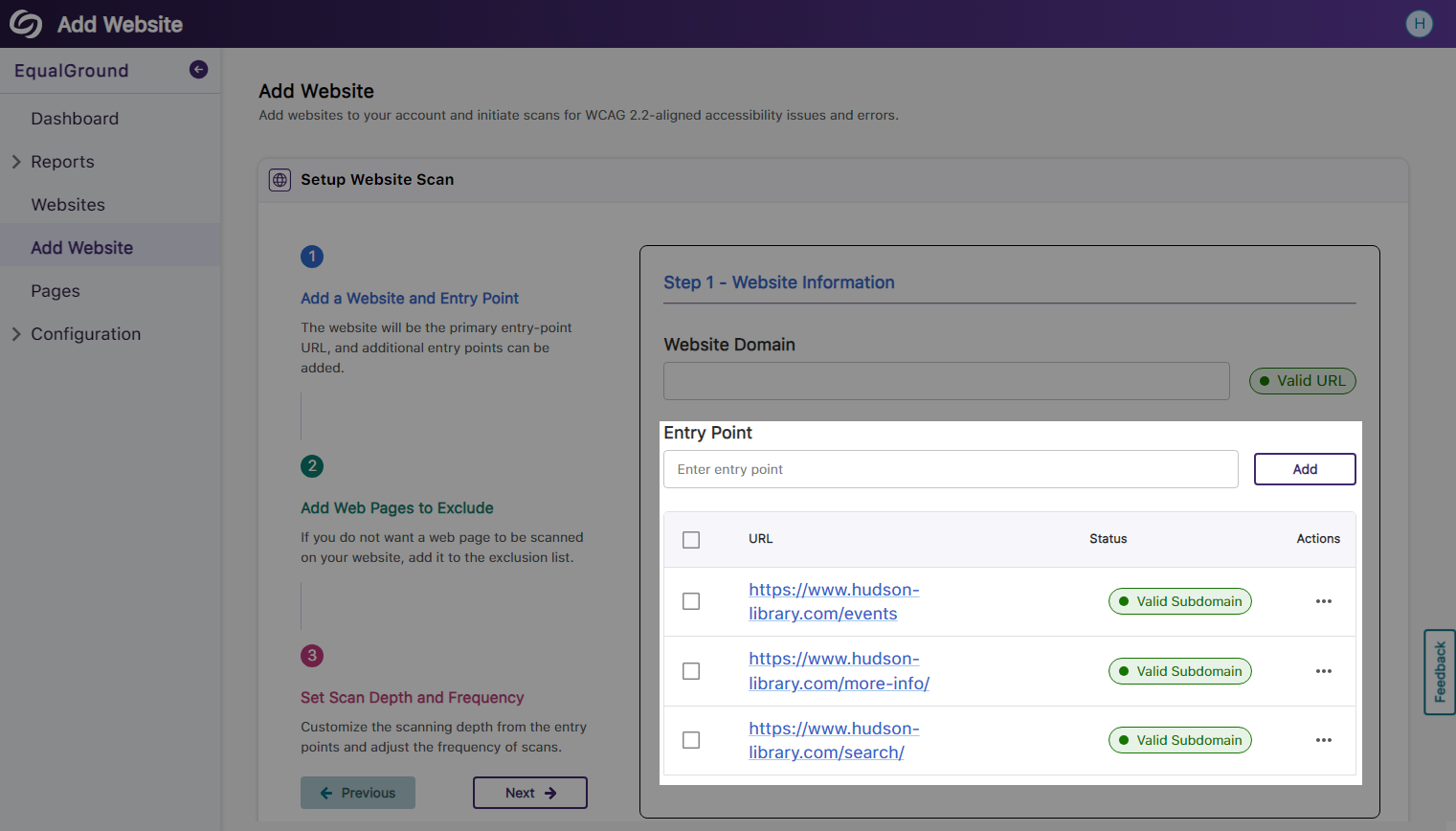
Scan Web Pages Individually to Update Their Accessibility Scores
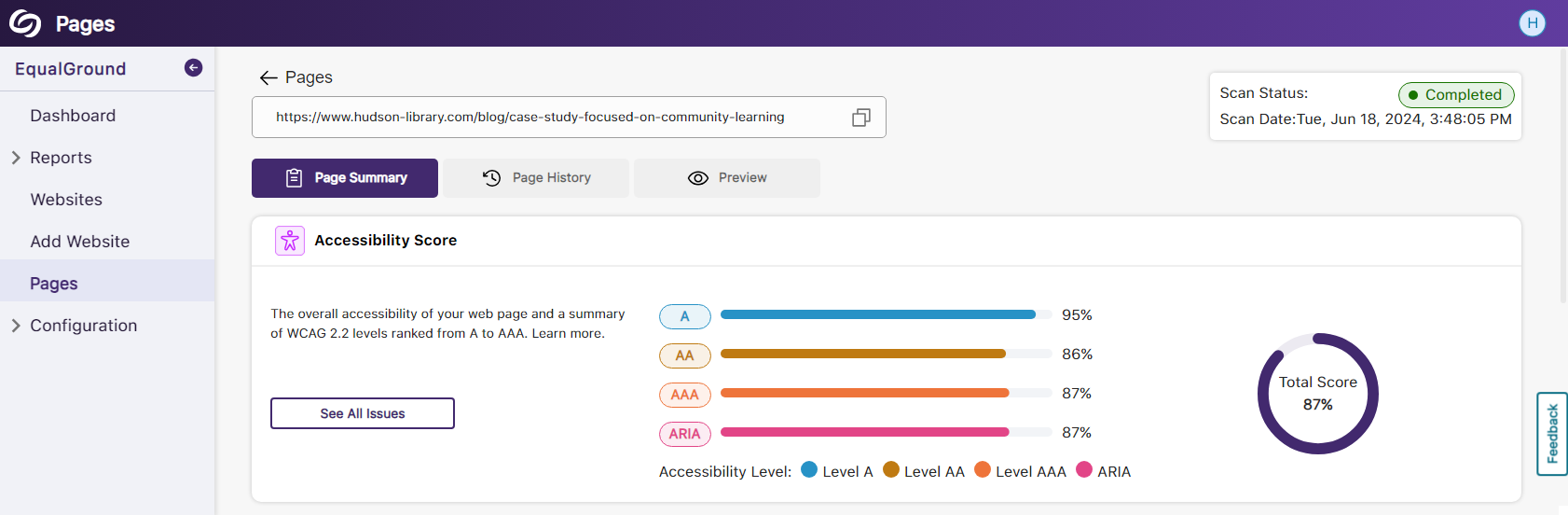
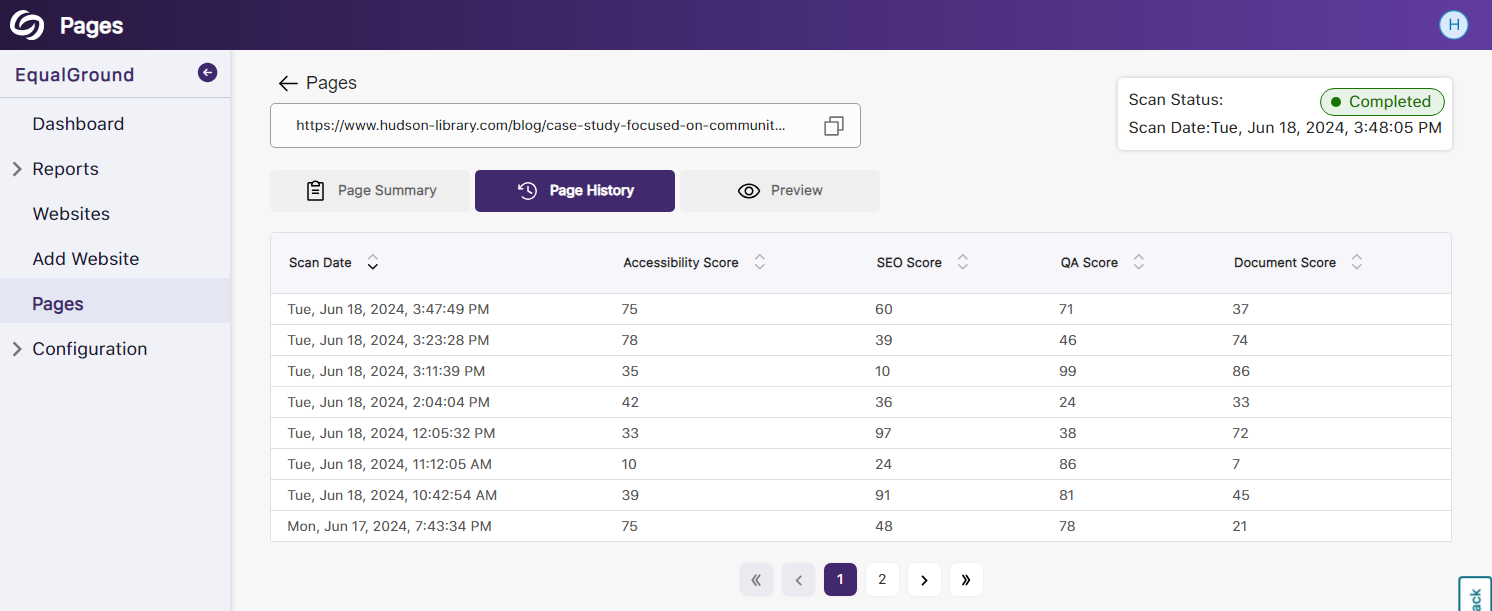
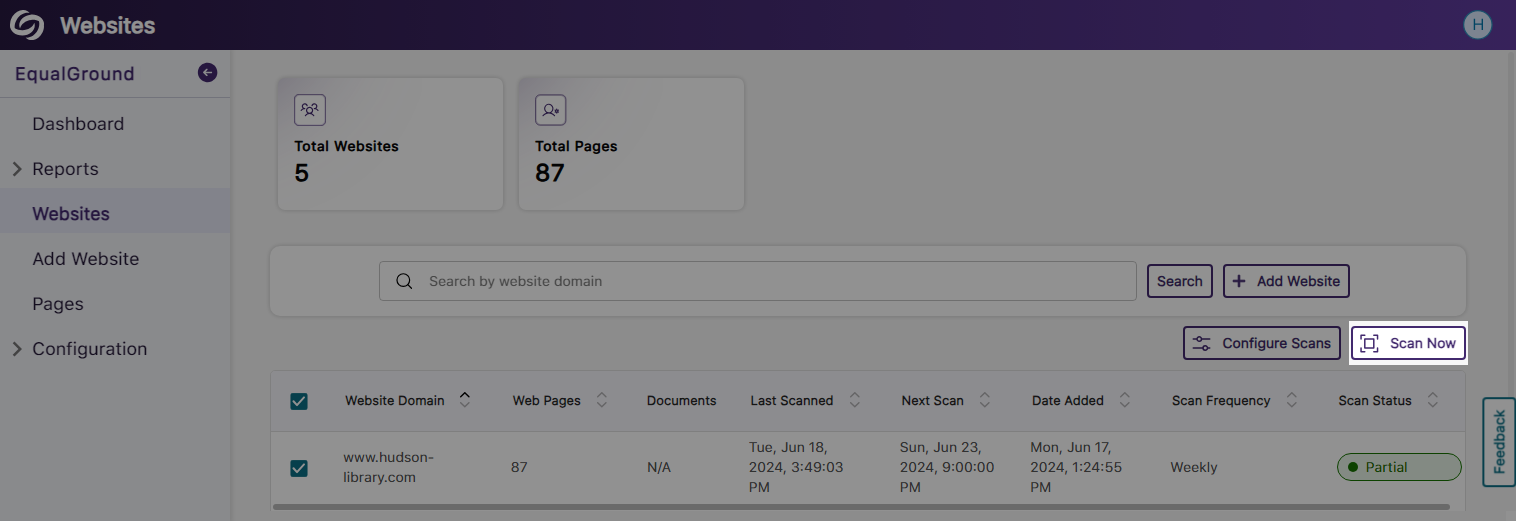
Organizations can choose to enhance website accessibility one page at a time by scanning individual pages. This approach allows for targeted resolution of accessibility issues specific to each page, ensuring that all issues are addressed before moving on to the next page.
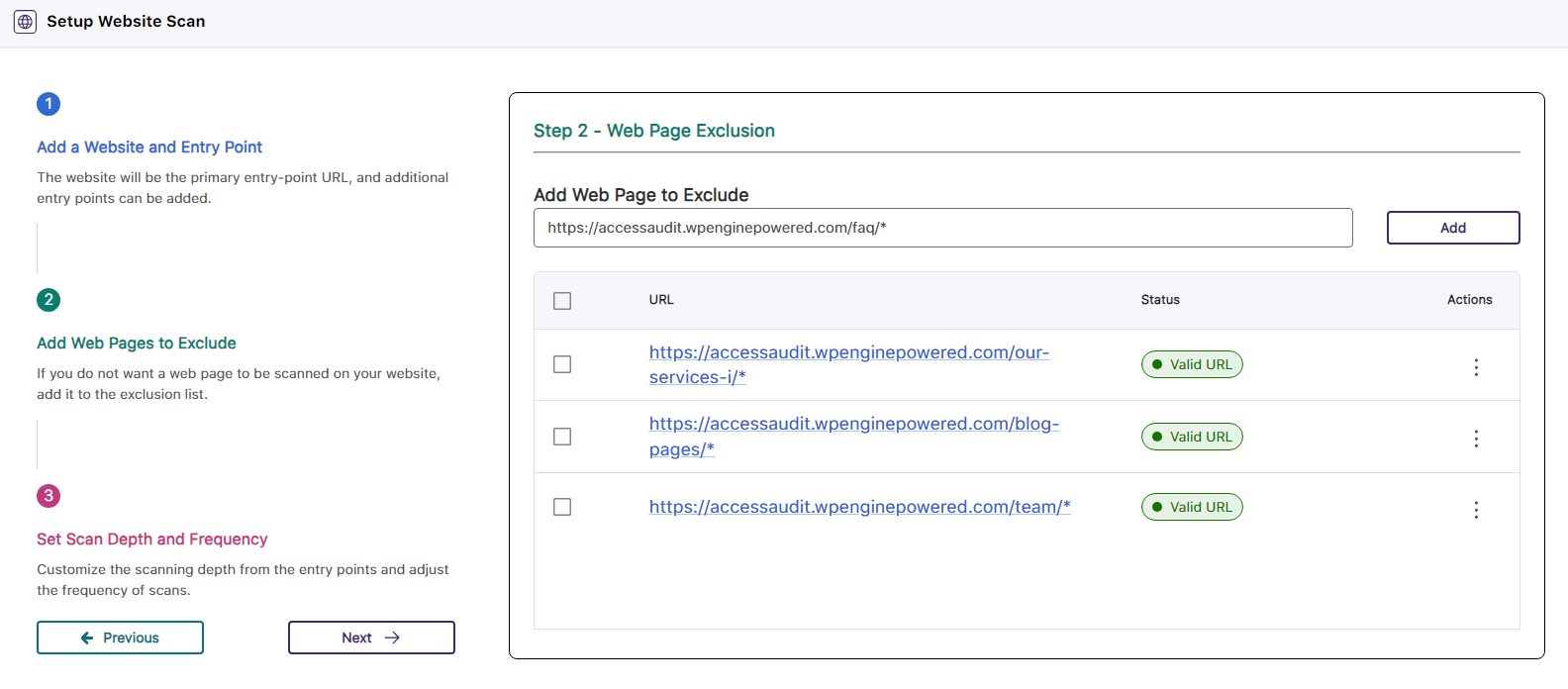
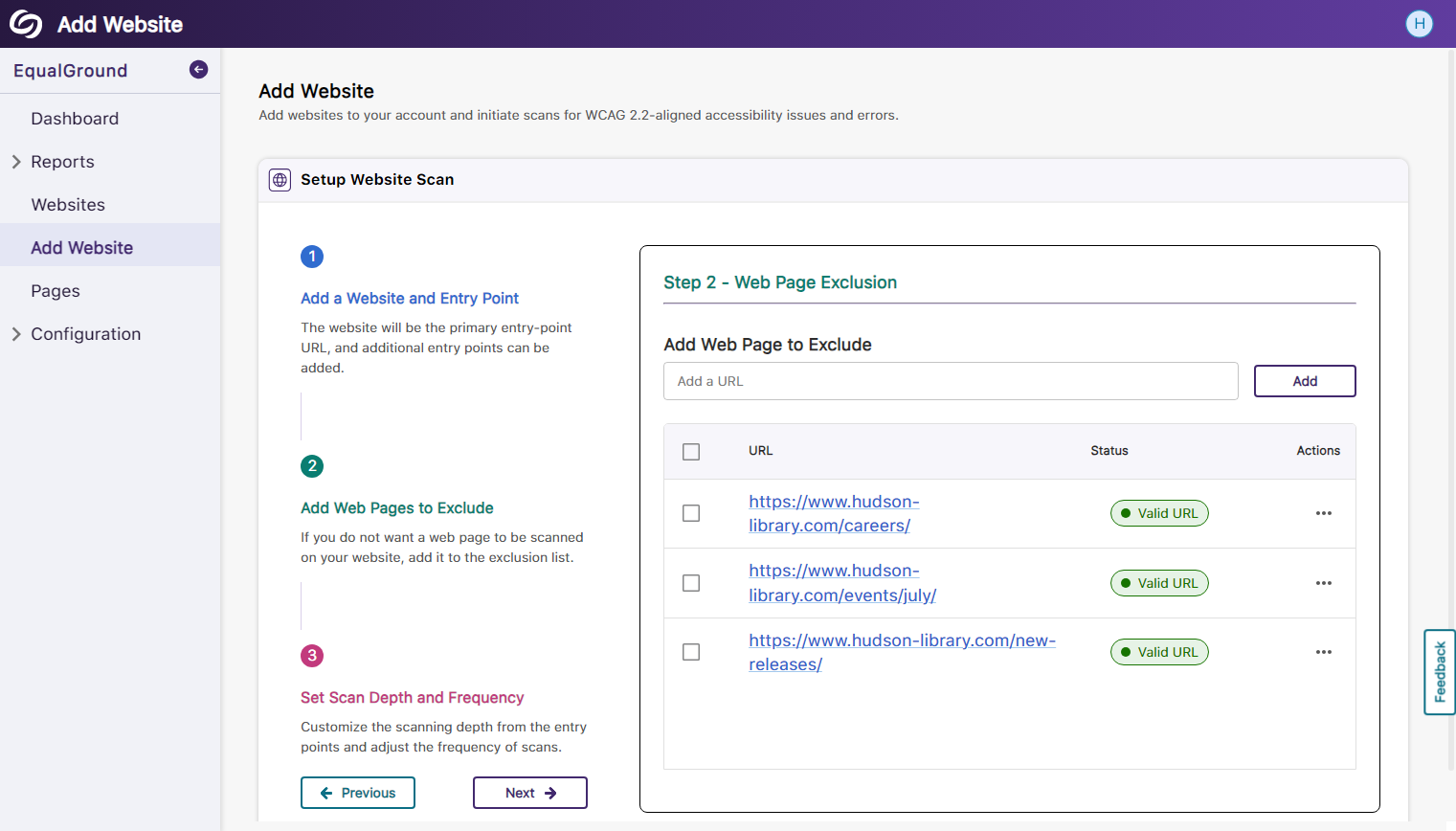
Add Multiple URLs to Exclude With the Wildcard Asterisk Character
Administrators can specify a URL prefix when creating an exclusion URL list by appending an asterisk (*) at the end. This will ensure that all URLs starting with the specified prefix are automatically blocked from being scanned.
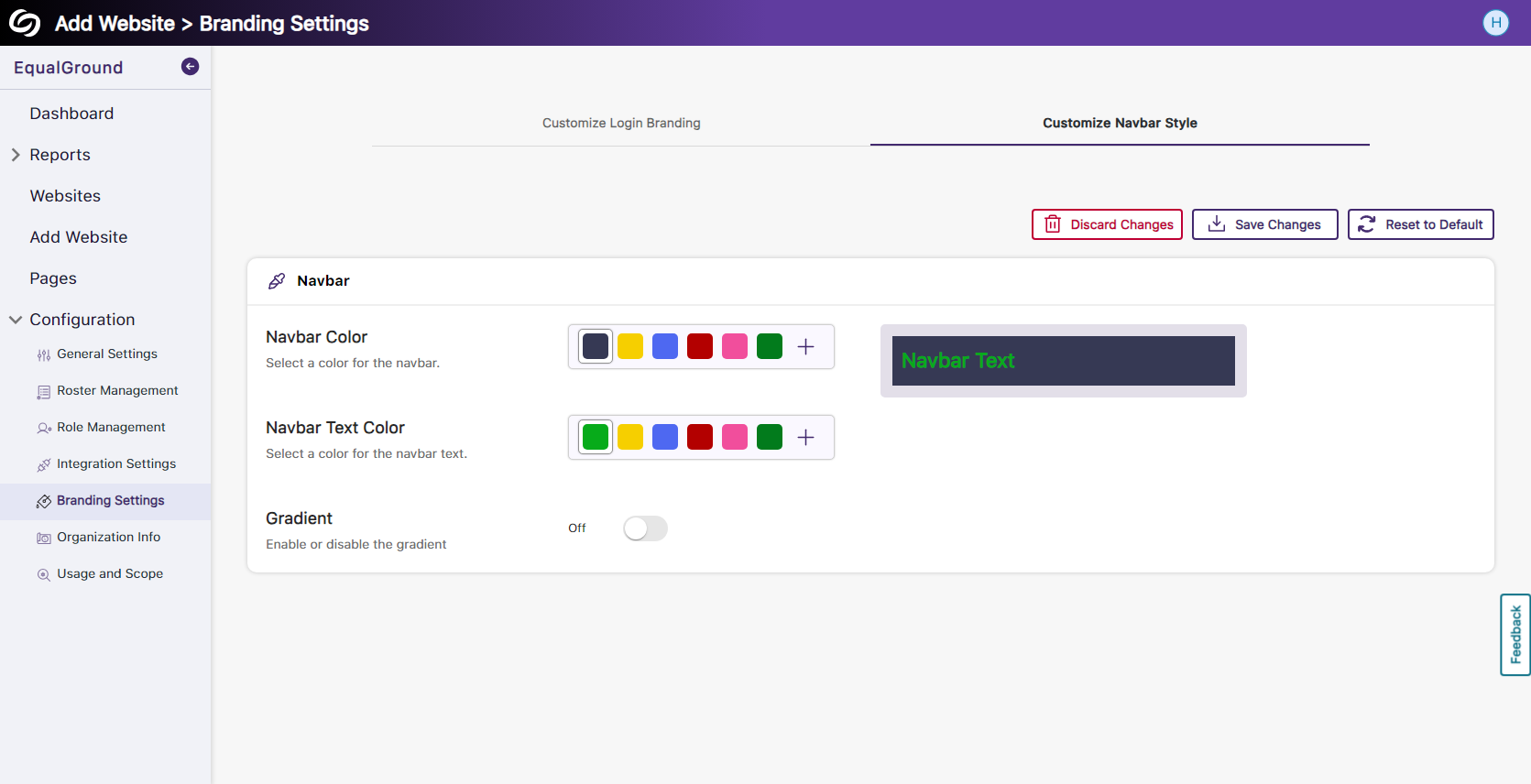
Custom Branding for the EqualGround Navbar
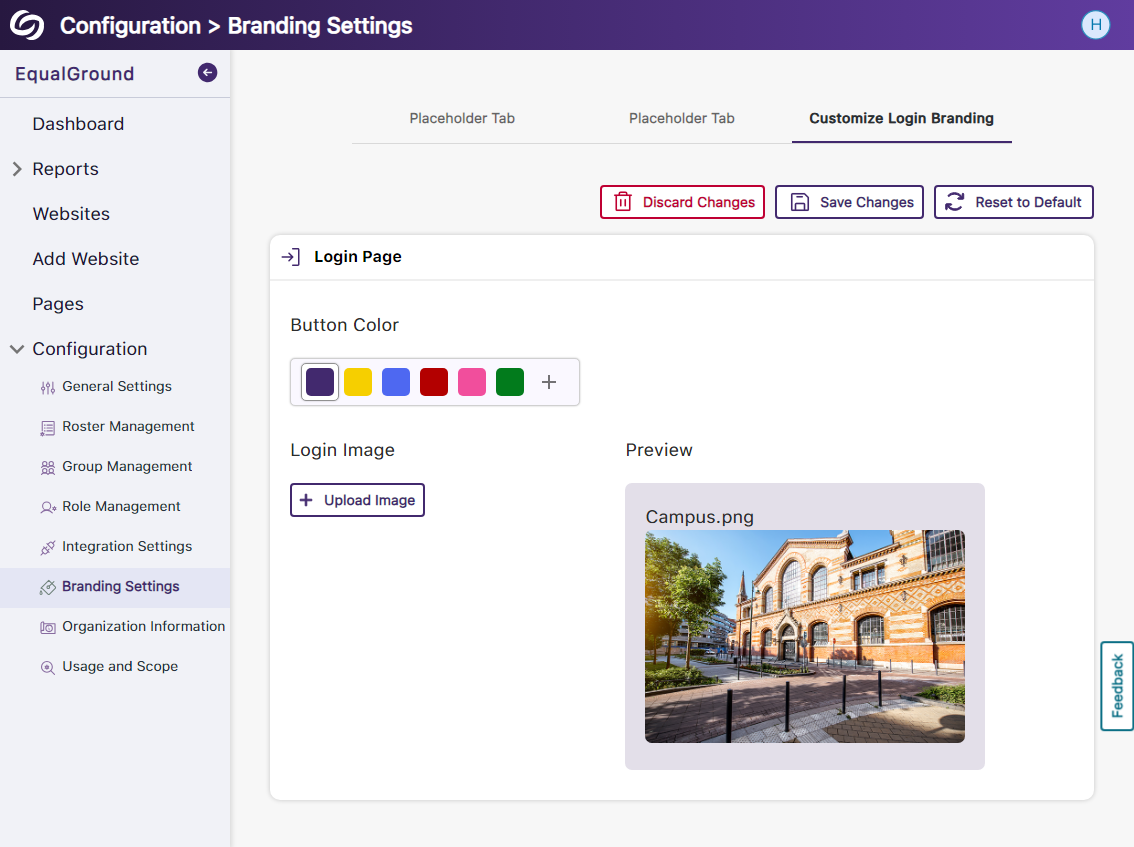
Administrators can now personalize their EqualGround navbar by customizing its background and text colors and applying a gradient option.




Join the 1,000+ Organizations Deploying High-Impact Solutions