

Product Updates
Get the latest platform updates, features, and announcements—all in one place.
Attending EDUCAUSE? Join us for FREE food, drinks, and prizes!
RSVP Now

Get the latest platform updates, features, and announcements—all in one place.
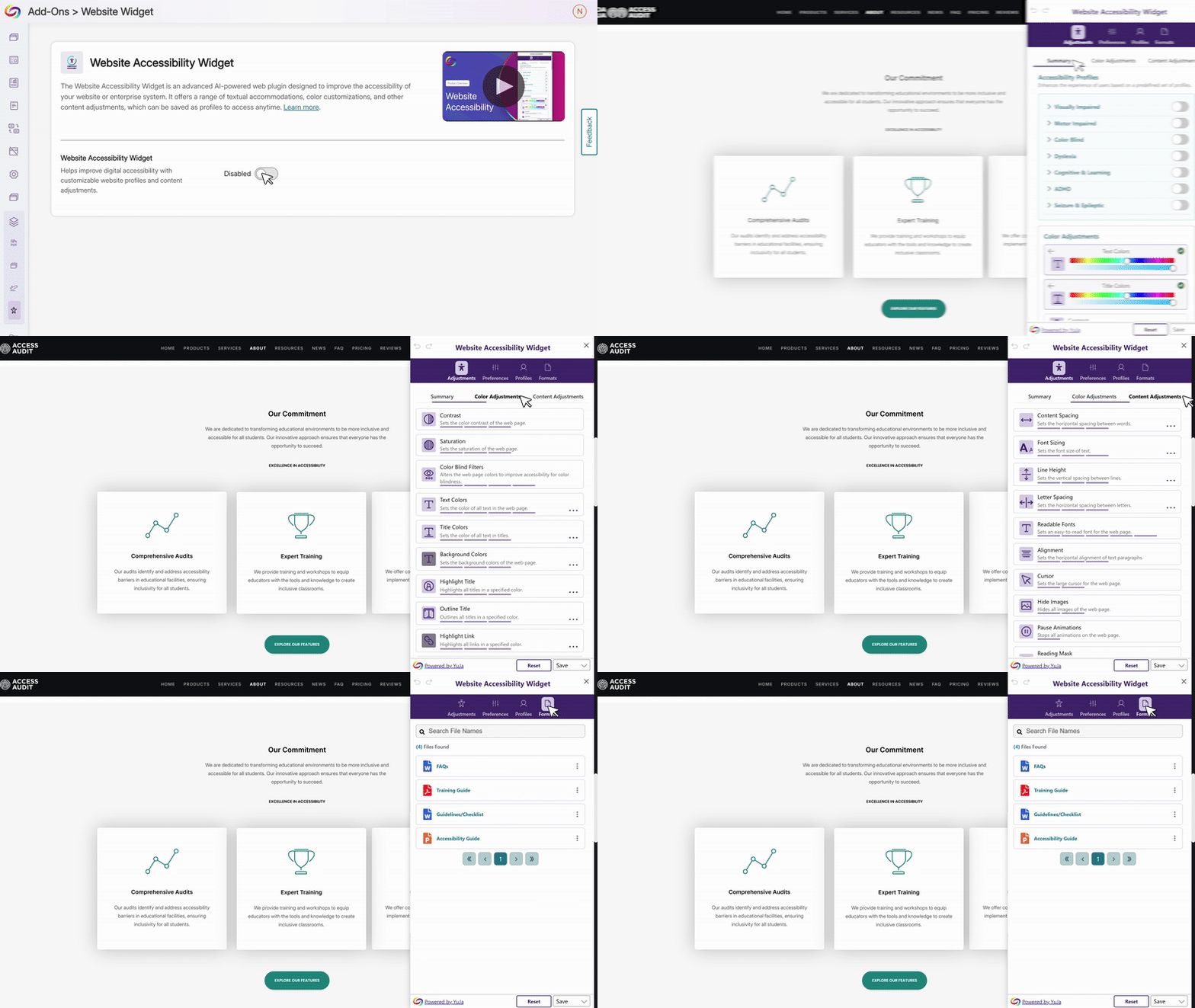
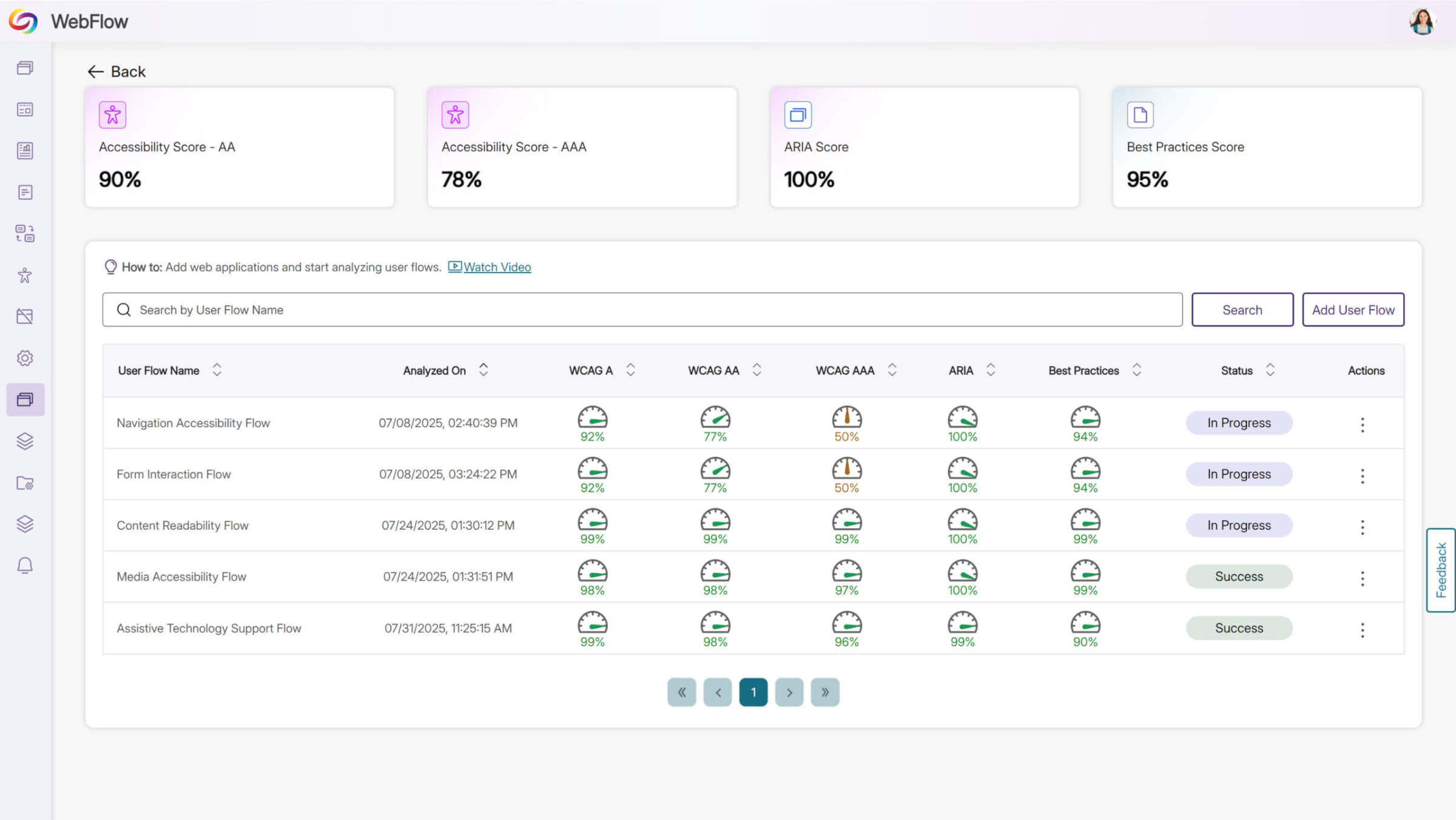
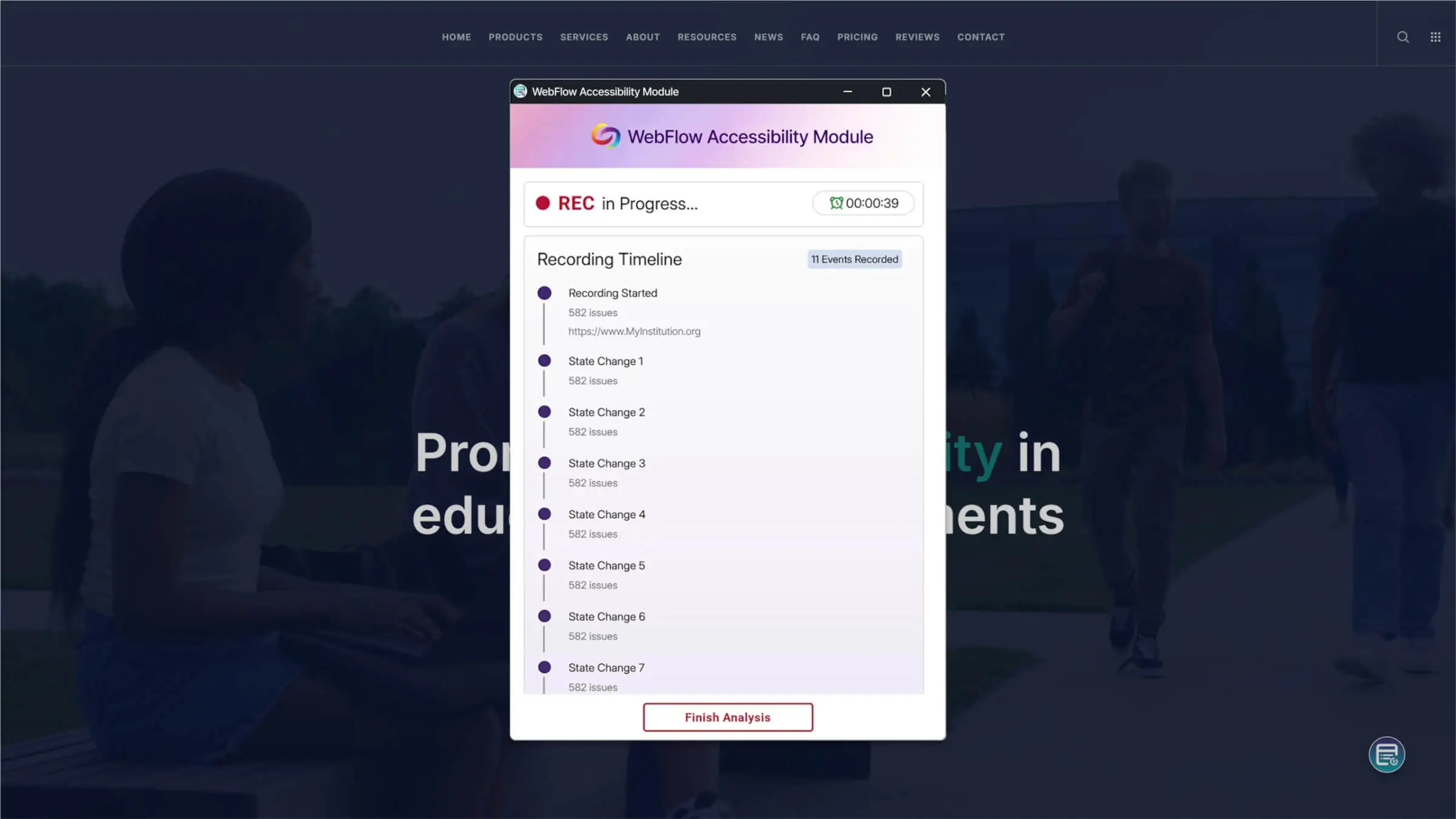
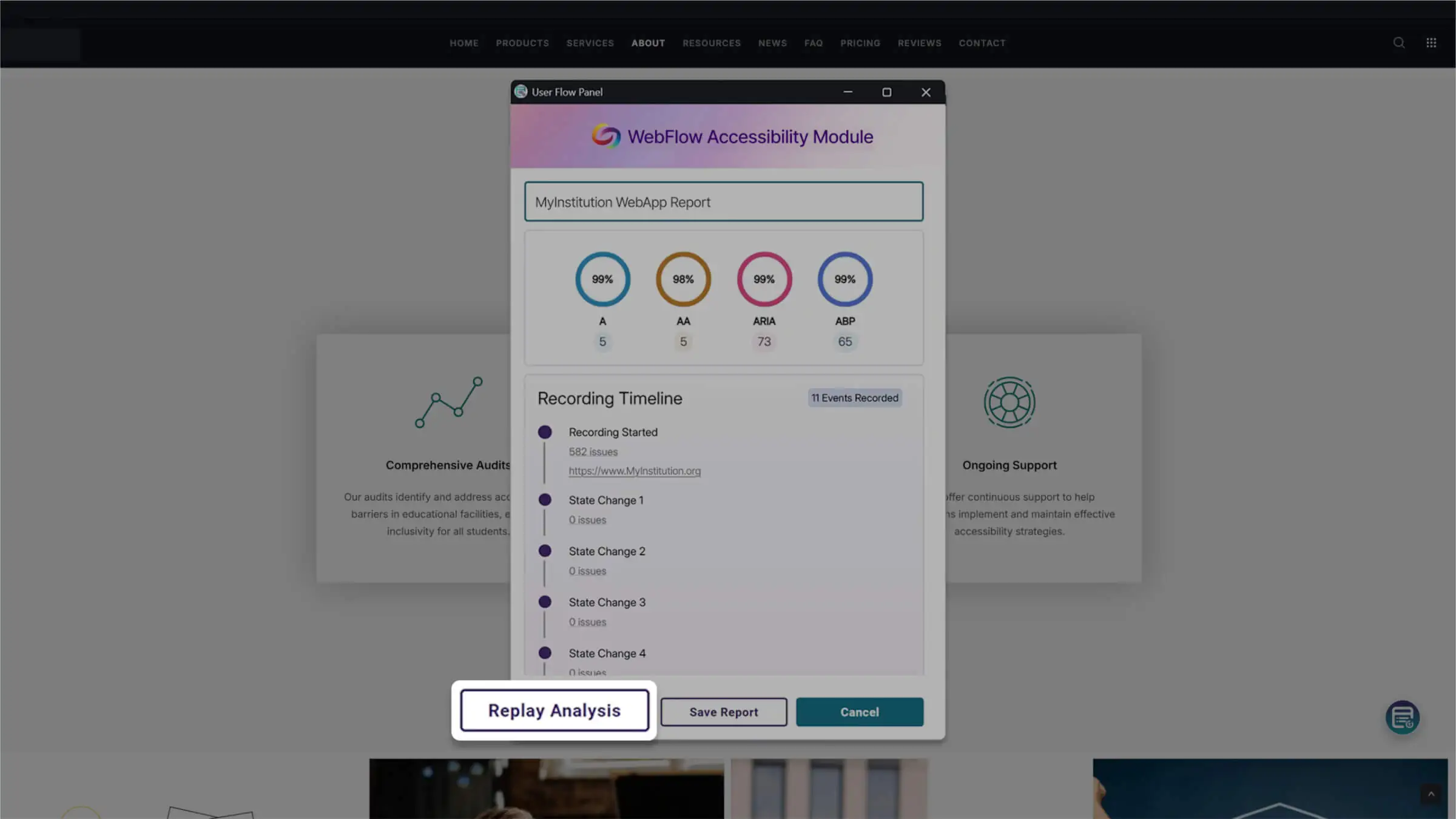
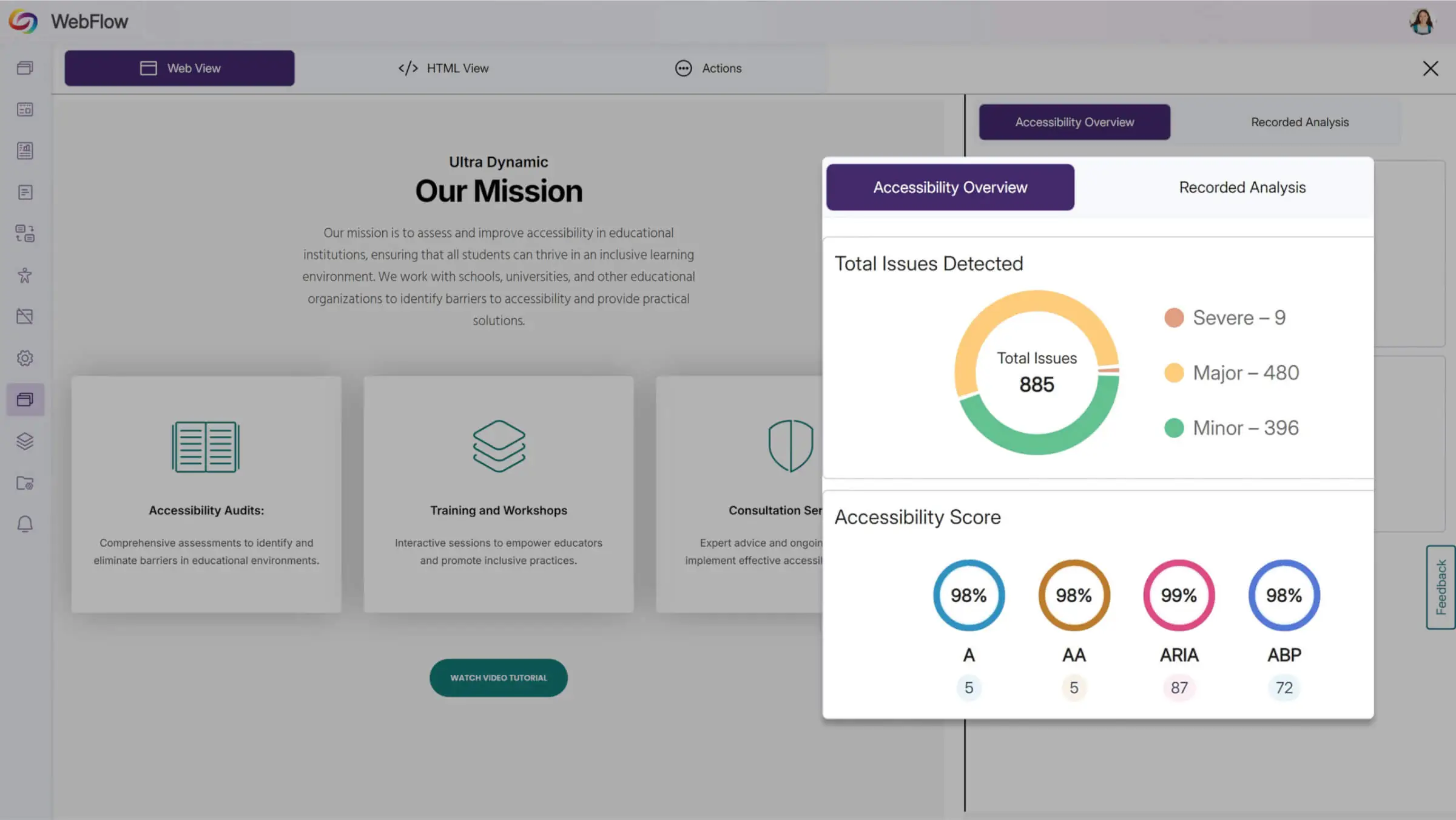
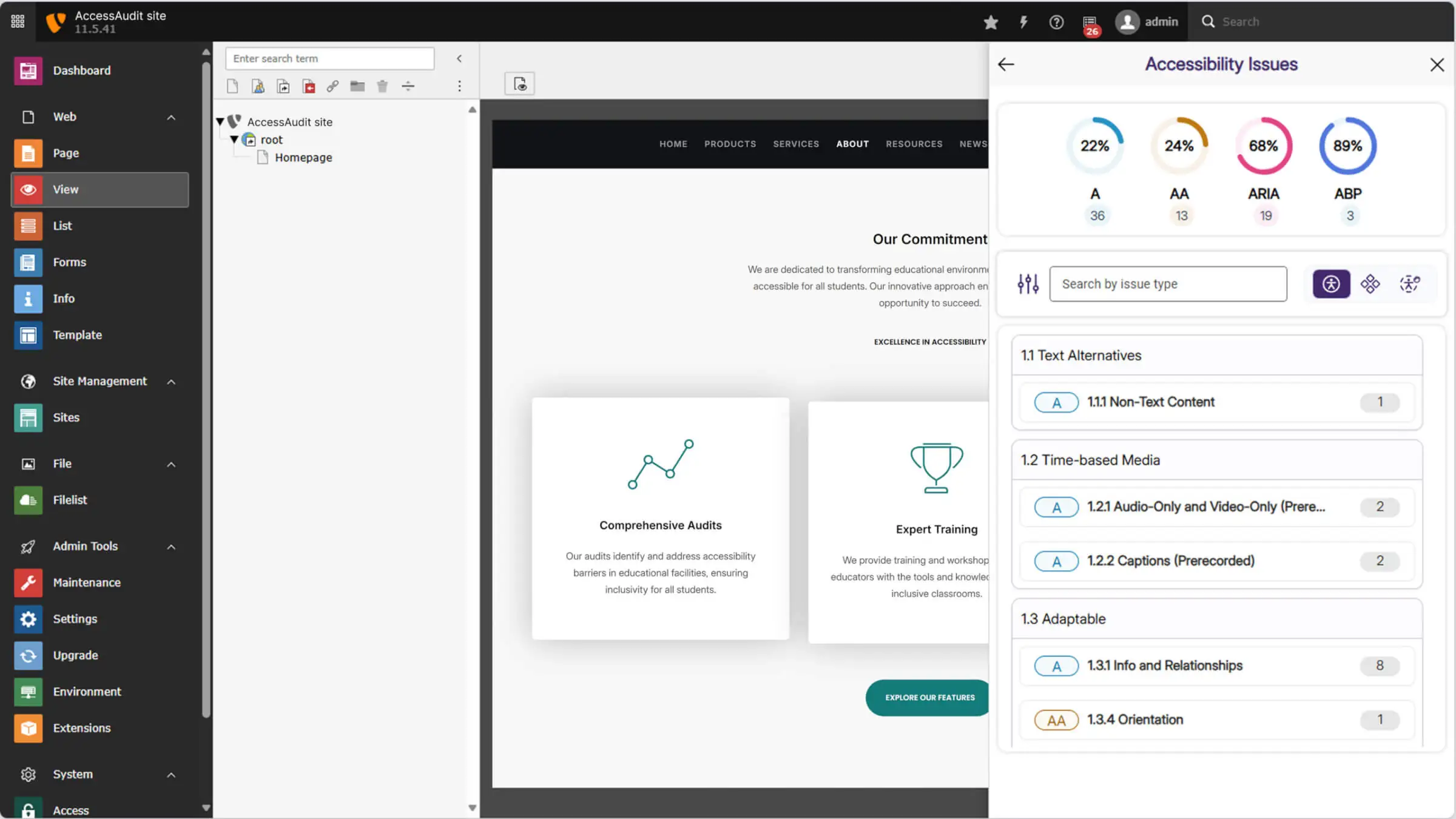
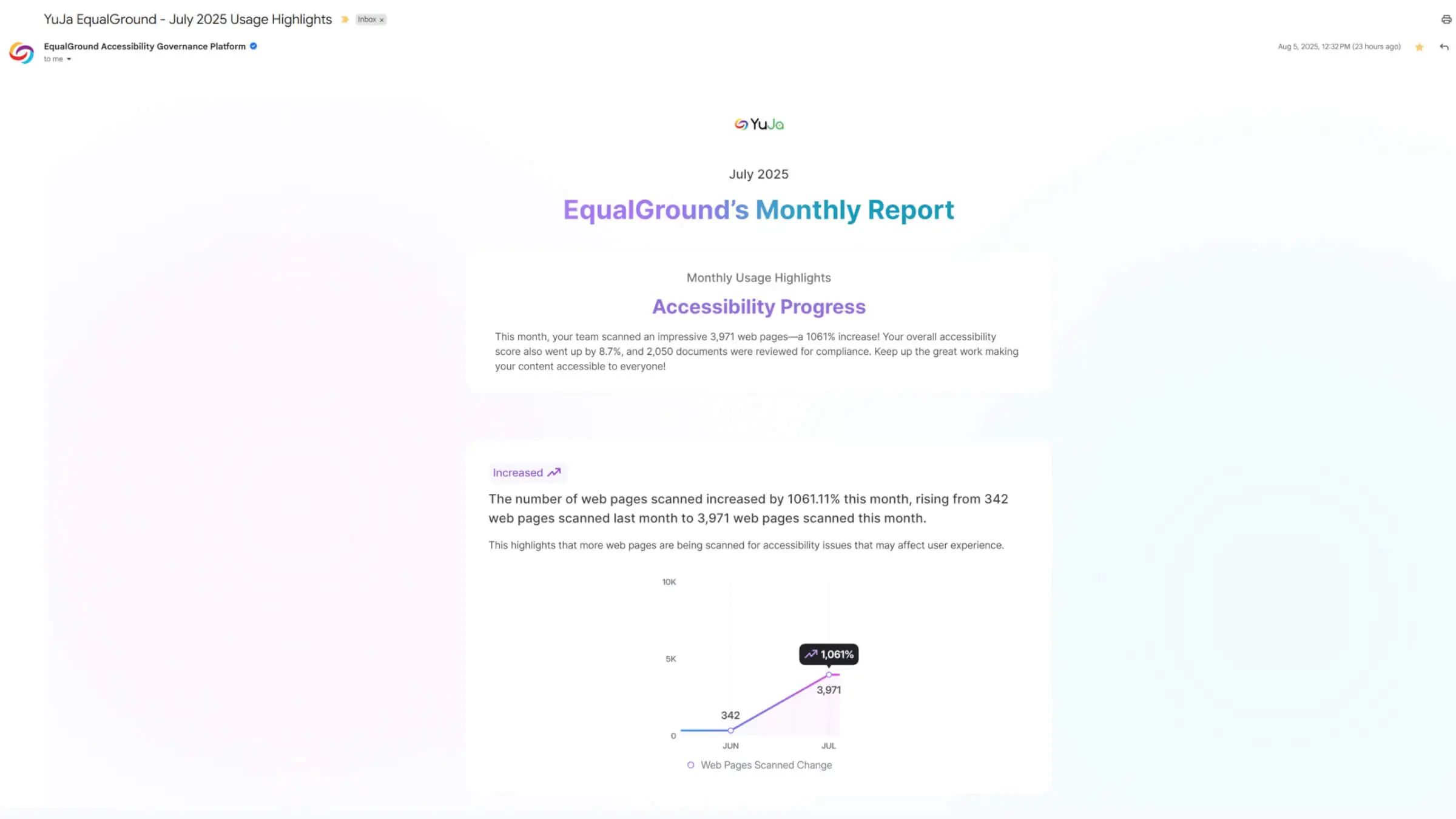

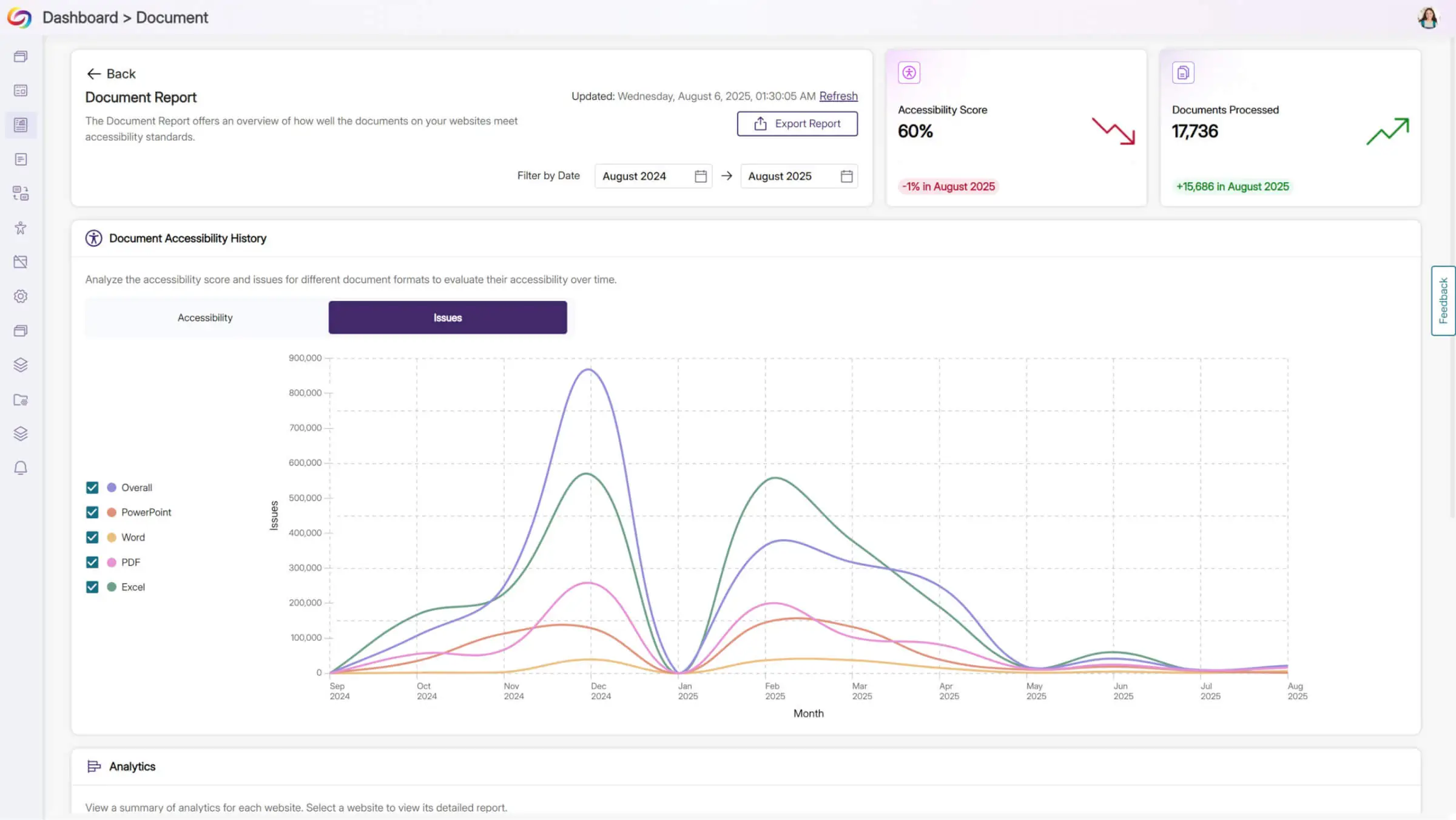
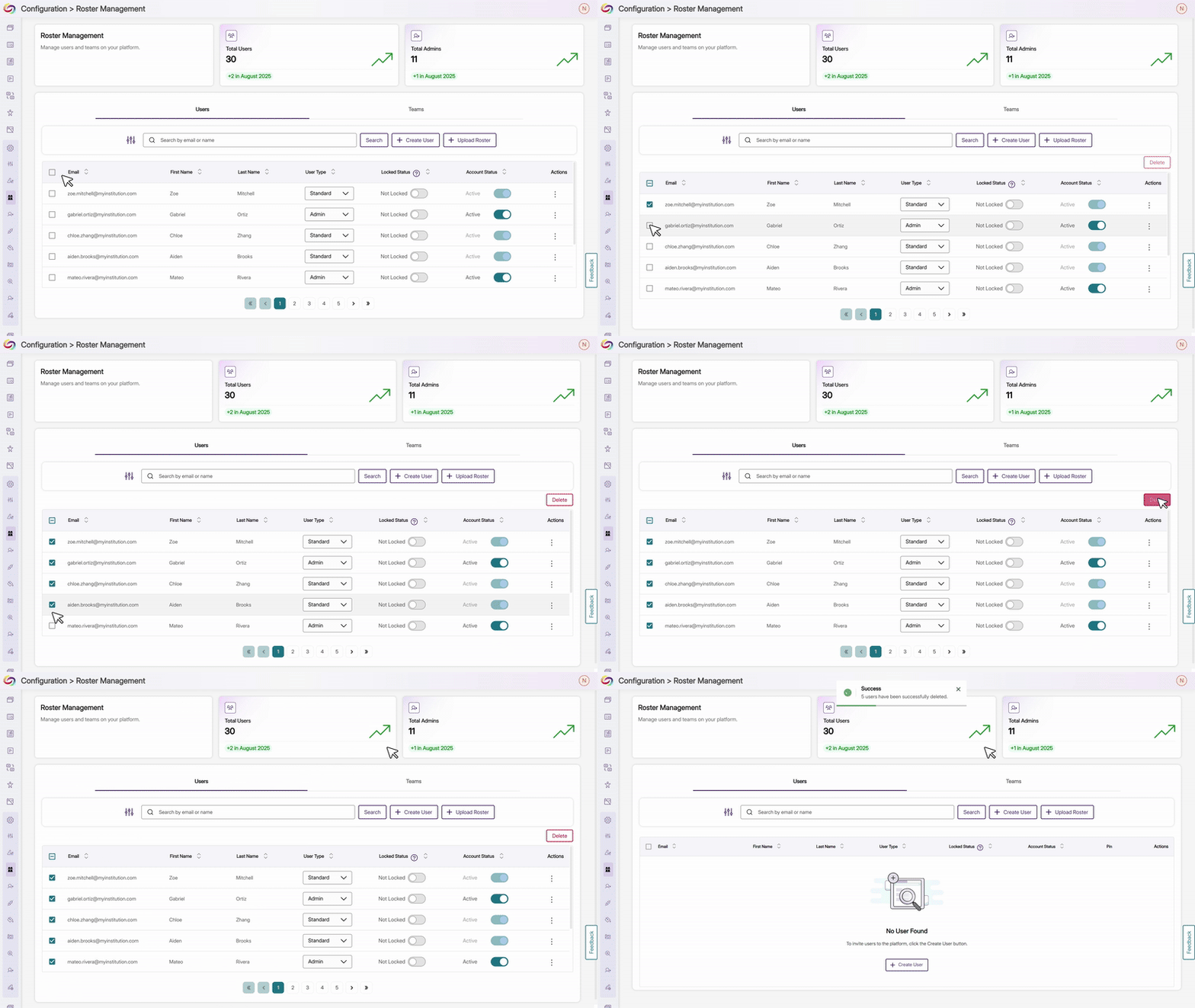
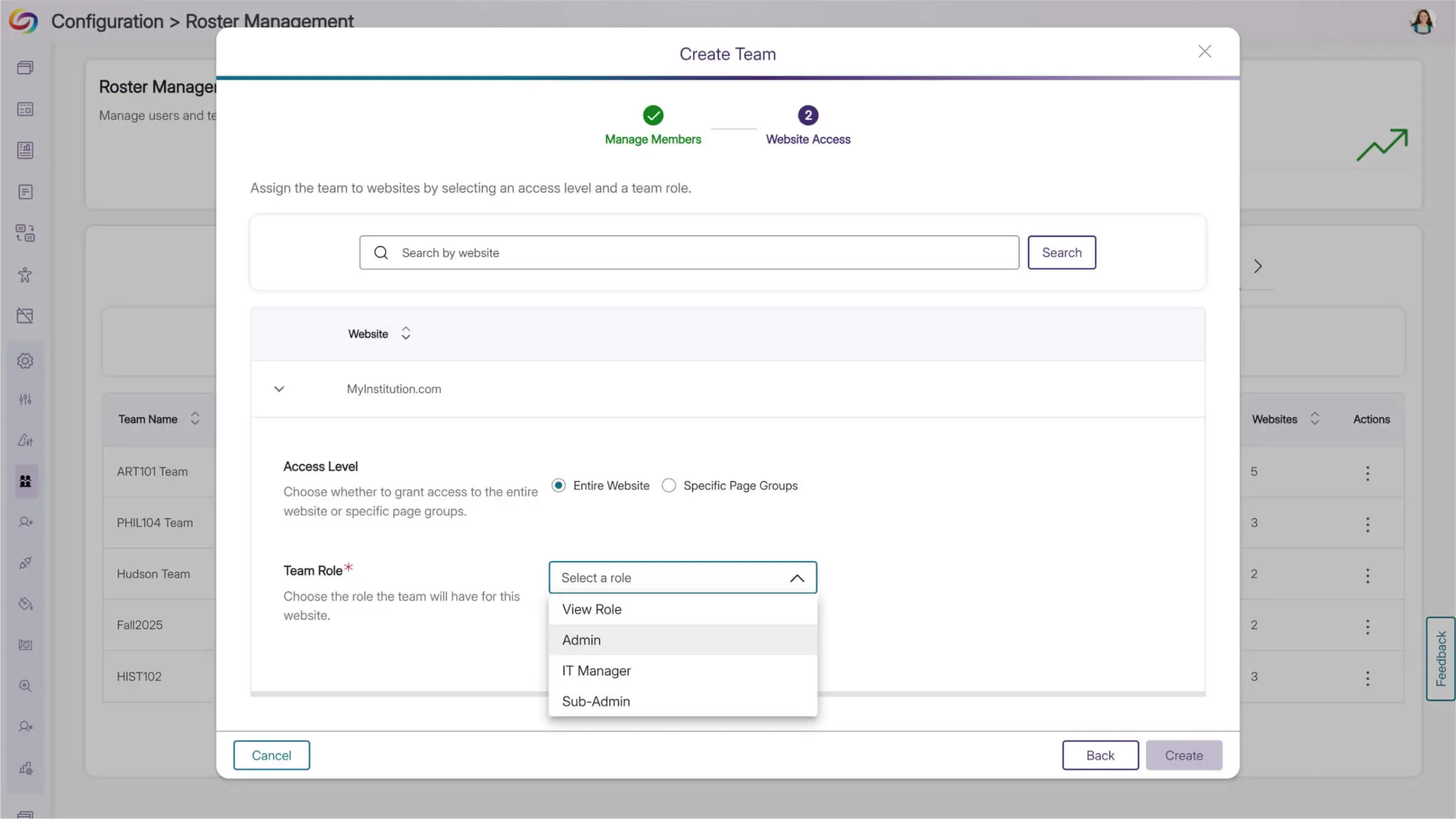
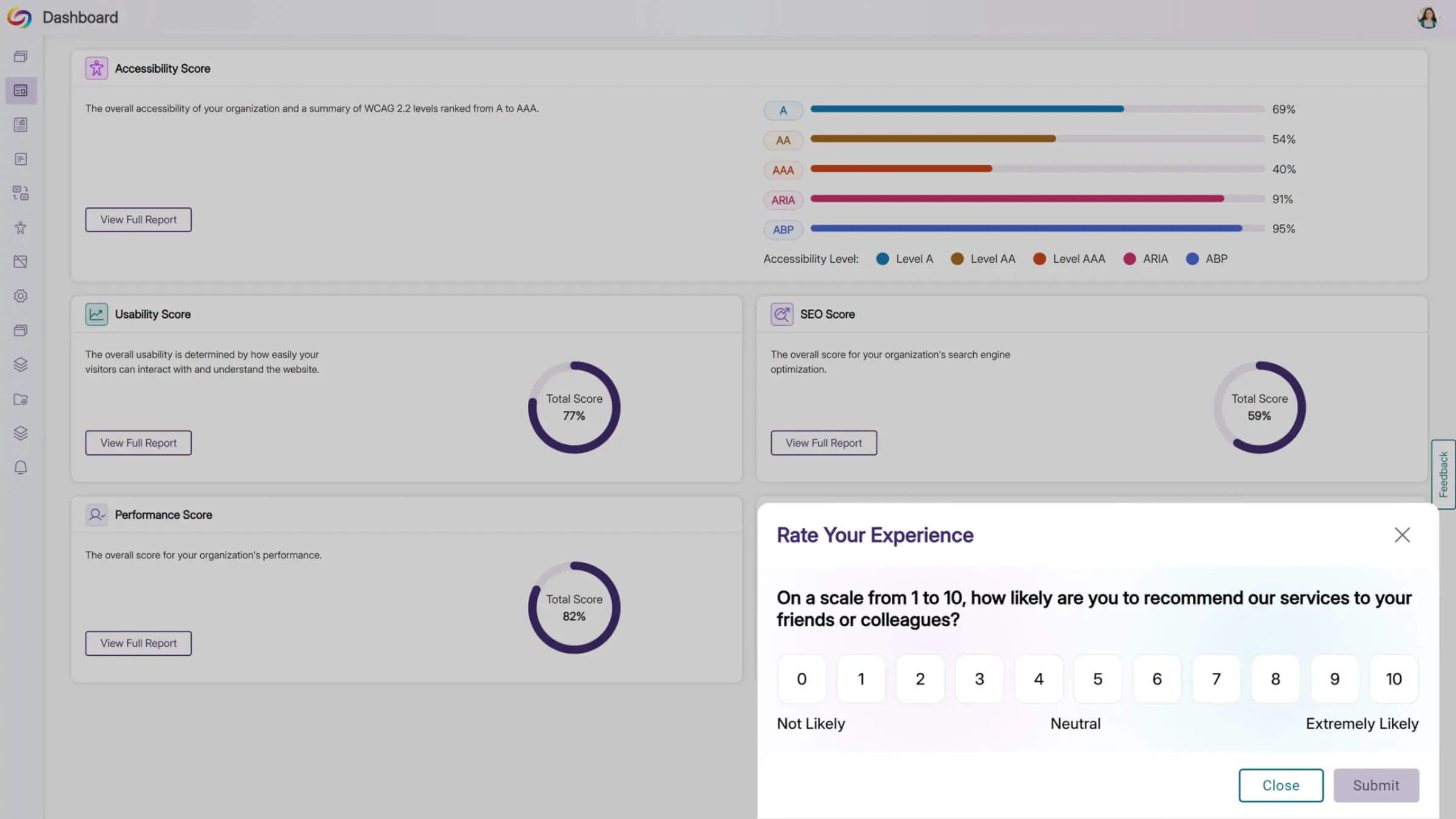
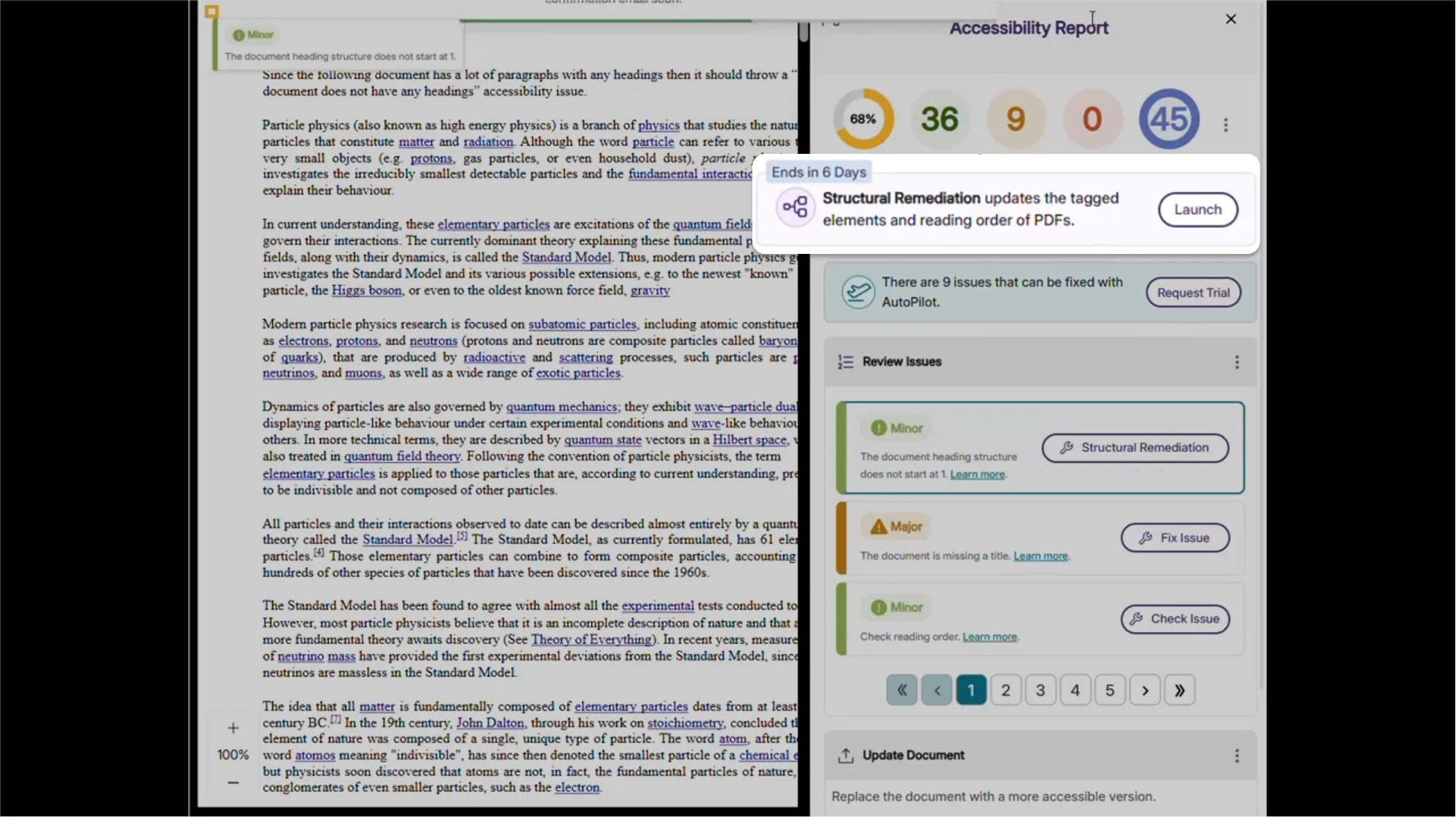
We’re rolling out new updates across YuJa AutoPilot AI Remediation Max, including the ability to request a trial, run the module across multiple courses at once, and to customize user roles.
Request a Trial of YuJa AutoPilot AI Remediation
Administrators can now request a trial of YuJa AutoPilot AI Remediation in the Accessibility Products Marketplace. Explore how to reduce document remediation time by up to 95 percent and remediate documents in bulk to optimize your remediation efforts.
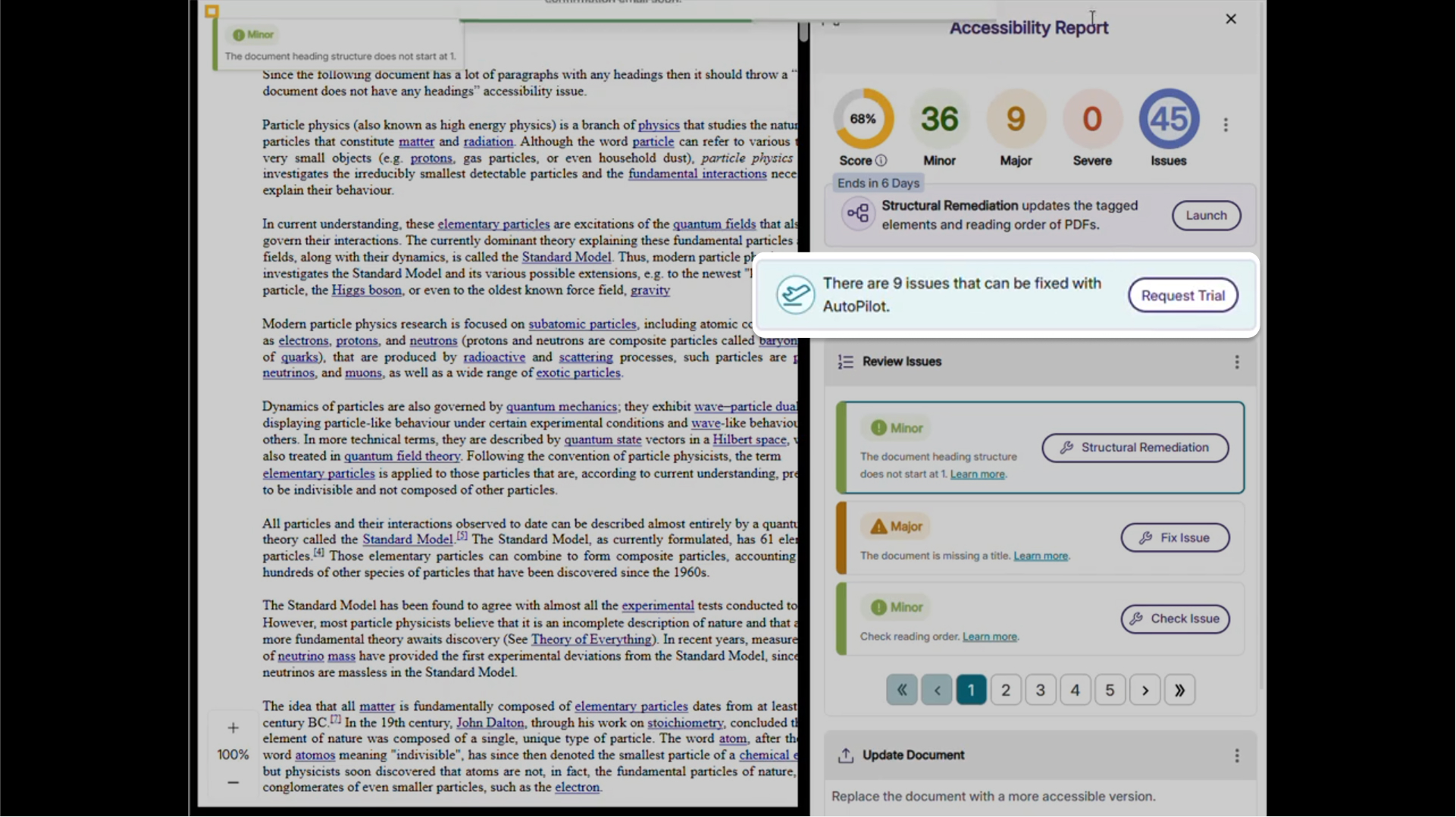
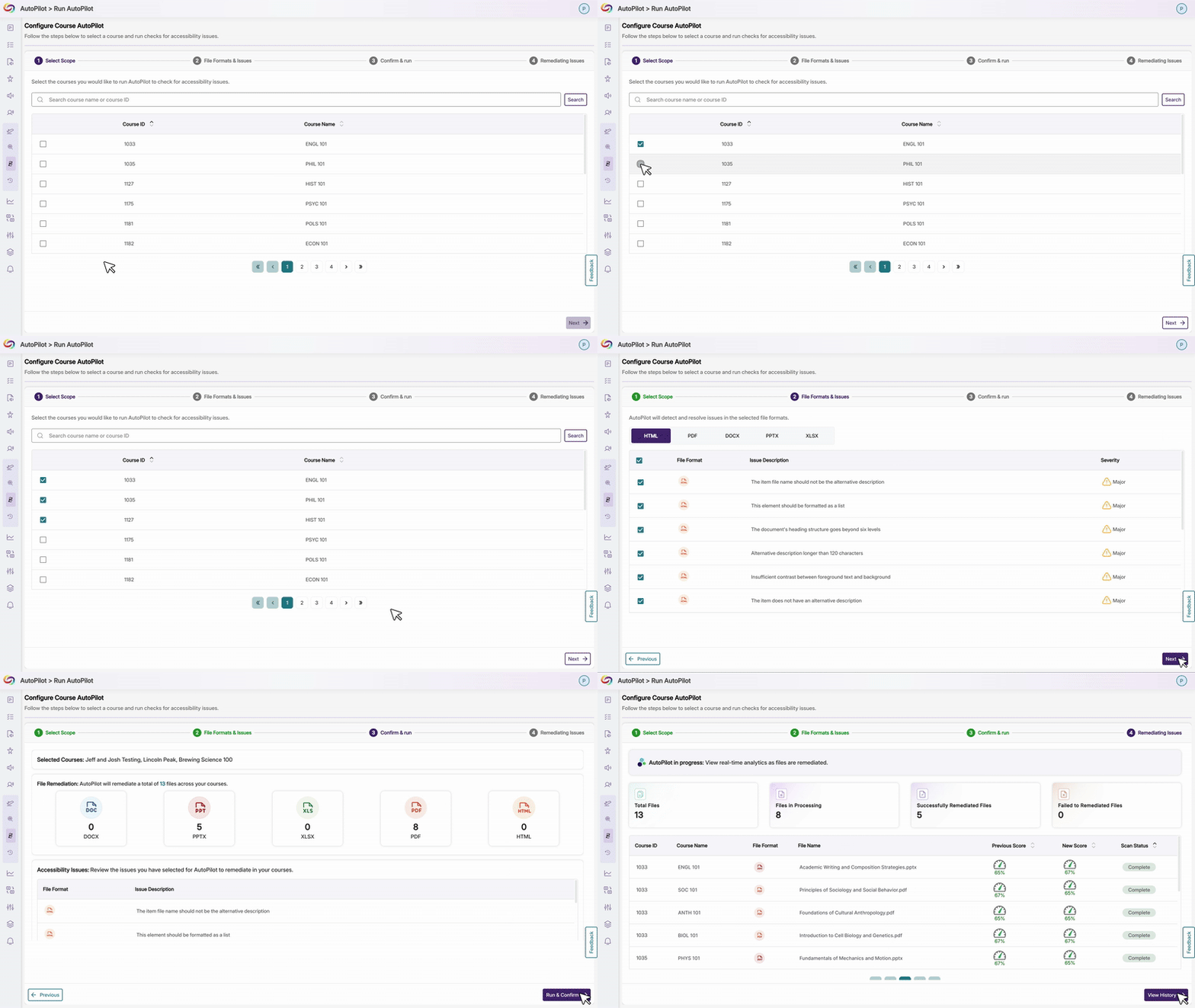
Run YuJa AutoPilot Across Multiple Courses at Once
Users will be able to run the YuJa AutoPilot AI Remediation Module across multiple courses at once, with full filtering capabilities to target specific document types or issues. This streamlined approach enables institutions to efficiently remediate large volumes of content while maintaining precise control over what gets processed.
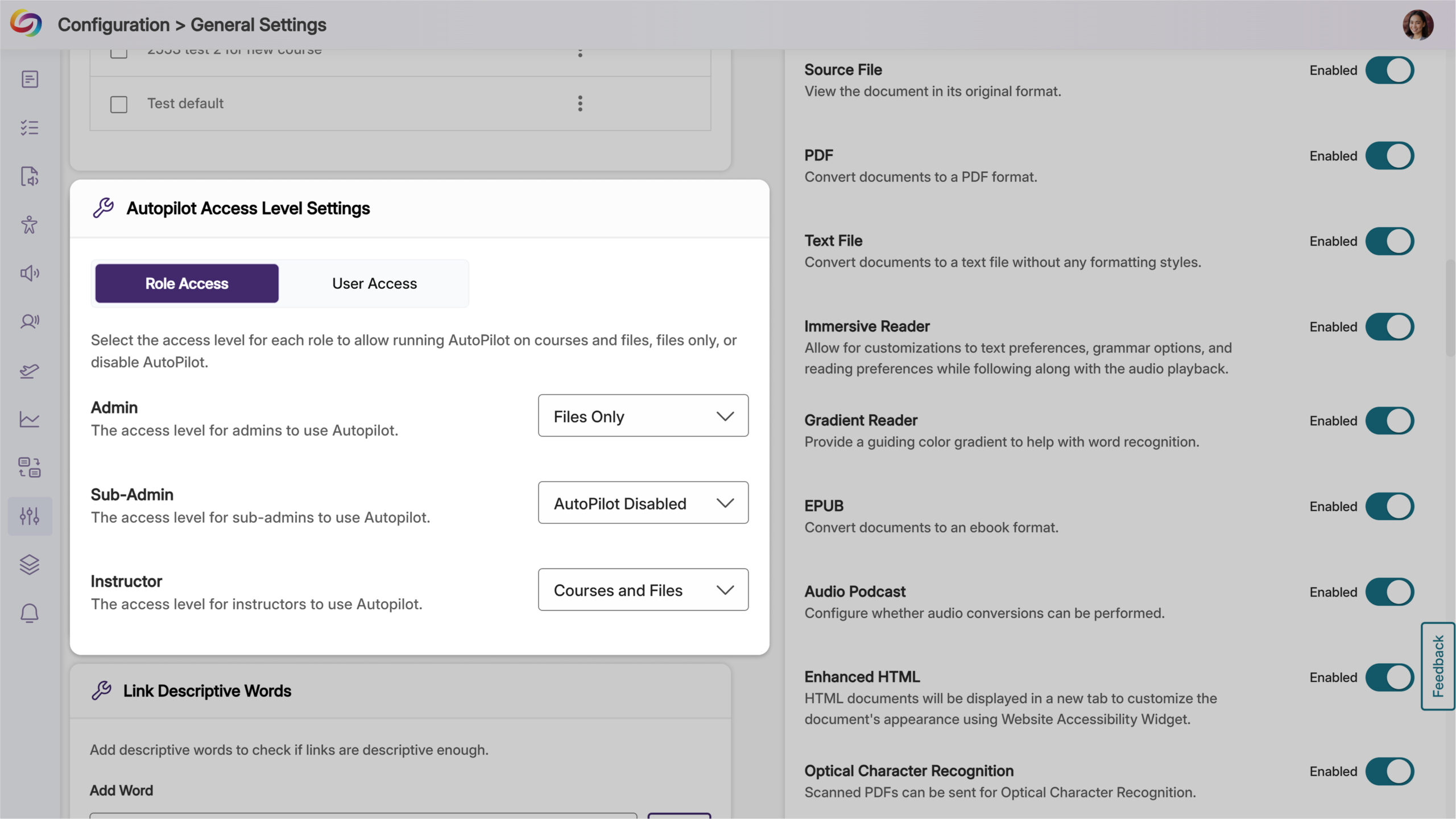
Ability to Restrict AutoPilot by User Role
Administrators will now have control over access, allowing them to limit usage to specific users or roles, such as instructional designers, giving them the ability to optimize credit use while maintaining oversight of automated remediation. Administrators can also set permissions at the role level and create user-level overrides for more flexible access management.
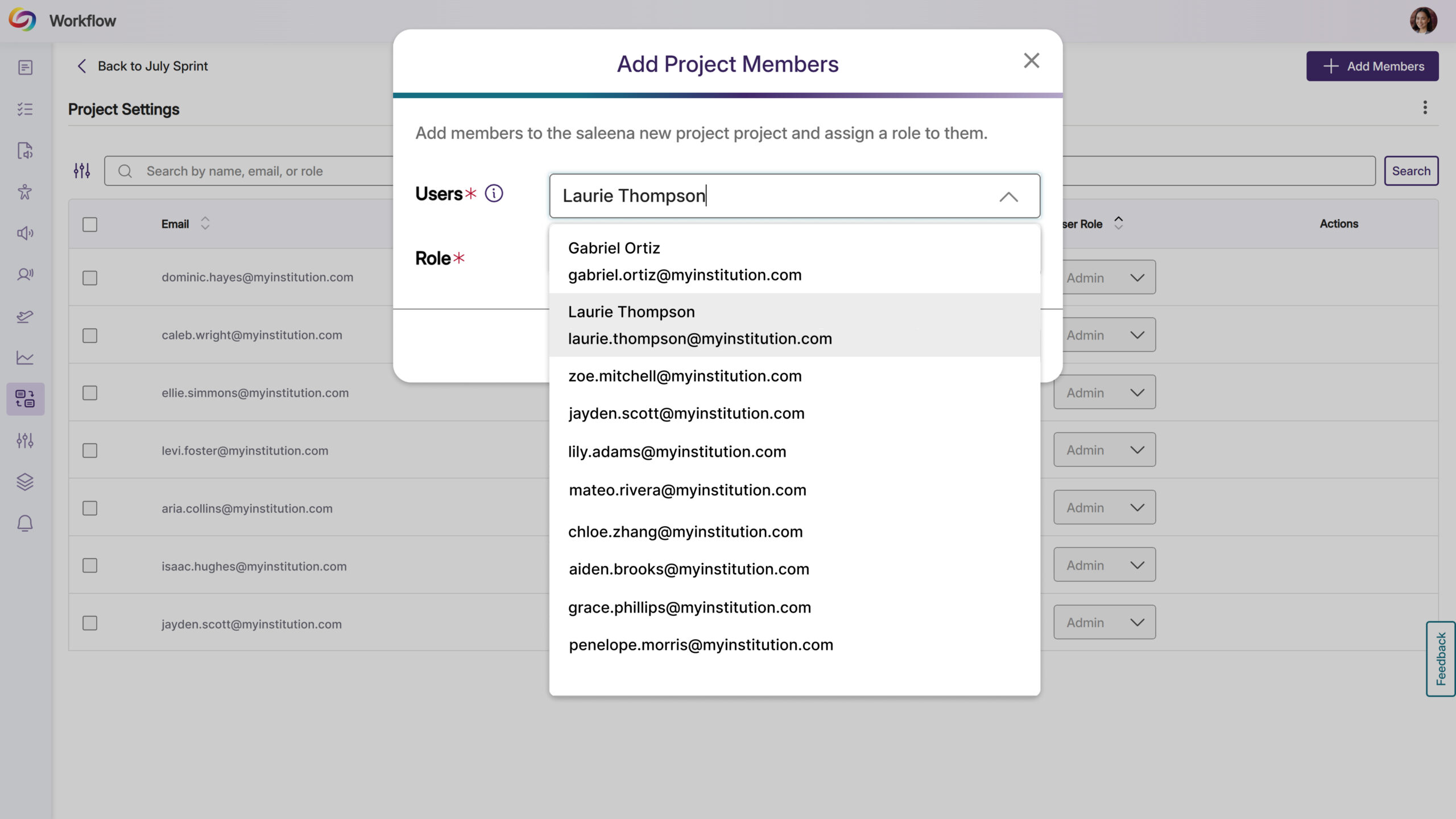
YuJa Panorama Workflow Orchestration will be updated over the next few weeks. Updates will include automatic email notifications for new project members, streamlined user selection with autocomplete functionality, a new List view layout with sortable tables and editable fields, auto-hiding of completed tasks, celebratory animations for task completion, and comprehensive ticket activity logs.
Streamlined User Selection for Workflow Projects
Users can now upload images to workflow text fields using either a browse dialog or by pasting screenshots directly into descriptions and comments. In addition, different languages and emojis are now supported across all task text fields.
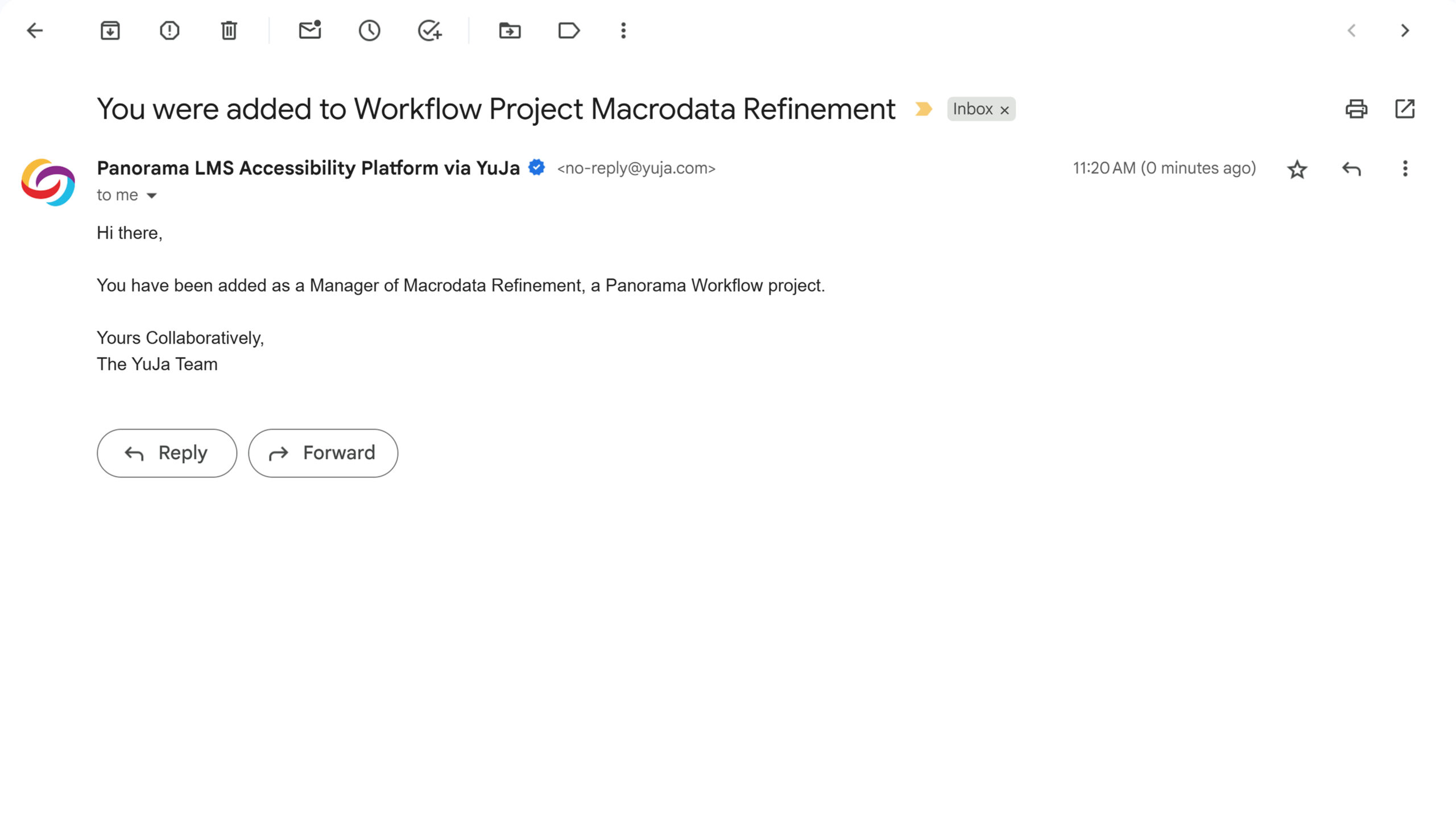
Email Notifications Added for Workflow Project Managers
Adding new members to Workflow projects will automatically trigger email notifications to inform them of their collaboration access so they can then begin contributing to accessibility remediation projects.
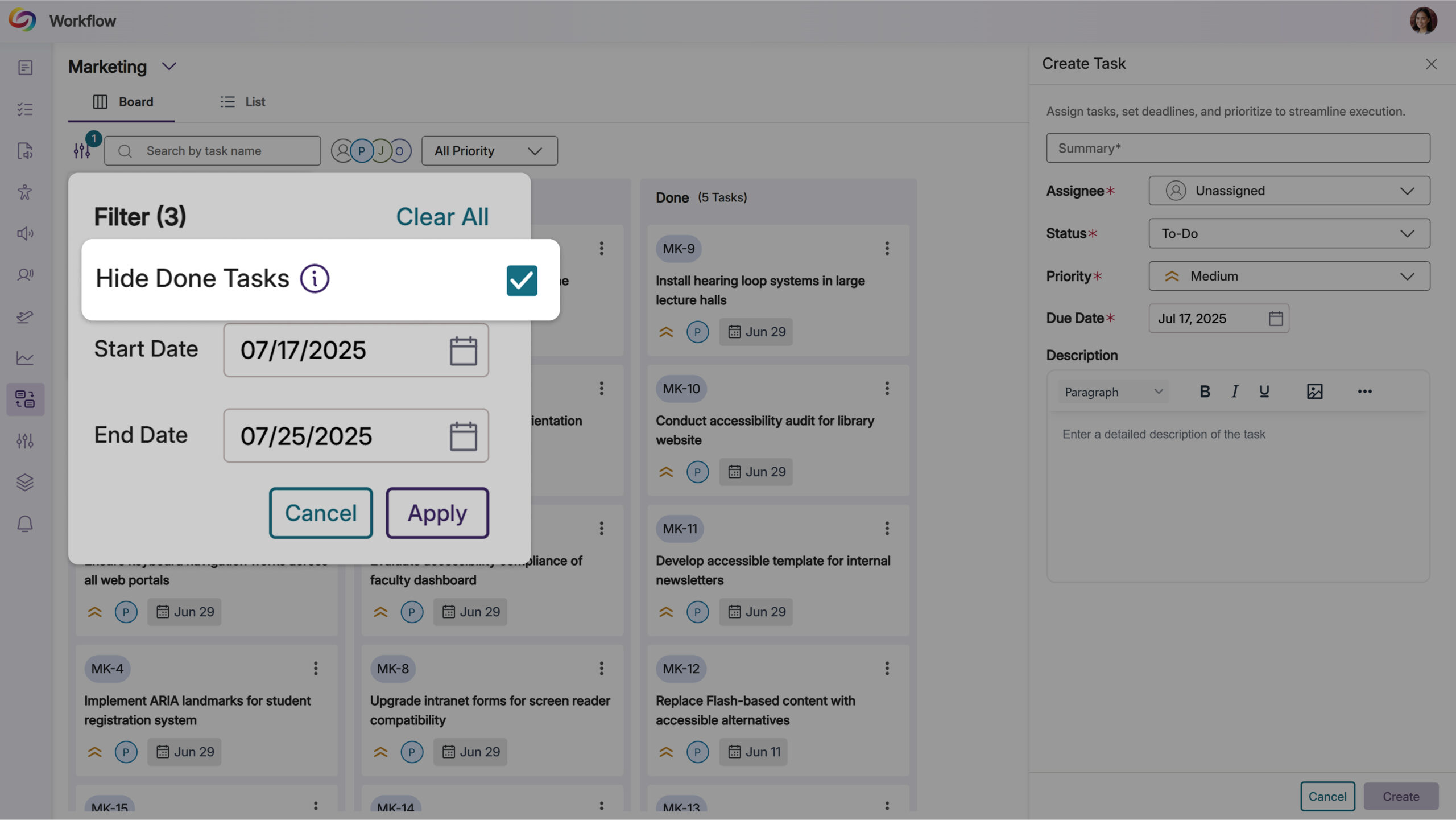
Auto-Hide Completed Workflow Tasks for Improved Focus
Completed workflow tasks older than one week will be automatically hidden from view by default, keeping project boards focused on active work. Users can toggle the Hide Old Items filter to view all completed tasks when needed, while recent completions remain visible for immediate reference.
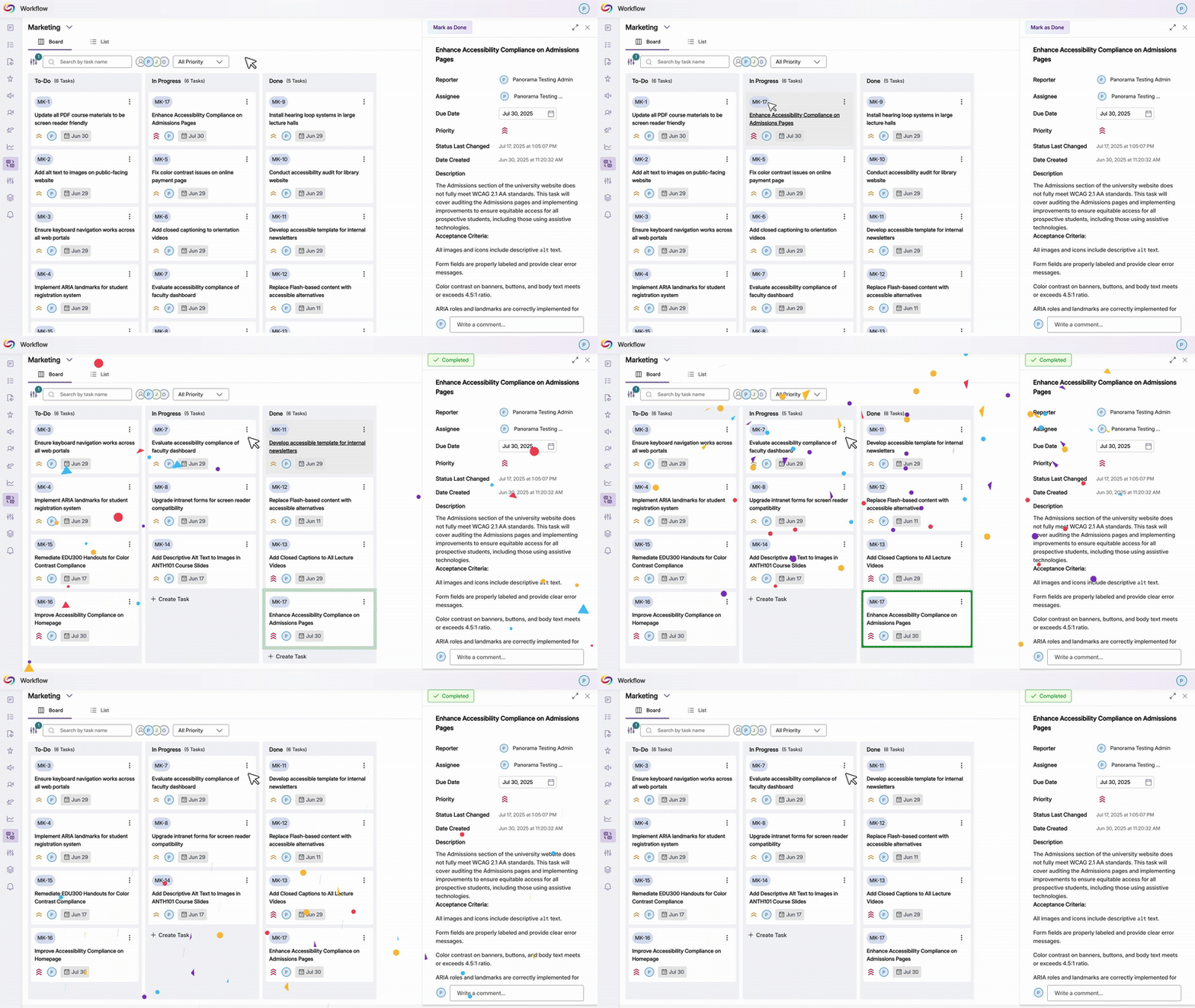
Celebration Animation Added for Completed Workflow Tasks
Moving tasks to the “Done” column will now trigger a celebratory animation that acknowledges task completion. This visual feedback creates a more engaging experience for teams tracking their accessibility remediation progress.
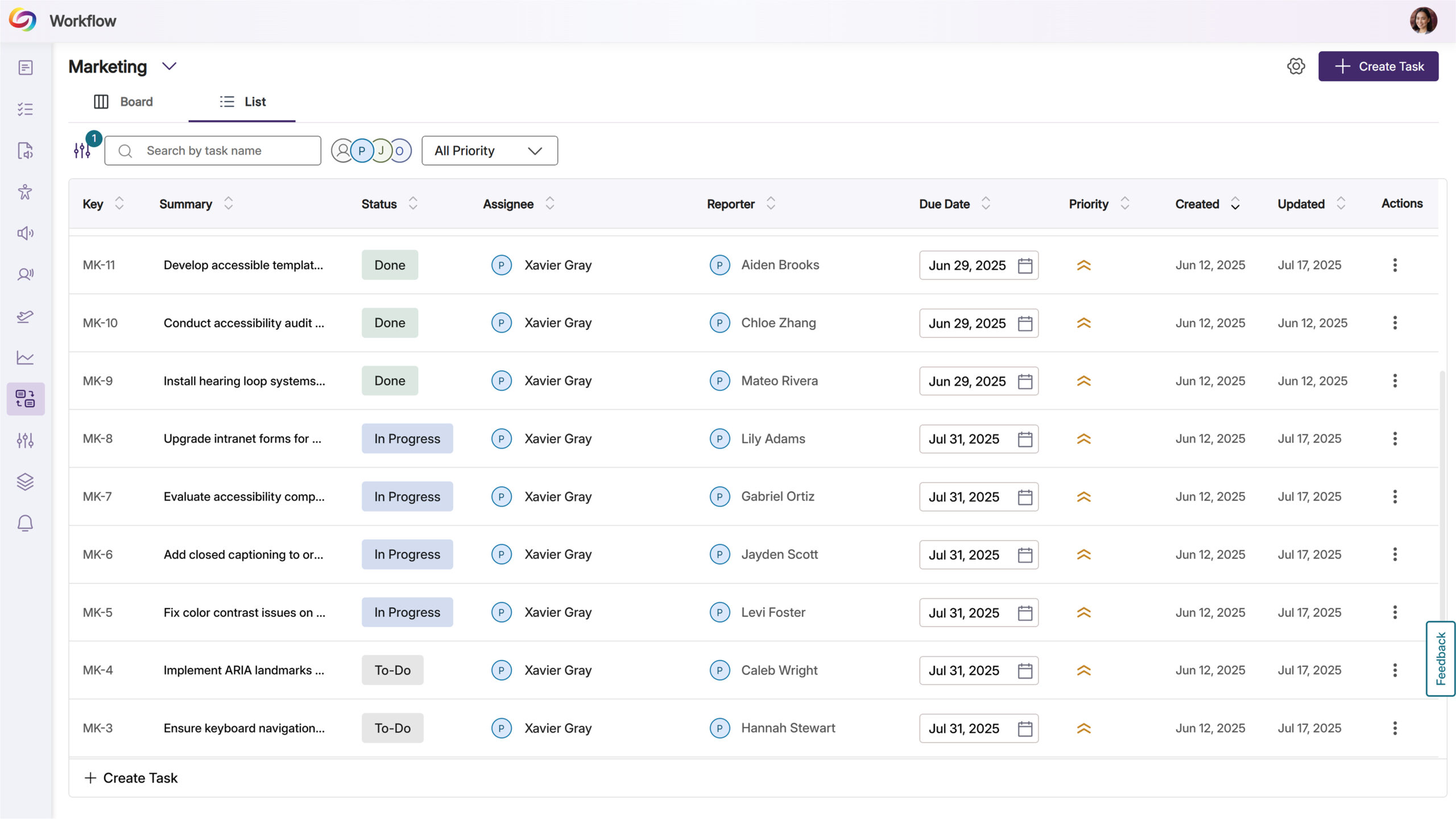
New Advanced Workflow Management List View
Users will be able to switch between Board and List view layouts when managing Workflow projects, with the List view presenting tickets in a sortable table format. The table includes editable fields for quick updates to ticket details like status, assignee, and due dates, streamlining project management for accessibility remediation teams.
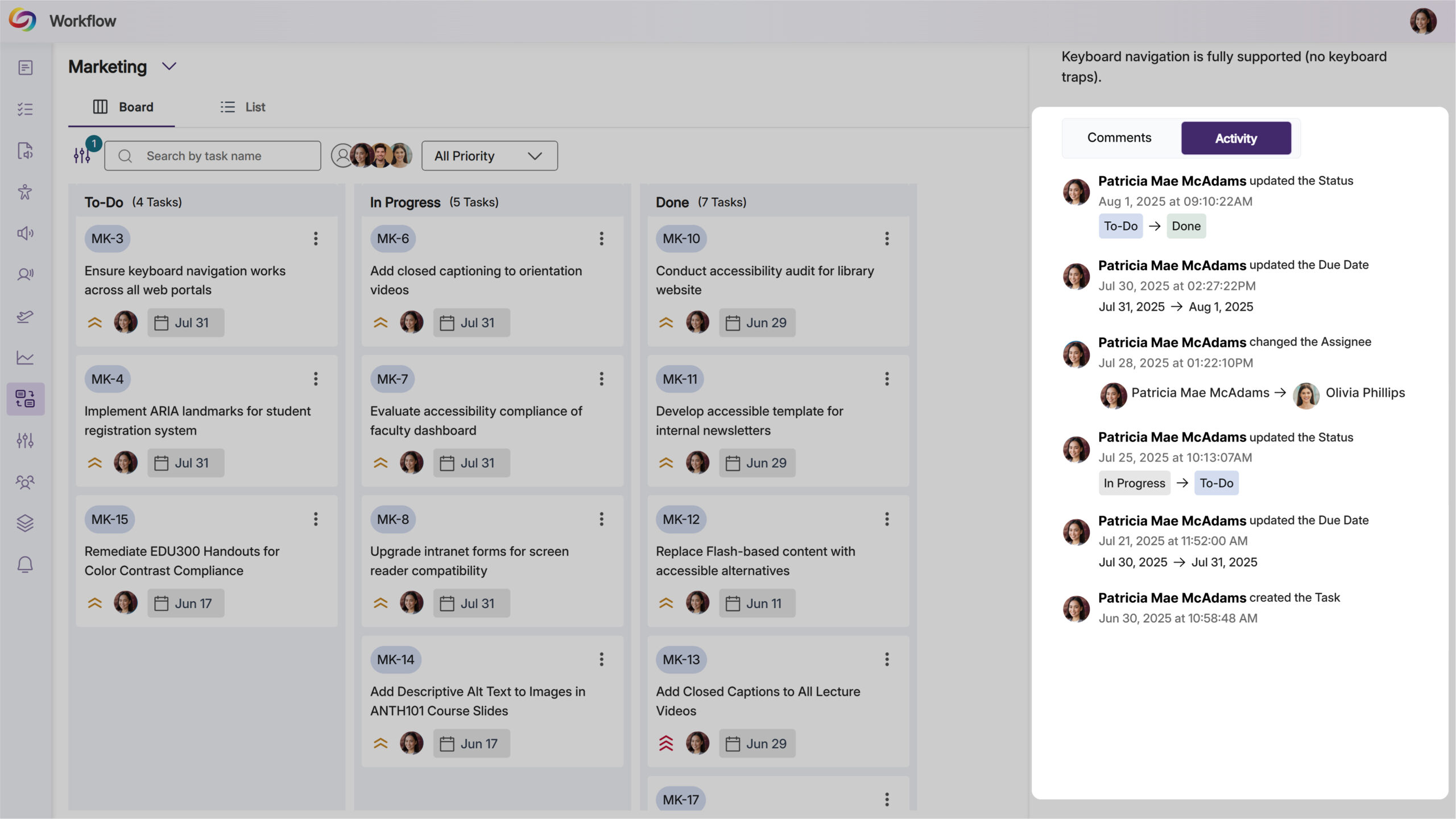
View Ticket Activity and History in Workflow Management
Users will be able to access an activity log for each workflow ticket, showing creation details, status changes, and modification history with timestamps and user attribution.
We’re pushing an update to all YuJa Structural Remediation Max Module instances residing in the United States, Canada, European Union, and Australia. Over the next few weeks, key updates you’ll see will include a new option to try the module out, along with HTML preview functionality for reading order verification, enhanced PDF zoom controls for large documents, and the ability to create and modify PDF bookmarks for improved navigation and screen reader accessibility.
Integrated Free Trial Programs of Structural Remediation
Administrators will now be able to request a complimentary 7-day trial of Structural Remediation Max directly from the YuJa Accessibility Products Marketplace. The trial will provide credits to explore advanced remediation capabilities such as correcting document structure, adjusting reading order, and adding semantic meaning to content.
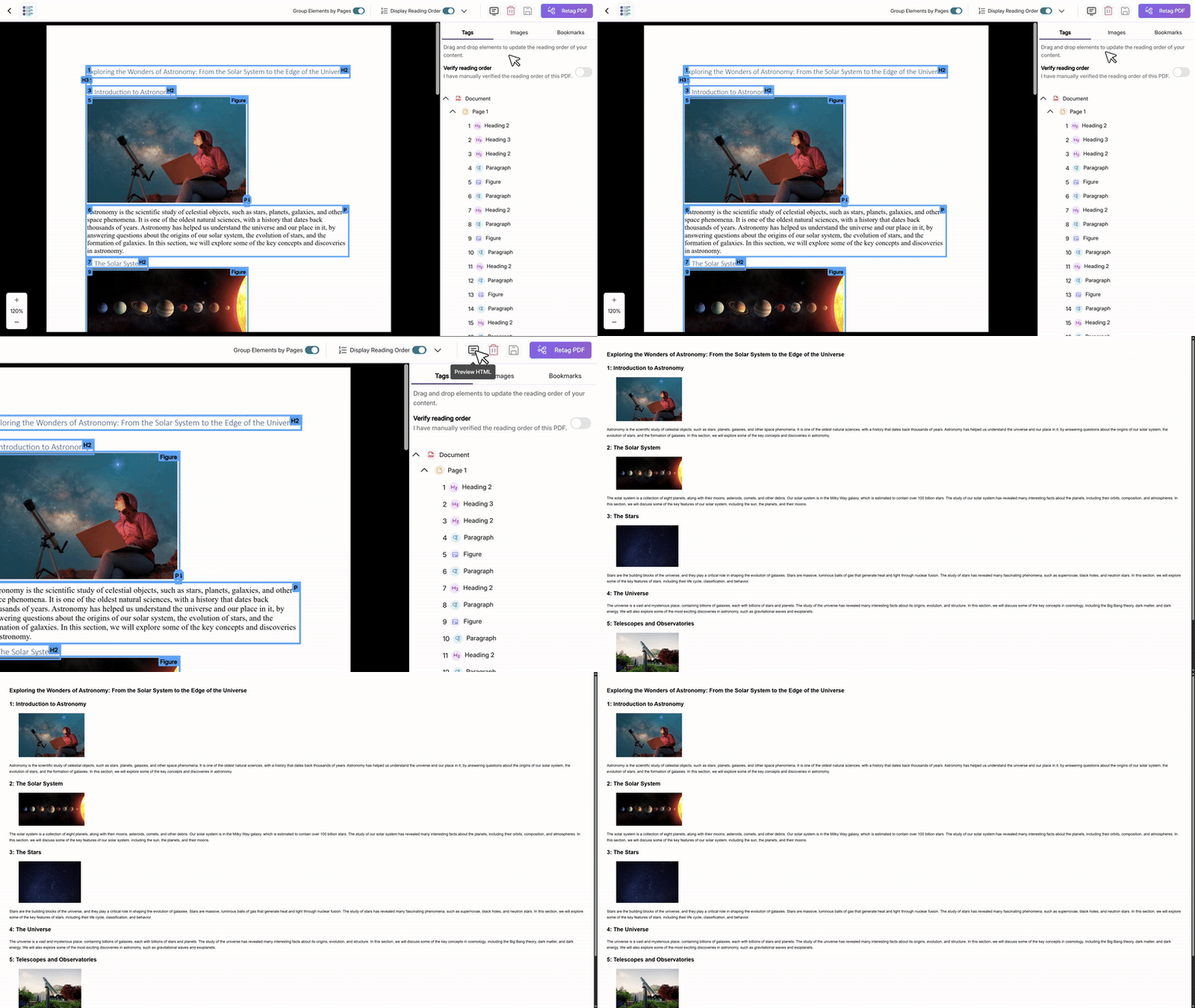
HTML Preview for Structural Remediation Reading Order
Users will be able to preview the HTML version of their document’s reading order during structural remediation, including images and visual highlighting. This preview feature will help content creators verify that their document structure flows logically before finalizing remediation changes.
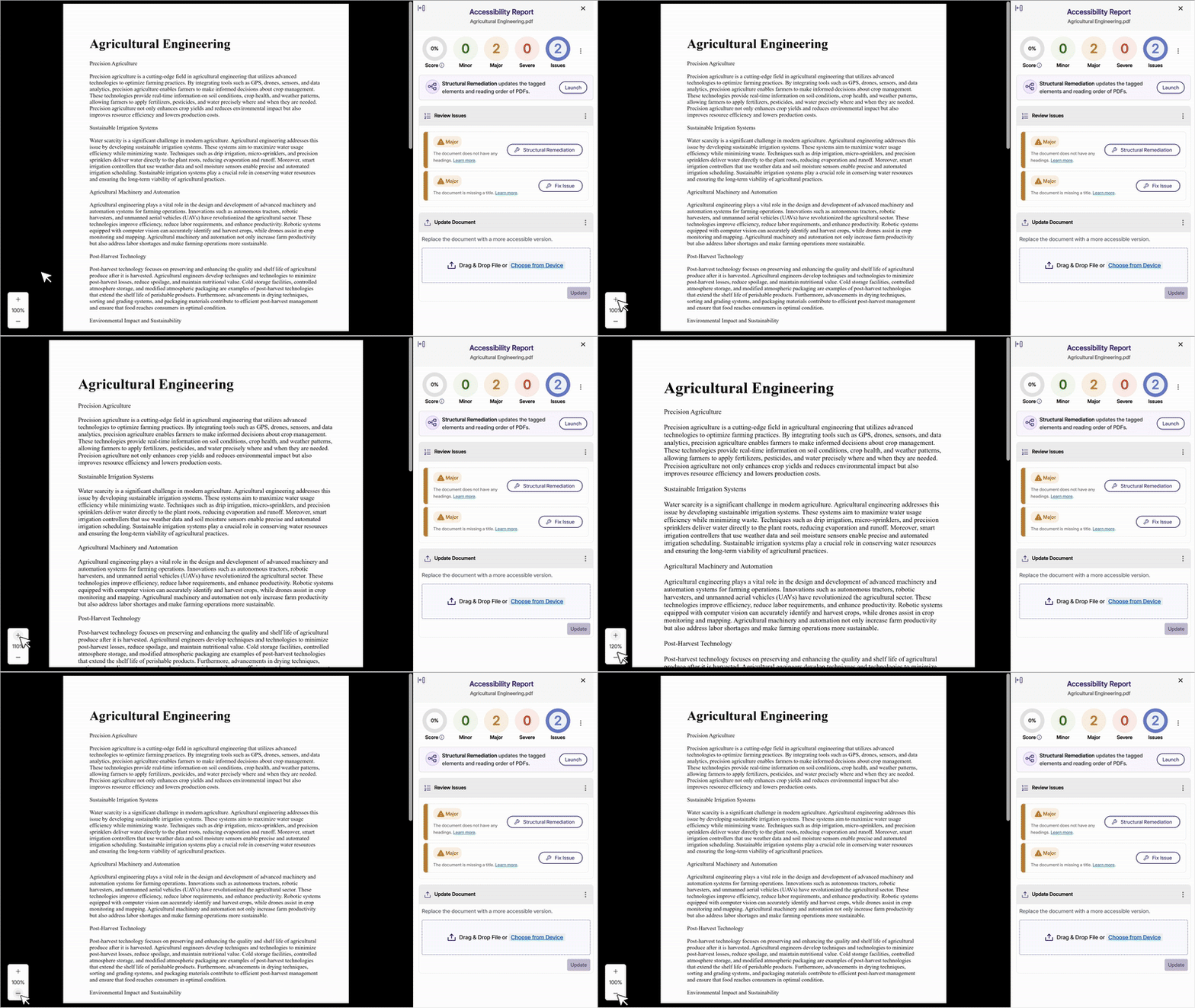
Improved PDF Controls for Large Documents
Users will be able to zoom in and out of PDF documents within both the Accessibility Report and Structural Remediation interfaces, with support for viewing documents larger than the viewport area. Issues and structural elements will remain properly highlighted at all zoom levels to maintain visual clarity during remediation.
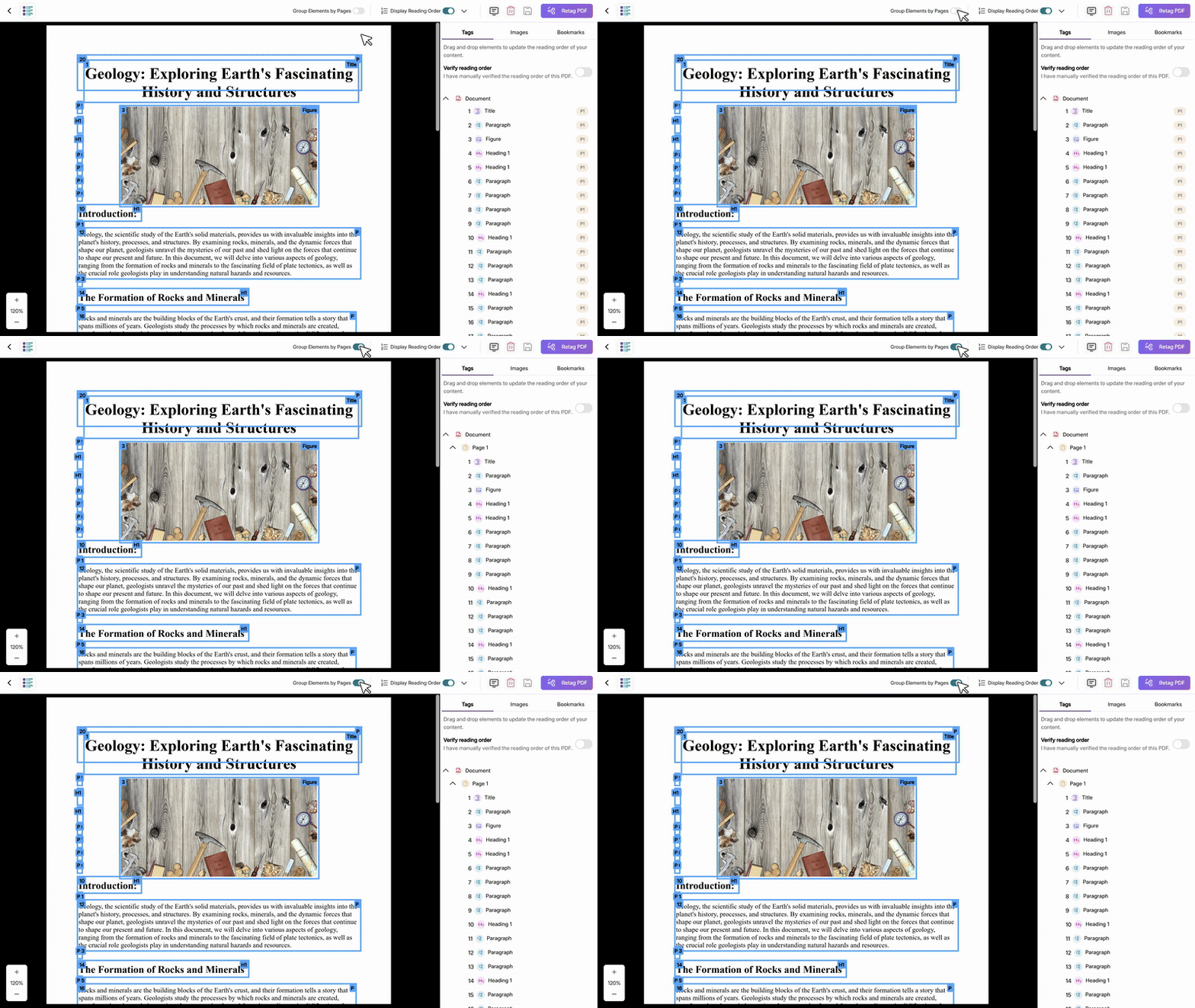
Ability to Group Elements by Page
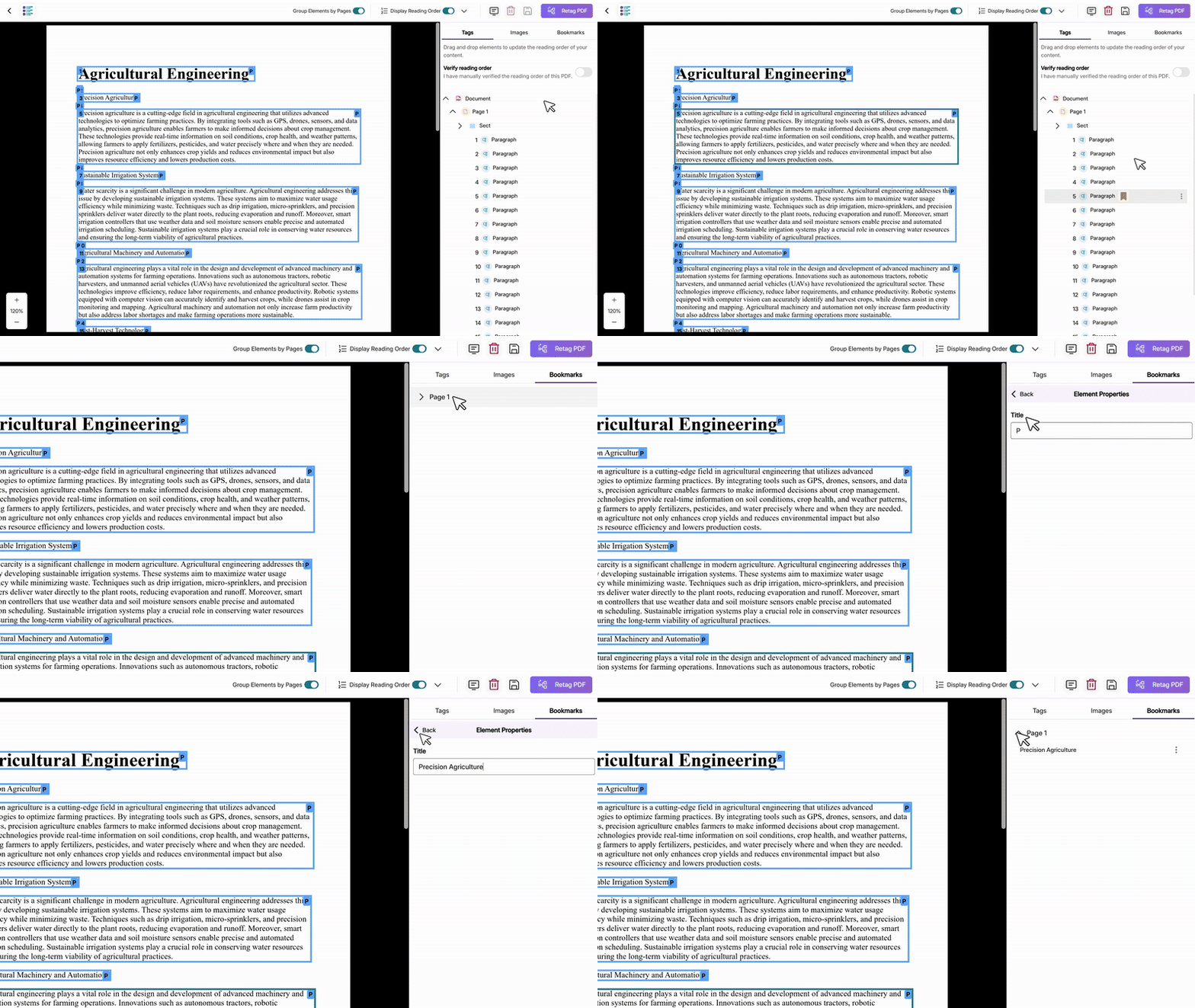
Users will be able to group and organize structural elements by page using a toggle feature during PDF remediation. This enhancement provides better visual organization of document structure and ensures that element movements between pages are properly saved and reflected in the PDF preview.
Add and Modify PDF Bookmarks
Users will be able to create and edit PDF bookmarks during structural remediation, providing a navigational table of contents that helps both users and screen readers quickly locate and jump to specific sections.
Over the next few weeks, we’re rolling out updates to all YuJa Panorama LMS Accessibility Platform instances residing in the US, Canada, Australia, Singapore, the Middle East, and the European Union. Key updates include self-service trials for Structural Remediation Max, enhanced CSV upload capabilities for bulk course management, a new Custom Accessibility Formats add-on for specialized student requests, improved mobile app support for Canvas users, and expanded filtering options for unpublished content across all major LMSs.
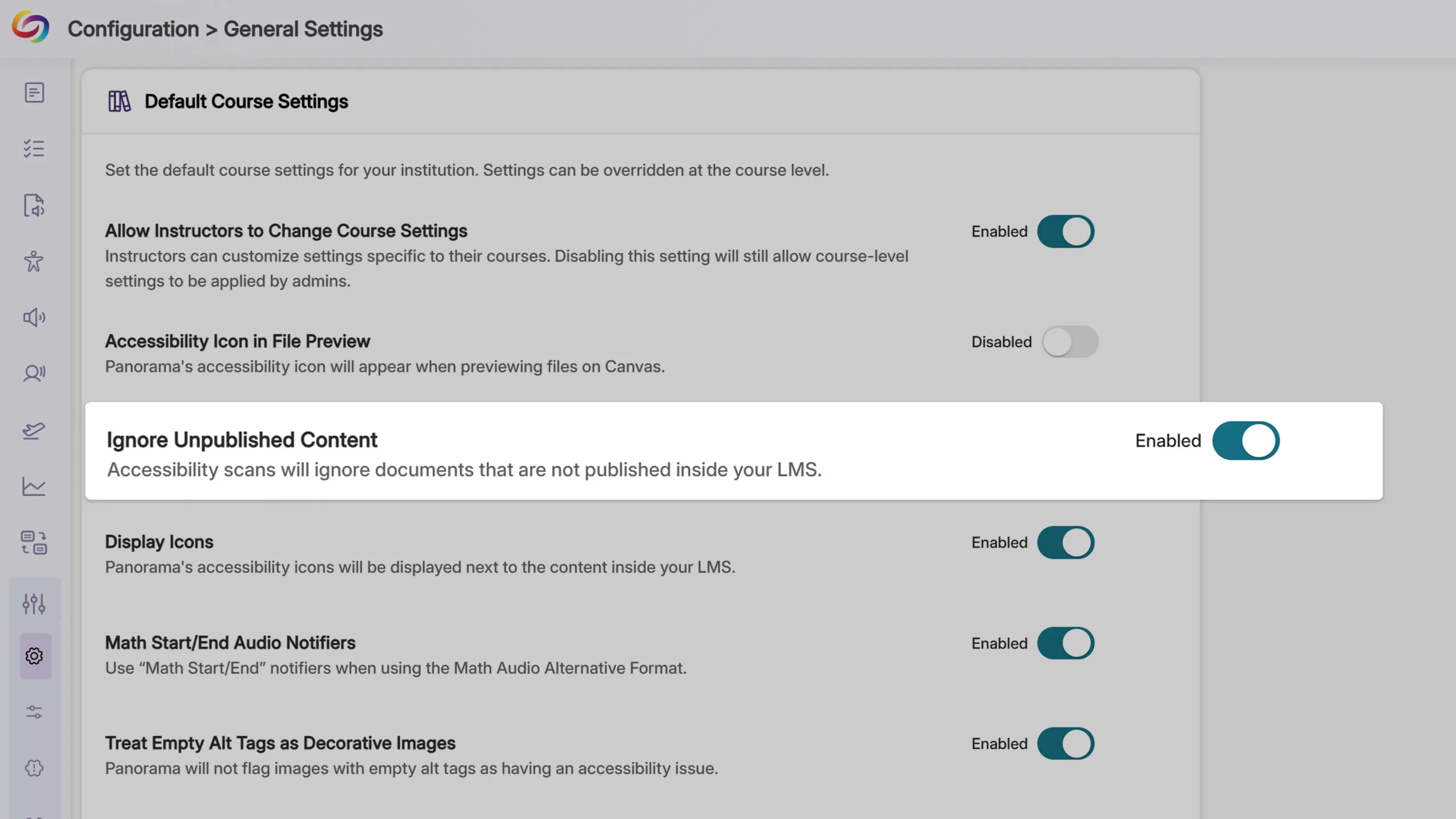
Filter Unpublished Content Across All LMSs
Unique to Panorama, Administrators will be able to disable accessibility scans, alternative format generation, and analytics tracking for unpublished content across Blackboard, D2L Brightspace, and Moodle, extending functionality previously available only in Canvas. This update will help ensure that institutional accessibility scores and analytics reflect only the content that students can access.
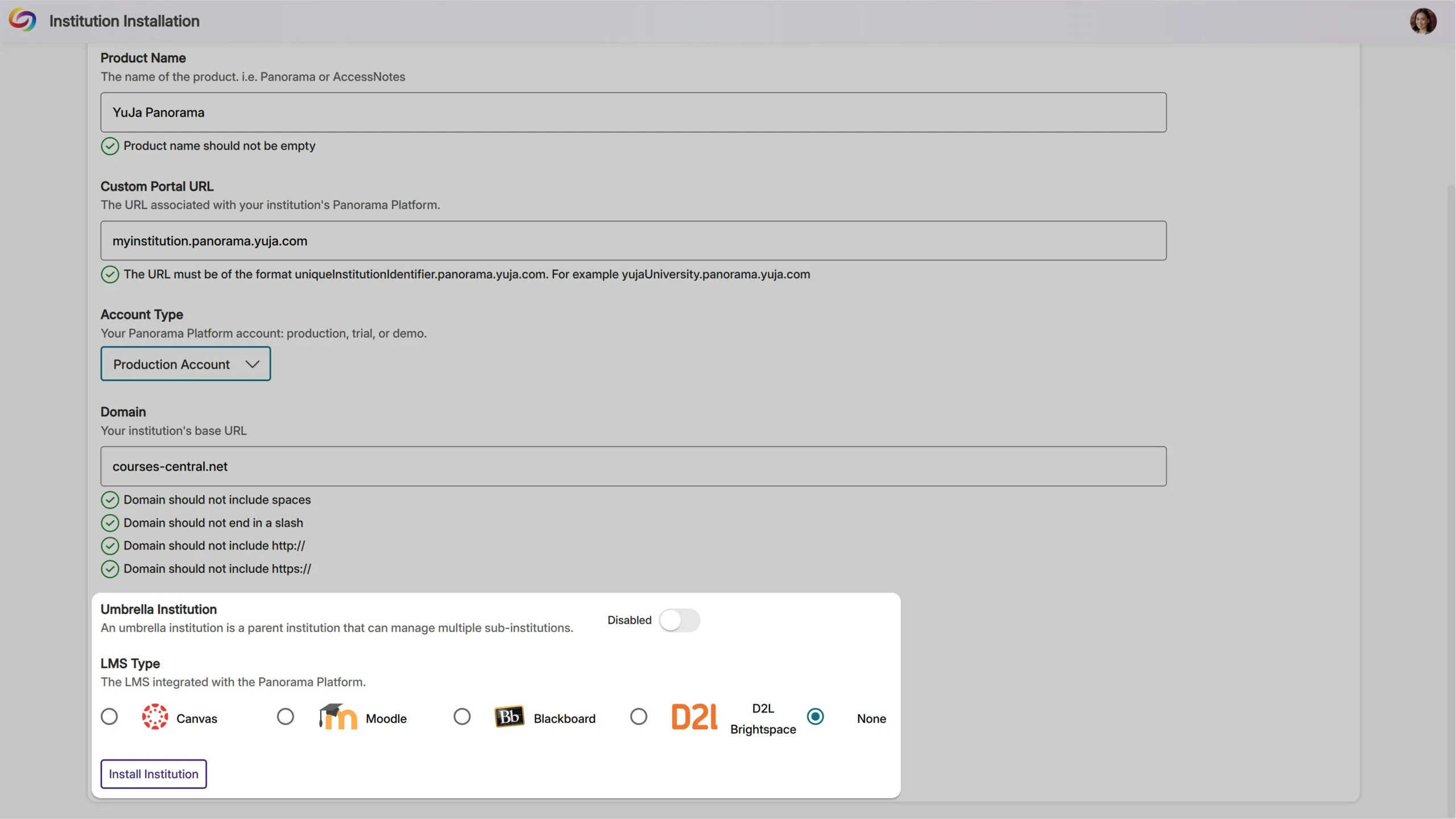
Multi-Institution Analytics with Umbrella Organizations
Large educational networks and multi-campus institutions will now have the ability to view aggregated accessibility analytics across all their sub-institutions through a new umbrella organization structure, providing comprehensive oversight for complex institutional hierarchies.
Filter Issue Reports by Accessibility Impact Type
Administrators and instructors will be able to filter the Issue Report by accessibility impact type, including visual, auditory, and cognitive categories. This targeted filtering enables more focused remediation efforts, allowing instructors to quickly address specific accessibility needs.

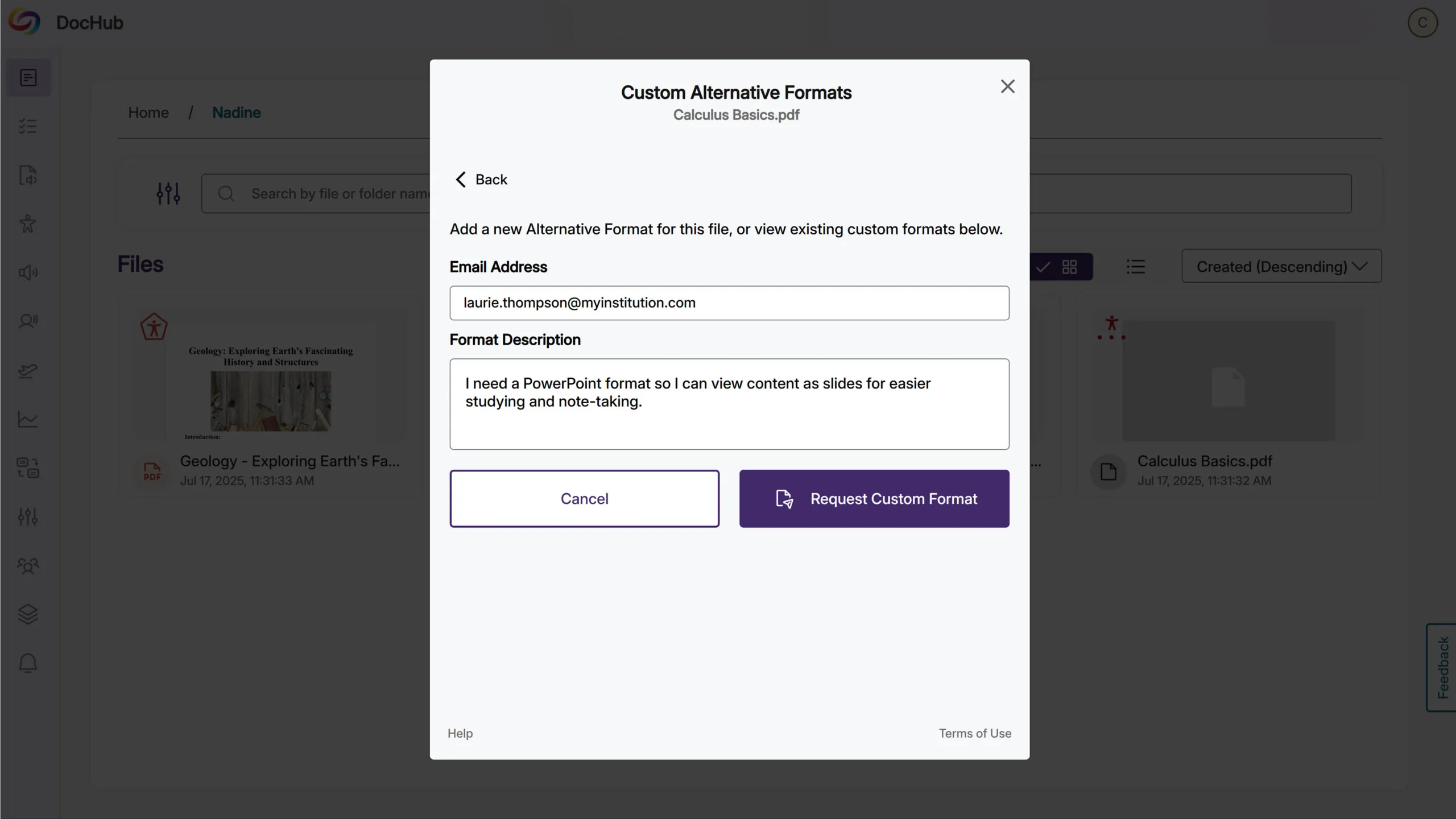
Introducing the New CustomAccess Formats Module
Available as an add-on, the new CustomAccess Formats Module empowers students to request specialized alternative formats directly from the Alternative Formats menu when standard options don’t meet their unique accessibility requirements.
This solution offers institutions flexible fulfillment options: they can handle requests internally through their accessibility department using the dedicated Format Requests tab, or leverage YuJa’s accessibility specialists for professional custom format creation. Administrators gain full visibility into request workflows, tracking, and completion status while ensuring every student receives the precise accessibility support they need.
Canvas Mobile App Support Added
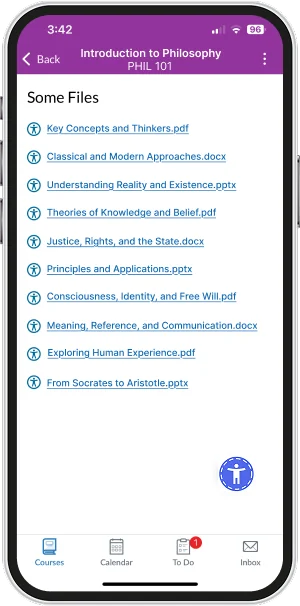
Students will be able to access alternative formats and instructors will be able to view accessibility reports directly within the Canvas mobile app for content in Pages, Announcements, and Discussions. Accessibility icons will appear next to embedded document links, providing access to alternative formats and accessibility information while learning or working on mobile devices.
Expanded Marketplace with Dedicated Add-Ons Section
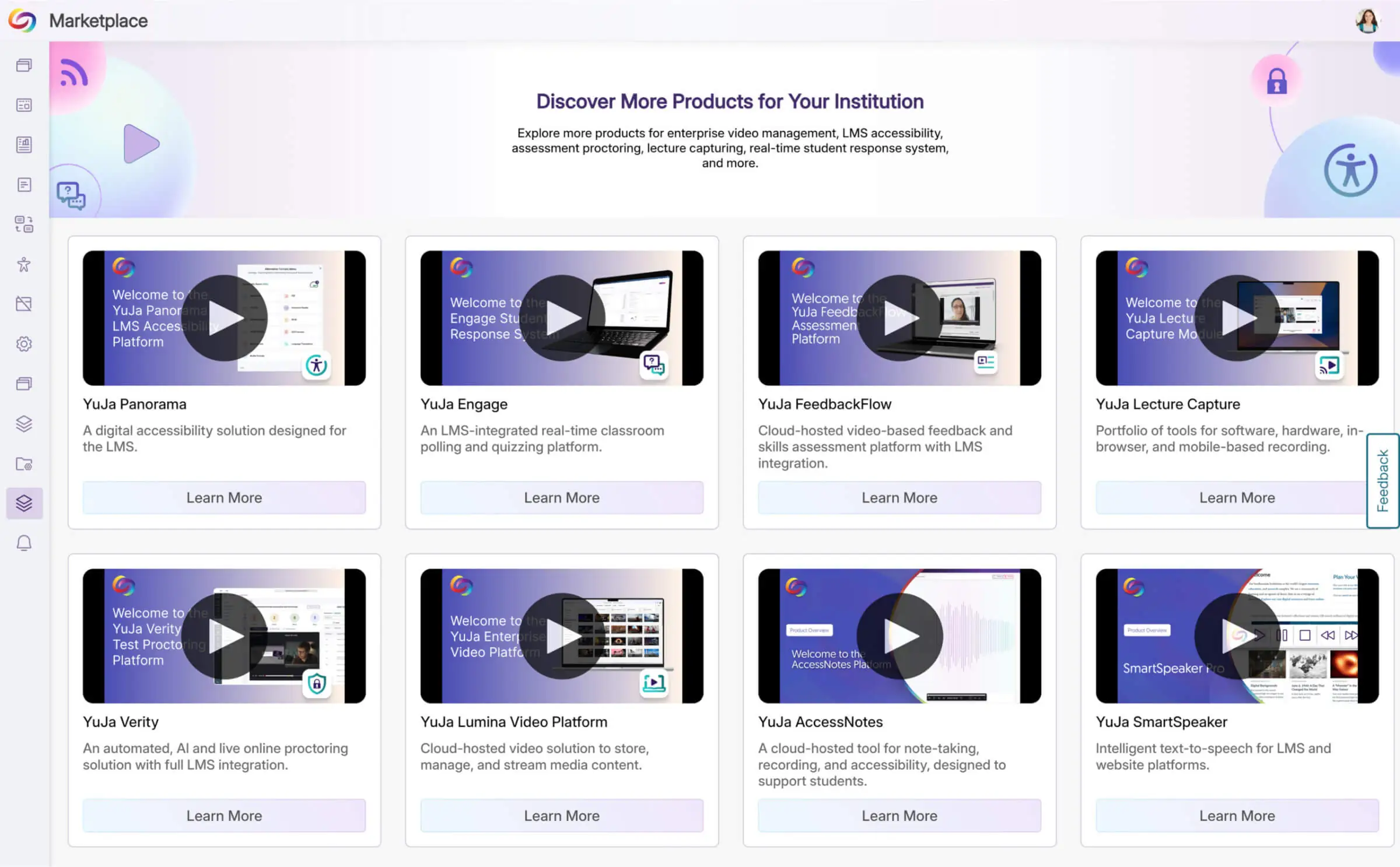
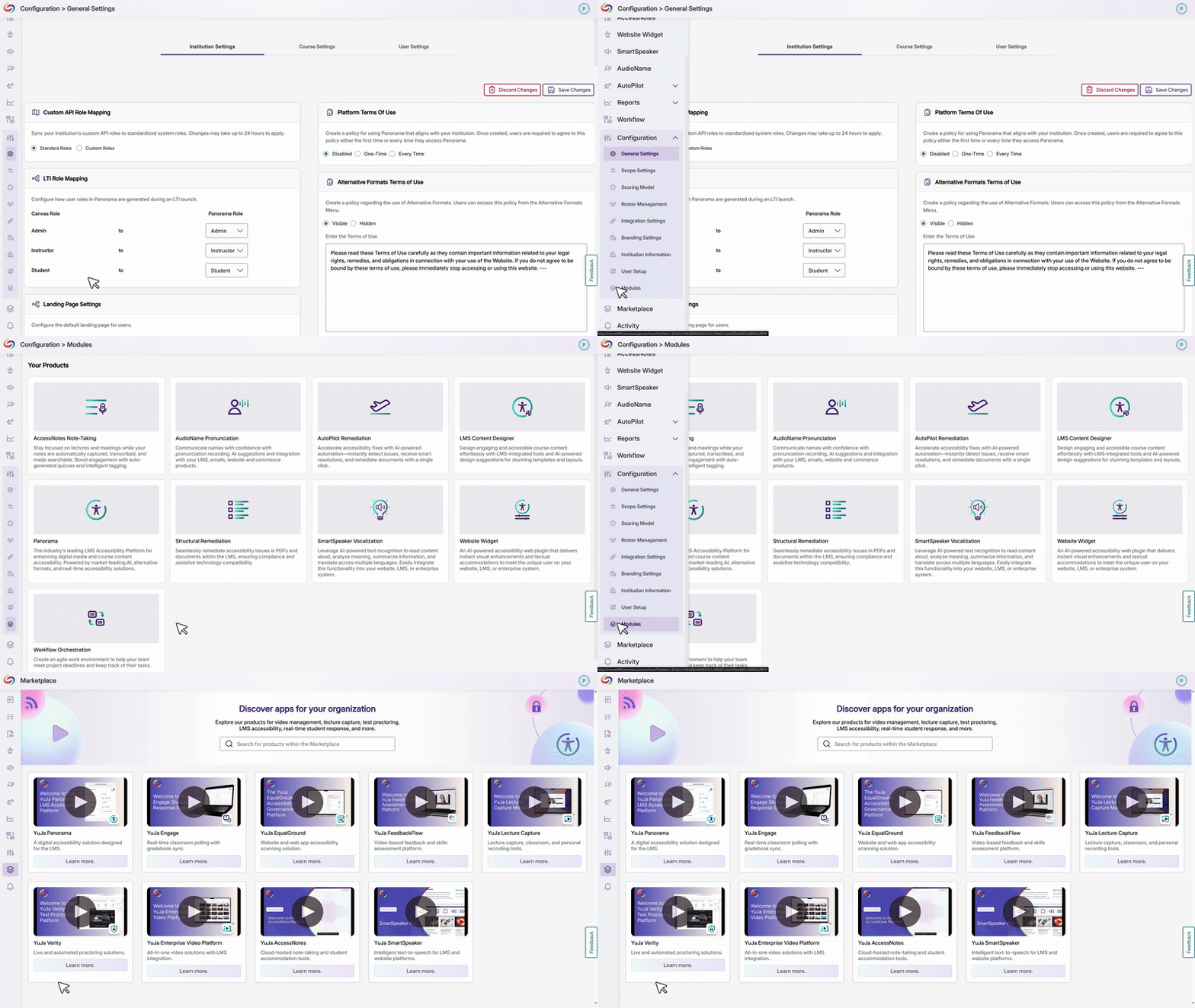
YuJa’s Accessibility Products Marketplace will be restructured into two sections: Add-Ons for current product enhancements and an expanded Marketplace showcasing YuJa’s full product ecosystem. Each product will feature an overview video and a video with the latest updates to help administrators explore solutions that best fit their institution’s needs.
Ability to Customize Non-Descriptive Link Terms
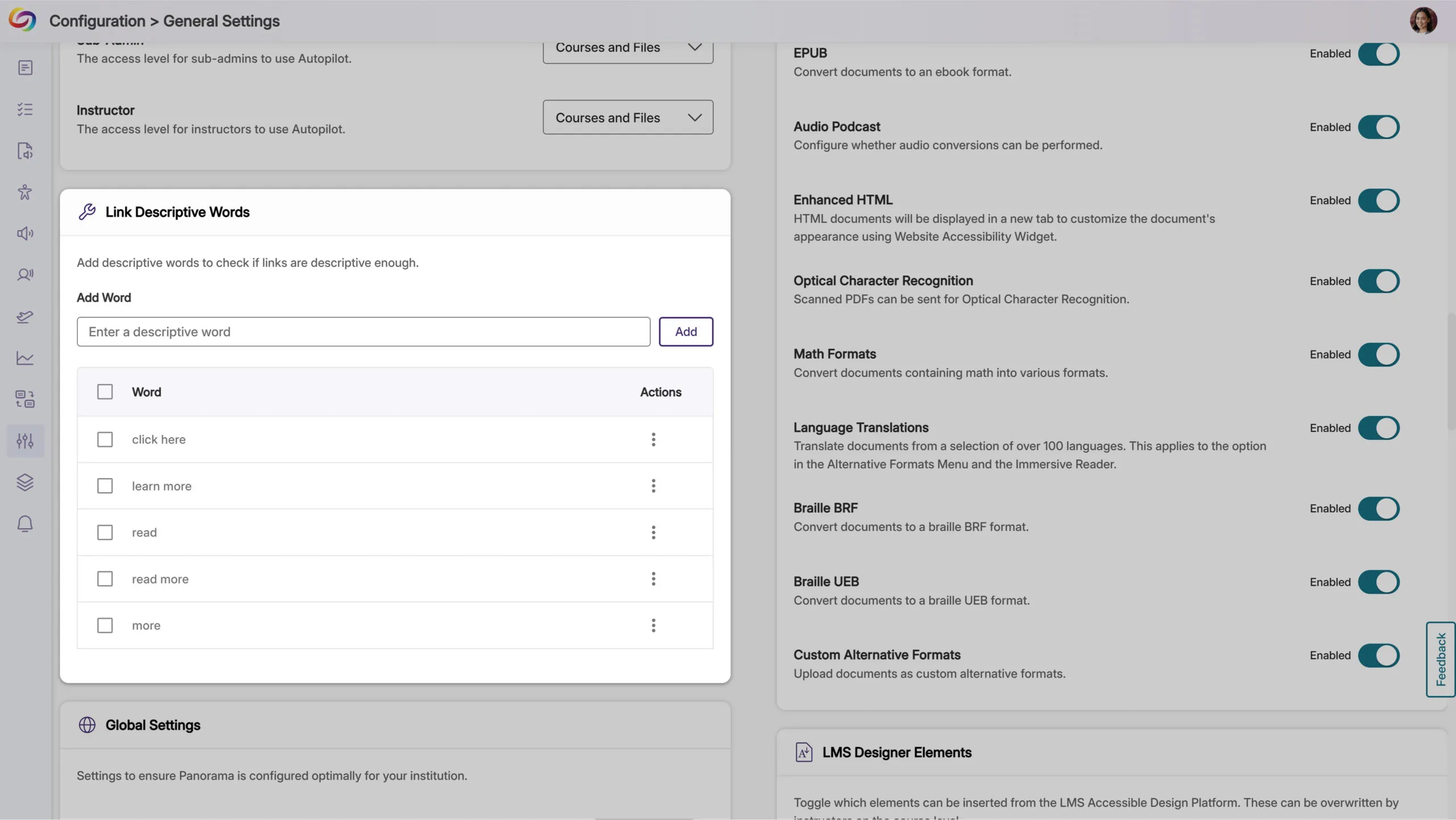
Administrators will be able to define custom terms that Panorama flags as non-descriptive hyperlink text beyond the default list of “click here,” “learn more,” “read,” “read more,” and “more.” This customization ensures institutions can enforce their specific accessibility standards for meaningful link descriptions across all content.
Improved Error Handling for Invalid Routes
Invalid routes within the platform will now display custom 404 error pages instead of unhandled errors, providing a more polished experience when technical issues occur.
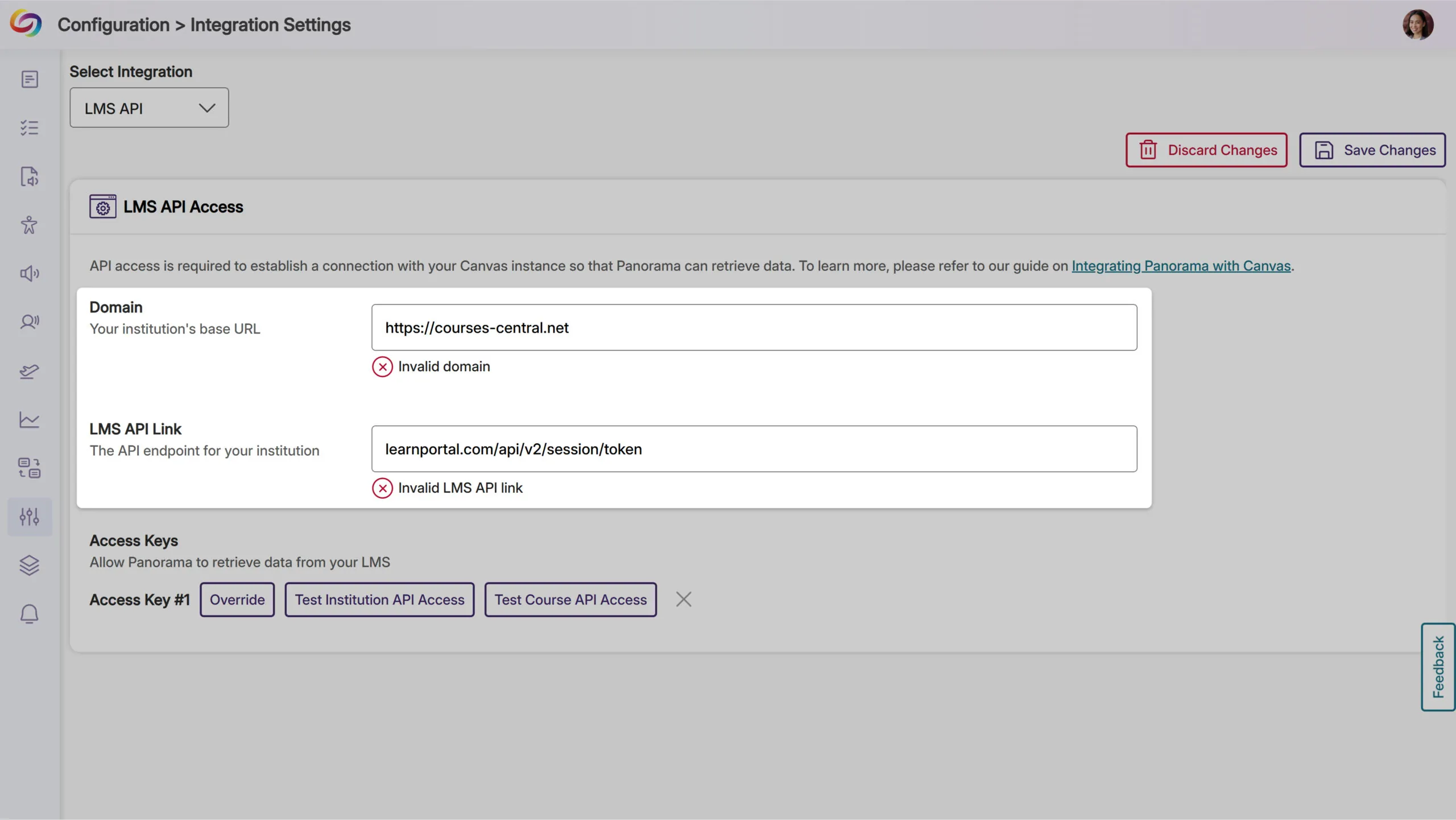
Improved LMS API Domain Setup
The platform will now validate domain formats in LMS API settings to prevent configuration errors caused by incorrectly formatted entries, helping ensure reliable API connections by catching common formatting mistakes during setup.
Bulk Course Management with CSV Upload
Administrators will be able to upload CSV files containing course IDs to quickly add multiple courses to Panorama’s scope settings. This bulk selection process includes validation to ensure proper formatting and provides clear feedback on successful additions and invalid course IDs.
CSV Upload for Course Rescanning
Administrators will be able to upload CSV files to trigger rescans of multiple existing courses simultaneously. The system will validate course availability and provide detailed feedback on which courses were successfully queued for rescanning versus those outside the current scope settings.

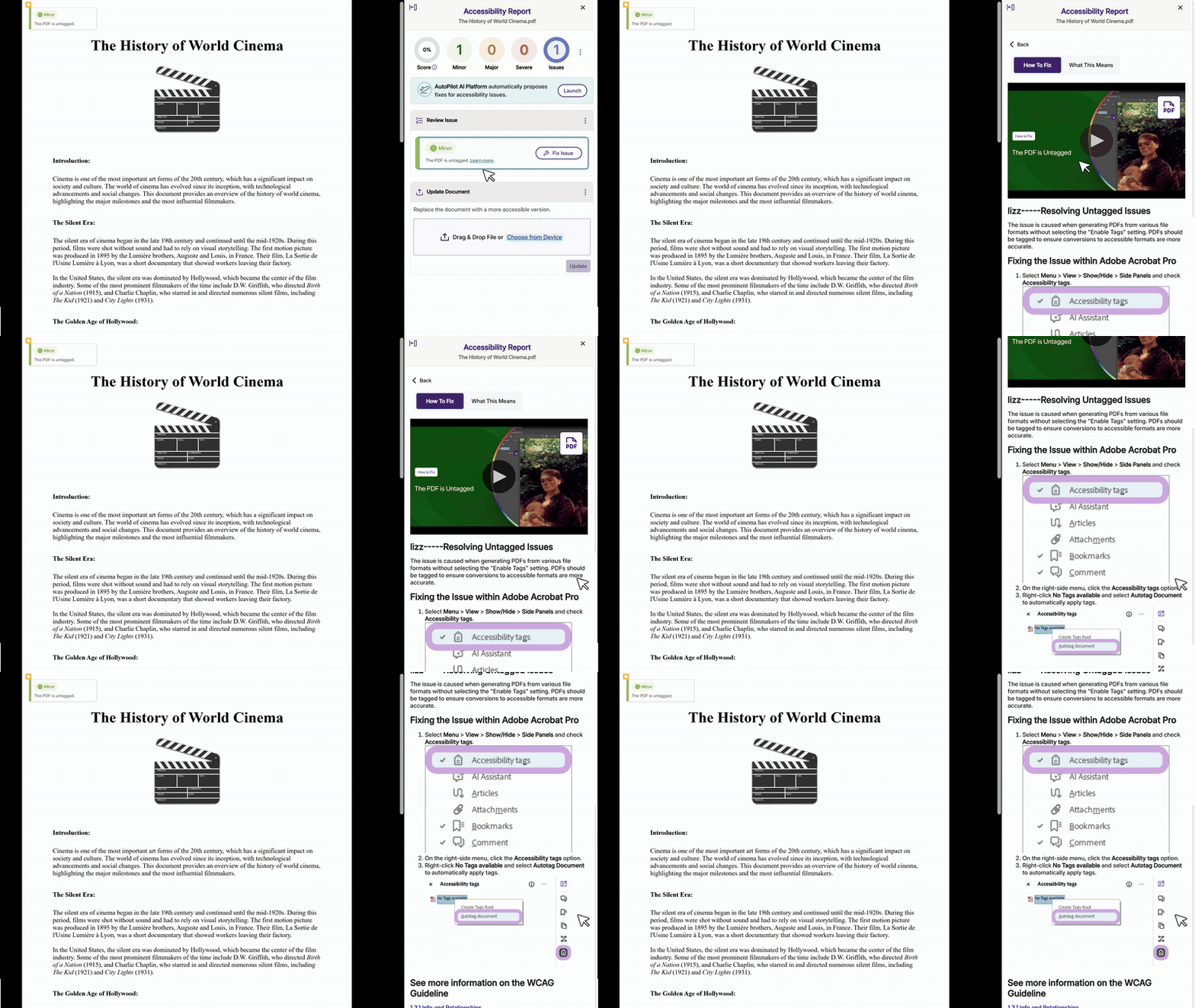
Refreshed How-To-Fix Guides
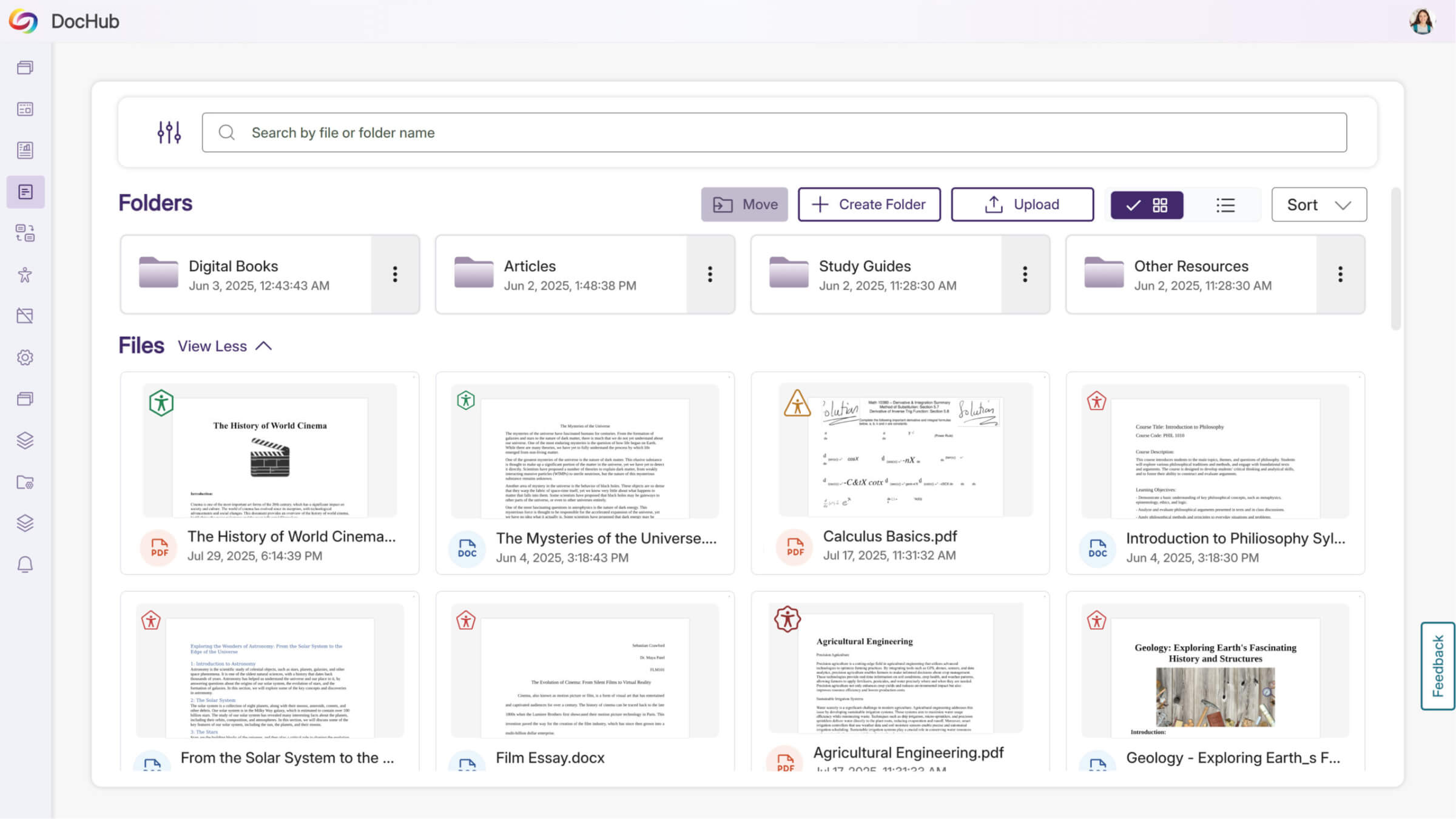
The How-To-Fix guides will feature a streamlined tabbed interface that accelerates remediation workflows by providing faster access to both instructions and explanations across DocHub and LTI environments. This refreshed design is the first of several upcoming improvements aimed at reducing the time needed to resolve accessibility issues.
Improved Visualization of Accessibility Compliance Standards
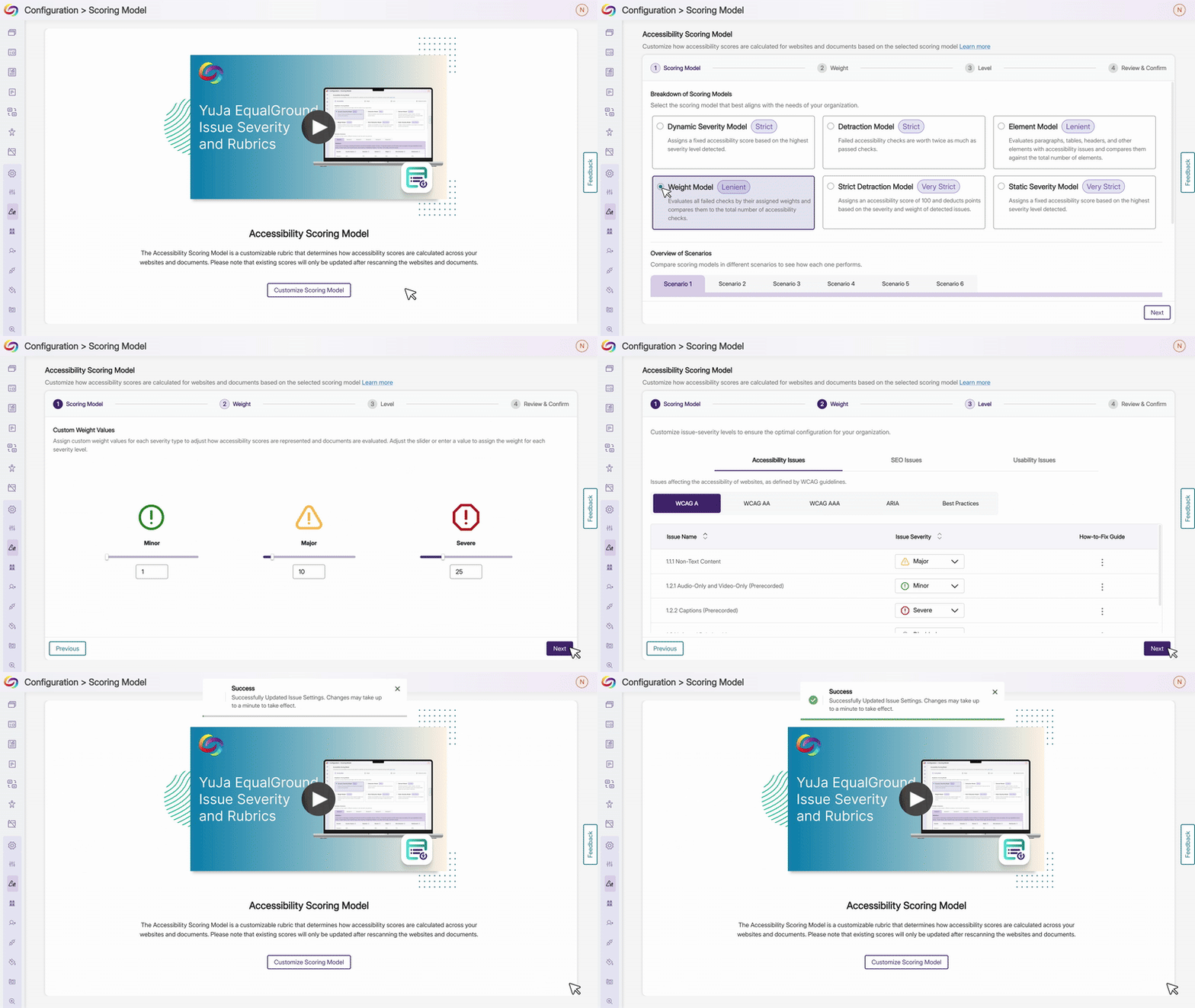
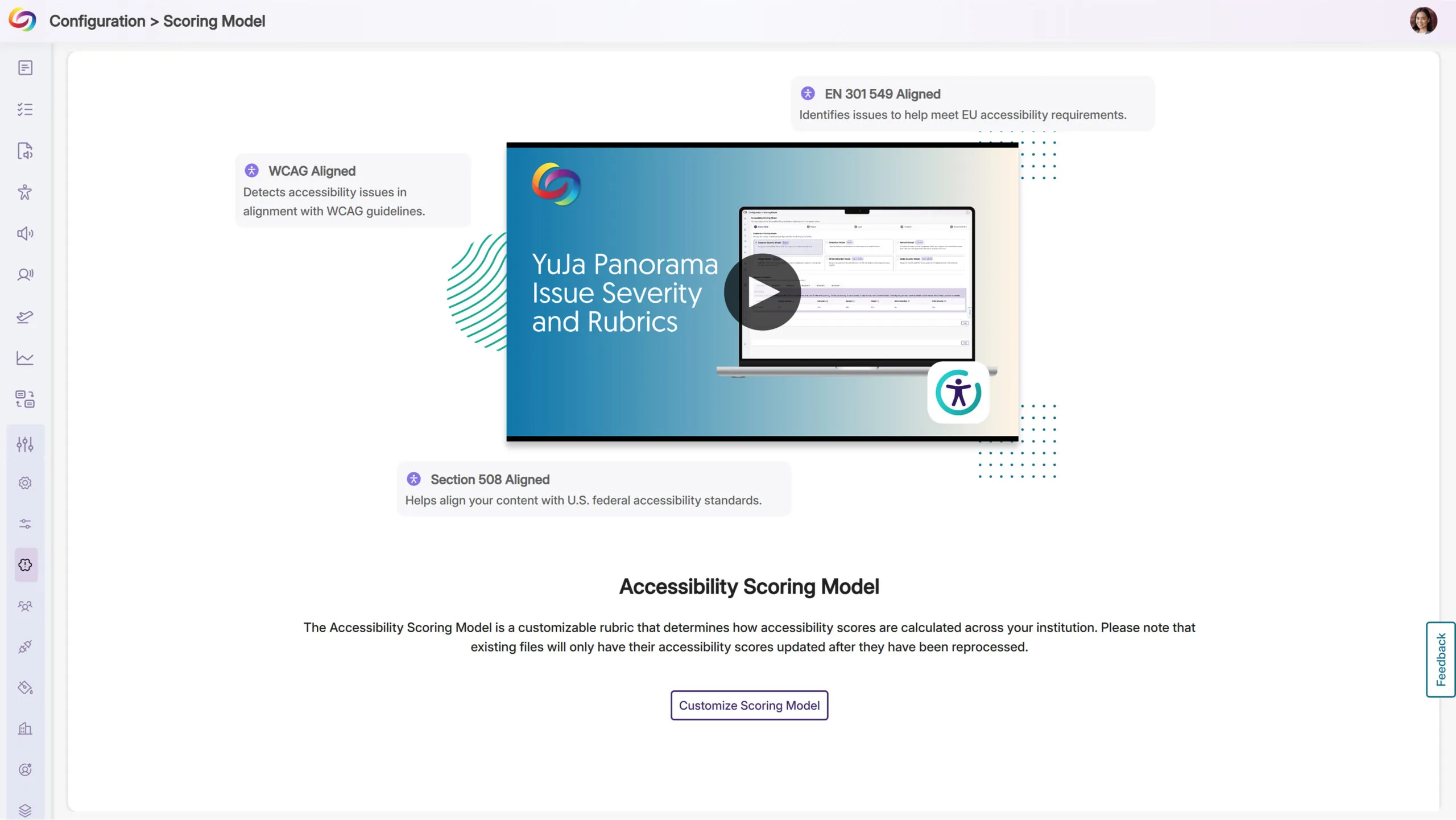
Administrators will now see enhanced visual displays showing how the Platform’s accessibility checks align with WCAG, Section 508, and EN 301 549 compliance standards within the scoring rubric interface, providing transparency into how their scores support regulatory requirements and international standards.
Join the 1,000+ Organizations Deploying High-Impact Solutions
