Product Updates

Get the latest platform updates, features, and announcements—all in one place.

  • July 26, 2023

    YuJa Engage Student Response System Update – “Nottingham” Released to US, CAN, AUS, and EU Zones

    We have successfully pushed an update to all YuJa Engage Student Response System instances residing in the United States, Canada, Australia, and the European Union. This release provides our users with a new “Word Cloud” question type for surveys, the option to save questions in Question Banks, Live reactions to Polls, multiple attempts for Polls with LMS Gradebook Sync support, real-time response viewing for Short Answers and Fill in the Blank questions, and downloadable QR codes for Polls and Surveys.
    1. New “Word Cloud” Question Type for Surveys Word Cloud question types are designed to gather participants’ ideas and present them for everyone to view. As participants contribute their answers, they will be visually displayed, allowing the perspectives of those engaging with the Poll to show. When multiple participants provide the same answer, it will appear larger in the Word Cloud, representing the collective view shared among participants. Word Cloud answers shown in the Release Poll dashboard.
    2. Create Question Banks to Save Questions for Future Use With Question Banks, Creators can save frequently used questions for easy access when creating Polls and Surveys. Simply select the relevant Question Bank and effortlessly copy your desired questions into new Polls or Surveys. Questions are added to a Poll from the Question Bank.
    3. Live “Thumbs Up” or “Thumbs Down” Reactions to Poll Questions Participants can now effortlessly express their opinions on questions using the “thumbs up” or “thumbs down” feature. Voting thumbs up for a question.
    4. Configure Poll Attempts for LMS Gradebook Sync YuJa Engage allows Creators to grant participants extra attempts on their Polls and choose between recording all attempts or the most recent attempt. When selecting “Record All Attempts,” Engage will securely store all attempts for Creators to review within the Engage Gradebook, enabling comprehensive analysis.If IT Managers have integrated Engage with their LMS, these attempts will then be seamlessly synced with the LMS gradebook through one of several options:
      • Send First Attempt to LMS.
      • Send Most Recent Attempt to LMS.
      • Send Highest Score Attempt to LMS.
      Configure Gradebook Options menu.
    5. Real-time Response Viewing for Short Answers and Fill in the Blank Questions Similar to other question types, Creators can now seamlessly view responses in real-time for short answers and fill-in-the-blank questions within the Release Poll dashboard. As participants submit their answers, they will appear under each question, providing instant responses to Creators. Short answers displayed in the Poll Release Dashboard.
    6. Downloadable QR Codes for Polls and Surveys Creators can now download Poll or Survey QR codes as images and seamlessly embed them anywhere they desire, ensuring convenient access for participants. Whether on discussion boards, PowerPoint slides, or via email, YuJa Engage makes it easier than ever for anyone to join. Download QR code icon displayed in the Poll Release dashboard.
  • July 19, 2023

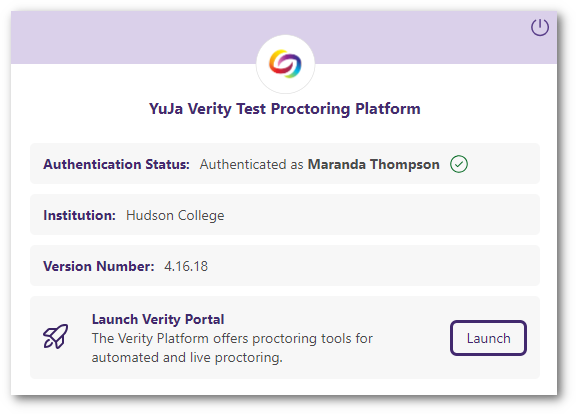
    YuJa Verity Test Proctoring Platform – “Microcline” Version Released to US, CAN, AUS, and EU Zones

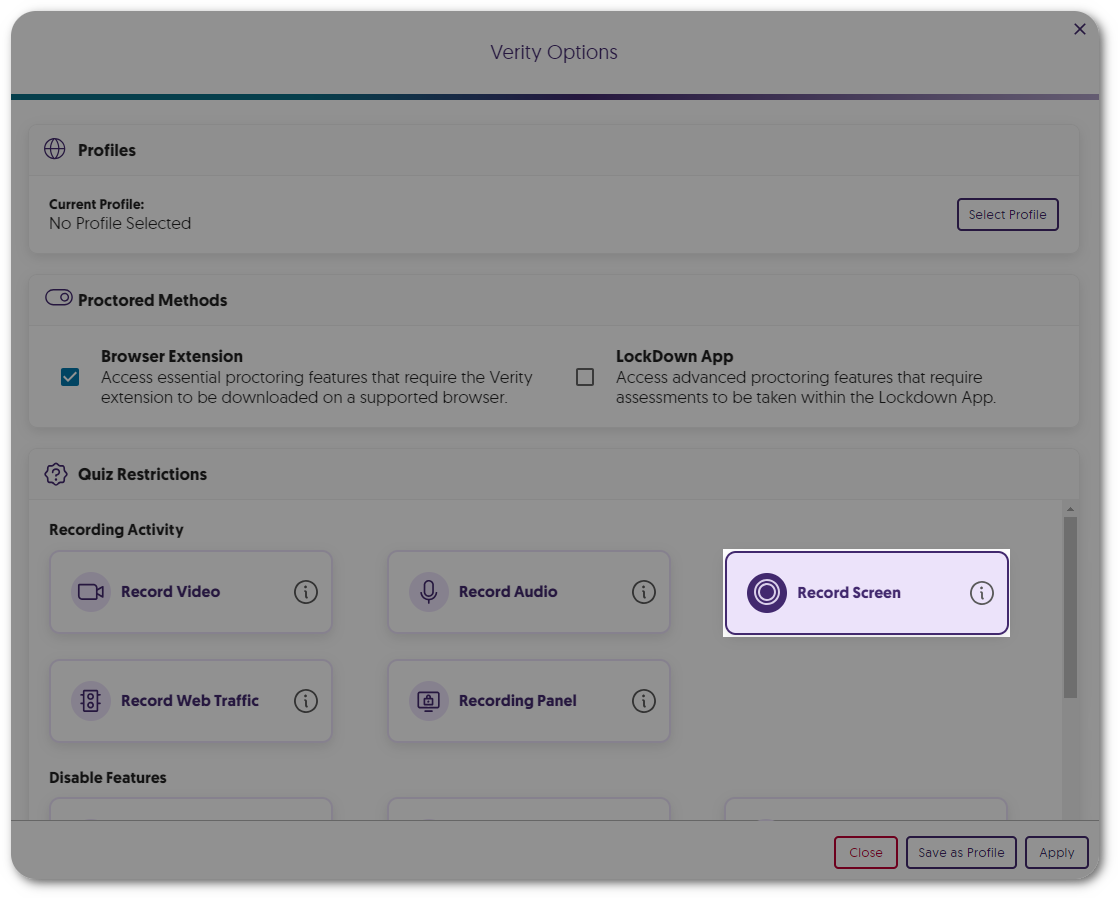
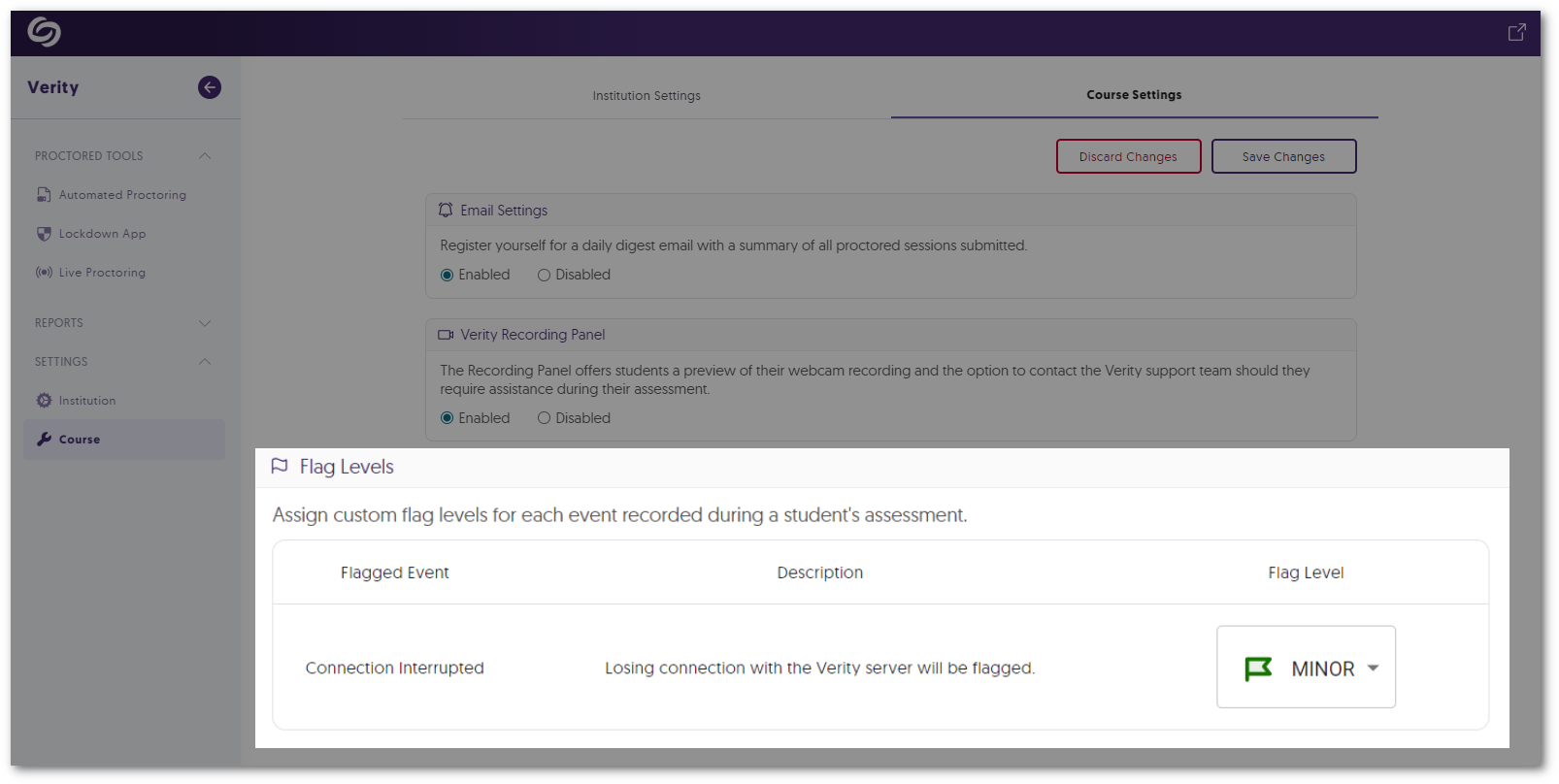
    We have successfully pushed an update to all instances residing in the United States, Canada, Australia, and the European Union. This update includes third-party assessment support for the Lockdown App and Live Proctoring, AI-enhanced ID verification for the Lockdown App, a new Assessment tab for the LTI app, presets settings for Automated Proctoring and the Lockdown App, and new analytics for Institution and Course Reports.
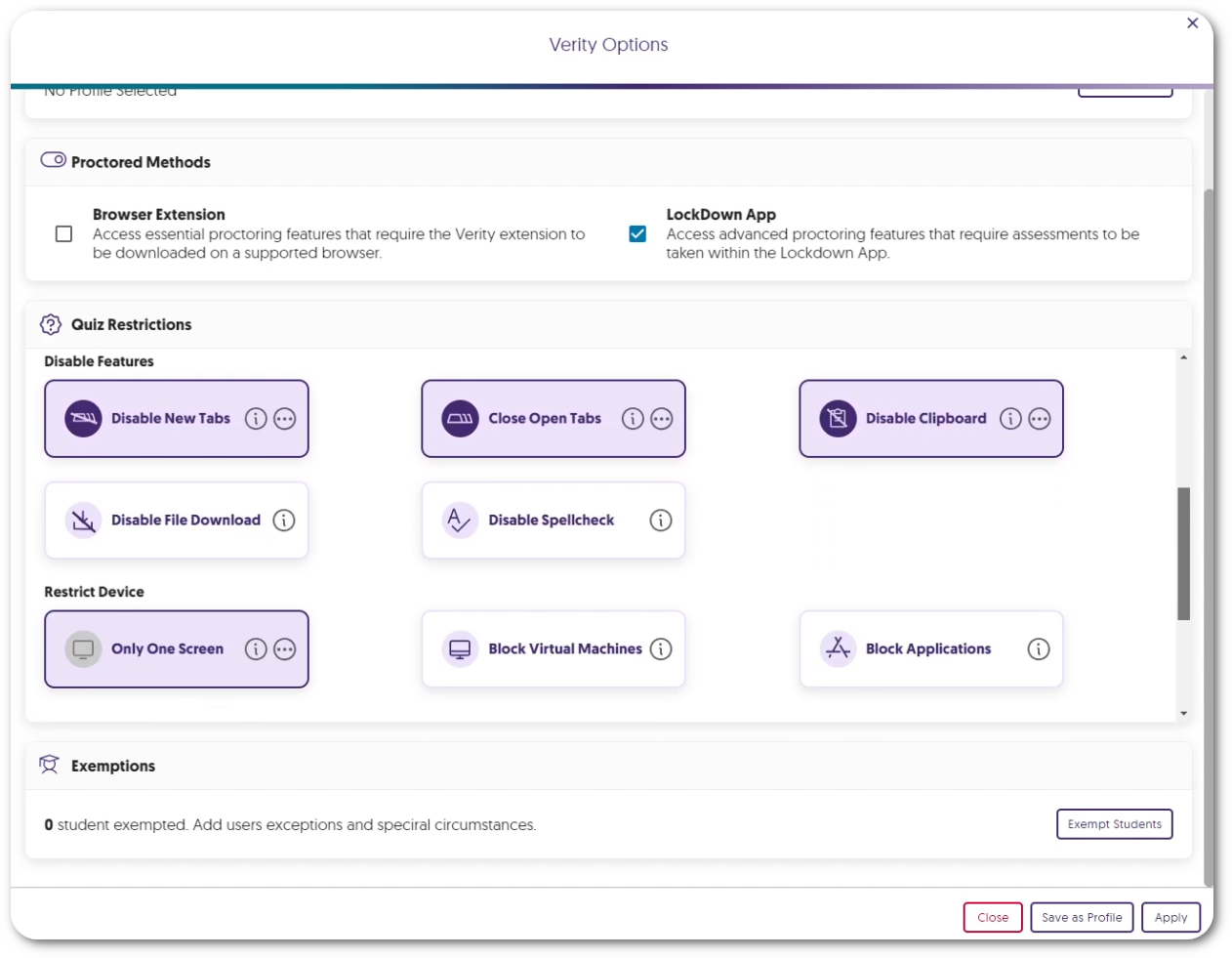
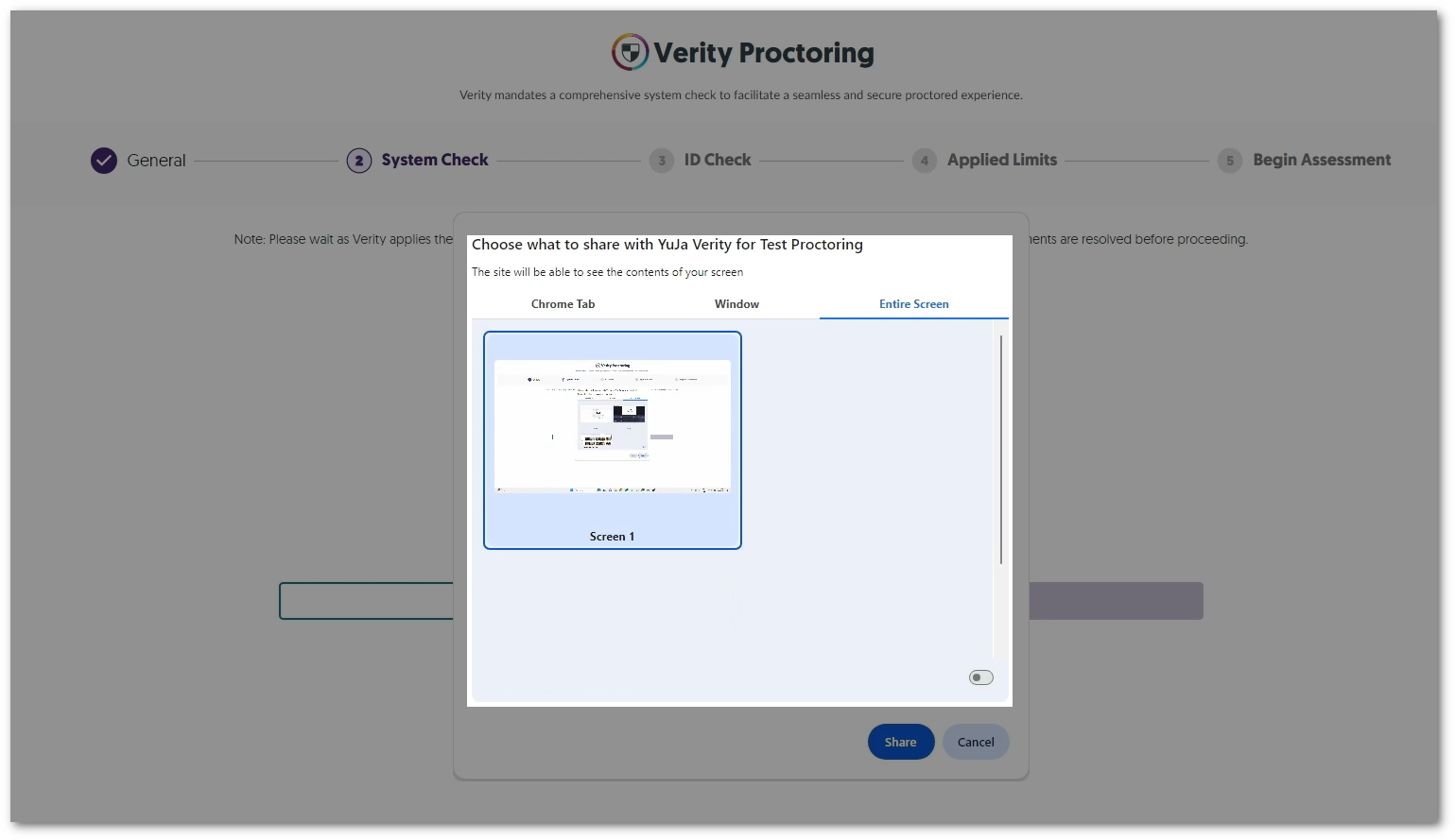
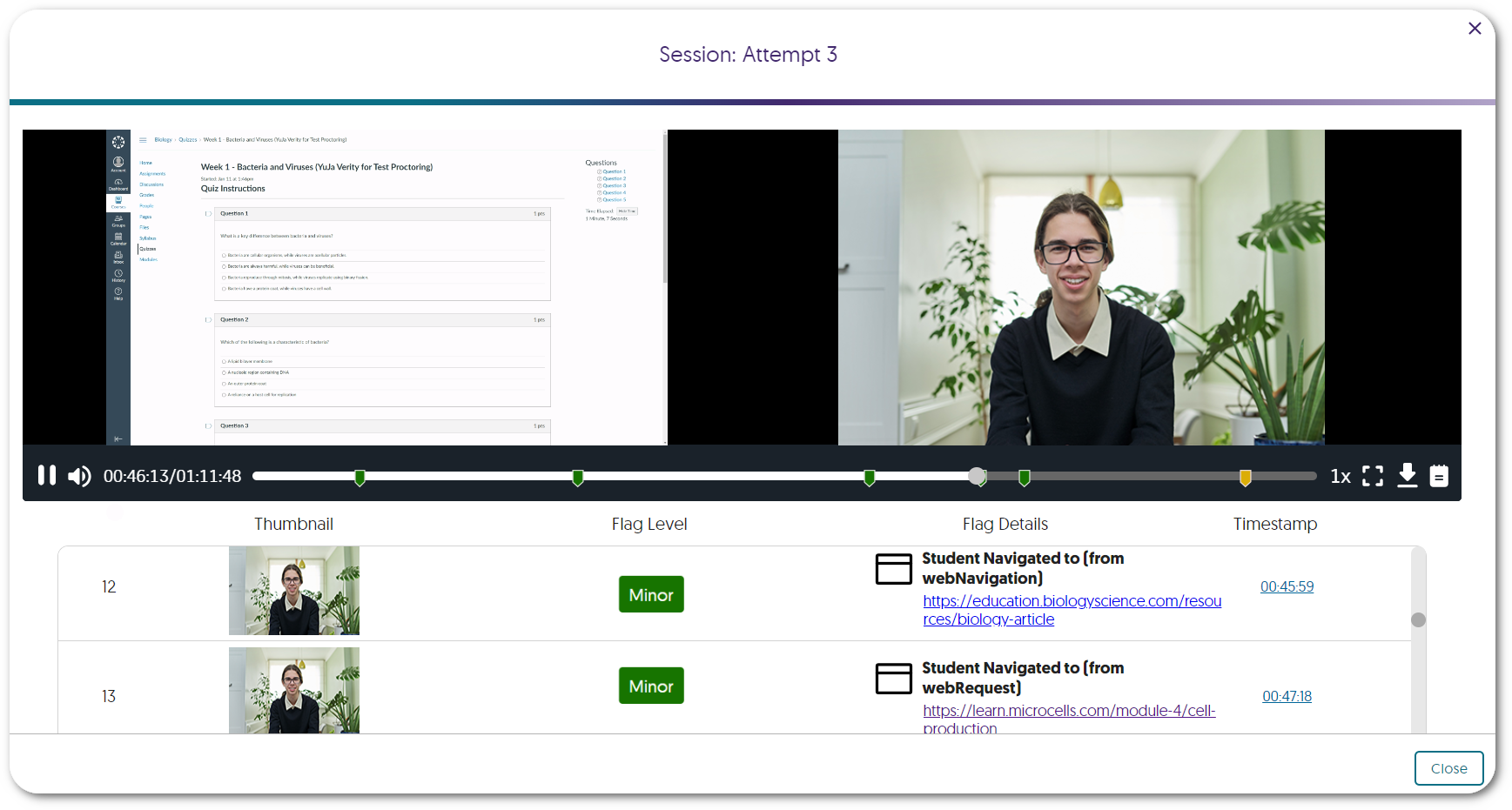
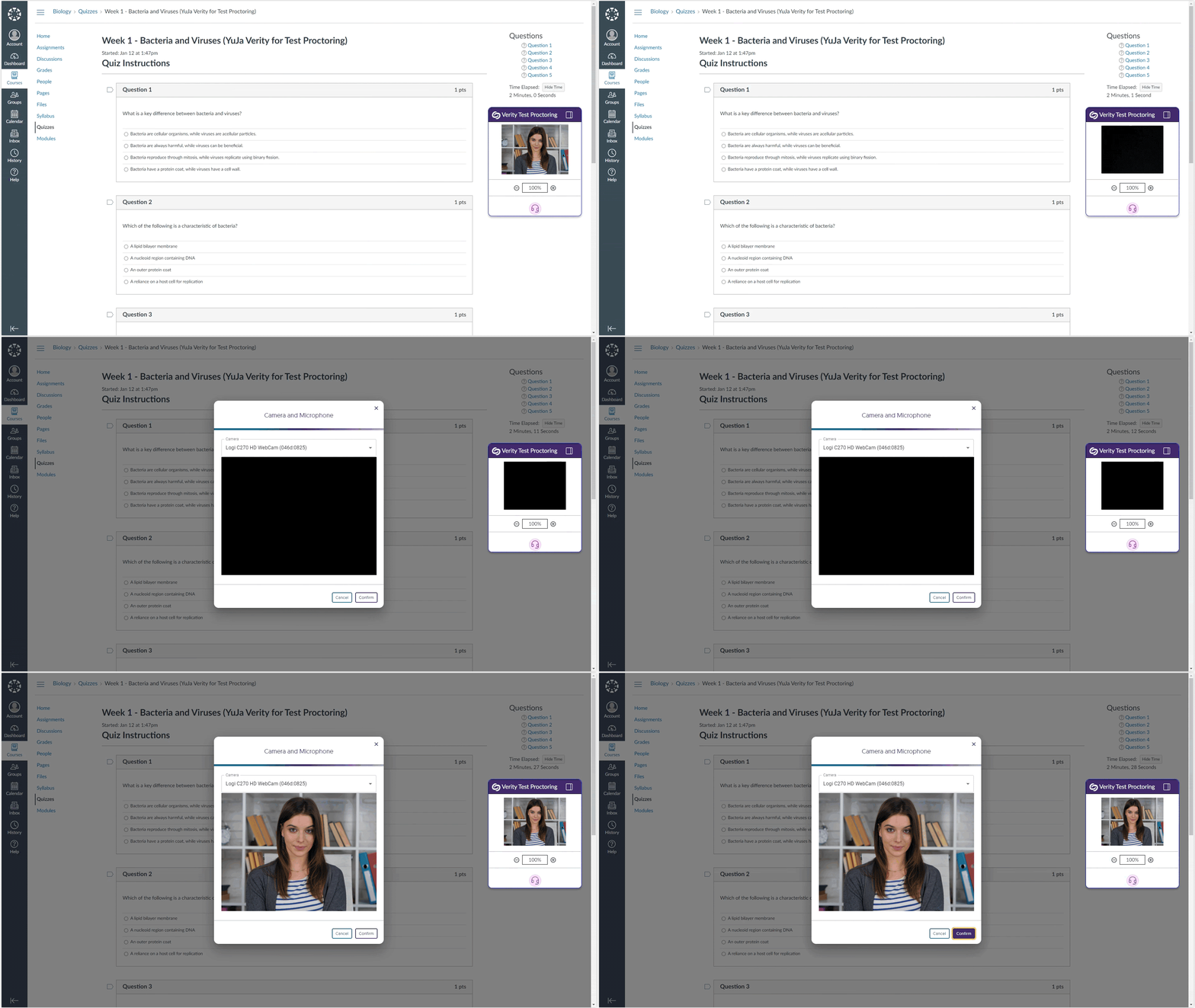
    1. Monitor Third-Party Assessments Integrated With Either Verity Lockdown App or Live Proctoring Building on our support for third-party assessments through the Verity Browser Extension, we now provide the monitoring of assessments through the Verity Lockdown App and Live Proctoring. The Lockdown App offers robust measures to enforce strict assessment protocols, including:
      • Access to only the Lockdown App during assessments.
      • Recording of user inputs, such as keystrokes and clipboard activity.
      • Disabling file downloads.
      In addition, Live Proctoring provides live video recordings of students as they complete their assessments. By choosing either one or both, users can create the most secure environment for their third-party assessments.
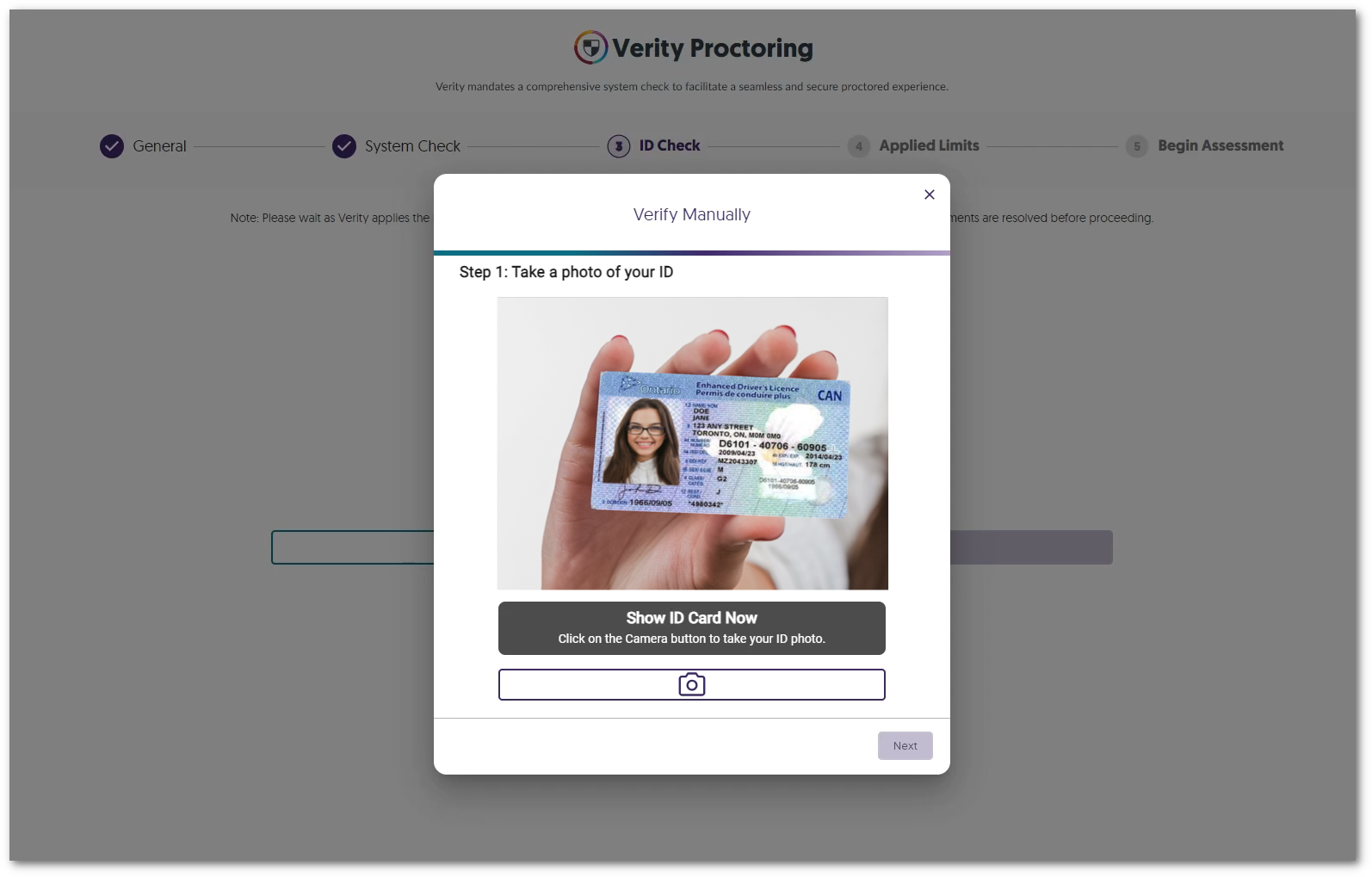
    2. Optional AI-Enhanced ID Verification The Verity Lockdown App provides ID verification through AI-enhanced facial recognition software. Users can seamlessly capture and upload an image of their ID and face, allowing Verity Lockdown to perform advanced analysis to determine the authenticity of the match. We expect to release a similar capability to the Verity Browser Extension in a near-term release.
    3. Access All Proctored Assessments Directly from the LMS-Integrated Verity App To optimize the student experience, we have established a centralized location that contains all proctored assessments. From the new Assessment tab, students can select their desired quiz or third-party assessment and access it through their browser or the Verity Lockdown App.
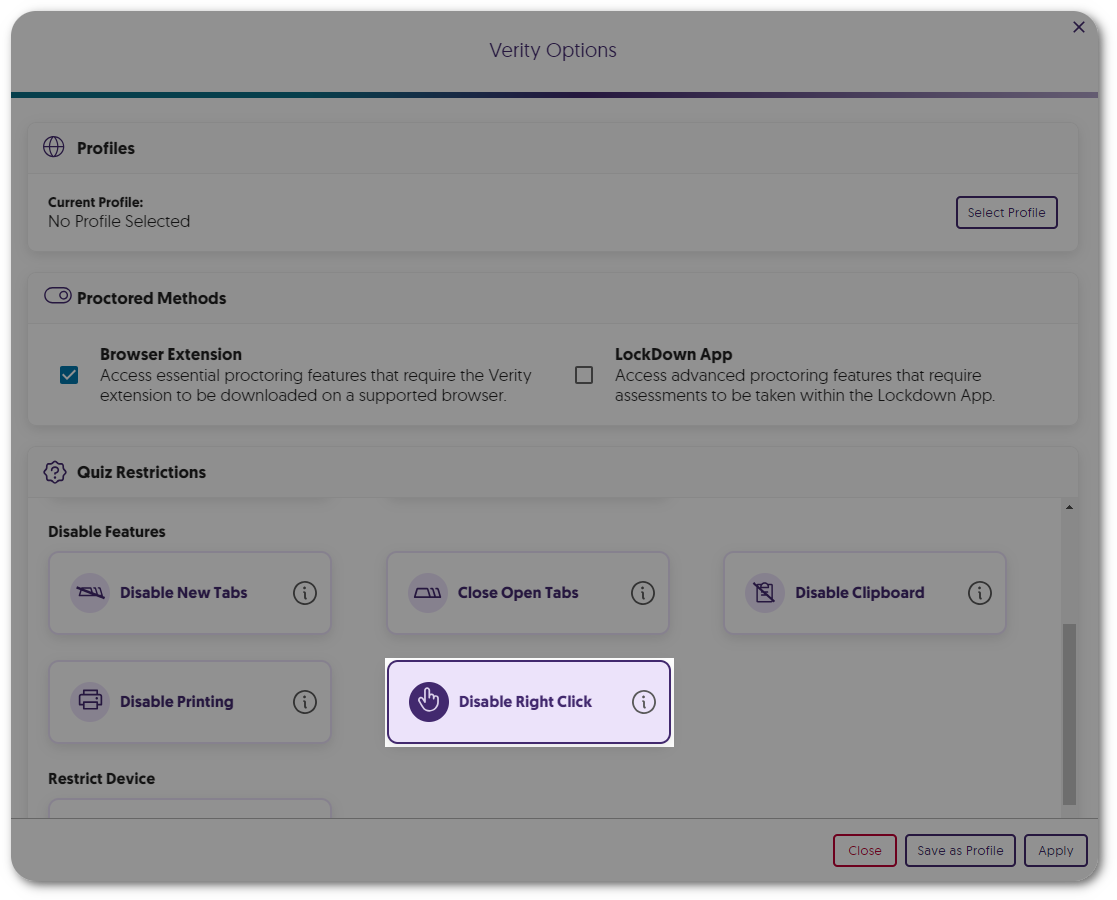
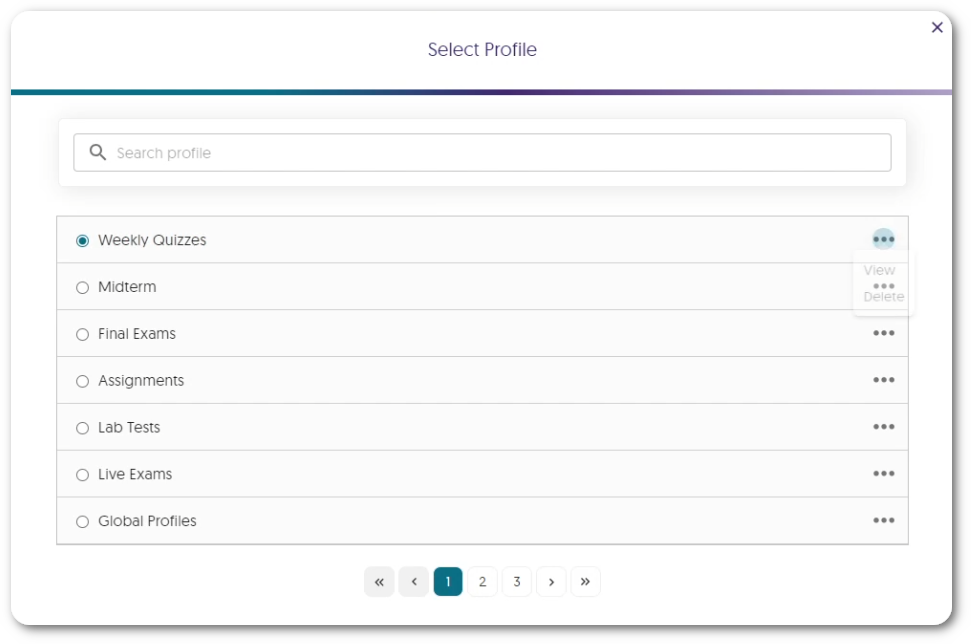
    4. Proctor Setting Presets for the Browser Extension and Lockdown App To conveniently access the preferred proctoring mode for assessments, we have added presets to select either Automated Proctoring or Lockdown App settings. Institution Reportshadow
    5. New Live Proctoring Analytics for Institution and Course Reports To provide a greater depth of analysis for our reports, institution reports will now feature a monthly count of quizzes taken and live sessions created. Administrators can review these analytics to determine the needs of their institution for various proctoring modes. Institution Report graph displaying total quizzes taken and live Sessions Joined. The Course Report offers a comprehensive table showcasing Students’ Live Experience, which includes a detailed list of registered sessions for each student and their corresponding attendance record. Students' Live Proctoring table
  • July 14, 2023

    YuJa Panorama Digital Accessibility Platform – “Iceberg Peak” Version Released to US, CAN, and EU Zones

    We have successfully pushed an update to all YuJa Panorama Digital Accessibility Platform instances residing in the United States, Canada, and the European Union. This release provides our users with automatic font size adjustments through our new Remediation Engine, a comprehensive report for Website Accessibility, a student-centric tool to display Website Accessibility on any page, the option to add downloadable files from any page to My Content, new improvements to the WYSIWYG Editor, filters for content search in the Course Report, new admin-specific settings, and more.
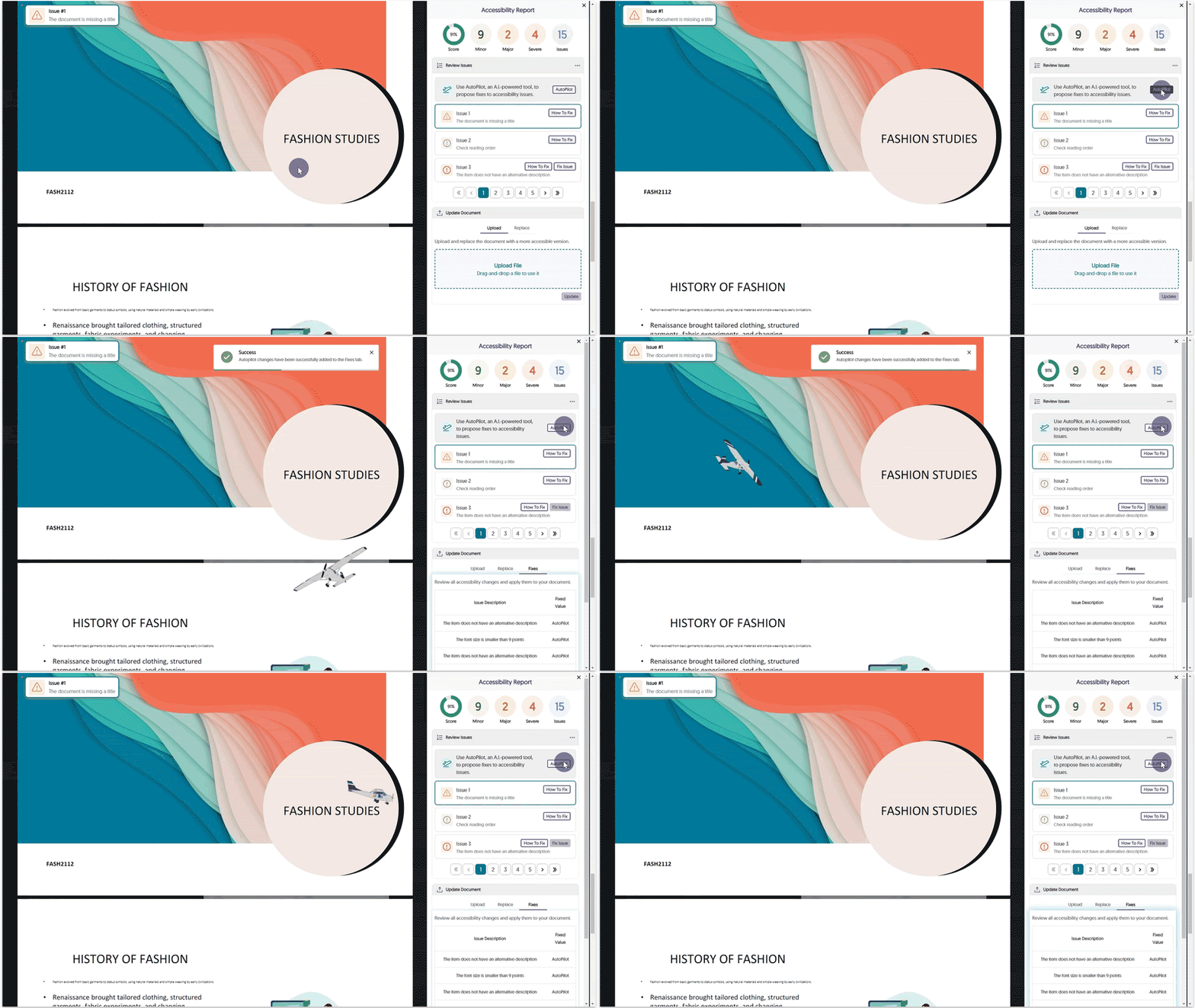
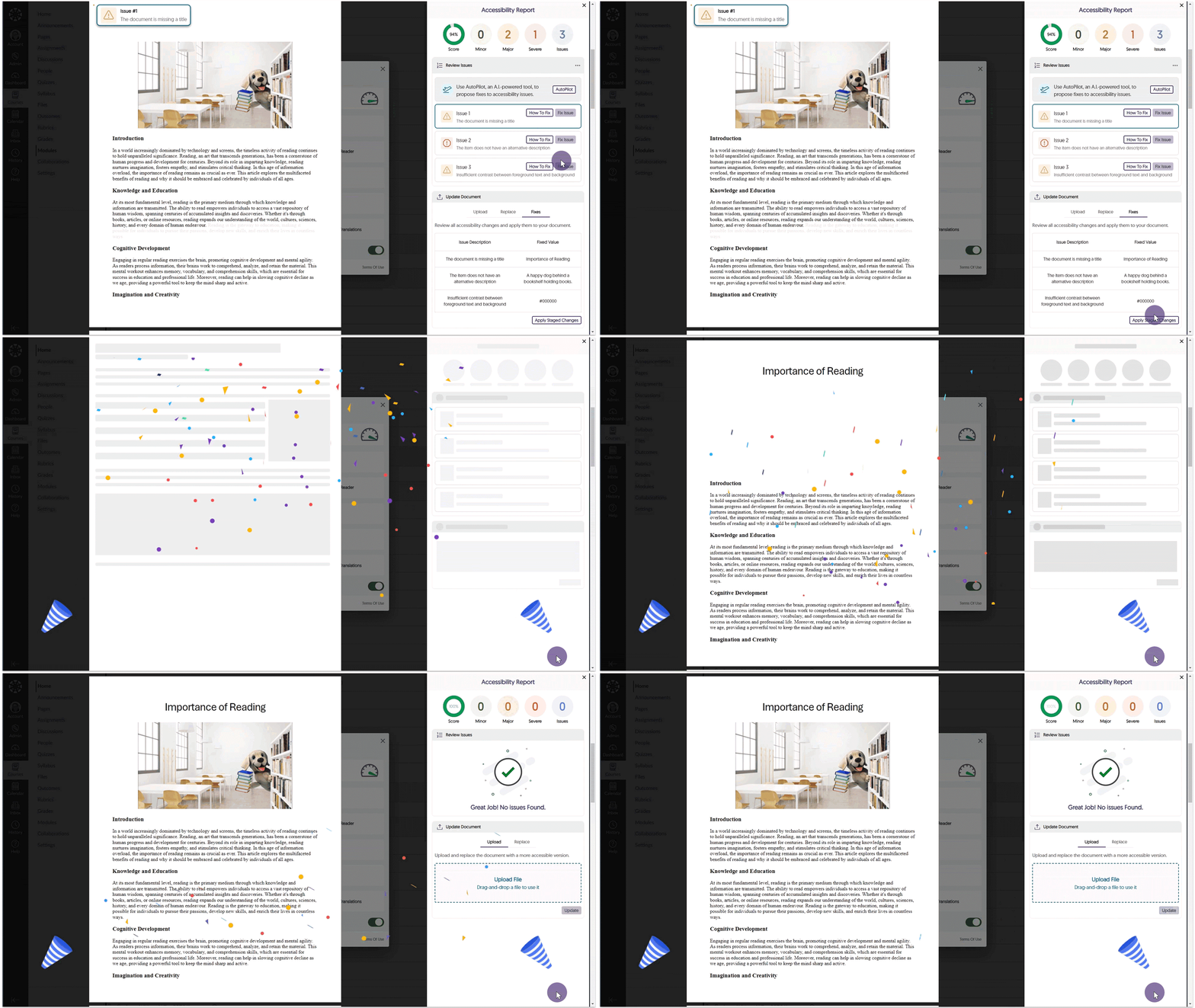
    1. Remediation Engines: A New Class of Accessibility Tools With our latest update, we’re introducing an industry-first by launching a new class of Engines to Panorama called Remediation Engines. This type of Engine complements our existing set of Engines with the distinction that while an Accessibility Engine identifies accessibility issues, a Remediation Engine can actually remediate the issue within the document. In upcoming releases, we plan to broaden the scope of available Remediation Engines that will perform document remediations across a wider set of accessibility concerns and supported file formats. 
    2. New Microsoft Word Remediation Engine Capability – Adjust Font Size Issues for all Word Documents Our first innovation in the Remediation Engine space is a new Microsoft Word Remediation Engine which allows content owners to select specific font size adjustments for each issue, review their selection, and then directly apply the change to their actual document. Change Font Size.
    3. Comprehensive Website Accessibility Reporting Based on the Website Accessibility Widget Panorama now provides a new Website Accessibility Report, offering a comprehensive summary of key accessibility modifications performed when using the Website Accessibility Widget. This report includes:
      • The total number of adjustments, encompassing Content and Color Adjustments.
      • Most frequently utilized Content and Color Adjustments.
      • A detailed breakdown of each Content and Color Adjustment employed.
      By taking advantage of this feature, administrators gain valuable insights into students’ preferences for the accessibility of their Learning Management Systems (LMS) and external websites. Website Accessibility Report
    4. New Accessibility Tool Built for Students to Improve Accessibility of Any Website Our 2023 Four Quadrant Accessibility Strategy focused on delivering accessibility solutions on four quadrants:
      • LMS Accessibility
      • Website Accessibility
      • Content Library Accessibility
      • Student Self-Service Accessibility
      We are now delivering on the last quadrant – Student Self-Service Accessibility- with a Panorama Browser Tool that a user can apply to any website to create a more personalized and accessible web browsing environment. This means that students can traverse any website in their learning journey that is outside of university-managed infrastructure and benefit from Panorama’s accessibility tools.
    5. Website Accessibility Scans for Documents to Add to My Content When students have access to My Content, Website Accessibility seamlessly scans and presents a comprehensive list of downloadable files found on the web page. This intuitive feature allows students to effortlessly view files and conveniently add them to their personal repository, My Content. Alternative Formats option within Website Accessibility.
    6. New WYSIWYG Real-Time Engine Improvement: Detection of Unhelpful Descriptive Texts for URLs URL Descriptions provide users with information about the content contained within a website. Understanding that certain descriptive texts may not be helpful, the WYSIWYG Editor identifies common unhelpful descriptions, such as “click here” and “click more,” and allows users to adjust the descriptive text for their URLs. Accessibility Report issue for undescriptive URL text.
    7. New WYSIWYG Real-Time Engine Improvement: HTML Table Caption Check As part of our ongoing efforts to ensure comprehensive accessibility checks for our WYSIWYG editor, we have implemented a check for missing table captions. This check is essential in ensuring the content within tables is accurately described to users.Table Caption check
    8. New WYSIWYG Real-Time Engine Improvement: Classify Images as Decorative Decorative images are specifically intended for visual enhancement and do not provide any additional information. By categorizing an image as decorative with the WYSIWYG Editor, assistive technologies, such as screen readers, will disregard it, enabling users to navigate through relevant content in their learning environment. Decorative Image within the accessibility report.
    9. New WYSIWYG Real-Time Engine Improvement: HTML Lists will be Checked for Proper Formatting To generate precise accessibility reports for content, Panorama’s WYSIWYG Editor verifies the adherence to proper HTML formatting for ordered and unordered lists. This ensures that content meets the required standards, enhancing the overall accessibility of the material. Ordered List check
    10. Adjust the Visibility of User Setup at the Institution Level Similar to how administrators can adjust the visibility of My Content, we are now extending this feature to include the User Setup page. Simply adjust the visibility under Global Settings to be visible to all, available to instructors and administrators, or completely hidden from view. user Setup Visibility setting.
    11. Customize the “Help” Link for the Alternative Formats Menu The Alternative Formats menu offers a Help button which can now be customized by the administrator, allowing for a custom link to be specified.
    12. The Course Report Content Search Now Offers Filters by File Type To facilitate easy navigation for administrators and instructors, we have introduced a filtering option that organizes search results for Content in Course Reports based on file type. The Course Report Search Issues and Content Filter
    13. Administrators can Disable Course Settings for Instructors To provide administrators with complete control over the accessibility of learning environments for courses, we now allow them to turn off course-specific settings for instructors. Override course specific settings for instructors.
    14. Panorama will Verify Document Availability for Accessible Alternative Formats in Canvas Canvas offers instructors the option to mark specific documents as unavailable. When generating alternative formats, Panorama conducts a check every hour to verify that students have access to the document before proceeding with the generation of alternative formats. This ensures that alternative formats are created only for documents that are accessible to the student. Alternative format availability setting.
    15. Pre-Generation of Analytics Reporting will be Automatically Enabled As institutions incorporate more campuses into Panorama, we will automatically enable Pre-Generate Reports when All Courses are selected in the Scope Settings. This will provide institutions with increased performance results for their institution reports. Scope setting for Panorama has been enabled for All Active Courses.
    16. Enhanced Scanning of Courses for Large Institutions We have enhanced our backend infrastructure to facilitate efficient scanning for institutions with thousands of courses.
    17. Custom Placement for the Website Accessibility Icon on Individual Domains Previously, administrators could designate a single location for the Website Accessibility icon on web pages. We have enhanced this feature to provide administrators with the flexibility to set custom icon placements for each domain, offering greater control over the visual integration of Website Accessibility. Icon placement for individual domains
    18. Enhanced Branding Across the Panorama Platform As we continue to grow and partner with more institutions, we’re dedicated to providing a modern look and feel to the Panorama Platform. To achieve our branding goals, we have refined our designs for buttons and dialog boxes. Future releases will focus on color schemes for layouts, icon enhancements, and updates to our fonts. Modal displaying new branding for Panorama.
  • July 7, 2023

    YuJa Enterprise Video Platform Update – “Xanthium” Released to CAN, AU and EU Zones

    We have successfully pushed an update to all Enterprise Video Platform instances residing in Canada, Australia, and the European Union. Release highlights include: independent Admin Panels for institutions with multiple schools within an Umbrella System structure, ability to rearrange streams by drag-and-drop in the Video Editor, ability to set download permissions for CampusTube folders, ability to archive courses within Courses & Groups, dynamic user-language support for Dutch and Finnish languages, ability to embed playlists through the Media Chooser, and so much more. This update will be released to US zones next Friday.
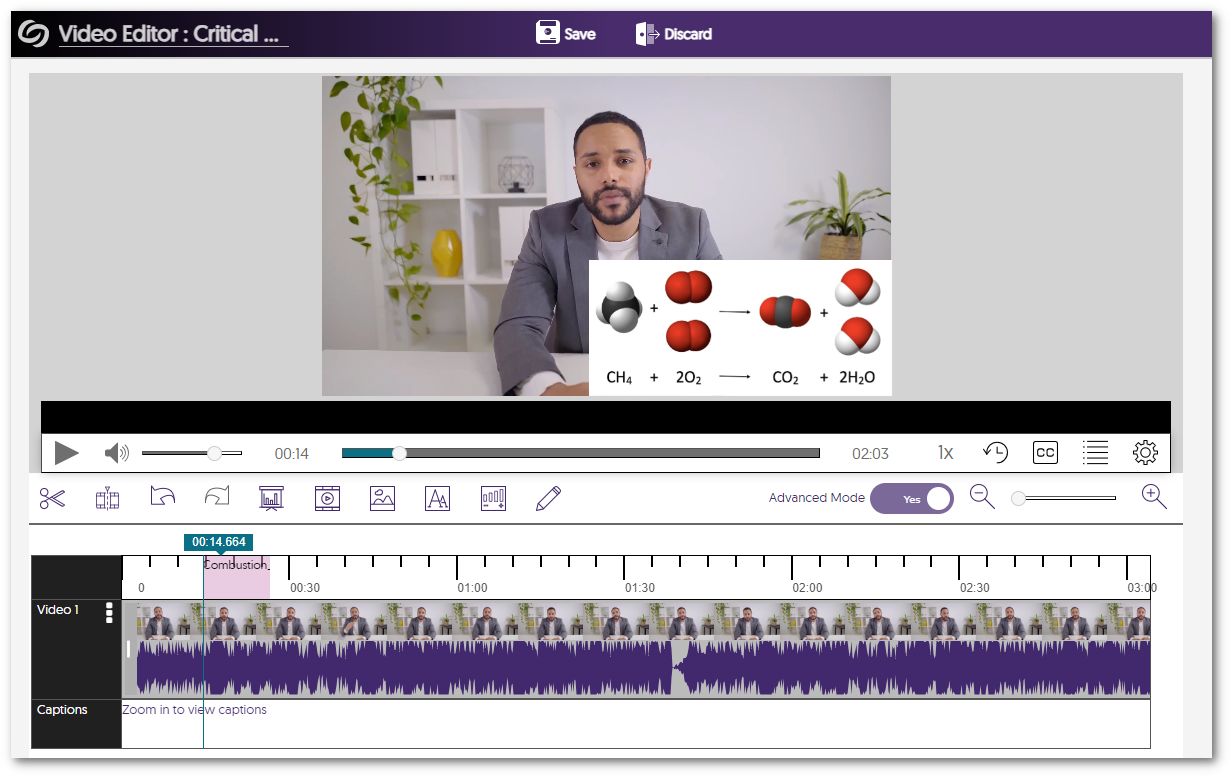
    1. Drag-and-Drop, Multi-Stream Adjustment in the Video Editor As part of a multi-release plan to enhance the Video Editor, the tool now enables Content Creators to move inserted video clips along their timeline via drag-and-drop. Simply add a clip to your video and drag it to your desired location. For a complete list of features available in the Video Editor, please visit our guide on the Video Editor Overview.A stream being moved in the Video Editor.
    2. Custom Admin Panel Management for Each School within an Umbrella System  In our initial phase, we provided our partnered Umbrella System institutions the option to provision courses and users into the correct hierarchical element (sub-institution) using existing attributes from upstream infrastructure (LMS, SIS, SSO). Building on this, our latest release introduces Admin Panel management for each school, along with synchronized viewing of Video Platforms.
      • Administrator Allocation: Each top-level element can have an allocated System Administrator that will grant the sub-institution its own dedicated Video Platform instance.
      • Admin Panel Management: Administrators can efficiently access and manage multiple Video Platform instances with respect to Branding and Platform settings.
      • Synchronized Management: Administrators, instructors, and students can access their complete Media Libraries, courses, roster, or devices across different Video Platforms they are members of. 
      Allocate Admin confirmation window.
    3. Ability to Archive Courses within Courses & Groups Administrators and instructors can now archive and unarchive courses within the Video Platform. When courses are required, a simple Unarchive action brings them back to the active Courses tab. Course tab in Courses & Groups.
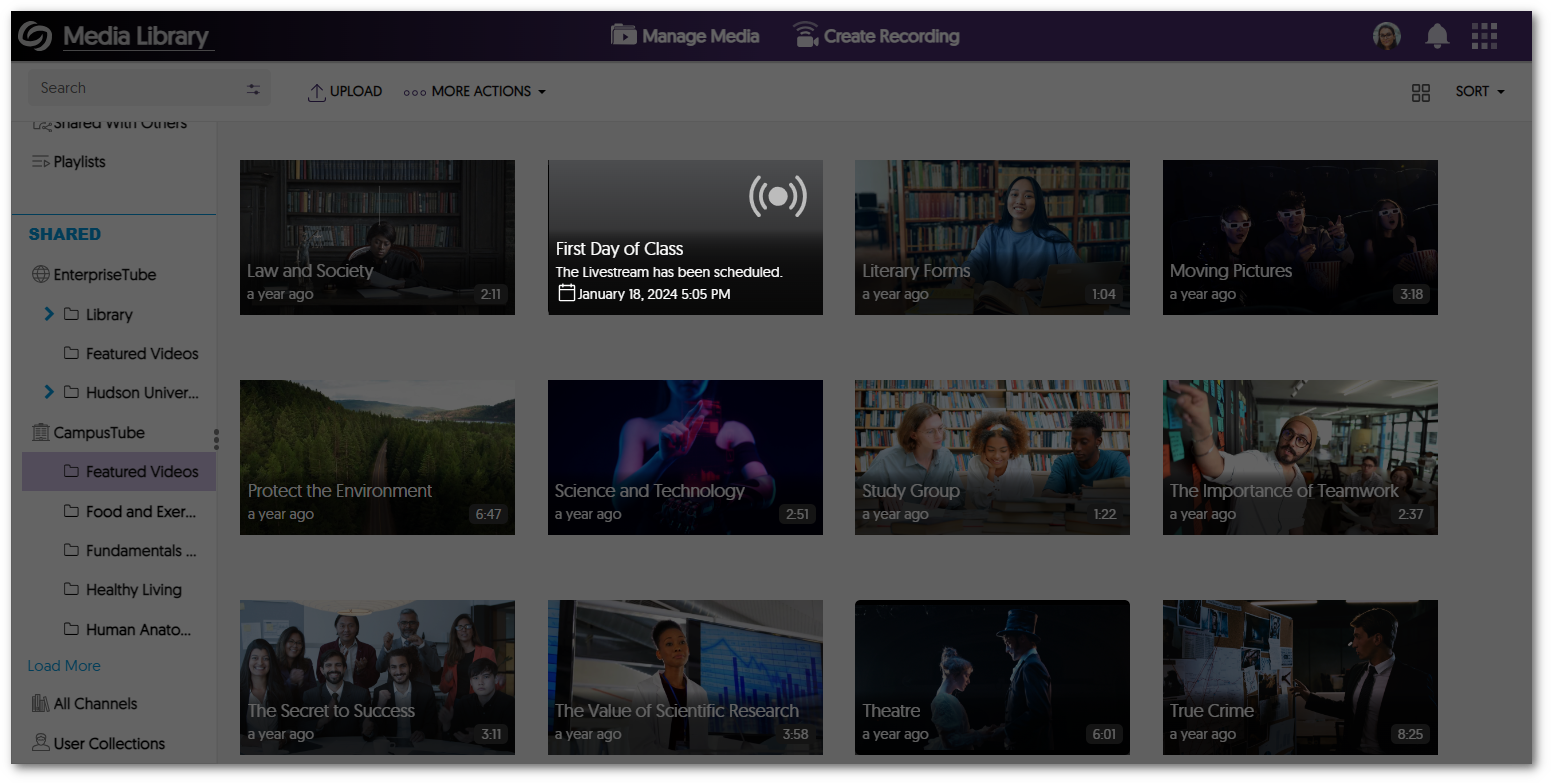
    4. Set Permission to Download Videos within CampusTube Folders Content Owners now have the option to grant users with Read Only permission the ability to download videos within designated folders for their CampusTube. By conveniently configuring folder permissions, users can not only view but also download media content within CampusTube. Permission Read Only settings applied to students and download video window.
    5. Bulk-Merge Videos Tool Enhanced to Filter “Shared With Me” Content In previous updates, we enhanced the Bulk Merge functionality to provide Content Creators with the capability to merge videos within shared folders. In this current release, we now provide Bulk Merge functionality for videos located within “Shared With Me”. This feature enables Creators to conveniently select multiple videos, rearrange their order, and effortlessly generate a new video that combines group projects, assignments, and other relevant content. Merge Video window.
    6. Support for Dutch and Finnish Languages As the Video Platform continues to expand into new regions, we’re committed to providing local language support to our users. The Video Platform will now fully support Dutch and Finnish languages across the entire Platform. Simply access your My Account settings to adjust your language preferences.
      • Dutch Language Support Video Platform with Dutch language support.
      • Finnish Language Support Video Platform with Finnish language support.
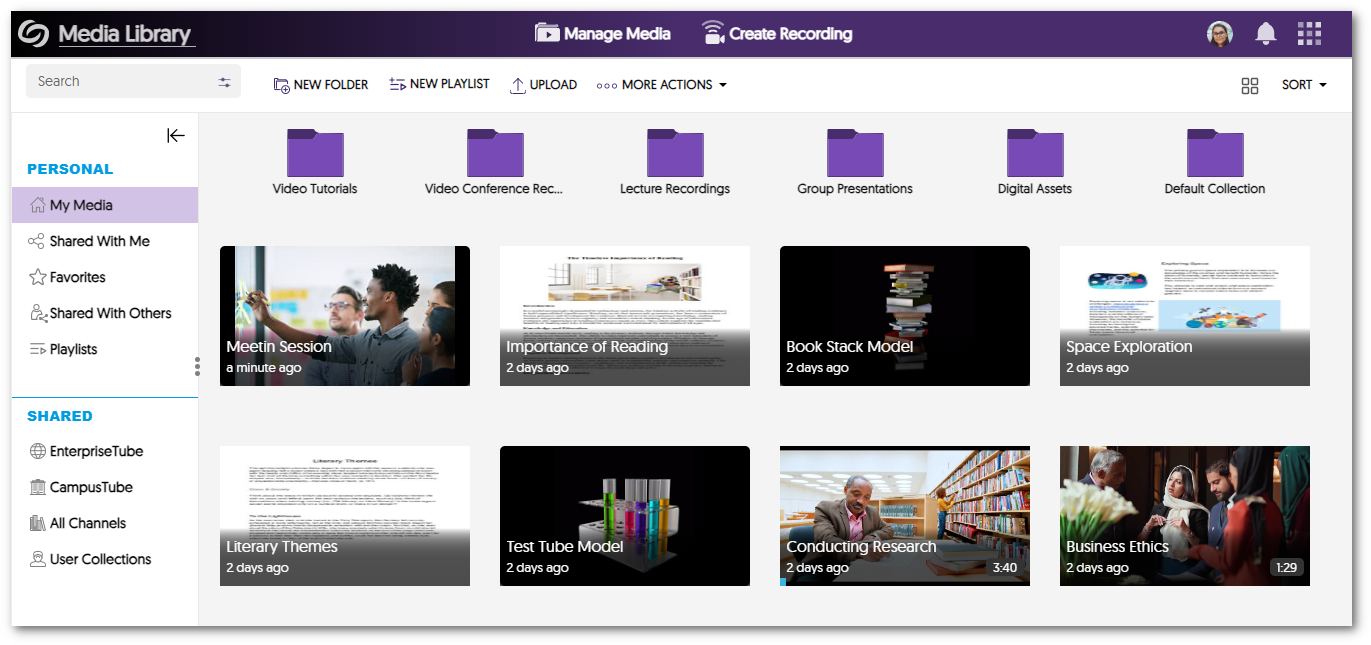
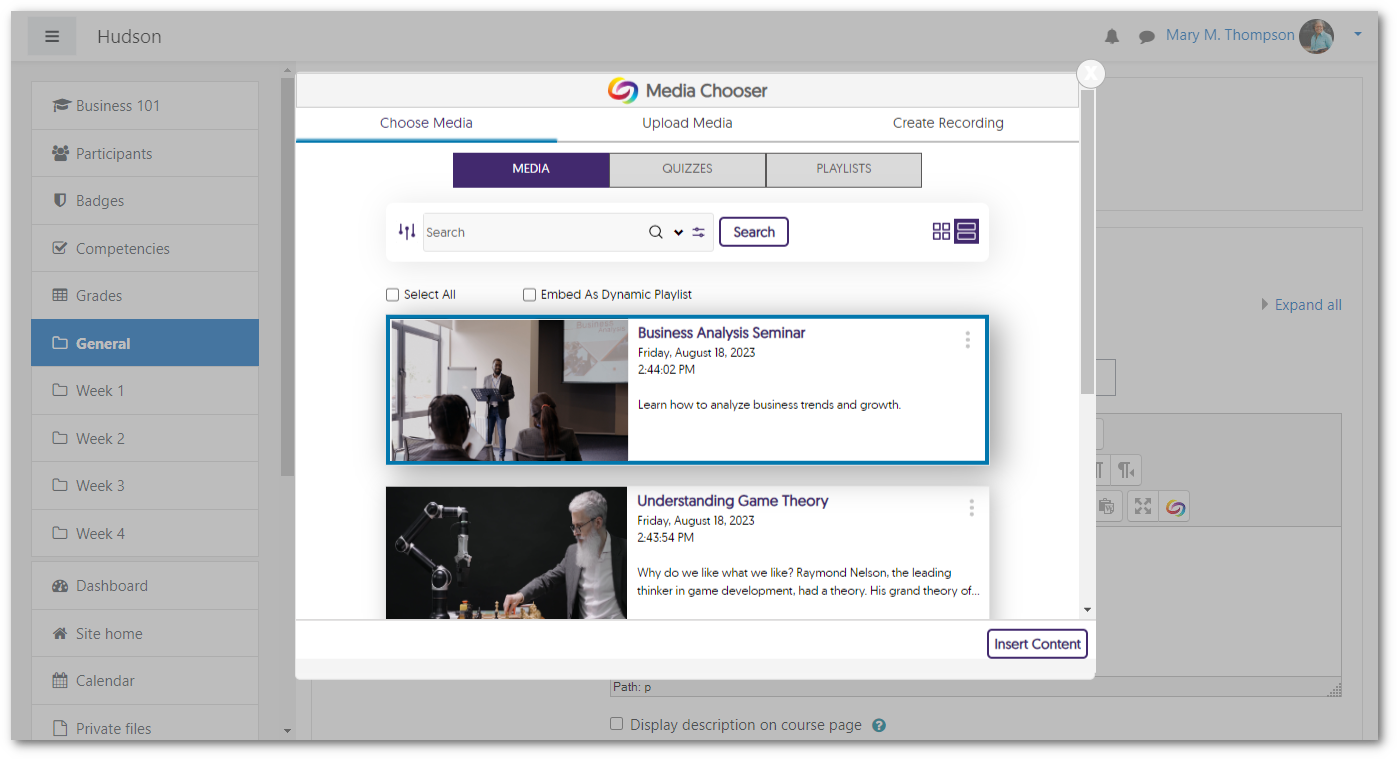
    7. Embed Playlist Objects Through the Media Chooser We have added a dedicated tab within the Media Chooser for Content Creators to effortlessly select and embed their Playlists within their Learning Management System. By using the LTI 1.3 integration, Playlists can be embedded without the need to enable cookies, simplifying the process when using the Media Chooser. Playlists within the Media Chooser.
    8. Media Chooser Will Auto-Detect Gradeable Areas for Video Quiz Insertions To optimize the integration of Video Quizzes into the gradebook of Learning Management Systems (LMSs), the Media Chooser will only permit Video Quizzes to be embedded into gradable areas of the LMS. With this feature, grades will be accurately synced to the LMS gradebook and reduce potential user errors of insertion of a Video Quiz in an area the LMS does not support gradebook synchronization.
      • Gradeable Areas Media Chooser within a gradable area of Canvas.
      • Non-Gradeable Areas The media chooser within a non-gradable area in Canvas.
    9. Simplified the Playlist Creation Process We have further improved the process for creating Playlists within the Video Platform. By following our step-by-step process, you can generate a personalized playlist to share or embed using the Media Chooser. For more information on how to create and share your own custom Playlists, simply visit our guide on How to Create and Share Playlists. A view of the Playlist inside the Video Platform.
    10. Locate Video Quizzes with our Search Features In response to the growing use of Video Quizzes, quizzes can be easily located using the Search bar and Advanced Search Console. Content Creators will no longer be required to locate the corresponding video for a quiz and can instead search for the Video Quiz title, streamlining the workflow for quiz management. Advanced Search Console featuring a search for Quiz Title.
    11. Visual Video Quiz Badge on Video Thumbnails with Quizzes We have added a visual enhancement to thumbnails to help users identify Video Quizzes without accessing the Media Details window for their selected media. Simply look for the Quiz indicator in the top-right corner of thumbnails to identify Video Quizzes. Video Quiz thumbnail.
    12. Improved Subscription Management of Hub Hardware Alert Emails We understand that administrators may have preferences regarding email notifications for Hub Hardware issues and alerts. To provide flexibility, Administrators can selectively enable specific email notifications based on their unique requirements. Add Subscription window.
    13. Courses and Groups Offer Distinct APIs With our transition into creating a distinction between Courses and Groups, we now provide separate APIs for each instance. This will give administrators results targeted toward their desired space.
    14. Video Player Keyboard Accessibility Shortcuts now Mirror YouTube The Video Platform has always supported keyboard accessibility shortcuts for our Video Player. We have now redesigned our accessibility keys to match YoutTube’s by recognizing the need to provide familiar and intuitive shortcuts. With this, viewers can effortlessly use keyboard shortcuts to adjust speed, video quality, volume, screen display, sidebar actions, and so much more. Arrow keys on a keyboard.
    15. Enhanced Branding Across the Video Platform As we continue to grow and partner with more institutions, we’re dedicated to providing custom branding for institutions while maintaining a consistent look and feel to the Video Platform. To achieve our branding goals, we have refined our designs for buttons and dialog boxes. Future releases will focus on color schemes for default layouts, icon enhancements, and updates to our fonts. Welcome to the Video Platform Dialogue Window.
  • July 7, 2023

    YuJa Himalayas Data Archiving Platform Update “Xanthium” Released to US, CAN, AU and EU Zones

    We have successfully pushed a maintenance update to all YuJa Himalayas Data Archiving Platform instances residing in Canada, Australia, and the European Union. This update provides a new Himalayas dashboard for storage reports, detailed metrics for Job Management, the option to archive non-video files to Himalayas, and new email notification for scheduled deletions.
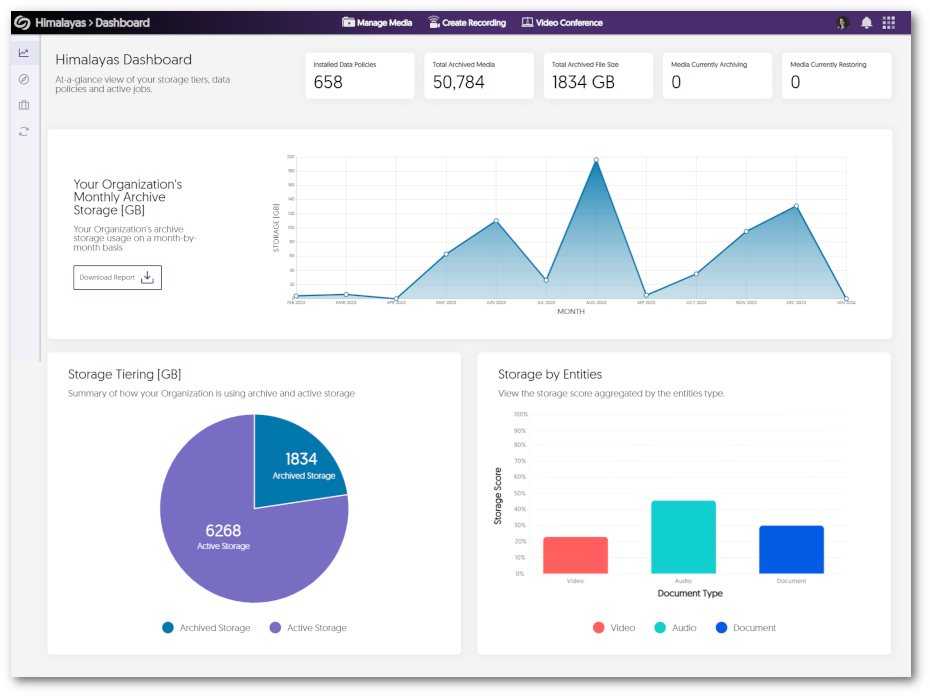
    1. New Himalayas Dashboard to View Comprehensive Storage Reports To facilitate the effective administration of the Himalayas platform, we are pleased to present an informative overview of storage reports. These reports offer graphs to view monthly storage use, a breakdown of files stored within Active Storage and Archived Storage, and the types of formats stored on the platform. Himalayas Storage Report.
    2. Key Metric Details for Himalayas Job Management To provide administrators with comprehensive insights into their active Himalayas Jobs, we now provide more detailed information for each individual Job. Administrators can now effortlessly access data that includes the number of files archived/restored, the number of completed/failed files, and the number of pending files. Details expanded for a Himalayas job within Job Management.
    3. Archive Non-Video Files to Himalayas In our continuous efforts to enhance the capabilities of the Himalayas platform, we now provide archiving for non-video assets such as documents, images, and audio files when creating policies. Policy Creator window.
    4. Email Notifications for Scheduled Deletions in Himalayas To ensure that Content Owners have timely and accurate information regarding their videos, we will now implement email notifications for scheduled deletions from Himalayas. Administrators will have the flexibility to customize the notification, specifying how many days before an item’s deletion an email should be sent. Email notification setting.

Join the 1,000+ Organizations Deploying High-Impact Solutions

A collection of logos representing various organizations and institutions that use YuJa’s platform.