We have successfully pushed an update to all Enterprise Video Platform instances residing in Canada, Australia, and the European Union. Release highlights include: a refreshed Media Player theme, option to edit Platform emails, publish playlists across the Video Platform, transform folders into Playlists, dynamically select layout preferences, custom embed sizes for the Media Chooser, enhancements to the Video Editor, manage Rosters for individual campuses within the Umbrella System, and so much more.
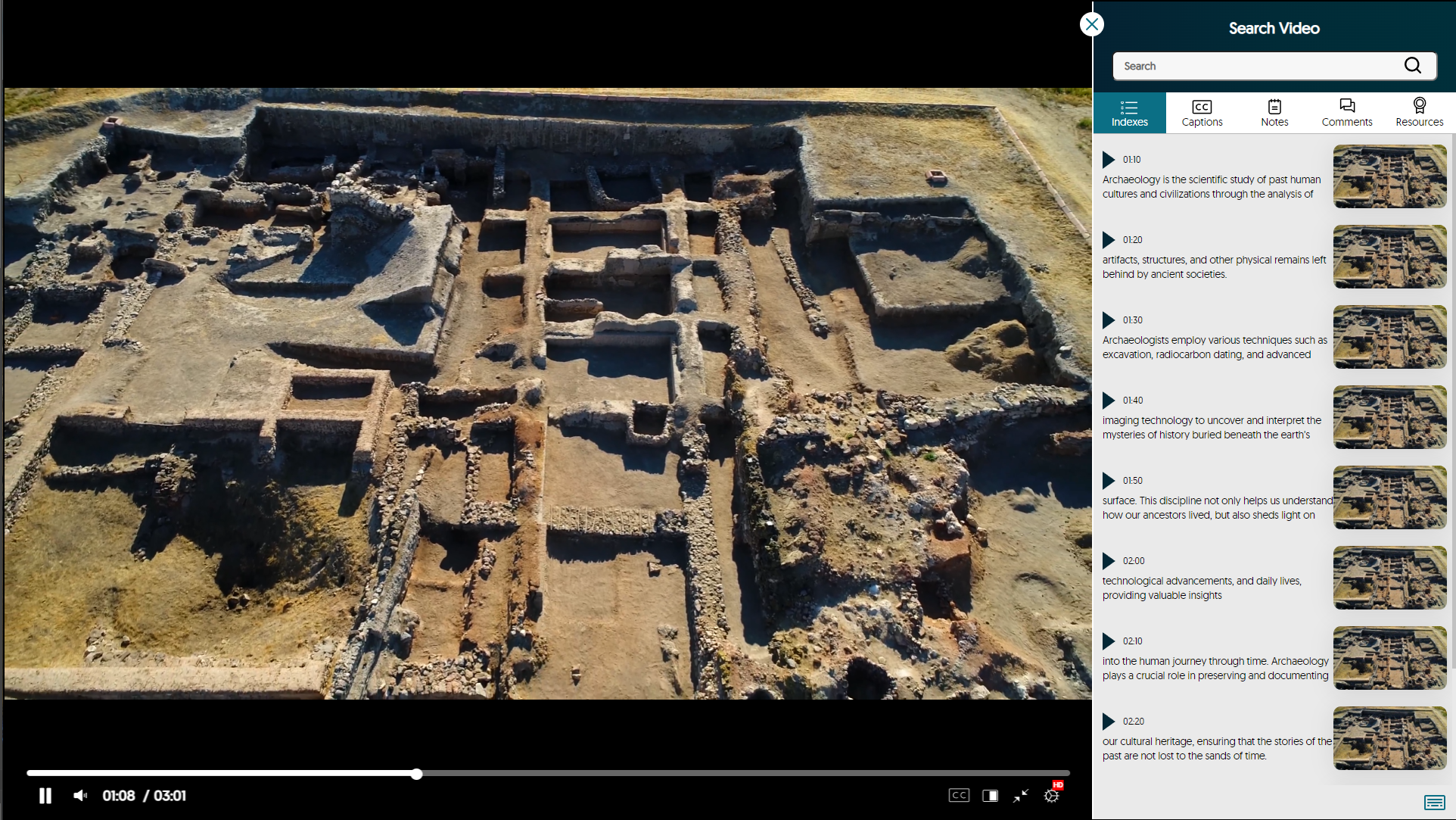
- Refreshed Media Player with Enhanced Search Video Sidebar
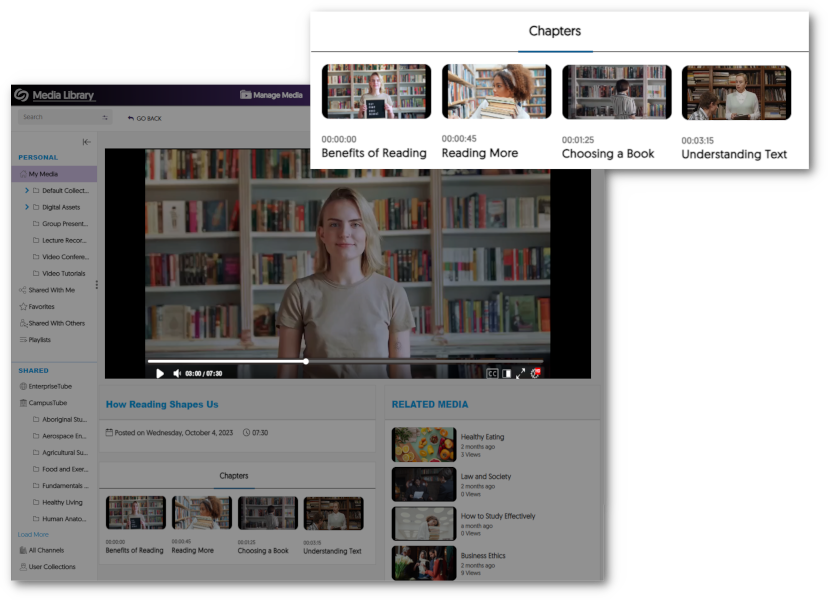
As part of our multi-release commitment to refining the Media Player, we’re introducing a new interface with redesigned icons and color adjustments. You can now view labeled timestamps for the Index, Captions, and Notes to ensure seamless navigation.
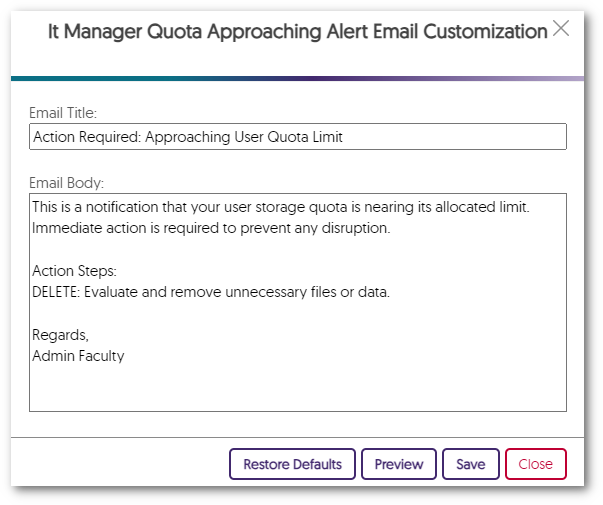
- Edit All Platform Emails to Align with Brand and Communication Preferences
Administrators can tailor their email notifications to meet their specific preferences. Simply choose the Edit option next to any email notification in the Platform tab to customize the email’s content to align with school-specific branding.
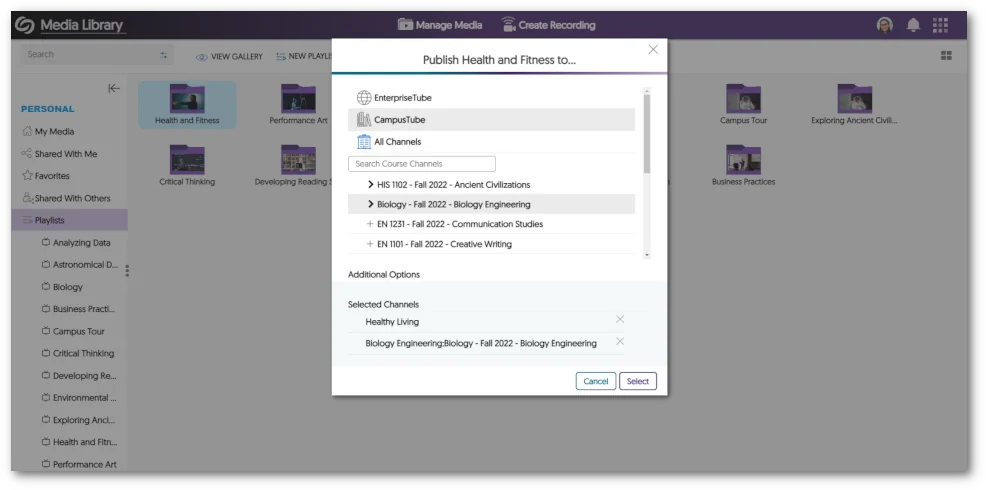
- Publish Playlists to the EnterpriseTube, CampusTube, and Course Channels with Real-Time Updating
Playlists now offer the flexibility to be published across EnterpriseTube, CampusTube, and Course Channels. After publication, Content Creators can continue to modify Playlists, with the changes instantly reflected across all published locations.
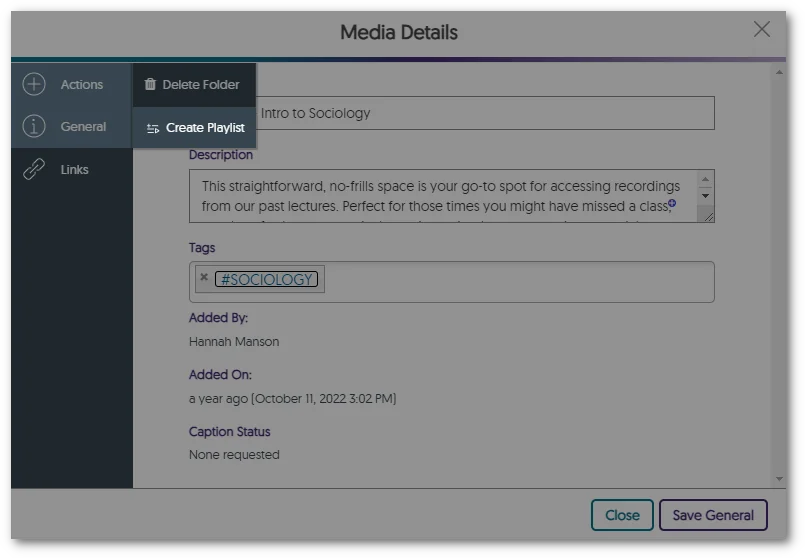
- Transform Folders into Playlists
Users with curated content within folders can seamlessly transform folders of video content into sharable Playlists, enabling them to share and dynamically update their content across the Video Platform. To recap, Playlists will eventually be the preferred way to distribute lists of videos, and Folders will remain the preferred way to organize content.
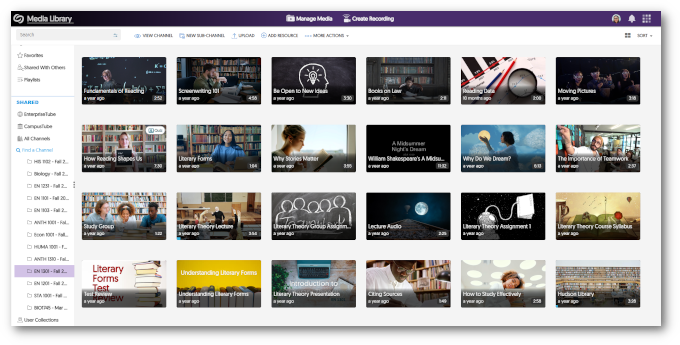
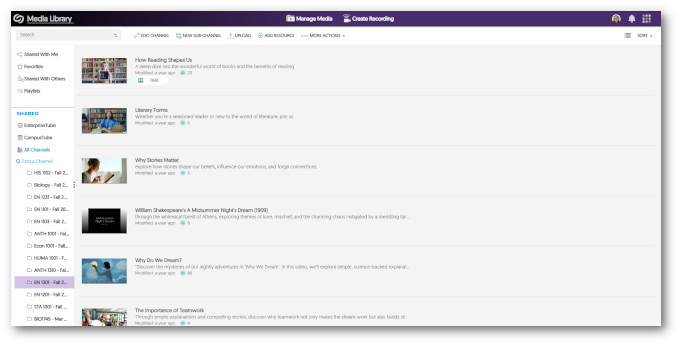
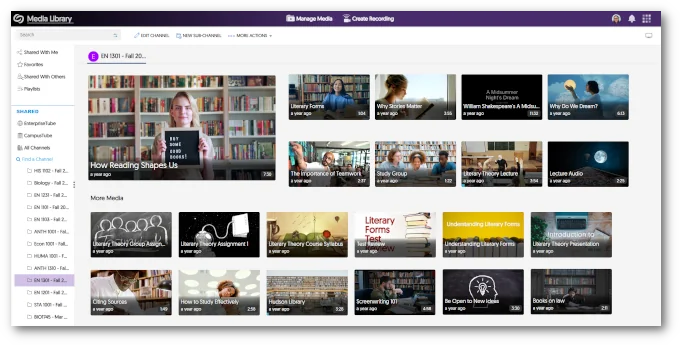
- Viewers Can Dynamically Select Layout Preference Between Grid, List, and Gallery with Default View Options
To establish a default viewing experience for each Channel on the Video Platform, administrators and Channel Owners have the option to configure the default view for a given Course Channel.
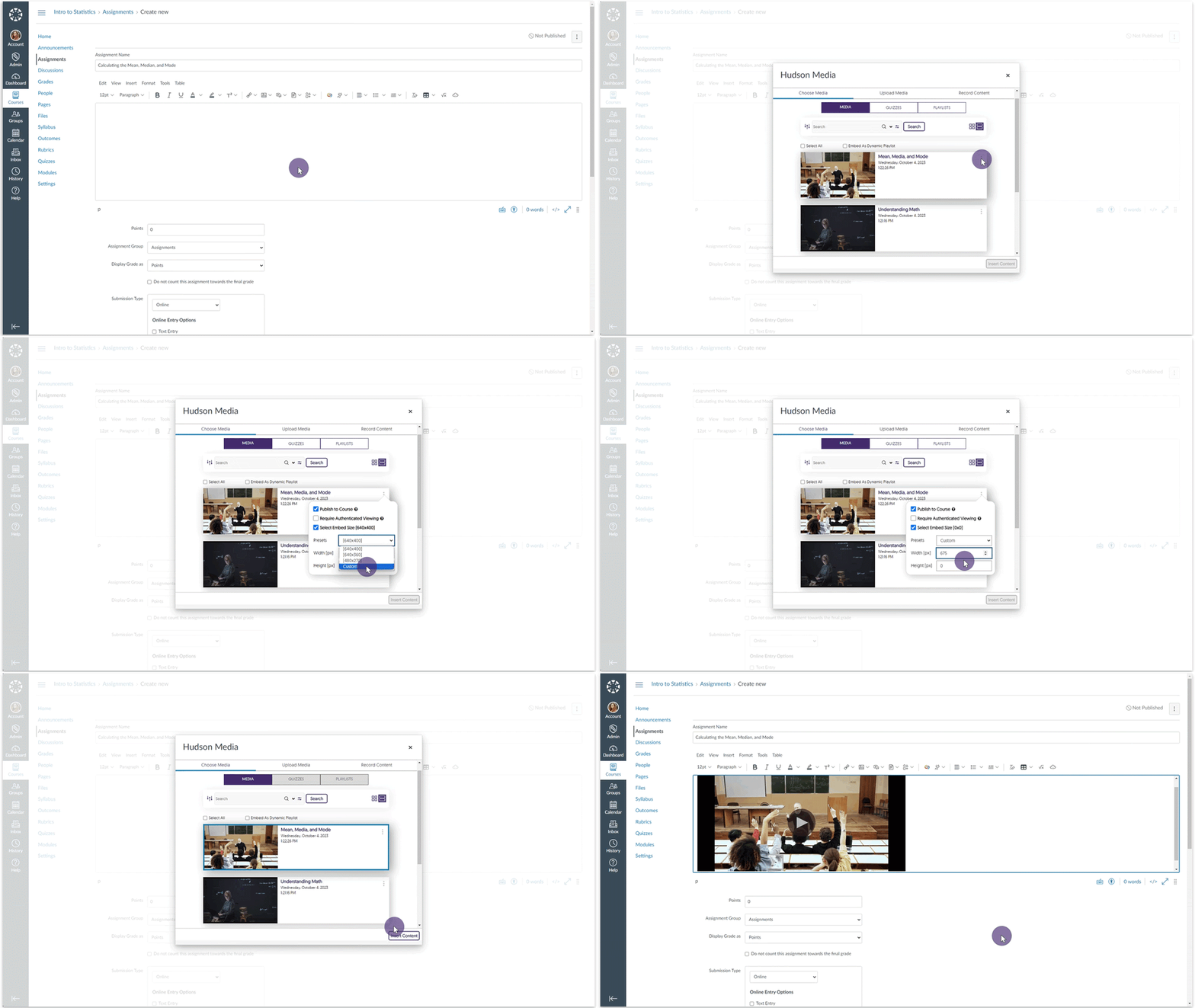
- Set Custom Embed Sizes for the Media Chooser
Content Creators can select a default standardized embed size for their media content when selecting to embed videos through the Media Chooser. Furthermore, Creators can customize the embed sizes.
- Video Editor – “Undo” Function Now Works with Recently Introduced Split Tool
In the previous release, we introduced a Split tool to complement the existing Cut tool. We have now added compatibility with the Video Editor’s “Undo” capability and the Split tool.
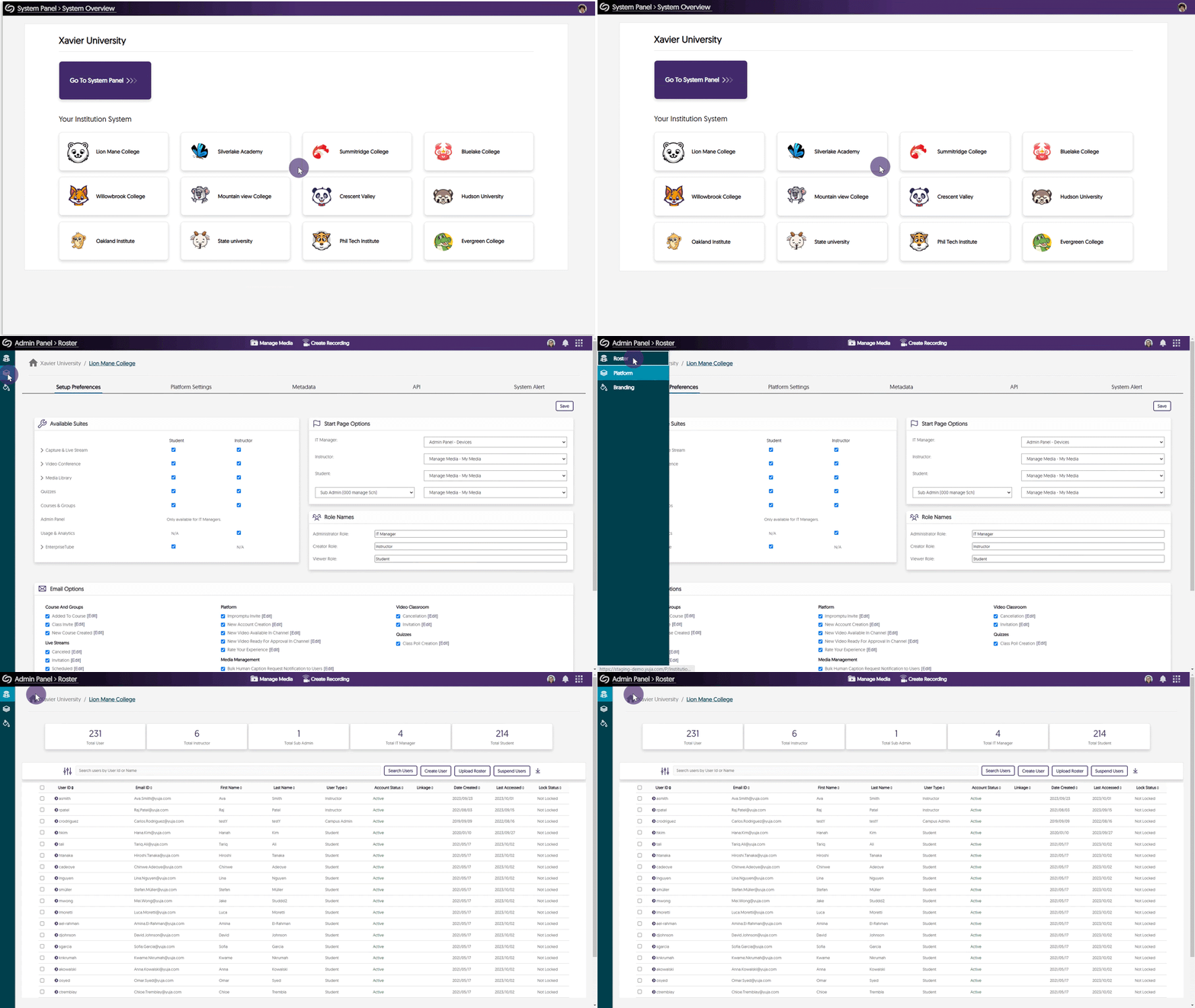
- Umbrella System – Manage Dedicated Rosters for Campuses
With the introduction of our Umbrella System Panel designed for Super Admins overseeing multi-campus institutions, our attention now turns to the distribution of Admin Panel settings to the System Panel, commencing with the Roster panel. Super Admins and Campus Admins will be able to oversee lists of provisioned users within each campus, enabling precise user role adjustments that exclusively impact individuals within their designated campus. In addition, we’re actively exploring how aspects of the Umbrella System could help large organizations, such as research institutions, to provide hierarchical distribution of administration and permission management for Campus and Sub-Admin roles to better support single-campus entities.
- Mirror Single Sign-on ID Names in the Video Platform With Existing YuJa IDs
In our previous update, we allowed Single Sign-on (SSO) ID names to be mirrored on the Video Platform when creating a new user. We have updated this feature to allow the YuJa IDs of existing users to be mirrored based on their SSO ID names.
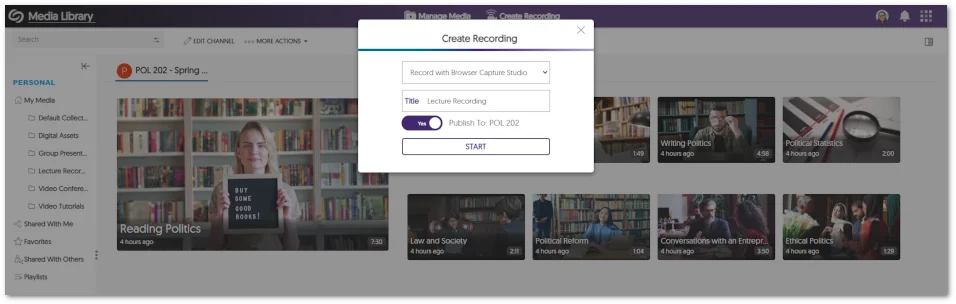
- Pre-Select the Course Channel for Browser Capture Publication
When launching the Browser Capture Studio from within a course channel, Content Creators now have the option to publish recordings to the course.
- Copied LMS Courses Will Have Their Published Videos and Quizzes Migrated to Pre-Existing Courses
In our last update, while we allowed LMS-copied courses to be connected with pre-existing courses on the Video Platform, the migration of published videos and Video Quizzes associated with these courses needed to be supported. We’ve now updated this functionality to allow associated videos and quizzes to migrate into courses previously established on the Video Platform.
- API to Schedule Events and Publish Them to CampusTube
We’ve introduced an API (4.2.8) that enables administrators to schedule live streams and media for direct publication to their CampusTube folder. To learn how to use this and any of our other APIs, please visit our API Support guide.