Product Updates
Get the latest platform updates, features, and announcements—all in one place.
Boost Video Accessibility with the GenAI Video PowerPack!
Try NowSupercharge Your Compliance Efforts with AutoPilot Remediation Max!
Try NowStrengthen Your PDF Accessibility Efforts with Structural Remediation Max!
Try NowDon't Miss Any of Our Upcoming Webinars—Save Your Spot!
RegisterThe YuJa Community is here! Connect, get updates, and access exclusive content.
Join NowGet the latest platform updates, features, and announcements—all in one place.
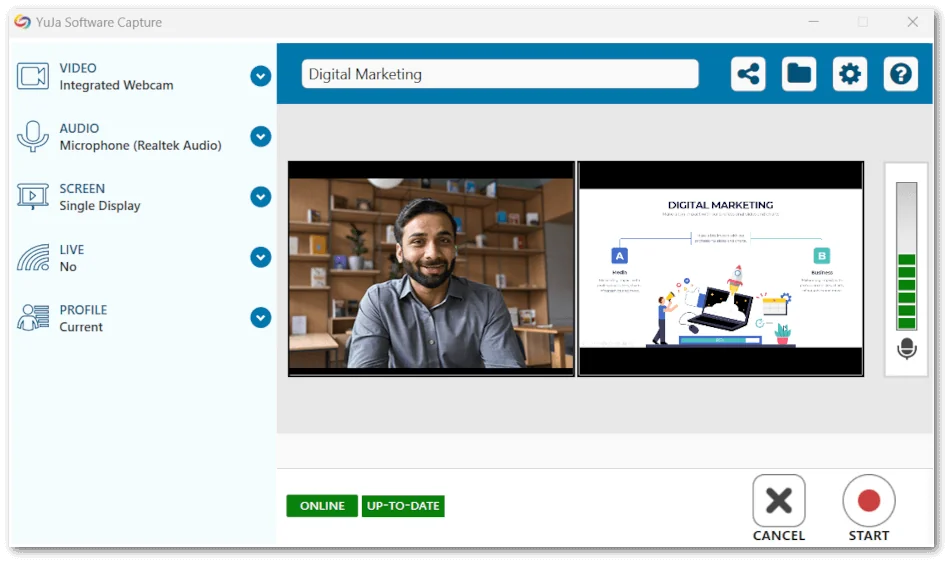
We have successfully pushed an update for Software Capture for PC and Mac to all Enterprise Video Platform instances residing in the European Union, Australia, the Middle East, and Asia. Canada and the United States will be updated later this week.
For the YuJa Software Capture for PC, this update includes remote monitoring for when devices are signed out of Windows and automatic capture resumption for when devices unexpectedly reboot.Fleet Management Capabilities – Remote Monitoring of Classroom Devices When Signed Out of Windows
If a scheduled session starts while a user is not logged into their Windows device, the session preview will now be accessible on the Admin Panel’s Device page.

Automatic Capture Resumption When Devices Unexpectedly Reboot
If a device running a Software Capture session unexpectedly reboots due to a system crash or power failure, Software Capture will now automatically initiate a new recording upon reboot while preserving the previous recording.

For the YuJa Software Capture for Apple, this update includes the automatic start of scheduled sessions when Software Capture is closed, selecting course channels and saving locations for profiles, and integrated support for Kuando Buslight.
New Fleet Management Capabilities – Automatic Start of Scheduled Sessions When Software Capture Is Closed
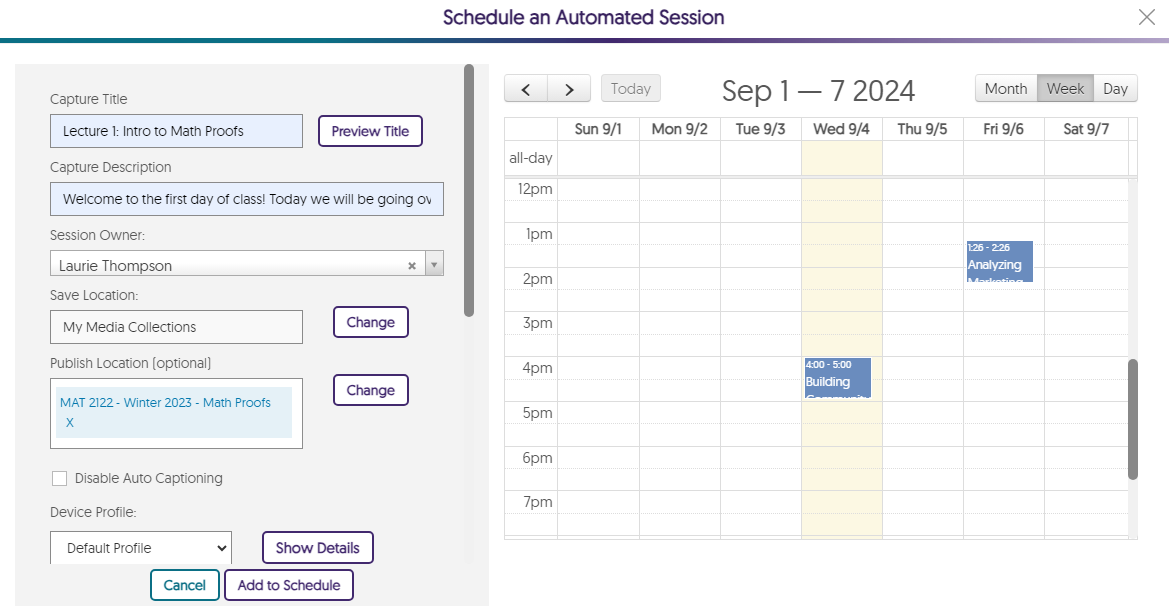
As part of our Fleet Management capabilities, we are developing tools to enhance remote deployments of the Software Capture application. In cases where Software Capture is not open, it will ensure that scheduled sessions start on time to capture active devices such as video, audio, and screen sources.

Select Course Channels and Save Locations for Profiles
Content Creators can choose Course Channels and save locations when creating a profile, ensuring their recordings are automatically uploaded to the desired areas on the Video Platform.

Integrated Support for Kuando Busylight
Administrators can connect their Kuando Busylight to their Mac device and configure preferred color options on the Device page to indicate whether a recording is active, paused, not recording, or if an error has occurred.


Audio quality is essential for capture functionality; users need to be able to hear what you are saying. Poor audio quality makes captures less useful, and may leave users feeling discouraged and frustrated.There are multiple components to the overall quality of an audio recording, including the space in which you’re recording, the equipment you’re using, and the settings for your microphone.
Migrating to the 64-bit architecture has significantly improved the performance of the Software Capture application by allowing it to take advantage of the larger memory space available in compatible systems. As a result, the Software Capture application will be able to allocate the appropriate memory resources for the workload and, as a result, will use memory resources approximately 50-60% more efficiently, as well as complete tasks much faster than previous versions.
In practical terms, the Software Capture application can now address bottleneck issues that resulted in devices such as webcams disconnecting, or crashes due to a lack of memory resources. With the improved architecture, the application can take full advantage of any allocated memory, allowing for better scaling when handling high-intensity scenarios (such as multiple 4k cameras at high framerates).

Join the 1,000+ Organizations Deploying High-Impact Solutions