


















Web and App Accessibility: Understanding the U.S. Justice Department’s Proposed Rulemaking
Download the PDF >
Boost Video Accessibility with the GenAI Video PowerPack!
Try Now
Supercharge Your Compliance Efforts with AutoPilot Remediation Max!
Try Now
Strengthen Your PDF Accessibility Efforts with Structural Remediation Max!
Try Now
Don't Miss Any of Our Upcoming Webinars—Save Your Spot!
Register
The YuJa Community is here! Connect, get updates, and access exclusive content.
Join Now

YuJa Panorama’s OCR Engine turns scanned documents into machine-readable text, performs image accessibility checks on scanned photos, and converts documents into audio files, allowing you to streamline the process of creating accessible learning materials for every student.
Scrolling logos of YuJa’s clients such as SUNY Corning, University of Cambridge and University of Calgary, etc.
YuJa Panorama combines AI with OCR technologies to perform character recognition that transforms scanned documents and images of text into accessible, screen-readable data. With nine different OCR formats to choose from, you can effortlessly convert your files into the format that best suits your students’ learning needs.
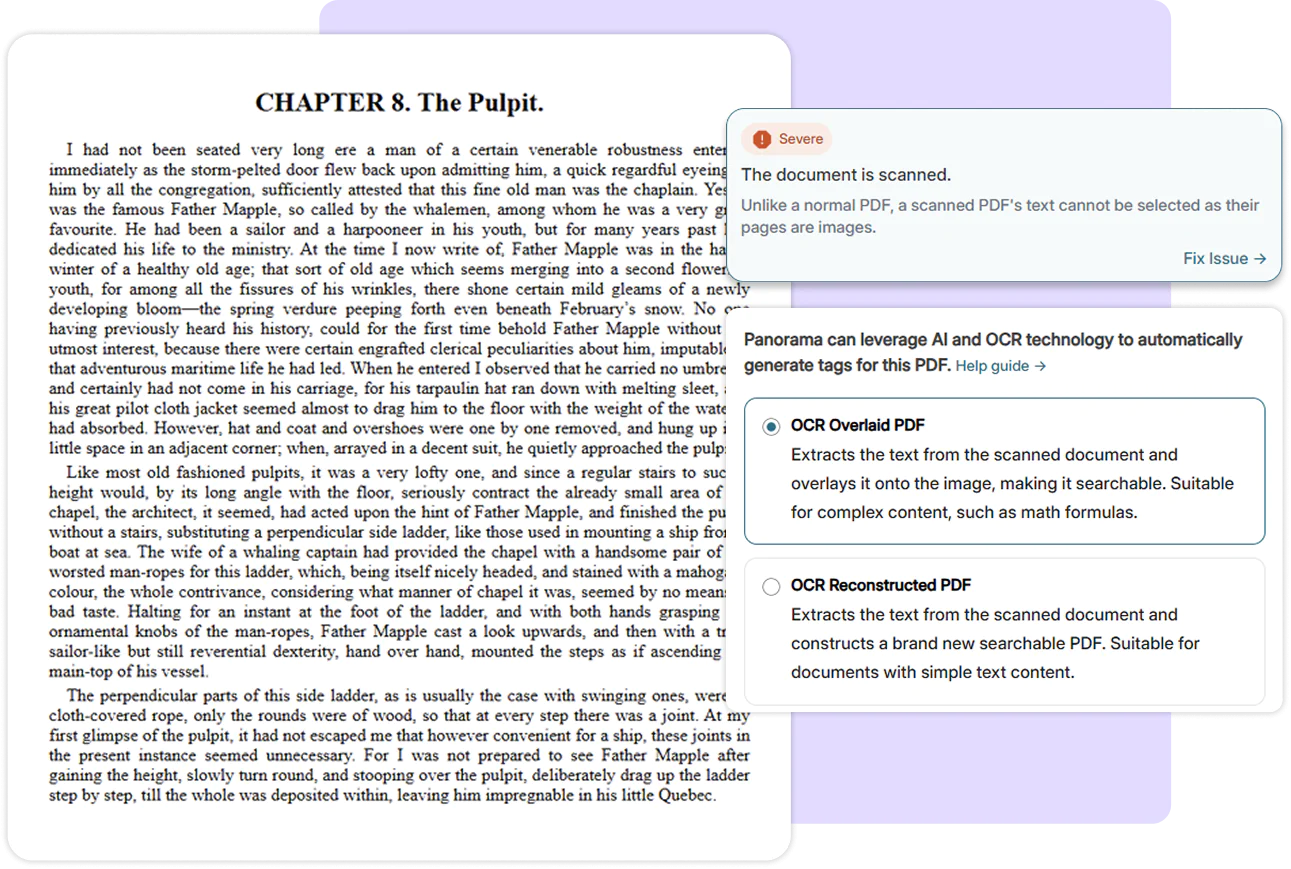
With YuJa Panorama’s sophisticated OCR engine, you can rapidly turn printed or scanned materials into documents that are both editable and searchable. Eliminate manual data entry, boost document usability, and increase document accessibility by making it screen-readable in just a few clicks.

Generate a tagged PDF that allows searchable text to be overlaid on the original file.

Convert scanned text into a reconstructed tagged PDF file.

Convert scanned text into a reconstructed HTML file.

Convert scanned text into a searchable plain text file.

View scanned text within an immersive reader that provides reading customization.

View scanned text with a color gradient that helps guide reading.

Convert scanned text into a downloadable MP3 audio file.

Convert scanned text into readable, structured text while preserving context and layout.

Convert scanned text into audio with natural intonation and emphasis.
Find and fix issues automatically
Build and deliver accessible content
Work where your teams already are
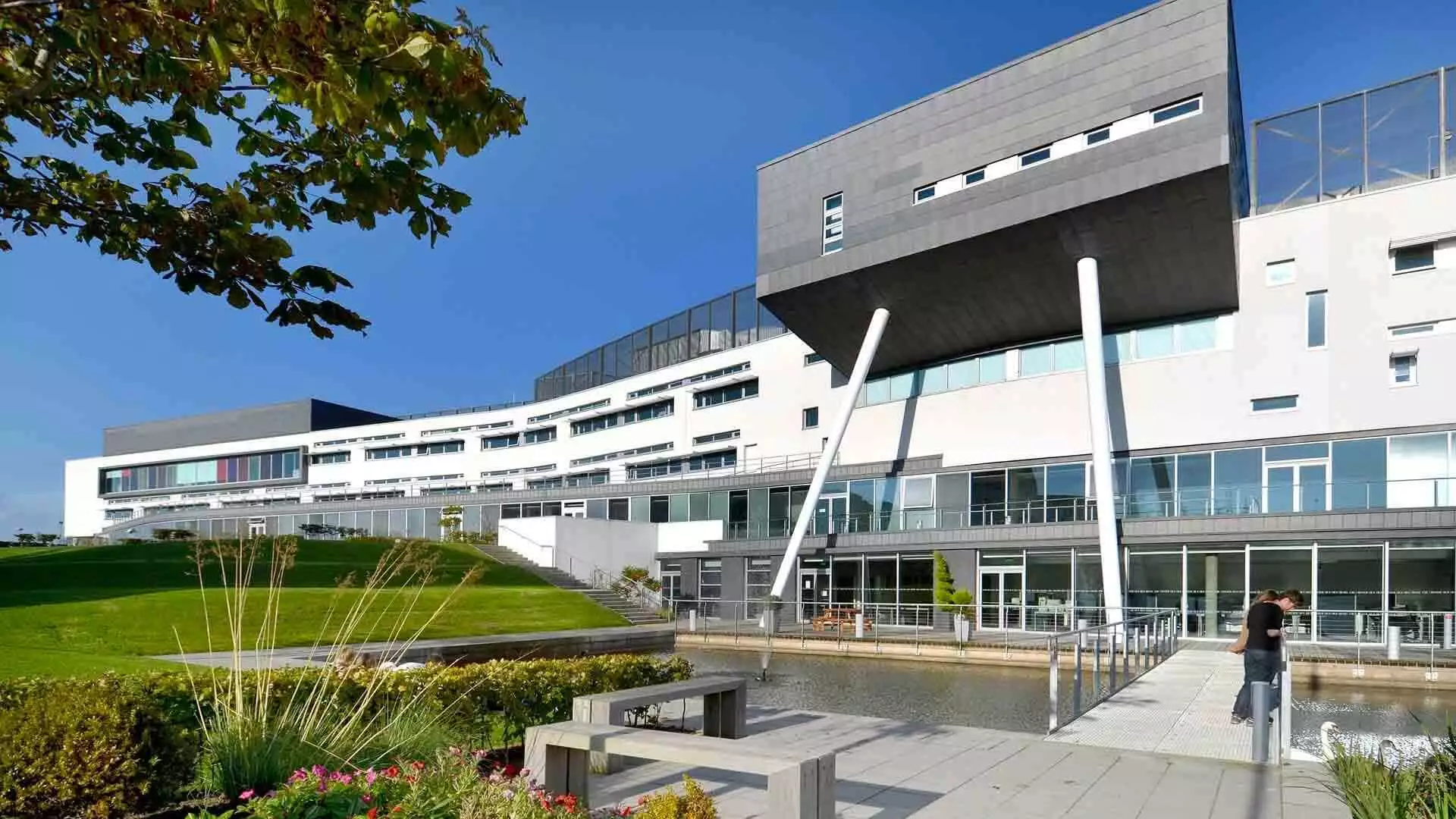

Located in Scotland’s capital city, Edinburgh, Queen Margaret University has selected YuJa Panorama to help deliver accessible course content to its more than 8,500 students campuswide.
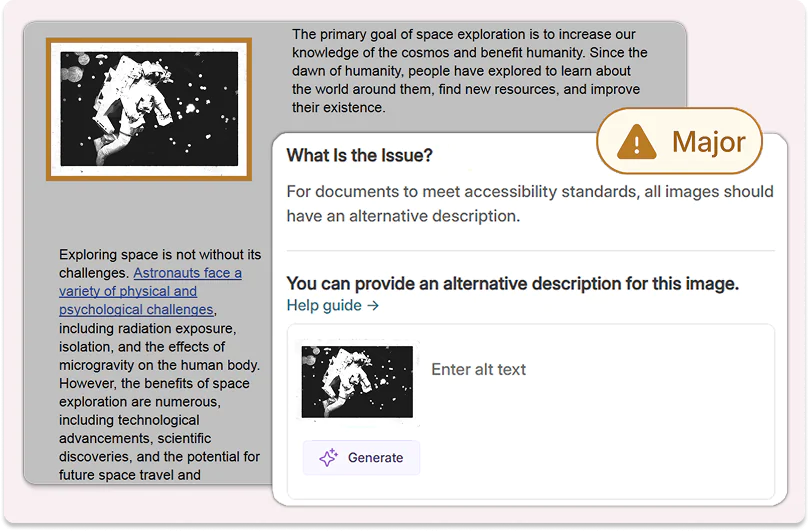
YuJa Panorama performs accessibility checks on images in your scanned documents to help bring your files to WCAG 2.2 standards. Easily add alternative text for your scanned images, or use YuJa AutoPilot to generate alternative text for you in seconds.
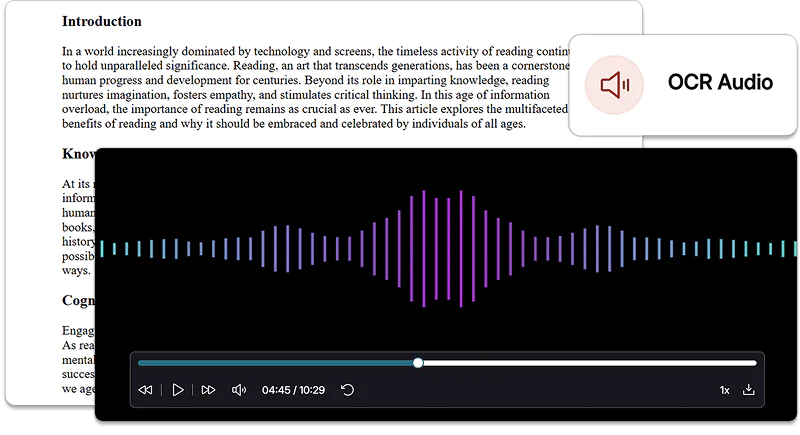
Accommodate diverse learning styles and allow your students to study on-the-go by having scanned documents read to them. Use the Alternative Formats menu to extract text within images or scanned documents, and automatically generate a corresponding audio file with OCR Audio or OCR Semantic Audio.
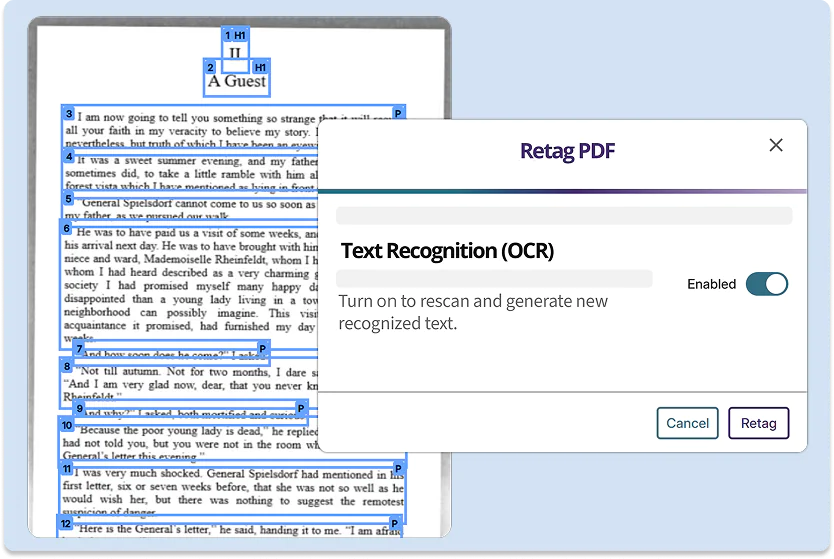
YuJa Structural Remediation enables users to rerun OCR on PDFs that were previously processed with lower-quality OCR by other vendors. Transform legacy documents with inaccurate OCR into files that are both highly usable and accessible, without the manual effort.
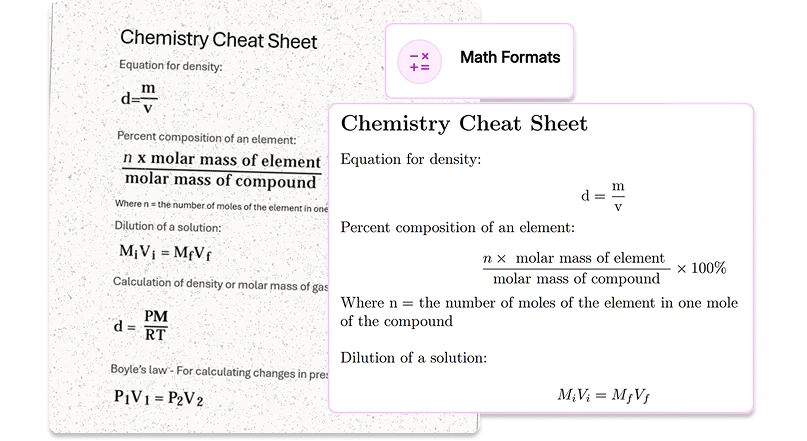
The Alternative Format’s Math options run specialized OCR that can extract and convert images of equations into machine-readable documents, audio files, or plain text. Help make sure your course materials reach all students, regardless of their learning styles.
Join the 1,000+ Organizations Deploying High-Impact Solutions