









How to Create a User-Friendly Online Test Proctoring Experience
Read the article >
Boost Video Accessibility with the GenAI Video PowerPack!
Try Now
Supercharge Your Compliance Efforts with AutoPilot Remediation Max!
Try Now
Strengthen Your PDF Accessibility Efforts with Structural Remediation Max!
Try Now
Don't Miss Any of Our Upcoming Webinars—Save Your Spot!
Register
The YuJa Community is here! Connect, get updates, and access exclusive content.
Join Now

Instructors can configure proctoring settings in YuJa Verity to prevent test-takers from using AI chatbots, browser extensions, and virtual assistants during an assessment. Instructors can also monitor each test-taker’s side panel activity for additional transparency and security.
Scrolling logos of YuJa’s clients such as SUNY Corning, University of Cambridge and University of Calgary, etc.
Instructors have full control over which tools test-takers can access during an exam, including the ability to restrict AI chatbots, browser extensions, and virtual assistants. For added oversight, instructors have full transparency over the list of tools accessed by test-takers during assessments in the post-assessment report.
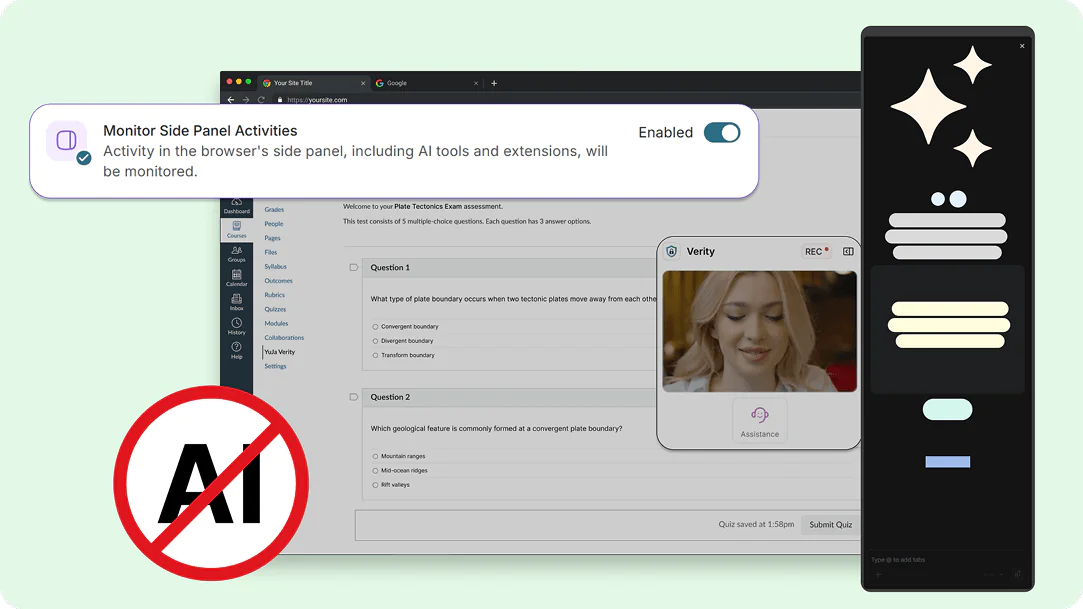
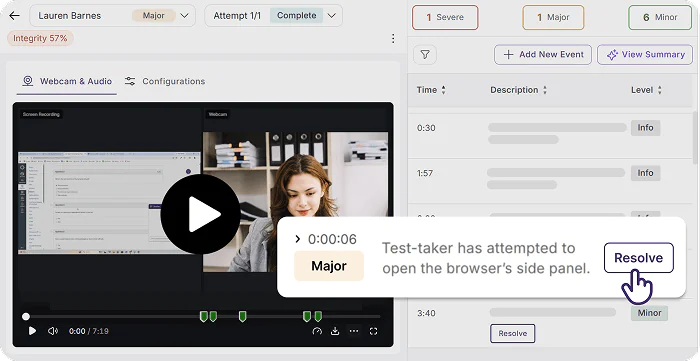
Detect the use of browser sidebars to deter test-takers from accessing generated answers and summaries from in-browser AI assistants, including ChatGPT, Claude, Gemini, Copilot, and more. Any detected use of browser sidebars will be flagged as a violation.
YuJa Verity allows you to disable browser extensions that embed LLMs, such as ChatGPT and Claude AI, to prevent test-takers from using AI to cheat on assessments. You can also permit specific browser extensions depending on your institutional guidelines and assessment needs.
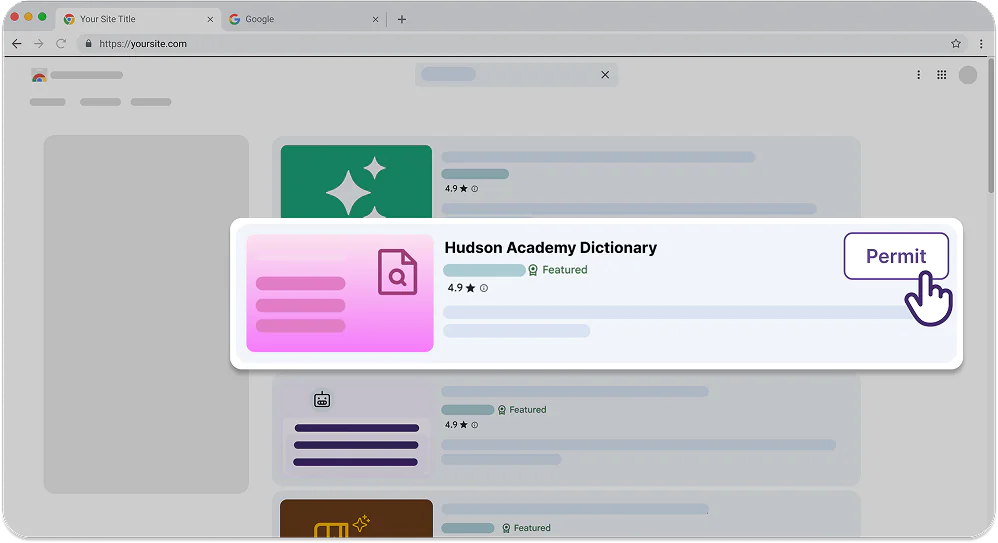
Enable Monitor Side Panel Activities during proctoring setup to keep track of any attempts by the test-taker to access AI tools, such as chatbots and virtual assistants, in their browser side panel. Any violations will be flagged in the post-assessment report for further review.
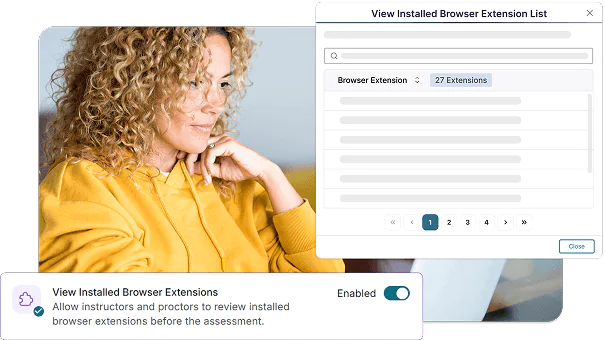
Have clear insight into browser extensions that are installed on a test-taker’s device in the post-assessment report. This helps you maintain transparency and honesty during a proctored assessment without needing to manually permit browser extensions that your institution allows test-takers to use for every assessment.
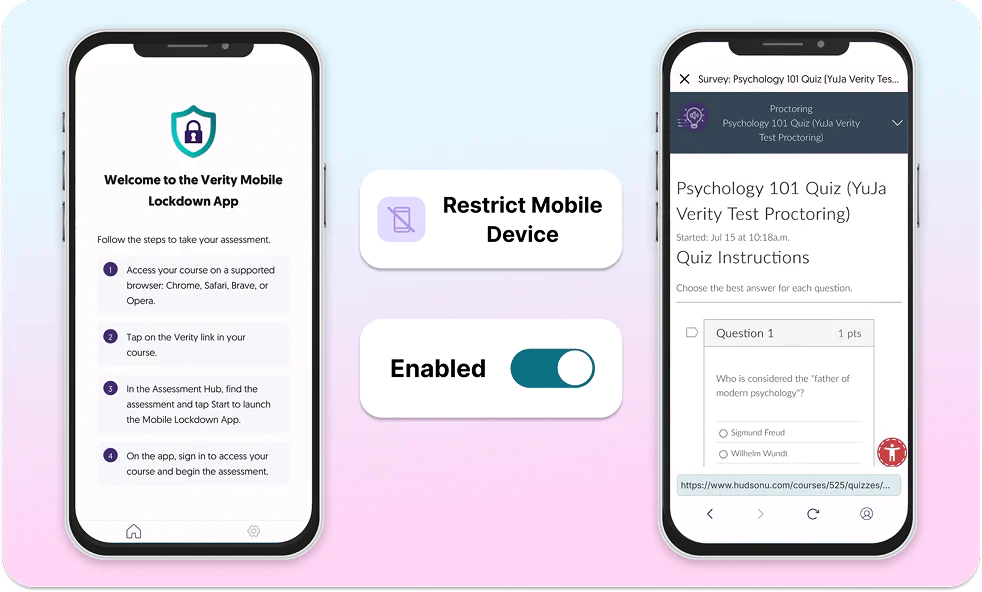
With the Restrict Mobile Device setting enabled, students must connect via the YuJa Verity Mobile Lockdown App to restrict them from using smartphones throughout the duration of the assessment. If the test-taker’s mobile device is disconnected at any point, it will be flagged.
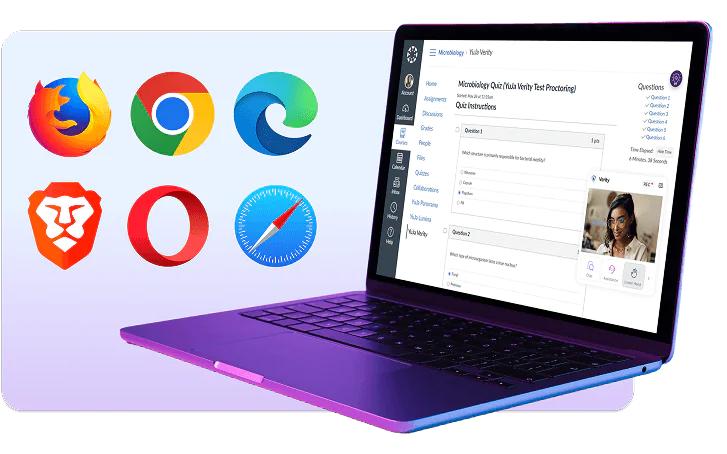
YuJa Verity supports leading browsers, including Google Chrome, Mozilla Firefox, Microsoft Edge, Safari, Brave, and Opera. No matter which browser your test-takers prefer, YuJa Verity delivers consistent AI and sidebar detection to keep every assessment secure.
YuJa Verity gives instructors a full set of tools to detect and prevent unauthorized AI use, from browser sidebars and chatbots to virtual assistants and secondary devices, so every assessment reflects a test-taker’s own work.

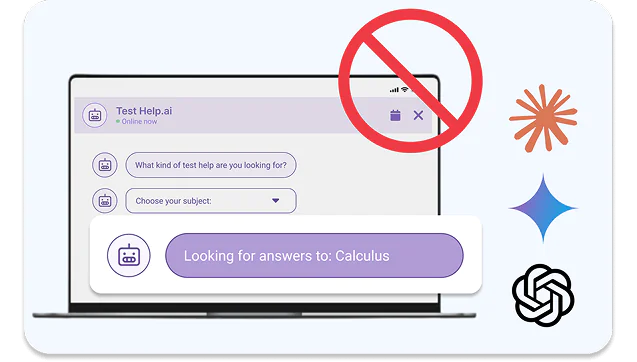
Restricts access to AI chatbots such as ChatGPT, Claude, Gemini, and Copilot, closing off a common shortcut to generated answers and summaries.

Detects and blocks unauthorized AI browser extensions that could provide answers to test-takers without opening a visible chatbot window.

Prevent test-takers from accessing any unauthorized or restricted desktop applications used to generate or search for answers.

Block test-takers from launching virtual assistants, which are often used to bypass security or capture confidential information.

Detects when test-takers try to use a smartphone during assessments, preventing access to AI tools or outside help beyond the monitored browser.

Prevents test-takers from opening new tabs or navigating away from the assessment to search for answers or access outside tools.

Using YuJa Verity’s comprehensive automated and live proctoring solutions, California’s Columbia College is empowered to schedule, deliver, and monitor assessments in a unified interface that prevents cheating and deters academic dishonesty.
Learn MoreJoin the 1,000+ Organizations Deploying High-Impact Solutions