









Configure proctoring settings
Select your vendor, set up your assessment in your LMS, choose a password, and configure proctoring settings in YuJa Verity.
Boost Video Accessibility with the GenAI Video PowerPack!
Try Now
Supercharge Your Compliance Efforts with AutoPilot Remediation Max!
Try Now
Strengthen Your PDF Accessibility Efforts with Structural Remediation Max!
Try Now
Don't Miss Any of Our Upcoming Webinars—Save Your Spot!
Register
The YuJa Community is here! Connect, get updates, and access exclusive content.
Join Now

Connect external tools with YuJa Verity to facilitate secure proctoring, automated identity verification, browser lockdown, and centralized reporting in a range of assessment platforms.
Scrolling logos of YuJa’s clients such as SUNY Corning, University of Cambridge and University of Calgary, etc.
Easily set up, embed, and proctor external assessments in your LMS with Verity’s third-party integrations, helping you manage, secure, and monitor assessments in one unified interface and workflow.
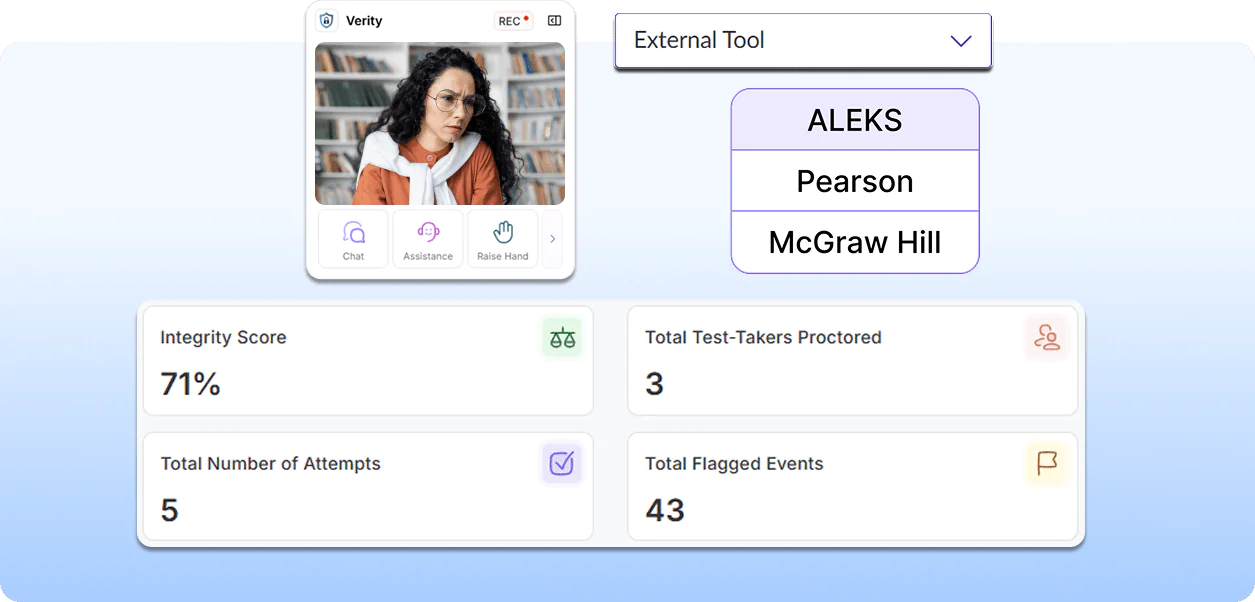
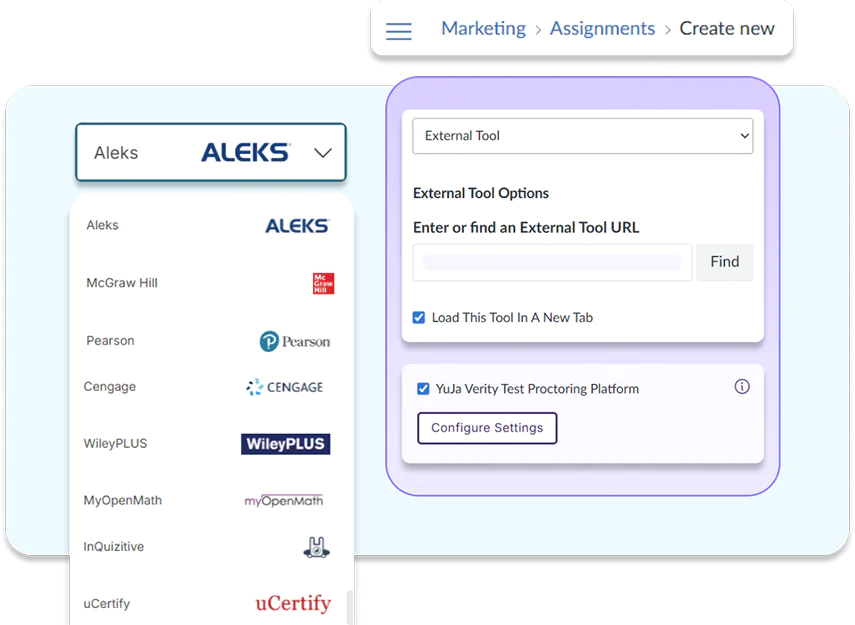
With YuJa Verity’s third-party integrations, instructors can embed any available external assessment into their LMS assessment workflow to enable YuJa Verity for flexible and unified proctoring.
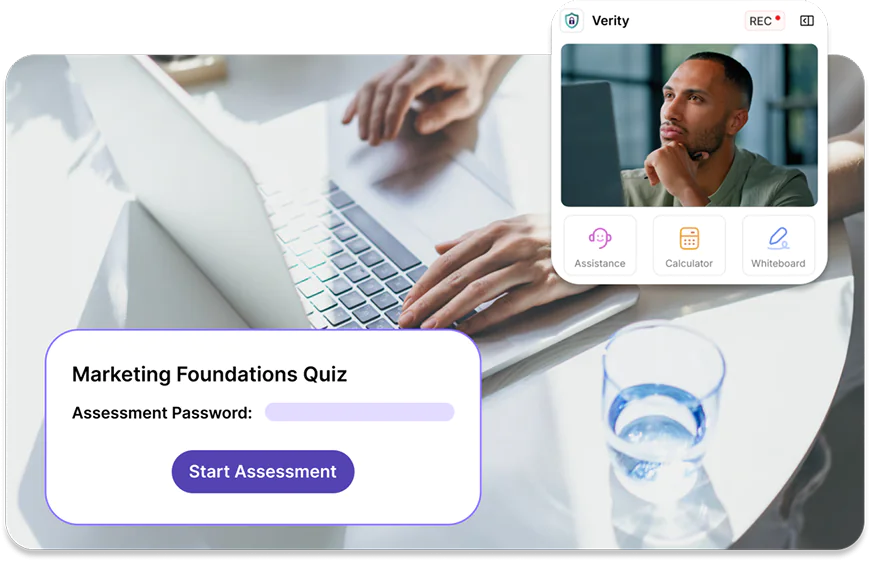
YuJa Verity will automatically detect the third party assessment tool and inject the assessment password for students, allowing them to start their proctored assessment in one smooth, uninterrupted workflow.
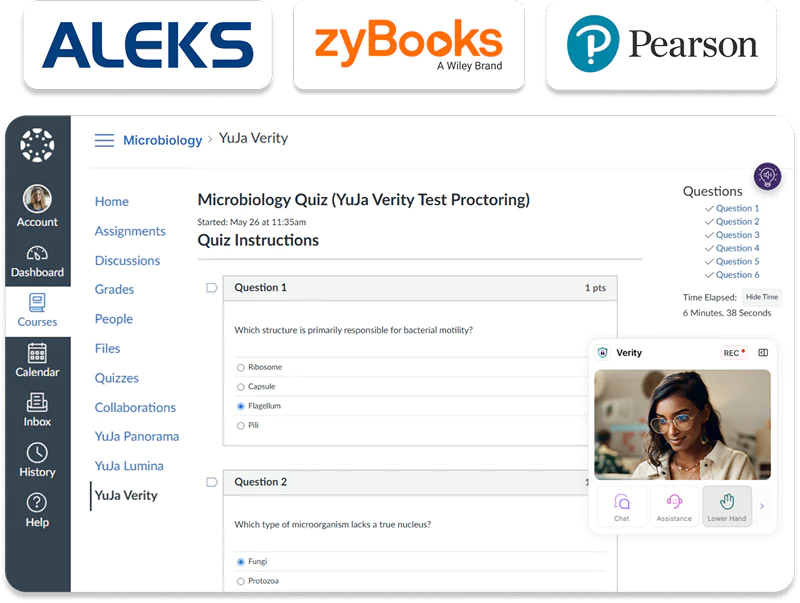
YuJa Verity integrates with a wide selection of third-party assessment platforms such as Pearson, McGraw Hill, ALEKS, and others, enabling instructors to embed and proctor these assessments directly in their LMS.














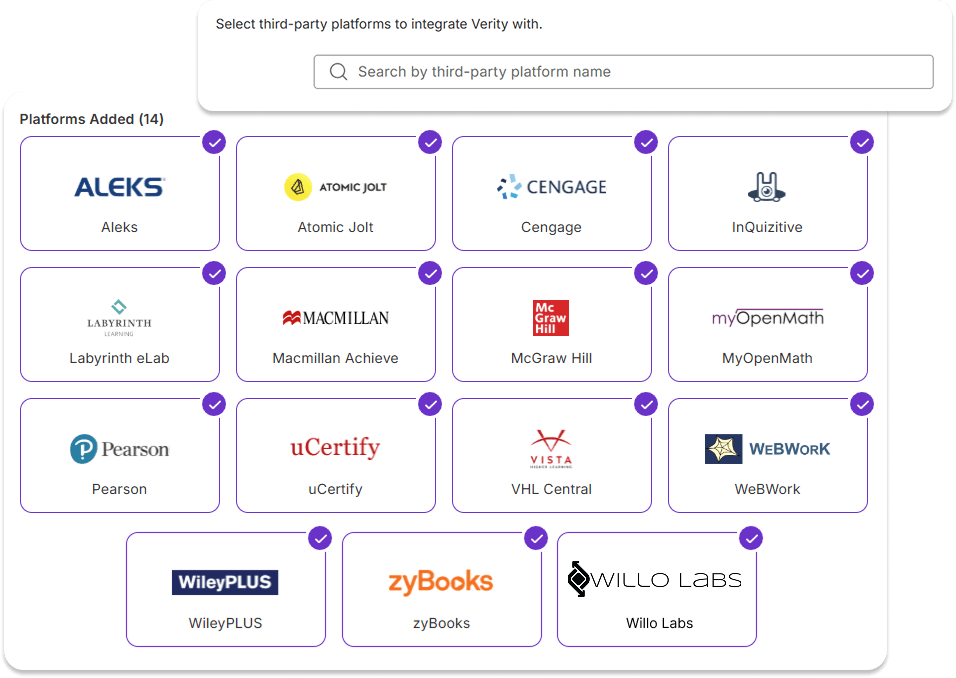
Pick and choose the integrations that best suit your needs and add them to your Verity profile. You can also request additional integrations to be added to align with your institution practices.
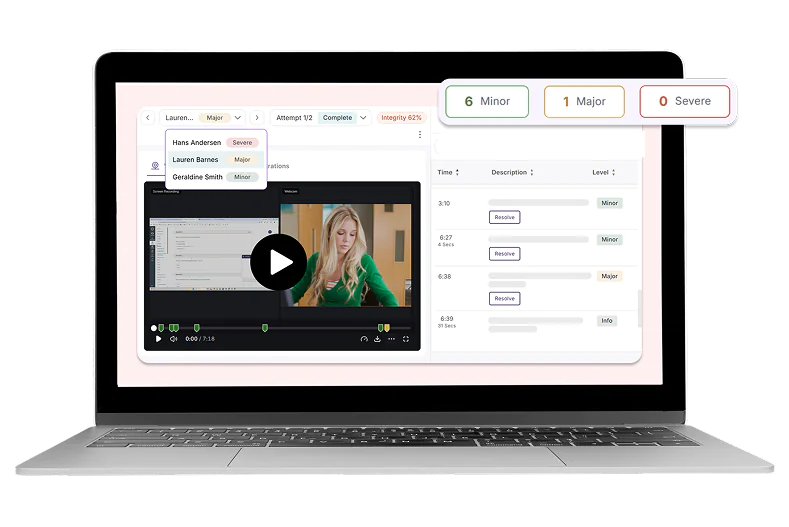
Review each third-party assessment attempt individually immediately after a test-taker submits their assessment through the platform. Sync third-party assessment grades automatically to your LMS, eliminating the need for any manual checks and actions across platforms.

As instructors and students continue to discover and use YuJa Panorama, Pellissippi State will continue expanding its accessibility initiatives, Dr. Markowitz said, adding that there are plans to implement YuJa’s PDF Remediation tool, PDF Remediation Max Platform. This addition will help address one of the most common accessibility challenges faced by faculty.
Read the case studySetting up the YuJa Website Accessibility Widget for the first time is quick and easy.

Select your vendor, set up your assessment in your LMS, choose a password, and configure proctoring settings in YuJa Verity.

Monitor your proctored assessments from your LMS or third-party platforms through Verity’s centralized dashboard.

Evaluate test-taker performance, assessment recording, and all flagged events using YuJa Verity’s post-assessment report.
Join the 1,000+ Organizations Deploying High-Impact Solutions