


Student Response System

Increase Student Engagement with Intelligent Polling

Turn passive lectures into active learning experiences with complete polling with AI-generated questions, geolocation attendance solution designed for higher education.

Scrolling logos of YuJa’s clients such as Clemson, University of Manitoba, Northern Kentucky University, etc.

Engage Students

Real-Time Student Response System Built for Higher-Ed

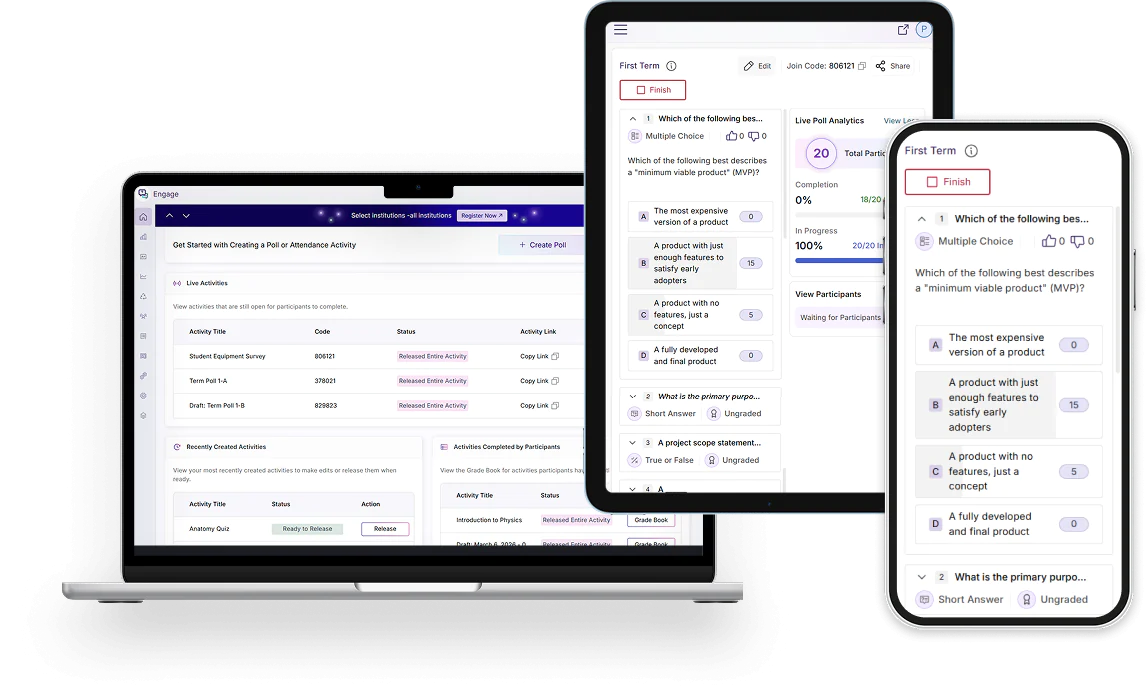
Go beyond basic polling with AI-generated questions, geolocation attendance tracking, comprehensive analytics, automatic grade book sync, and seamless multi-platform integration. YuJa Engage delivers the advanced tools modern educators need to create truly interactive learning experiences that drive measurable student outcomes. YuJa Engage is available across devices for access to on-the-go polling.

Real-Time Live Polling

Real-Time Engagement with Live Polling

Instructors can schedule or launch polls at any time and view responses through a centralized dashboard, including detailed breakdowns and activity feeds for all test-takers. Students can join polls from any device using a poll code or QR code, making participation seamless in both in-person and online environments.

Tracking and Analytics

Monitor participation as it happens with live dashboards that display response rates, answer distributions, and engagement trends.

Multiple Question Types

Choose from a variety of question formats like multiple choice, true or false, clickable images, and, short answer, word clouds, and much more.

Instant Feedback and Reactions

Gauge student comprehension using real-time reactions and feedback on published polls.

Automatic Gradebook Sync

Automatically sync poll results to the LMS gradebook to streamline assessment evaluation and record-keeping.

The School of Business on the campus of Lubbock Christian University.
Lubbock Christian University logo.

Lubbock Christian University

Texas-based Lubbock Christian University uses the YuJa Engage Student Response System, YuJa Panorama Digital Accessibility Platform, and the YuJa Enterprise Video Platform.

Read more
Gamified Learning Experience

Gamify Your Classroom with Interactive Question Types

Transform lectures into engaging learning experiences by embedding interactive polls and surveys into every session. Common and out-of-the-box question types allow instructors to assess comprehension, reinforce concepts, and encourage participation across in-person and online classes.

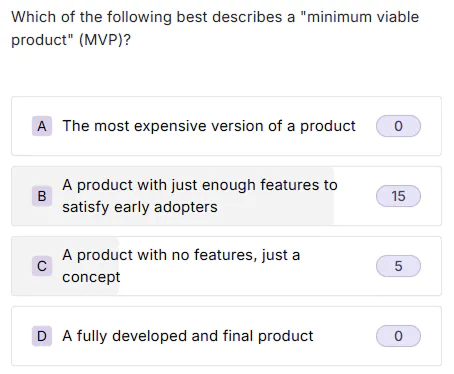
A Multiple Choice question requires poll participants to select the correct answer from a list of possible options.

A Retrospective question allows participants to reflect on past experiences, activities, or learning outcomes.

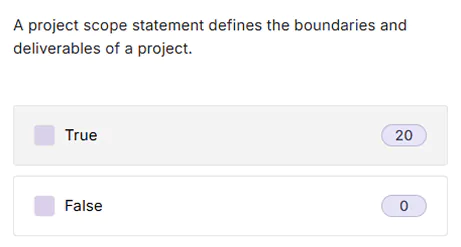
A True or False question requires poll participants to answer a simple two-option question and choose whether the statement is true or false.

An Open Discussion question allows poll participants to engage in an open discussion, where they can type their response, and upvote or downvote other responses.

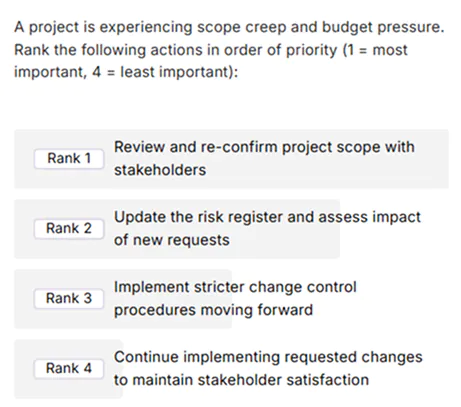
A Ranking question allows poll participants to rank given options in order of preference.

A Brainstorm question is used to collect ideas, suggestions, or creative input from participants.

A Clickable Image question requires poll participants to click an area of an image to select a correct answer.

An Icebreaker question is designed to encourage participation and help participants get comfortable engaging at the start of a session.

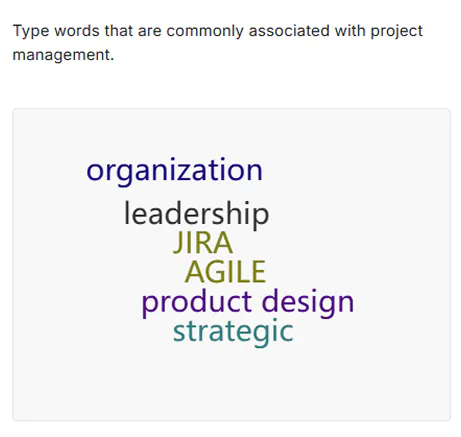
A Word Cloud question is designed to gather poll participants’ ideas and present them for everyone to view.

A Fill in the Blank question requires poll participants to fill in omitted words to complete a statement.

A Matching question requires poll participants to pair items with predetermined options.

A Short Answer question requires poll participants to enter a short answer into a text box, in response to your question.

Attendance Polling

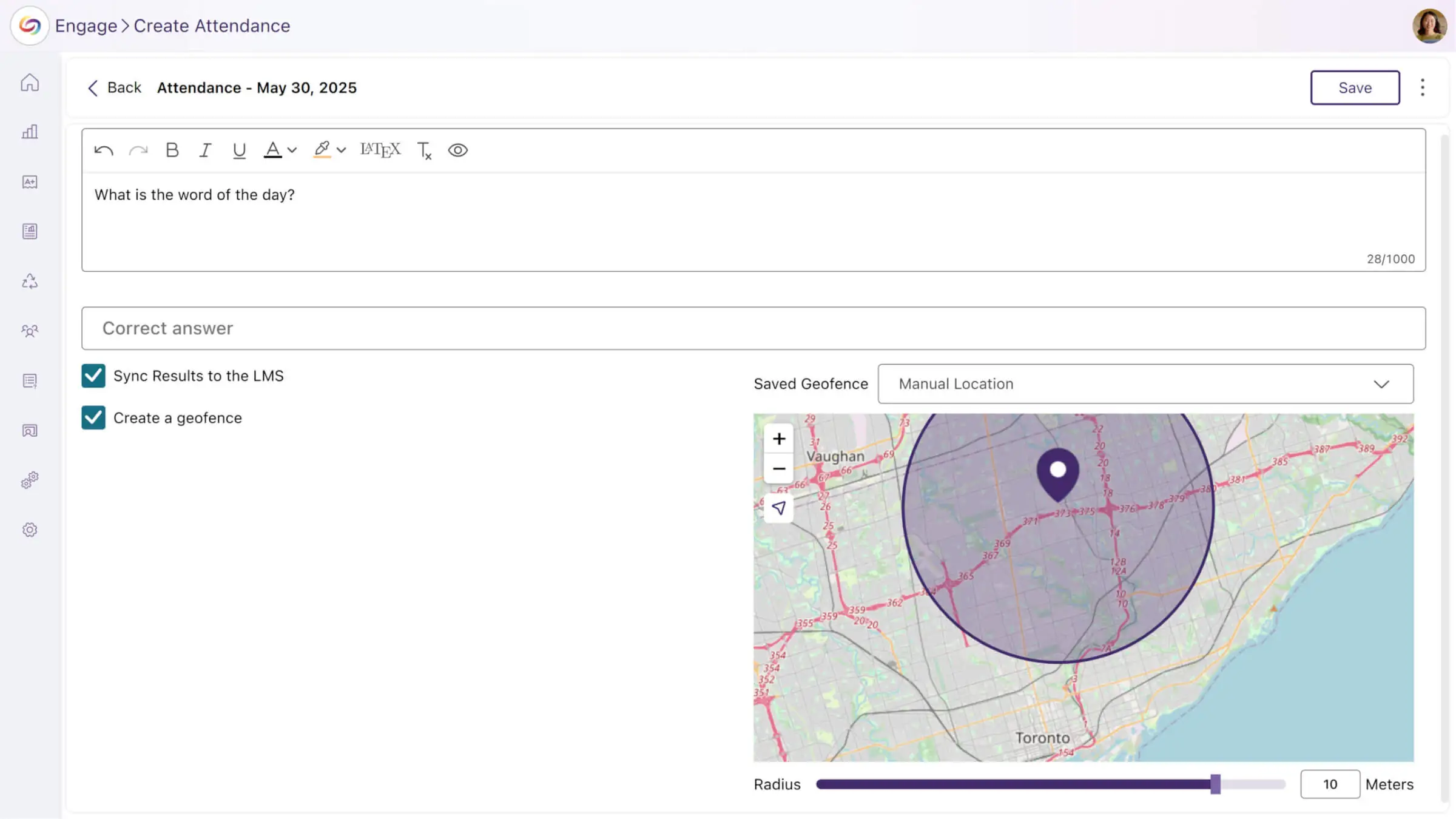
Capture Geolocation-Based Attendance with Daily Polls

Help ensure academic integrity with geolocation-based attendance tracking. To take an attendance poll, students must be physically present within your defined boundaries, such as classrooms, labs, or other campus areas. Attendance results will also automatically sync with your LMS-integrated gradebook.

Multi-Device BYOD

Support for Mobile, Tablet, and PC Platforms

Provide seamless access to polls, surveys, and results through native iOS and Android apps designed for both instructors and students. Students can join activities using LMS login, QR codes, or poll codes, while instructors can activate and manage polls directly from their chosen device.

AI-Powered Content Creation

Leverage AI to Auto-Generate Poll Questions

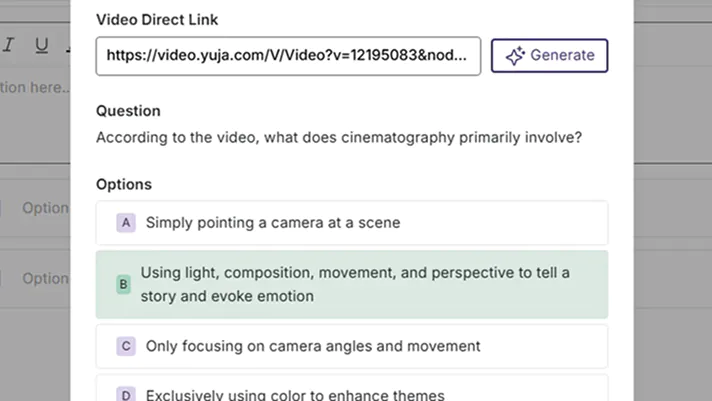
Upload any captioned video and let AI create relevant poll questions at once. Review AI-generated questions and make adjustments before publishing to students, with questions automatically linking to source videos for a cohesive learning experience.

Comprehensive Analytics Dashboard

See Detailed Engagement Analytics

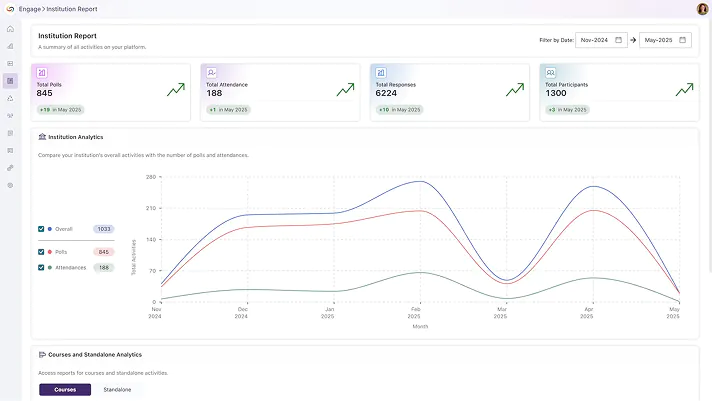
Make data-driven decisions with detailed insights at the institution, course, and activity level by monitoring platform engagement and participation across your entire organization. Track performance trends and access comprehensive breakdowns of each activity using a centralized reports hub that records insights over time.

Multi-Platform Ecosystem

Integrate with Existing Institutional Infrastructure

Work within your existing institutional infrastructure with native integrations across presentation software, learning management systems, and authentication platforms. Features direct LTI integration with automatic gradebook sync for all major LMSs, Microsoft PowerPoint, Google Slides and Apple Keynote add-ons with full feature parity, and enhanced Single Sign-On security with ADFS integration.

Blackboard logo
Canvas logo
Moodle logo
D2L logo
PowerPoint logo
Google Slides logo
Keynote logo

Join the 1,000+ Organizations Deploying High-Impact Solutions

A collection of logos representing various organizations and institutions that use YuJa’s platform.