









March 13, 2026
Boost Video Accessibility with the GenAI Video PowerPack!
Try Now
Supercharge Your Compliance Efforts with AutoPilot Remediation Max!
Try Now
Strengthen Your PDF Accessibility Efforts with Structural Remediation Max!
Try Now
Don't Miss Any of Our Upcoming Webinars—Save Your Spot!
Register
The YuJa Community is here! Connect, get updates, and access exclusive content.
Join Now

YuJa Intelio is an AI-powered student assistant that delivers instant, course-specific guidance, supports ongoing conversations, and centralizes course content for a more seamless learning experience.
Scrolling logos of YuJa’s clients such as SUNY Corning, University of Cambridge and University of Calgary, etc.
YuJa Intelio transforms course content into an interactive, AI-powered study assistant, helping students stay organized, informed, and supported throughout their courses. Accessible from the sidebar, students can ask course-specific or general questions and revisit previous conversations for continuous guidance.
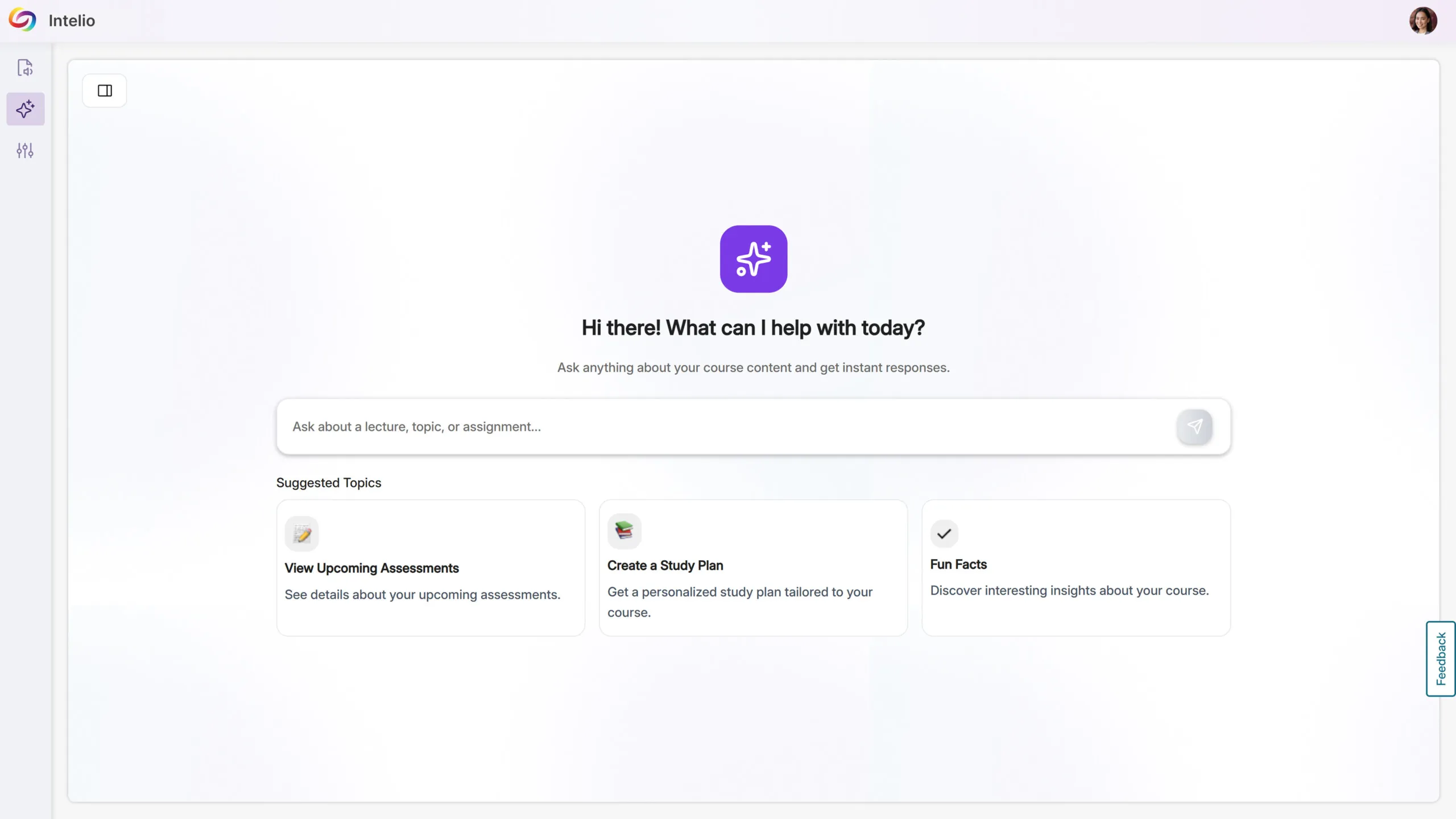
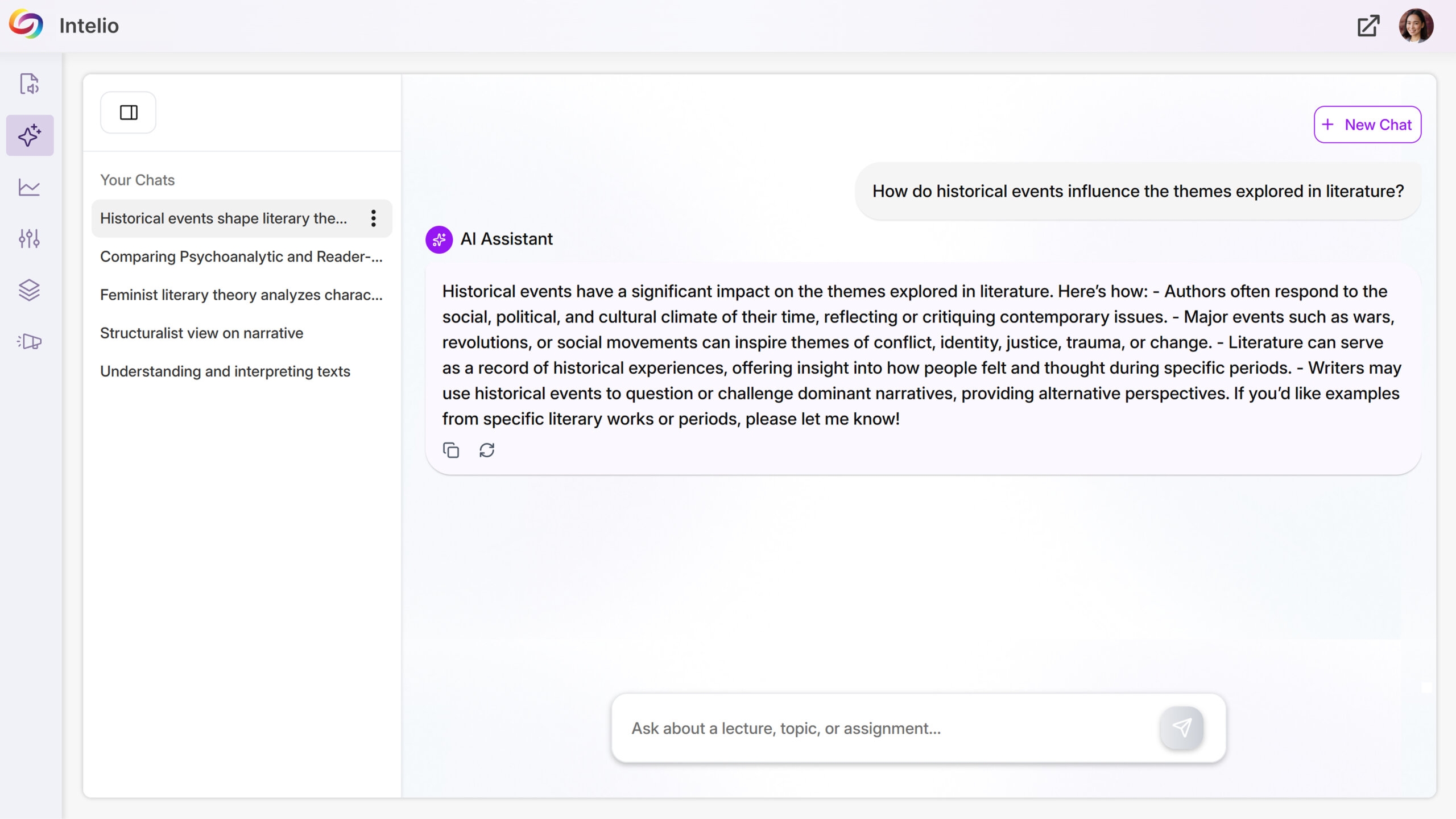
Students get immediate answers about assignments, quizzes, deadlines, and announcements, keeping them on track without searching through course materials. New chats can be created while older conversations remain accessible, allowing students to manage multiple questions and study sessions efficiently.
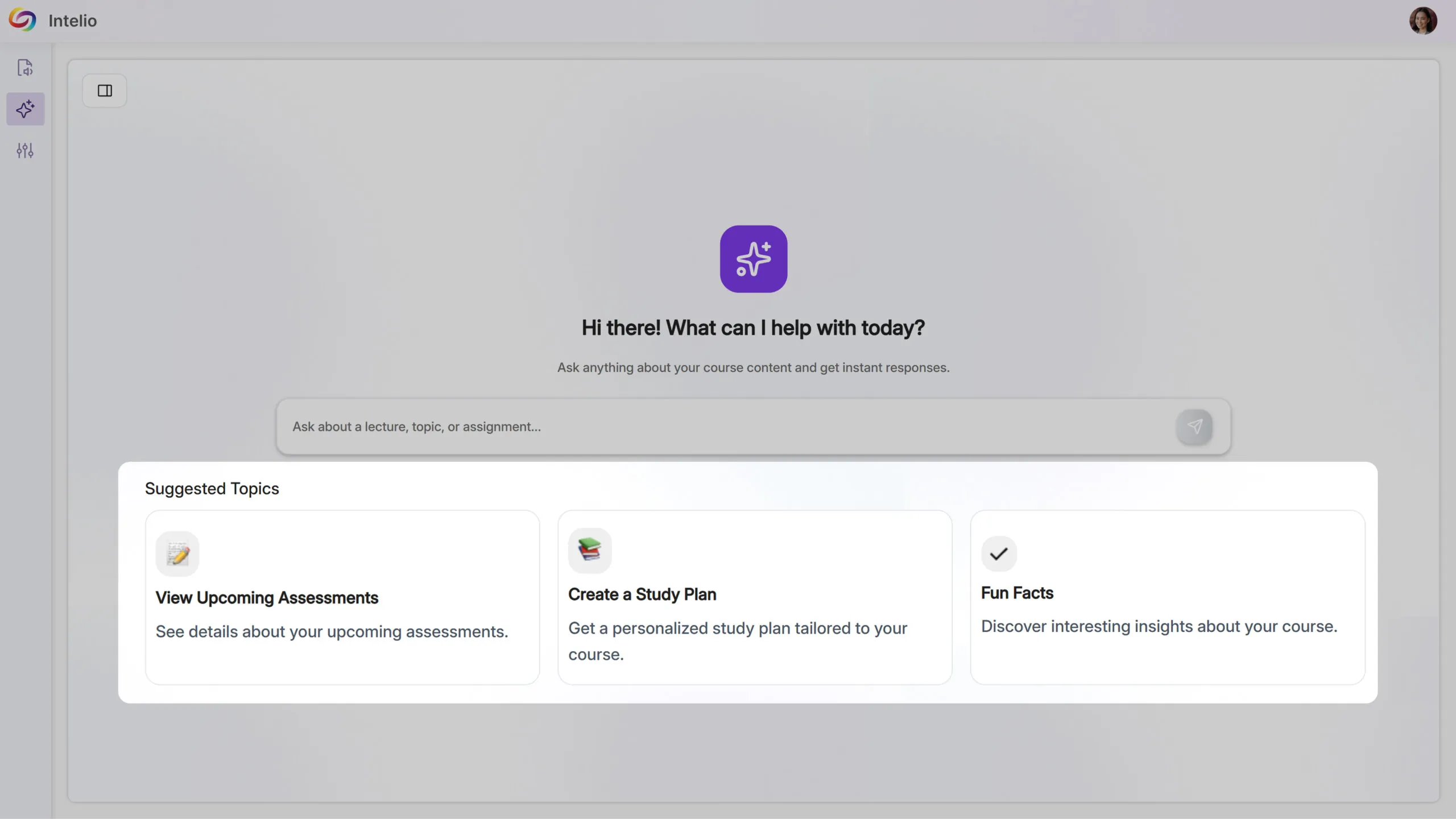
YuJa Intelio provides a unified space where students can access course materials easily. By bringing lectures, readings, and course guidance together, it reduces confusion, limits unnecessary navigation, and helps students stay focused and organized as they learn.
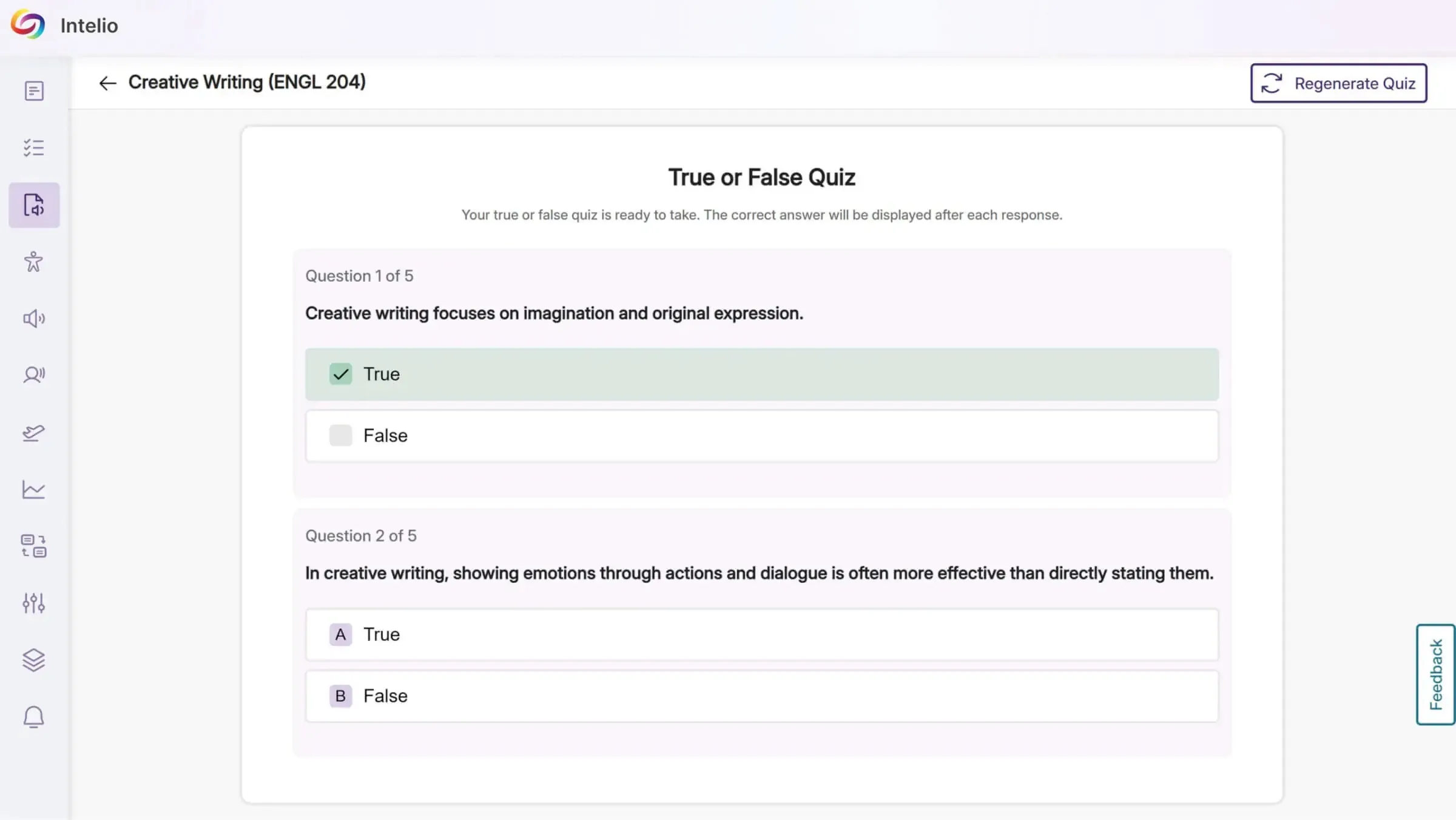
YuJa Intelio uses generative AI to analyze recordings and auto-generate interactive quizzes in multiple-choice or true/false formats with instant feedback that helps students identify areas of improvement. Retake the same quiz or create a new set of questions to fully master the material.
Create AI-generated transcripts with timestamps to help follow along with notes as they’re spoken.
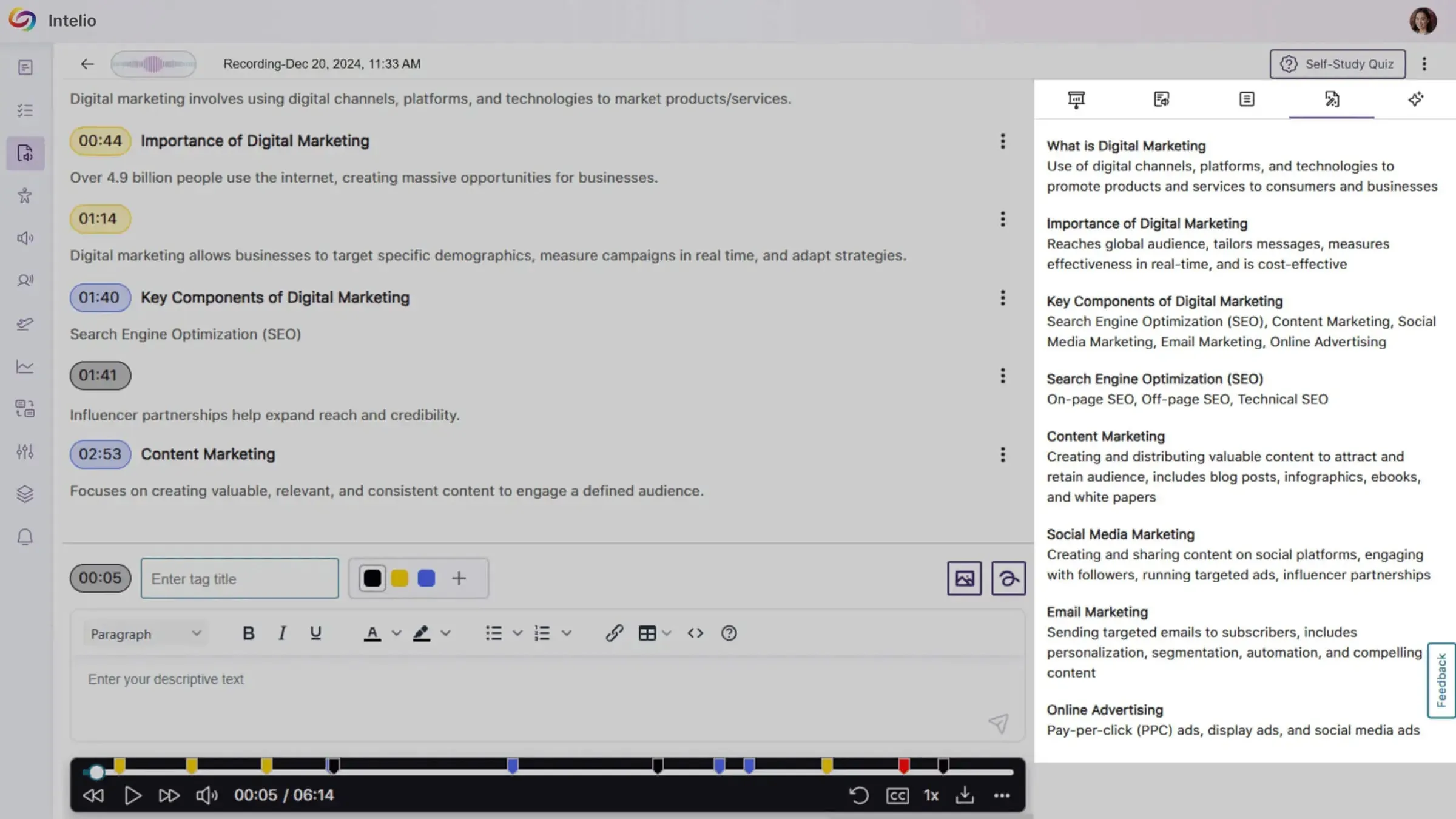
YuJa Intelio makes note-taking easier than ever. Designed to help students with accessibility accommodations, the app enables audio recording and conversion of lecture audio into accessible formats suitable for screen readers, immersive readers, and more.
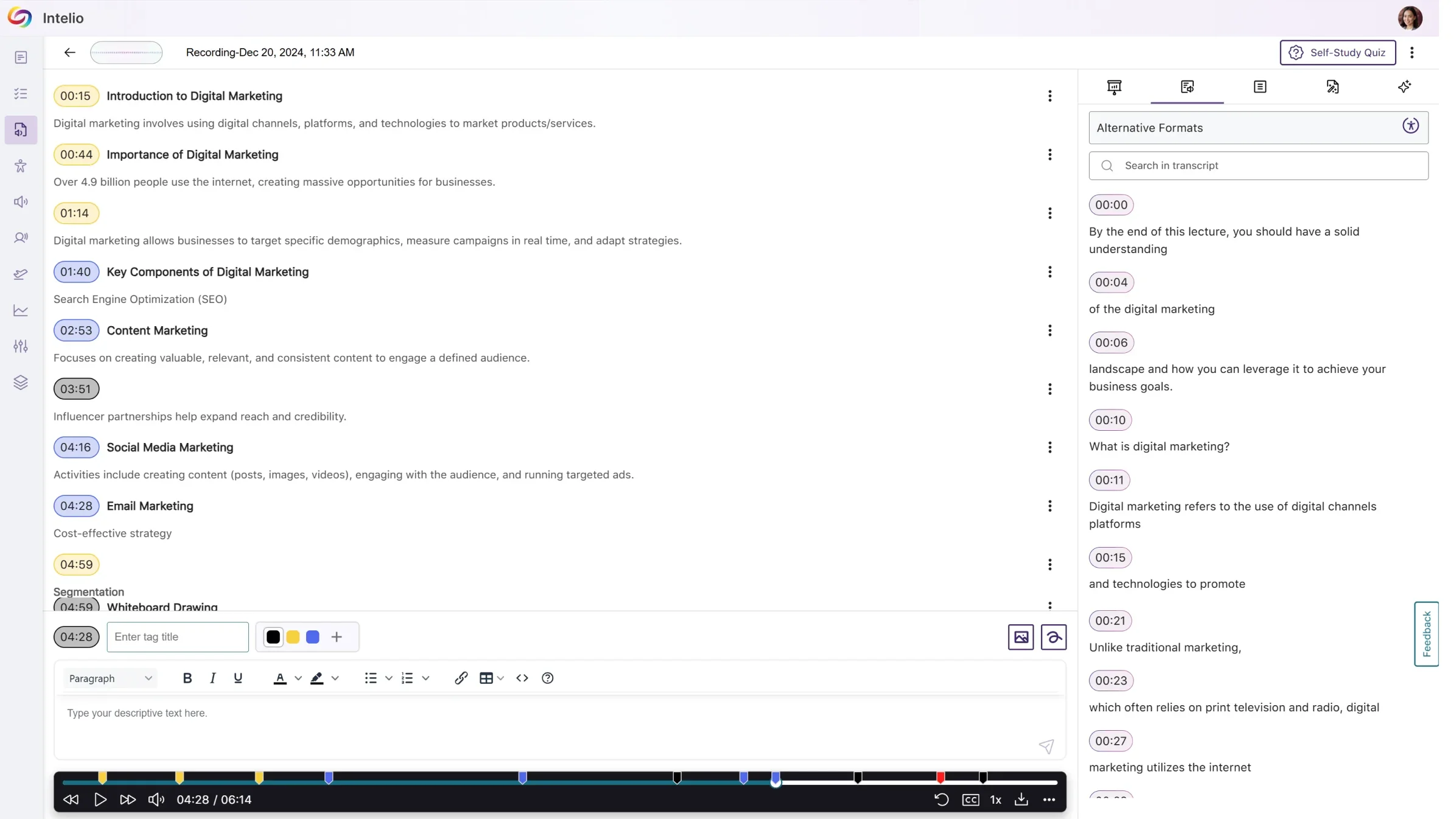
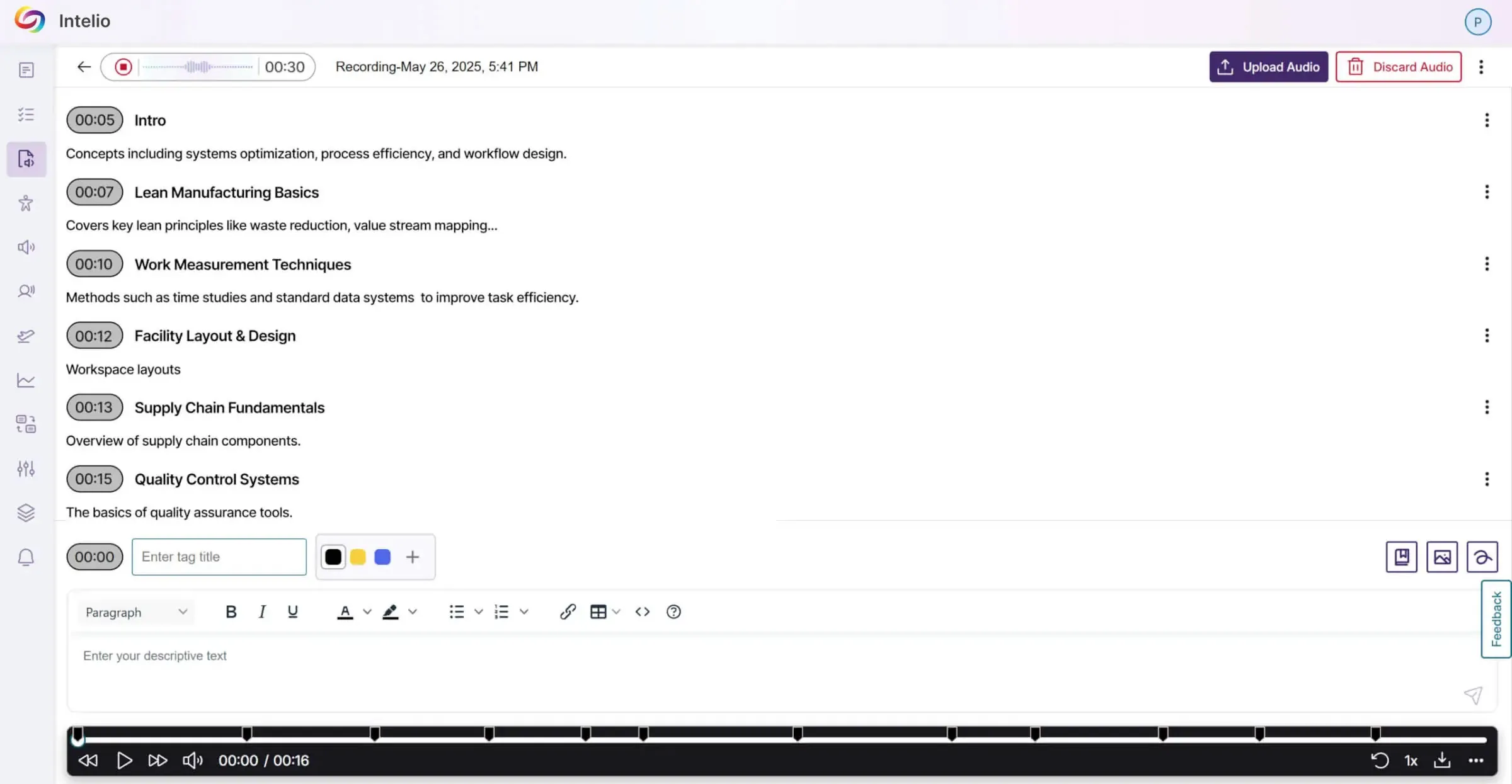
With the click of a button, students can capture an entire lecture from any device. Students can revisit lectures, play them back at their own pace, and add extra notes, images and definitions as needed.
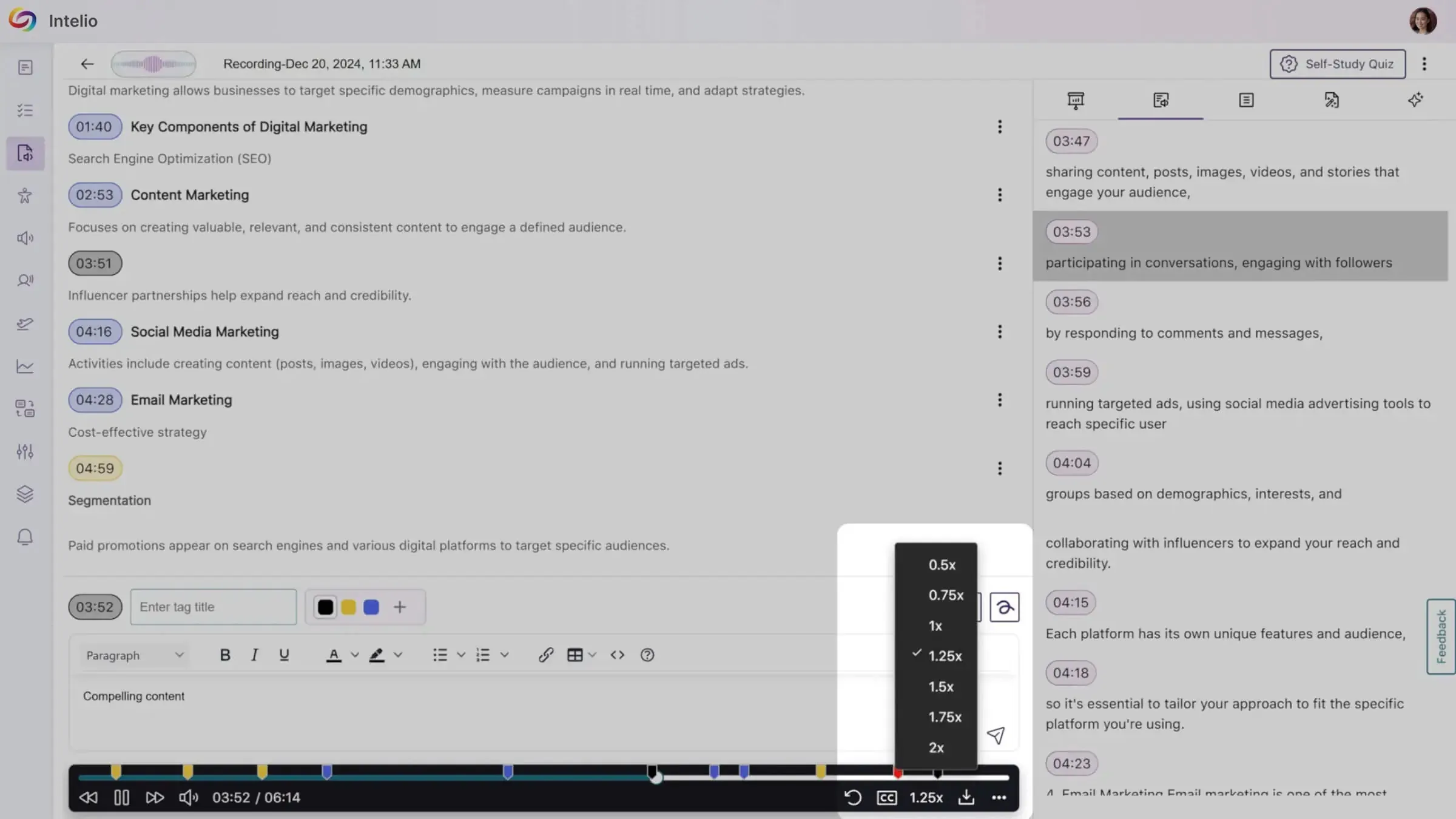
Within the Students can adjust playback speed to suite their learning pace, navigate to various sections of the lecture, and add time-stampped notes for quick reference.
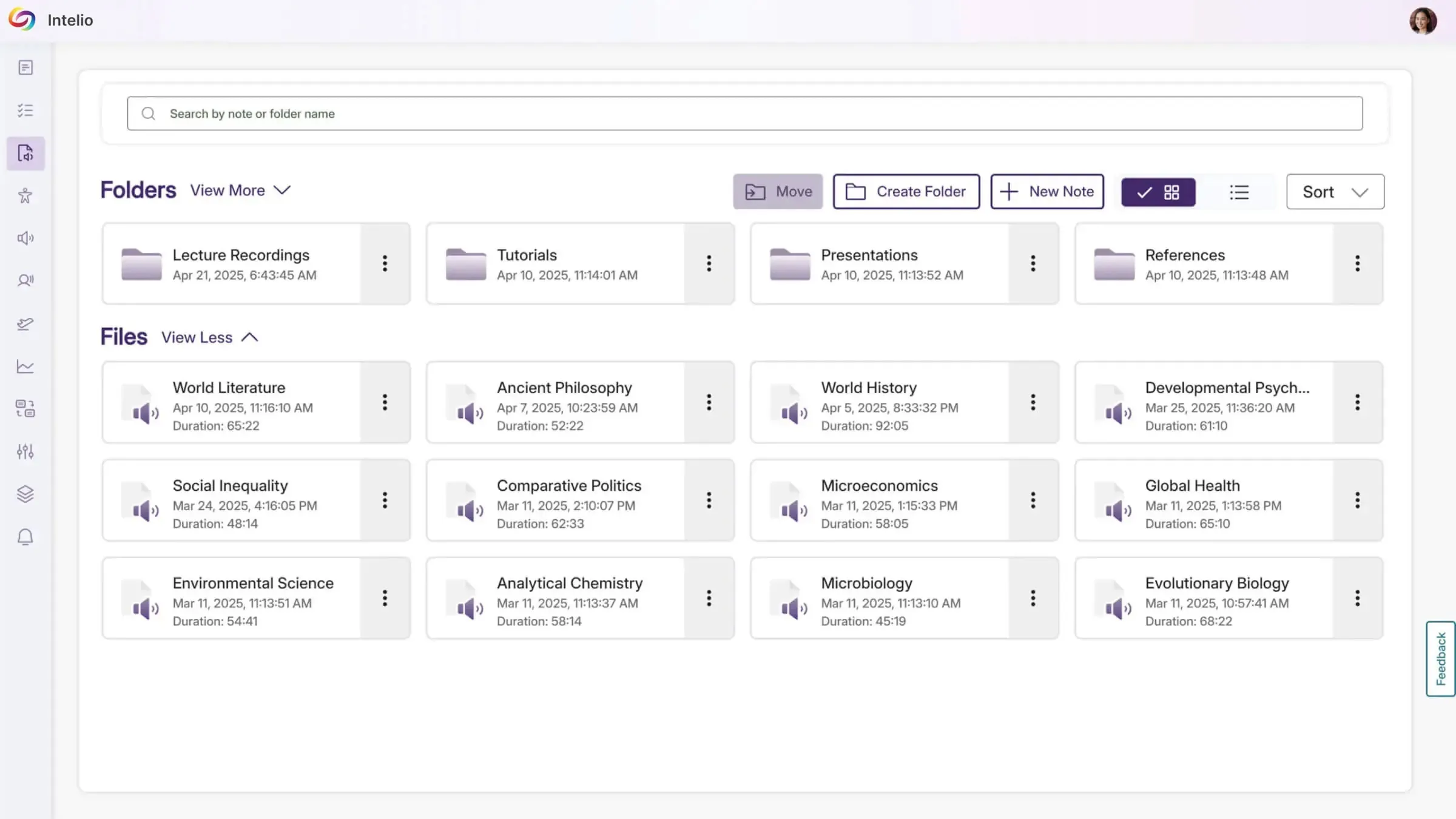
Create folders and subfolders to help organize notes efficiently when uploading or recording.
March 6, 2026
Join the 1,000+ Organizations Deploying High-Impact Solutions