









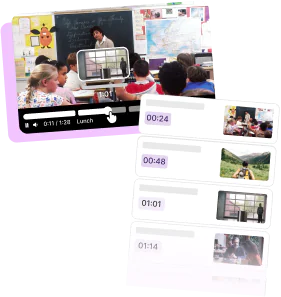

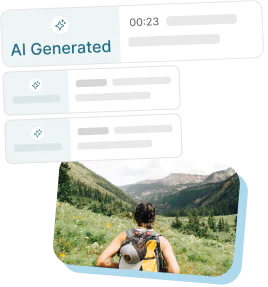
How Transcoding Helps Make Video Content Available to All
Read the article >
Boost Video Accessibility with the GenAI Video PowerPack!
Try Now
Supercharge Your Compliance Efforts with AutoPilot Remediation Max!
Try Now
Strengthen Your PDF Accessibility Efforts with Structural Remediation Max!
Try Now
Don't Miss Any of Our Upcoming Webinars—Save Your Spot!
Register
The YuJa Community is here! Connect, get updates, and access exclusive content.
Join Now

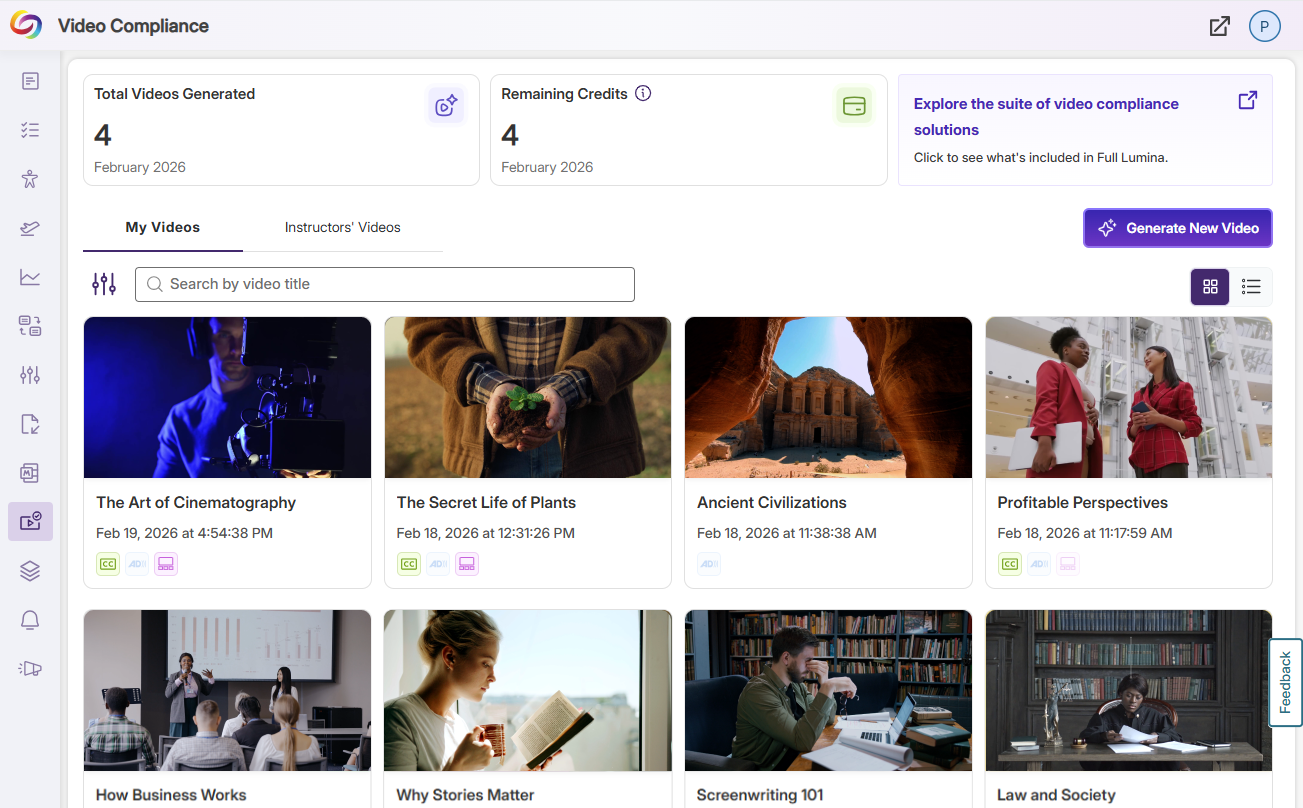
Panorama’s Video Compliance Player allows you to embed videos into your LMS with an extensive suite of accessibility features such as captioning, Enhanced Audio Descriptions, and video chaptering. Embed third-party content effortlessly without sacrificing captions or compliance features, providing an accessible and inclusive viewing experience.
Scrolling logos of YuJa’s clients such as SUNY Corning, University of Cambridge and University of Calgary, etc.
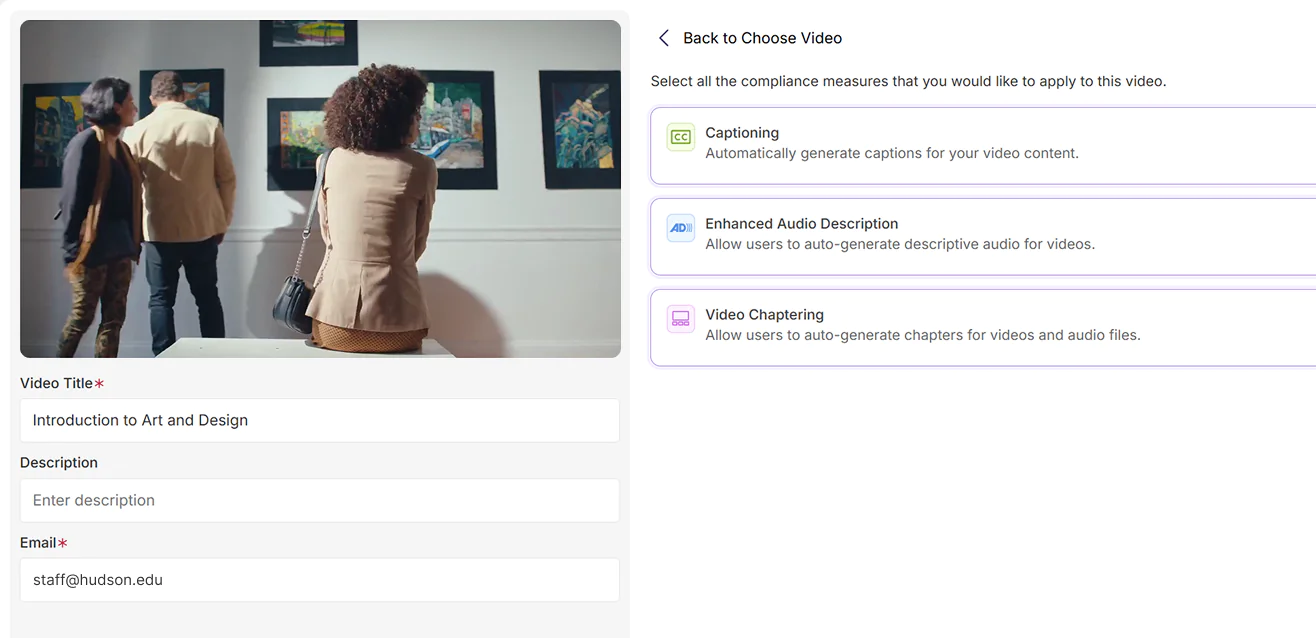
Panorama Video Compliance Player enhances the accessibility of videos with no manual intervention. Simply upload a video and select the desired compliance measures—the Video Compliance player will do the rest of the heavy lifting for you and notify you when your video is complete.
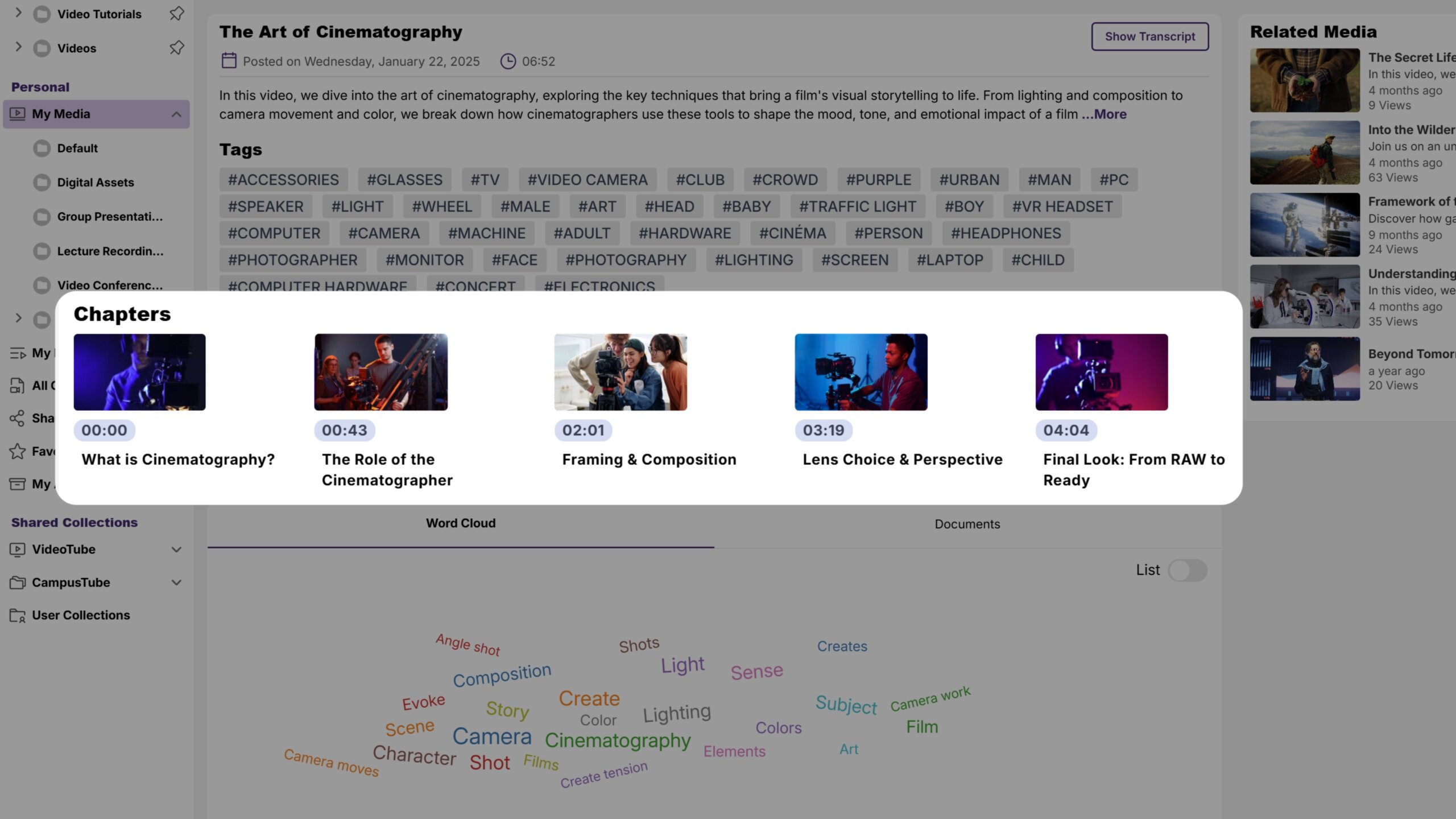
With GenAI Video Chaptering, you can highlight key moments, so viewers can jump straight to what matters most, making long-form content more accessible, engaging, and easy to explore.
Learn More
“At Angelo State University, YuJa has improved teaching and learning by really enhancing how students achieve learning through utilizing videos.”
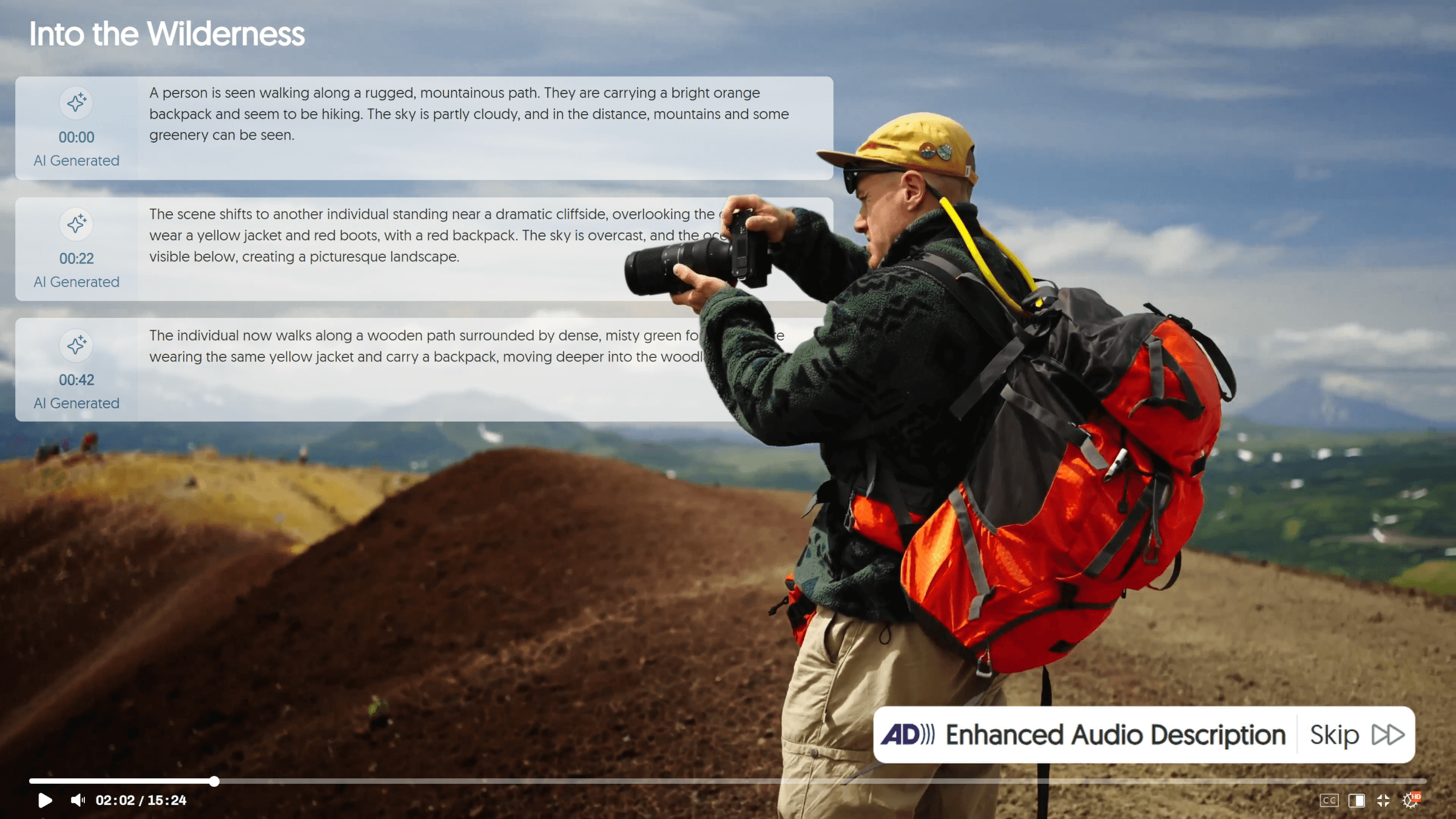
Use AI-Generated Enhanced Audio Descriptions to automatically create detailed narrations. AI does the heavy lifting, while human review adds accuracy—helping you address Title II and other accessibility requirements while creating a more inclusive video experience.
Learn More
Caption your videos in real time with AI-based auto-captioning. Live ASR improves the accessibility of your video content to help meet compliance standards.
Join the 1,000+ Organizations Deploying High-Impact Solutions