

Product Updates
Get the latest platform updates, features, and announcements—all in one place.
Boost Video Accessibility with the GenAI Video PowerPack!
Try Now
Supercharge Your Compliance Efforts with AutoPilot Remediation Max!
Try Now
Strengthen Your PDF Accessibility Efforts with Structural Remediation Max!
Try Now
Don't Miss Any of Our Upcoming Webinars—Save Your Spot!
Register
The YuJa Community is here! Connect, get updates, and access exclusive content.
Join Now

Get the latest platform updates, features, and announcements—all in one place.
We have successfully pushed an update to all YuJa AccessNotes Note-Taking Platform instances residing in the US, Canada, Australia, Singapore, the Middle East, and the European Union. This update includes the option to ask AI Assistant questions to clarify complex concepts, embed supplementary materials to the audio-based notes, embed personalized illustrations through whiteboard, disable waveform animation during playback, and improved responsiveness for mobile and tablet view.
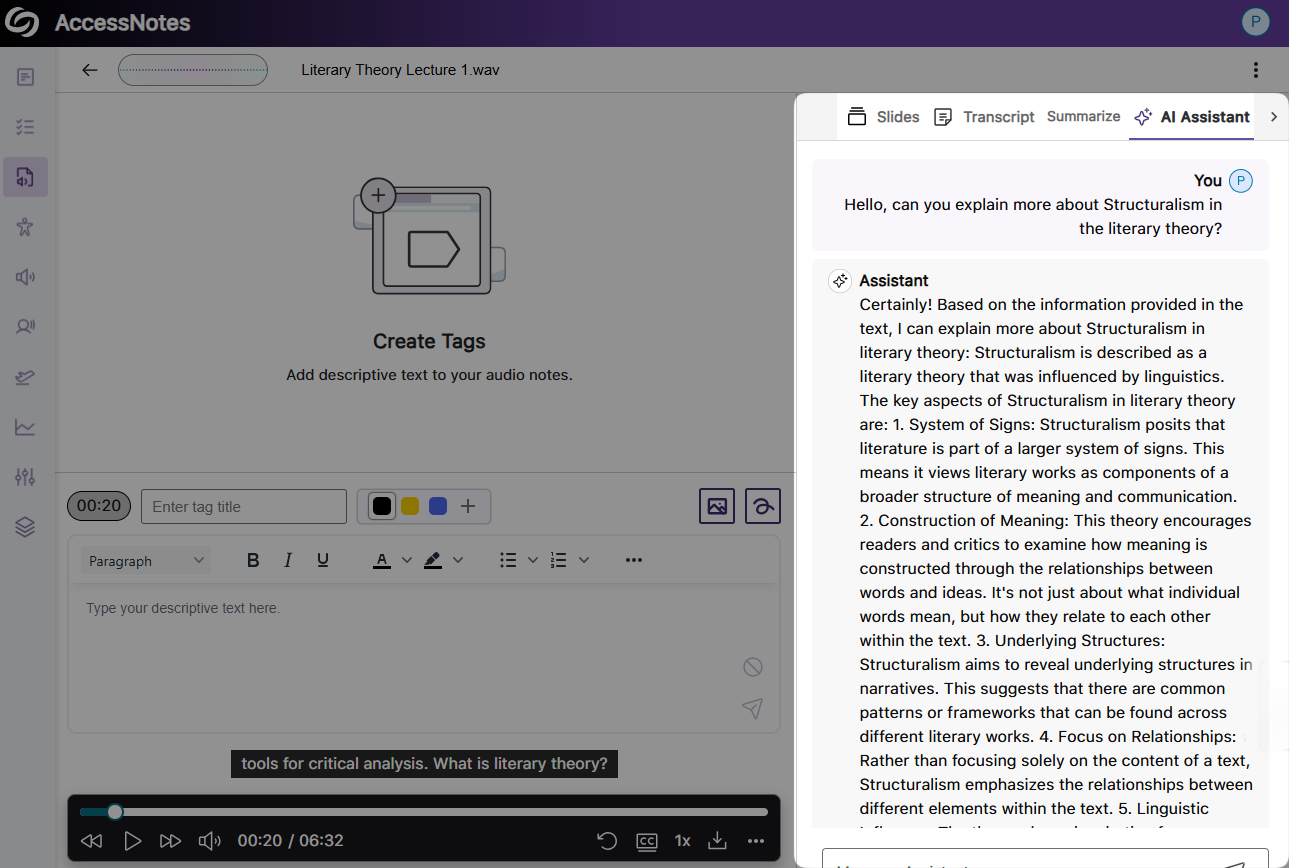
Ask AI Assistant Questions During Audio Playback to Clarify Complex Concepts
With our new Gen AI integration, you can ask questions while listening to your audio playback. Simply access the AI Assistant to clarify complicated concepts, discover fun facts, or learn key details from the notes. Whatever questions you have, AI Assistant is here to help.
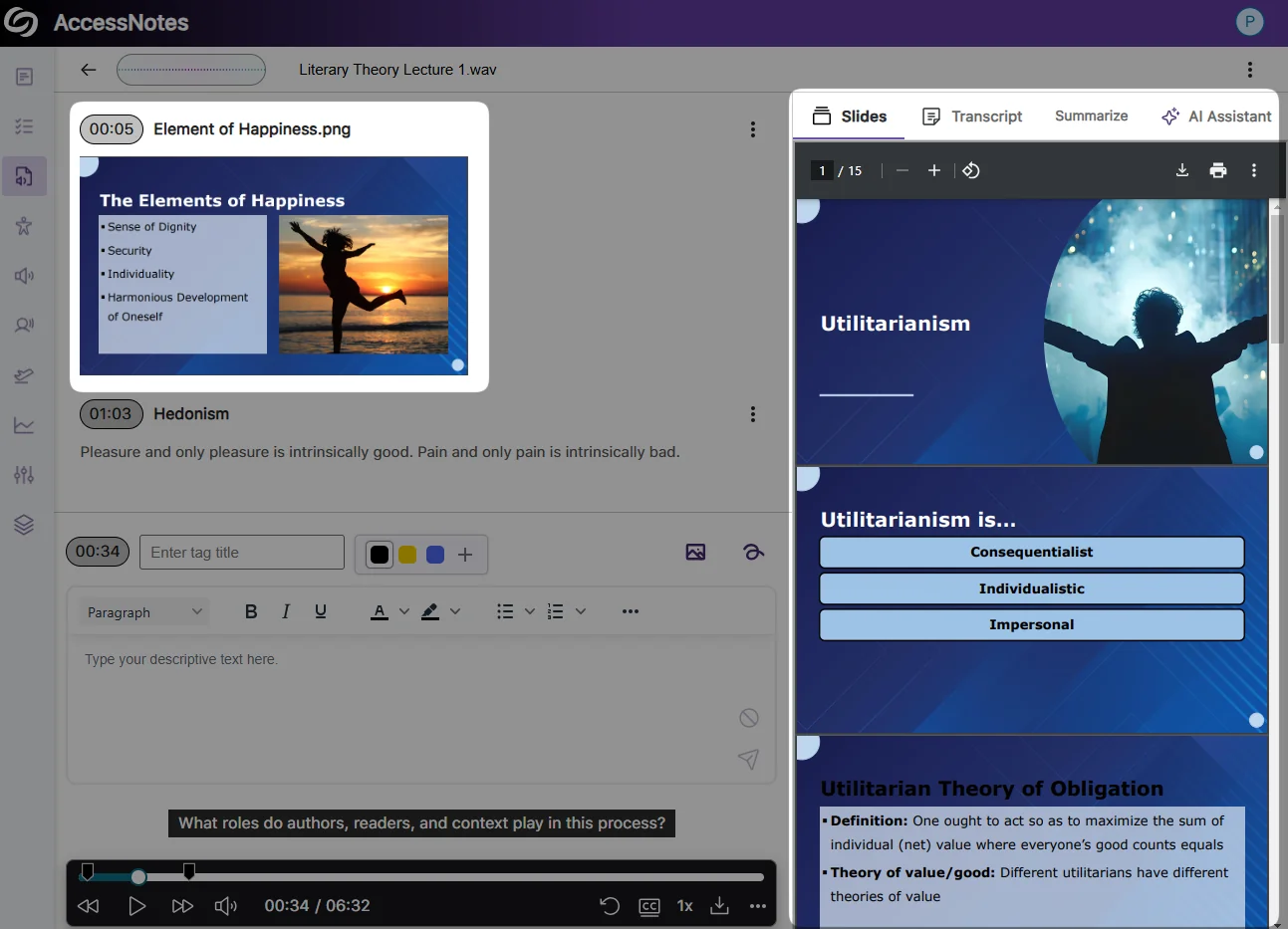
Embed Supplementary Materials to Your Audio-Based Notes
You can now import supplementary materials, including slides, PDFs, and images, directly into your audio-based notes, ensuring that all relevant resources are easily accessible alongside your notes for a more organized learning experience.
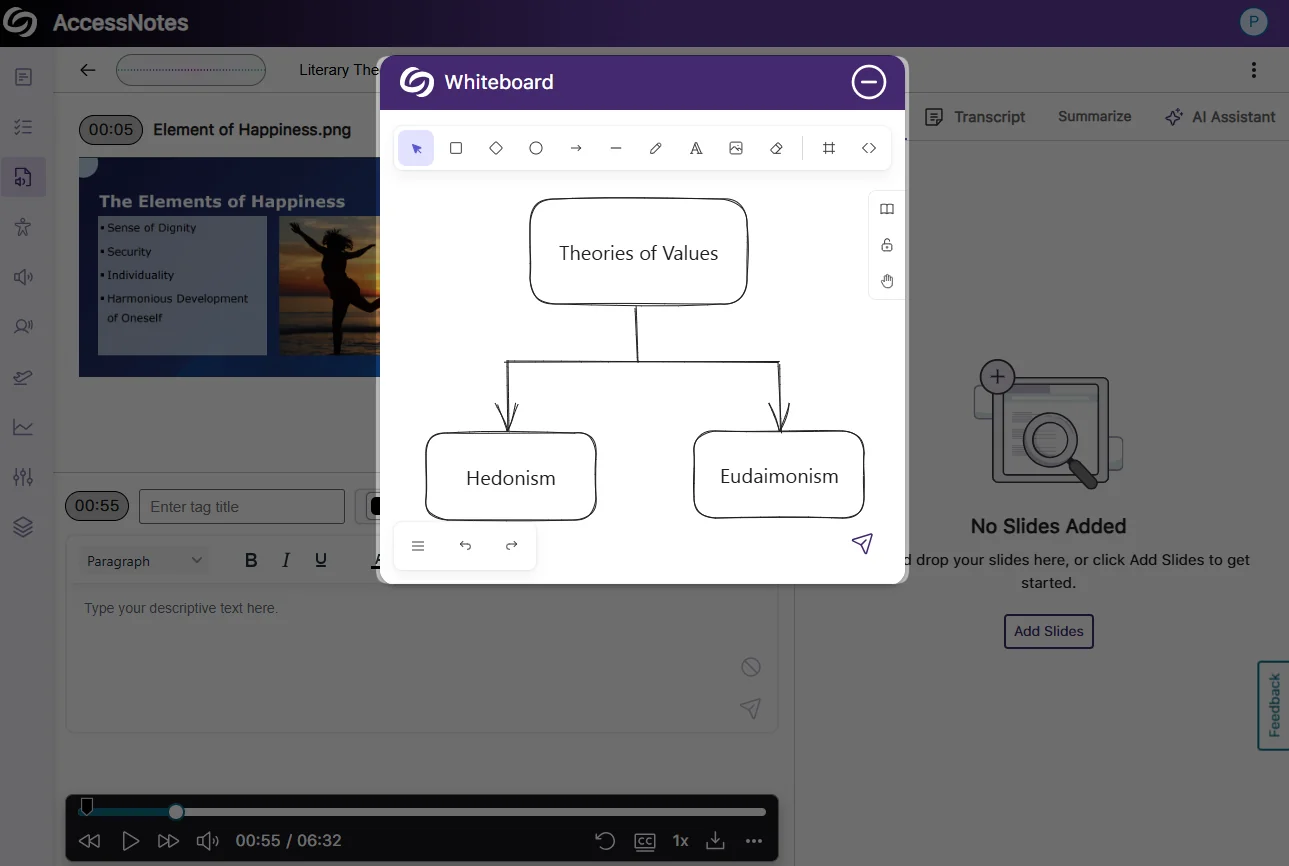
Embed Personalized Illustrations With Our New Whiteboard
You can now add personalized illustrations through the whiteboard, including drawings, shapes, text, images, or embedded websites to visually capture complex concepts during note-taking. Additionally, you can import predesigned icons or symbols from the library to better organize your notes.
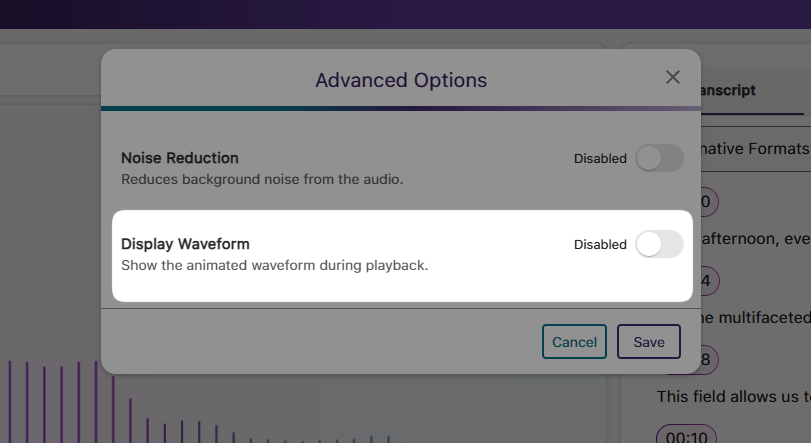
New Option to Disable Waveform Animation During Audio Playback
If waveform animation is no longer needed, we’ve added a new setting that lets you disable it for audio playback.
Improved Responsiveness for Mobile and Tablet View
We’ve updated the YuJa AccessNotes interface for improved responsiveness with various screen sizes, allowing you to access your Audio-Based notes on web, mobile, or tablet devices with a consistent layout.
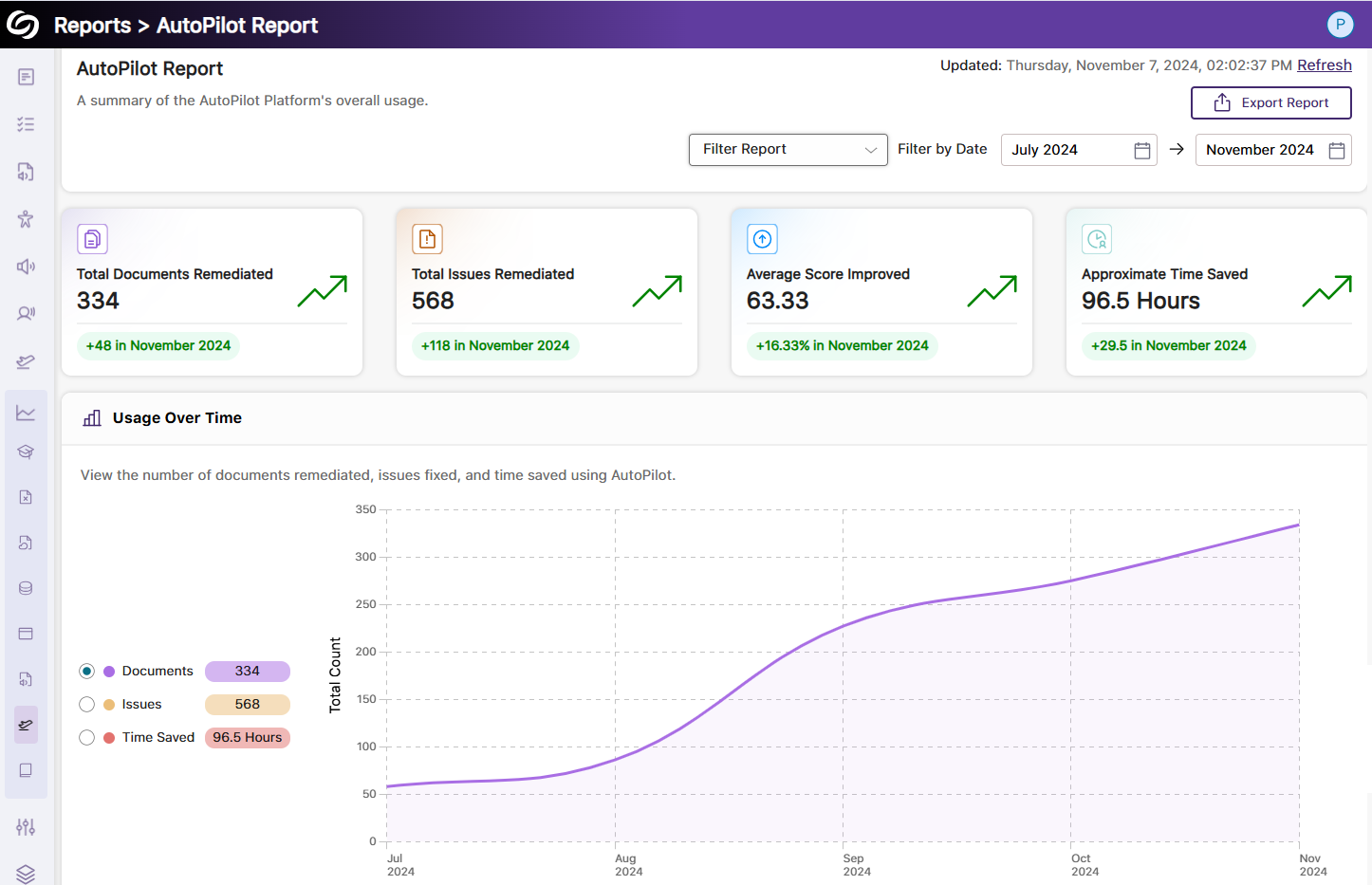
We have successfully pushed an update to all YuJa Accessibility AutoPilot.AI instances residing in the US, Canada, Australia, Singapore, the Middle East, and the European Union. This update includes a new AutoPilot Report that offers in-depth insights into your document remediation analytics.
New YuJa AutoPilot Report Offers More In-Depth Analytics to Track Document Remediations
The new YuJa AutoPilot report offers insights into your document remediation analytics and progress, summarizing our YuJa AutoPilot usage with key metrics such as the number of remediated documents, issues resolved, and time saved. Additionally, you can filter by term and account level to compare documentation improvements across different semesters.
We have successfully pushed an update to all YuJa Website Accessibility Widget instances residing in the US, Canada, Australia, Singapore, the Middle East, and the European Union. This update includes a new color-blind filter tailored to three common types of color blindness.
Improved Web Accessibility With Color-Blind Filters
You can now enhance the accessibility of web content in your LMS by allowing users to select from color-blind filters tailored to three common types of color blindness: Protanopia, Deuteranopia, and Tritanopia, addressing the diverse learning needs of your users.

We have successfully pushed an update to all YuJa SmartSpeaker. AI instances residing in the US, Canada, Australia, Singapore, the Middle East, and the European Union. This update includes the expanded voice options, option to highlight both words and phrases during audio playing, customize highlight colors with color contrast preview, automatically scroll your content during audio playback, download an MP3 file of your selected content, and more.
Customize Your Listening Experience with Expanded Voice Options
YuJa SmartSpeaker now offers three additional voice options, giving you a wider selection of voices across different genders and tones, allowing you to choose the one that best suits your listening preferences.
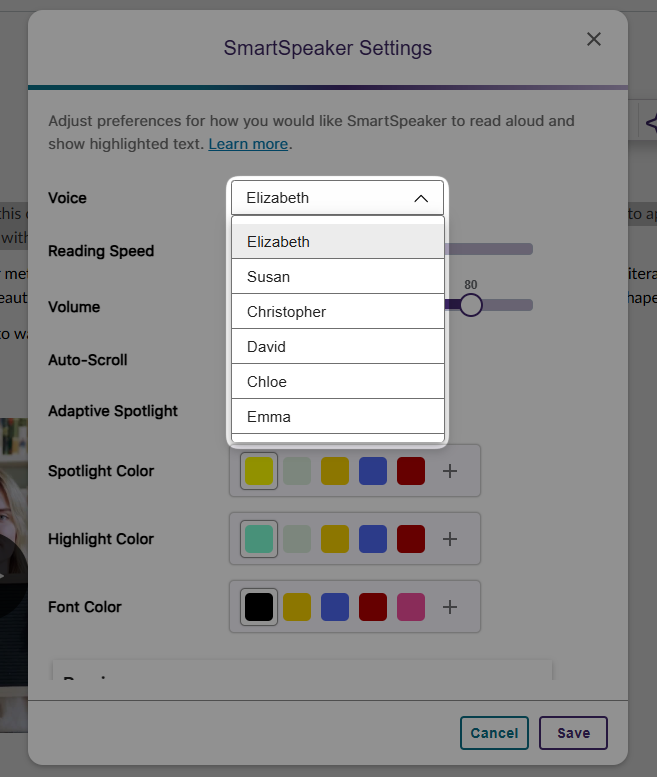
New Option to Highlight Both Words and Phrases During Audio Playing
In addition to highlighting individual words, YuJa SmartSpeaker can now highlight both words and phrases during audio playing. Simply enable the adaptive spotlight option in the settings to activate highlighting phrases as YuJa SmartSpeaker reads along.

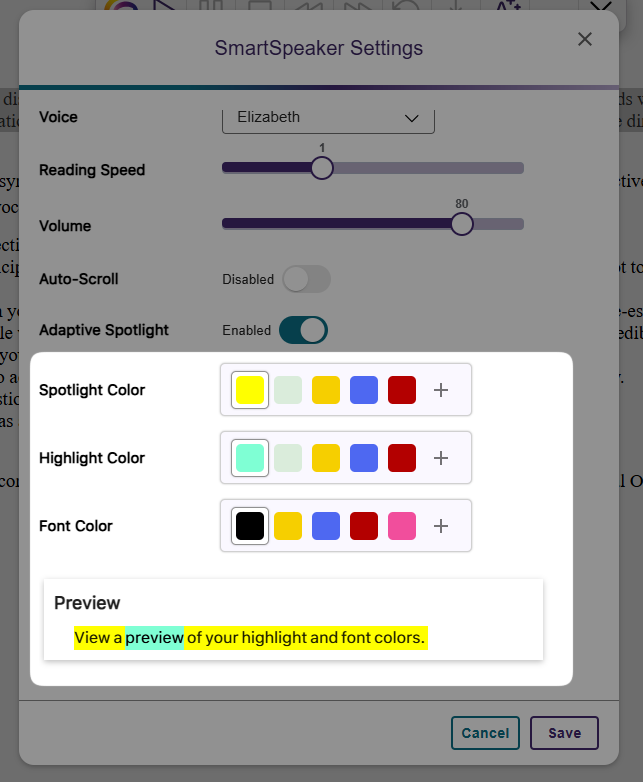
Customize Highlight and Font Colors with Color Contrast Previews
You can now customize the highlight colors for words, phrases, and font colors to match your reading preferences. Additionally, you can preview the color contrast in a sample sentence before playing the audio to ensure readability.
Auto-Scrolling Content In Sync with Audio Playback for Easy Follow-Along
YuJa SmartSpeaker now features an auto-scrolling option that automatically scrolls your content in sync with the audio playback, ensuring you can still follow along with the content without the need of manually scrolling through.

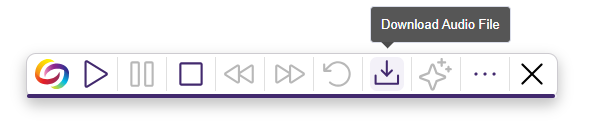
Downloadable Audio Files in MP3 Format for Offline Listening
You can now download an MP3 file of your selected content from YuJa SmartSpeaker, allowing you to listen offline on your devices and easily share the audio content with others.
YuJa SmartSpeaker Is Integrated With the Enhanced HTML Document Alternative Format
If your institution utilizes YuJa SmartSpeaker, it will now be automatically available for you when generating an Enhanced HTML Document from the Alternative Formats menu.
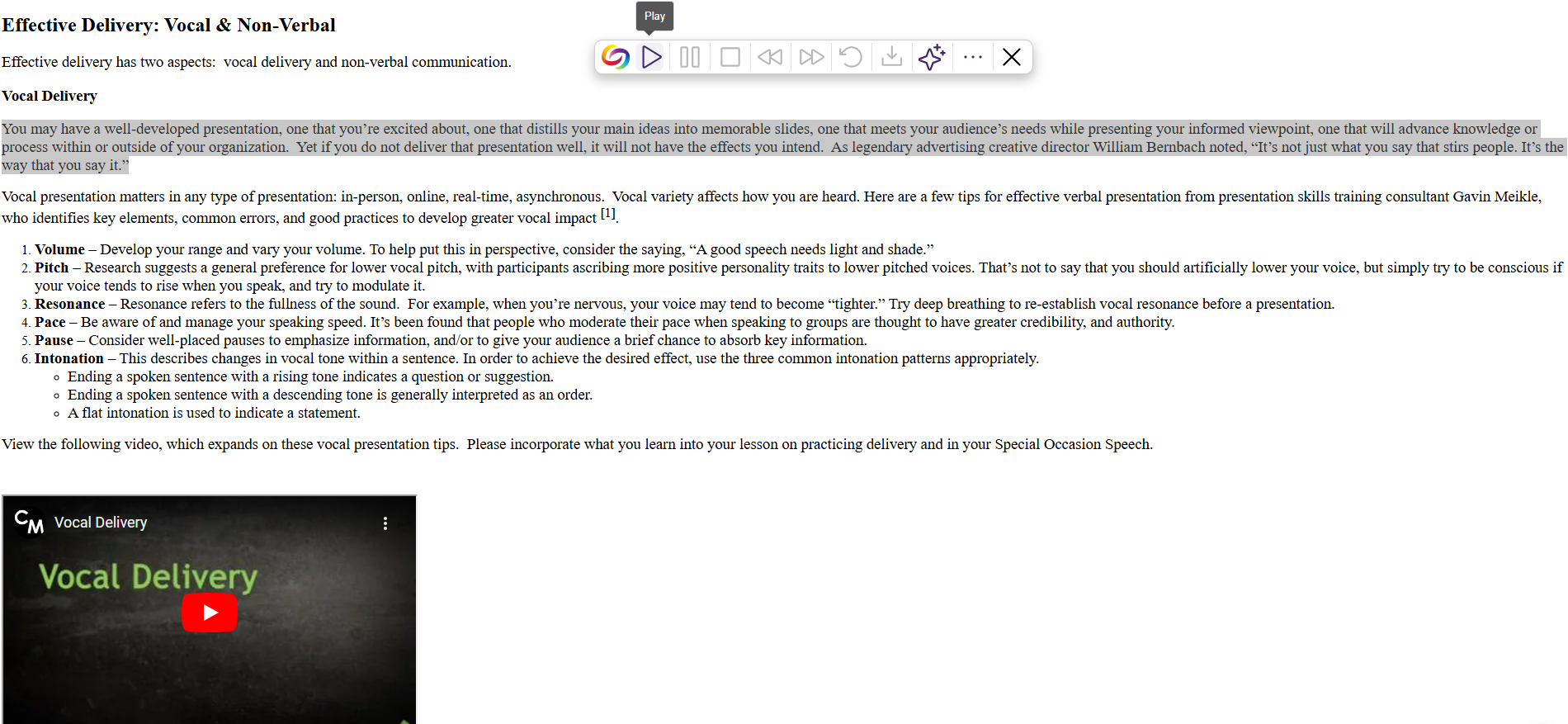
Directly Use YuJa SmartSpeaker in the LMS Without the Extension Installed
If Panorama is integrated into your LMS, faculty, and students will no longer need to download the Panorama Browser Extension to use YuJa SmartSpeaker. It will simply be displayed on-screen if it is enabled at the course or institution level.
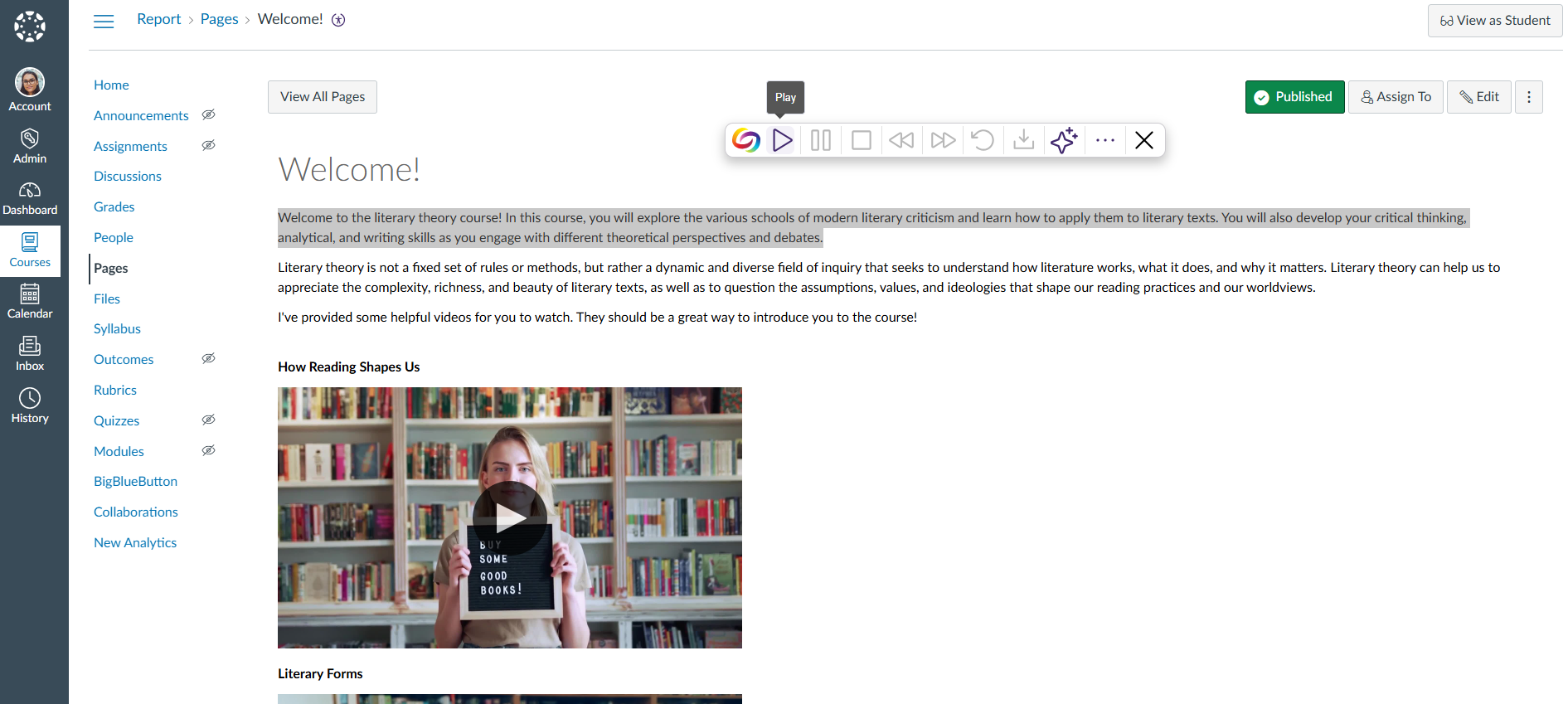
We have successfully pushed an update to all YuJa Structural Remediation Max Add-On Platform instances residing in the United States, Canada, European Union, and Australia. This release provides updated interface with icons for each content element type, and the option to add alternative text to images during PDF Structural Remediation.
Updated Interface with Icons for Each Content Element Type
We’ve updated the interface to include icons for each content element type, helping you categorize different content elements and visualize the reading structure more clearly.
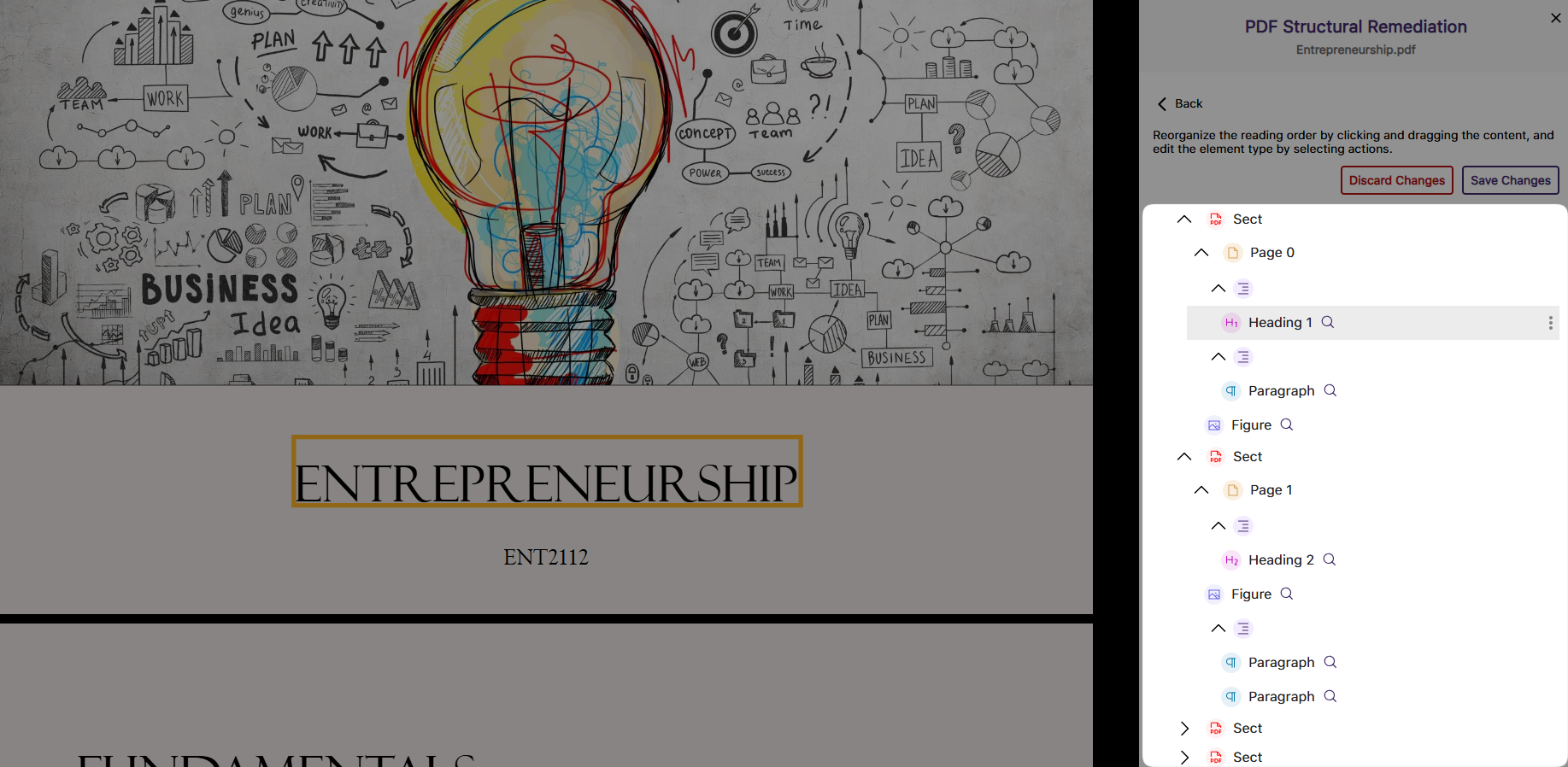
Add Alternative Text to Images During PDF Structural Remediation
You can now add or change the language of the alternative text during the PDF structural remediation. Simply click the Figure tag to edit the alternative text for your image, ensuring comprehensive accessibility improvements for your PDF documents.
Join the 1,000+ Organizations Deploying High-Impact Solutions














