

Product Updates
Get the latest platform updates, features, and announcements—all in one place.
Boost Video Accessibility with the GenAI Video PowerPack!
Try Now
Supercharge Your Compliance Efforts with AutoPilot Remediation Max!
Try Now
Strengthen Your PDF Accessibility Efforts with Structural Remediation Max!
Try Now
Don't Miss Any of Our Upcoming Webinars—Save Your Spot!
Register
The YuJa Community is here! Connect, get updates, and access exclusive content.
Join Now

Get the latest platform updates, features, and announcements—all in one place.
Over the next few weeks, this update will introduce AI Contextual Analysis for systematic video content evaluation through custom templates, enhanced timestamp editing for audio descriptions, and improved analytics visualization with updated chart displays for better data readability.
New AI Contextual Analysis Feature Will Provide Video Content Insights Through Custom Templates
A new AI Contextual Analysis capability will be added to the GenAI PowerPack, allowing administrators to create custom question templates and apply them across video collections to gain insights into content patterns. This feature enables systematic analysis of video content, such as tracking instructional practices or engagement metrics, through AI-powered evaluation of video transcripts and visual content.
Custom Question Templates: Administrators can create reusable templates with specific questions to analyze content consistently across multiple videos.

Template Management Workflow – Administrators can create, edit, and delete templates.
Targeted Video Analysis: Templates can be applied to selected subsets of videos, allowing for focused analysis of specific courses, departments, or content types without processing the entire video library.
Integrated Analytics Dashboard: Results will be displayed through a new Sentiment AI tab in video analytics and the GenAI Analytics page, providing both individual video insights and aggregate data visualization.
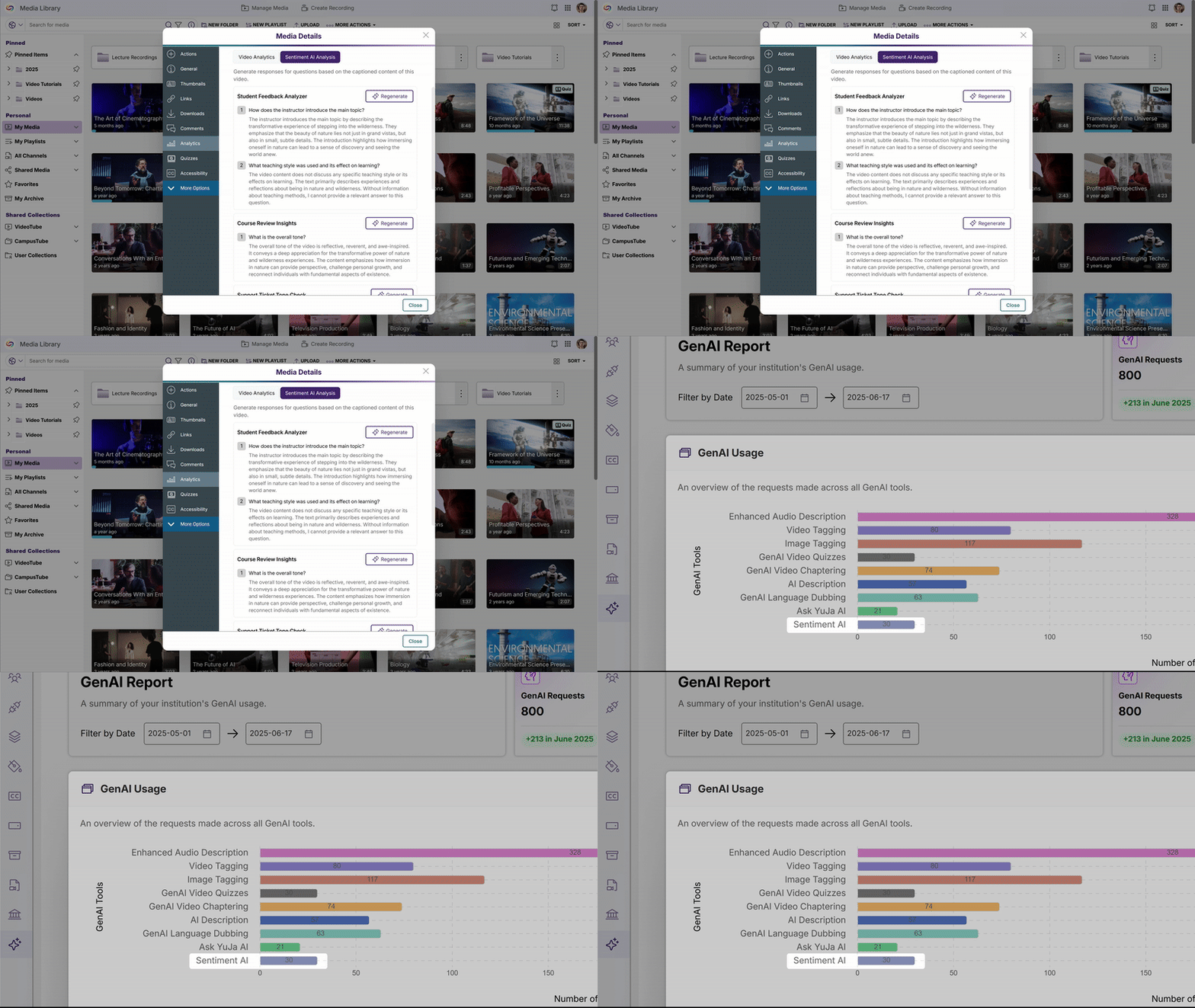
Role-Based Access Control: The feature will be available only to administrators through the GenAI PowerPack Control Center, with template management and response generation restricted to admin accounts.
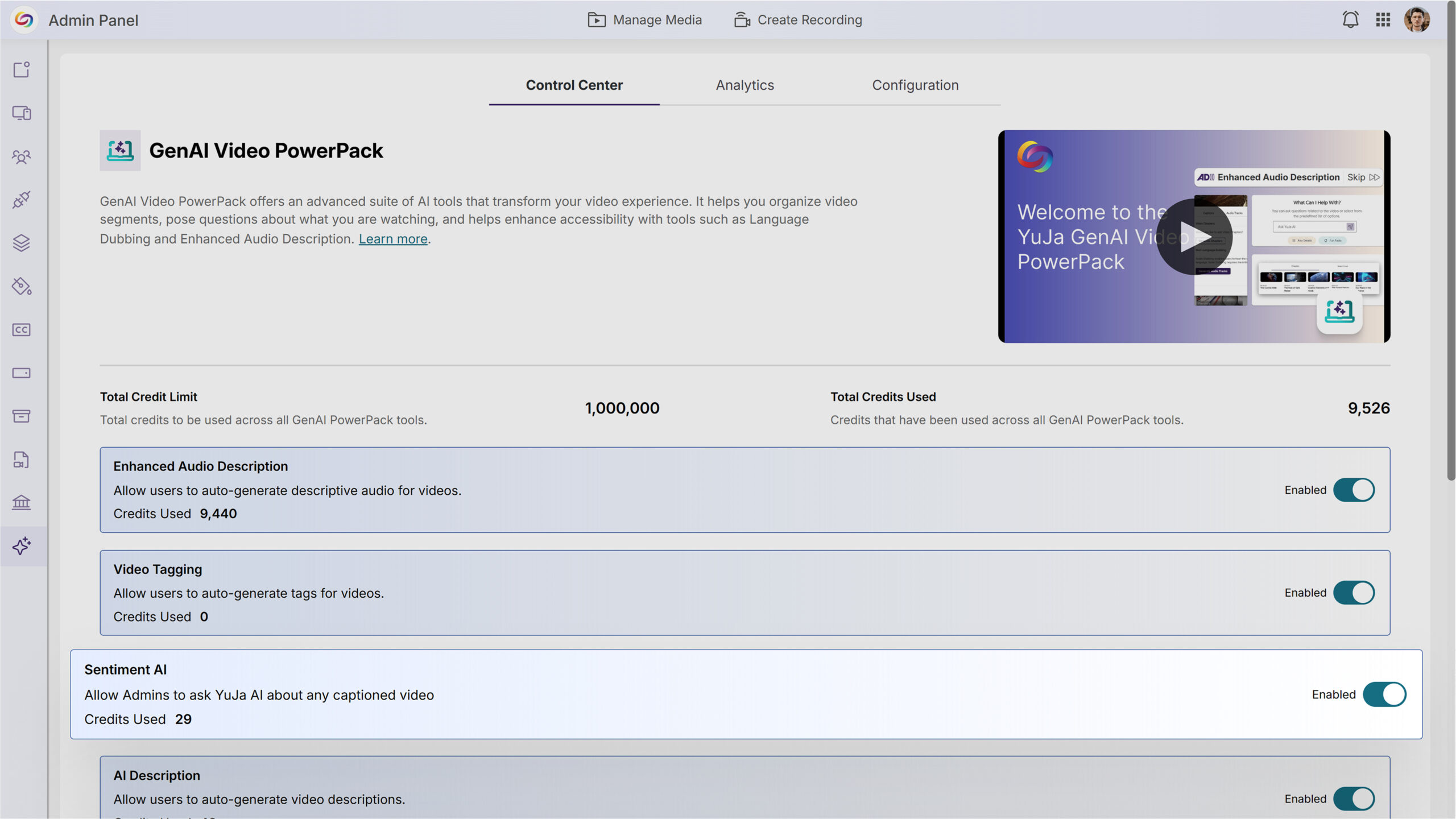
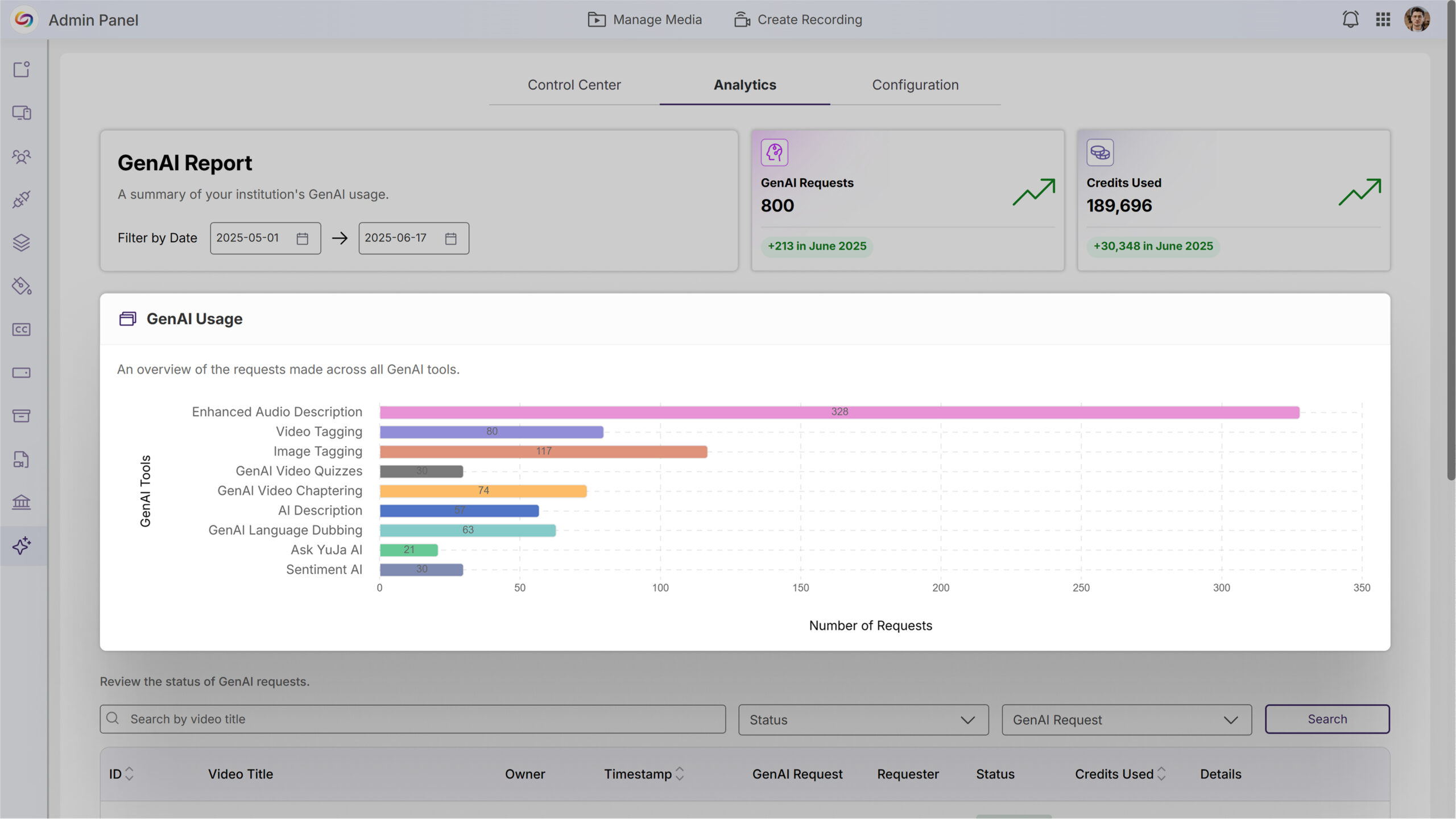
Analytics Chart Updated to Bar Graph for Improved Readability
In the upcoming release, the Analytics page will display data using a bar chart instead of the previous donut chart to improve visualization and data readability while maintaining all existing tooltip functionality and responsive design.
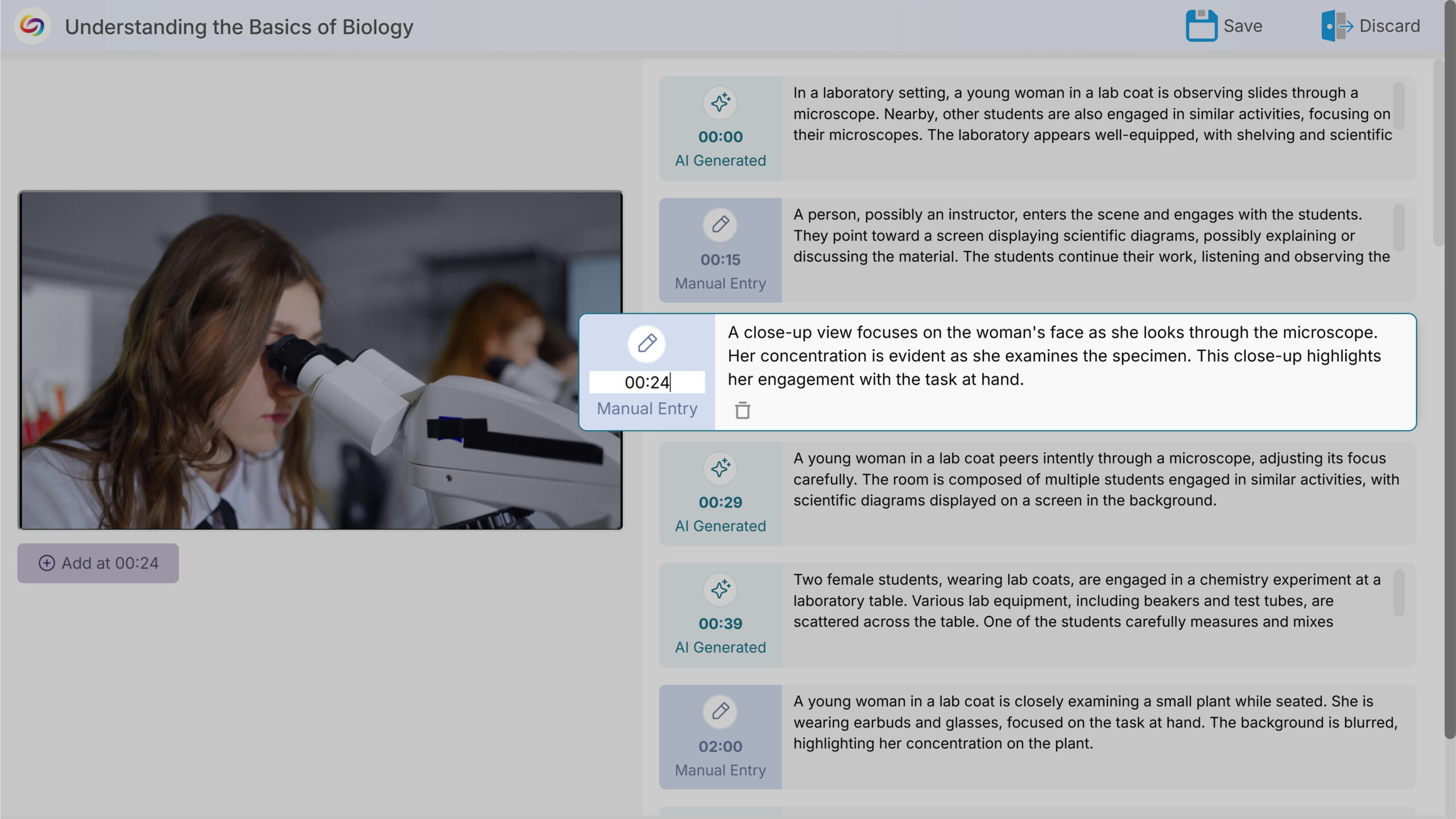
Enhanced Audio Description Editor Will Support Timestamp Adjustments for Improved Precision
The Enhanced Audio Description Editor will include the ability to edit timestamps directly, allowing users to fine-tune the timing of audio descriptions for more precise placement within videos.
New API Endpoint Will Generate Enhanced Audio Descriptions Using GenAI
A new API endpoint will allow developers to programmatically trigger GenAI-powered Enhanced Audio Description generation for specific videos. This endpoint will enable automated accessibility enhancement workflows through third-party integrations and custom applications.
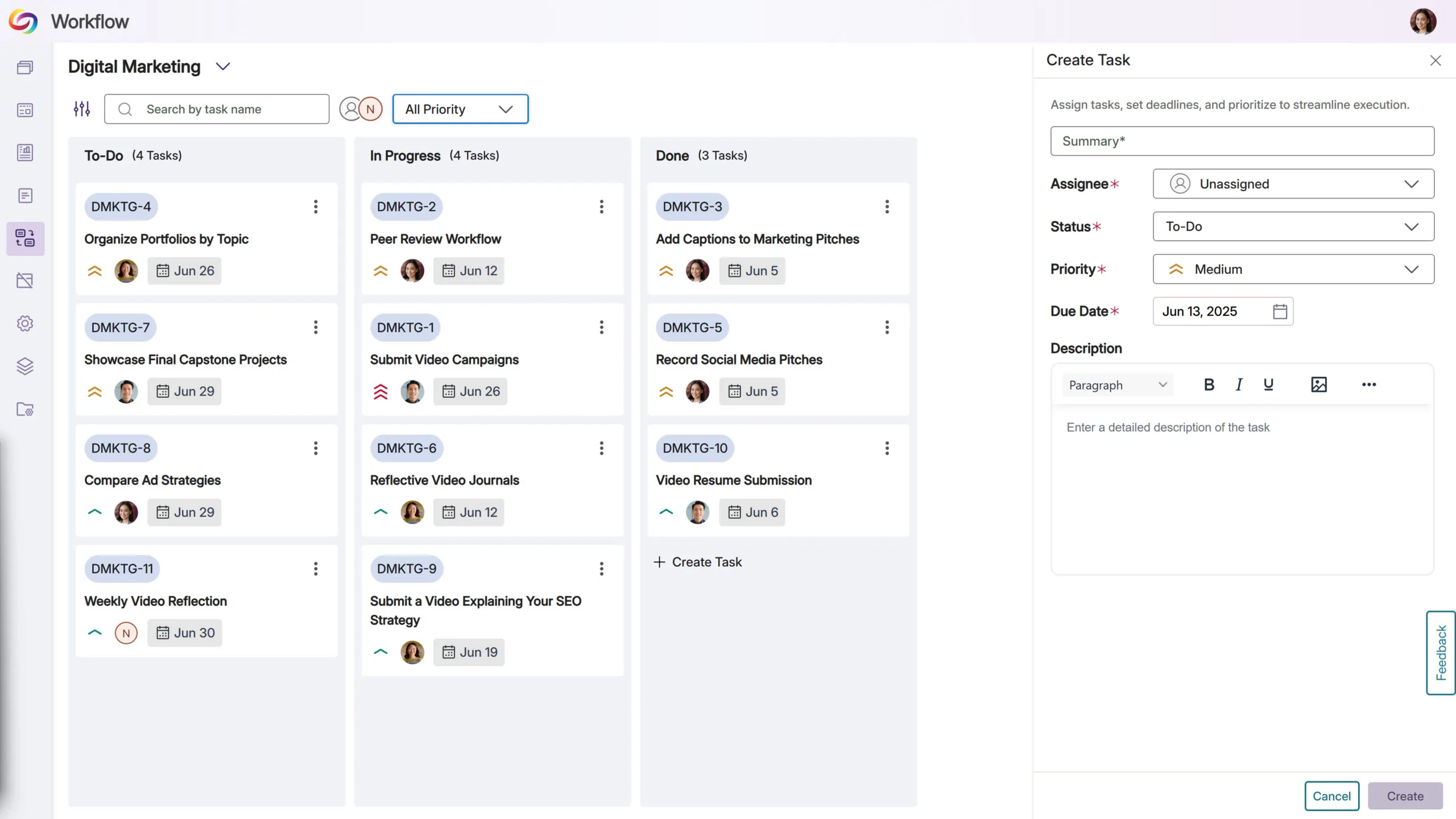
Rolling out over the next few weeks, this update will enhance collaborative learning with new peer review and self-assessment capabilities, while introducing interactive chat for instructor-student dialogue during grading. Additional improvements will include a centralized Rubrics Management page, assessment analytics for tracking student progress, and a new Question-and-Answer feedback type supporting multimedia responses.
Students Will Be Able to Complete Self-Assessments Using Course Rubrics
Students will be able to assess their own submissions against provided rubrics through a new self-assessment feature. Instructors can assign self-reviews to students, who will receive email notifications and access a grading interface to evaluate their own work, promoting self-reflection and learning accountability.
A New Peer Review System Will Enable Student-to-Student Assessment and Feedback
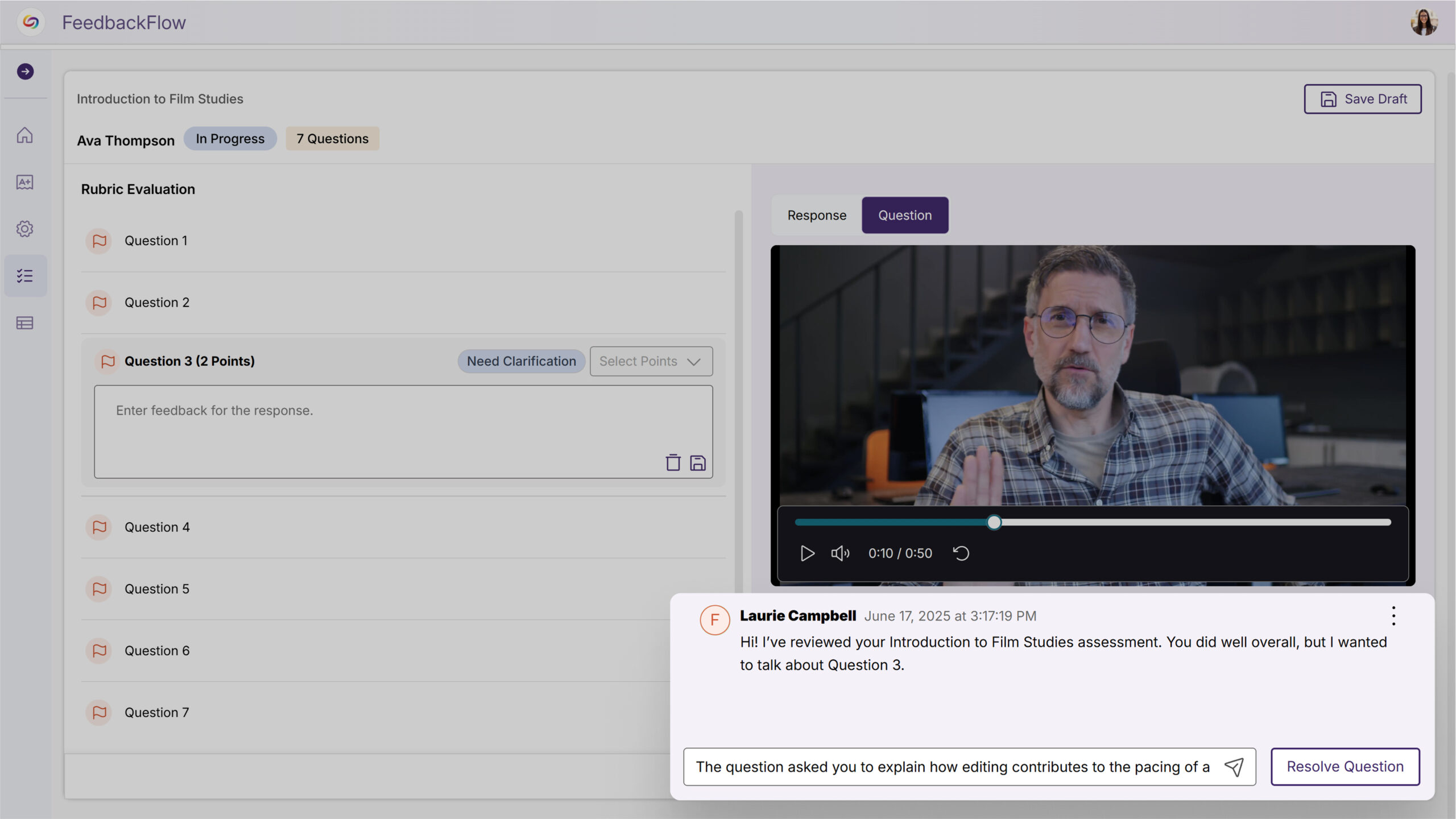
A new peer review system will allow instructors to assign students to evaluate and provide feedback on fellow students’ submissions using course rubrics. The system will automatically assign peer reviewers while maintaining the option for instructors to provide final grading.
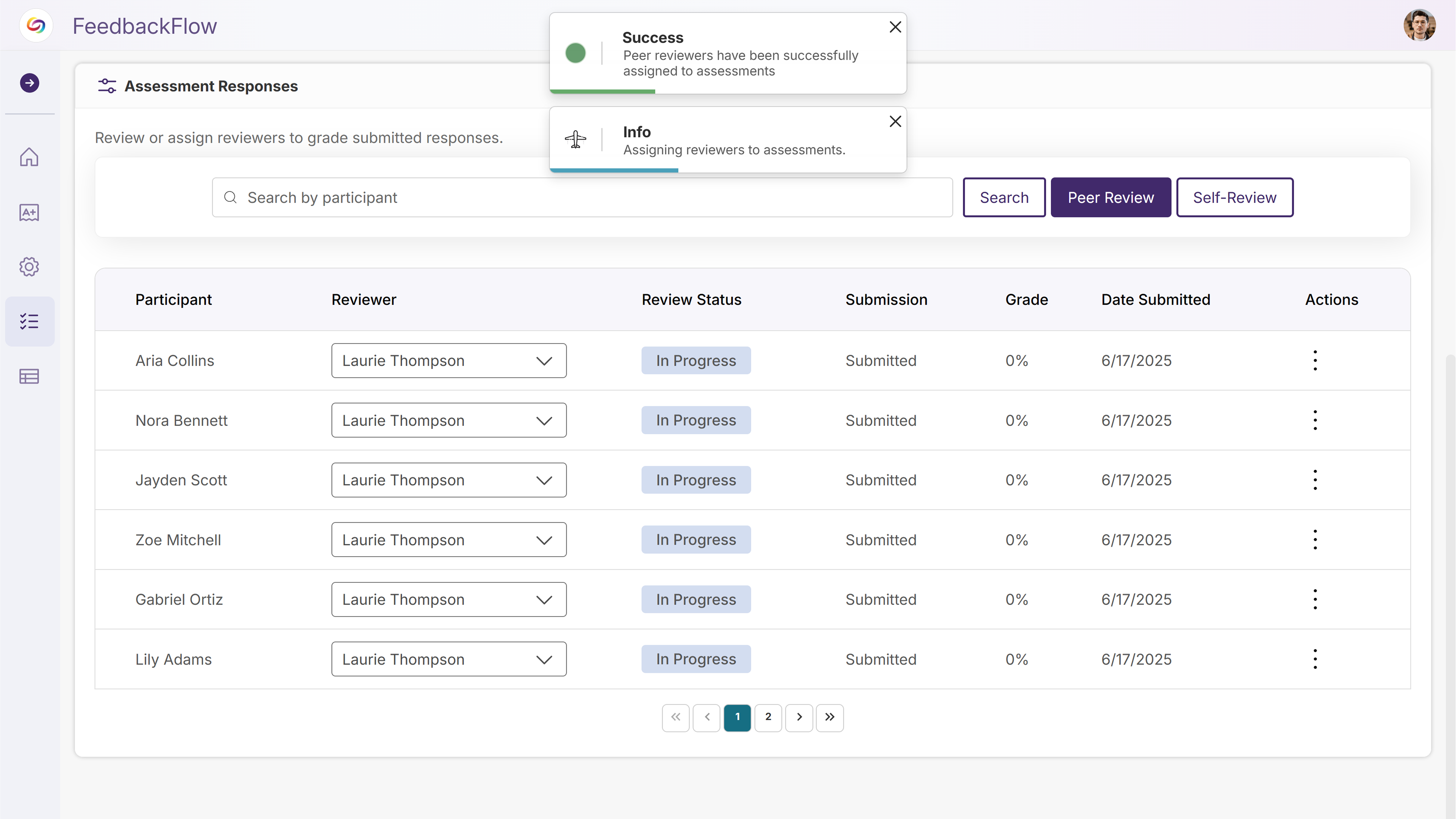
A New Rubrics Management Page Will Centralize Rubric Creation and Organization
A new Rubrics Management page will provide instructors, IT managers, and admins with centralized access to view, edit, and organize all rubrics they have permissions to access. Users can create new rubrics, search existing ones, rename and preview rubric structures, and duplicate rubrics when edit permissions are not available, streamlining rubric workflows outside of the assessment creation process.
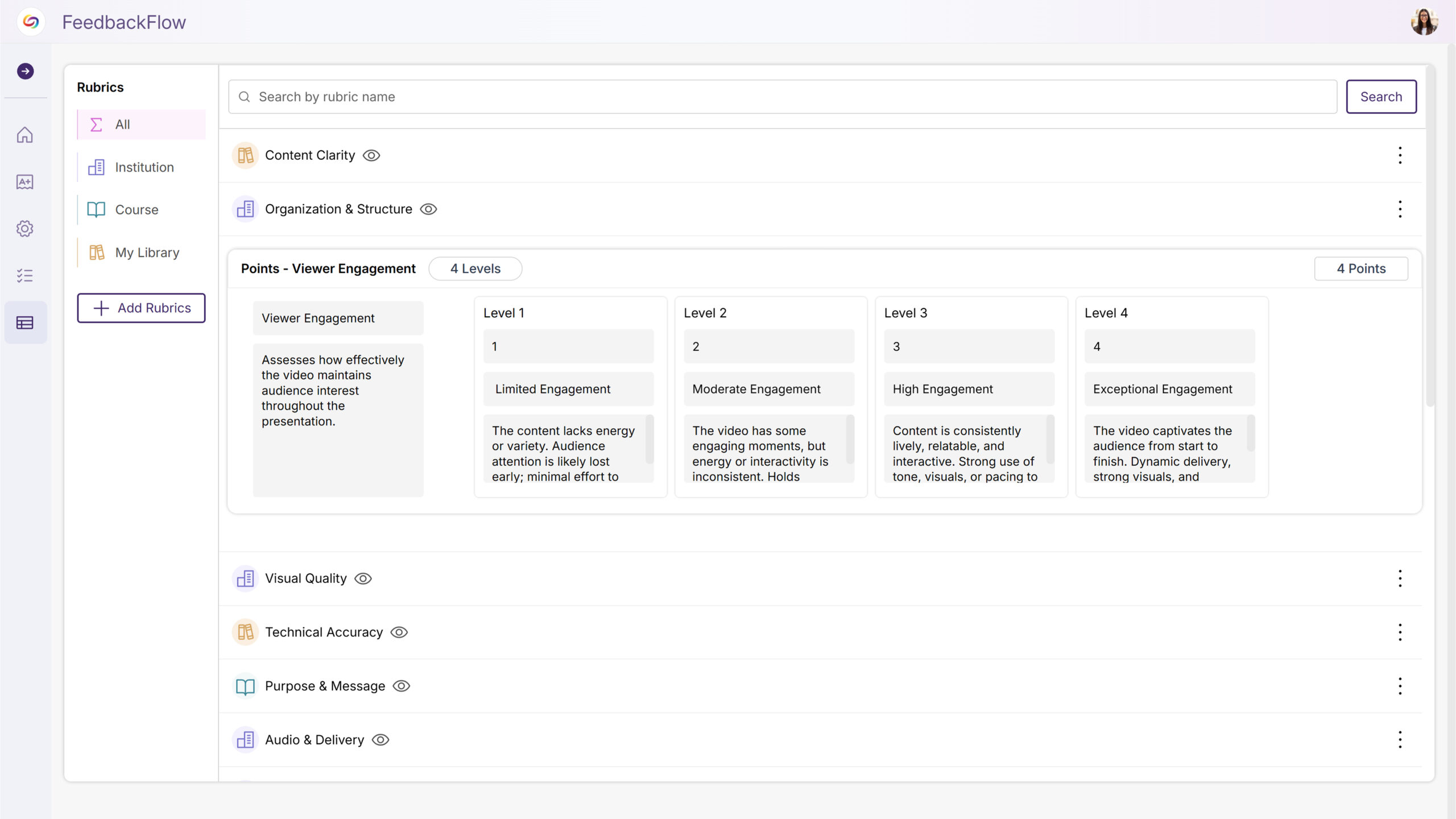
Assessment Analytics Will Now Display Student Progress and Grading Statistics
The assessment overview page will feature analytics showing the number and percentage of students who have completed assessments versus those who haven’t submitted. Additional statistics will track grading progress, displaying how many assessments are in progress, not graded, and graded, giving instructors clear visibility into class engagement and grading workflow status.
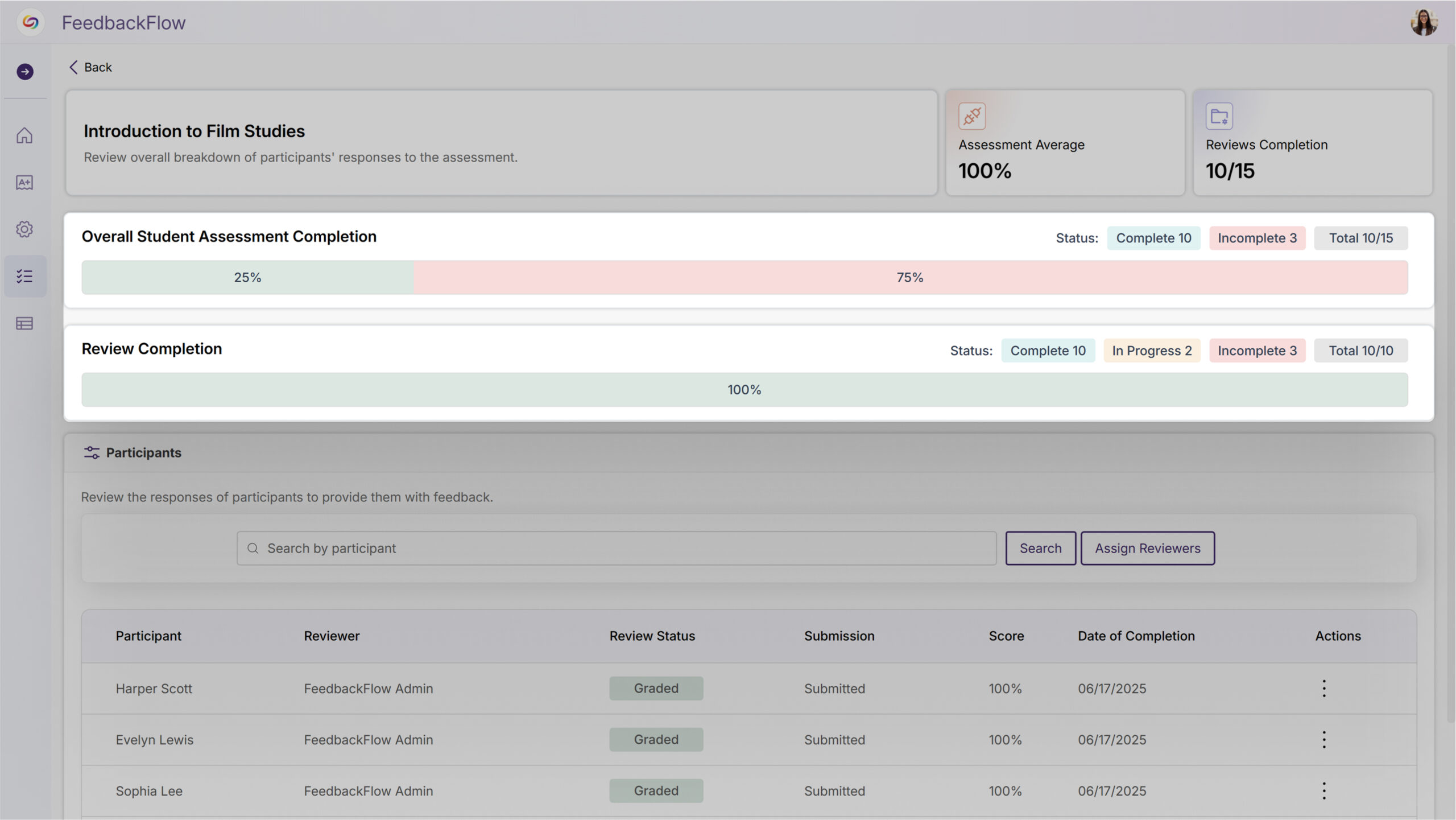
New Interactive Chat Will Enable Discussion Between Instructors and Students During Grading
Instructors will be able to start discussions with students during the grading process, allowing for clarifying questions and back-and-forth conversation before final grades are assigned. Students can respond to instructor comments through their dashboard, and grading for discussed questions will be disabled until the instructor marks the discussion as resolved to help ensure thorough communication before assessment completion.
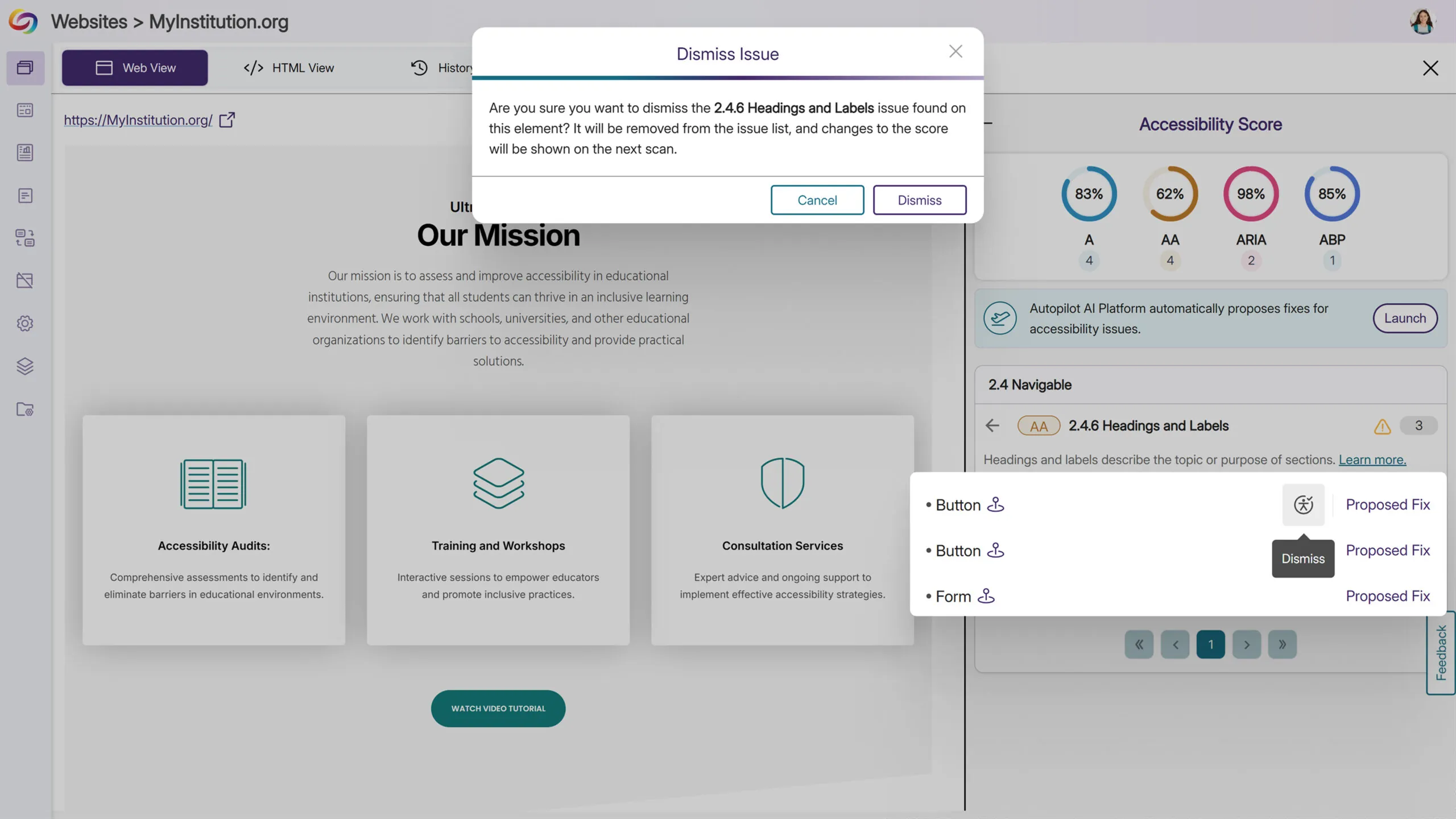
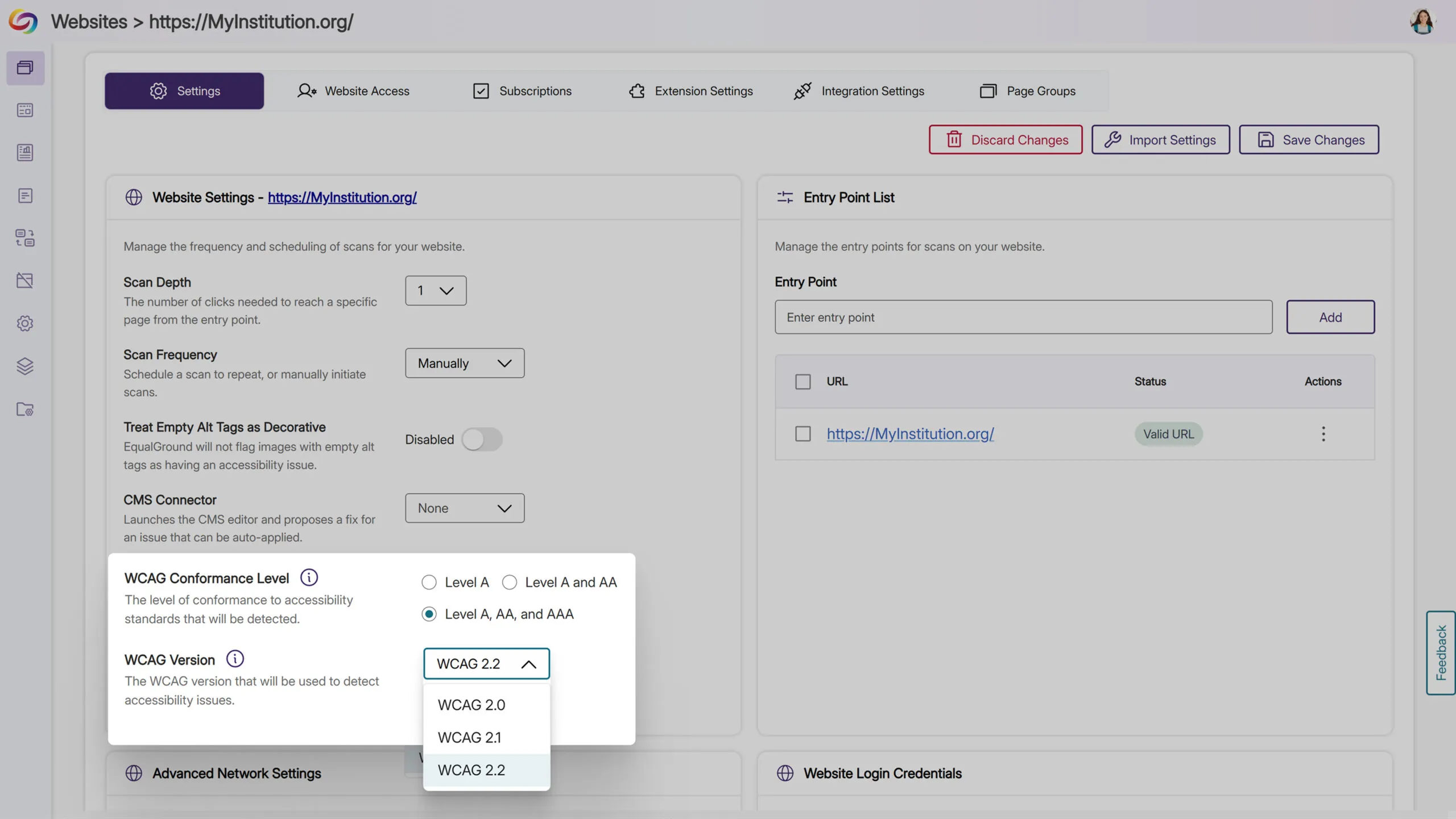
We have successfully pushed an update to all YuJa Structural Remediation Max Module instances residing in the United States, Canada, European Union, and Australia. This update includes a complete interface redesign for enhanced user experience, improved document navigation with expanded tag tree visibility, enhanced PDF issue detection capabilities, and a significantly improved OCR engine for faster, higher-quality processing.
Complete Redesign for Enhanced Remediation Experience
We’ve completely redesigned the Structural Remediation Max Module’s interface to deliver a more intuitive, accessible, and efficient remediation workflow. Key improvements include:
Enhanced Visual Design: Streamlined layout with improved organization of tools and clearer visual hierarchy
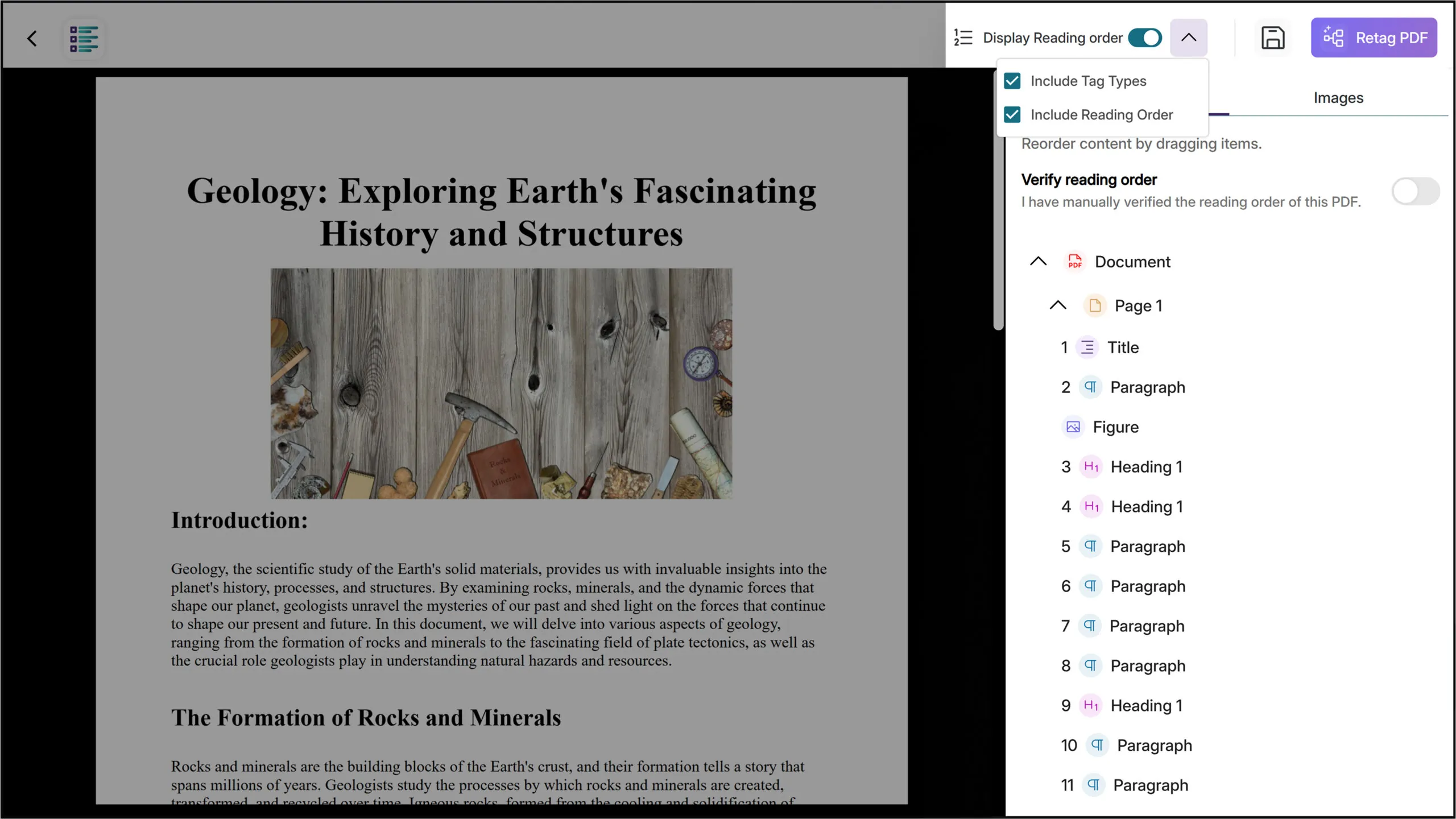
Accessibility Improvements: Full keyboard navigation support and comprehensive screen reader compatibility
Updated User Guidance: Comprehensive tooltips and improved labeling throughout the interface
Optimized Workflows: Simplified processes for editing document structure, managing reading order, and tag modification
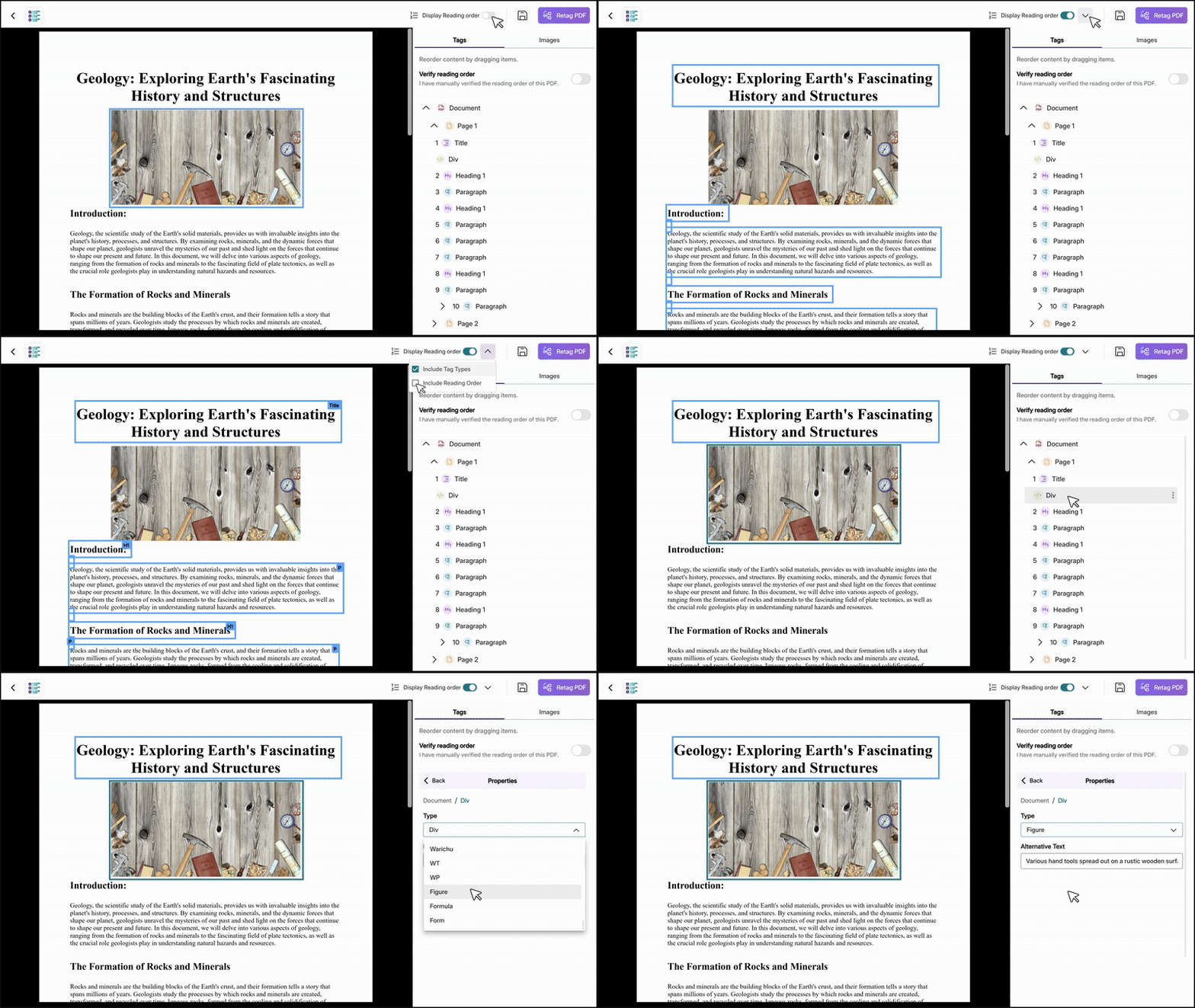
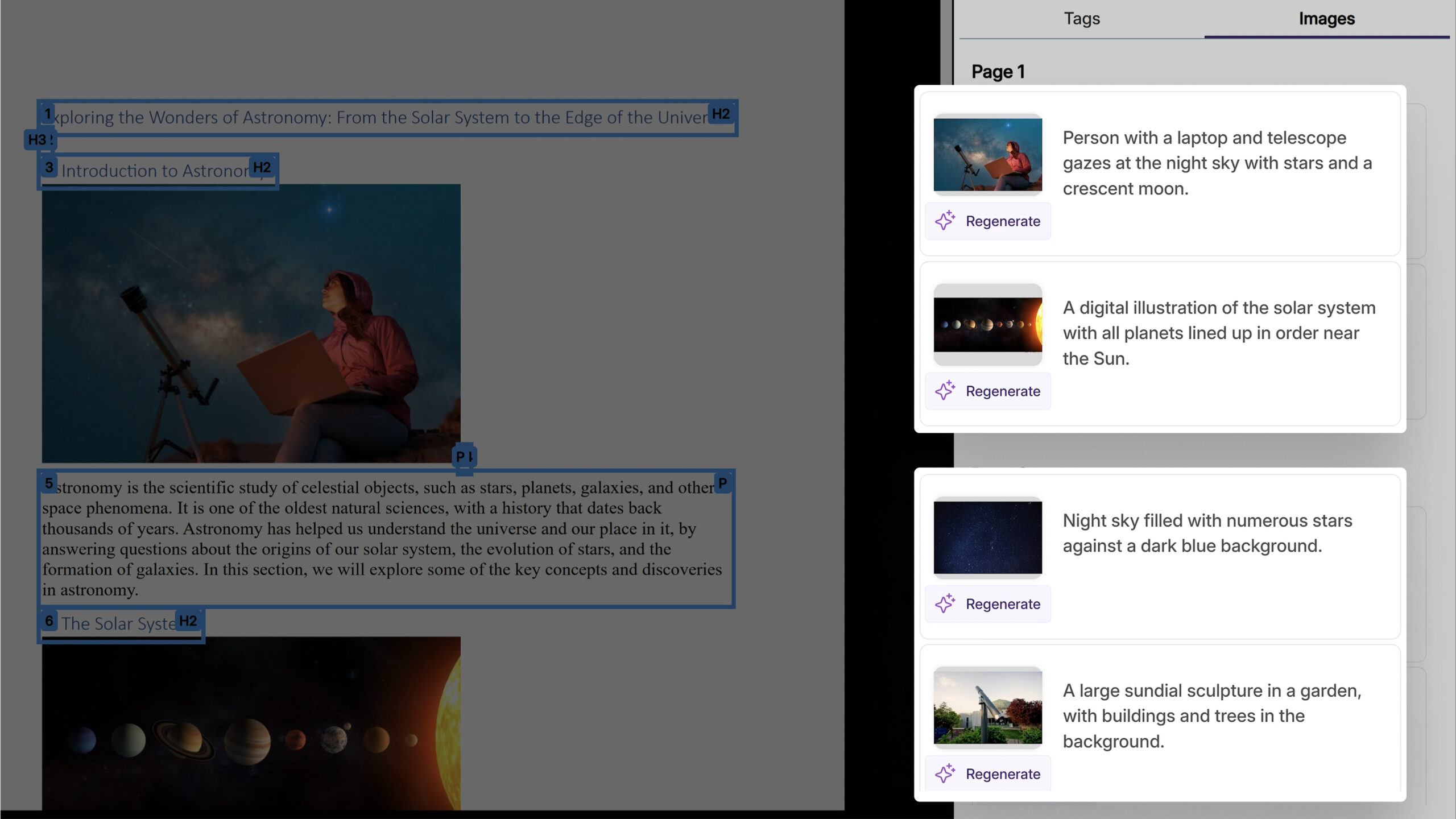
Improved Element Management: Enhanced tools for image selection, AI generation, and bookmark organization
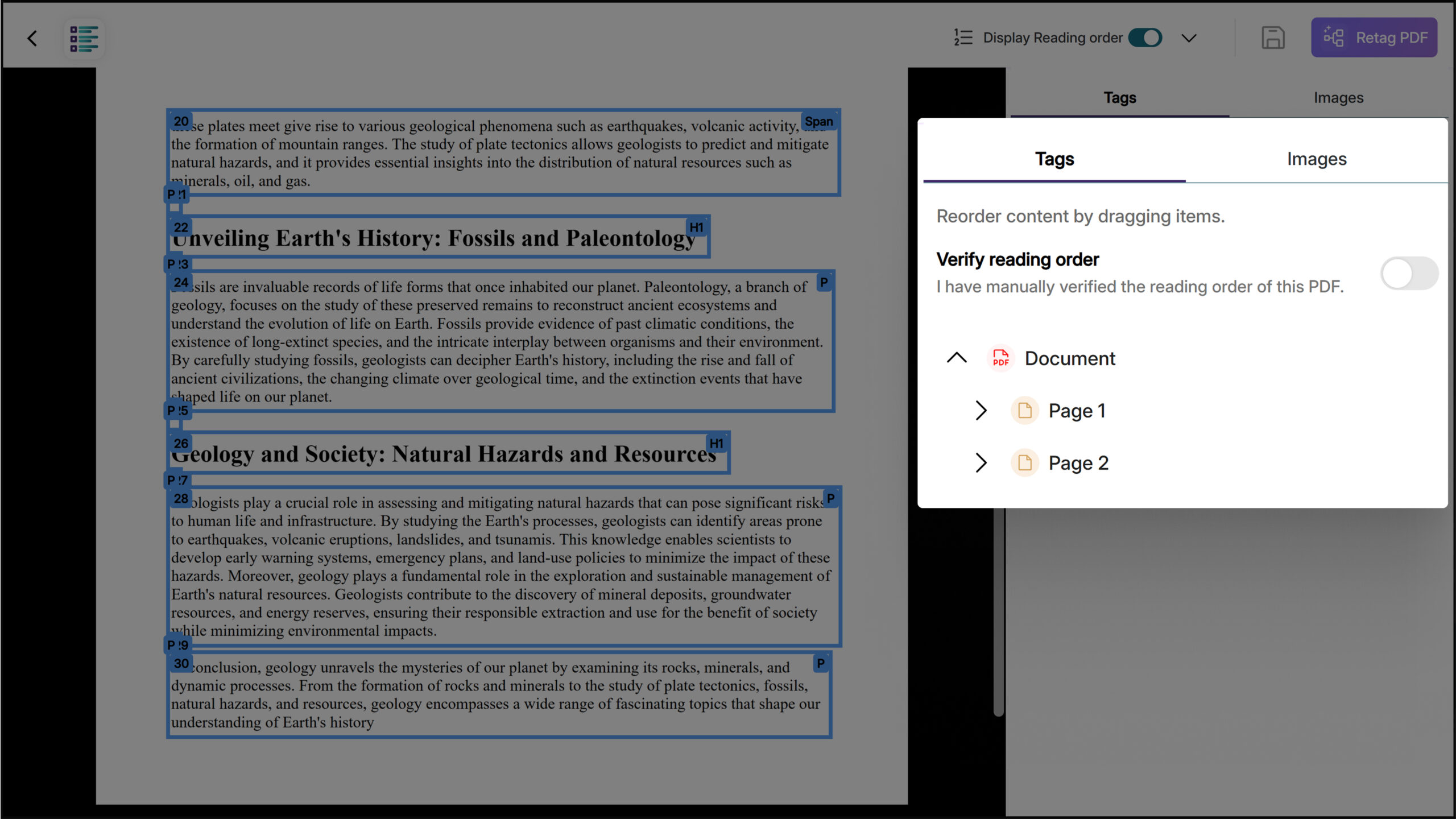
Default Two-Level Tag Tree Expansion Improves Document Navigation
With this update, the tag tree now expands to show two levels by default, providing immediate visibility into the document’s structural hierarchy without requiring manual expansion. This improvement helps users quickly identify and navigate to specific elements within complex PDF structures and streamlines the remediation workflow.
Improved PDF Issue Detection and OCR Fix for Malformed Documents
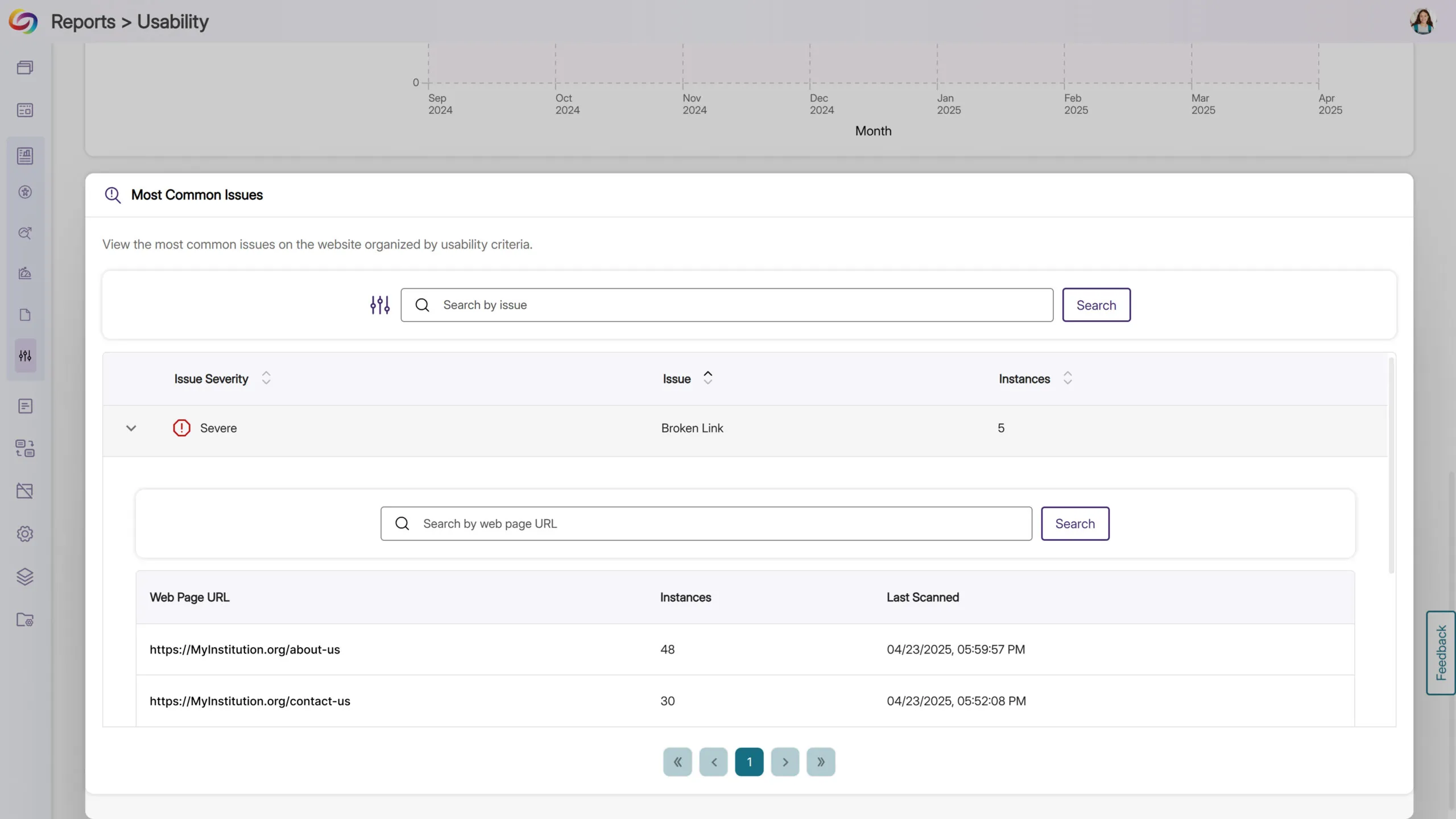
With this update, YuJa Panorama now distinguishes between corrupted PDFs, which cannot be opened, and malformed PDFs, or structural issues preventing report generation. Malformed documents are now fixable using the Fix Issue button through OCR processing. This helps address scanned documents that were previously flagged as problematic but that can be repaired and processed successfully.
Improved OCR Reconstructed Tagged PDF Engine Improves Speed and Quality of Outputs
We’ve significantly enhanced our OCR Overlaid Tagged PDF engine to deliver faster processing speeds and improved output quality. This update resolves critical issues including blank page generation during OCR reconstruction and provides more accurate tagging across all types of PDF documents.
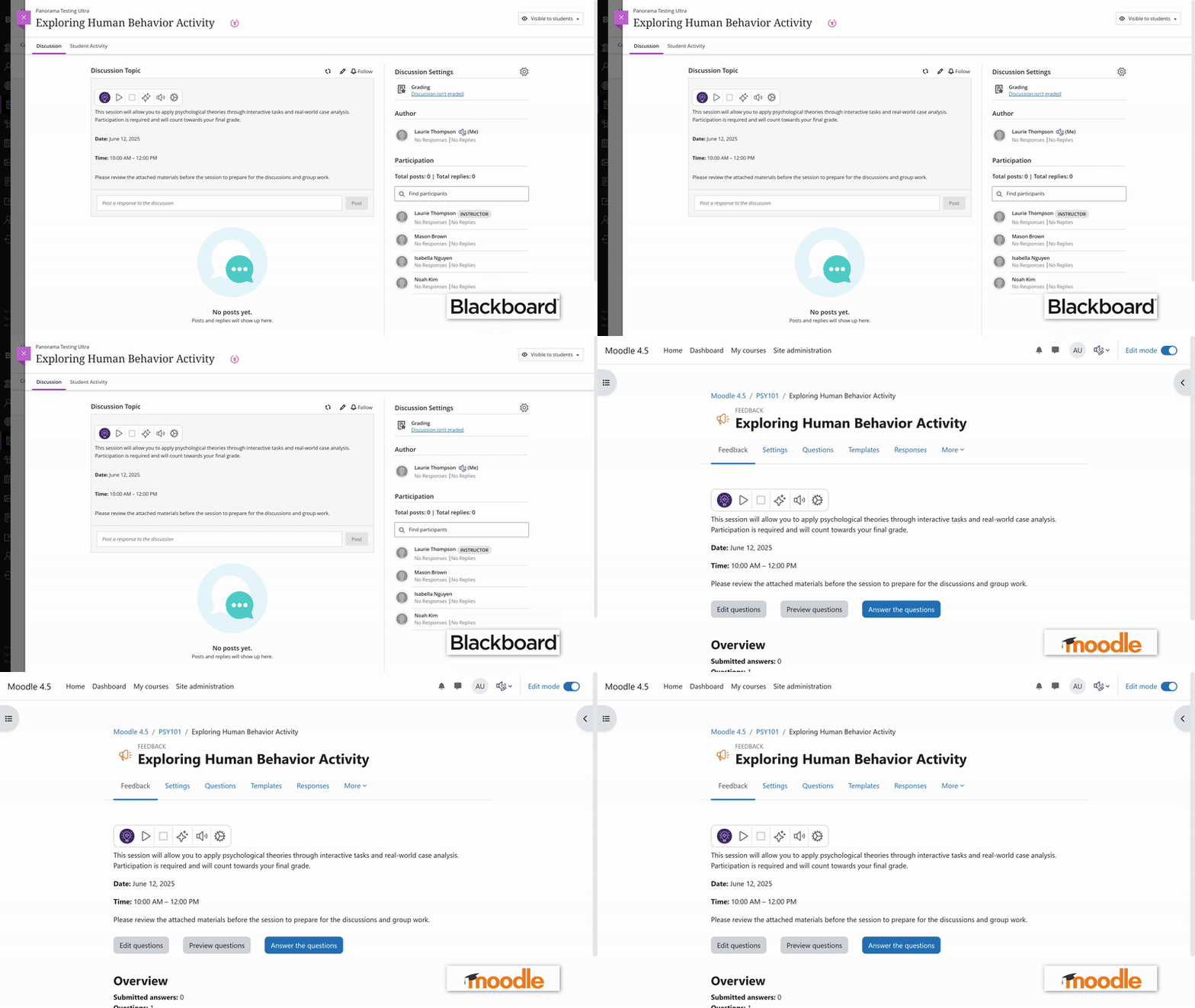
We have successfully pushed an update to all YuJa SmartSpeaker instances residing in the US, Canada, Australia, Singapore, the Middle East, and the European Union. This update includes expanded LMS embedding support for Blackboard and Moodle platforms.
Ability to Embed the SmartSpeaker into Blackboard and Moodle Course Content
As an instructor, you can now embed YuJa SmartSpeaker directly into Blackboard course content in both Original and Ultra, and Moodle, allowing students instant text-to-speech audio without needing to highlight content manually.
Join the 1,000+ Organizations Deploying High-Impact Solutions














