

Product Updates
Get the latest platform updates, features, and announcements—all in one place.
Boost Video Accessibility with the GenAI Video PowerPack!
Try Now
Supercharge Your Compliance Efforts with AutoPilot Remediation Max!
Try Now
Strengthen Your PDF Accessibility Efforts with Structural Remediation Max!
Try Now
Don't Miss Any of Our Upcoming Webinars—Save Your Spot!
Register
The YuJa Community is here! Connect, get updates, and access exclusive content.
Join Now

Get the latest platform updates, features, and announcements—all in one place.
Rolling out over the next few weeks, this update introduces group-based assessments with collaborative workflows and group feedback. This includes a streamlined setup, intuitive collaboration, enhanced instructor oversight, and flexible team dynamics.
FeedbackFlow Group Assessments Enable Collaborative Student Evaluation
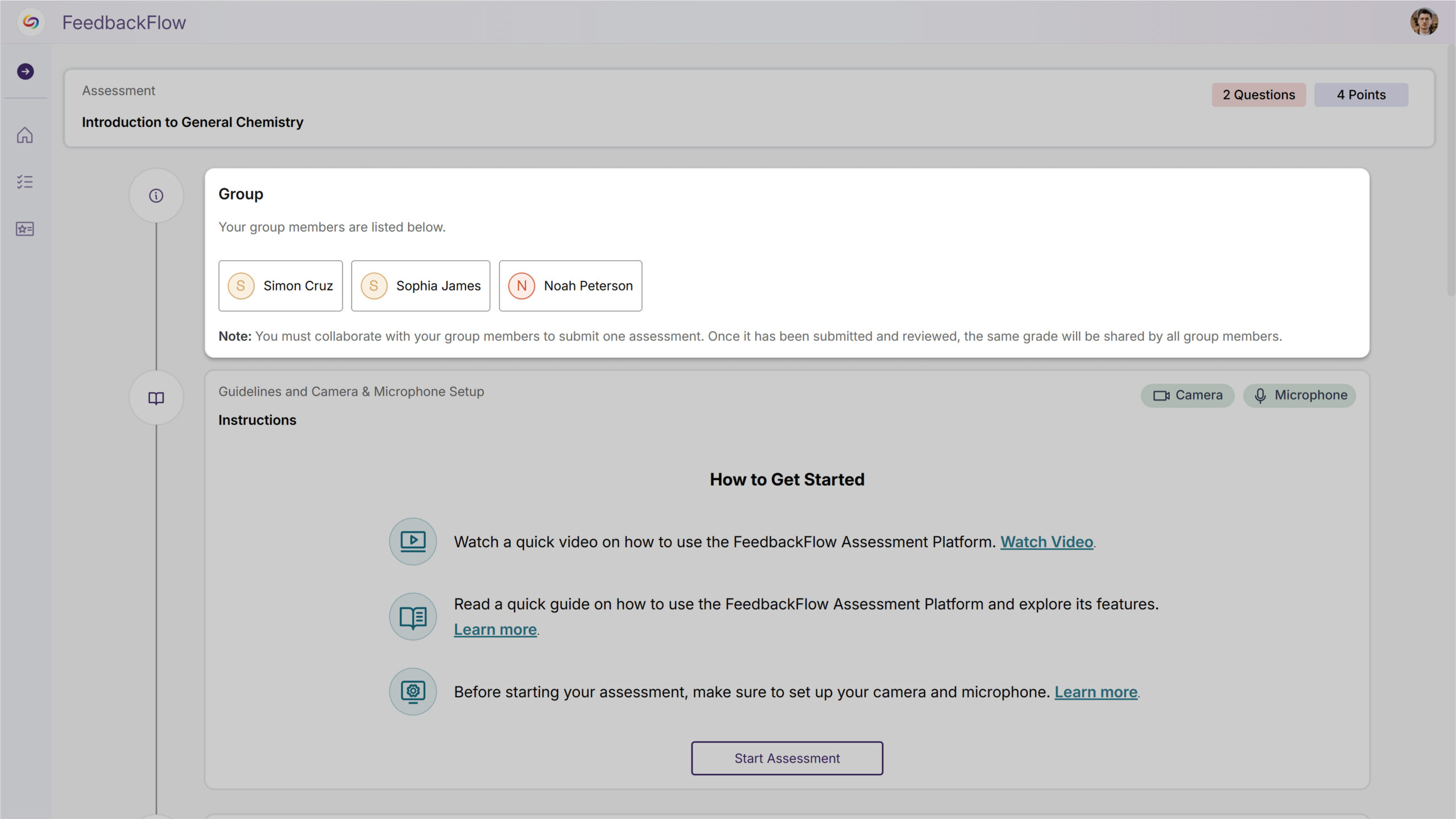
FeedbackFlow will now support group-based assessments where students collaborate on responses and submit feedback as a team. Key features will include:
Automatically connects course rosters and allows flexible group creation through manual assignment or random distribution for a streamlined setup.

Students seamlessly join or create groups and work together on shared responses without workflow friction for more intuitive collaboration.
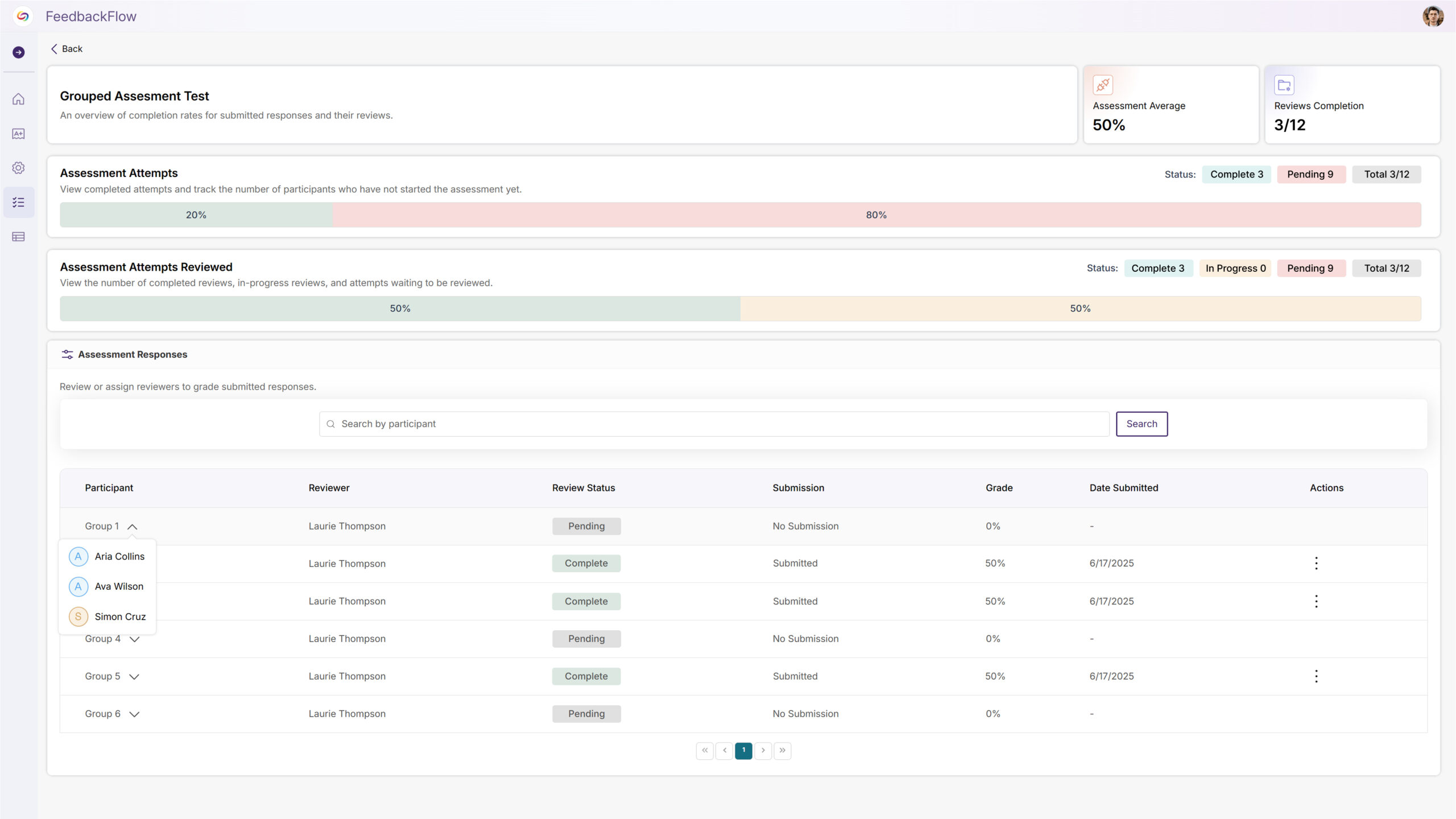
Complete visibility and control over group formation, assessment management, and collaborative progress across multiple courses for enhanced instructor oversight.
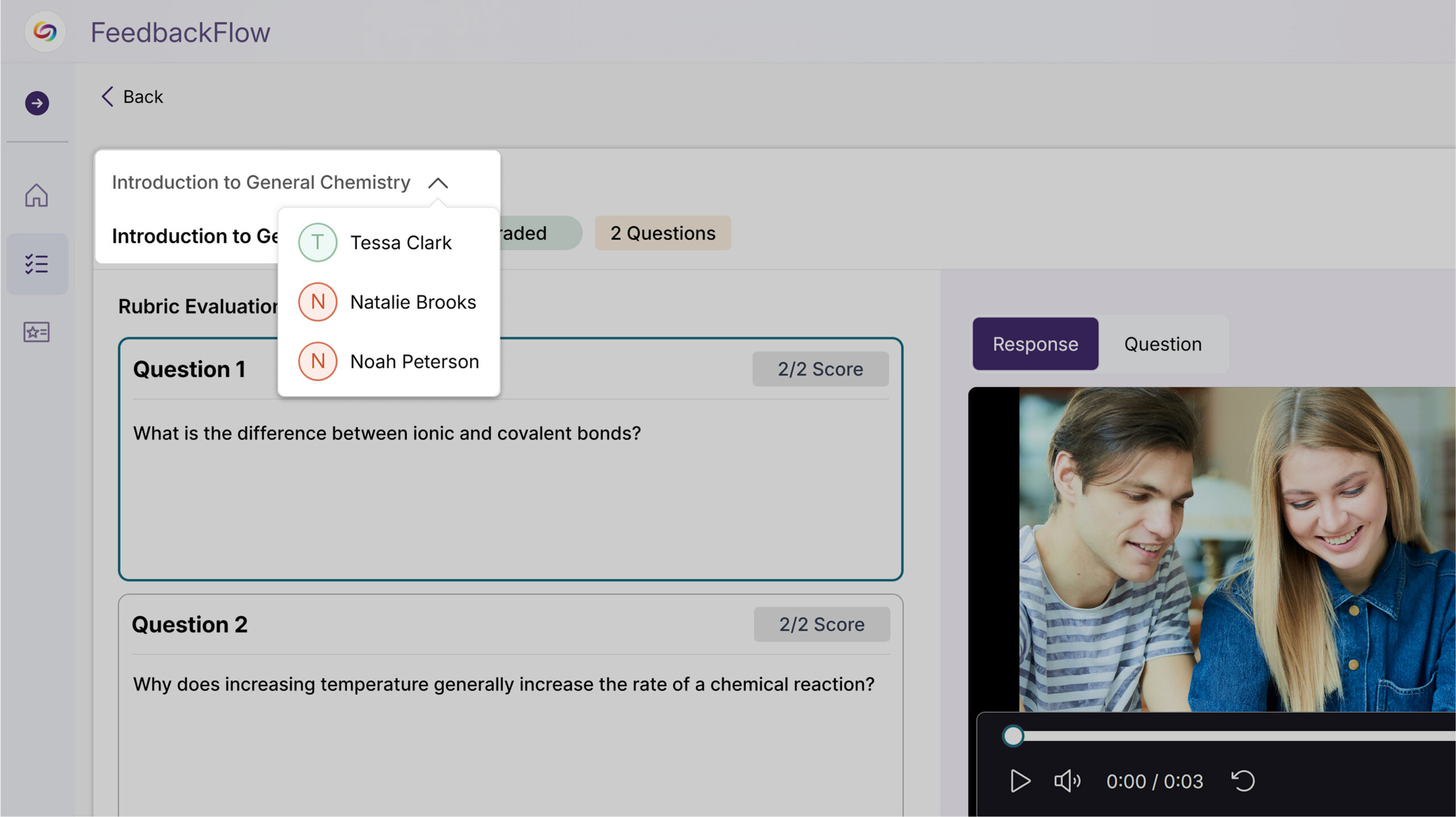
Groups can build on each other’s work with collaborative editing and submission updates that preserve the team-based process to create flexible team dynamics.
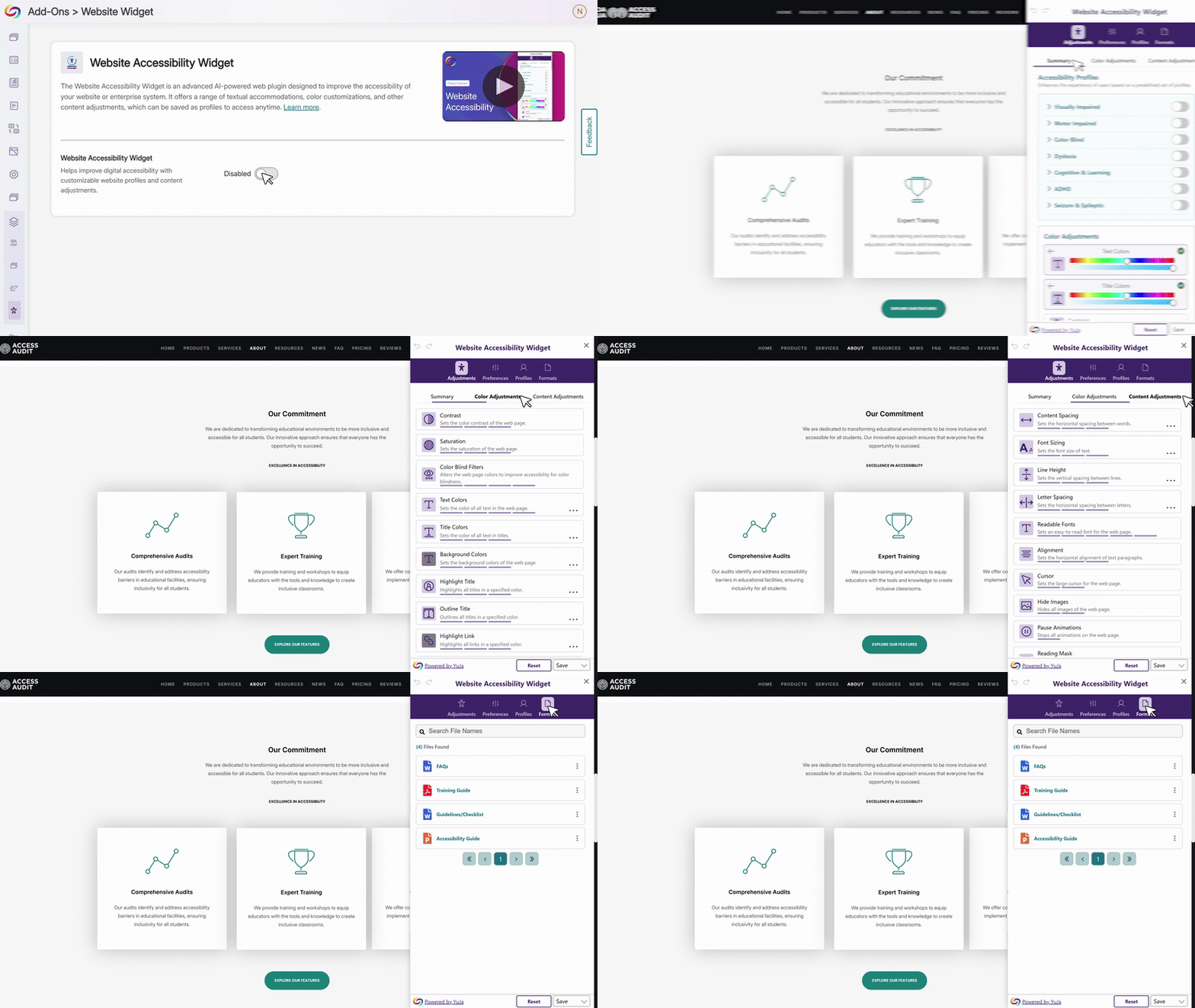
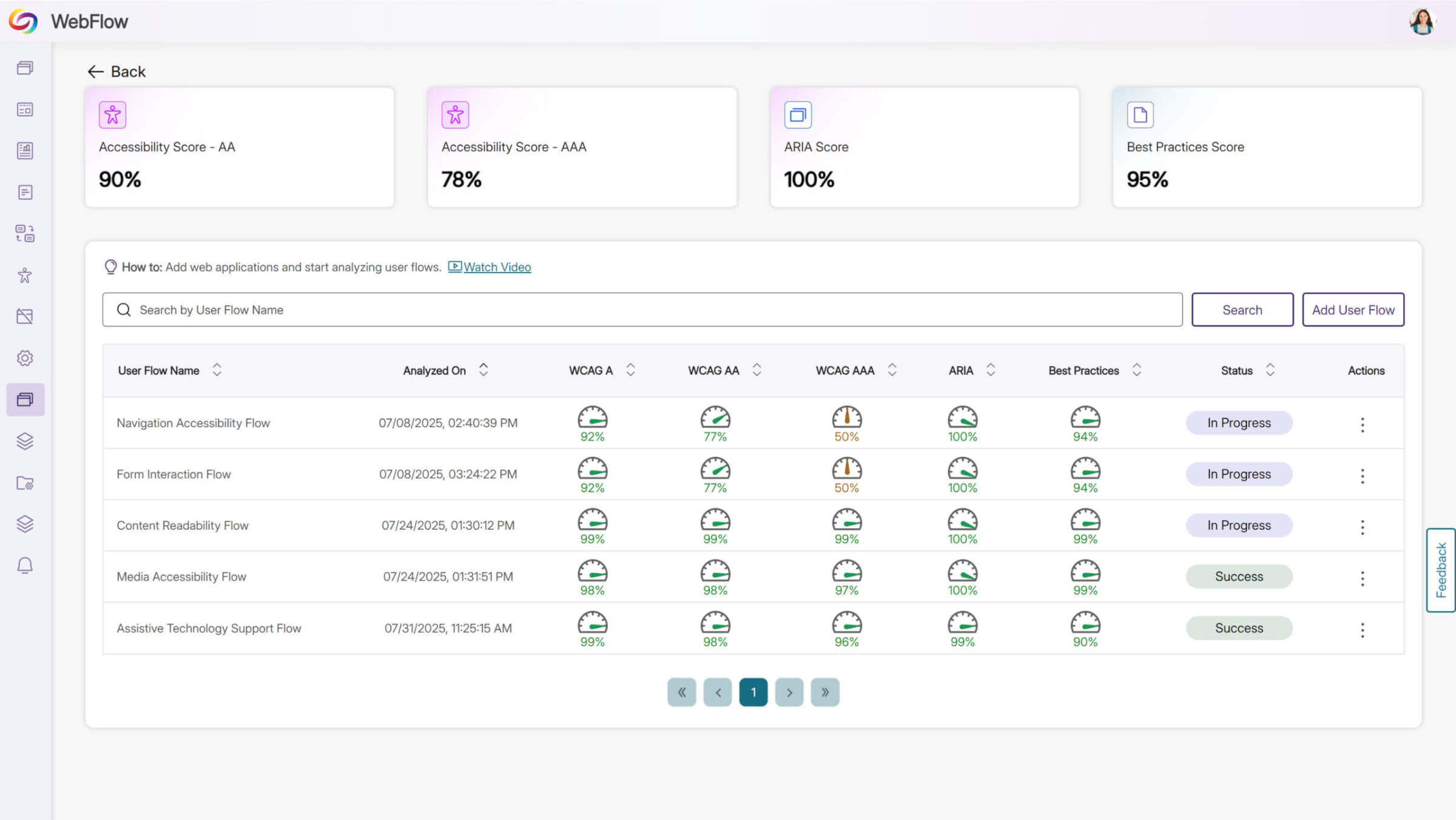
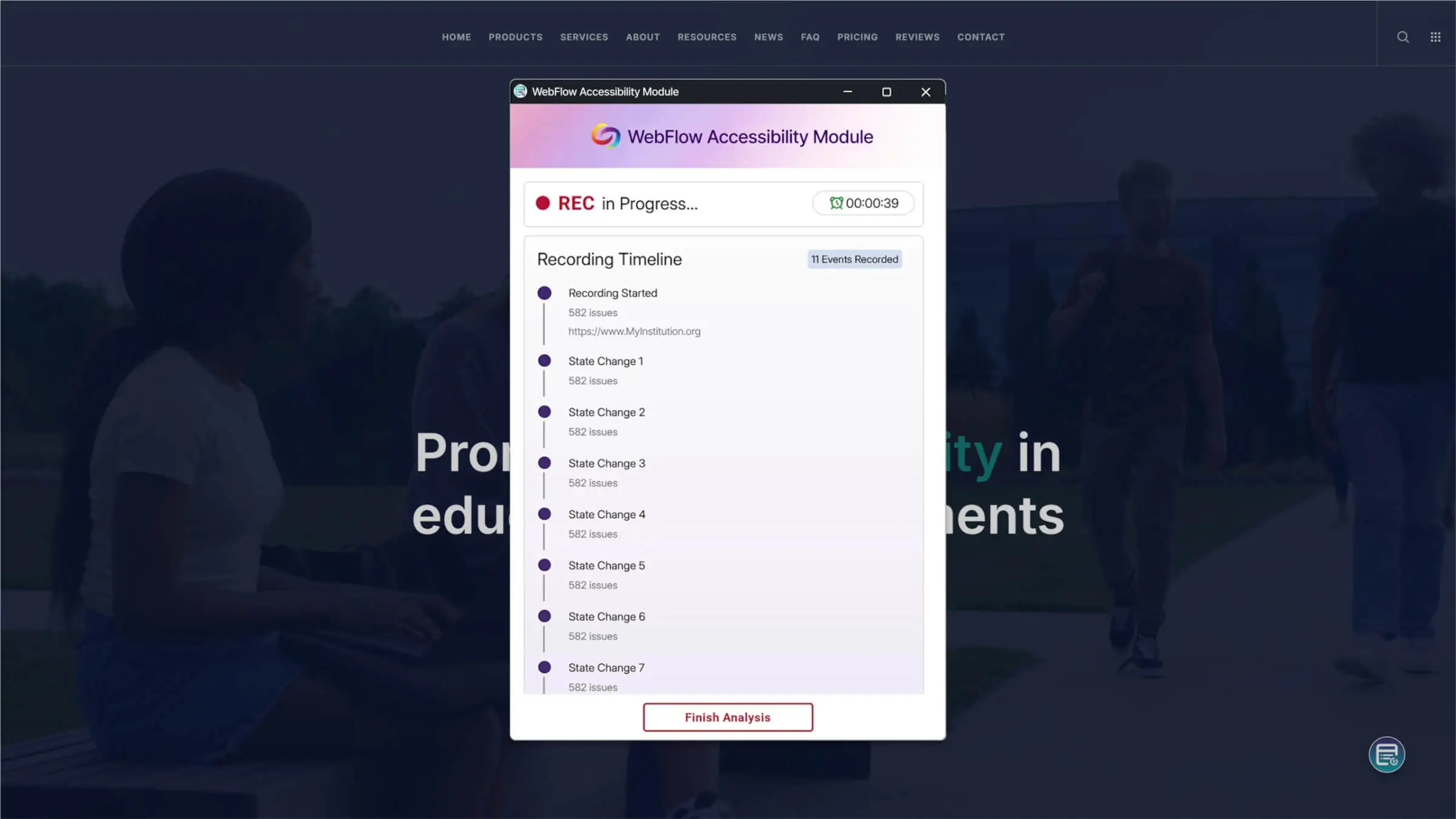
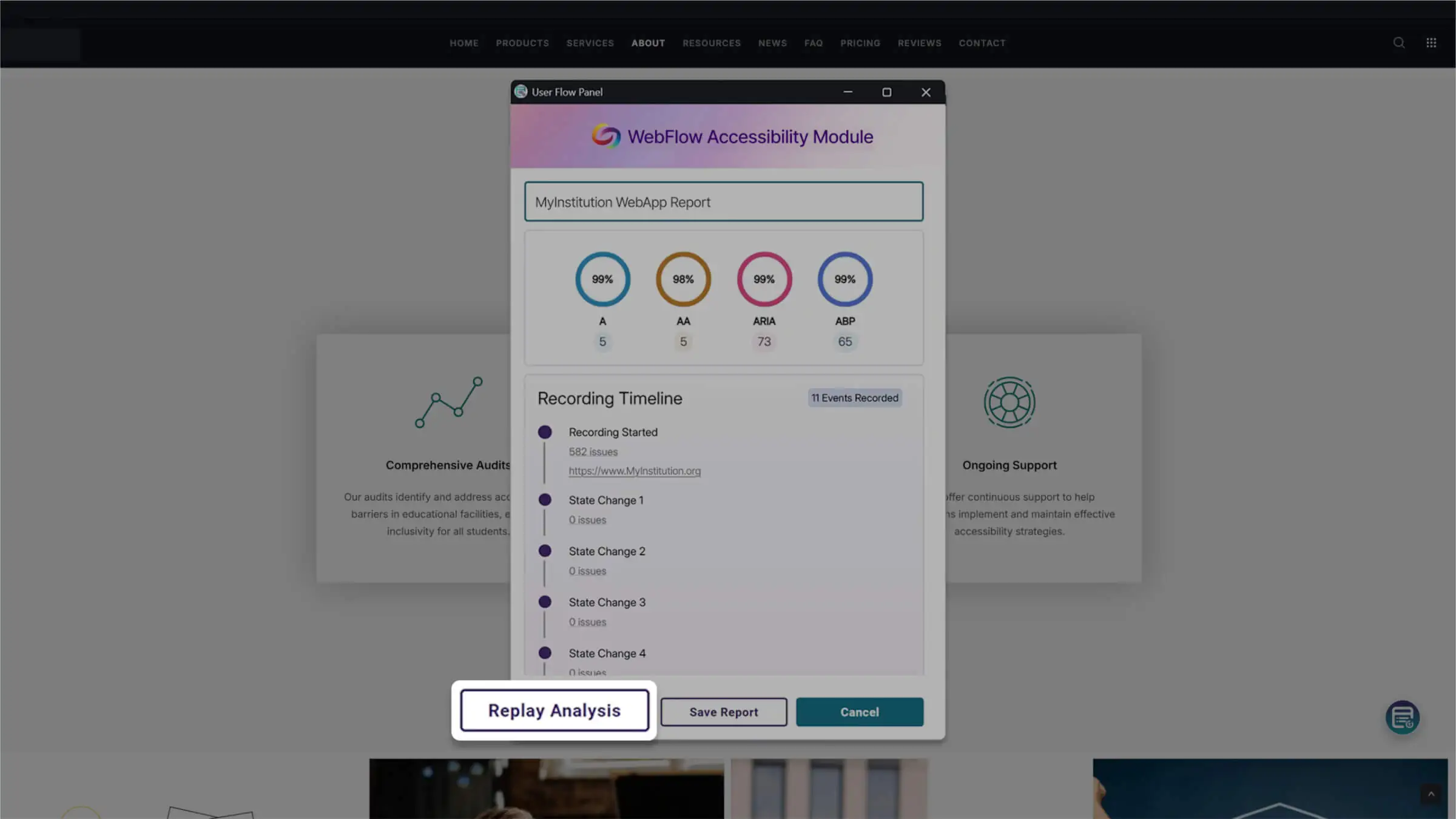
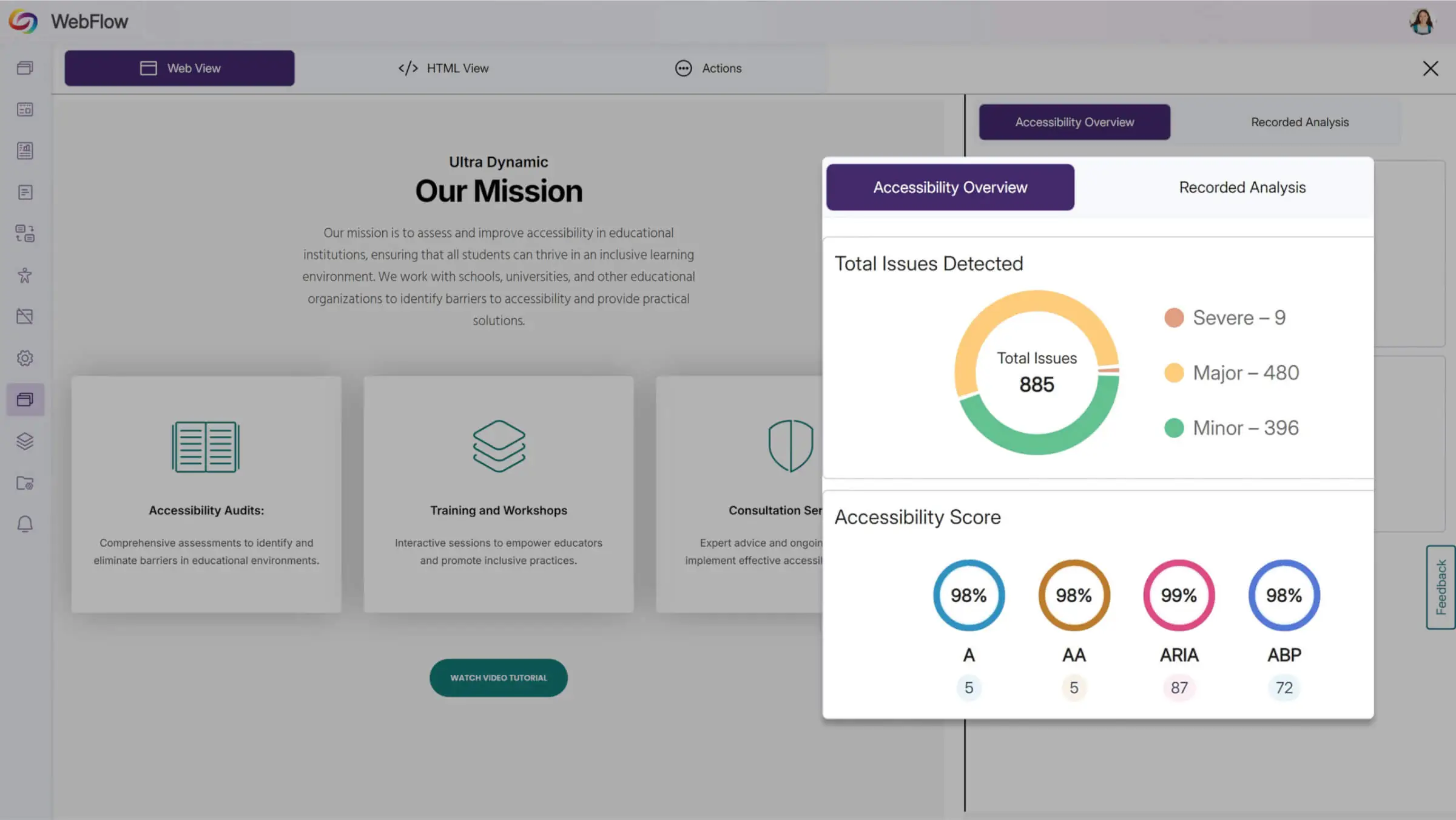

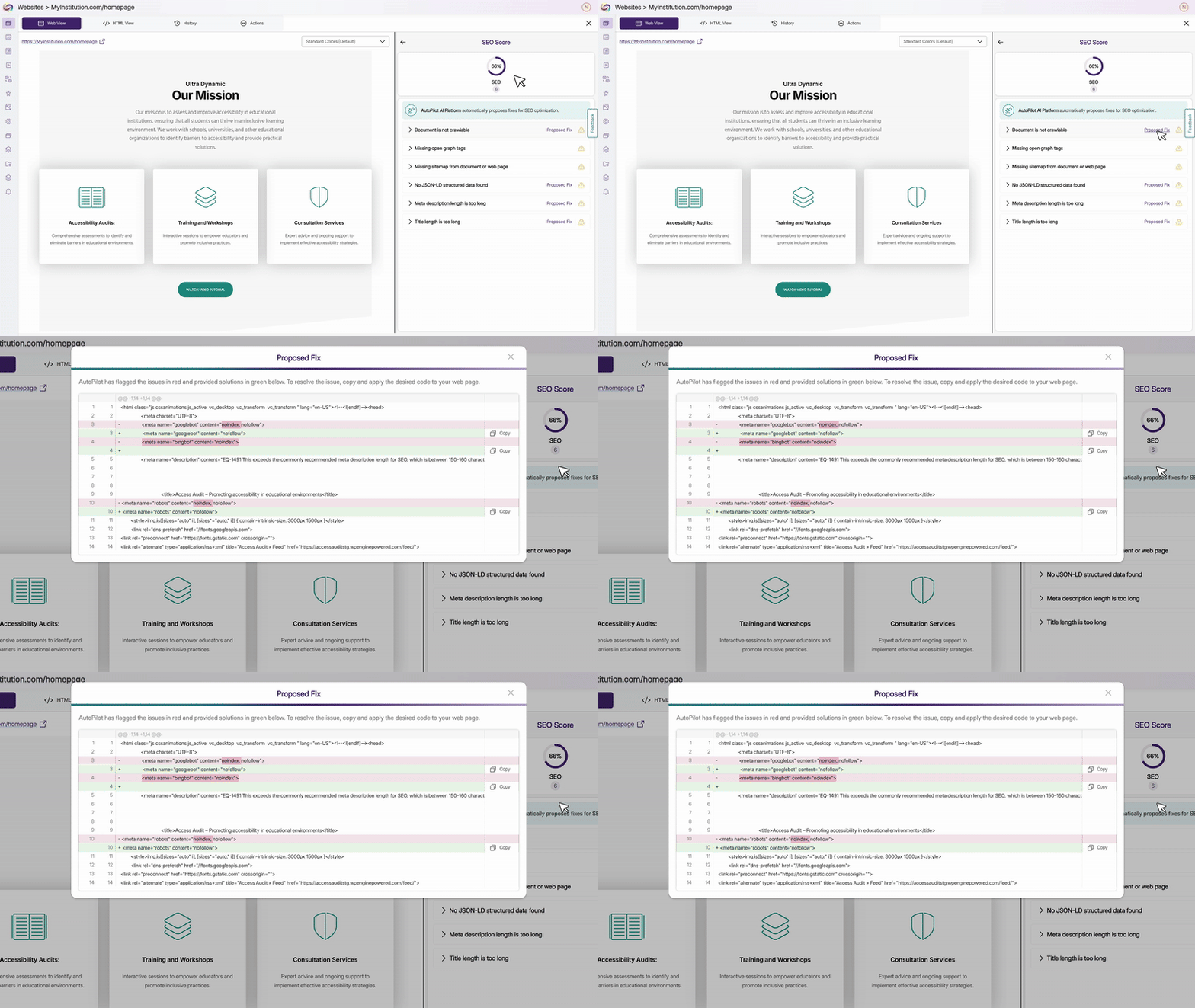
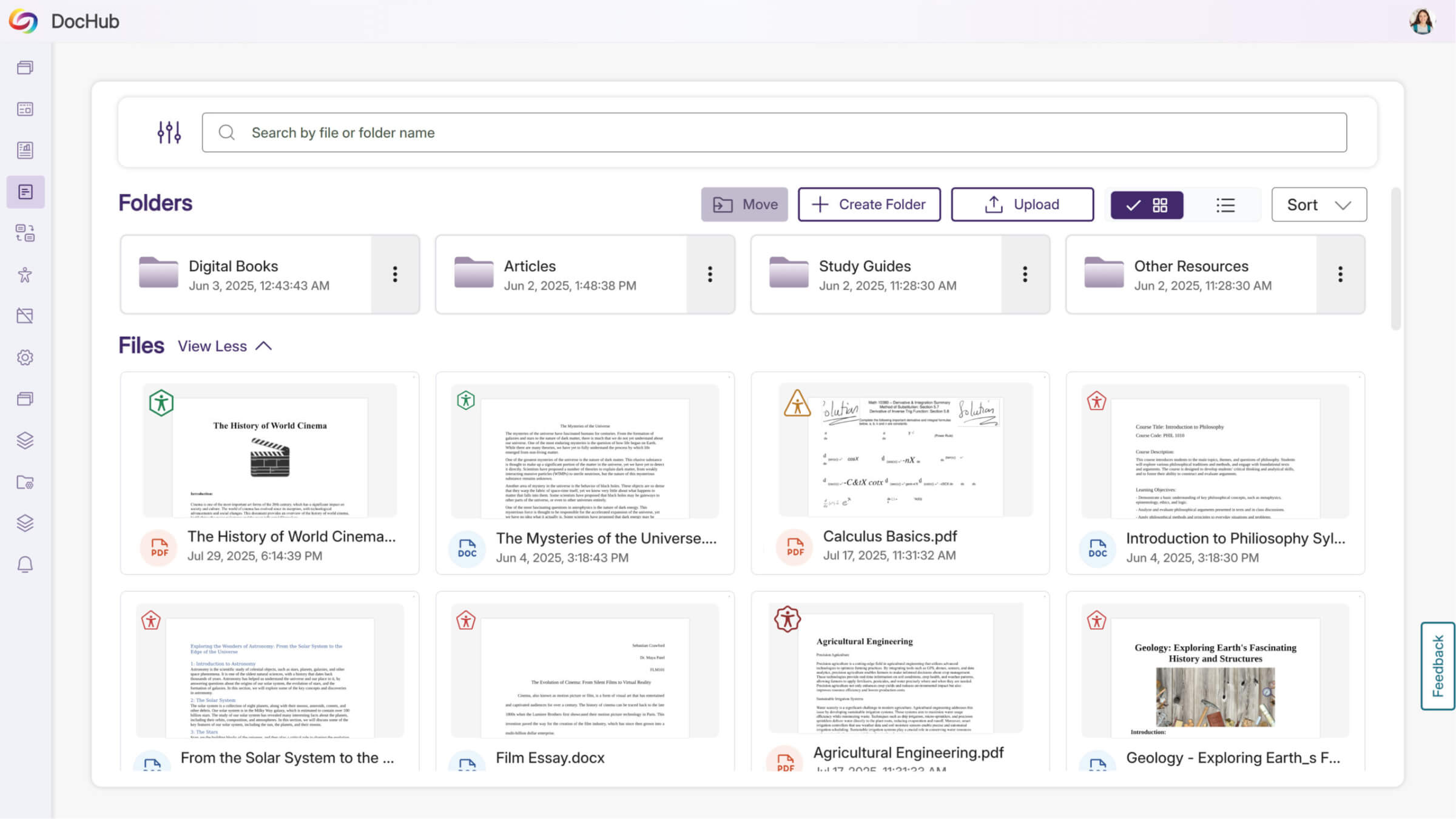
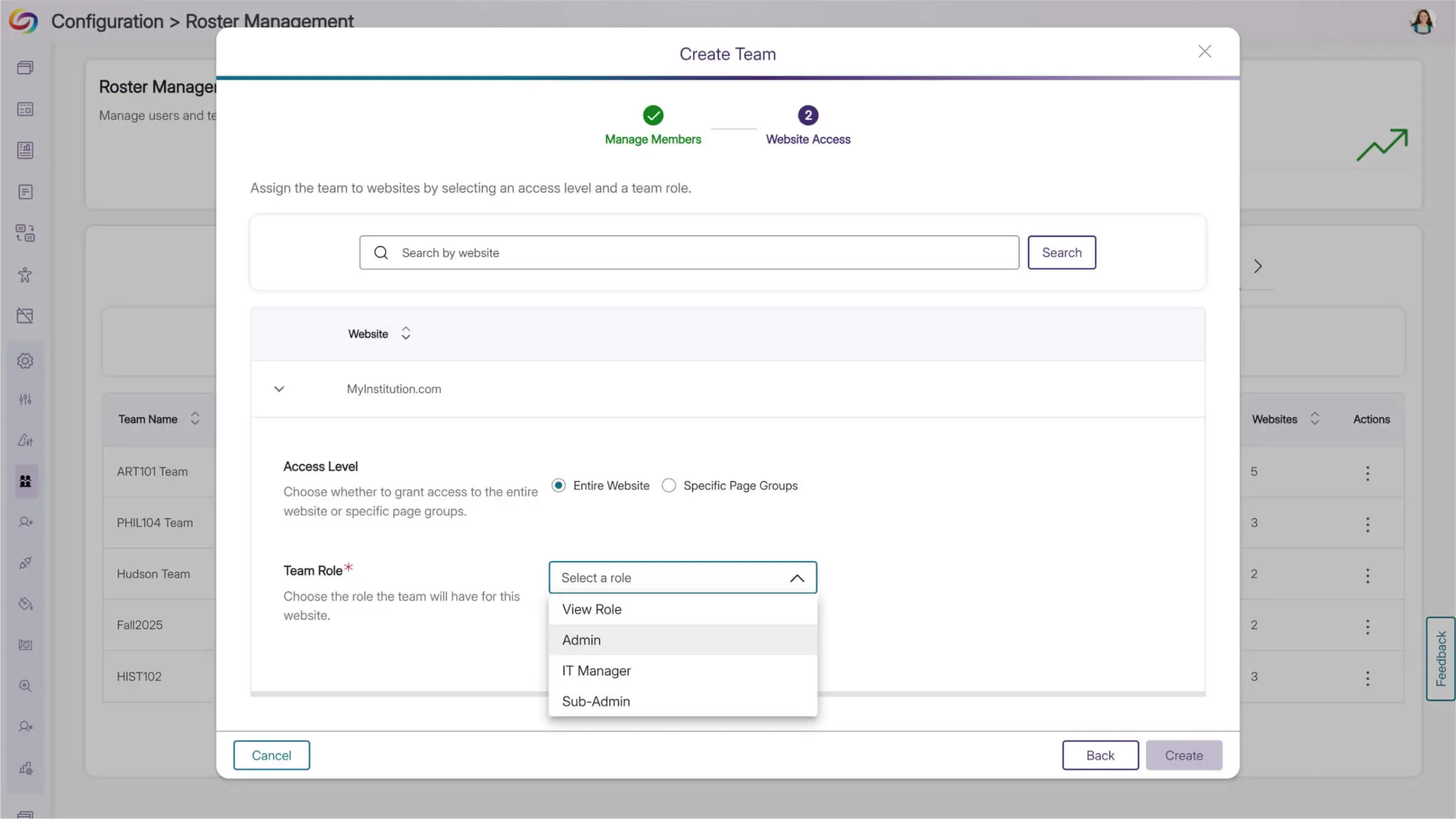
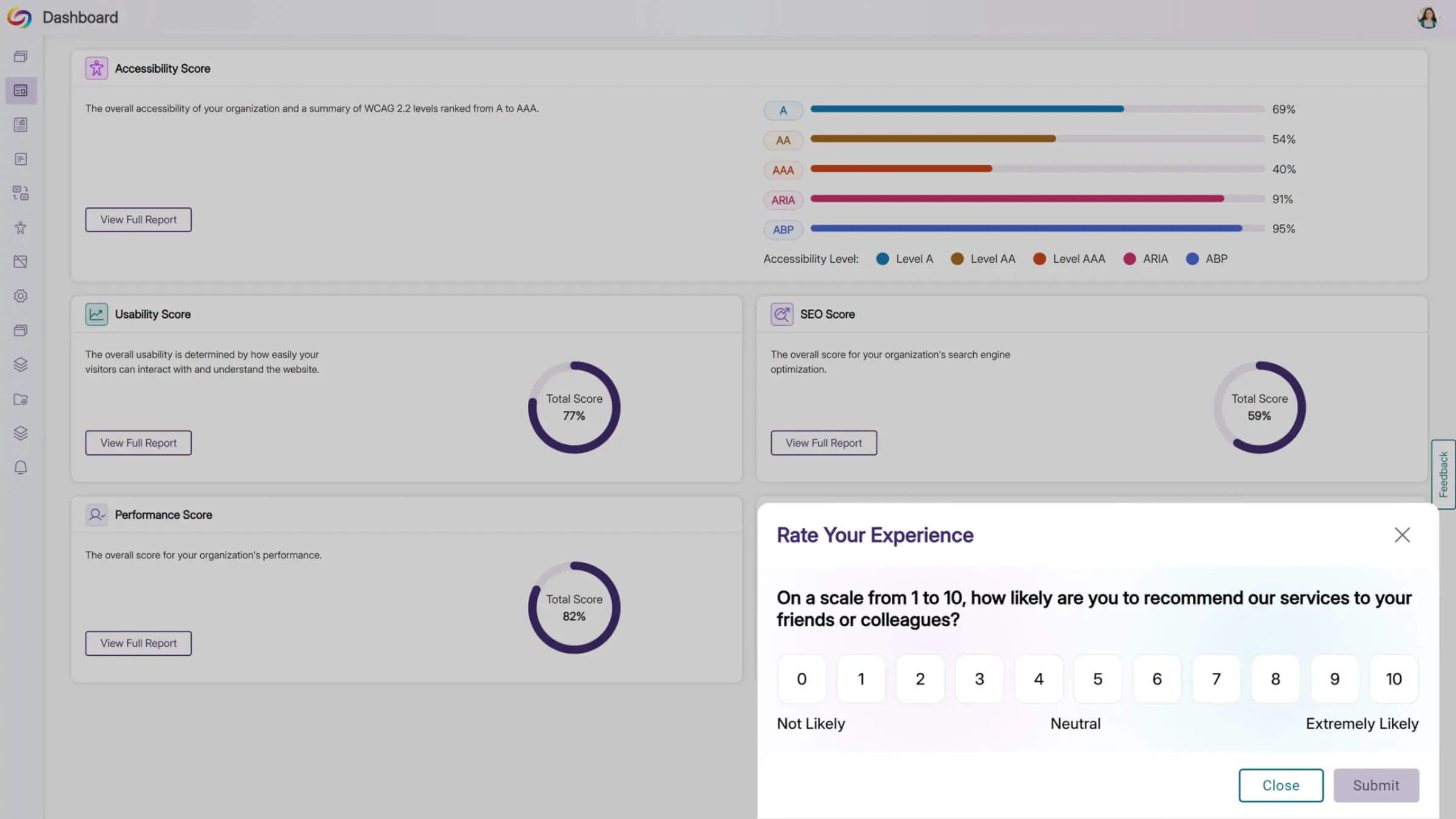
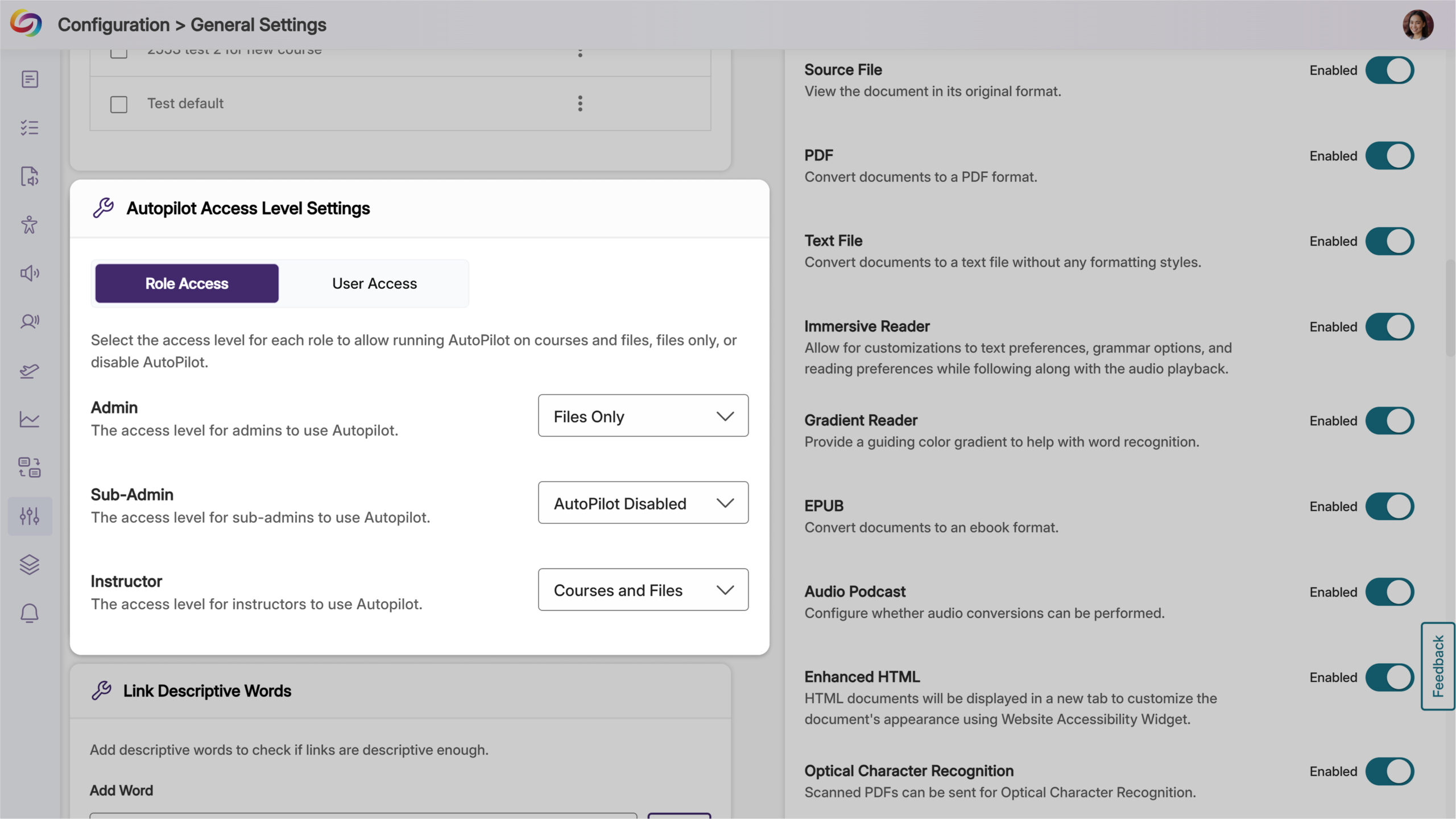
We’re rolling out new updates across YuJa AutoPilot AI Remediation Max, including the ability to request a trial, run the module across multiple courses at once, and to customize user roles.
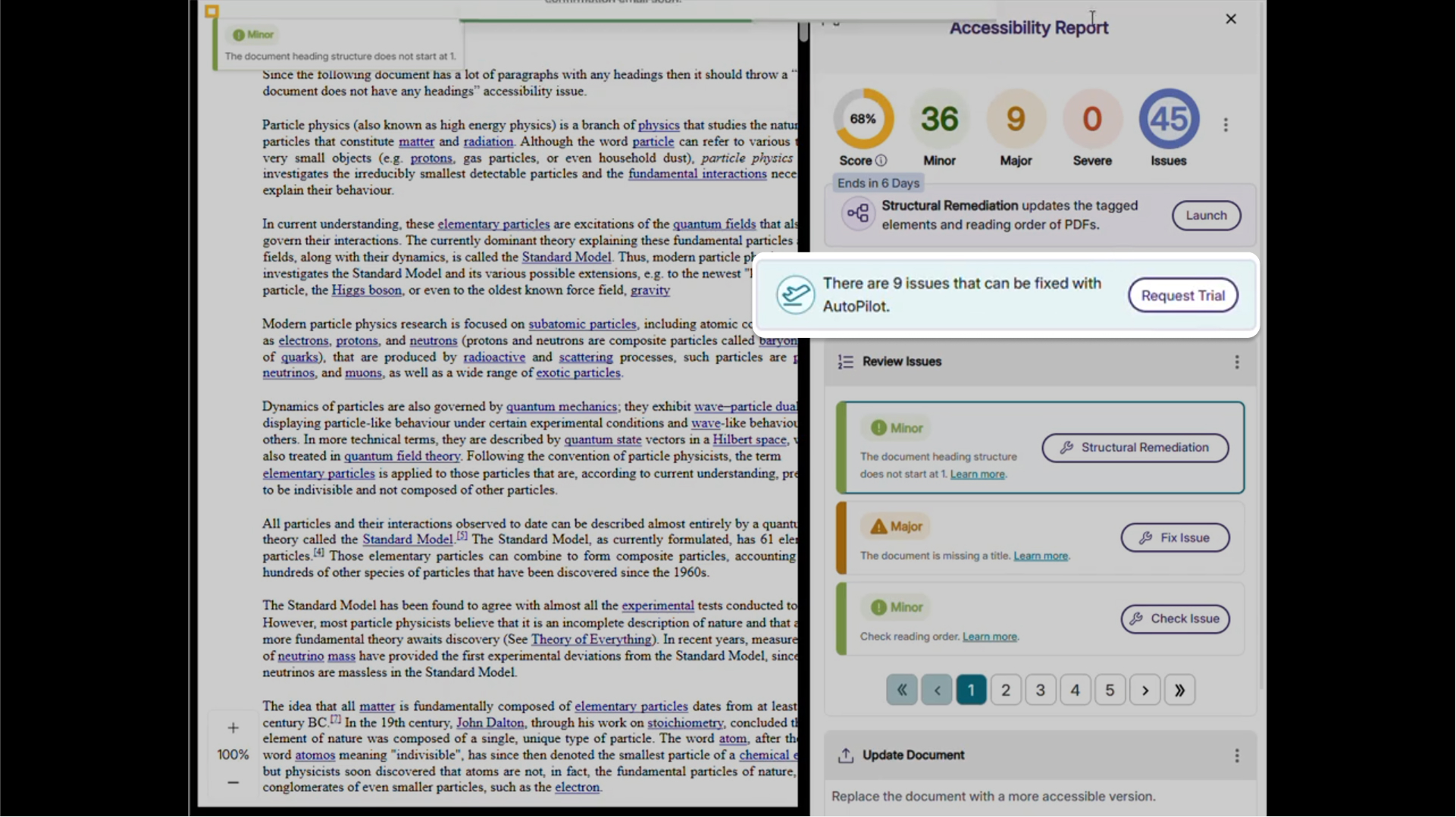
Request a Trial of YuJa AutoPilot AI Remediation
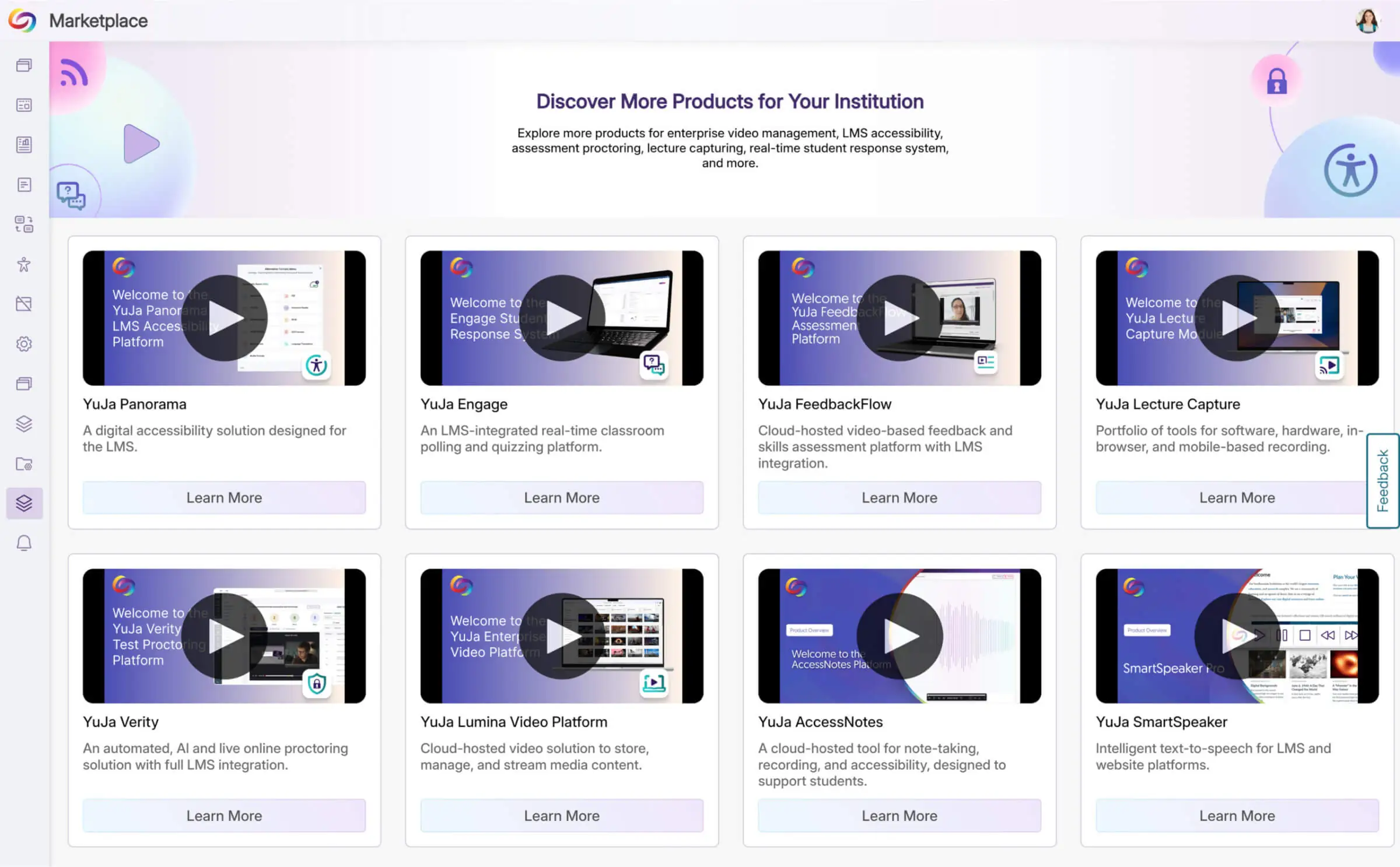
Administrators can now request a trial of YuJa AutoPilot AI Remediation in the Accessibility Products Marketplace. Explore how to reduce document remediation time by up to 95 percent and remediate documents in bulk to optimize your remediation efforts.
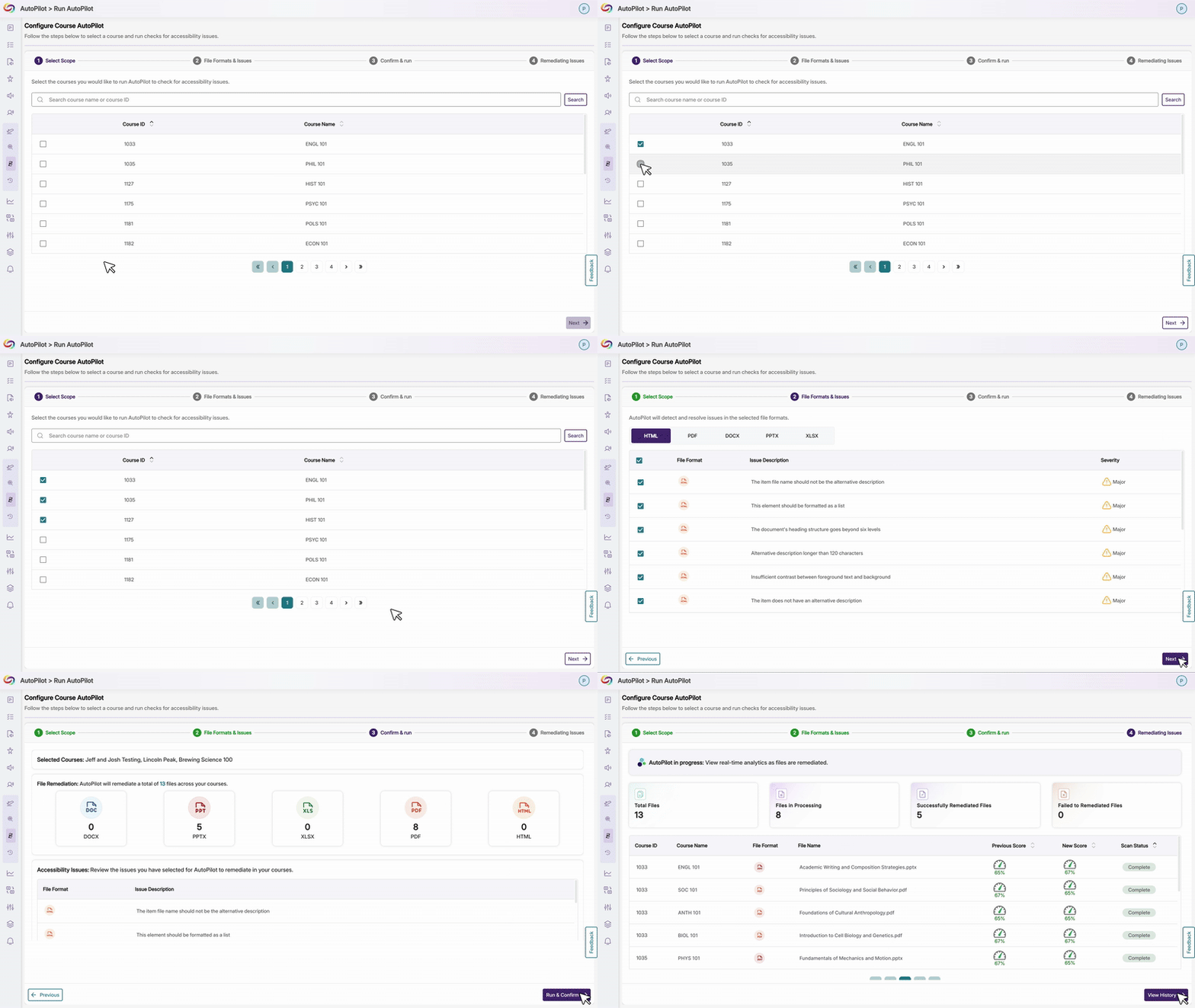
Run YuJa AutoPilot Across Multiple Courses at Once
Users will be able to run the YuJa AutoPilot AI Remediation Module across multiple courses at once, with full filtering capabilities to target specific document types or issues. This streamlined approach enables institutions to efficiently remediate large volumes of content while maintaining precise control over what gets processed.
Ability to Restrict AutoPilot by User Role
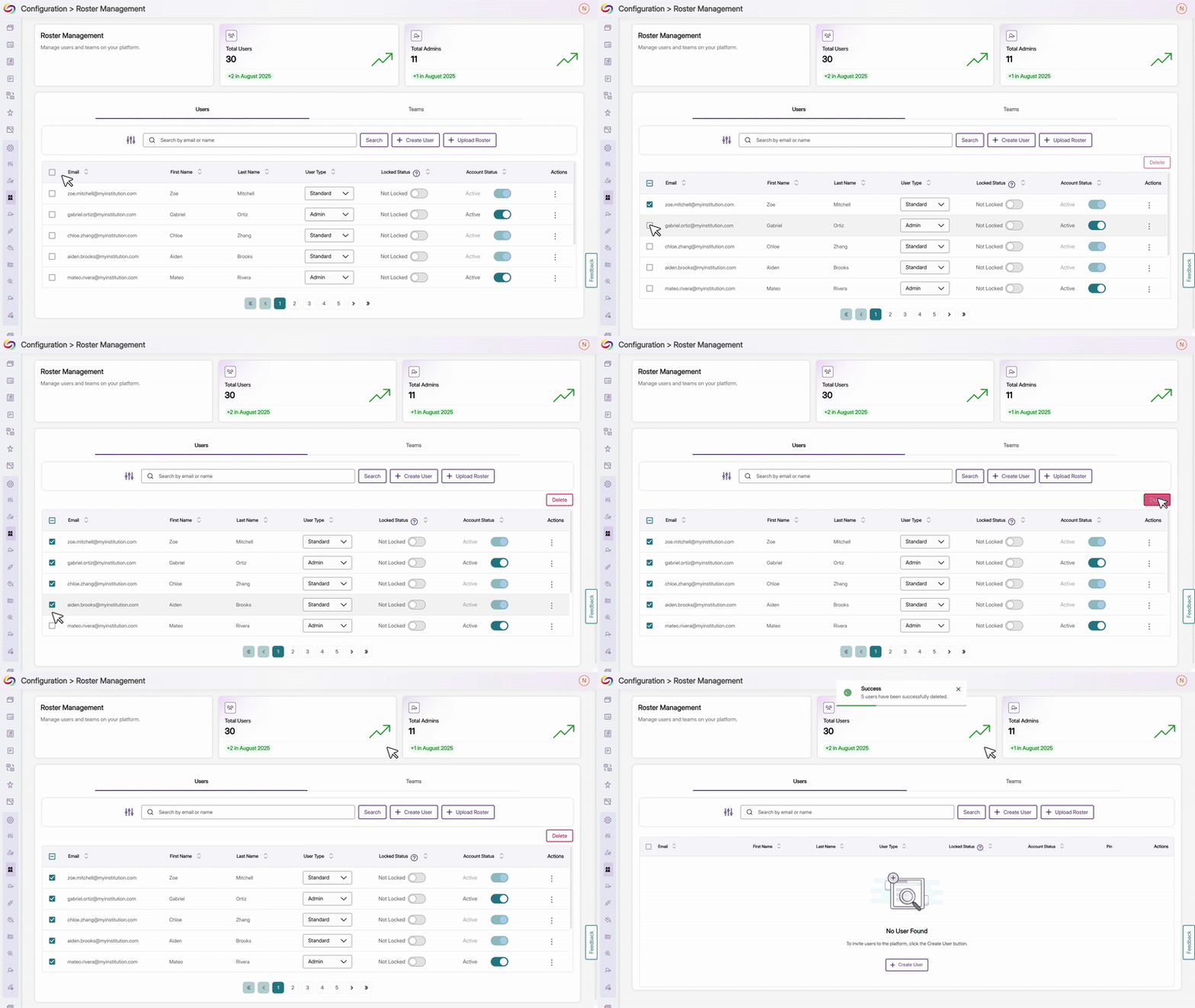
Administrators will now have control over access, allowing them to limit usage to specific users or roles, such as instructional designers, giving them the ability to optimize credit use while maintaining oversight of automated remediation. Administrators can also set permissions at the role level and create user-level overrides for more flexible access management.
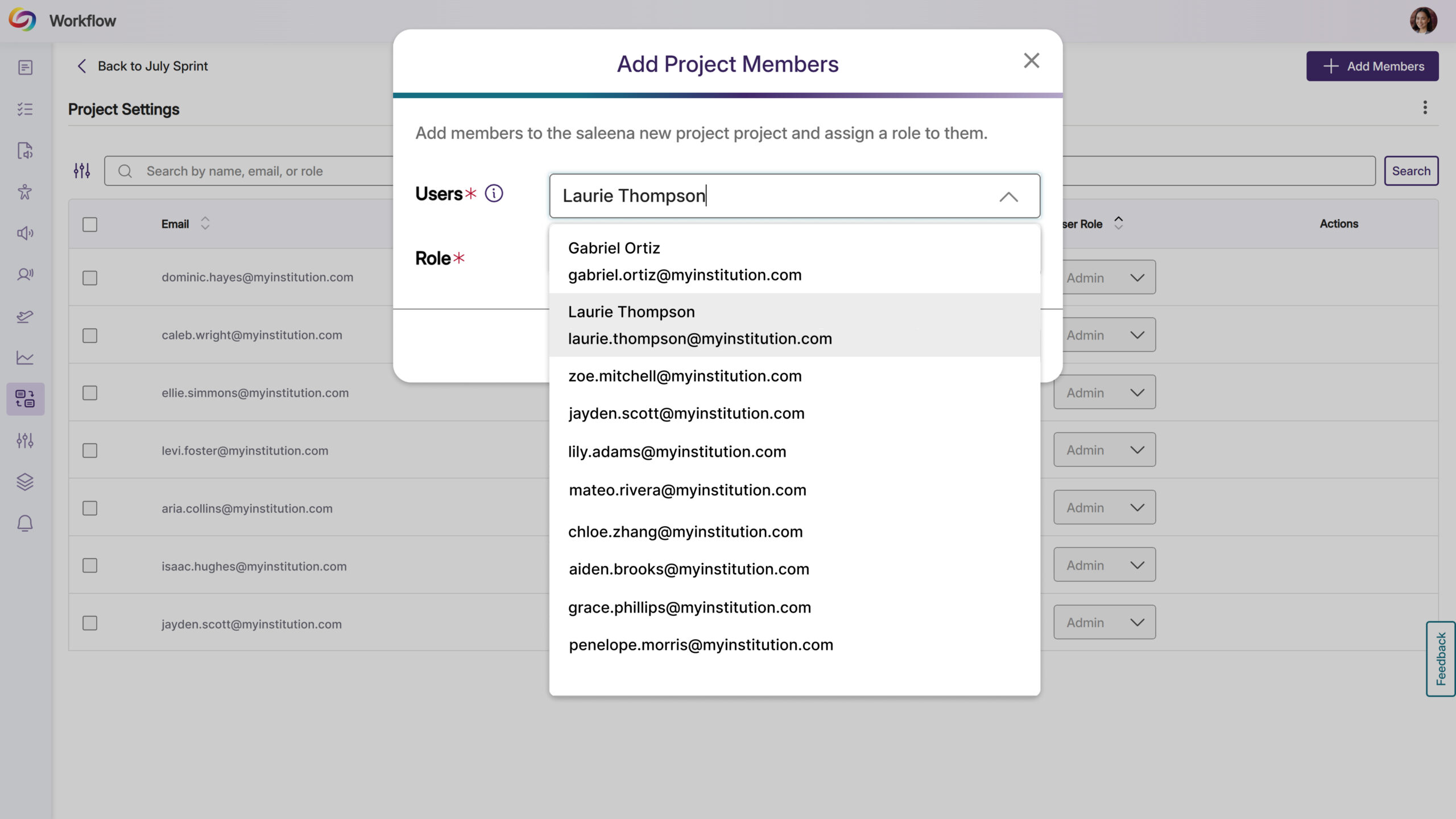
YuJa Panorama Workflow Orchestration will be updated over the next few weeks. Updates will include automatic email notifications for new project members, streamlined user selection with autocomplete functionality, a new List view layout with sortable tables and editable fields, auto-hiding of completed tasks, celebratory animations for task completion, and comprehensive ticket activity logs.
Streamlined User Selection for Workflow Projects
Users can now upload images to workflow text fields using either a browse dialog or by pasting screenshots directly into descriptions and comments. In addition, different languages and emojis are now supported across all task text fields.
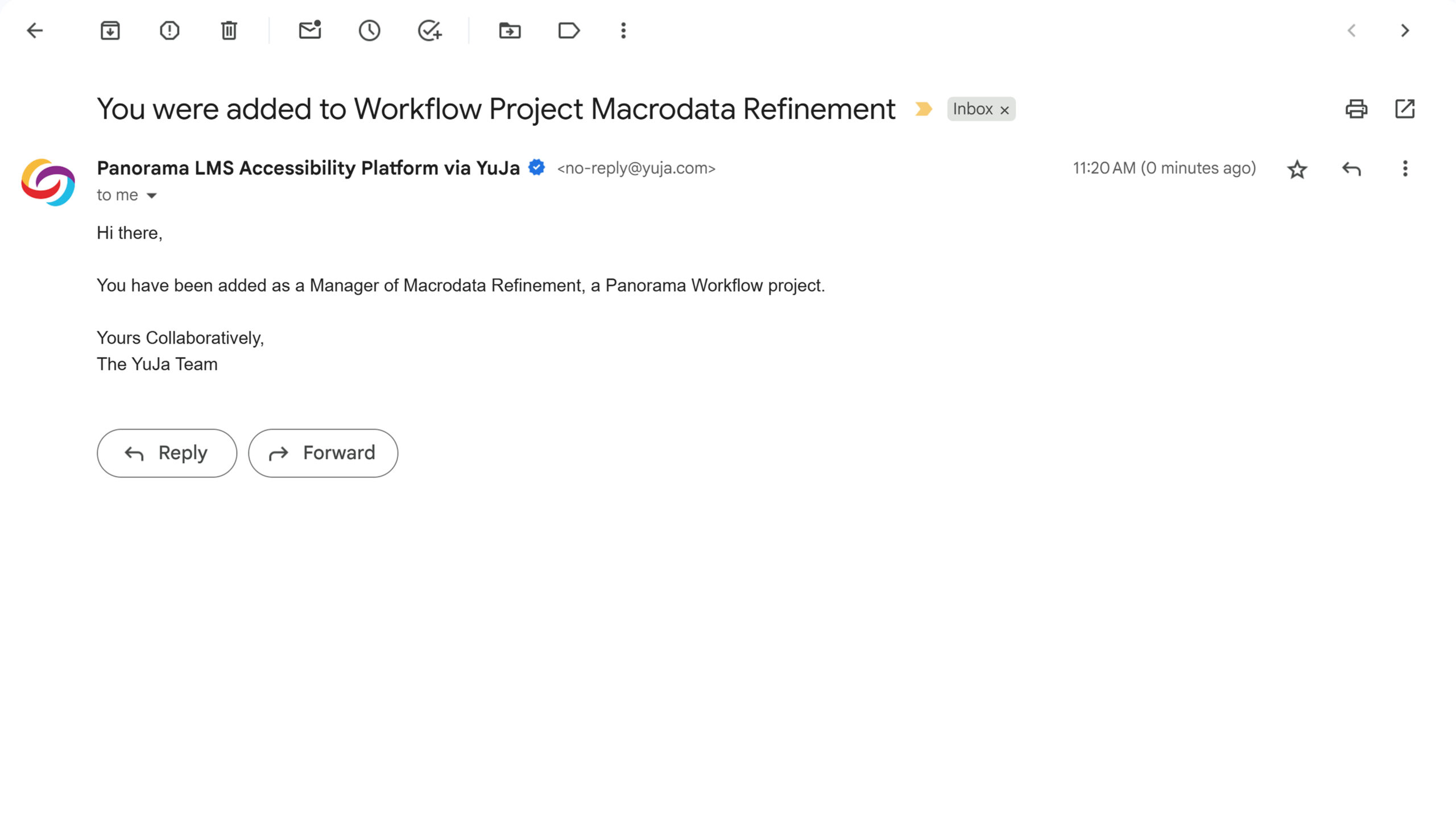
Email Notifications Added for Workflow Project Managers
Adding new members to Workflow projects will automatically trigger email notifications to inform them of their collaboration access so they can then begin contributing to accessibility remediation projects.
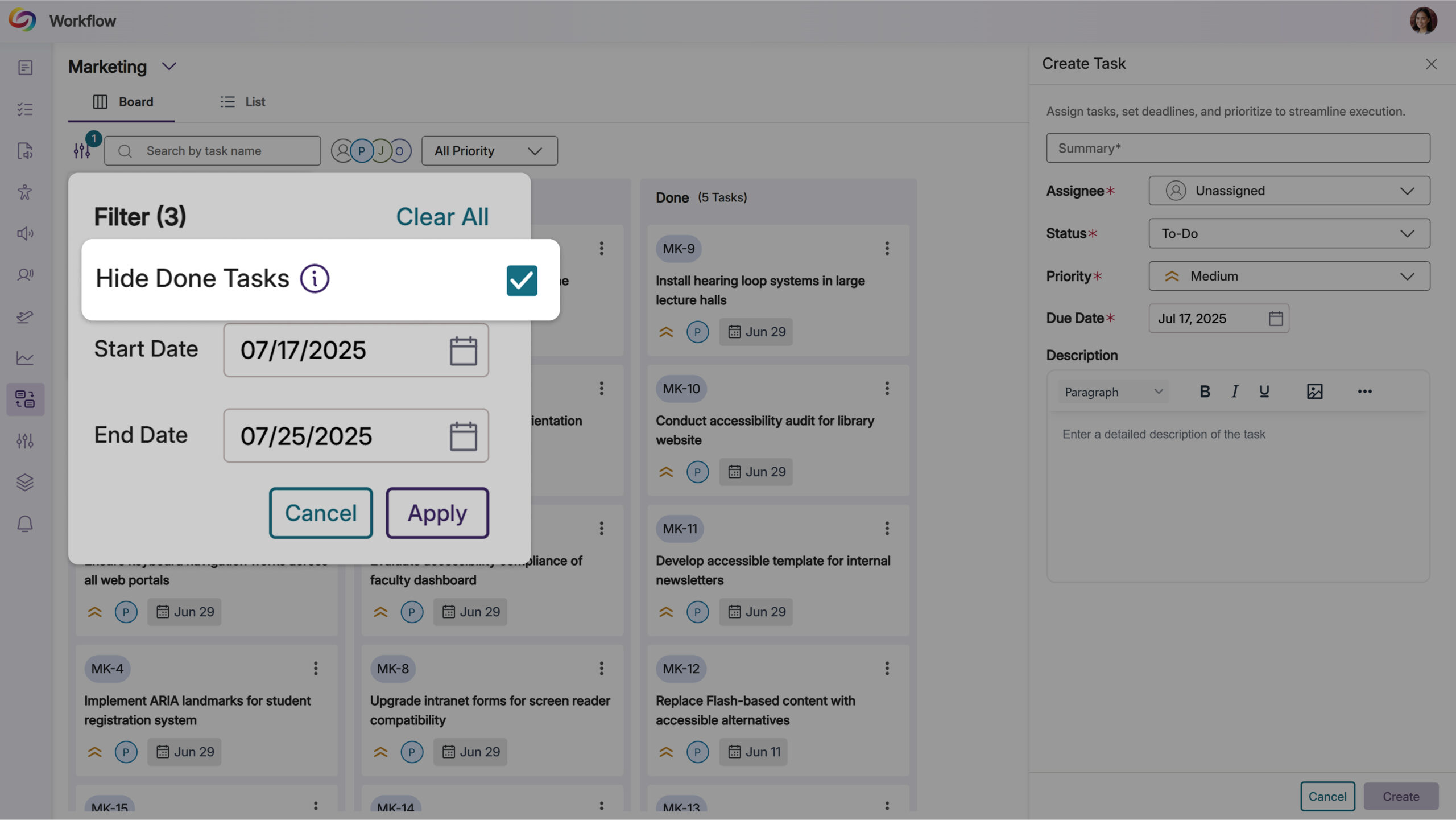
Auto-Hide Completed Workflow Tasks for Improved Focus
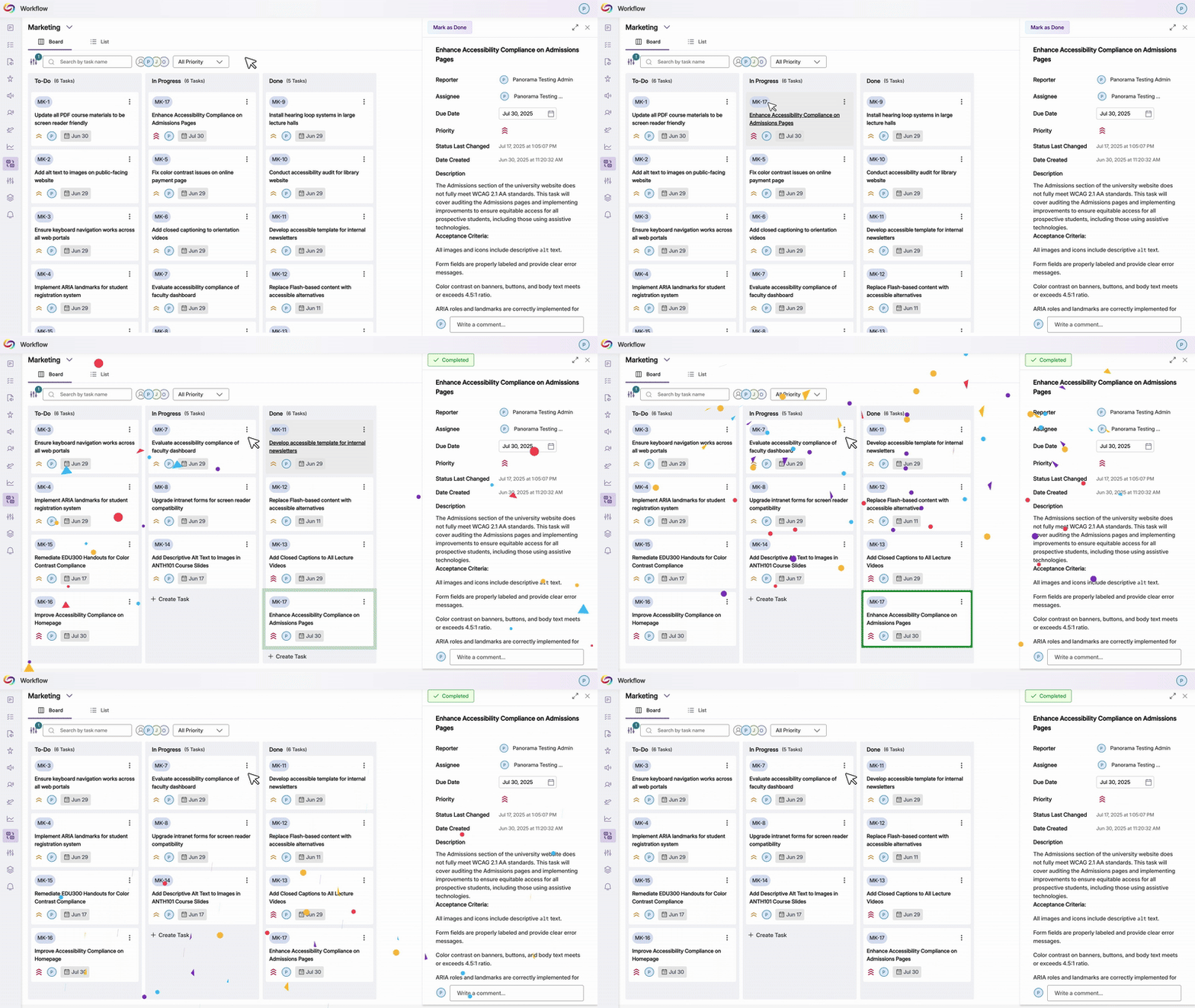
Completed workflow tasks older than one week will be automatically hidden from view by default, keeping project boards focused on active work. Users can toggle the Hide Old Items filter to view all completed tasks when needed, while recent completions remain visible for immediate reference.
Celebration Animation Added for Completed Workflow Tasks
Moving tasks to the “Done” column will now trigger a celebratory animation that acknowledges task completion. This visual feedback creates a more engaging experience for teams tracking their accessibility remediation progress.
New Advanced Workflow Management List View
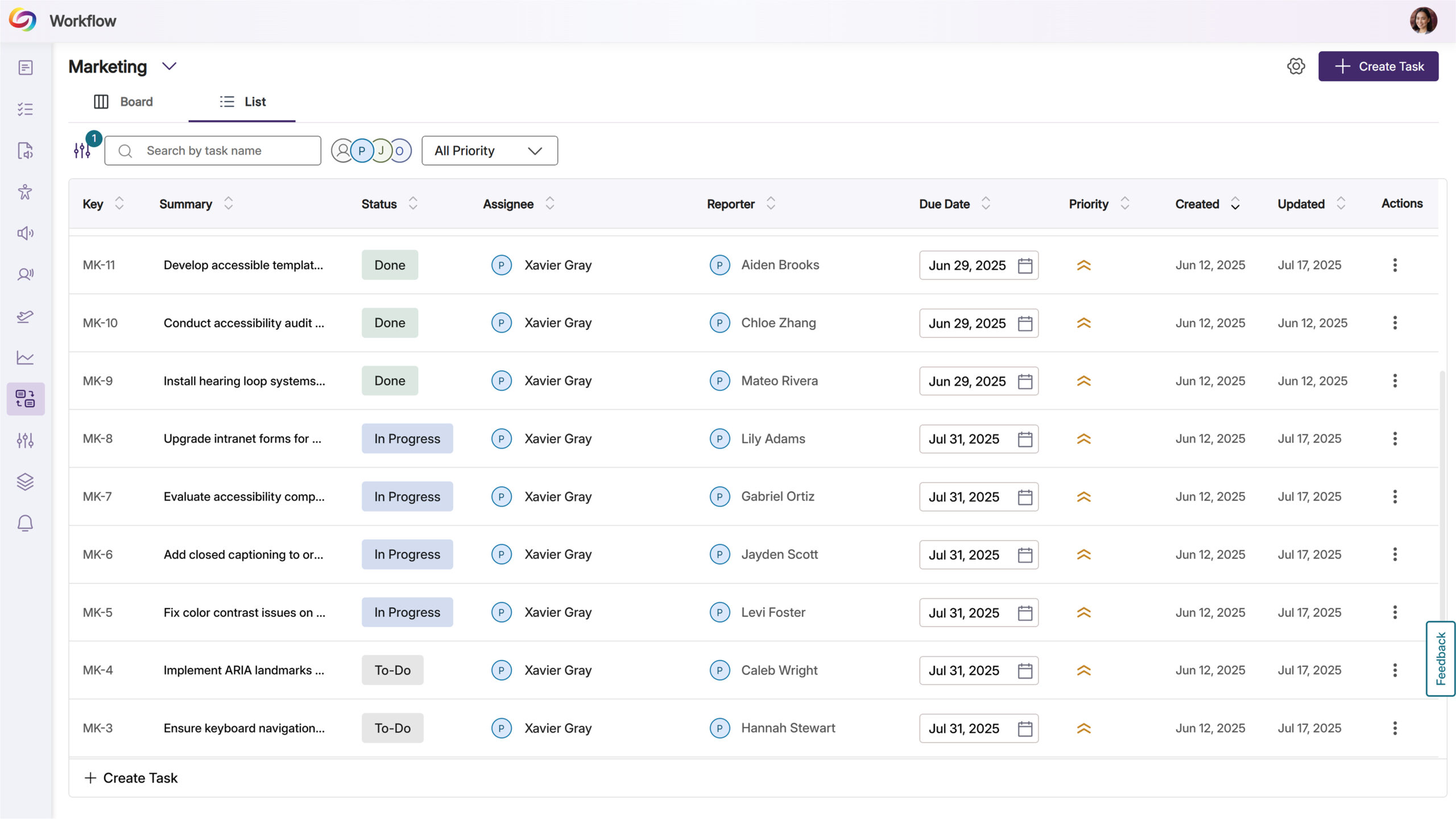
Users will be able to switch between Board and List view layouts when managing Workflow projects, with the List view presenting tickets in a sortable table format. The table includes editable fields for quick updates to ticket details like status, assignee, and due dates, streamlining project management for accessibility remediation teams.
View Ticket Activity and History in Workflow Management
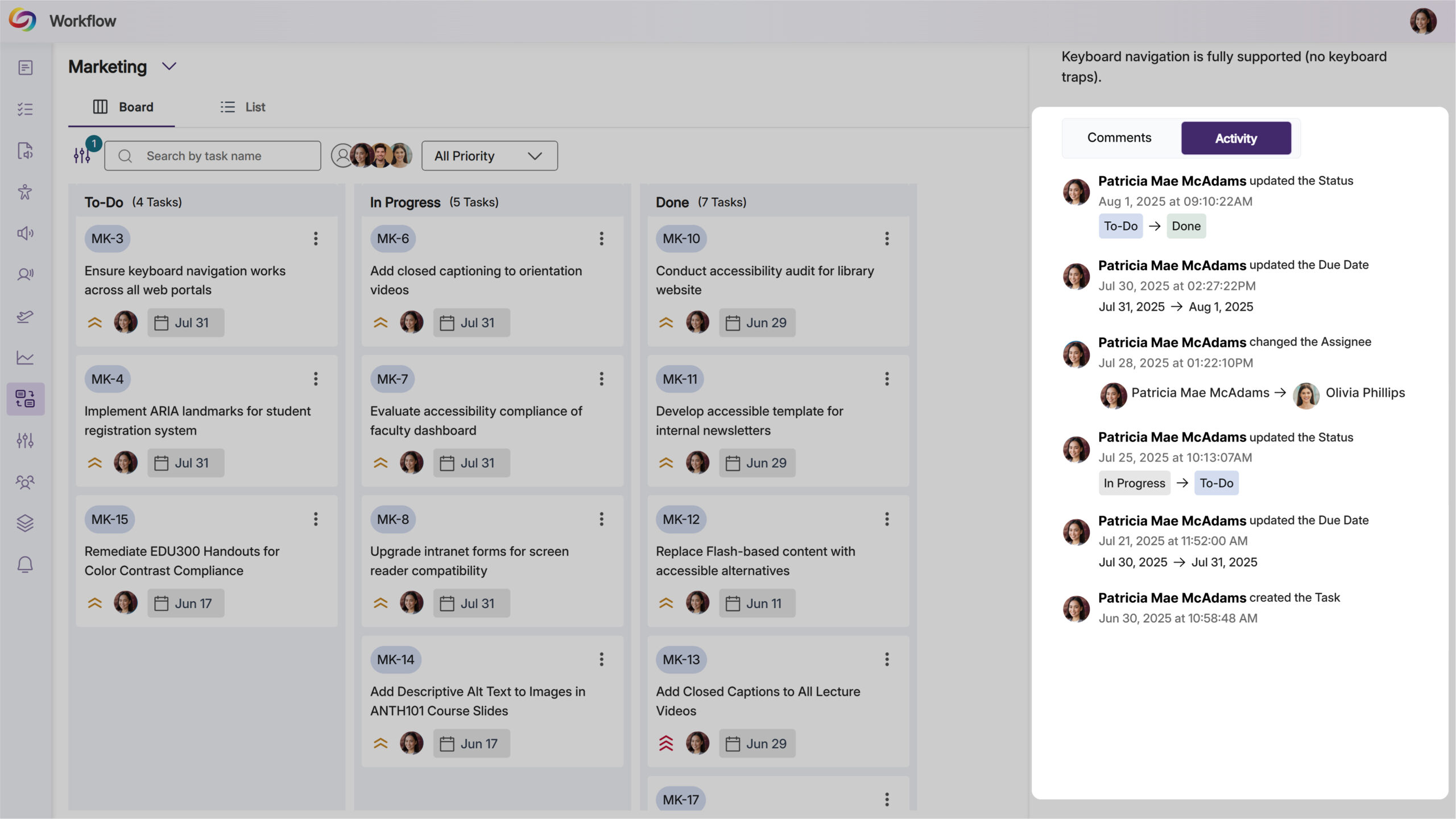
Users will be able to access an activity log for each workflow ticket, showing creation details, status changes, and modification history with timestamps and user attribution.
We’re pushing an update to all YuJa Structural Remediation Max Module instances residing in the United States, Canada, European Union, and Australia. Over the next few weeks, key updates you’ll see will include a new option to try the module out, along with HTML preview functionality for reading order verification, enhanced PDF zoom controls for large documents, and the ability to create and modify PDF bookmarks for improved navigation and screen reader accessibility.
Integrated Free Trial Programs of Structural Remediation
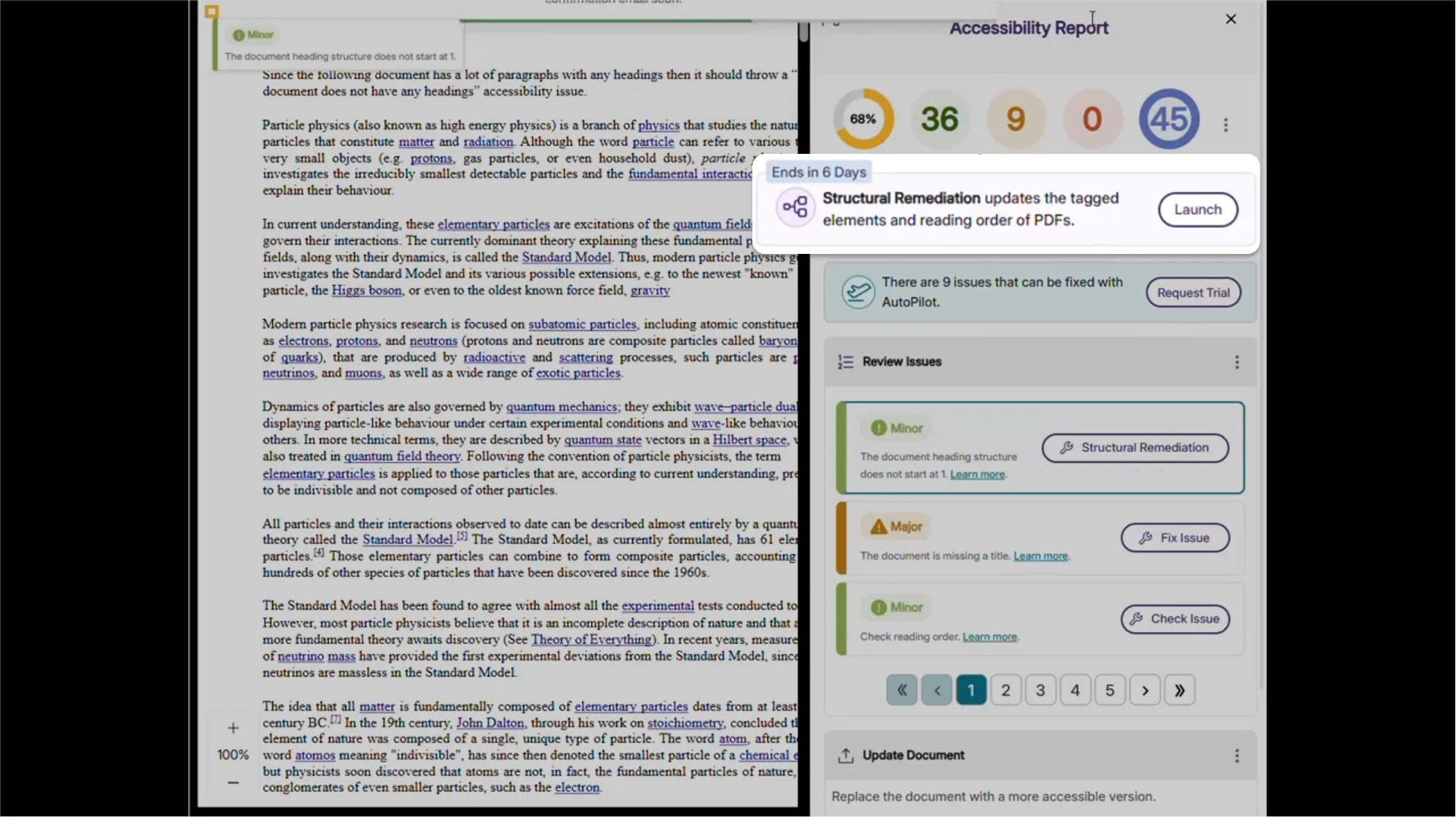
Administrators will now be able to request a complimentary 7-day trial of Structural Remediation Max directly from the YuJa Accessibility Products Marketplace. The trial will provide credits to explore advanced remediation capabilities such as correcting document structure, adjusting reading order, and adding semantic meaning to content.
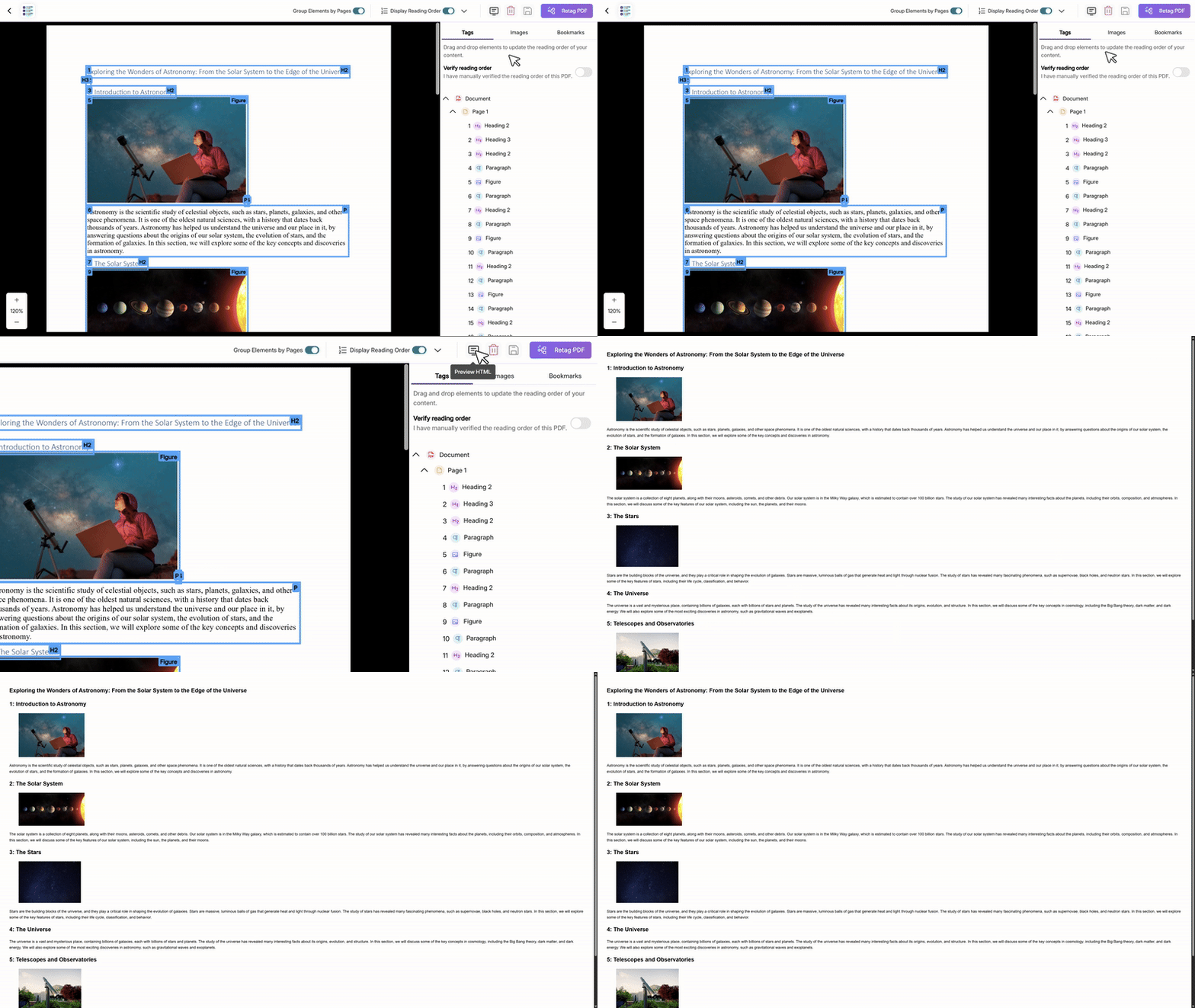
HTML Preview for Structural Remediation Reading Order
Users will be able to preview the HTML version of their document’s reading order during structural remediation, including images and visual highlighting. This preview feature will help content creators verify that their document structure flows logically before finalizing remediation changes.
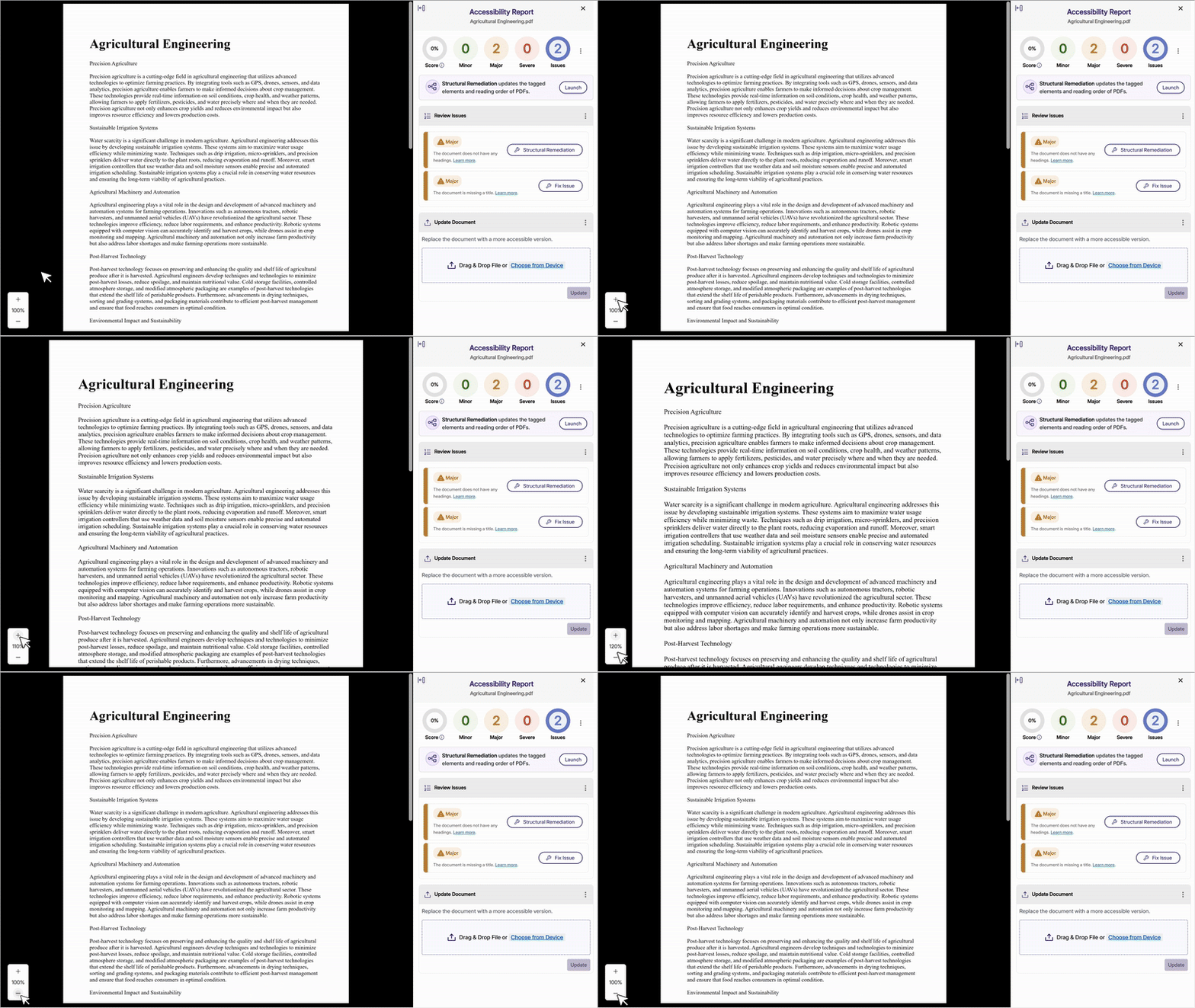
Improved PDF Controls for Large Documents
Users will be able to zoom in and out of PDF documents within both the Accessibility Report and Structural Remediation interfaces, with support for viewing documents larger than the viewport area. Issues and structural elements will remain properly highlighted at all zoom levels to maintain visual clarity during remediation.
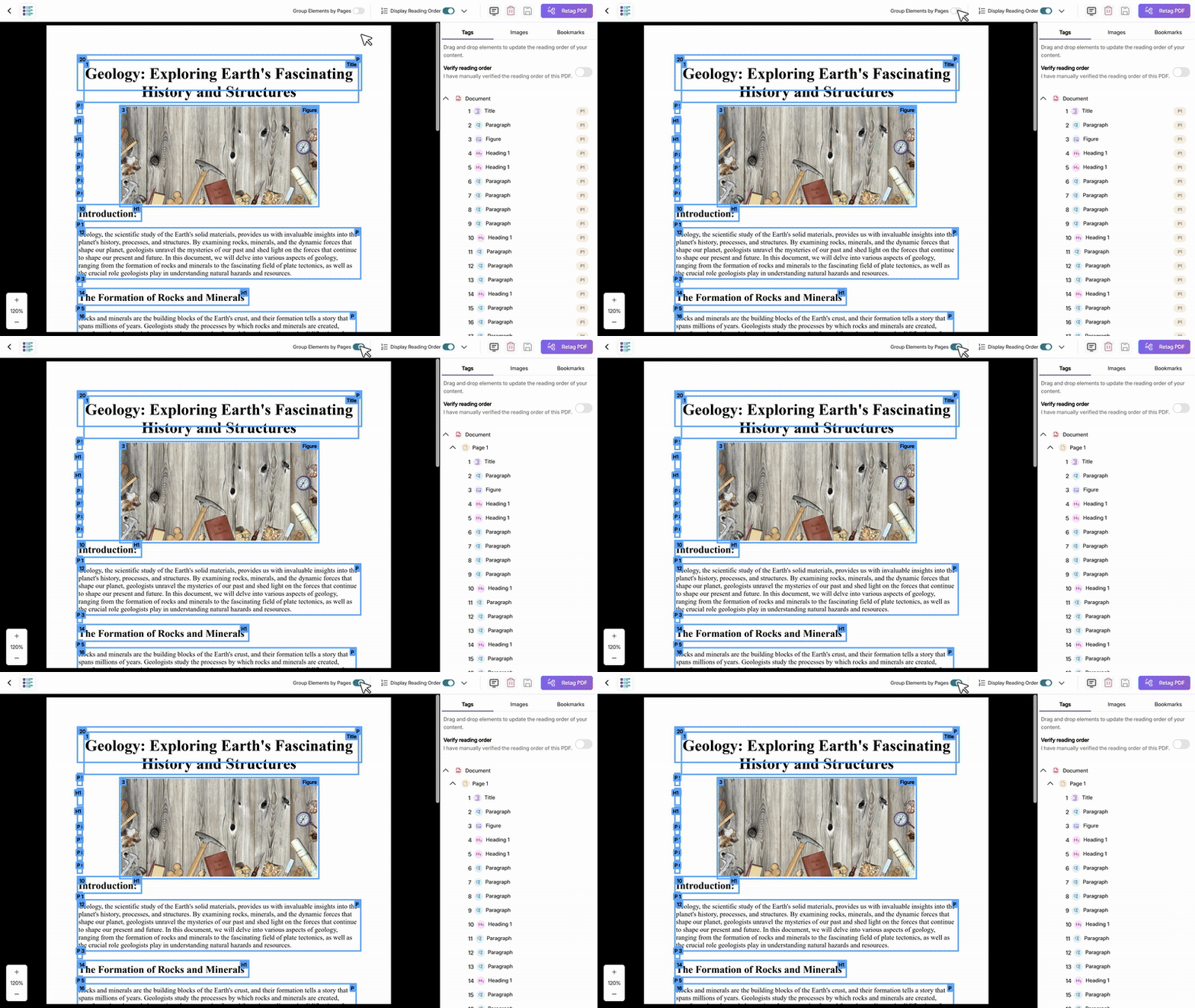
Ability to Group Elements by Page
Users will be able to group and organize structural elements by page using a toggle feature during PDF remediation. This enhancement provides better visual organization of document structure and ensures that element movements between pages are properly saved and reflected in the PDF preview.
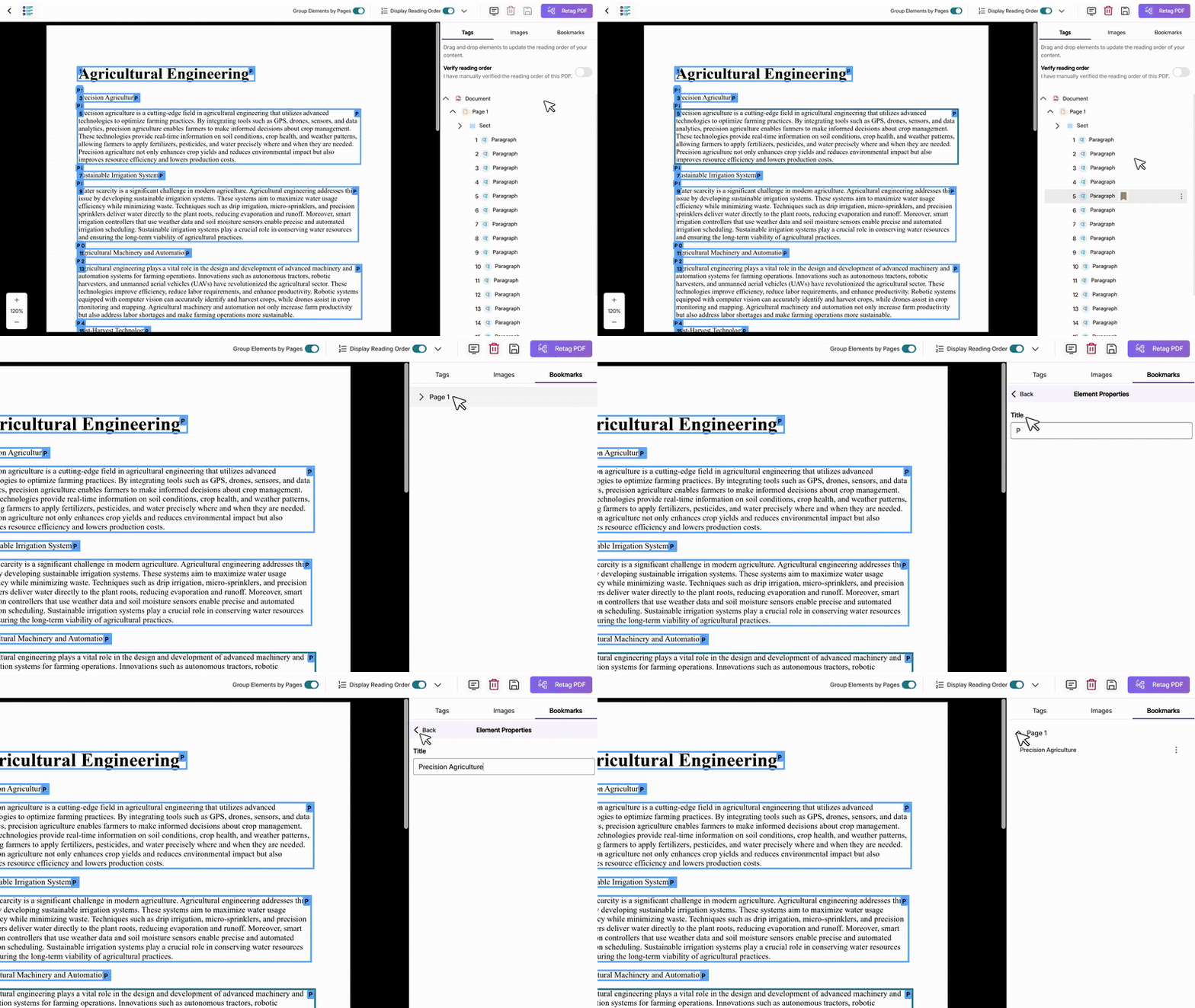
Add and Modify PDF Bookmarks
Users will be able to create and edit PDF bookmarks during structural remediation, providing a navigational table of contents that helps both users and screen readers quickly locate and jump to specific sections.
Join the 1,000+ Organizations Deploying High-Impact Solutions














