

Product Updates
Get the latest platform updates, features, and announcements—all in one place.
Boost Video Accessibility with the GenAI Video PowerPack!
Try Now
Supercharge Your Compliance Efforts with AutoPilot Remediation Max!
Try Now
Strengthen Your PDF Accessibility Efforts with Structural Remediation Max!
Try Now
Don't Miss Any of Our Upcoming Webinars—Save Your Spot!
Register
The YuJa Community is here! Connect, get updates, and access exclusive content.
Join Now

Get the latest platform updates, features, and announcements—all in one place.
Over the next few weeks, we’ll roll out updates to Software Capture for PC. This update focuses on enhanced user experience and system reliability with automatic updates enabled by default, improved session monitoring through toolbar timer displays, and streamlined administrator tools.
Automatic Updates Ensure Latest Features and Updates
YuJa Software Capture for PC will now automatically update by default, ensuring users always have the latest improvements and security fixes without manual intervention. Users who prefer to control update timing can opt out through application settings, providing flexibility while maintaining optimal software performance for most installations.
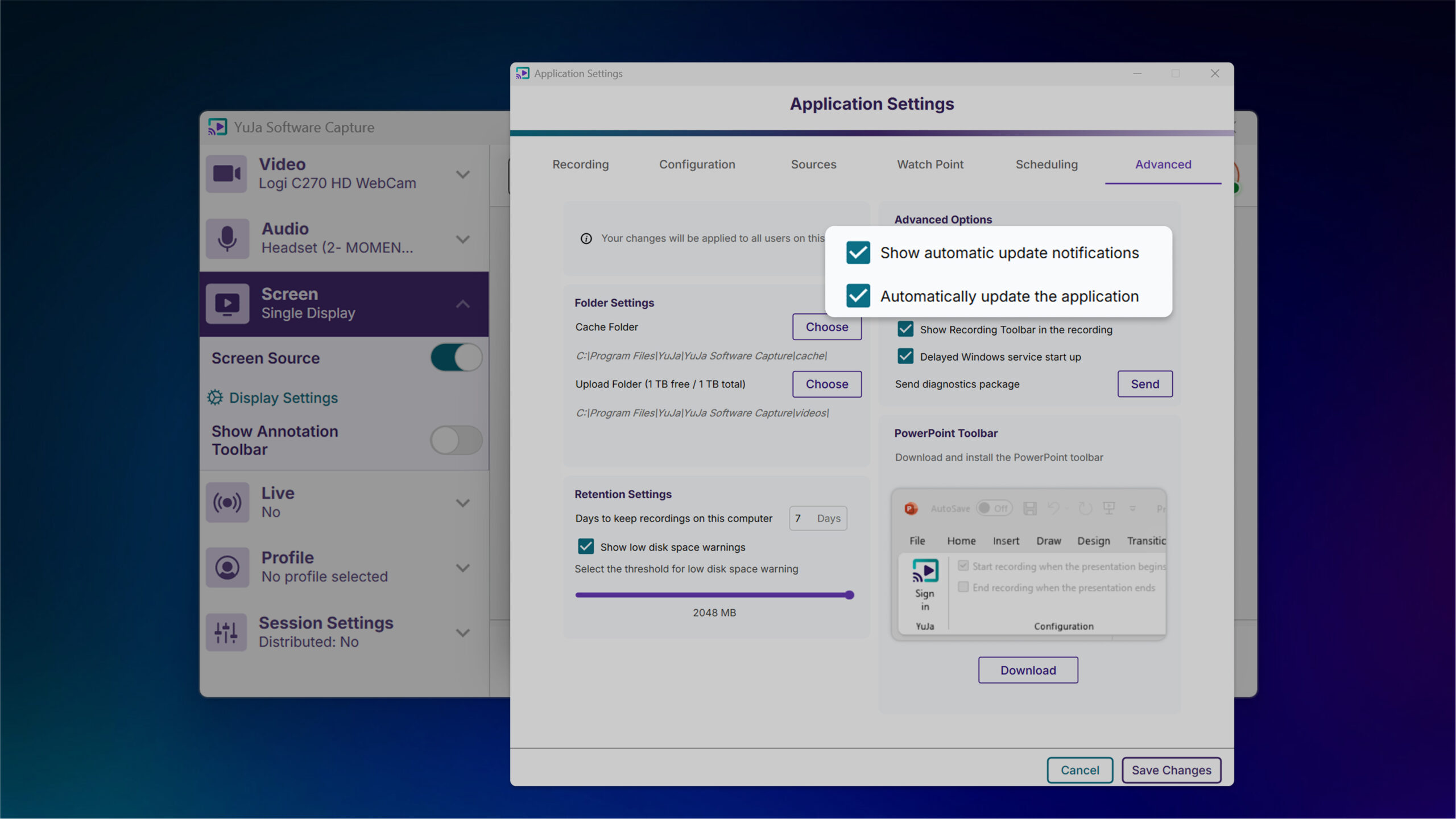
Recording Timer Added to Toolbar for Improved Session Monitoring
The recording toolbar will now display a timer showing elapsed recording time to provide visibility into session duration without accessing the confidence monitor.
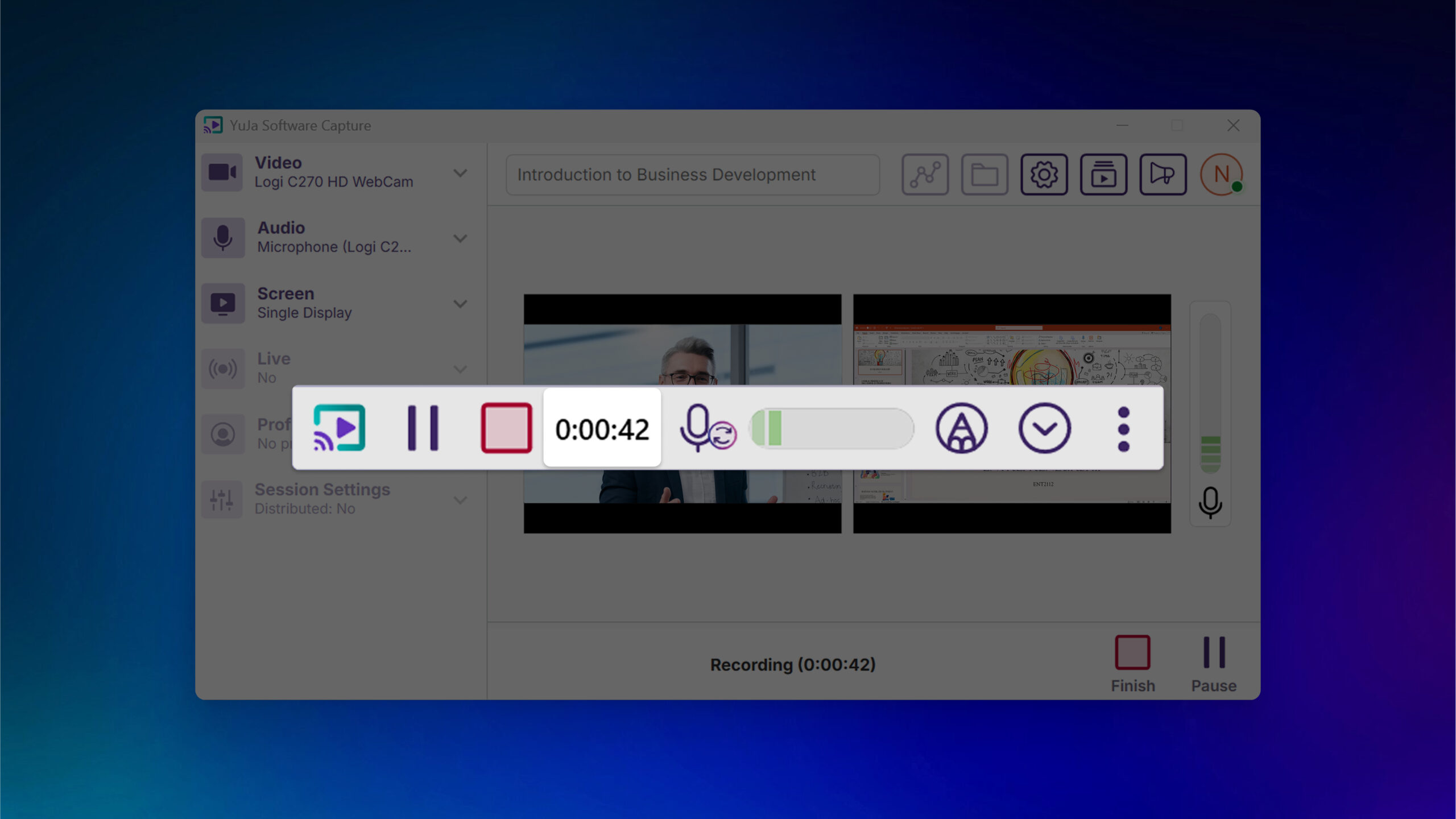
Enhanced System Monitoring Helps Prevent Recording Disruptions
When CPU resources reach critical levels, PC Capture will log events to the audit trail for administrator review, helping prevent crashes and frozen screens by alerting IT staff to potential hardware issues.
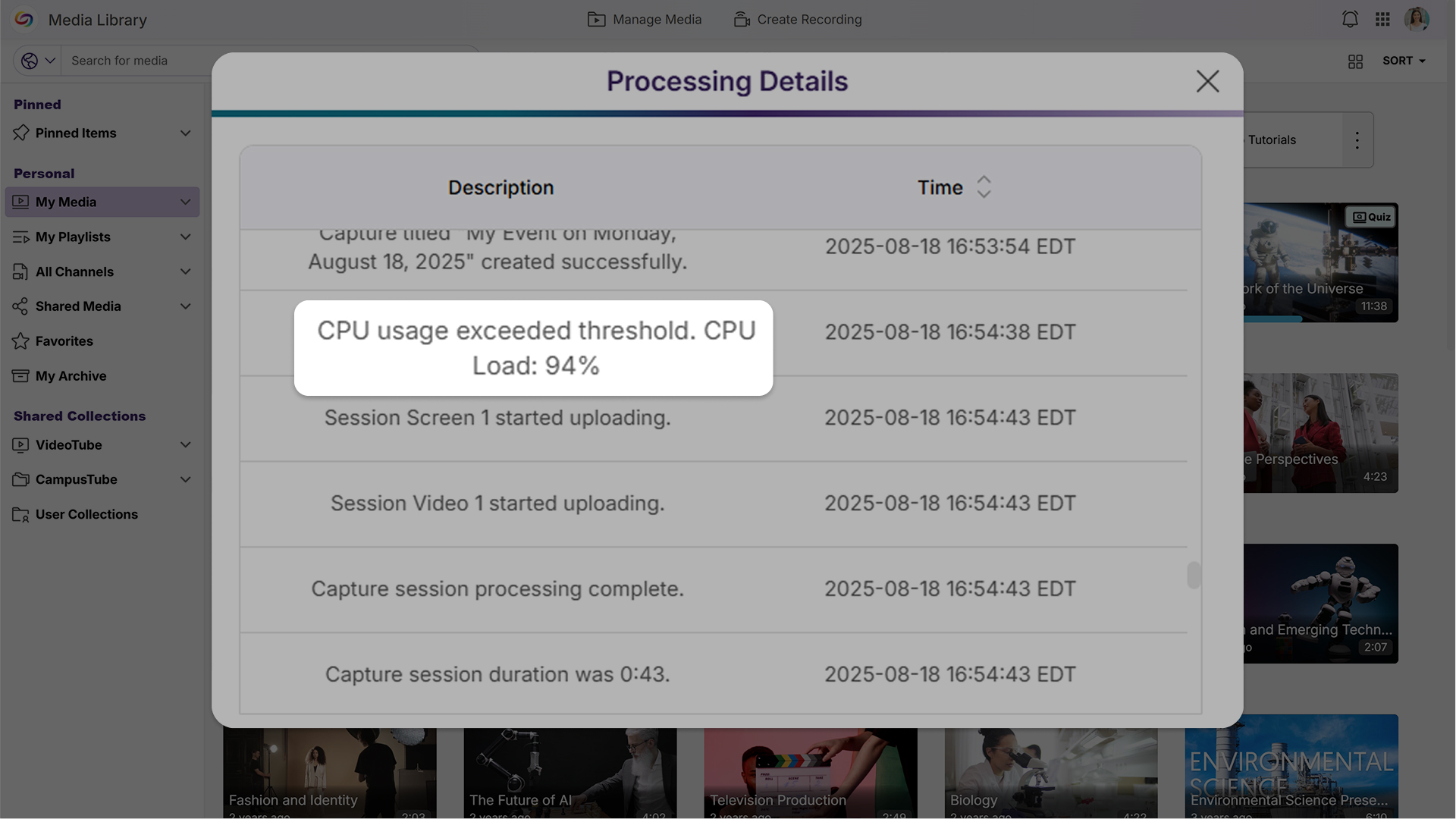
Streamlined Audit Logs Improve Readability
Audit logs will now display simplified device names like “Screen 1” and “Camera 2” instead of technical file IDs, while reducing technical details that are primarily useful for support troubleshooting to create a cleaner, more user-friendly experience for administrators.
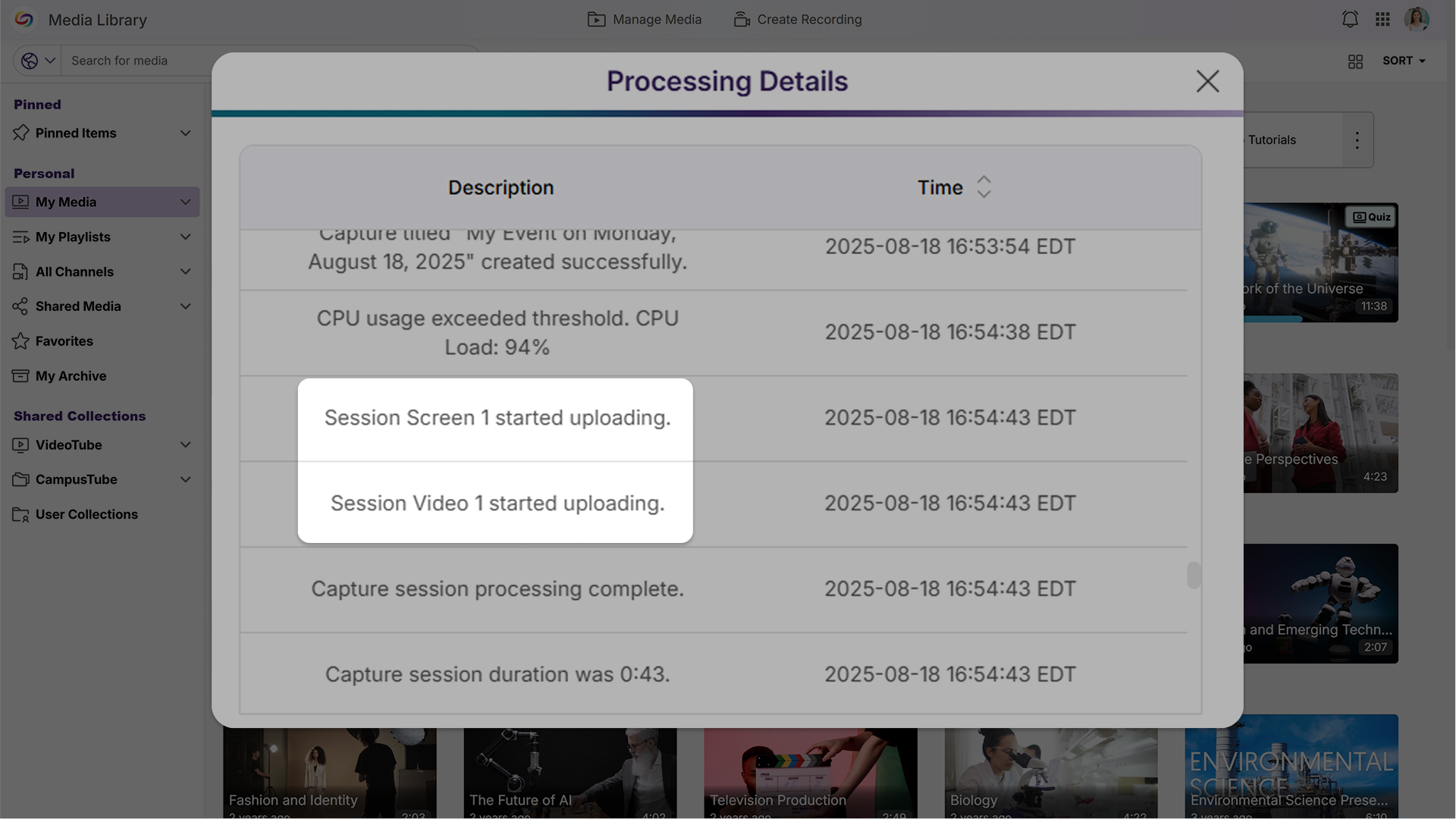
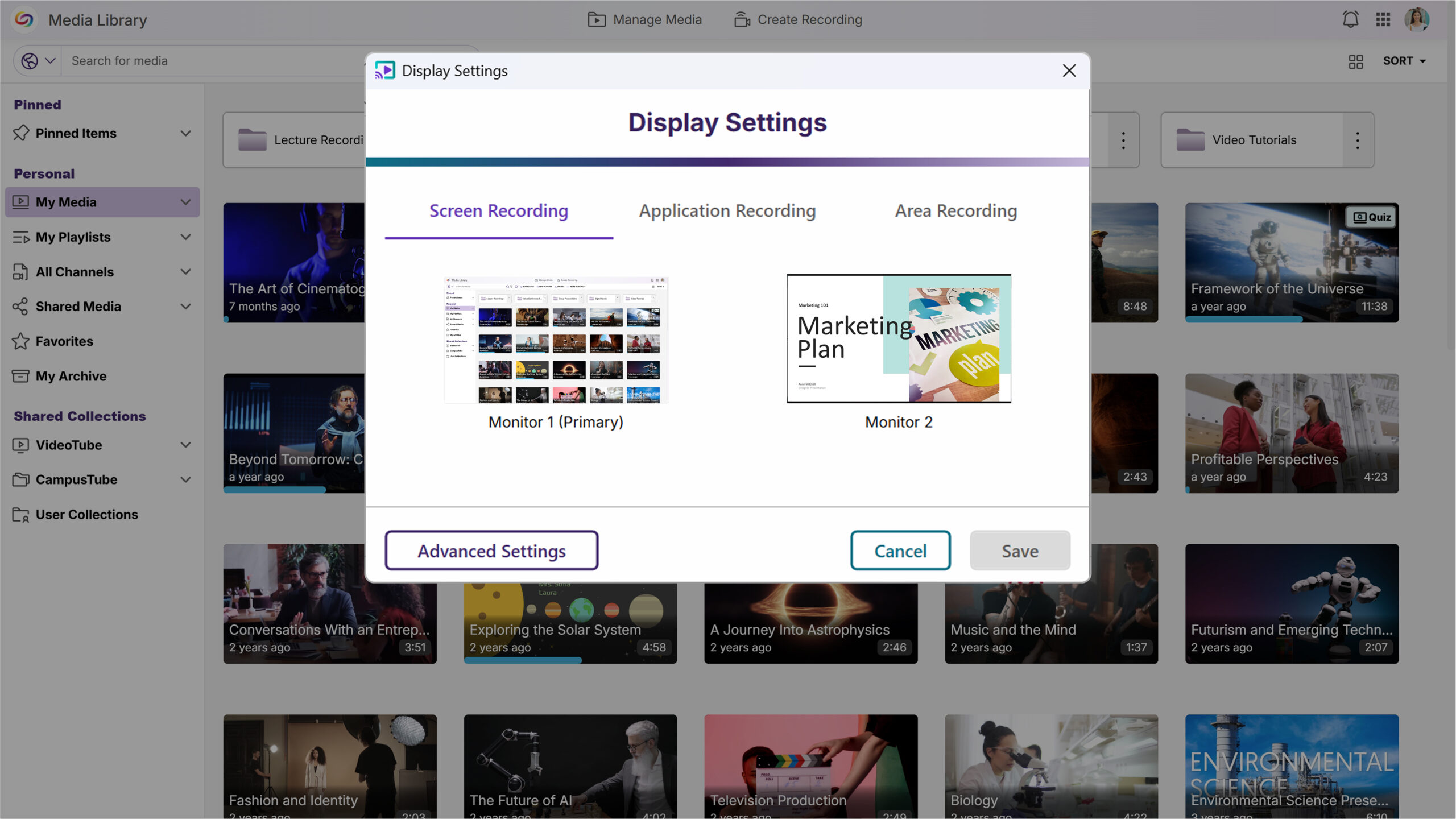
Screen Selection Previews Simplify Display Configuration
A new screen selection preview will allow users to quickly verify which display they’ve chosen, eliminating guesswork when configuring multi-monitor recording setups.
For YuJa Software for Apple, this update will deliver enhanced workflow efficiency and recording precision with automatic updates enabled by default, direct one-click access to My Media in the Lumina Video Platform, and new application window recording capabilities.
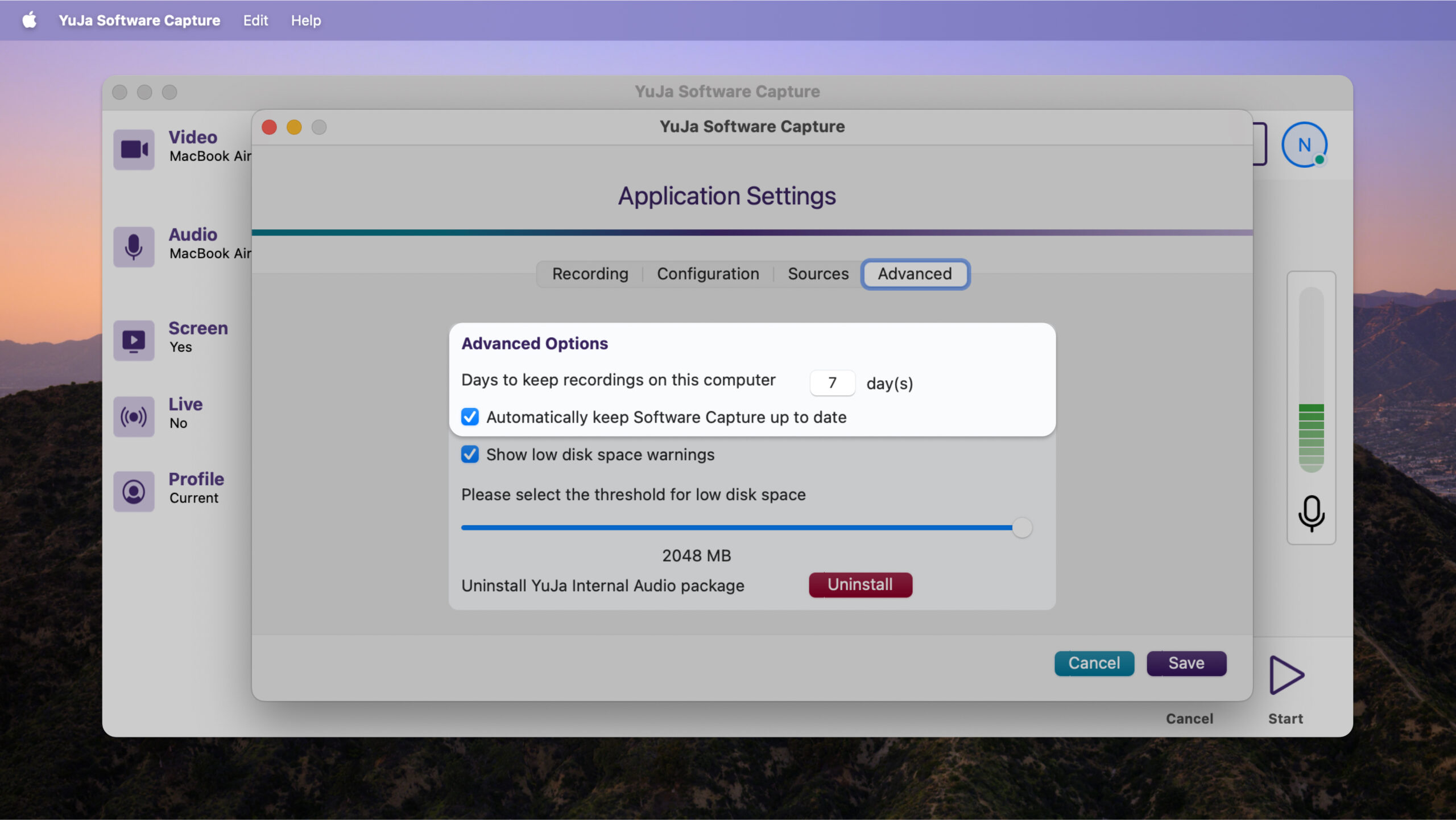
Enable Automatic Updates by Default for Optimized Performance
Updates will now be automatically installed to help ensure users benefit from the latest bug fixes and feature improvements. An opt-out setting will be available for users who prefer manual update control.
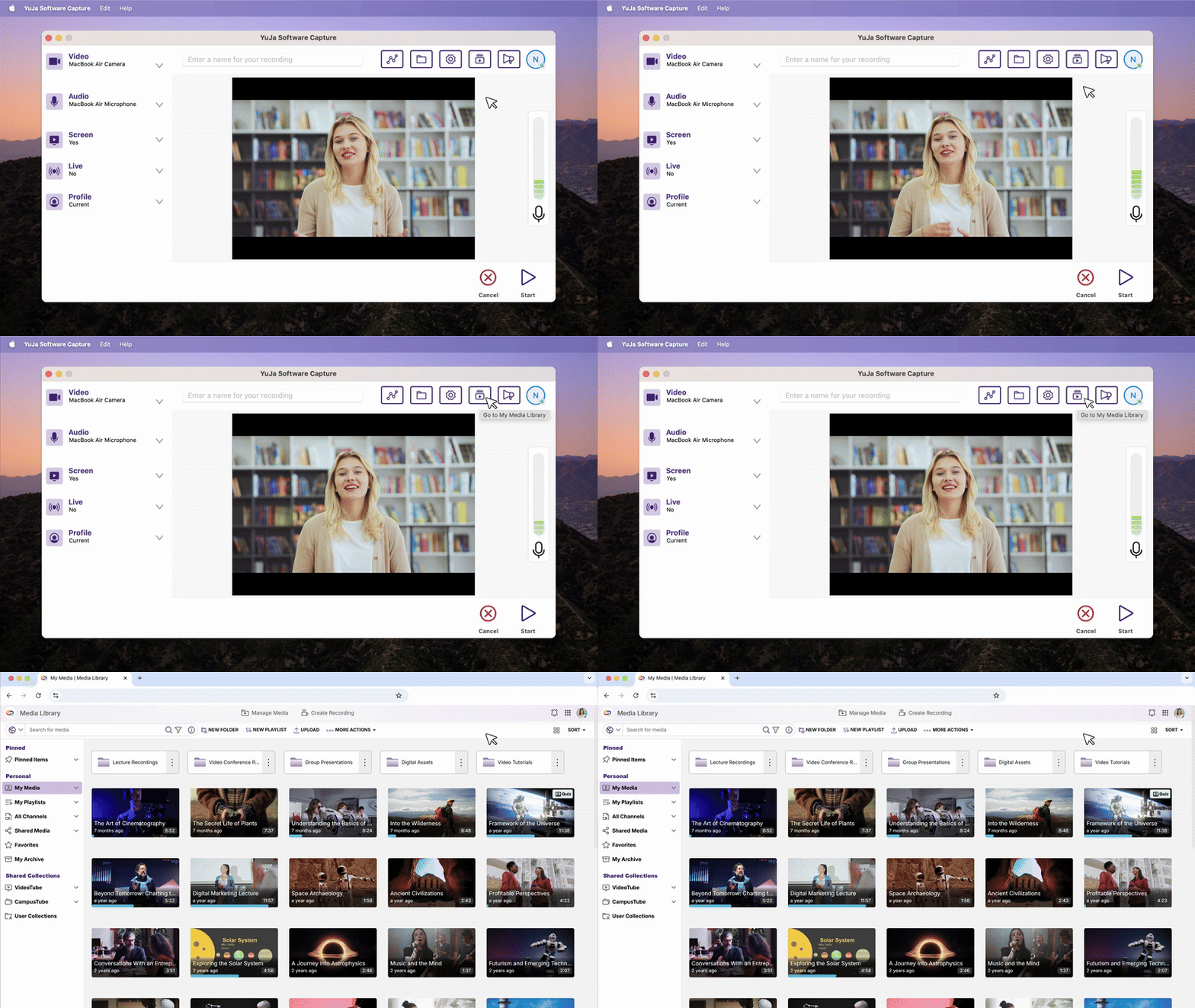
Direct ‘My Media’ Access Streamlines Content Management
A new button will provide one-click access to My Media in the Lumina Video Platform, automatically logging users in and eliminating the need to navigate separately between applications for content management.
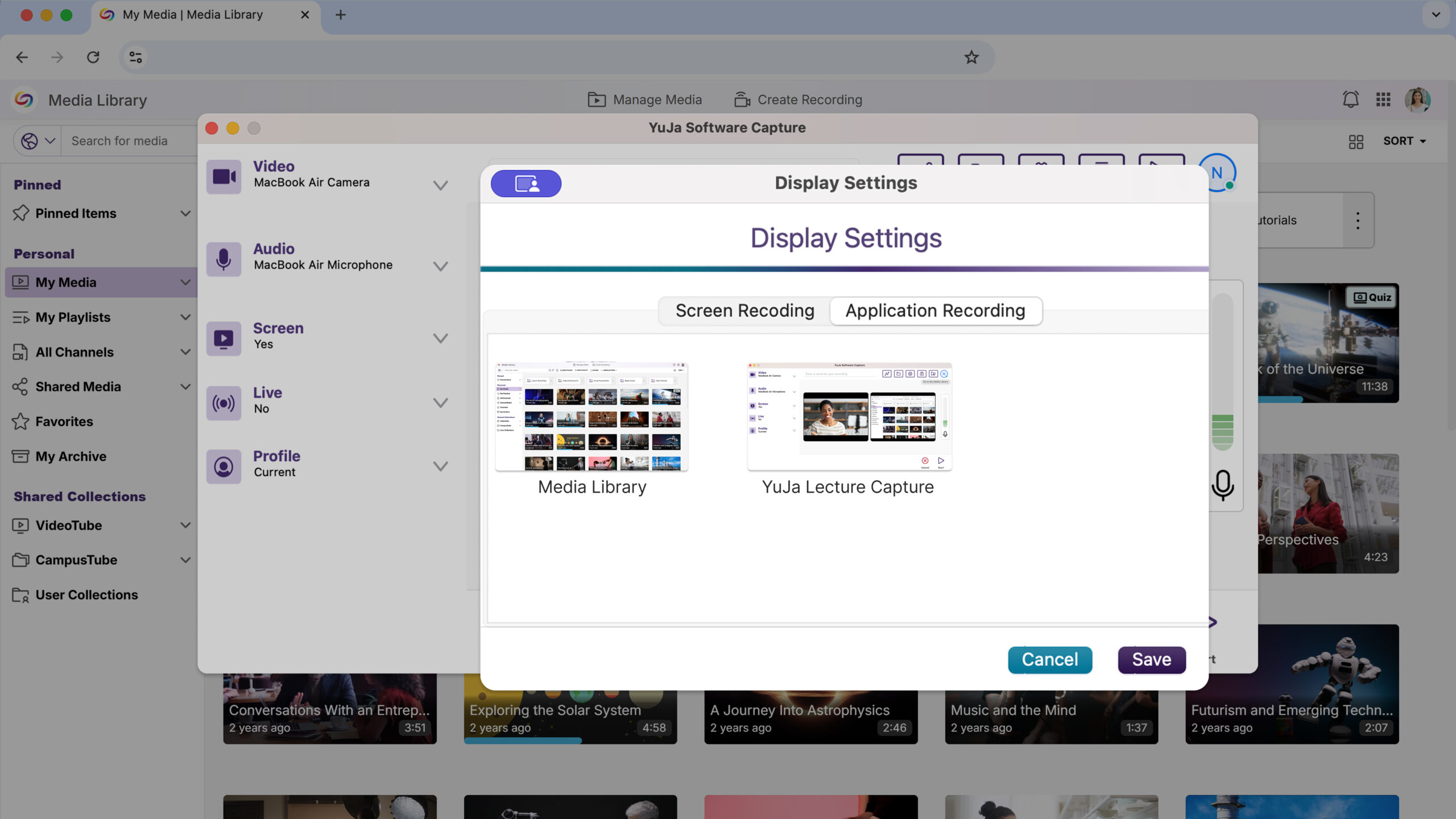
Application Window Recording Provides Focused Content Capture
Users can now record specific application windows instead of the entire screen, offering more precise content capture and reducing distractions from other desktop activities during recording sessions.
This Hardware Hub update will significantly expand device compatibility and management capabilities with support for NDI sources in Hub Profiles and unlimited device connections.
Flexible Device Management Expands Recording Capabilities
The YuJa Hardware Hub will now support adding any connected device, including NDI cameras and USB peripherals, replacing the previous limitation to just three PCI devices. Users will be able to see and manage all connected hardware through an updated interface for more versatile recording setups.
The YuJa Enterprise Video Platform is now the YuJa Lumina Video Platform. The name reflects the platform’s role in providing clear insights and enhanced user experiences. Over the next few weeks, we’re rolling out significant improvements to multi-campus management, video processing performance, and analytics capabilities. Key highlights include streamlined umbrella system administration with unified campus navigation, dramatically faster video editing with up to 8x speed improvements for cut operations, and enhanced analytics featuring heat map visualizations and folder-based reporting.
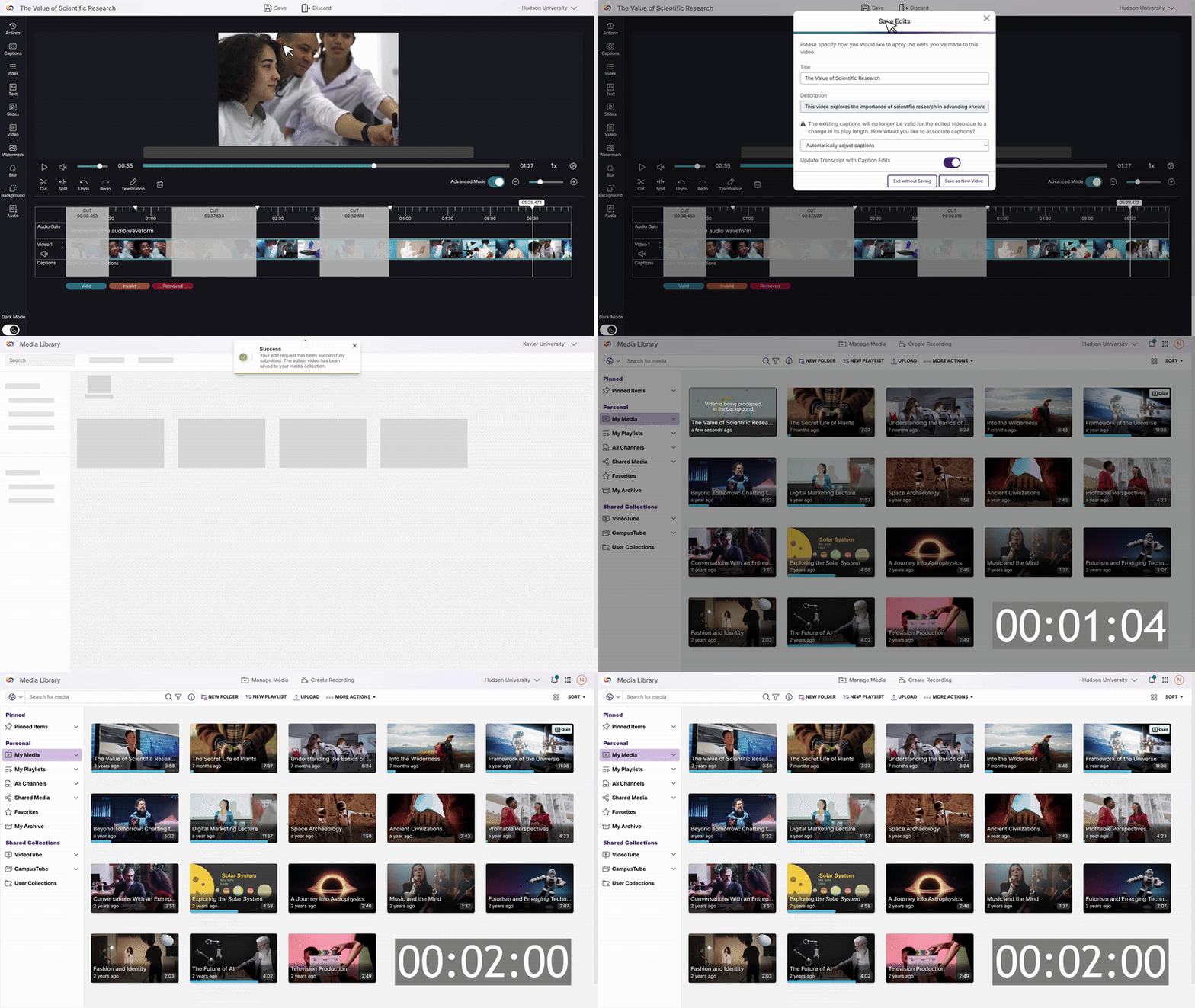
Accelerated Video Processing Delivers Dramatically Faster Cut Operations
Video editing cuts will now process significantly faster, making quick content edits far more efficient for content creators. The enhanced cut functionality transforms editing workflows with substantial performance improvements—processing time for hour-long videos with multiple cuts can be reduced from 15 minutes to just 2 minutes. This update allows content creators to quickly trim and refine their videos, eliminating lengthy processing delays that previously interrupted productive editing sessions.
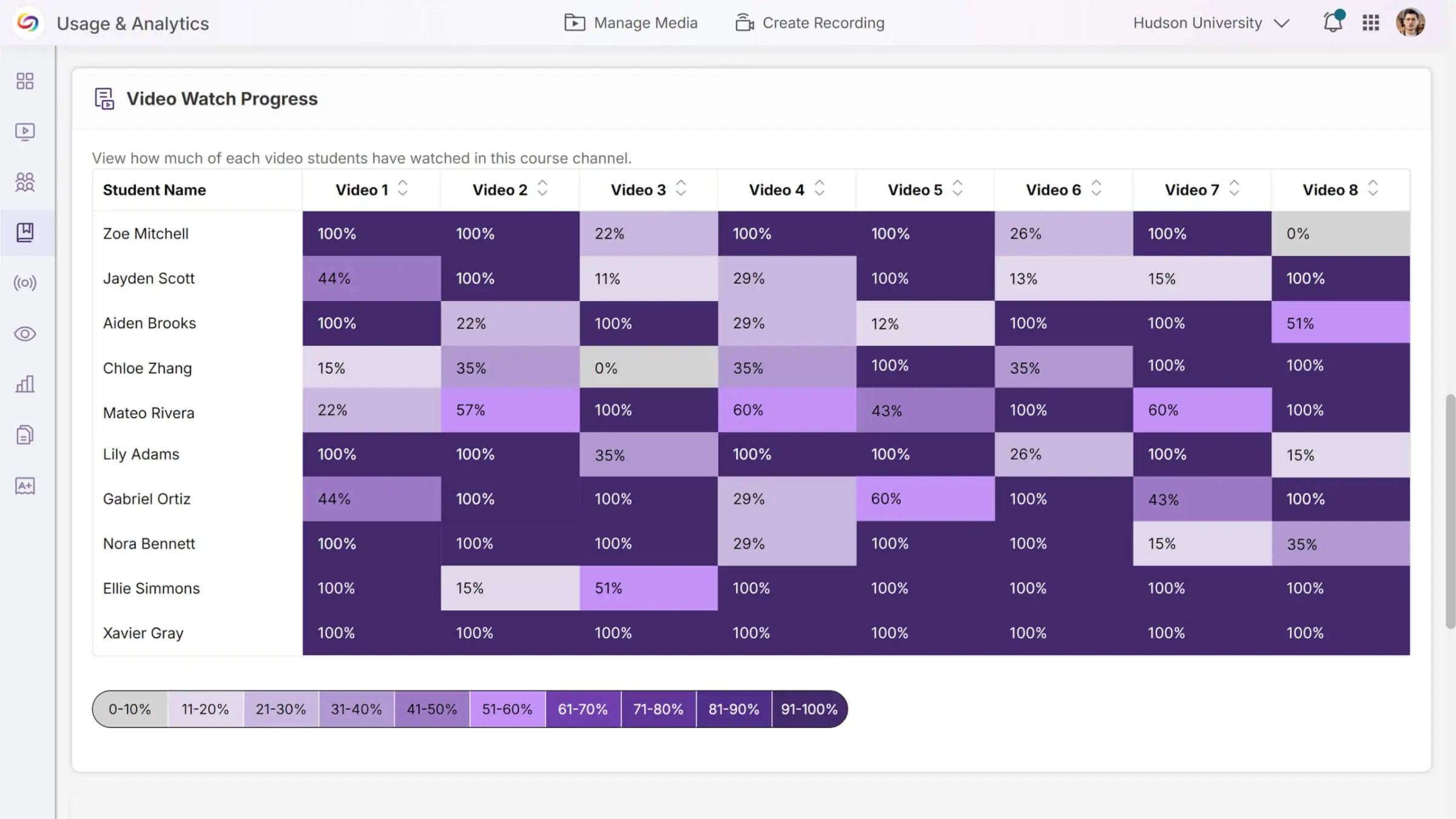
Video Engagement Heat Map Visualizes Course Activity Patterns
A new heat map report in Usage & Analytics provides visual insights into video viewing patterns across courses, allowing administrators and instructors to quickly identify engagement trends by student. The interactive visualization shows how students interact with course videos, with downloadable data for deeper analysis and reporting needs.
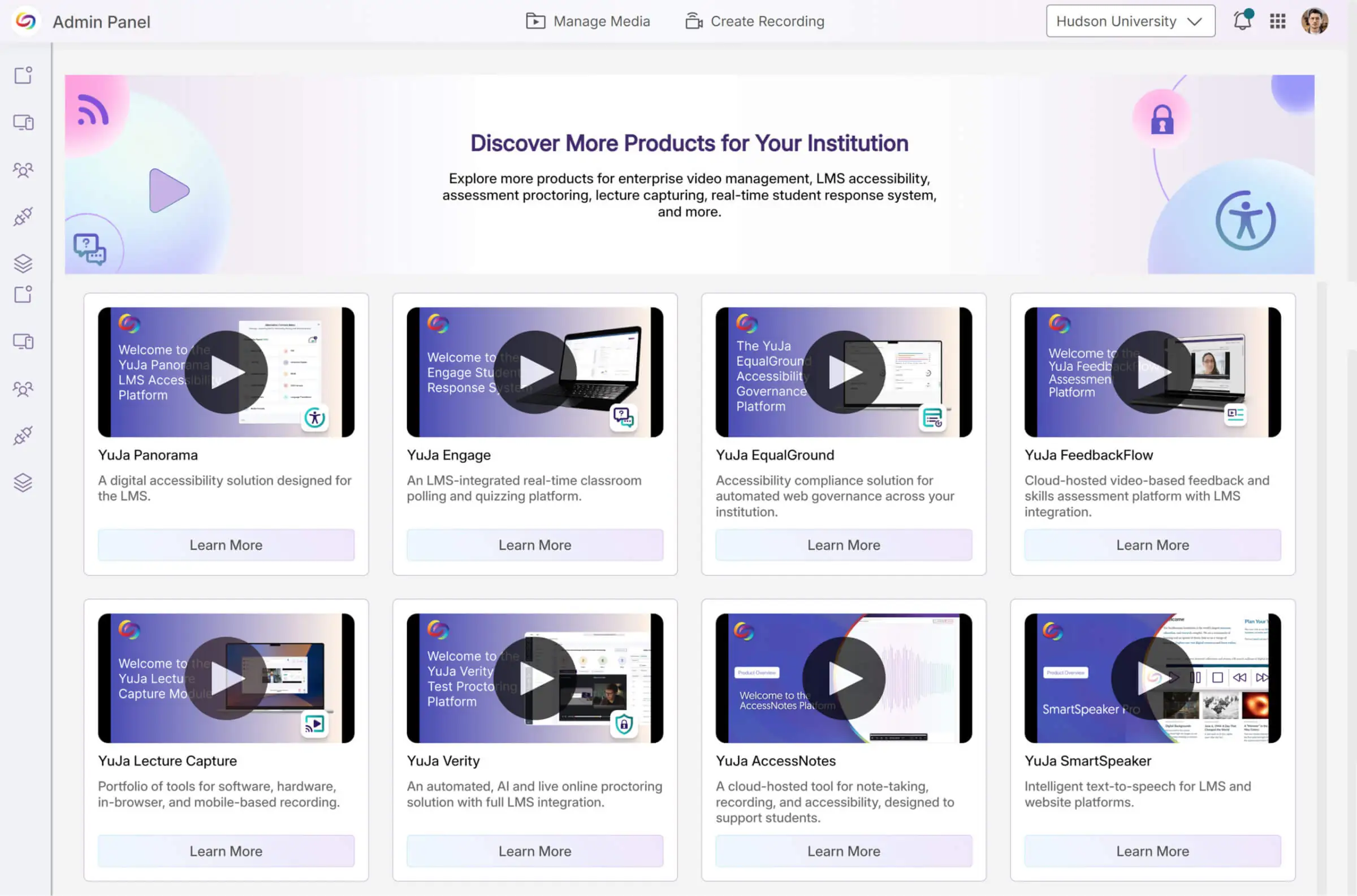
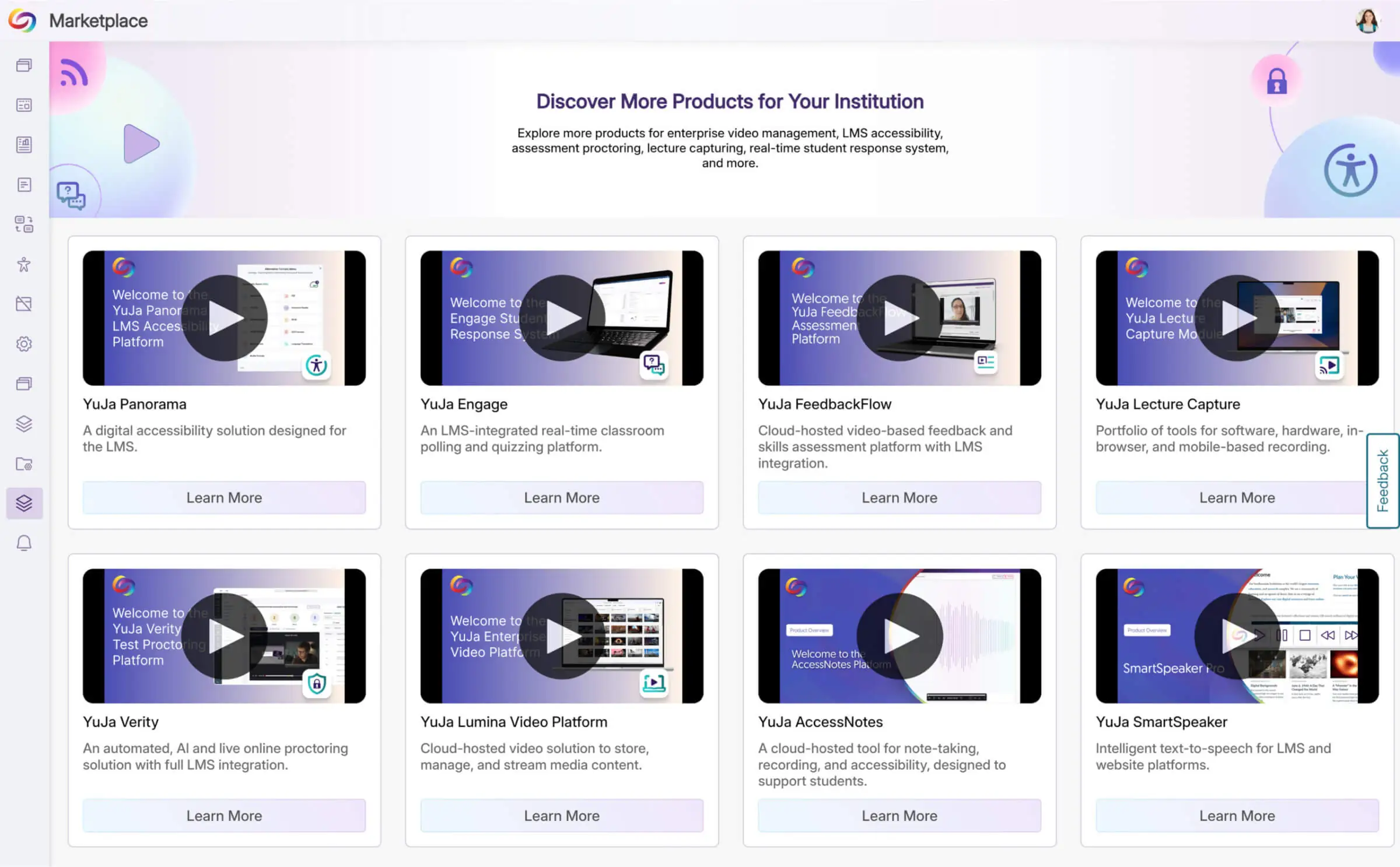
Explore a Marketplace of Platform Additions to Enhance Your Experience
When it comes to maximizing your video platform capabilities, there’s a wide range of specialized tools and integrations available to meet your unique needs. The Marketplace will provide a one-stop destination for platform enhancements. Browse the catalog of solutions and discover what works best for your institution. When something catches your eye, contact your dedicated Customer Success Manager to learn more and get everything set up.
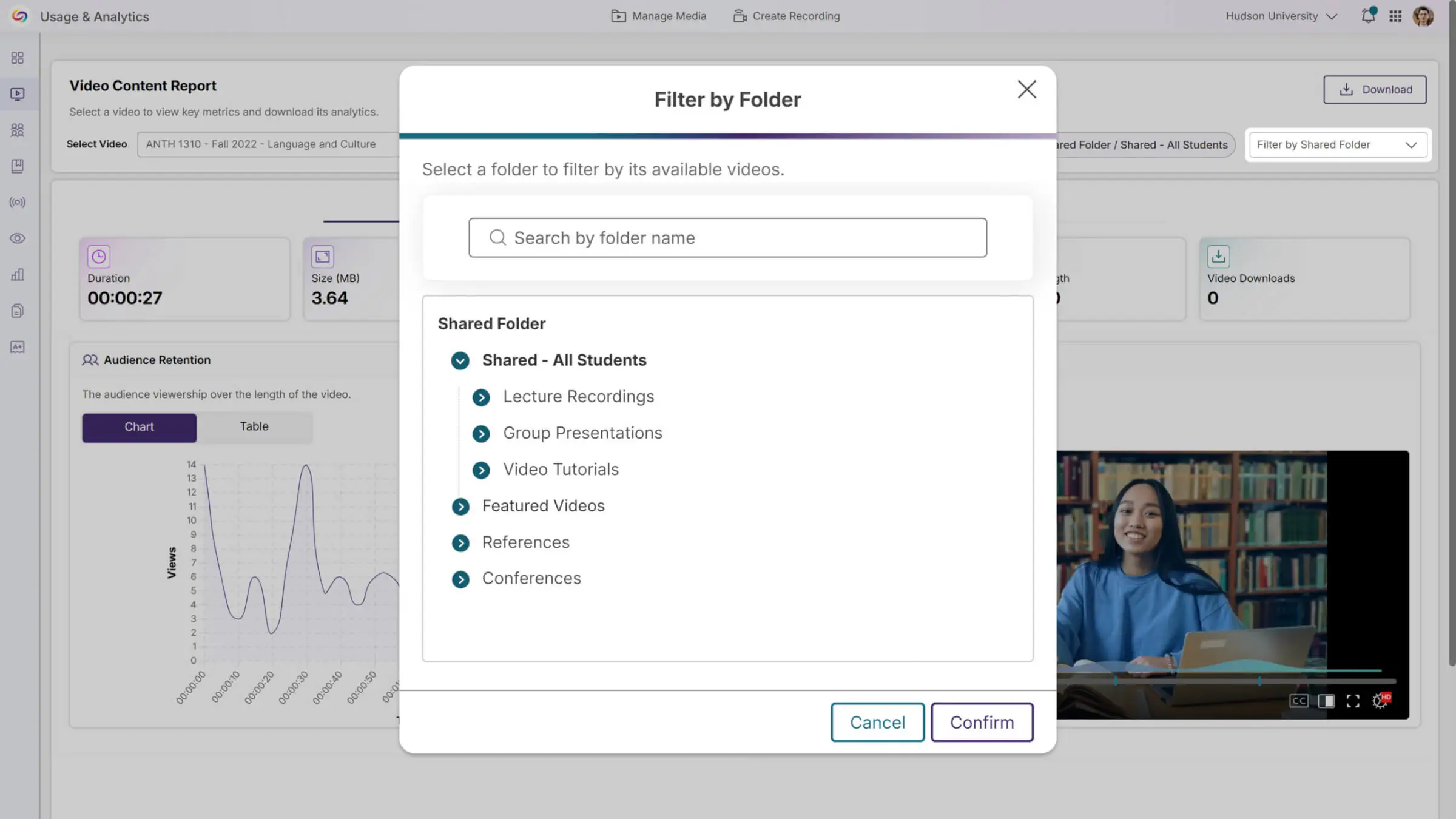
Folder-Based Analytics Provide Comprehensive Content Insights
Usage & Analytics will now support detailed reporting for both regular and shared folders, allowing instructors to track engagement patterns beyond traditional course channels. The enhanced Content report features dropdown filtering to select videos from specific folders or courses, with location-specific analytics that show where and how content is being accessed across the platform.
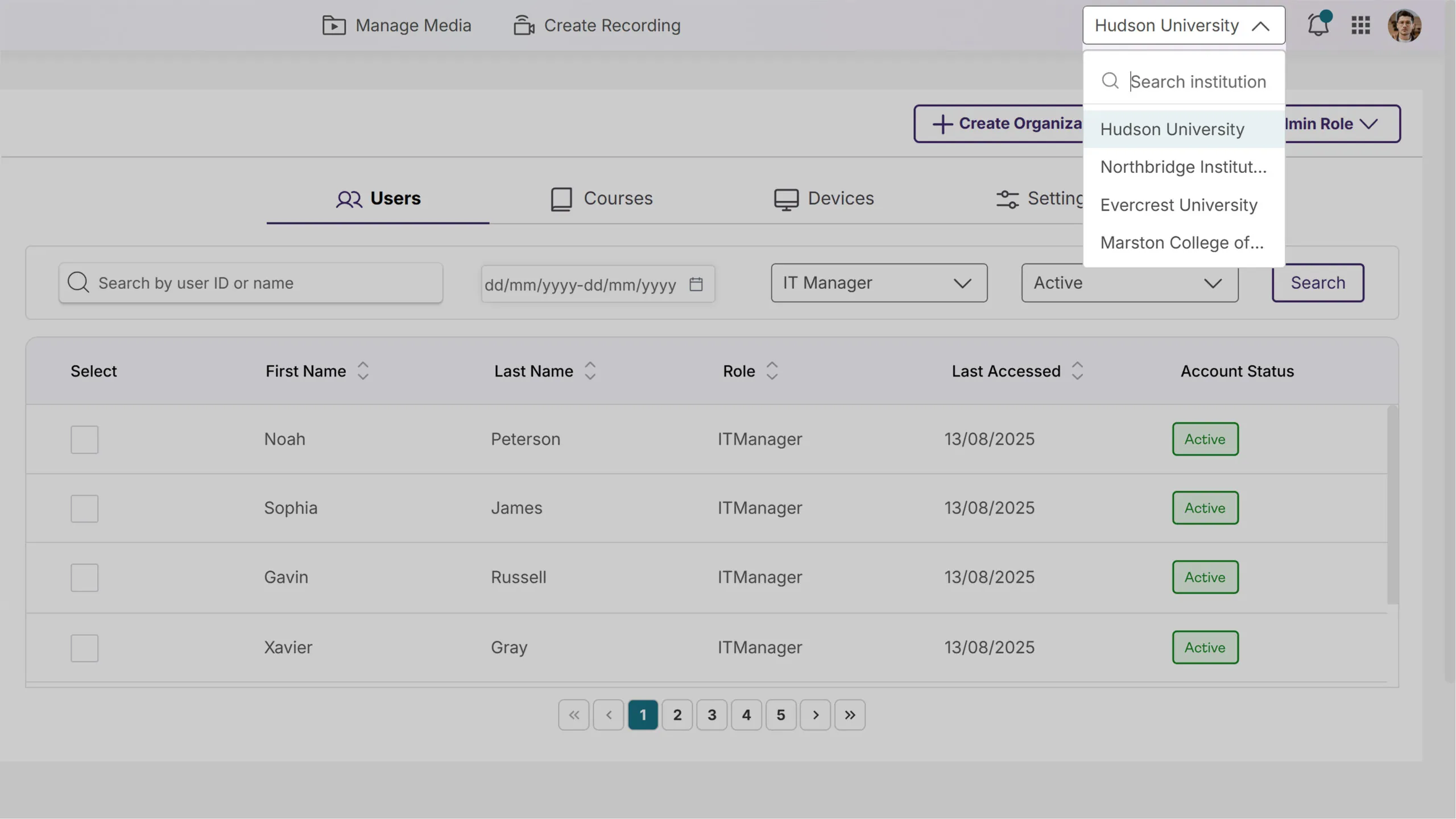
Updated Umbrella System Structure Streamlines Multicampus Management
Parent institution IT managers will now have complete administrative access across all campus organizations through a simplified role structure. A new campus navigation dropdown in the top bar will enable seamless switching between institutions, providing unified oversight and control from a single interface.
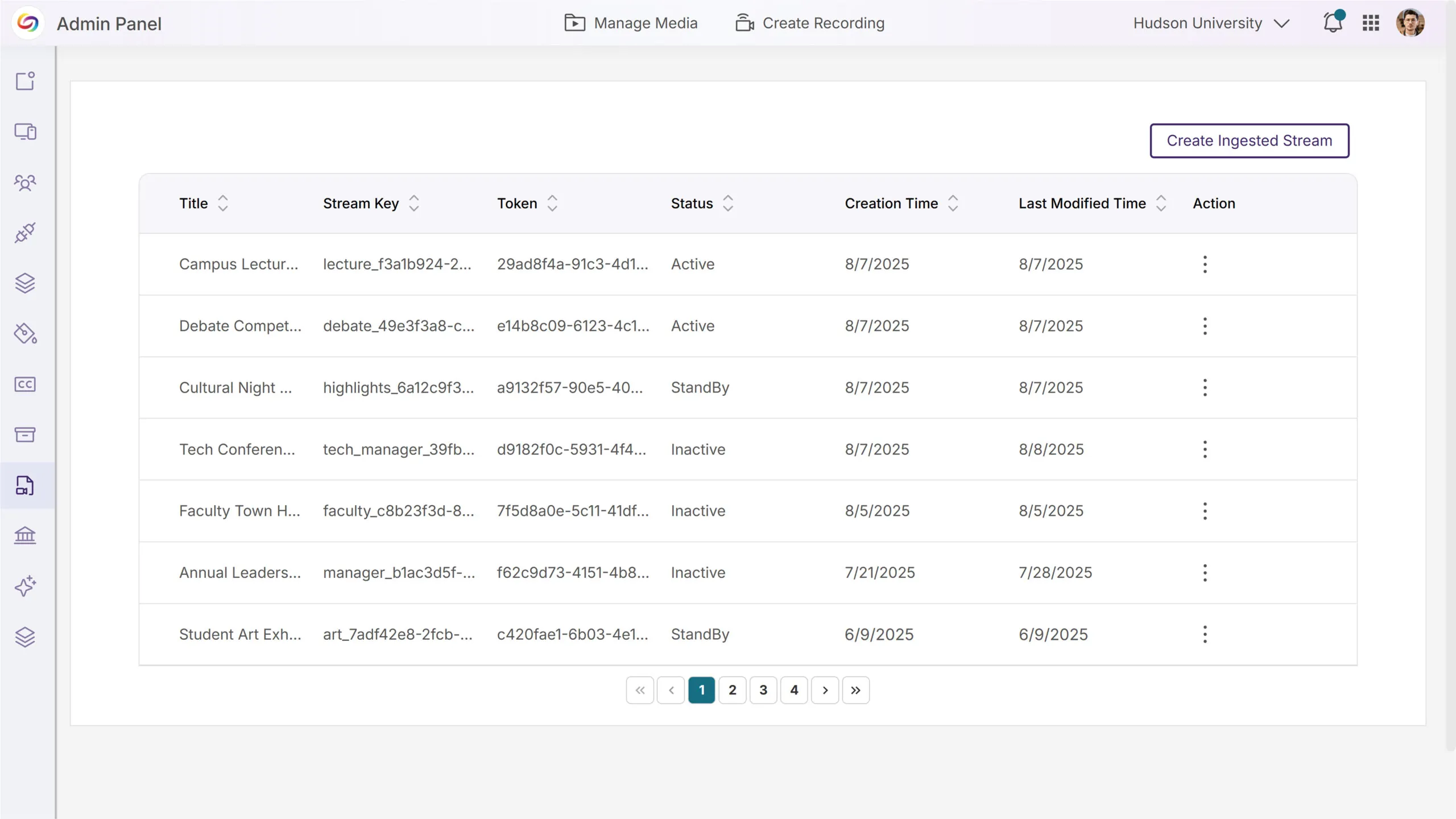
Streamlined RTMP Management with a Refreshed Interface
The RTMP Streams admin page now features an updated design aligned with the platform’s design system, including improved table layouts and clearer navigation. Enhanced explanatory content helps administrators better understand RTMP functionality, with a comprehensive UX overhaul coming in future releases.
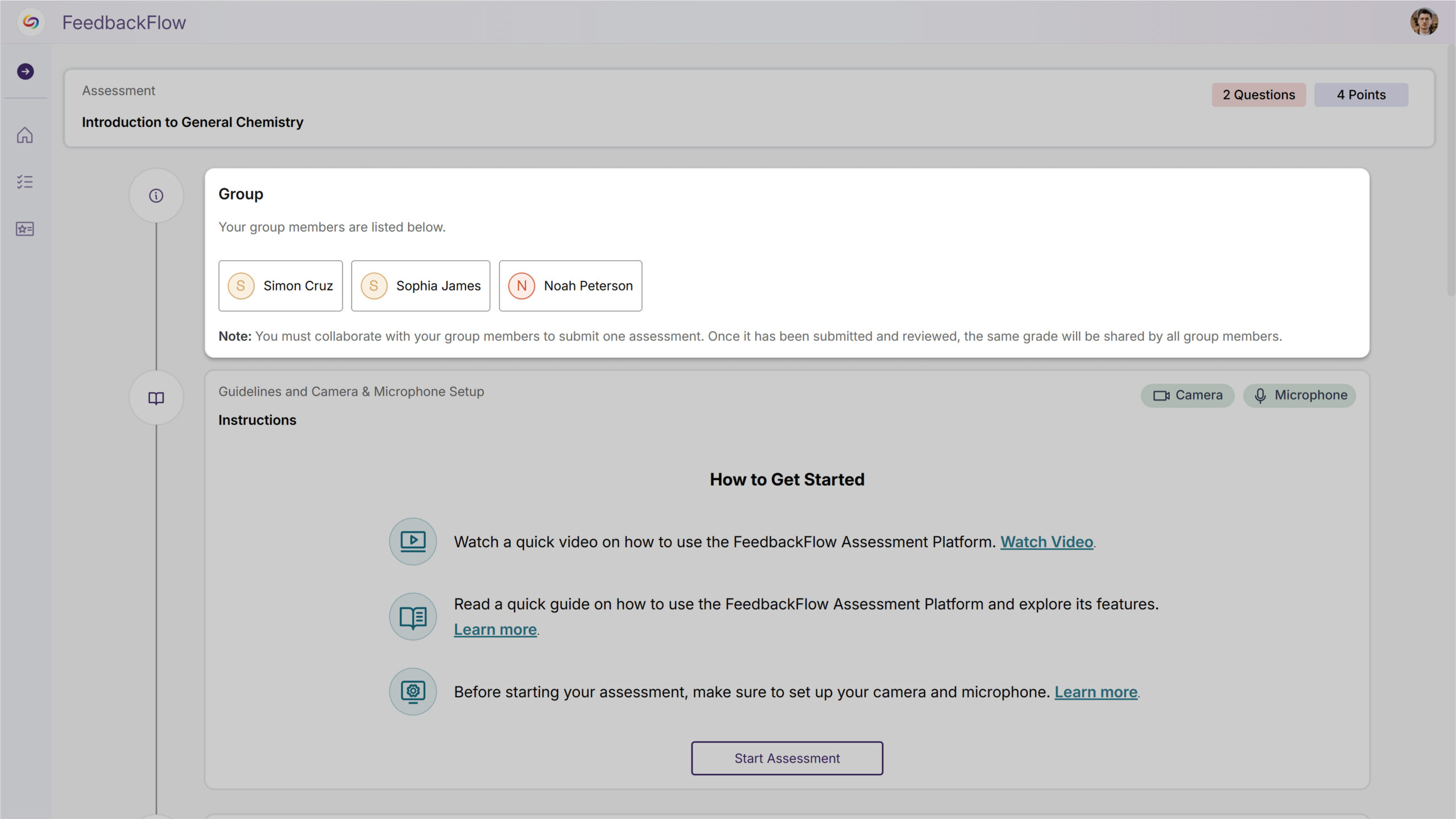
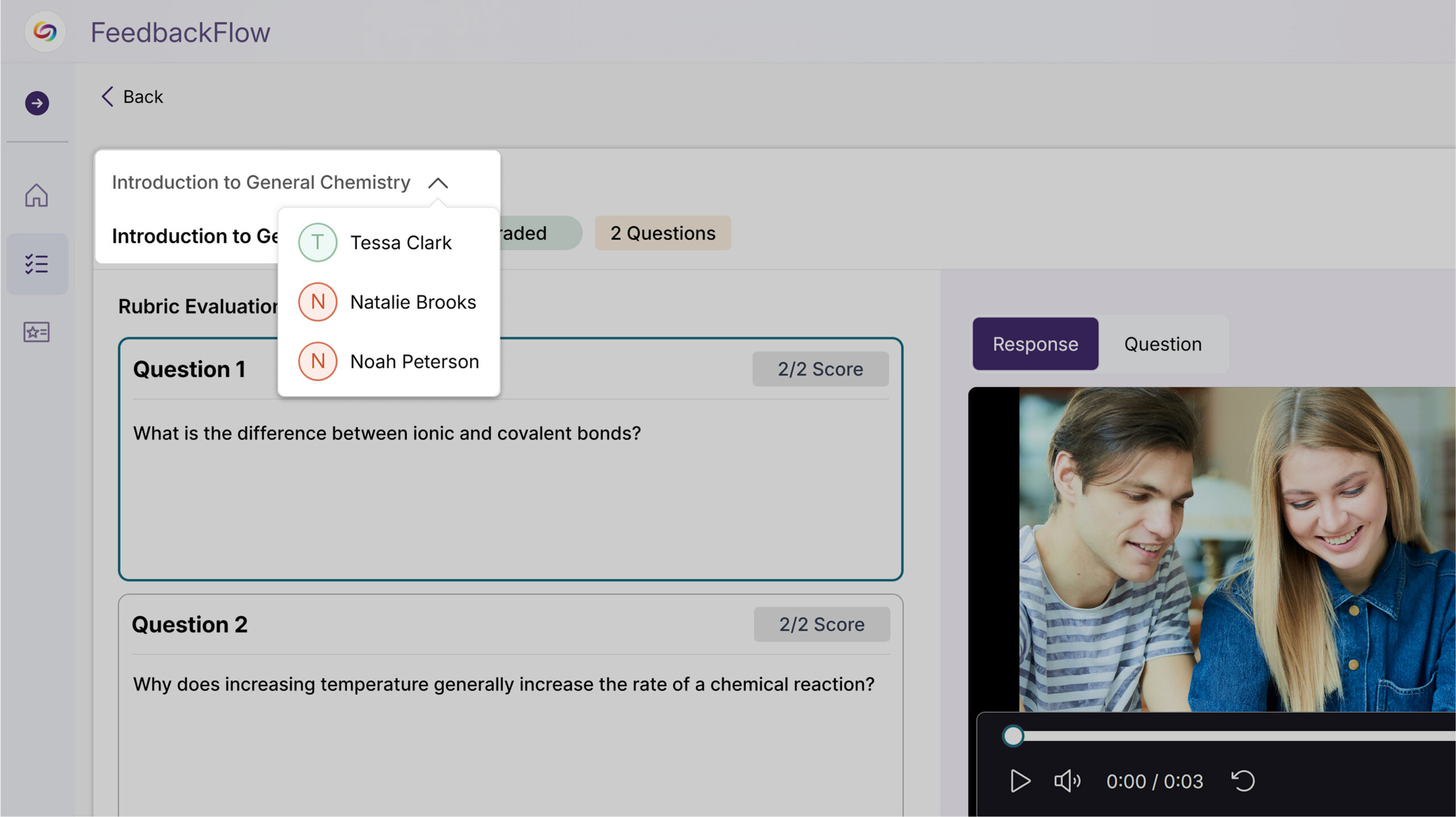
Rolling out over the next few weeks, this update introduces group-based assessments with collaborative workflows and group feedback. This includes a streamlined setup, intuitive collaboration, enhanced instructor oversight, and flexible team dynamics.
FeedbackFlow Group Assessments Enable Collaborative Student Evaluation
FeedbackFlow will now support group-based assessments where students collaborate on responses and submit feedback as a team. Key features will include:
Automatically connects course rosters and allows flexible group creation through manual assignment or random distribution for a streamlined setup.

Students seamlessly join or create groups and work together on shared responses without workflow friction for more intuitive collaboration.
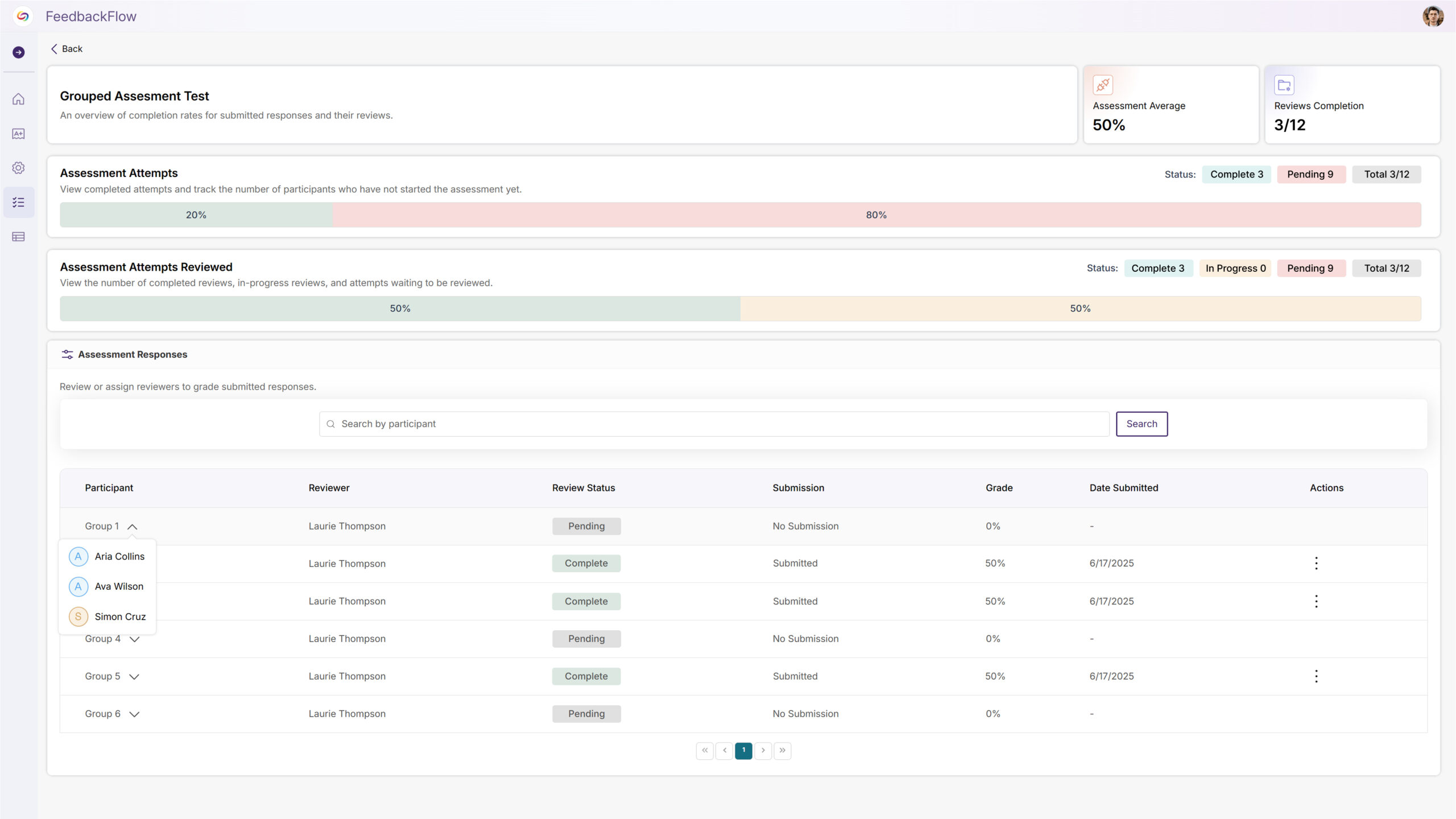
Complete visibility and control over group formation, assessment management, and collaborative progress across multiple courses for enhanced instructor oversight.
Groups can build on each other’s work with collaborative editing and submission updates that preserve the team-based process to create flexible team dynamics.
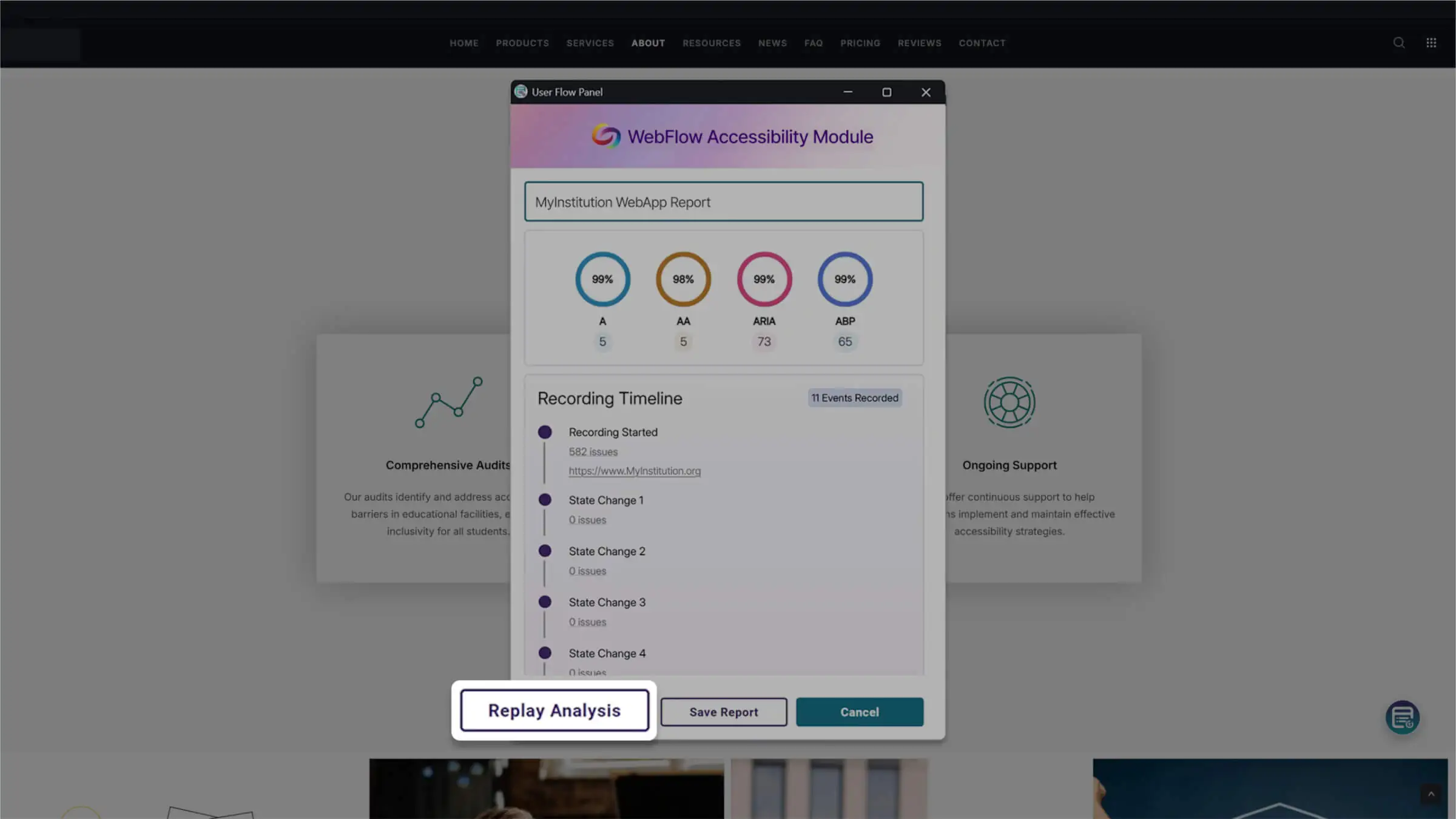
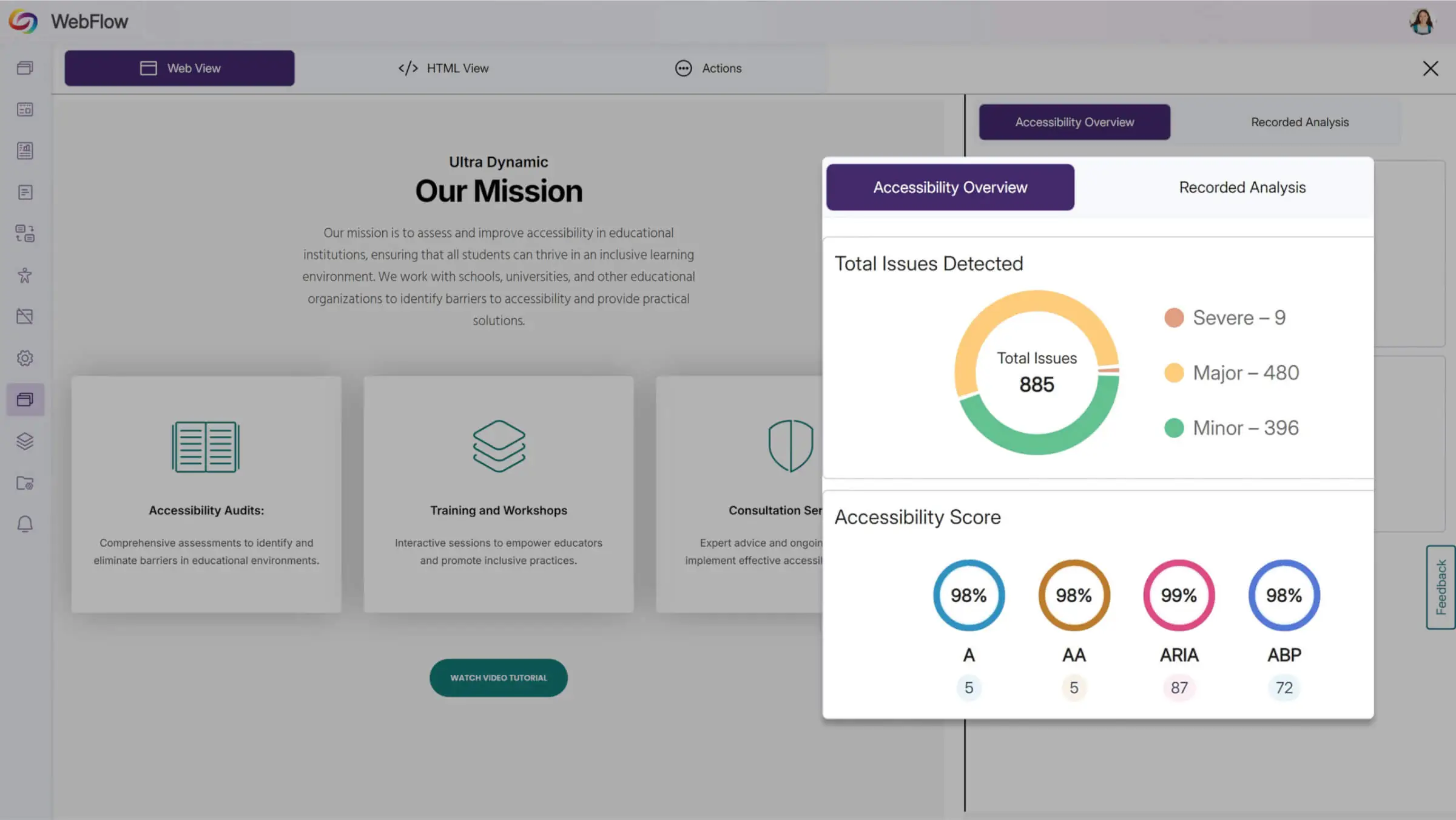
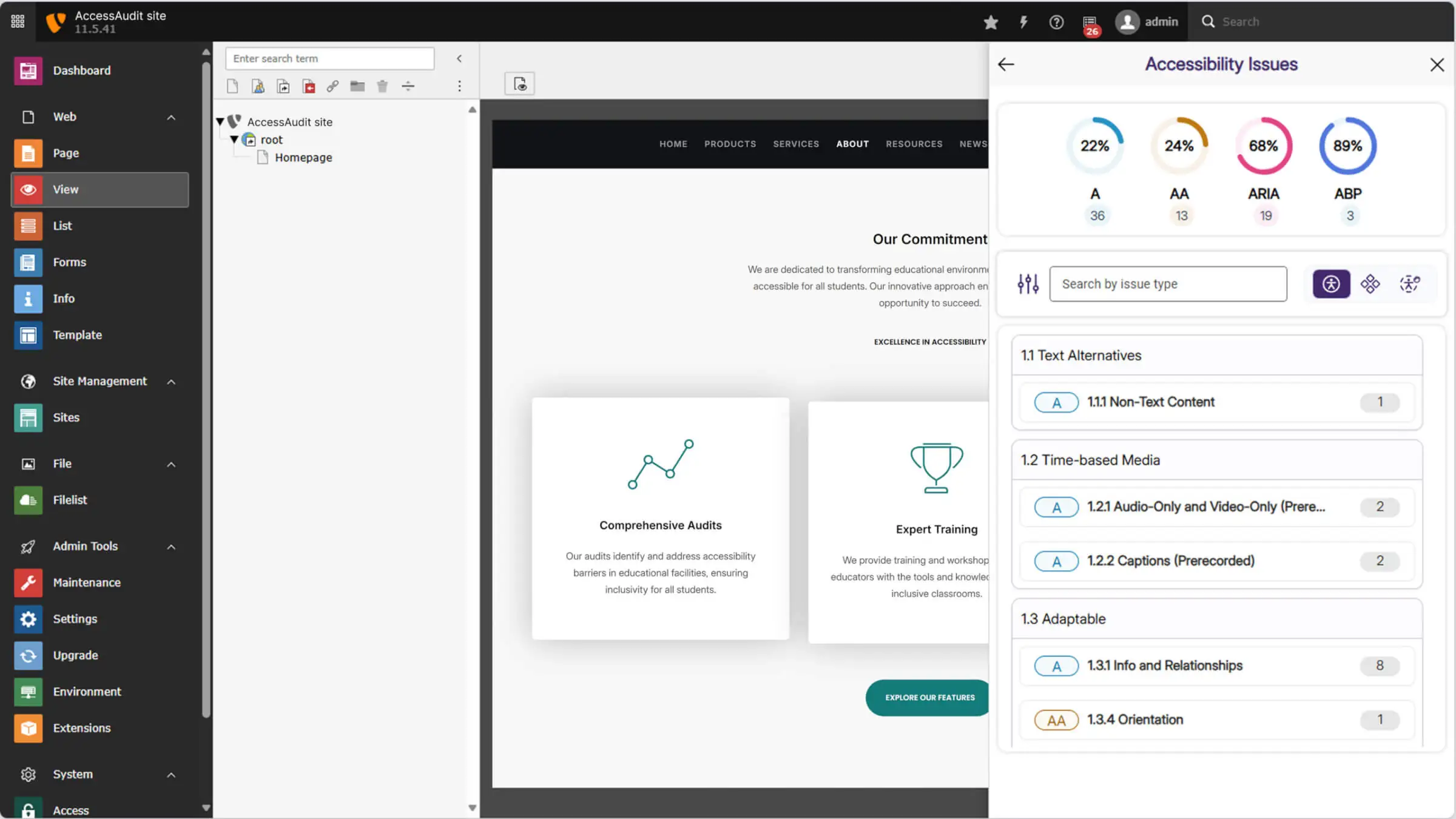

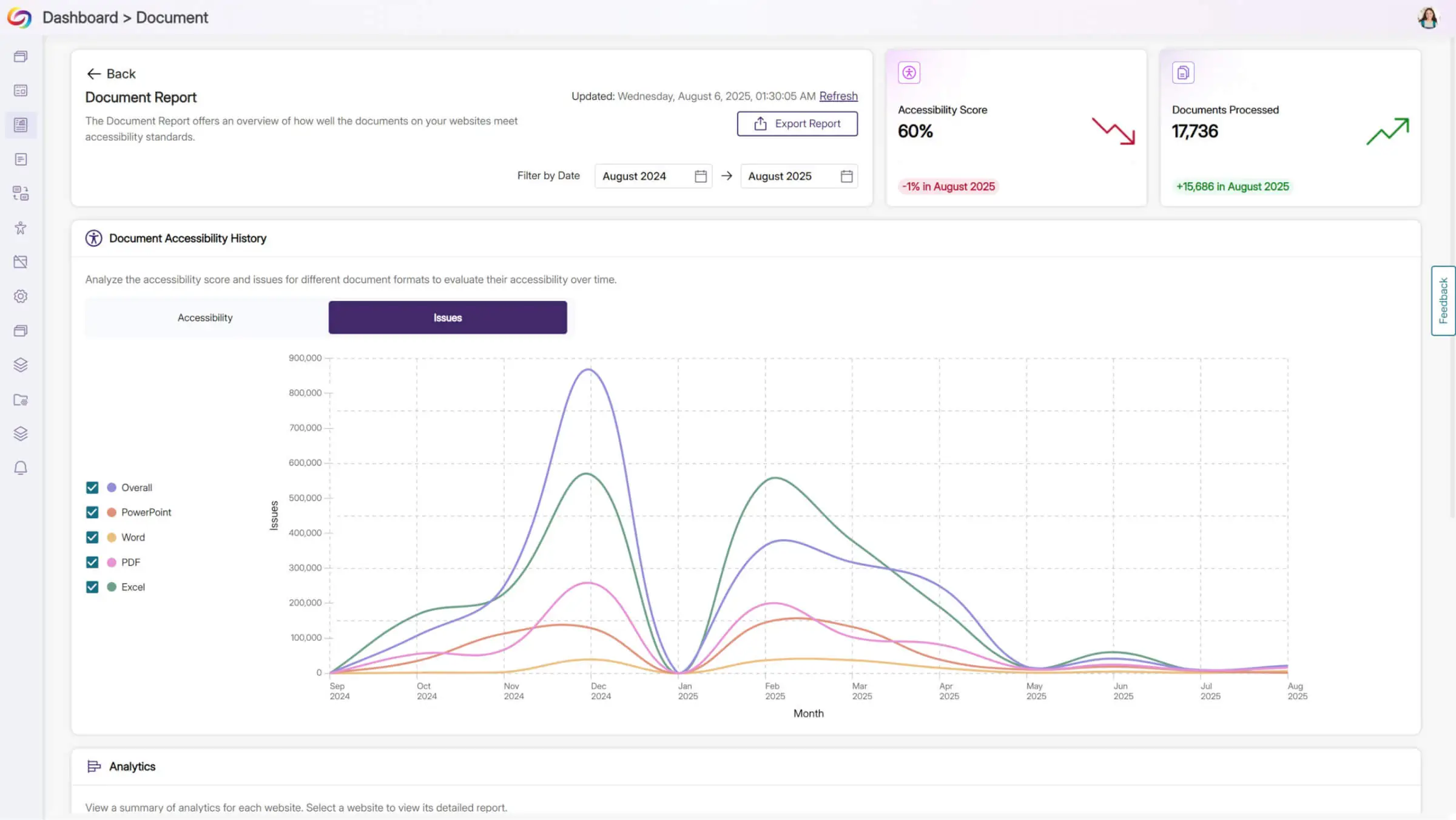
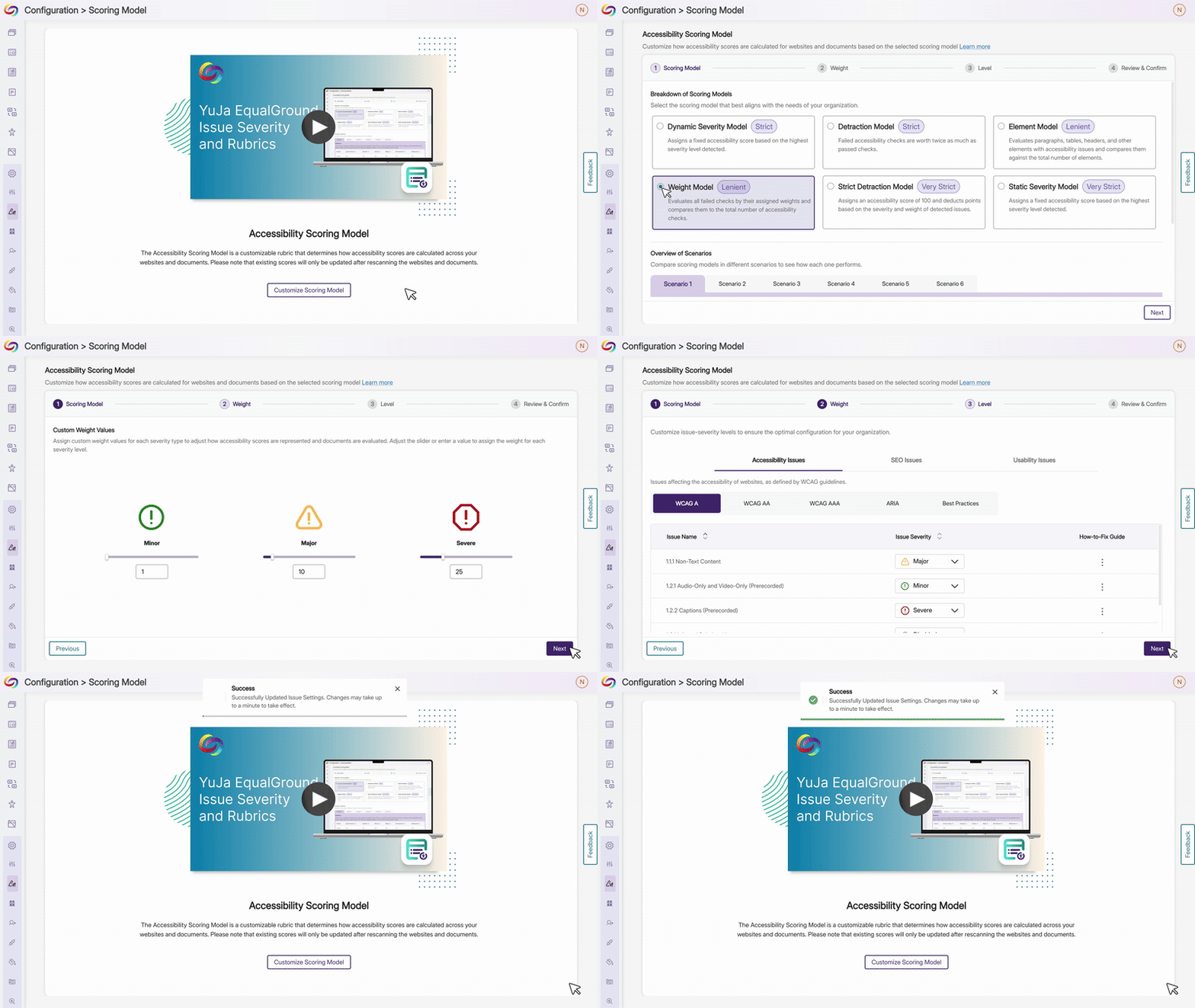
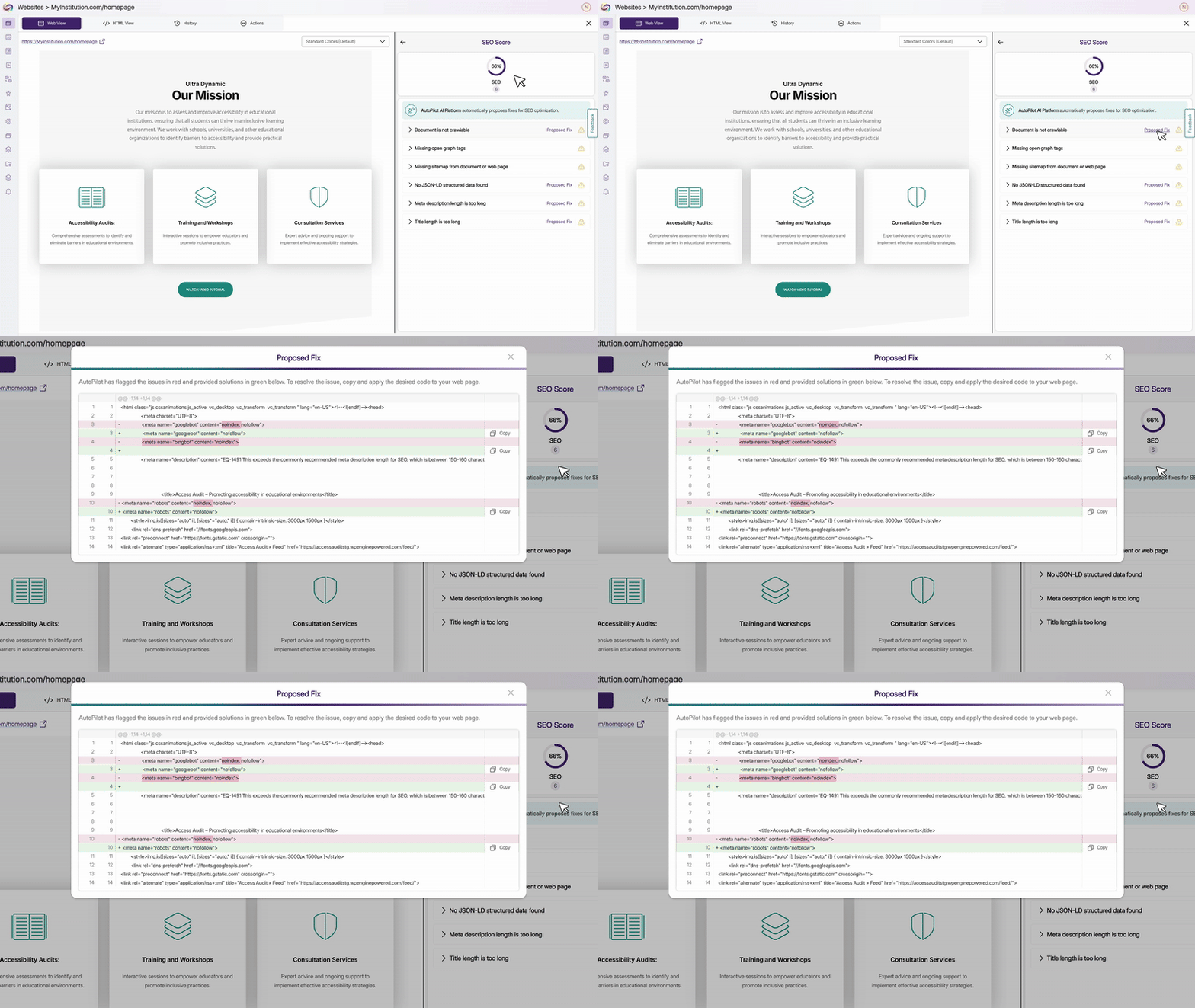
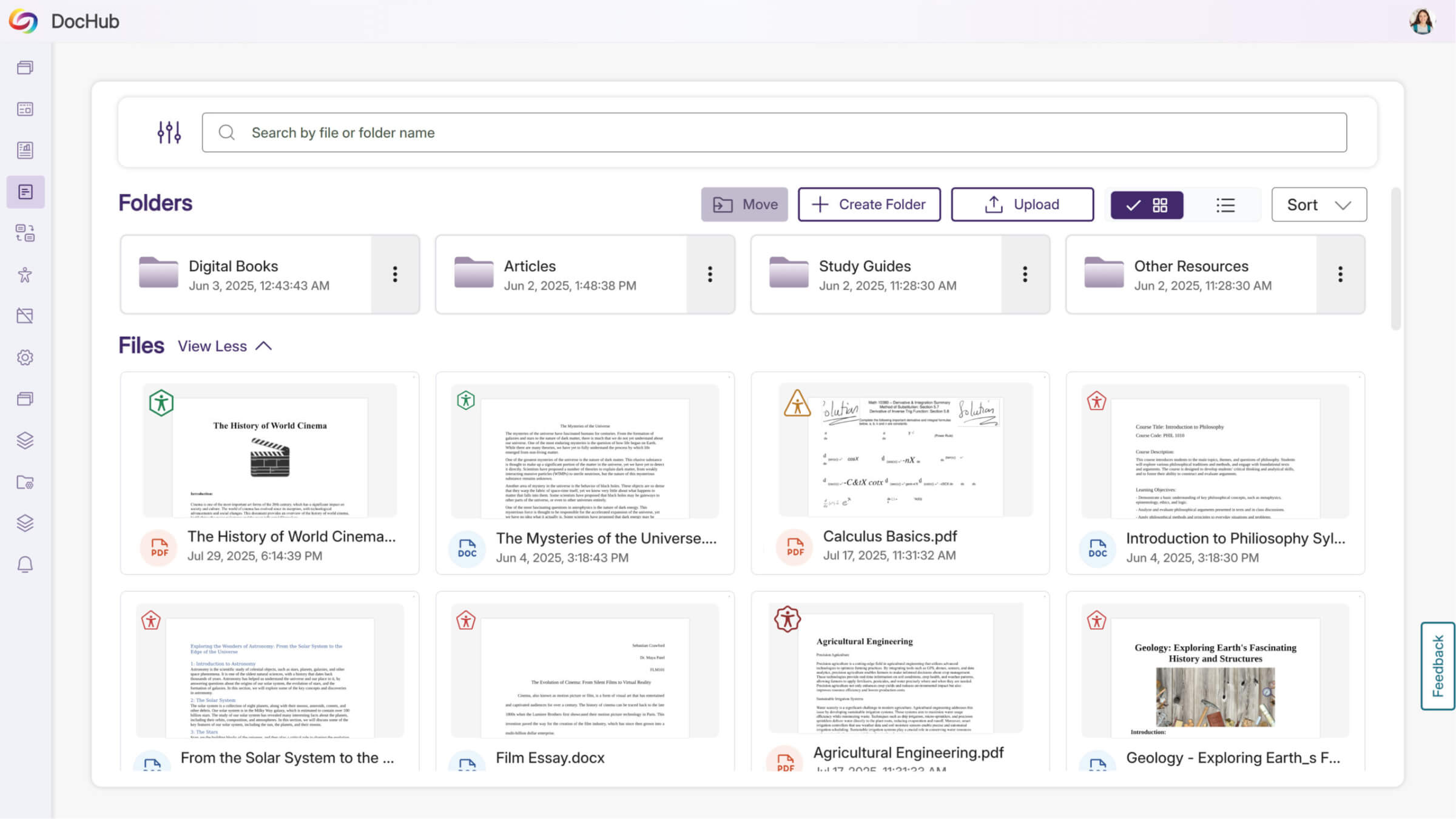
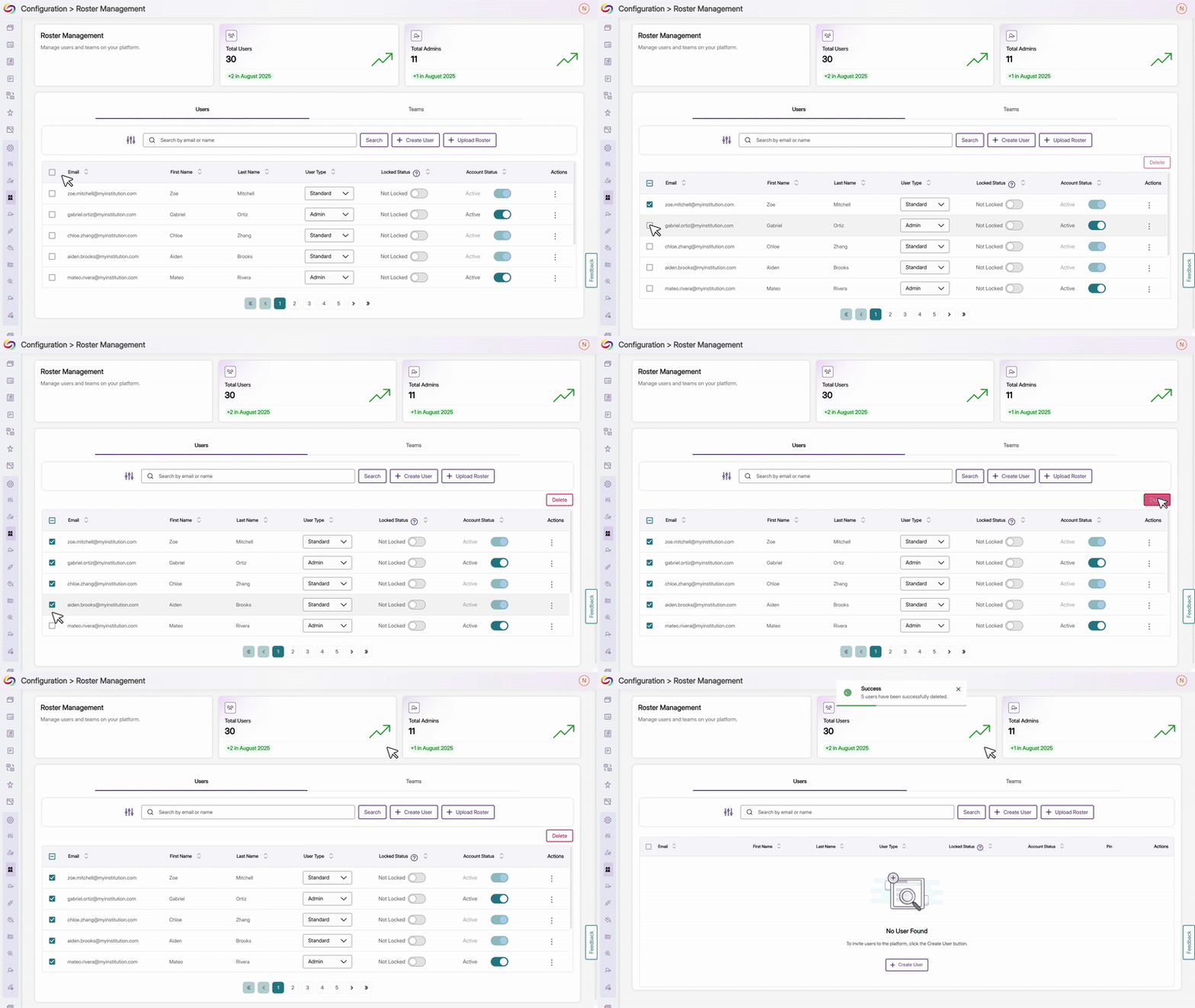
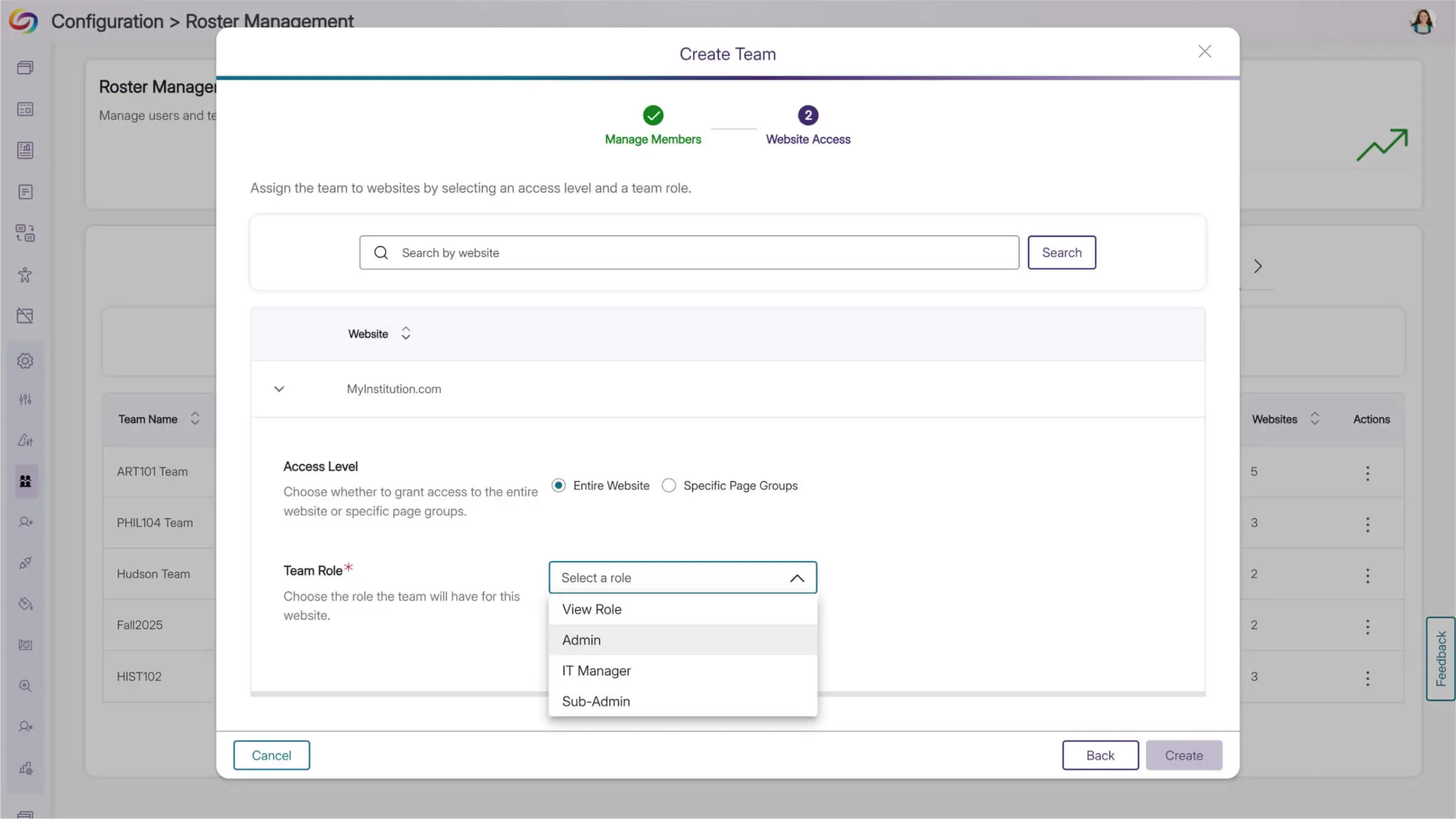
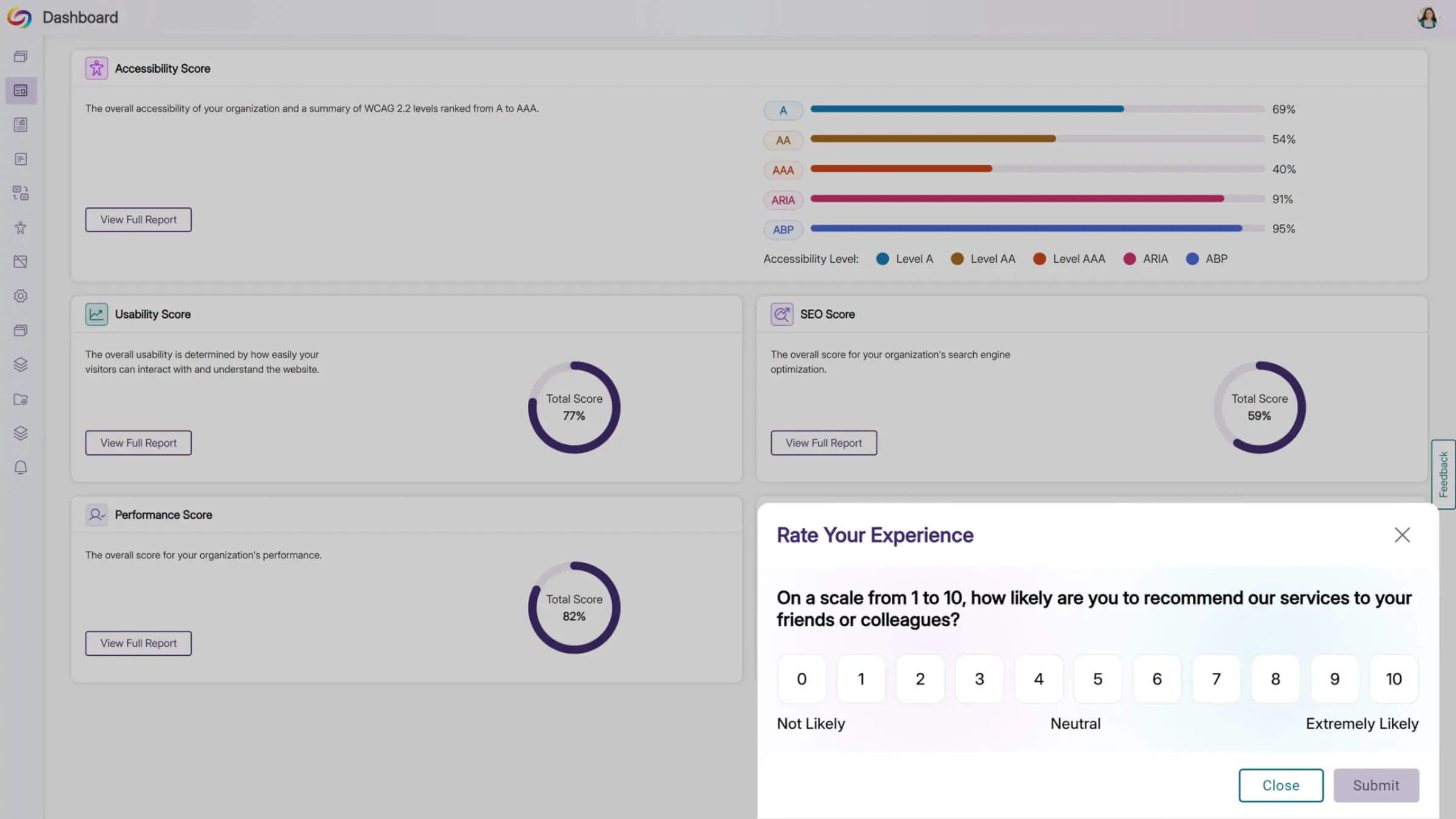
We’re rolling out new updates across YuJa AutoPilot AI Remediation Max, including the ability to request a trial, run the module across multiple courses at once, and to customize user roles.
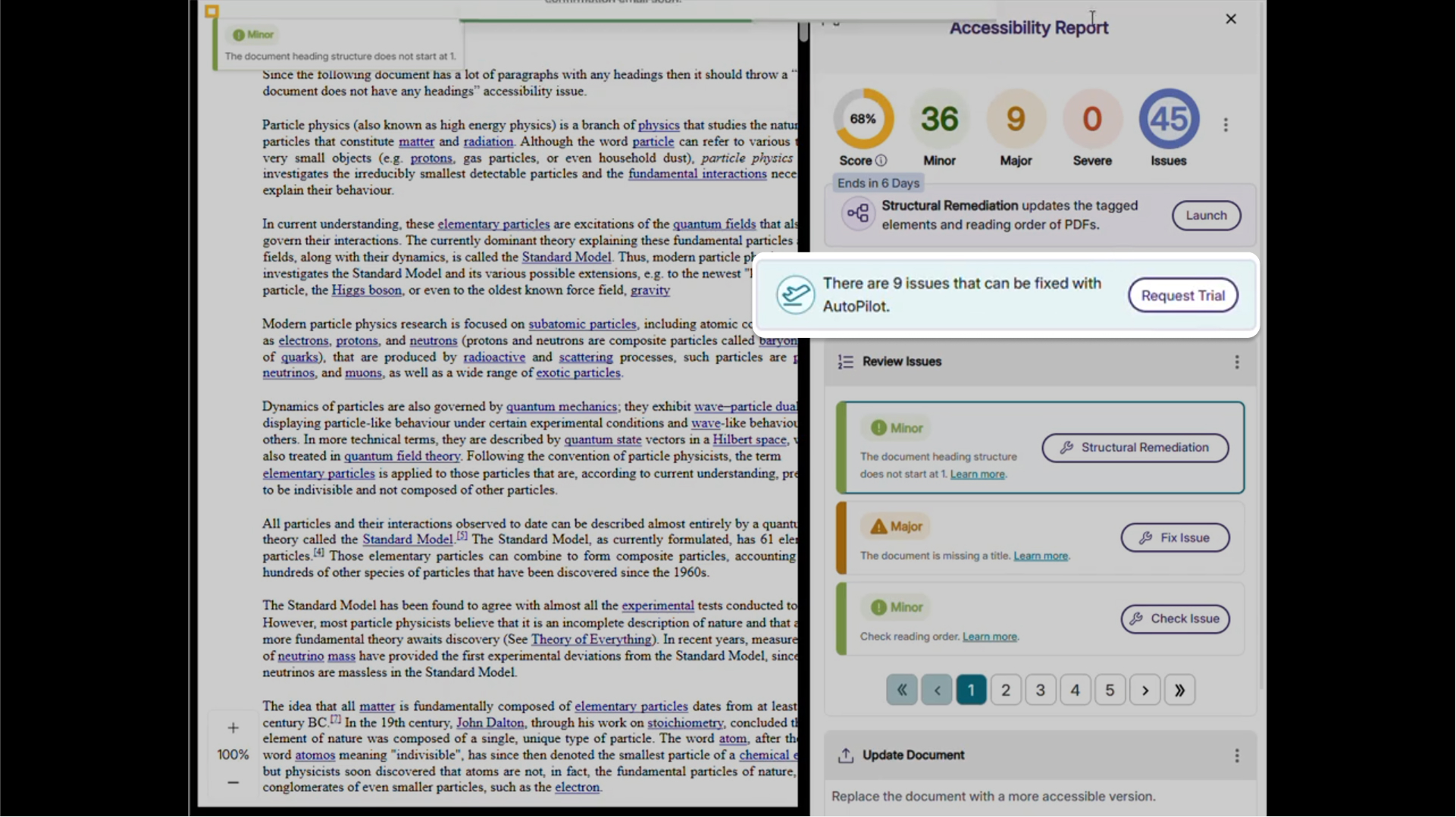
Request a Trial of YuJa AutoPilot AI Remediation
Administrators can now request a trial of YuJa AutoPilot AI Remediation in the Accessibility Products Marketplace. Explore how to reduce document remediation time by up to 95 percent and remediate documents in bulk to optimize your remediation efforts.
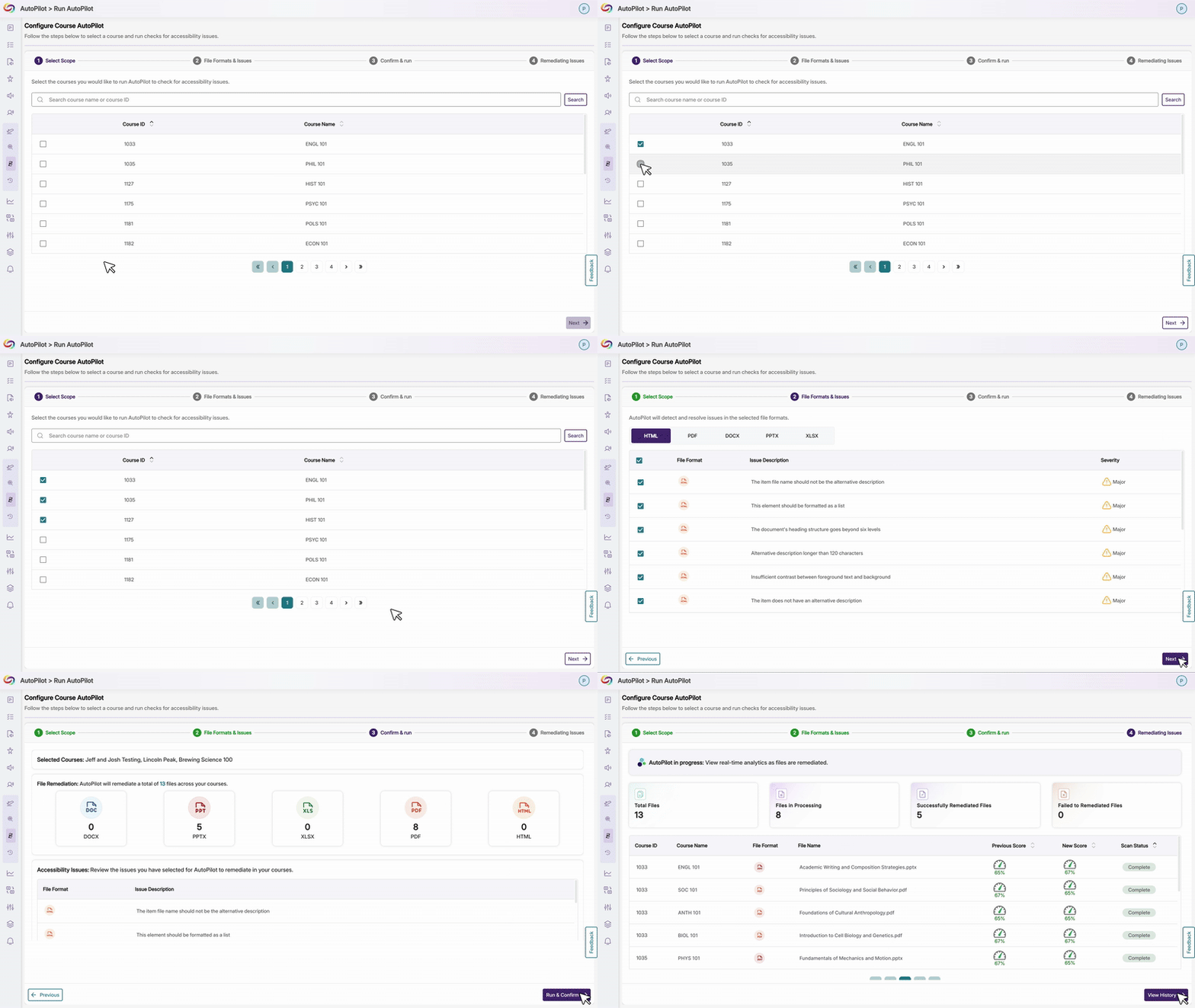
Run YuJa AutoPilot Across Multiple Courses at Once
Users will be able to run the YuJa AutoPilot AI Remediation Module across multiple courses at once, with full filtering capabilities to target specific document types or issues. This streamlined approach enables institutions to efficiently remediate large volumes of content while maintaining precise control over what gets processed.
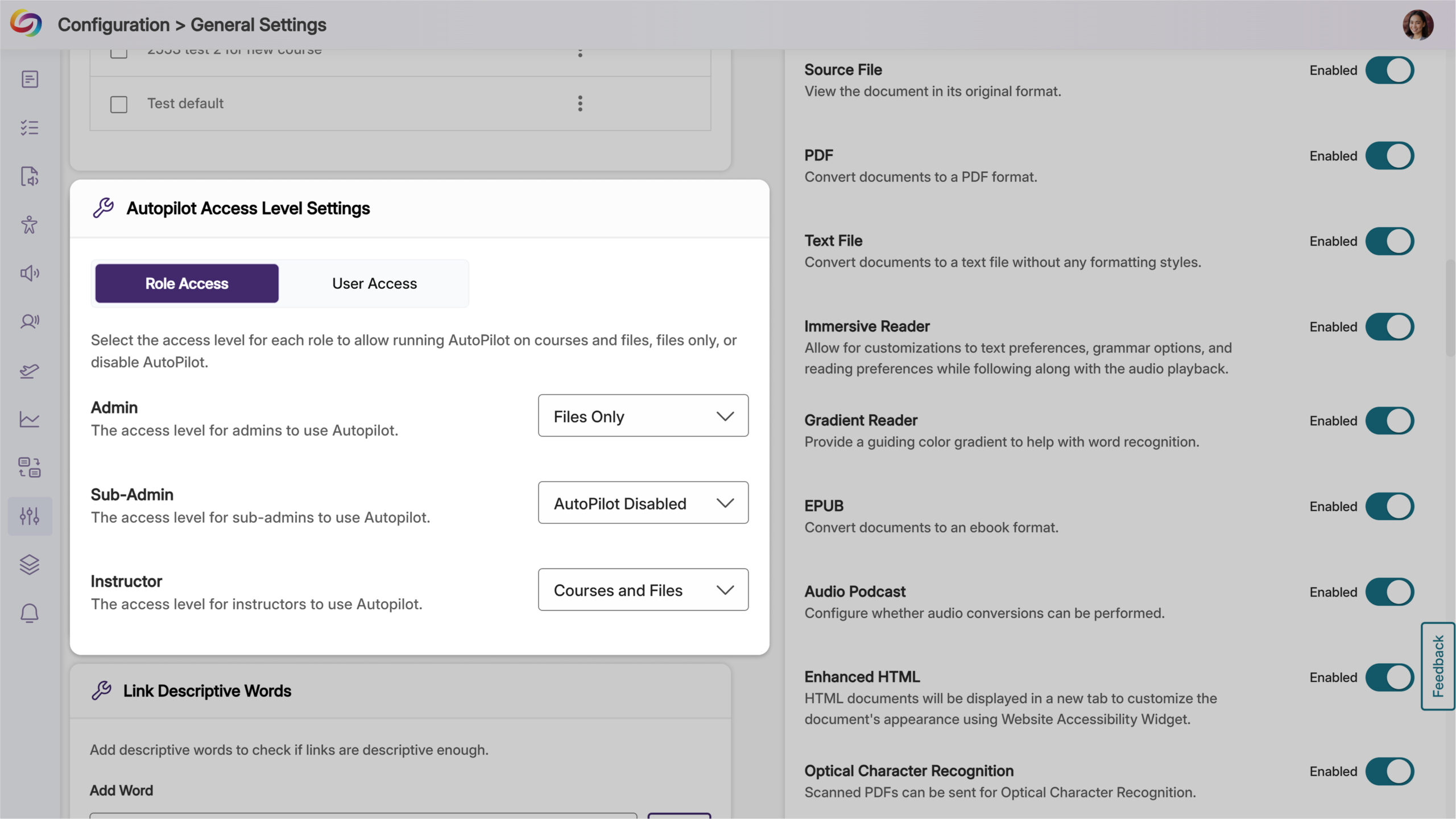
Ability to Restrict AutoPilot by User Role
Administrators will now have control over access, allowing them to limit usage to specific users or roles, such as instructional designers, giving them the ability to optimize credit use while maintaining oversight of automated remediation. Administrators can also set permissions at the role level and create user-level overrides for more flexible access management.
Join the 1,000+ Organizations Deploying High-Impact Solutions














